
Repair problem
Not Turning On Troubleshooting Guides – Page 5
Published FixGraph guidance for diagnosing and responding to not turning on.
Matching published guides
Choose a guide that matches the service, equipment, and conditions you are seeing.
-
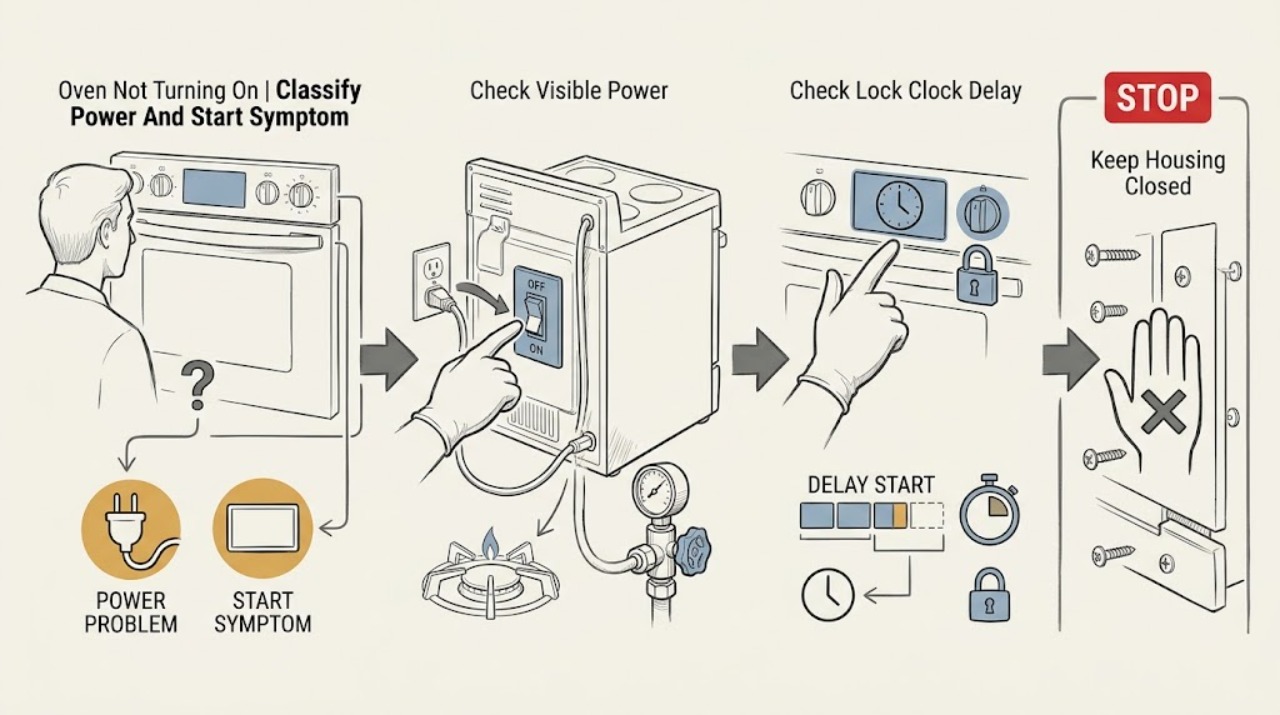
Oven Not Turning On: Separate No Power From a Control or Gas Start Issue
First determine whether the oven is completely without power or has a working display that will not start a cycle. Record the exact model, fuel type, display and clock state, lock or delay message, selected mode, door behavior, and whether the cooktop or another appliance still works.
-
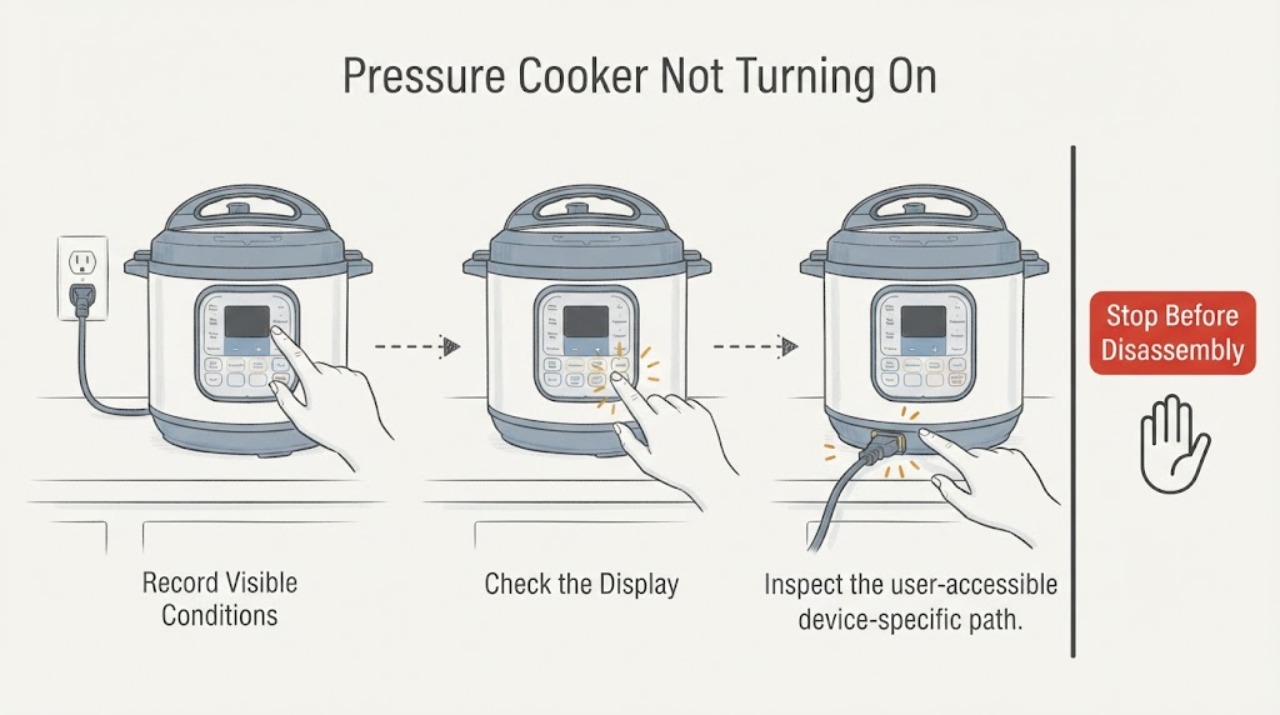
Pressure Cooker Not Turning On
For a pressure cooker that will not turn on, check the grounded outlet, cord, lid and inner-pot seating, control lock, and display. Never bypass pressure or lid interlocks. Stop for steam, damaged seals, scorching, or electrical odor and arrange service.
-
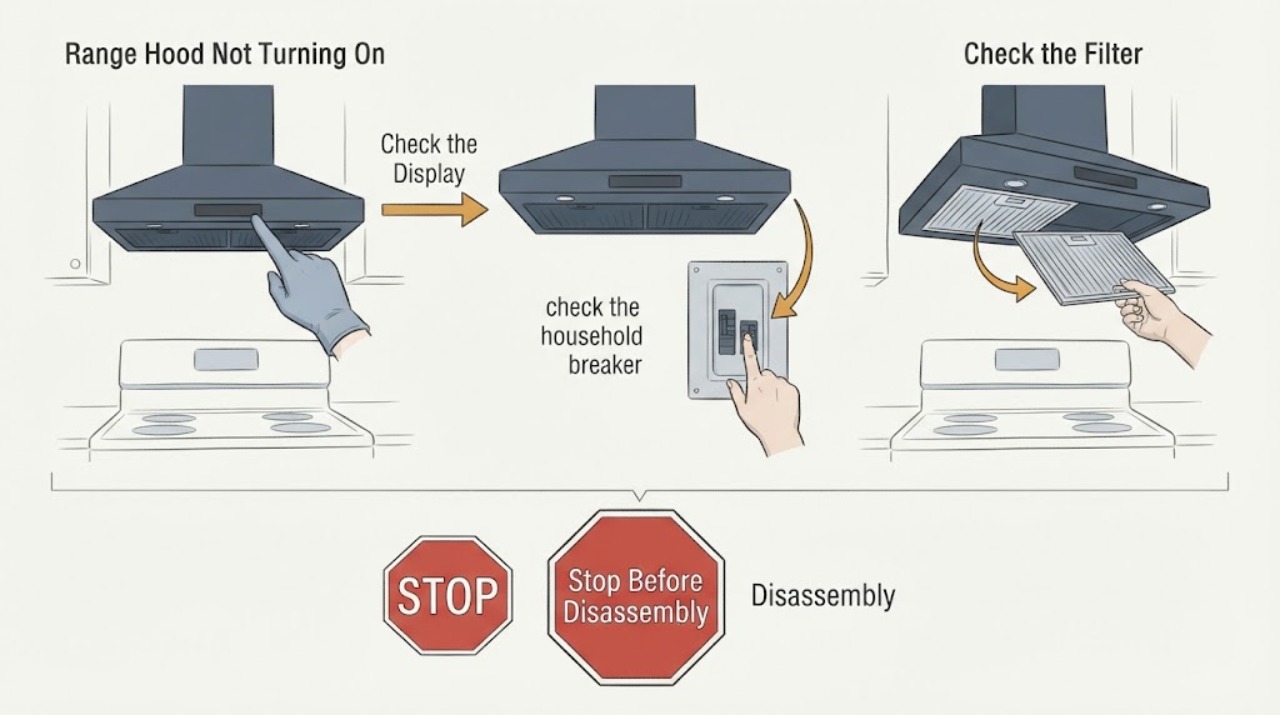
Range Hood Not Turning On
A range hood that will not turn on needs a supply check before a blower or control diagnosis. Verify the hood switch and household breaker, inspect only accessible filters and controls, and disconnect power before any service. Wolf directs owners to verify hood power and the home breaker before service.
-
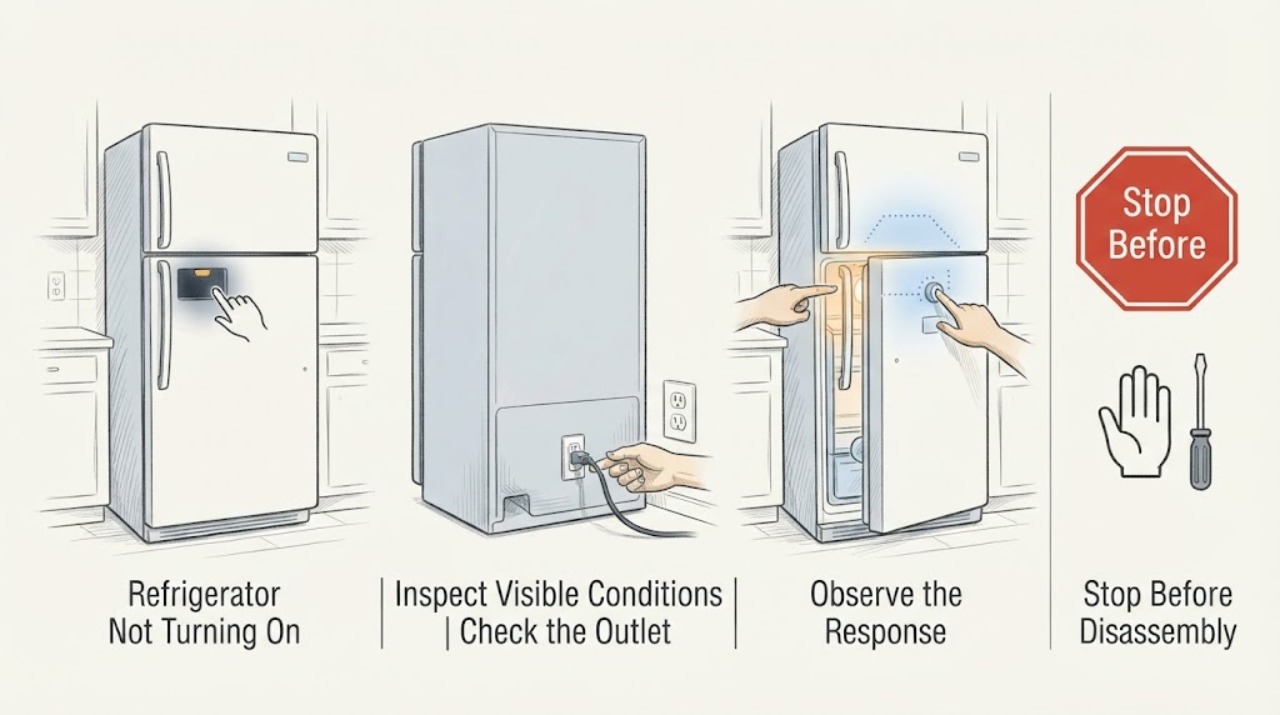
Refrigerator Not Turning On
If a refrigerator is not turning on, distinguish a dead household supply from a refrigerator with no lights or controls. Check outlet, breaker/GFCI, plug, and interior light only from a dry safe position. One controlled reset may clear a temporary state, but a repeat trip, hot/damaged cord, smoke, or refrigerator that stays dead needs qualified electrical or appliance service.
-
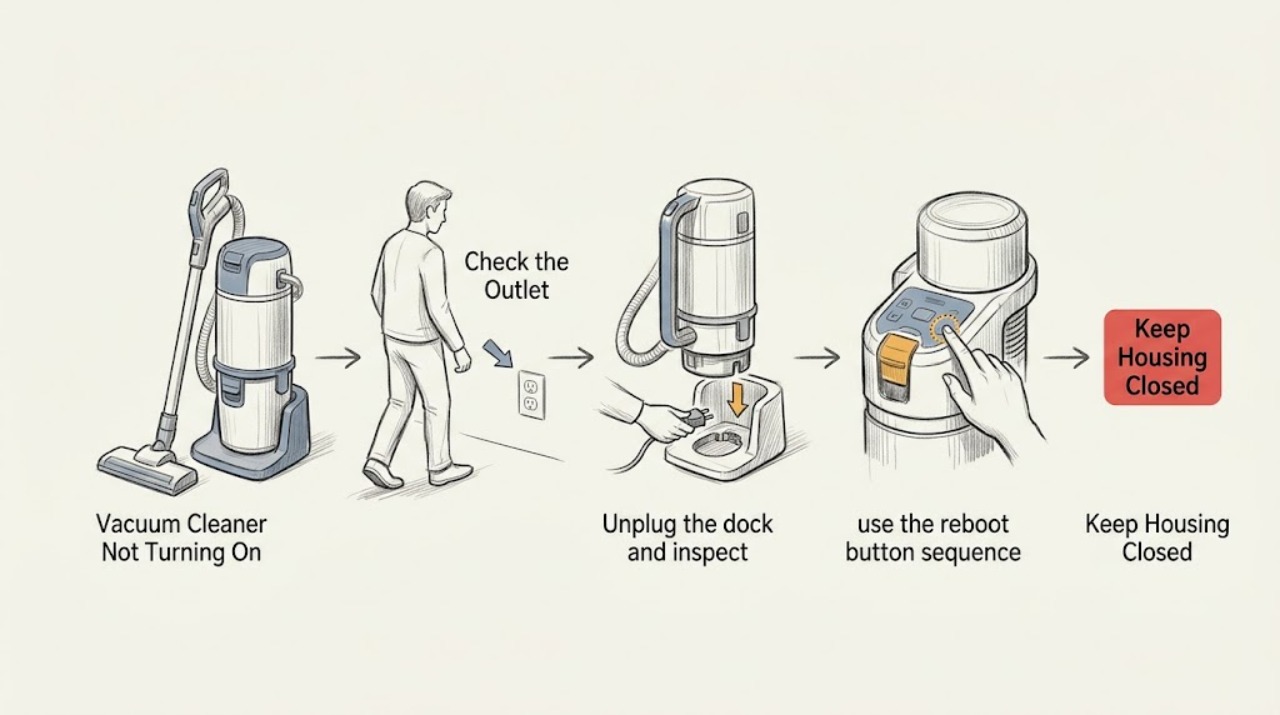
Roomba Vacuum Cleaner Not Turning On: Follow the Charging Path Before Service
When a Roomba shows no lights or response, verify the dock has power and the robot is aligned with its charging contacts. Clean only accessible contacts, then use the correct reboot or battery-reinstallation guidance for the model. If all indicators remain off, stop and contact iRobot support rather than opening the electronics.
-
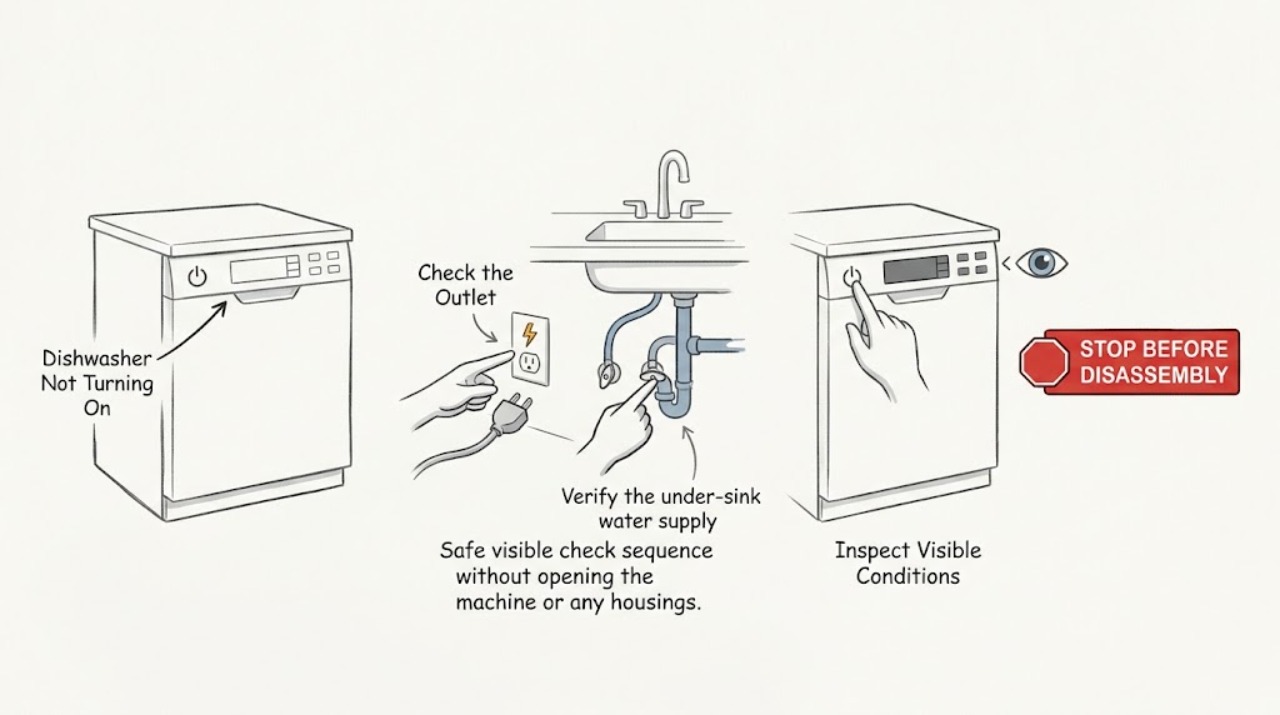
Roper Dishwasher Not Turning On
Check the breaker and outlet, confirm the water supply valve is open, clear control lock or delay/standby mode, and close the door firmly so the latch engages. If the controls remain dead, cycle power once for about 30 seconds and stop repeated resets; recurring trips, burning odor, or a failed latch need service.
-
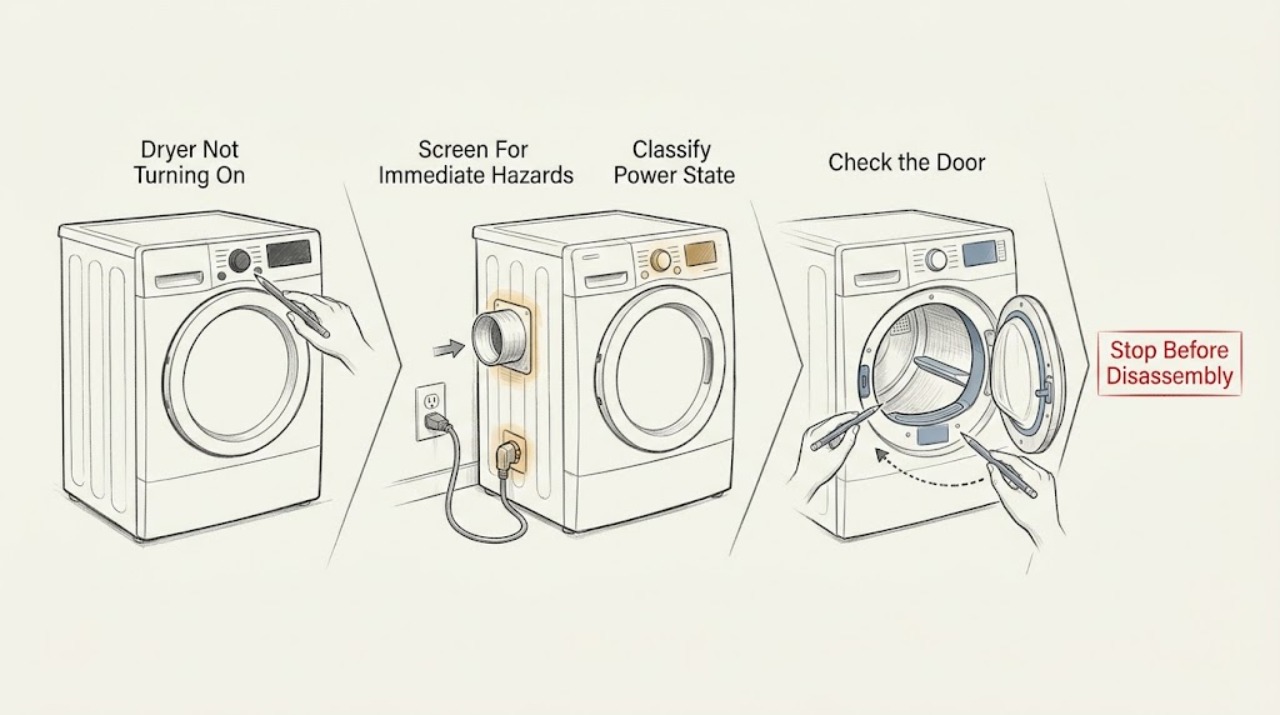
Roper Dryer Not Turning On: Check Power, the Door, Start, and Airflow Safely
If a Roper dryer will not turn on, first decide whether the whole appliance is dead or the console lights up but the drum will not run. With the dryer safely idle, check the plug and accessible receptacle, then confirm the door is fully closed, the selected cycle is valid, and the PUSH TO START control is held as the exact model requires.
-
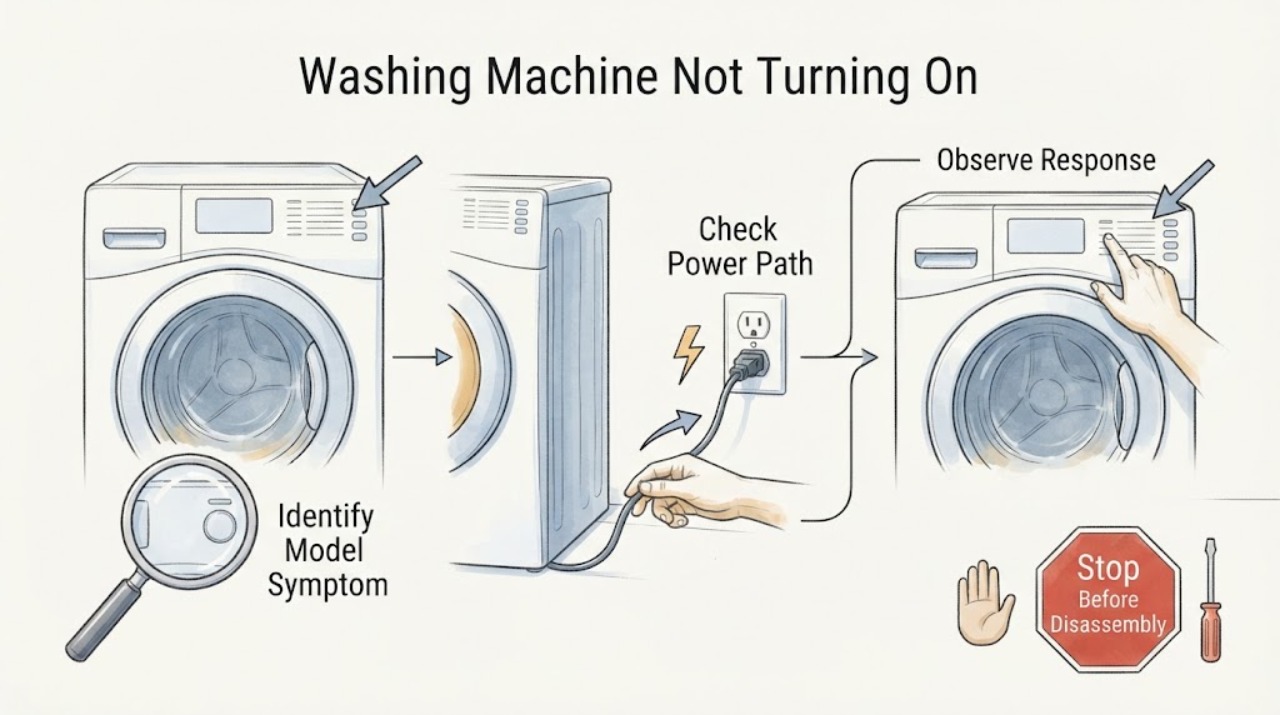
Roper Washing Machine Not Turning On
First separate a Roper washer with no lights from one that has power but rejects Start. From a dry, safe position, confirm the cord is in a grounded three-prong wall outlet, do not use an extension cord, and check the household breaker, fuse, or GFCI.
-
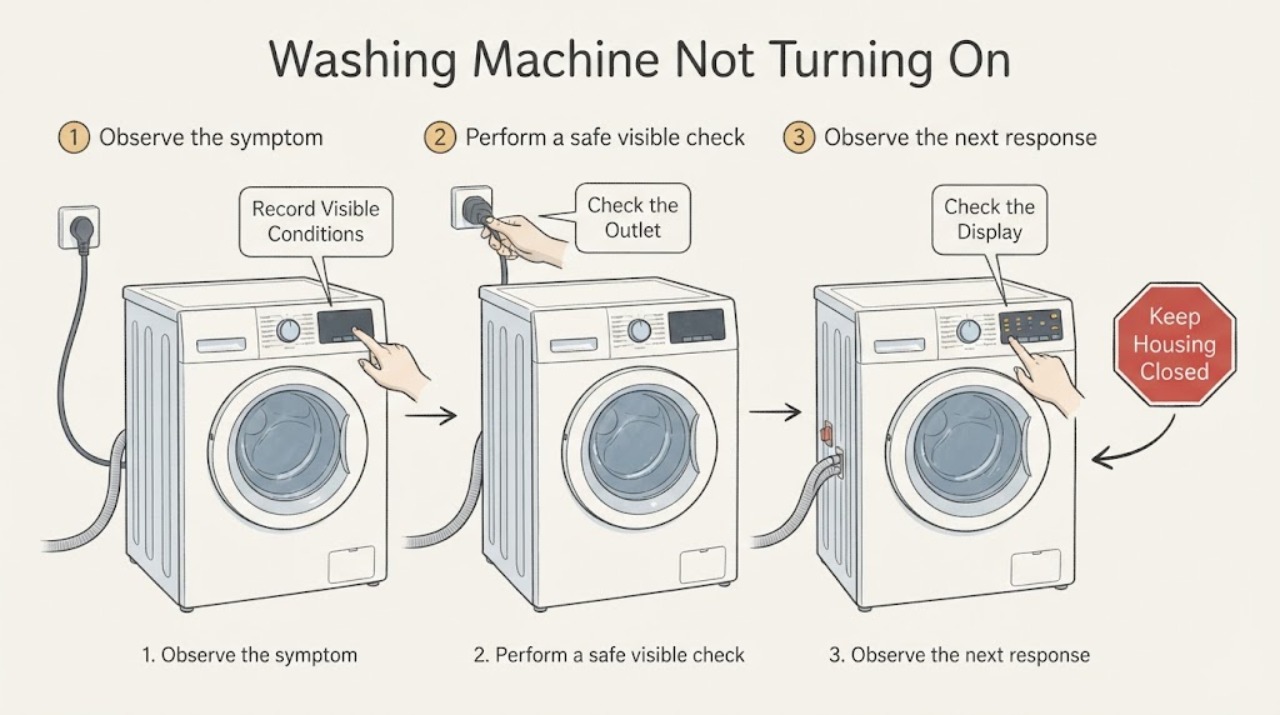
Russell Hobbs Washing Machine Not Turning On: Check Power, Controls, and the Door
First separate a Russell Hobbs washer with no lights or sound from one that has a display but will not start. For a completely dark machine, check the wall connection and household supply without using an adaptor or damaged lead; do not open the appliance.
-
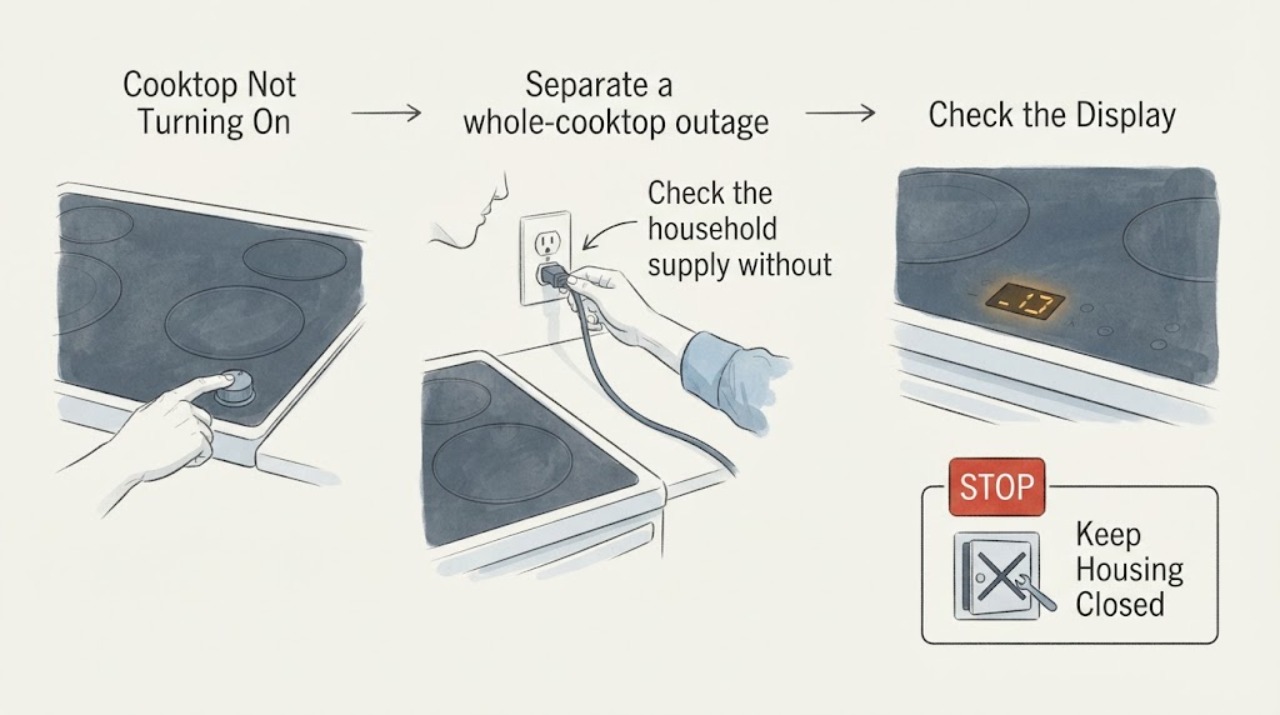
Samsung Cooktop Not Turning On: Check Power, Controls, and Cookware
When a Samsung cooktop will not turn on, first determine whether the whole cooktop is dead or only one element is affected. Confirm the appliance has power, the circuit breaker has not tripped, the control panel is clean and dry, and Control Lock or Child Lock is off.
-
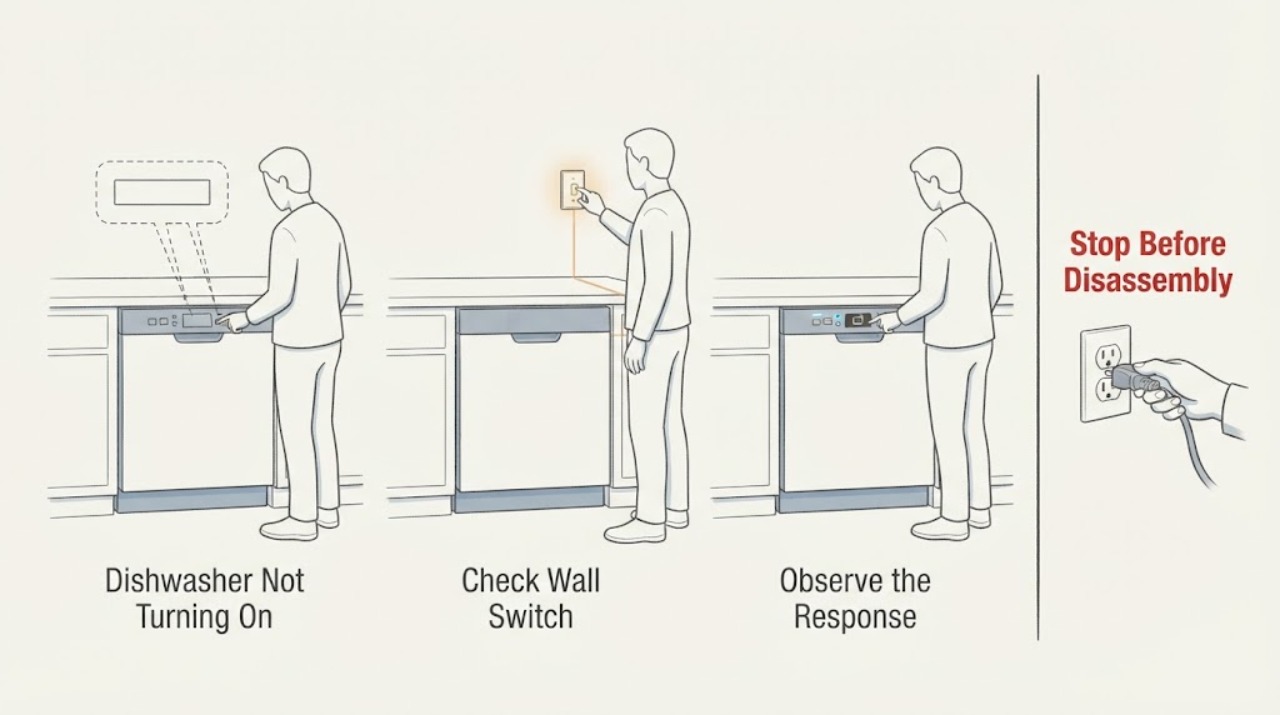
Samsung Dishwasher Not Turning On
If a Samsung dishwasher is completely dark, press a clean Power button with dry hands, check its breaker, and check for a nearby wall switch that supplies the appliance. A dishwasher that powers on but will not accept Start has a different door/control problem. If the breaker trips again or the unit remains dead, stop and use an electrician or qualified service technician.
-
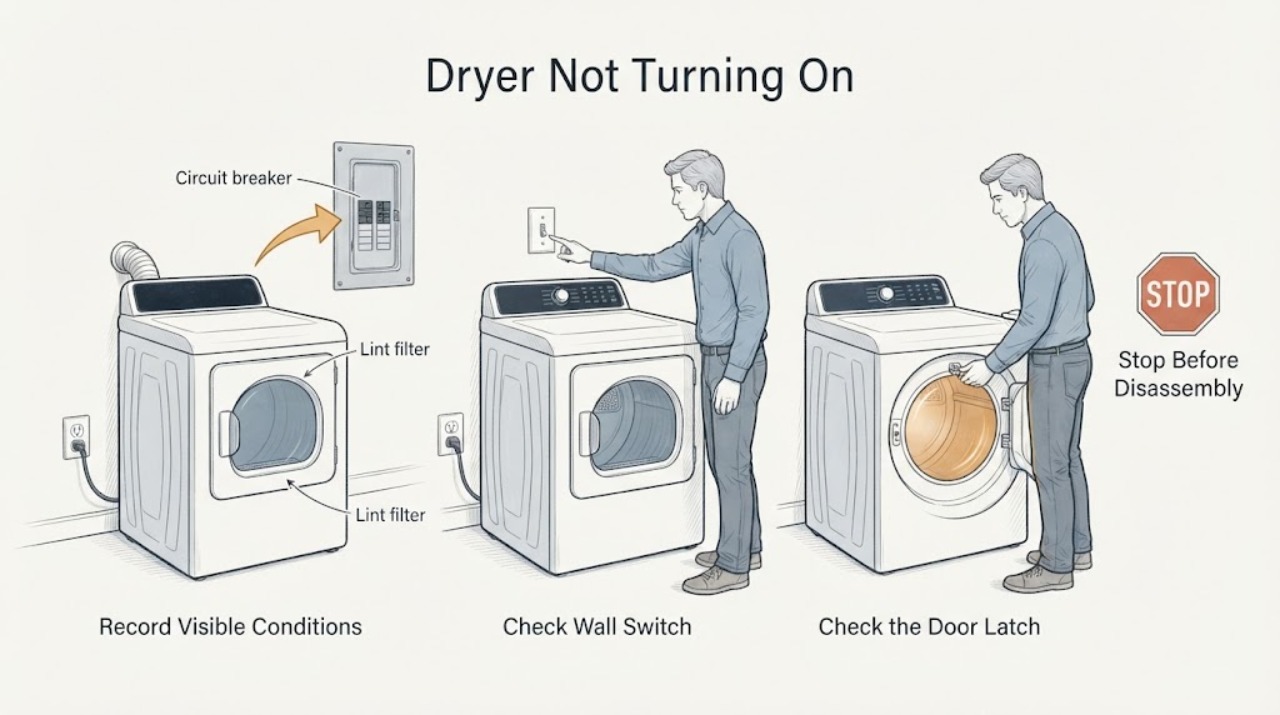
Samsung Dryer Not Turning On: Check Power, Door, Controls, and Codes
First separate a completely dead dryer from one with a display that will not start. Record the model, gas or electric type, display or blinking lights, door state, exact error, and whether the problem began after installation, a power event, a spill, or a previous cycle.
-
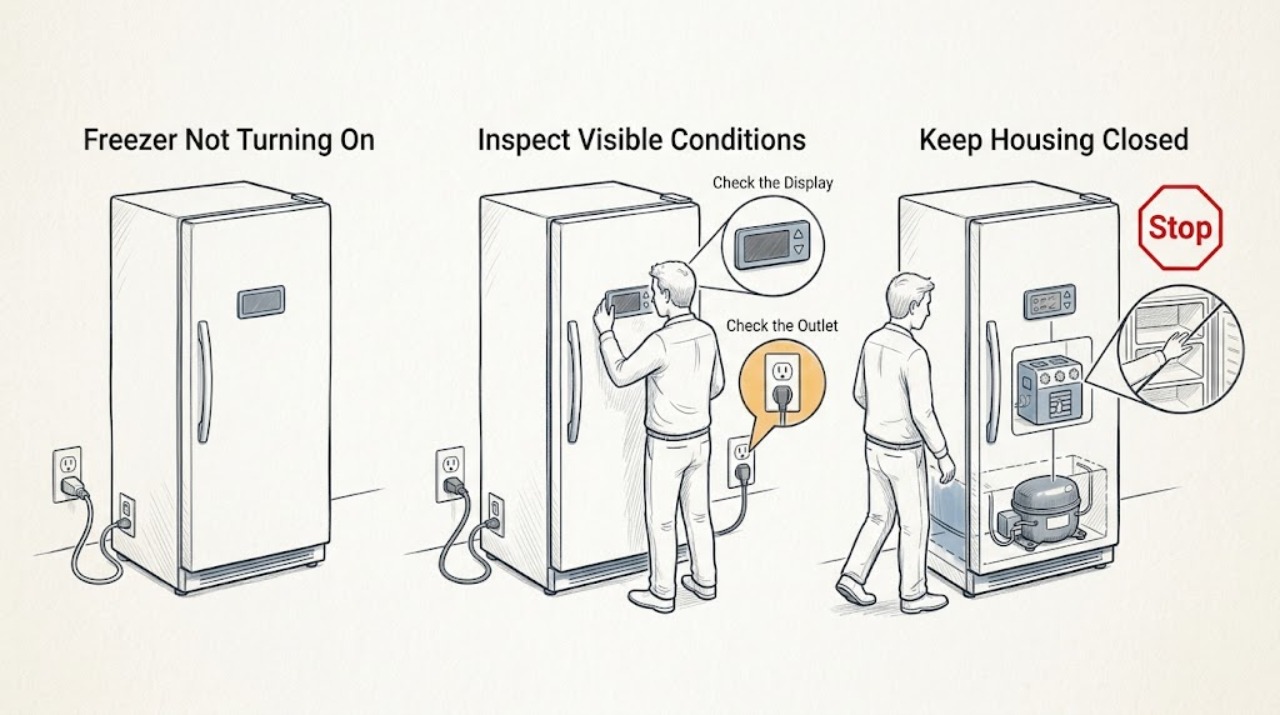
Samsung Freezer Not Turning On: Check Power, Modes, and Cooling Safely
First decide whether the Samsung freezer has no electrical power or has power but is not cooling. Open the door or tap the panel, then check the breaker, outlet, GFCI, and power cord only from a dry, safe position.
-
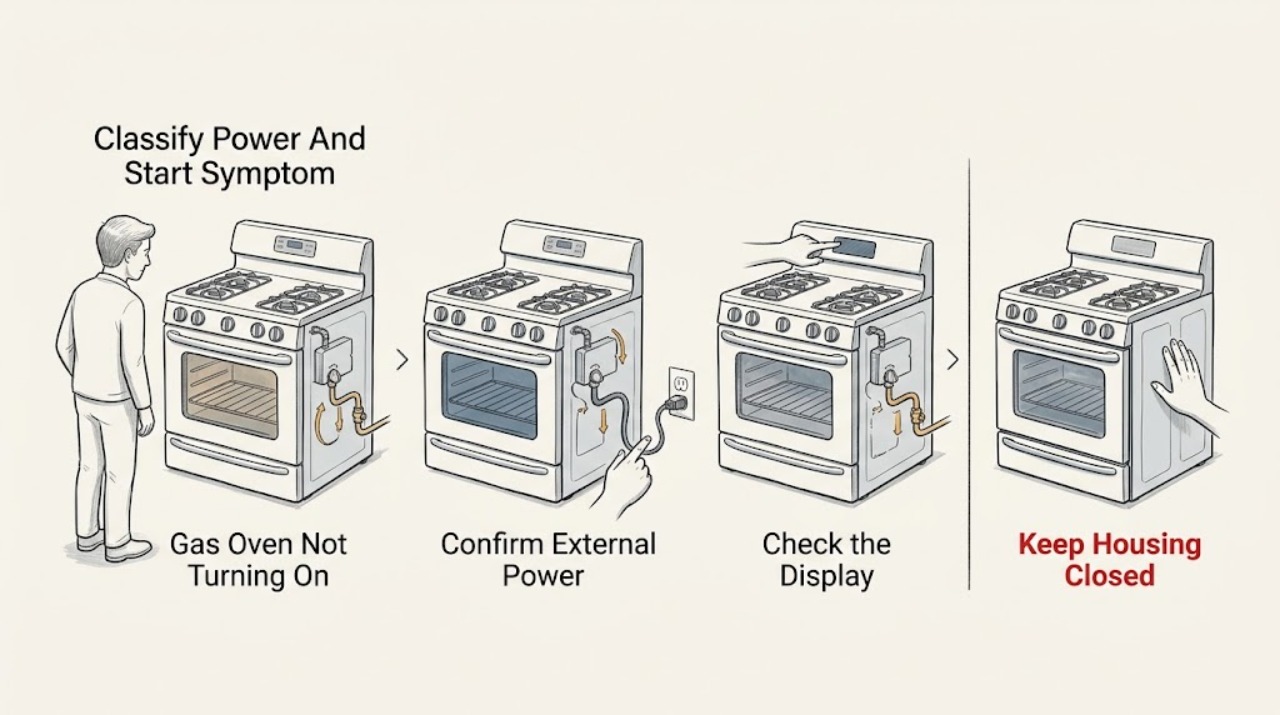
Samsung Gas Oven Not Turning On: Separate Power, Controls, Gas, and Ignition Causes
First decide whether the Samsung gas oven has no display, has a display but will not start, or starts its sequence but does not ignite. Check the range's power connection and display, then look for Control Lock, Demo mode, a required Start or Bake selection, and a displayed code.
-
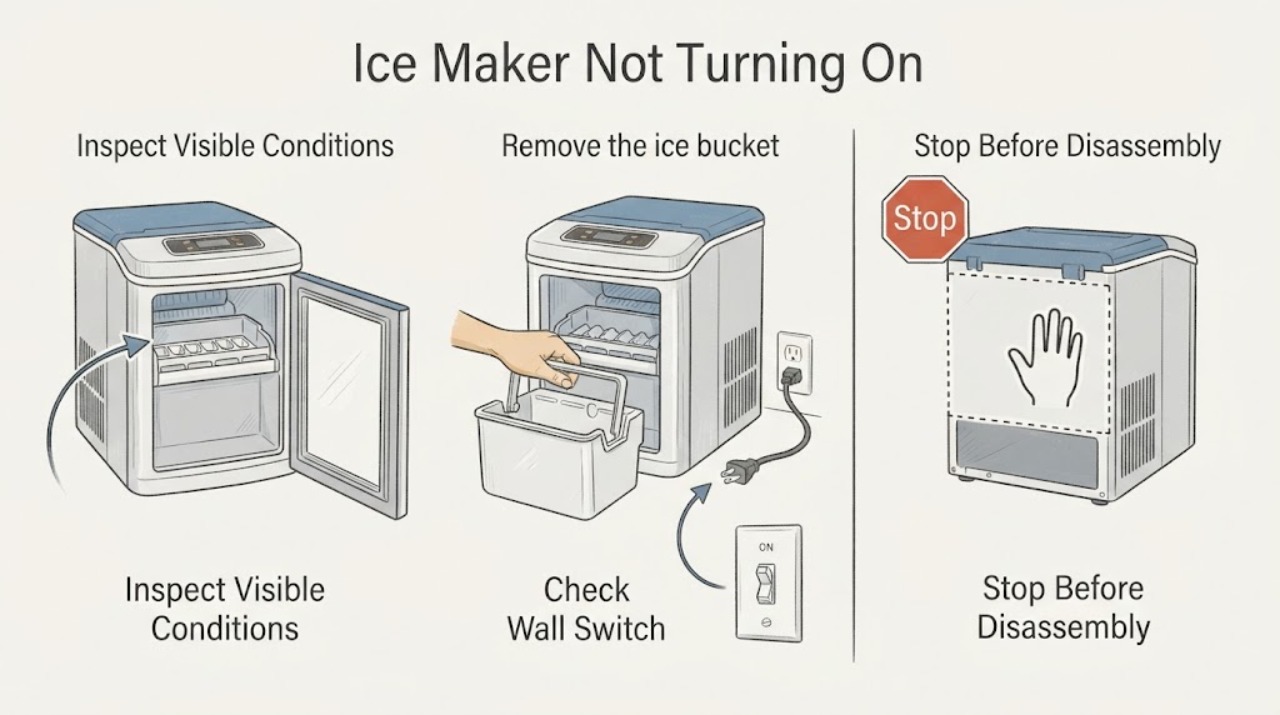
Samsung Ice Maker Not Turning On
A Samsung ice maker that appears not to turn on should be checked at the control setting and Test button before any part is considered. Verify the maker is enabled, remove the bucket only as the model directs, and observe whether the test chimes or moves. If a correct test remains completely unresponsive after one safe refrigerator power cycle, stop and arrange service.
-
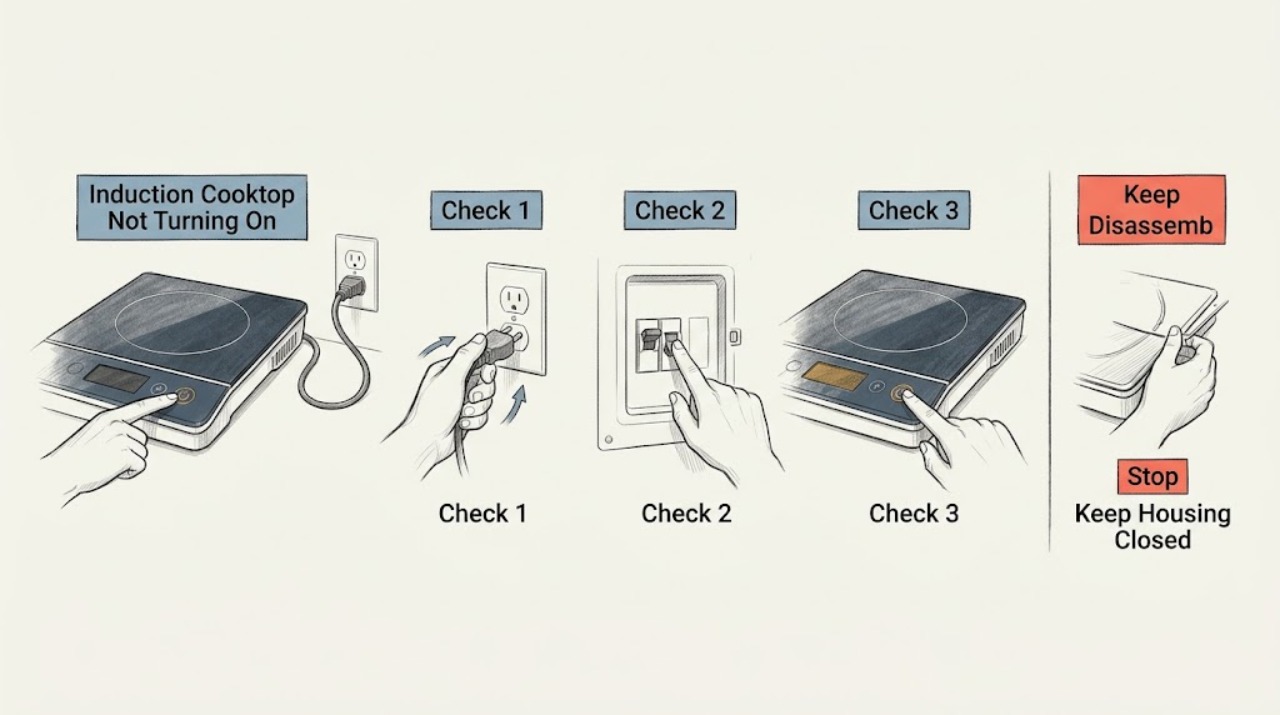
Samsung Induction Cooktop Not Turning On: Check Power, Lock, and Controls
If a Samsung induction cooktop will not turn on, first separate a completely dark panel from a panel that lights but will not accept touch or activate a zone. Check the accessible power connection and breaker, make sure Control Lock is off, and clean and dry the cool touch panel.
-
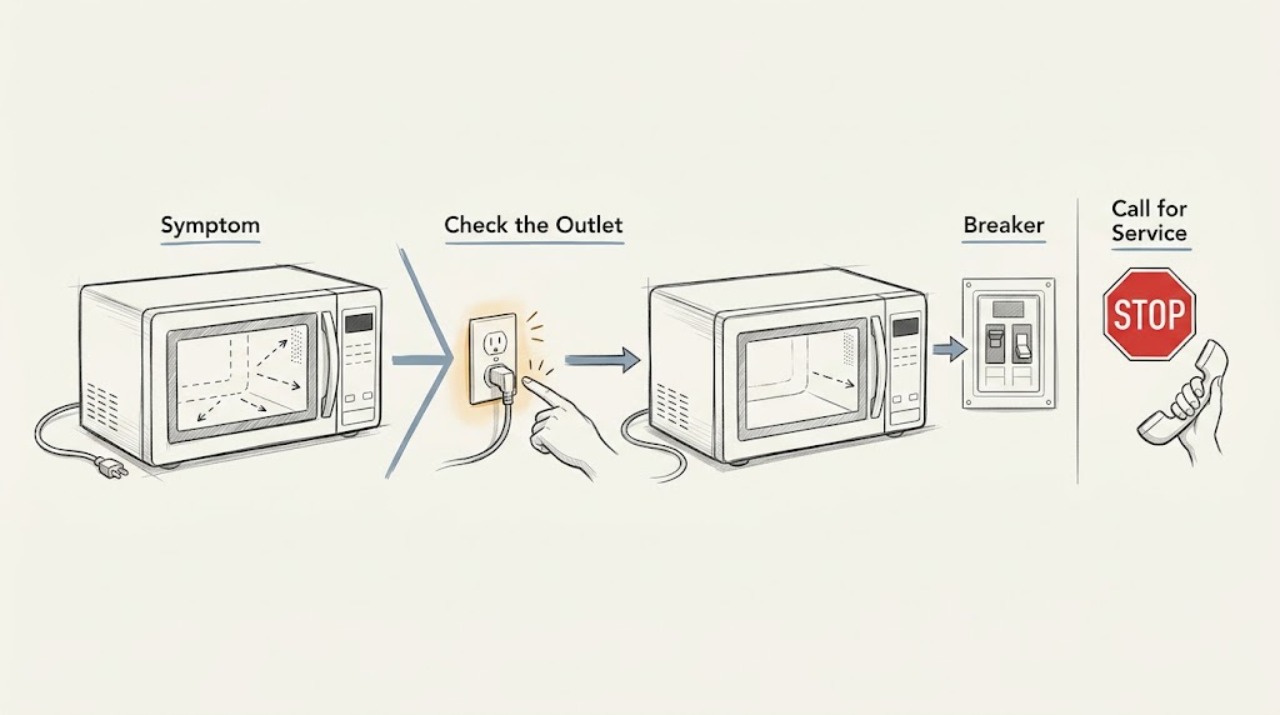
Samsung Microwave Not Turning On: Check the External Power Path
If the Samsung microwave display and interior light are completely dark, check the plug, the outlet with another suitable appliance, and the household breaker or fuse. Restore a tripped breaker only once if it is safe and no burning odor, heat, or visible damage is present. If power is available but the microwave remains dark, or the breaker trips again, stop and request service; do not remove the cabinet or replace an internal fuse.
-
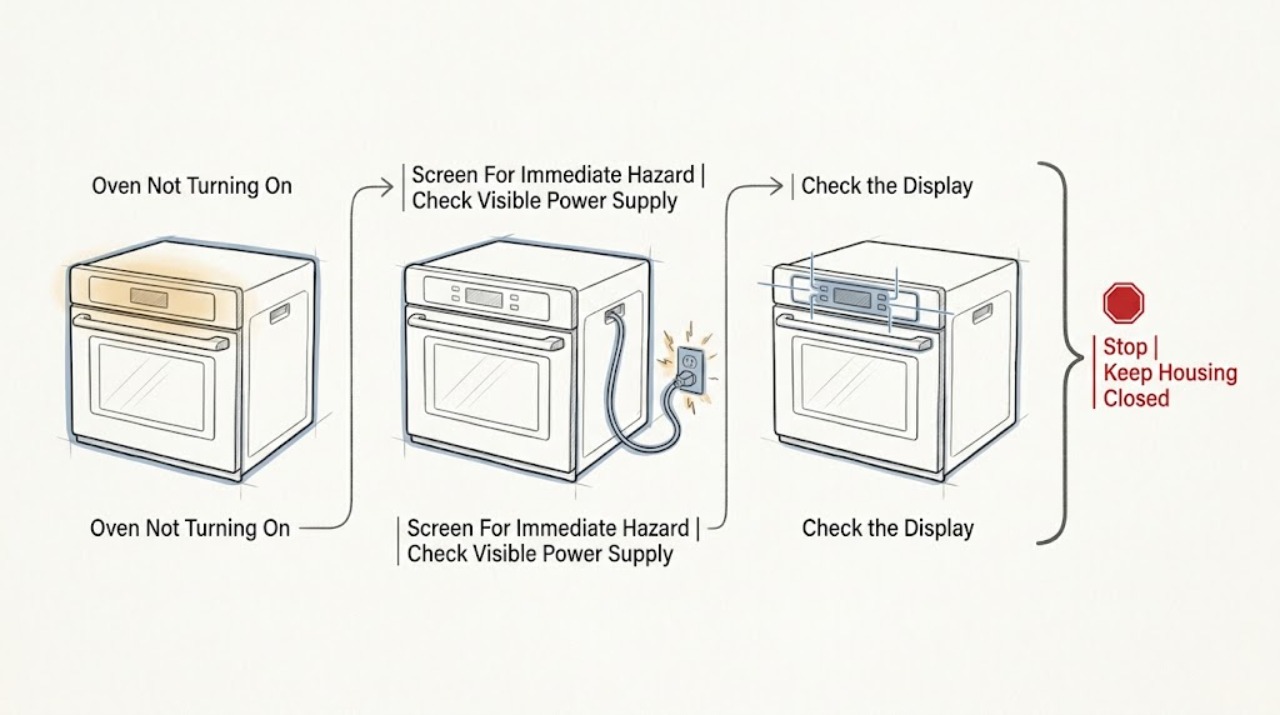
Samsung Oven Not Turning On
First separate a completely blank Samsung oven from an oven whose display works but will not start a cycle. If there is smoke, a burning smell, visible arcing, a hot or damaged cord or outlet, repeated breaker trips, water near electrical parts, or a gas odor, stop and do not keep testing it.
-
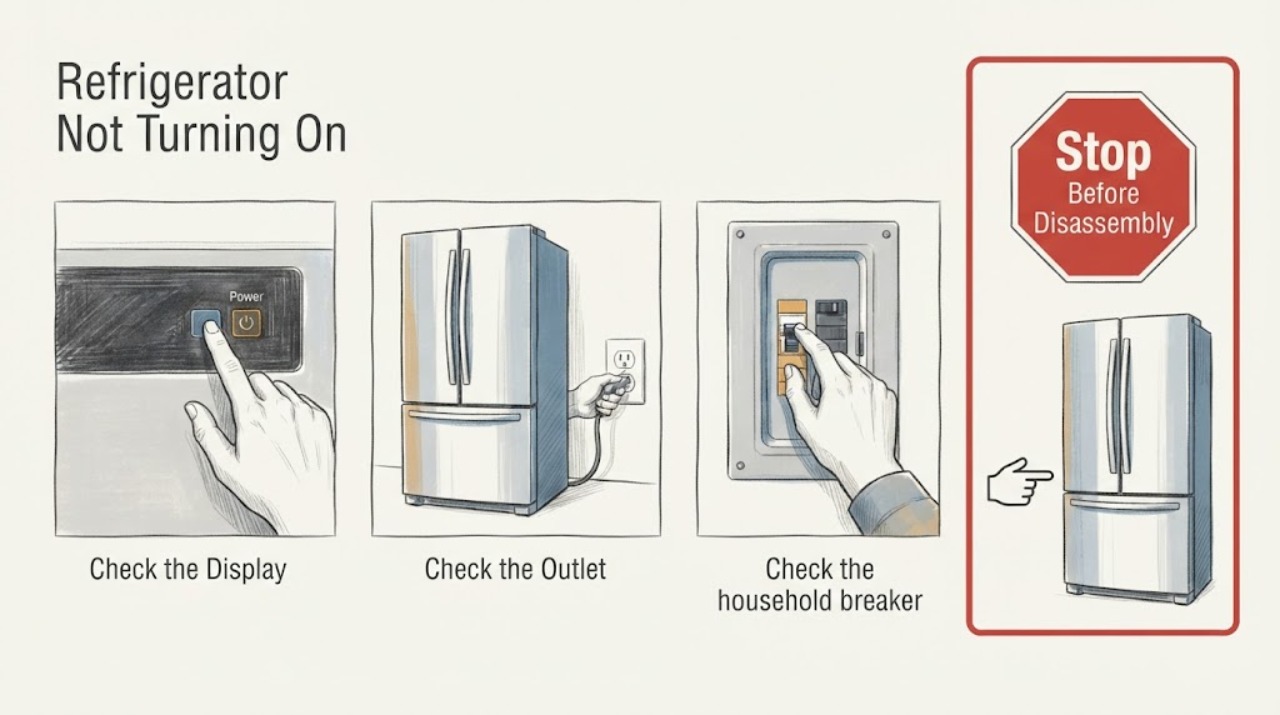
Samsung Refrigerator Not Turning On: Safe Power Checks
If a Samsung refrigerator will not turn on, first determine whether both the interior light and display are dark. Check the accessible plug, outlet, and breaker once when safe; do not repeatedly reset protection. A live outlet with a dark refrigerator, recurring trip, hot plug, smoke, or damaged wiring needs qualified service.
-
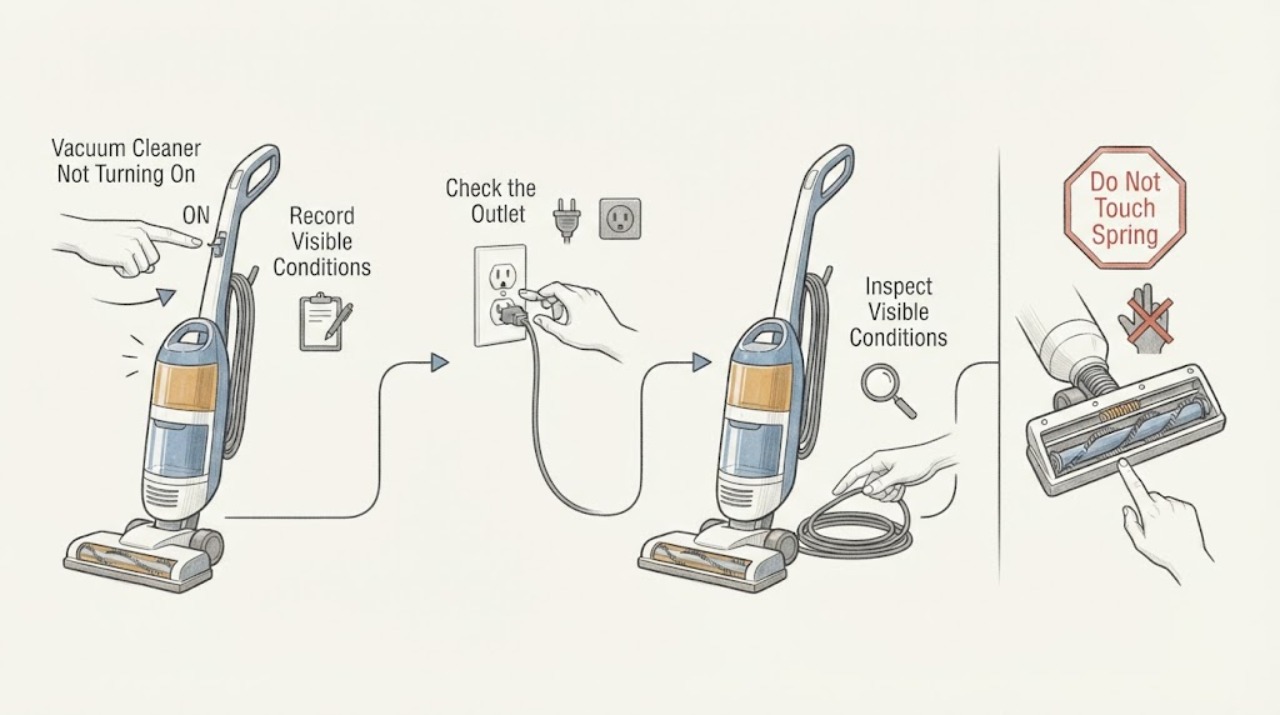
Samsung Vacuum Cleaner Not Turning On
First identify whether your Samsung vacuum is a corded canister or upright, a cordless Jet Stick, or a Jet Bot robot, because the power path is different. For a corded vacuum, firmly press the center of the power button and plug the cord into a known-working outlet.
-
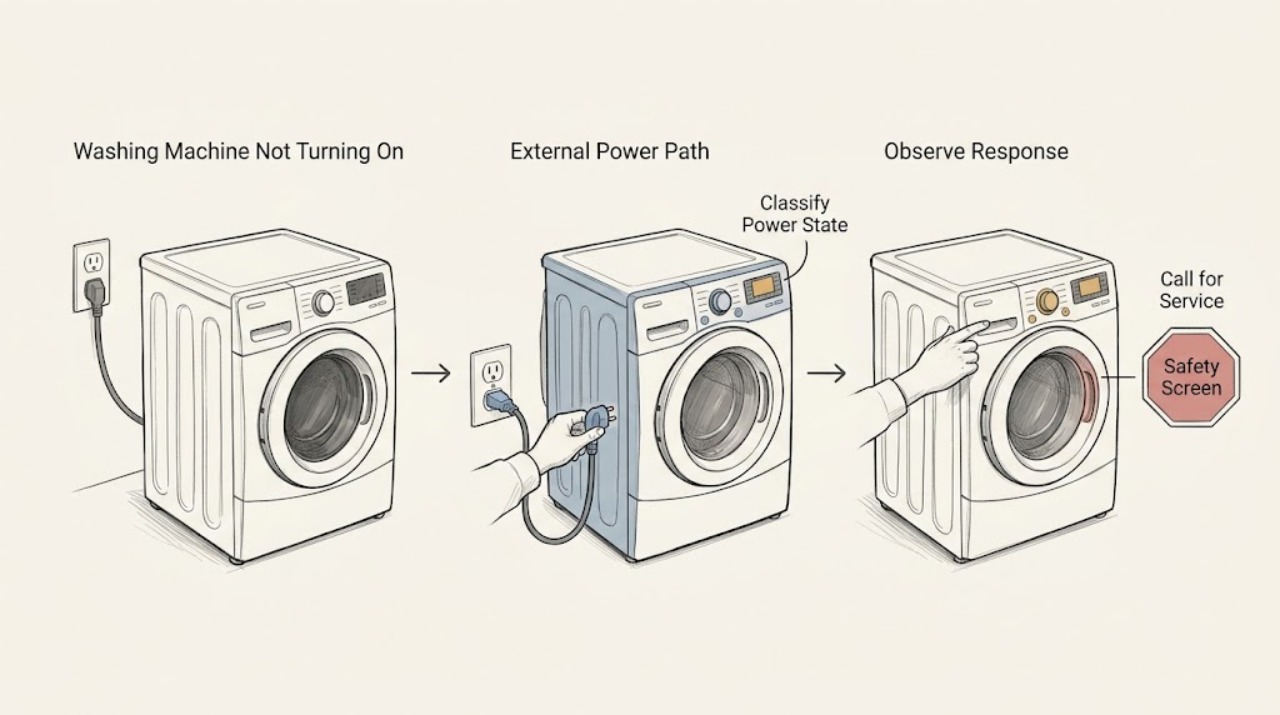
Samsung Washing Machine Not Turning On: Separate a Power Problem from a Start Lock
First decide whether the Samsung washer has no display at all or has a lit display that will not start a cycle. With no hazard present, check the correct Power control for the model, the visible power cord and outlet, the household breaker, and whether a surge protector is involved.
-
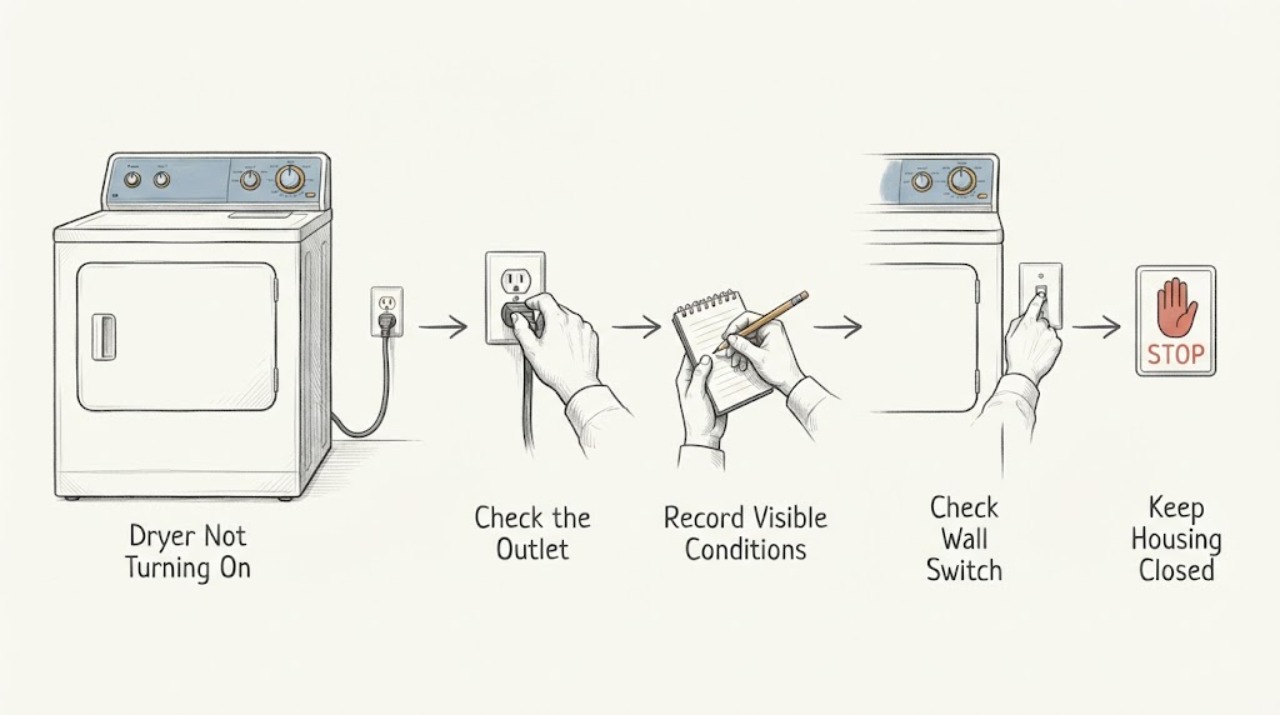
Sharp Dryer Not Turning On: Safe Checks Before Service
If a Sharp dryer is completely blank, first look for smoke, a burning smell, a damaged cord, water near the outlet, or a breaker that trips again; stop using it and arrange qualified help if any is present. If there is no hazard, identify the exact model, confirm the dry plug and outlet are usable without an extension cord, close the door fully, select a programme, press Start or Pause, and check whether Child Lock is active.
-
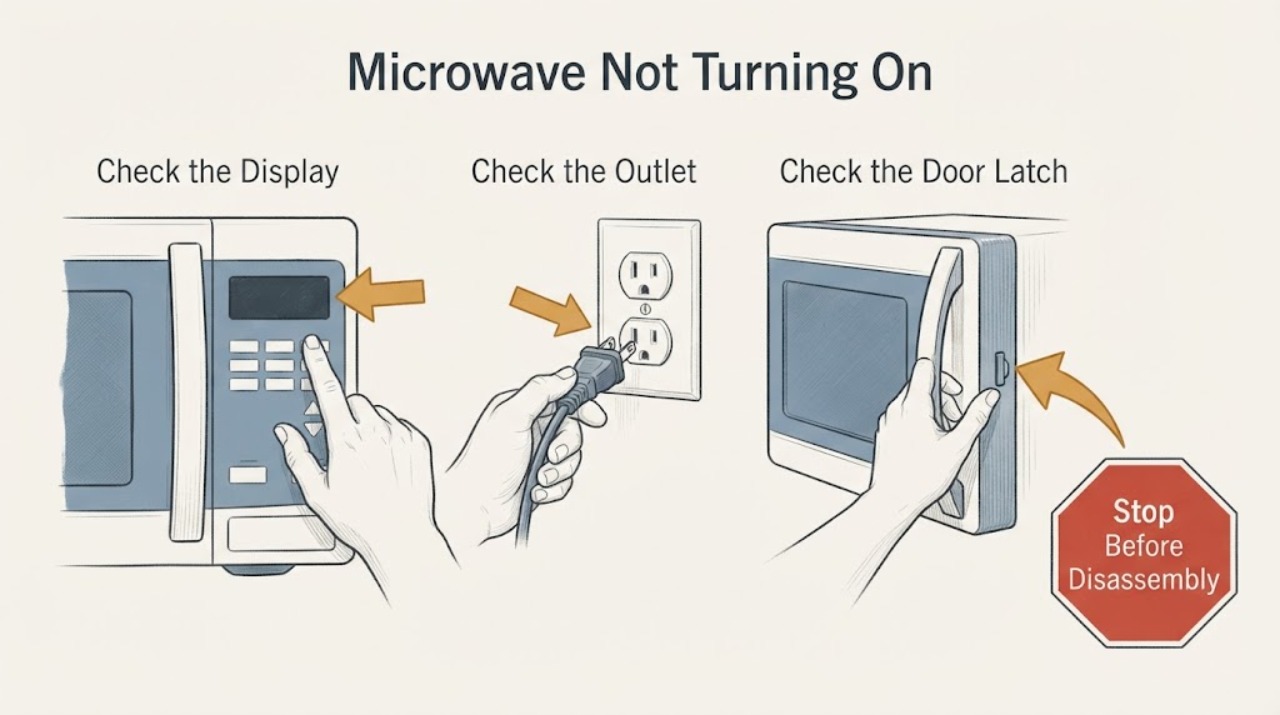
Sharp Microwave Not Turning On: Safe Checks
For a Sharp microwave that is not turning on, first separate a completely blank display from a display that works but will not start. Check the wall outlet, plug, circuit breaker, door closure, control lock, and any model-specific Demo mode or power-failure message.
-
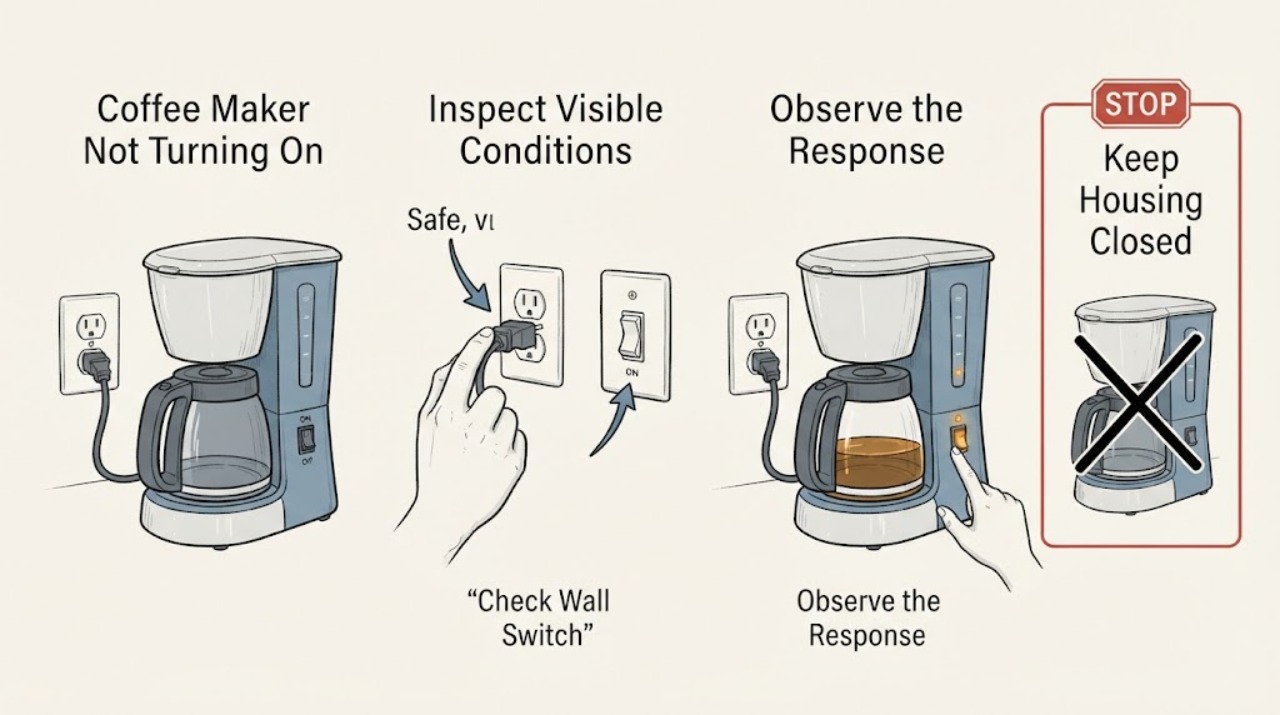
Siemens Coffee Maker Not Turning On
When a Siemens coffee maker will not turn on, first separate a completely dark display from a machine that has lights or a message but will not start. With dry hands, switch it off and unplug it before checking the cord, plug, and outlet.
-
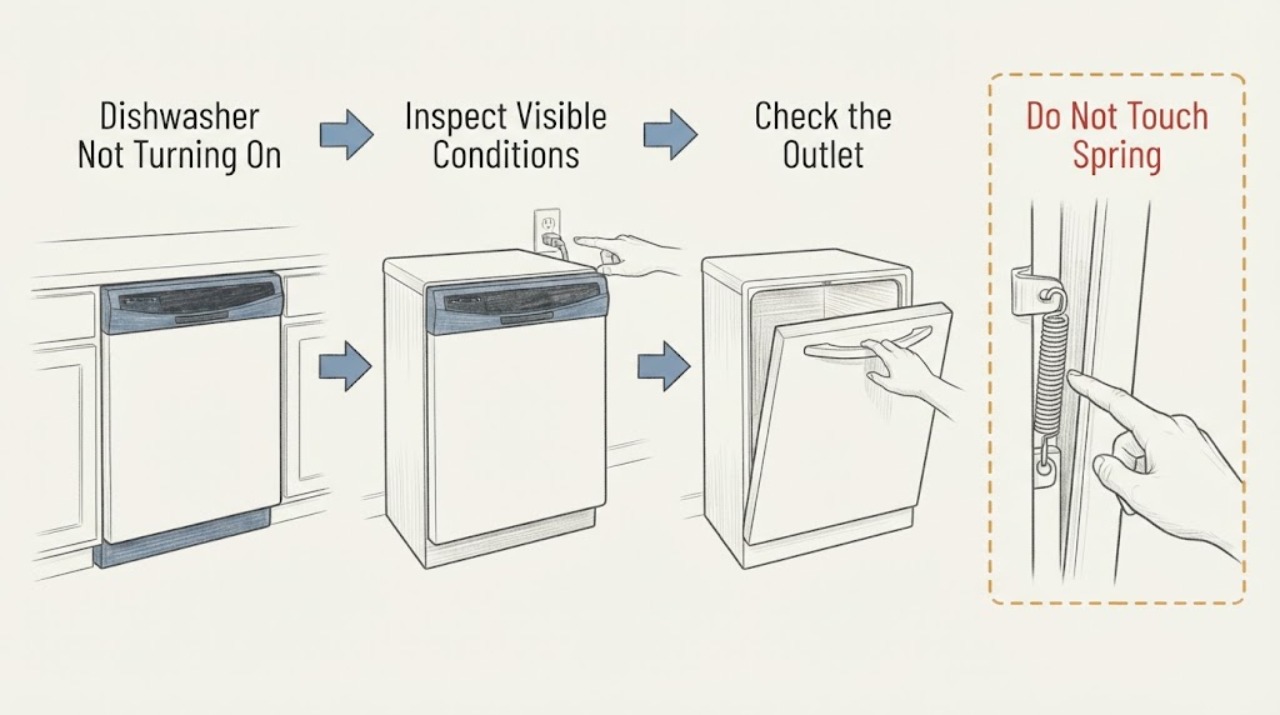
Siemens Dishwasher Not Turning On: Check Power, Door, and Water Inlet
When a Siemens dishwasher will not turn on or start, first determine whether any display or indicator lights are visible. If there are no lights, check the accessible power connection, test the outlet with a small appliance, and check the household residual-current device or fuse without opening the dishwasher.
-
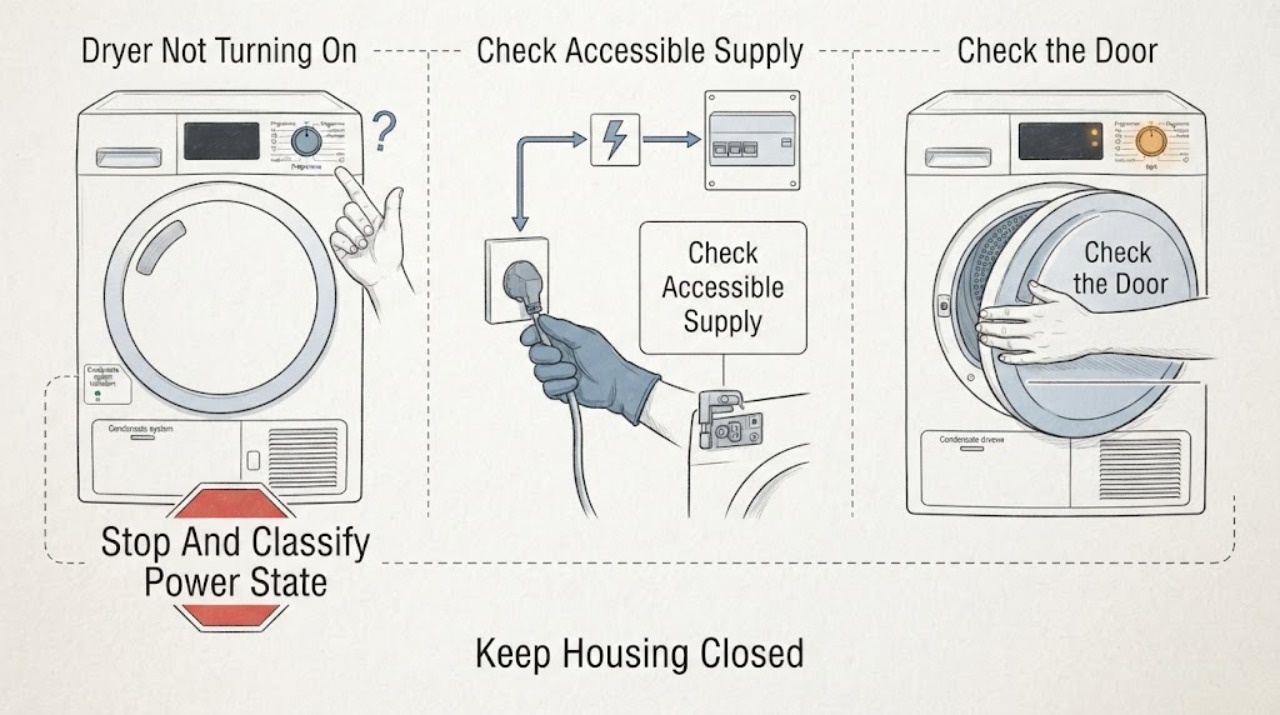
Siemens Dryer Not Turning On: Power, Door, and Condensate Checks
First separate a Siemens dryer with a completely blank display from one whose display lights but will not start. With the dryer cool and safe, check the accessible outlet and breaker once, confirm the door is fully closed, select a programme, press Start/Pause, and check for child-lock, delay-start, condensate-container, or filter prompts that apply to the model.
-
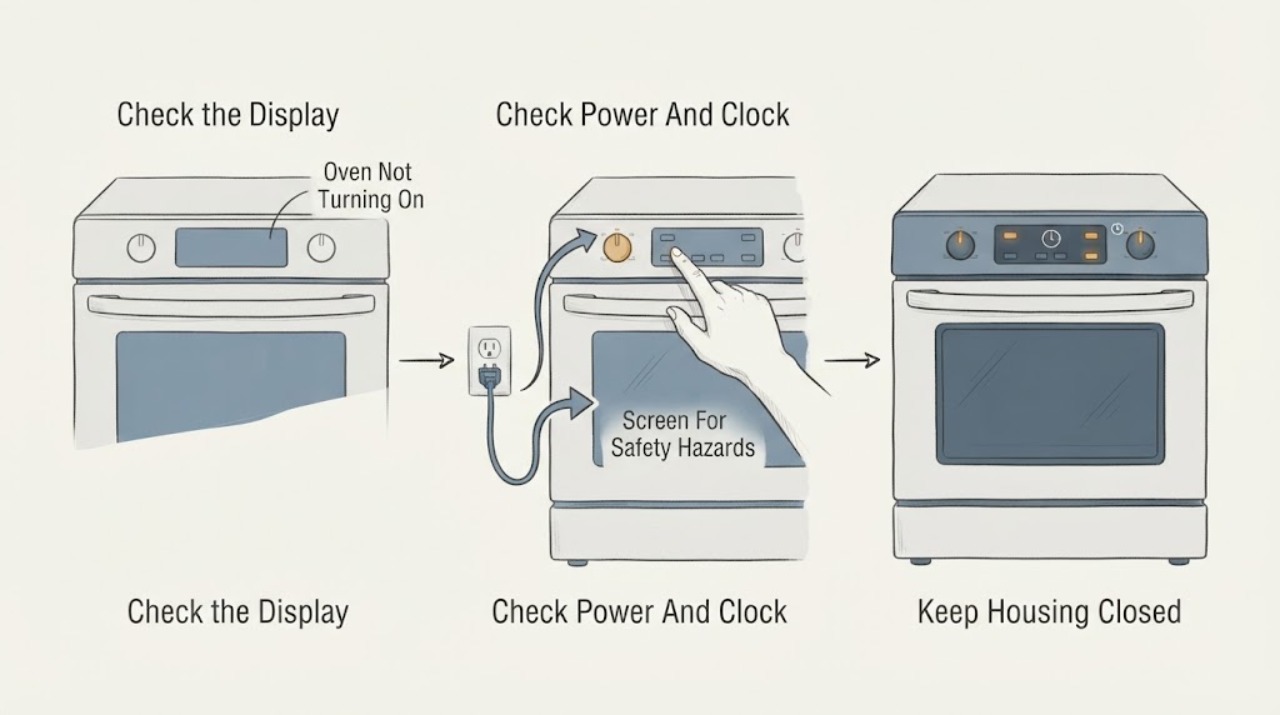
Siemens Oven Not Turning On: Check Power, Controls, Door, and Error Messages
First separate a completely dead Siemens oven from an oven whose display works but whose cooking cycle will not start. Check the appliance's ordinary power connection, the household circuit status, the clock or time setting after a power cut, the selected mode, the door, and any childproof lock or Demo indication.
-
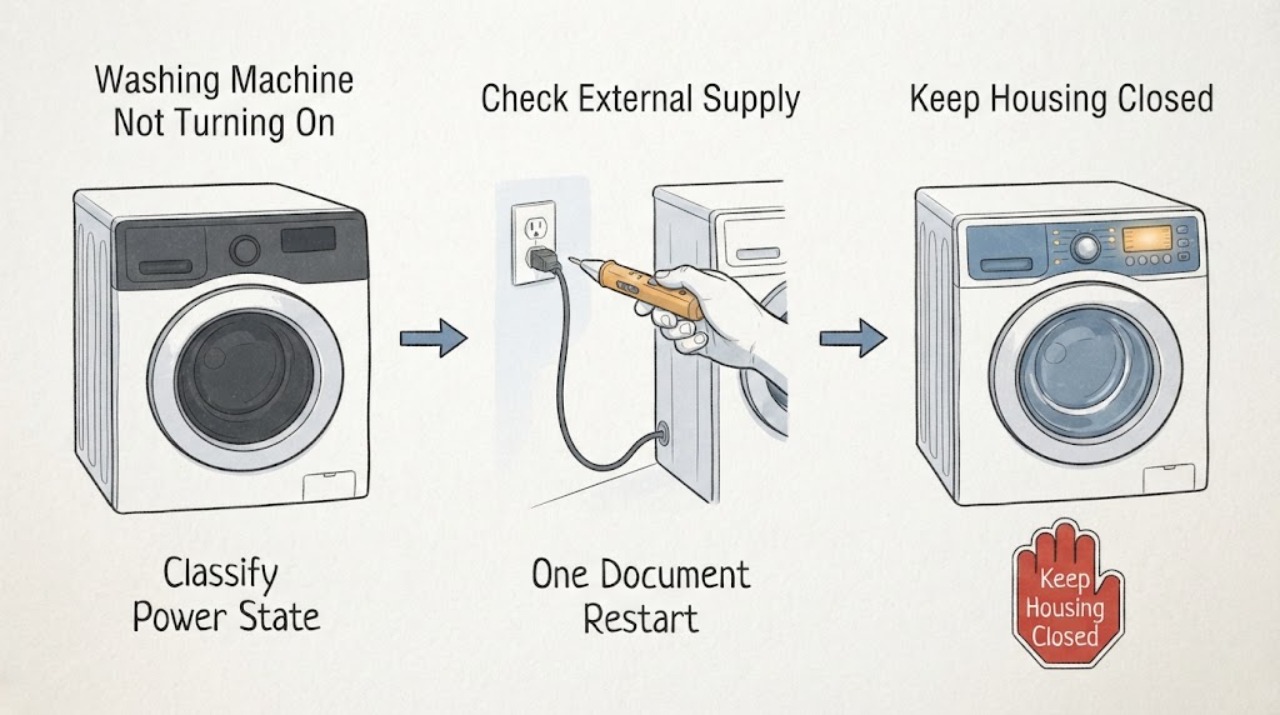
Siemens Washing Machine Not Turning On: Check Power, Controls, and Start Conditions
First separate a Siemens washing machine with no display at all from one whose display is lit but will not start. With dry hands and no water around the outlet, check the accessible plug, wall switch, socket, and circuit status without opening the appliance; do not use an extension lead or repeatedly reset a tripped protection device.
-
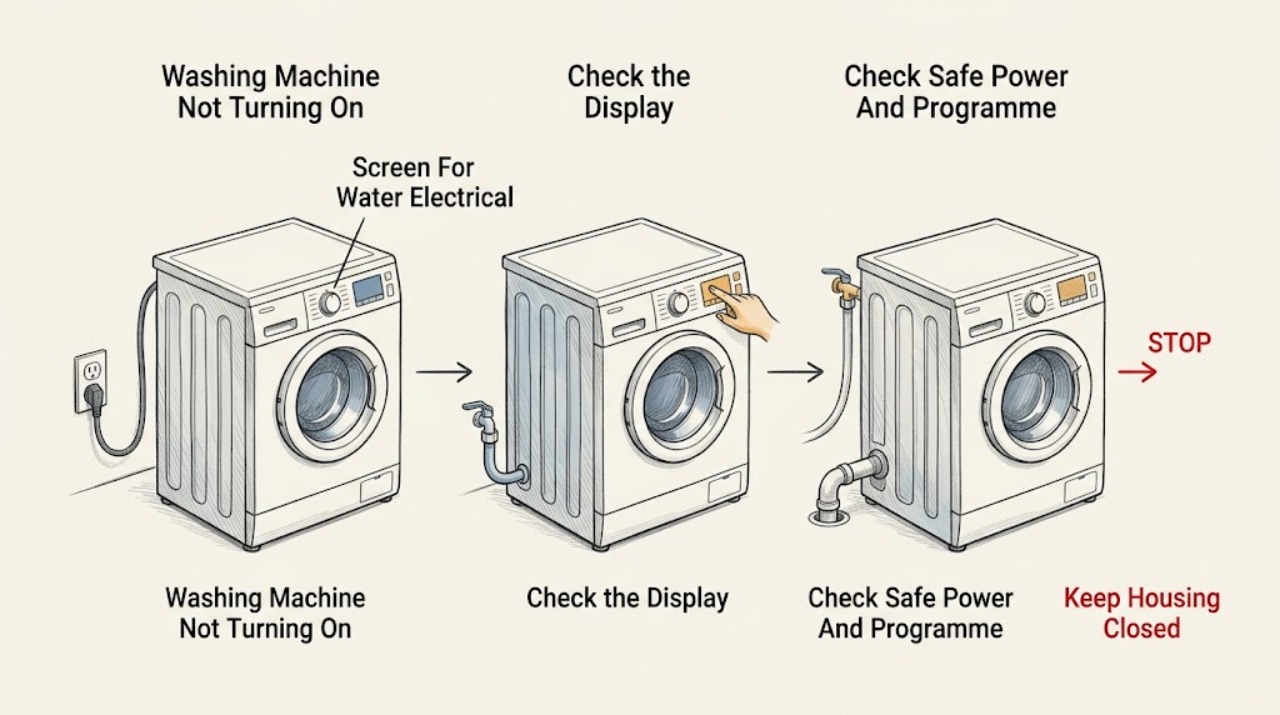
Smeg Washing Machine Not Turning On: Check Power, Door, Programme, and Safe Water States
First separate a completely dead Smeg washing machine from one whose display works but whose programme will not start. Check only safe external items: the plug and household circuit, display or indicator state, programme selector, Start or Pause control, door closure, Child Lock or delay setting, water tap, and visible inlet or drain-hose condition.
-
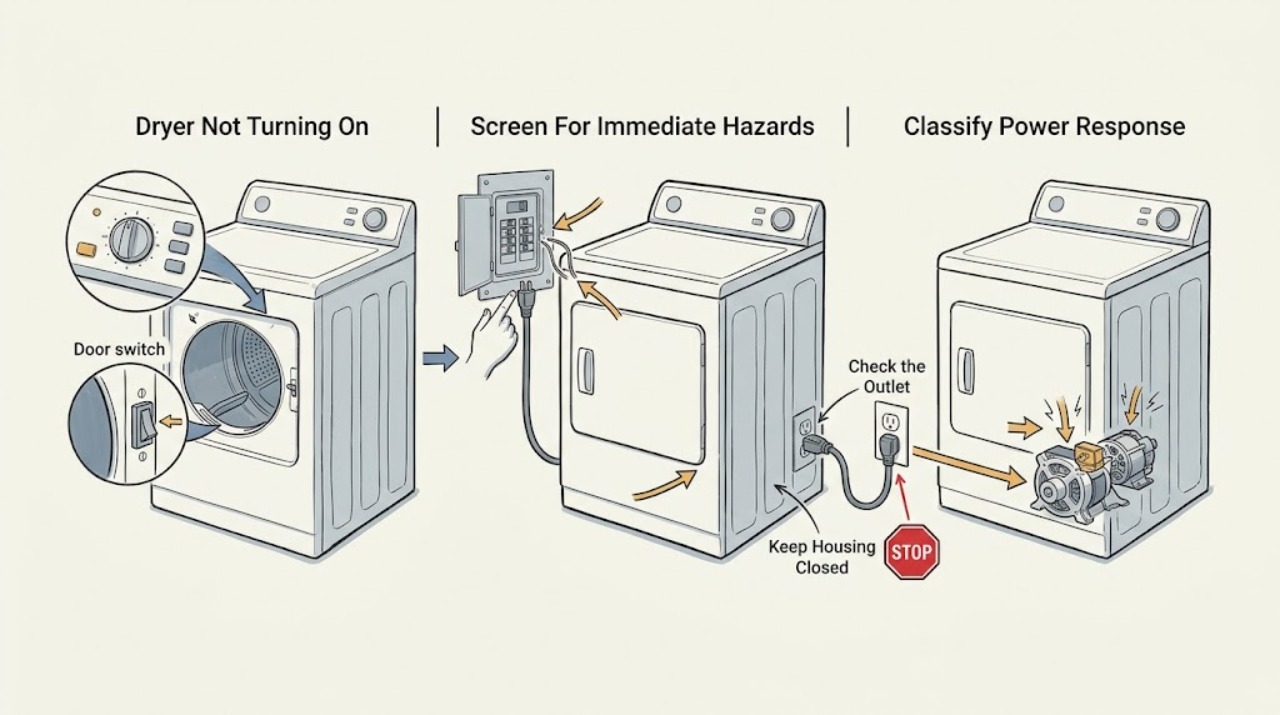
Speed Queen Dryer Not Turning On
First separate a Speed Queen dryer with no display or response from one whose controls light up but which will not start. With the area dry and no damage, smoke, burning smell, sparks, overheating, gas odor, or repeated breaker trips, confirm the cord is fully seated, inspect the laundry-room breaker or fuses, and remember that an electric dryer may use two supply fuses or breakers.
-
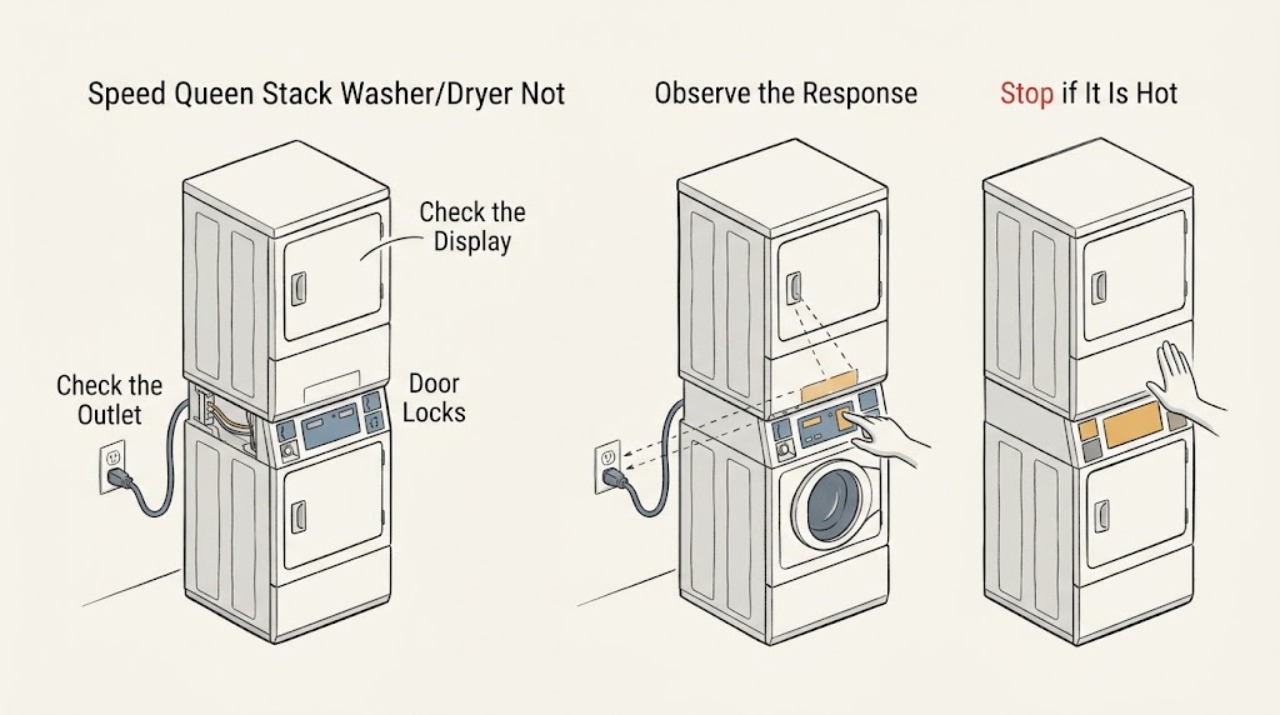
Speed Queen Stack Washer/Dryer Not Turning On: Check Power, Controls, and Doors Safely
First separate a dark display from a machine that has power but will not start. With no smoke, burning odor, heat, or water hazard, check that the Speed Queen stacked washer/dryer is connected directly to its correctly installed outlet, that the laundry-room breaker or fuse has not opened, that the correct unit's door is fully closed, and that Control Lock or Idle Mode is not preventing input.
-
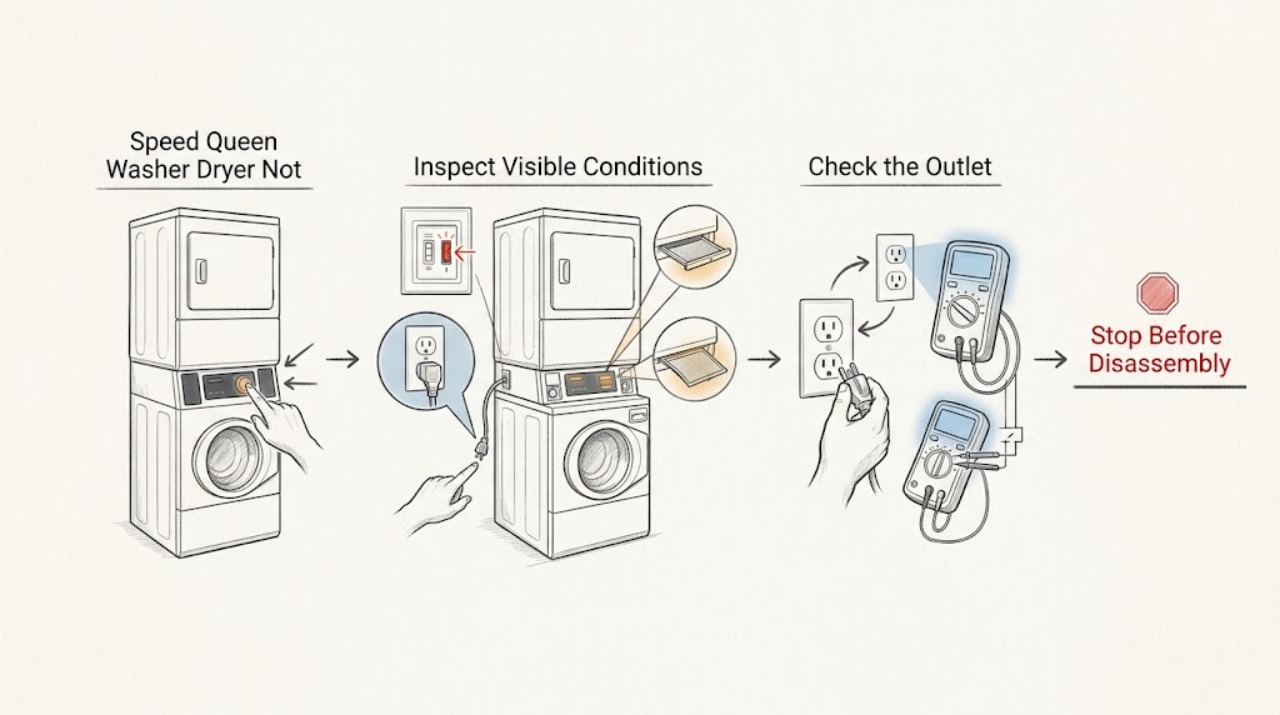
Speed Queen Washer Dryer Not Turning On: Safe Power Checks
First separate a completely dead control panel from a washer or dryer that has power but will not start. Keep hands and feet dry, look for water around the appliance, and do not operate it with a damaged cord, burning smell, sparking, or repeated breaker trip.
-
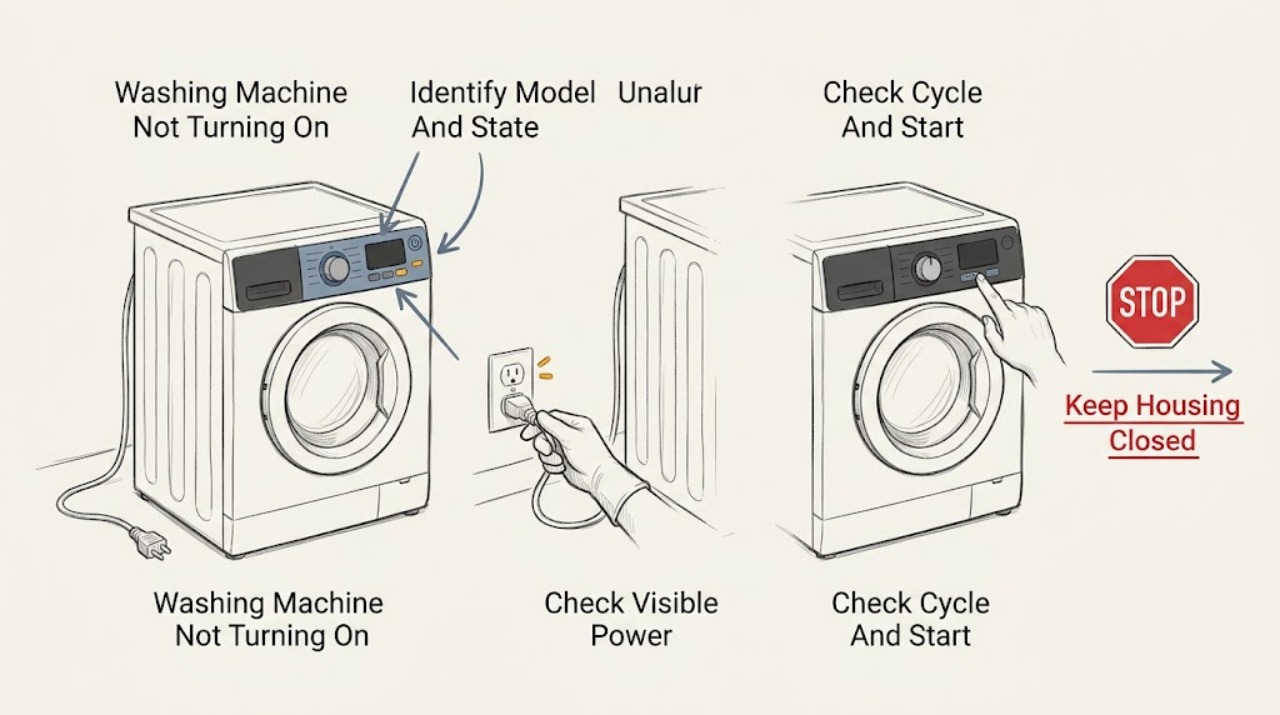
Speed Queen Washing Machine Not Turning On: Check Power, Lid or Door, and Start State
First separate a completely blank washer from a washer with lights or a display that will not start. Confirm the model, check the outlet and visible breaker from a dry position, make sure the lid or loading door closes and latches, select a valid cycle, and press or hold Start exactly as the matching Speed Queen guide says.
-
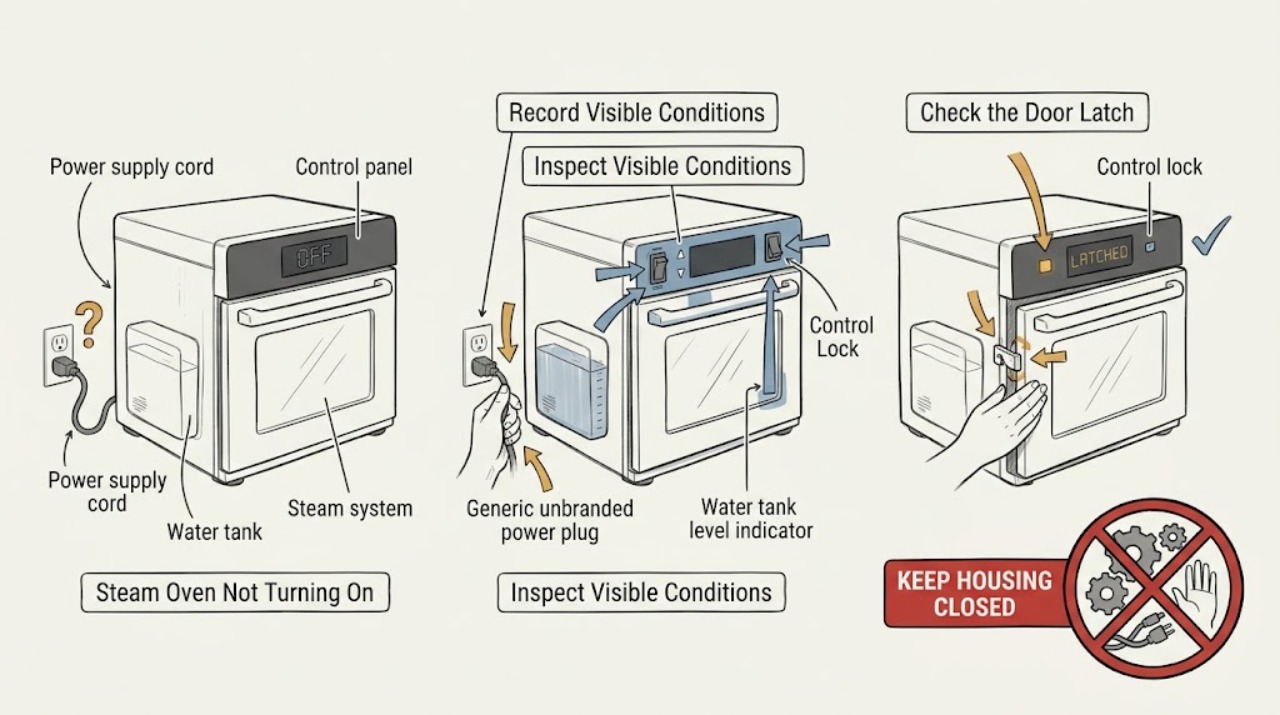
Steam Oven Not Turning On: Separate Power, Door, Water, and Control States
First separate a steam oven with no display or interior response from one that has power but will not start a selected mode. Record the exact model, region, display message, lock symbol, and whether the door is closed.
-
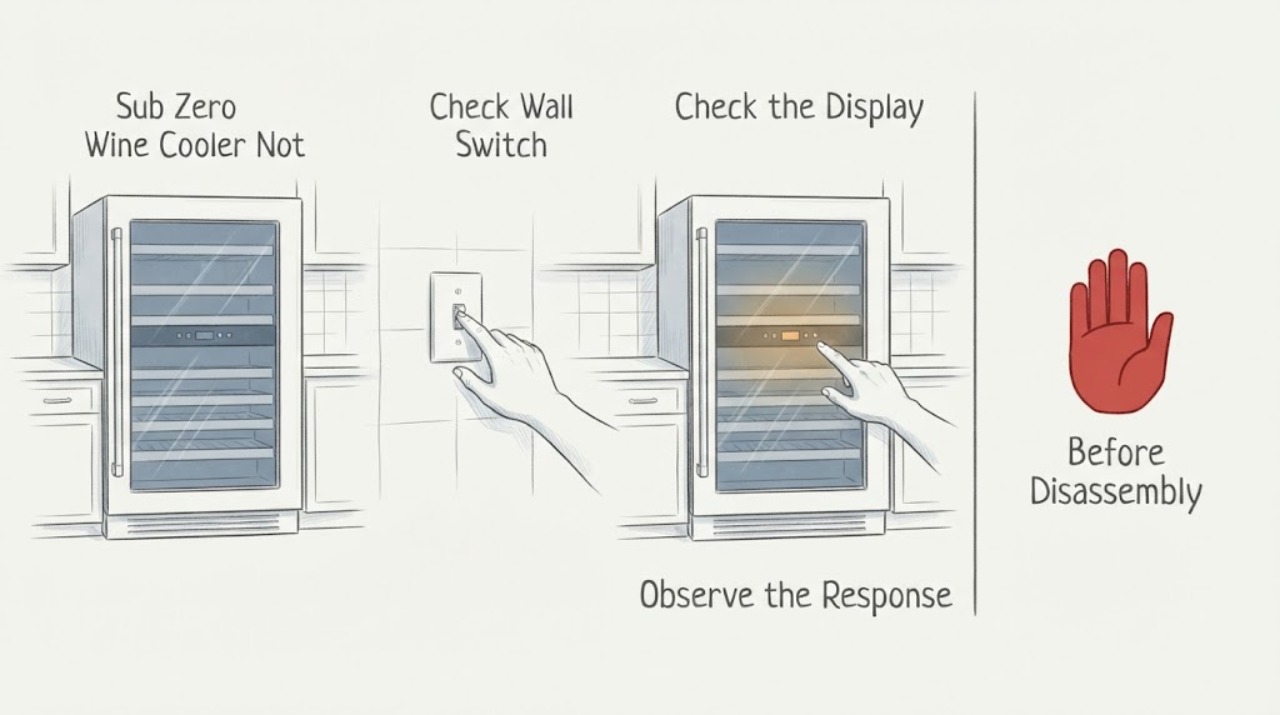
Sub Zero Wine Cooler Not Turning On Troubleshooting Guide
A Sub-Zero wine cooler that will not turn on should be checked from outside: confirm the outlet, switch, breaker, display, and door closure. Leave it off if a breaker trips again or there is electrical damage, and arrange Factory Certified Service.
-
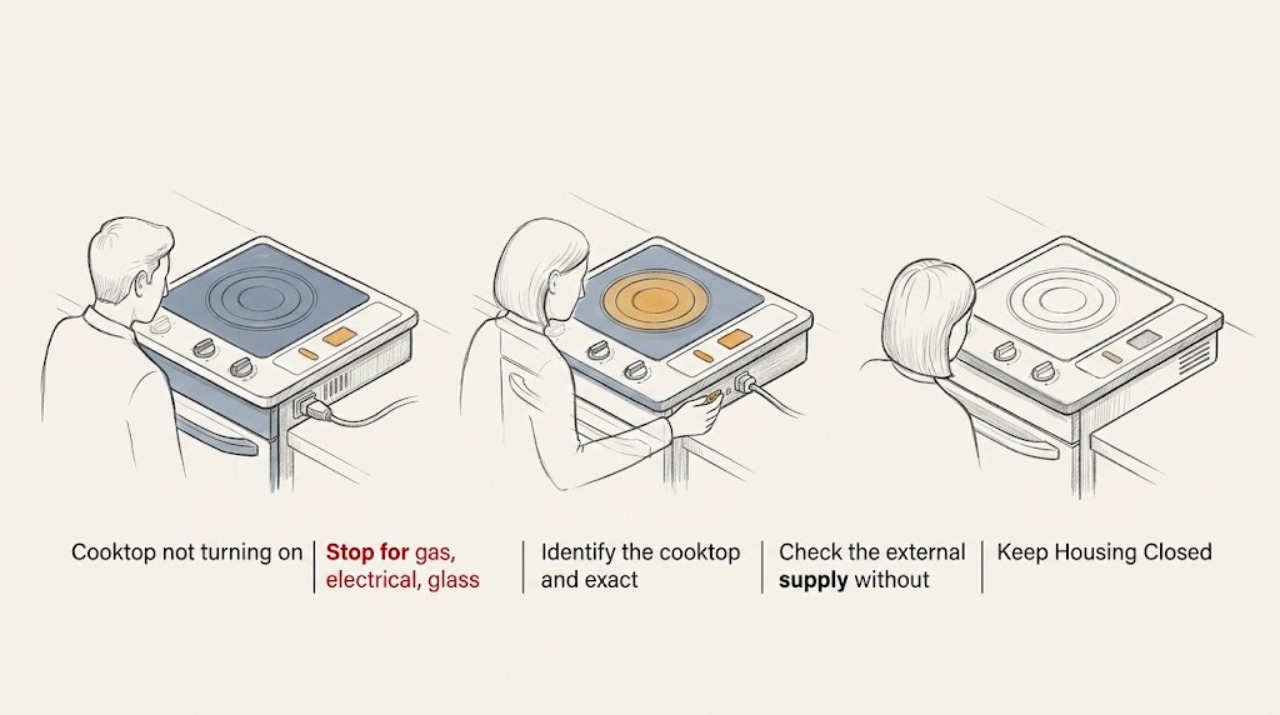
Thermador cooktop not turning on: identify the type, then check power safely
Do not assume a Thermador cooktop is gas, electric, or induction from the symptom alone. First stop for gas odor, persistent sparking, a cracked glass surface, water on or inside the controls, smoke, an arc, a hot or damaged cord, or a repeated breaker trip; leave or switch off power only when it can be done safely and arrange qualified service.
-
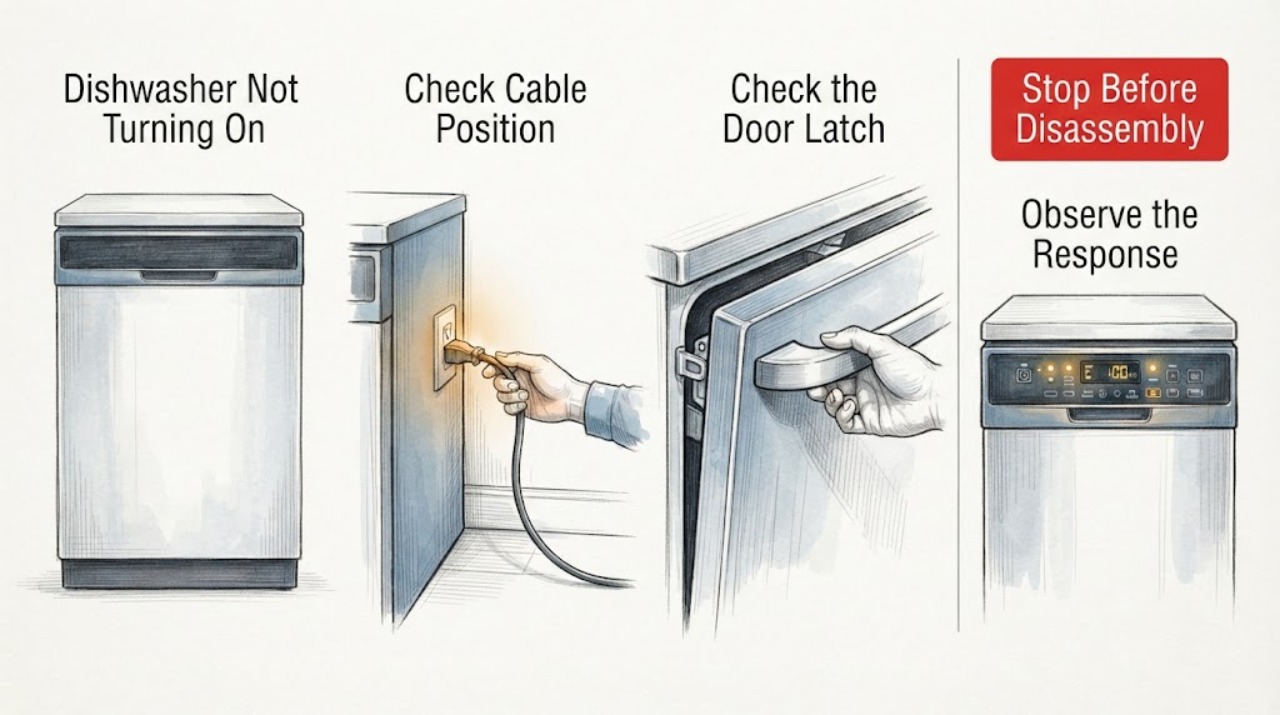
Thermador Dishwasher Not Turning On: Safe Checks
For a Thermador dishwasher that will not turn on, first check the accessible power connection and the control-panel state, then wake the unit, clear Control Lock or Delay Start, and confirm the door is fully latched. Thermador says some models show the display only with the door open or closed, so a dark display is not enough to prove no power.
-
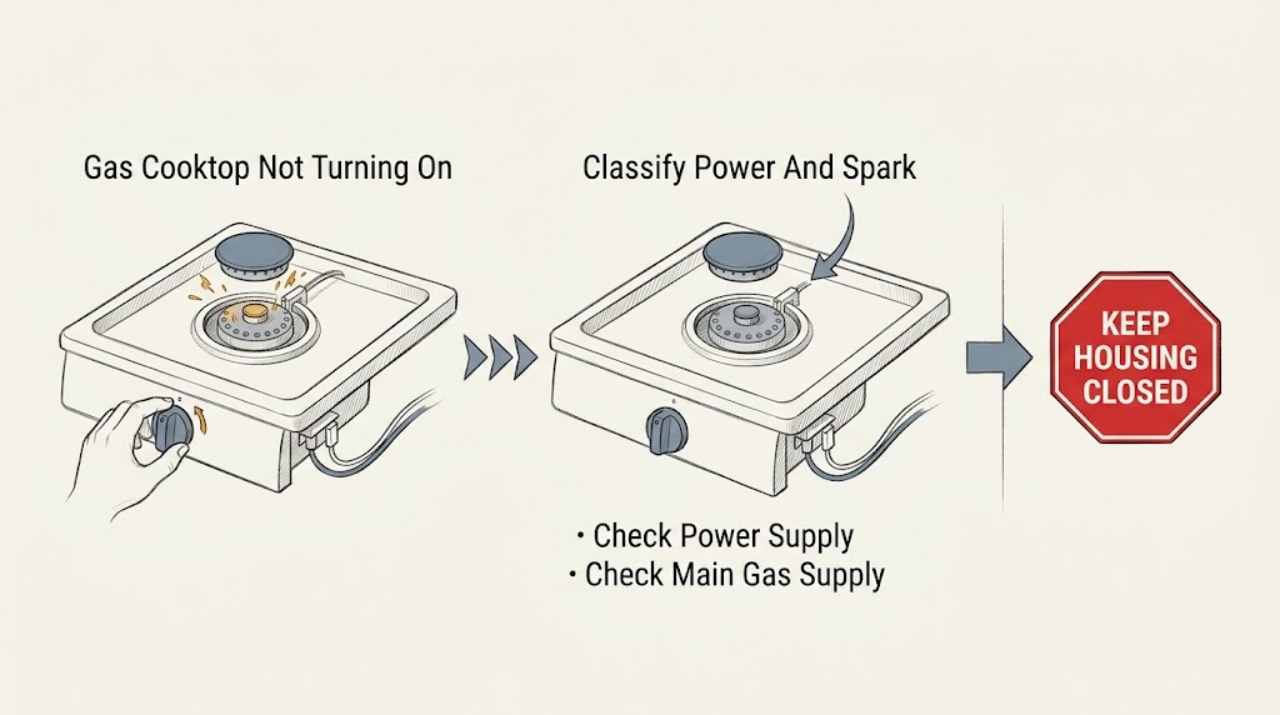
Thermador Gas Cooktop Not Turning On: Check Power, Gas, Caps, and Ignition
If a Thermador gas cooktop will not turn on, first separate no power or no spark from a burner that sparks but does not light. From a cool, dry cooktop, check that the unit is plugged in and its breaker has not tripped, then confirm the main gas supply is on.
-
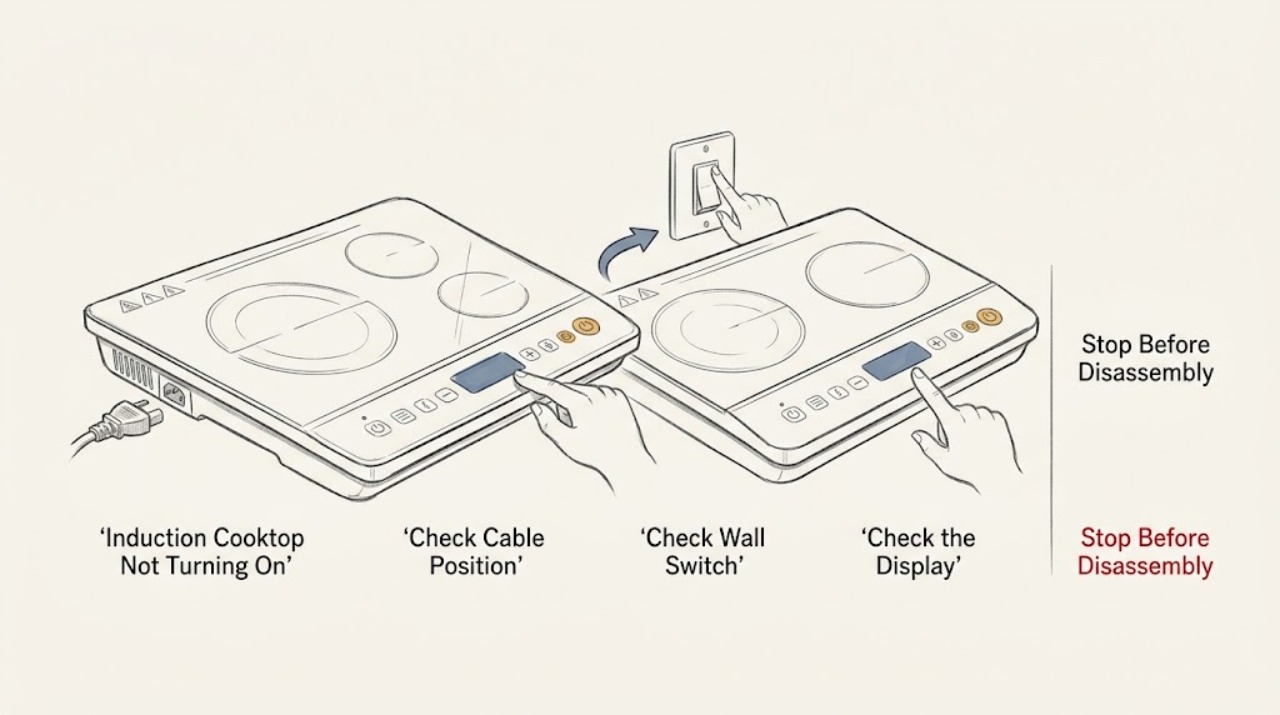
Thermador Induction Cooktop Not Turning On: Check Power, Lock, and Pan Detection
If a Thermador induction cooktop will not turn on, first determine whether the whole display is dark, the panel is lit but locked, the controls respond but a zone will not heat, or an error appears. Check the accessible main switch, plug or isolator, power failure, and labeled breaker without opening the cooktop.
-
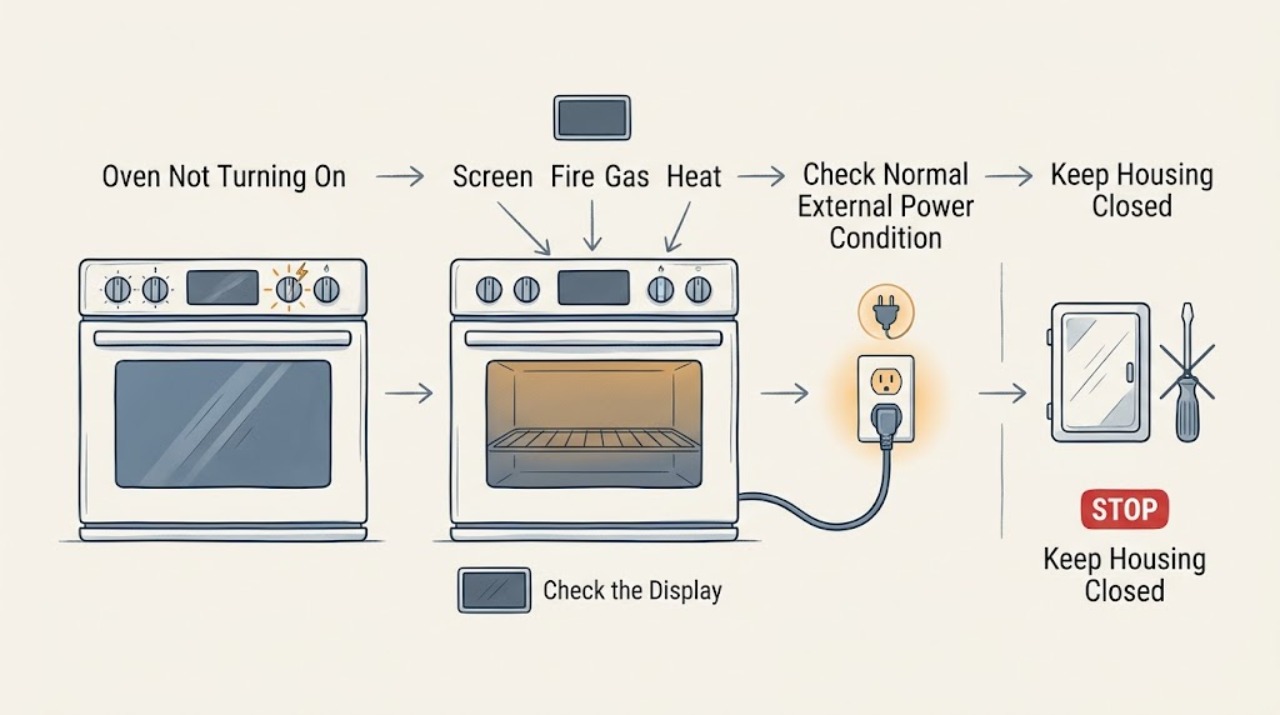
Thermador Oven Not Turning On: Separate Power, Controls, and Fuel Problems
First determine whether the Thermador oven is completely blank or has a display that lights but will not start. A blank display points to the appliance disconnect, household circuit, or control power; a lit display can be held by Panel Lock, a delay or end-time setting, an unconfirmed door, an incomplete mode or temperature selection, or an error state.
-
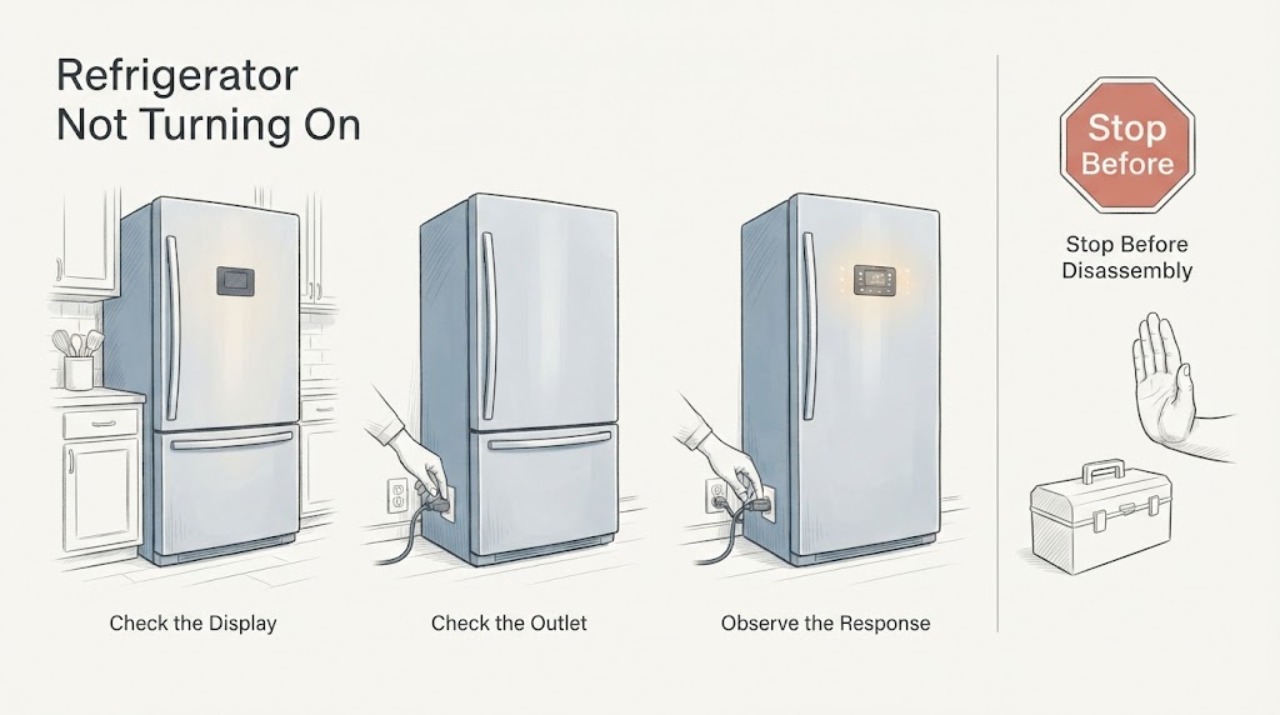
Thermador Refrigerator Not Turning On
For a Thermador refrigerator that is not turning on, check the cord, accessible outlet, display, and household breaker once when safe. Do not repeatedly reset protection; if power is present or the trip recurs, leave the appliance off and arrange service.
-
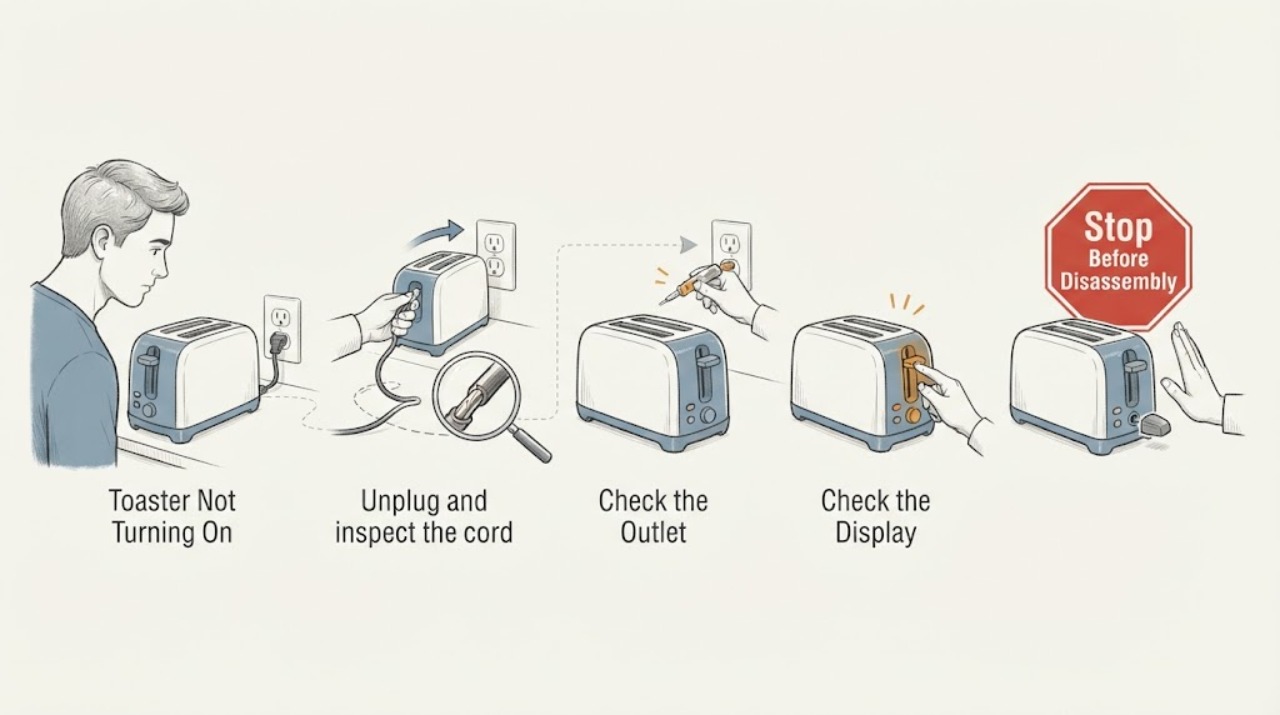
Toaster Not Turning On
Unplug the toaster and test the outlet with a lamp, then check the plug, cord, and circuit protection. Reconnect once only to a sound grounded outlet if the appliance is intact. Never insert tools into slots or bypass controls; smoke, a hot/damaged cord, or repeated trips requires replacement or qualified service.
-
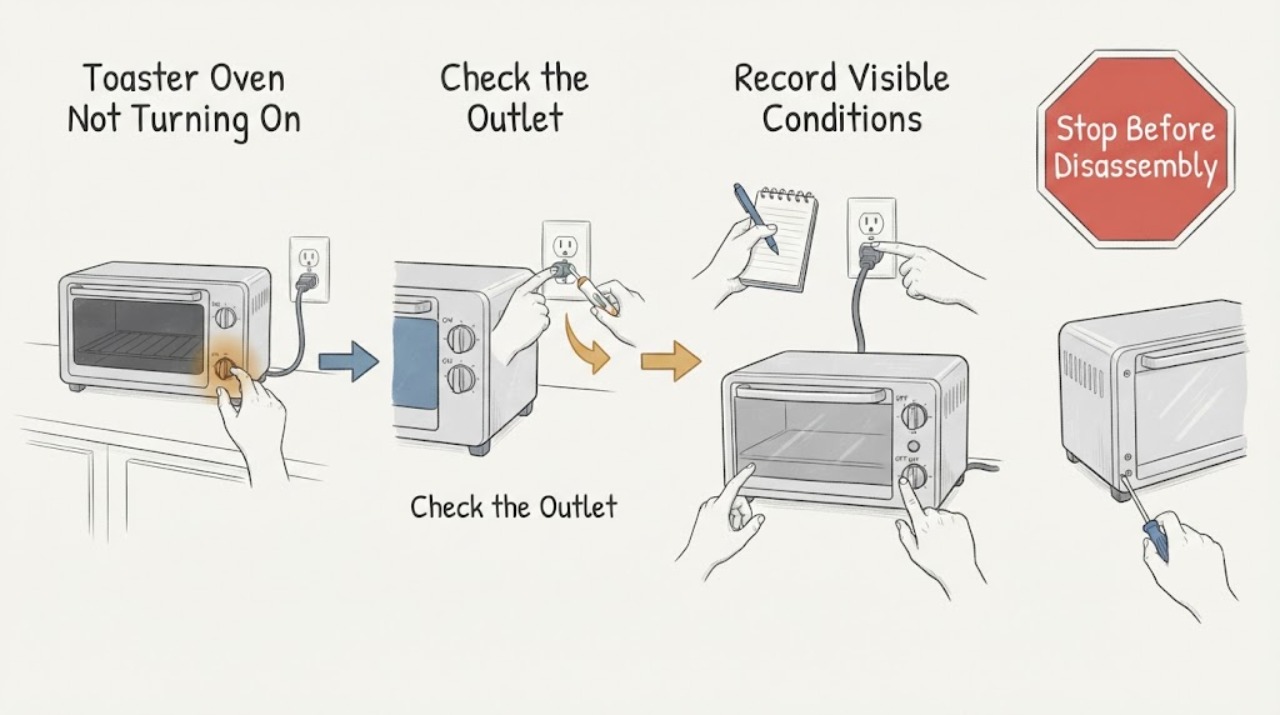
Toaster Oven Not Turning On: Check Standby, Power, and Crumb Safety
A toaster oven that appears dead should be checked at the wall outlet, plug, control or standby state, and dry seating of the crumb tray and removable parts. Unplug and cool it before cleaning; if the display and controls remain dead on a known-working outlet, stop before opening the case.
-
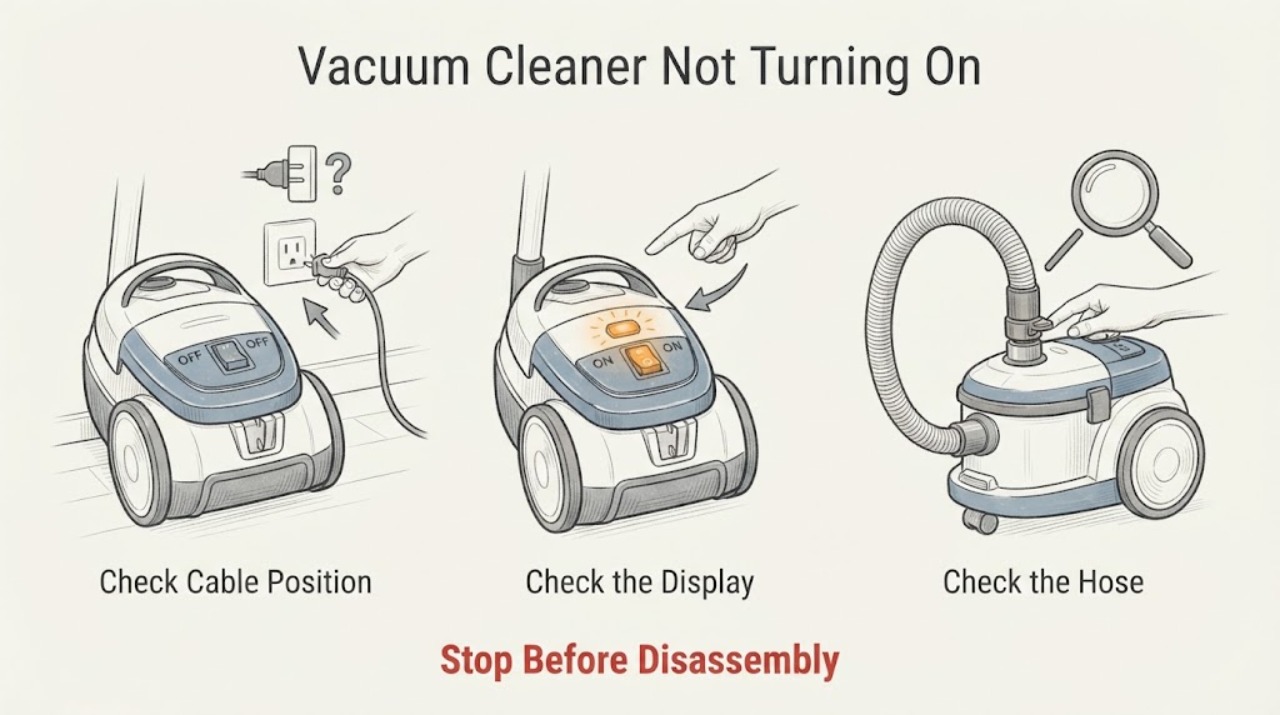
Vacuum Cleaner Not Turning On
For a vacuum cleaner that will not turn on, first separate a supply or battery problem from a blocked-airway safety cutout. Check the outlet, cord, fuse or battery charge from outside, inspect for a cracked battery casing, and clear only accessible blockages with power removed. A damaged cable or battery should not be used.
-
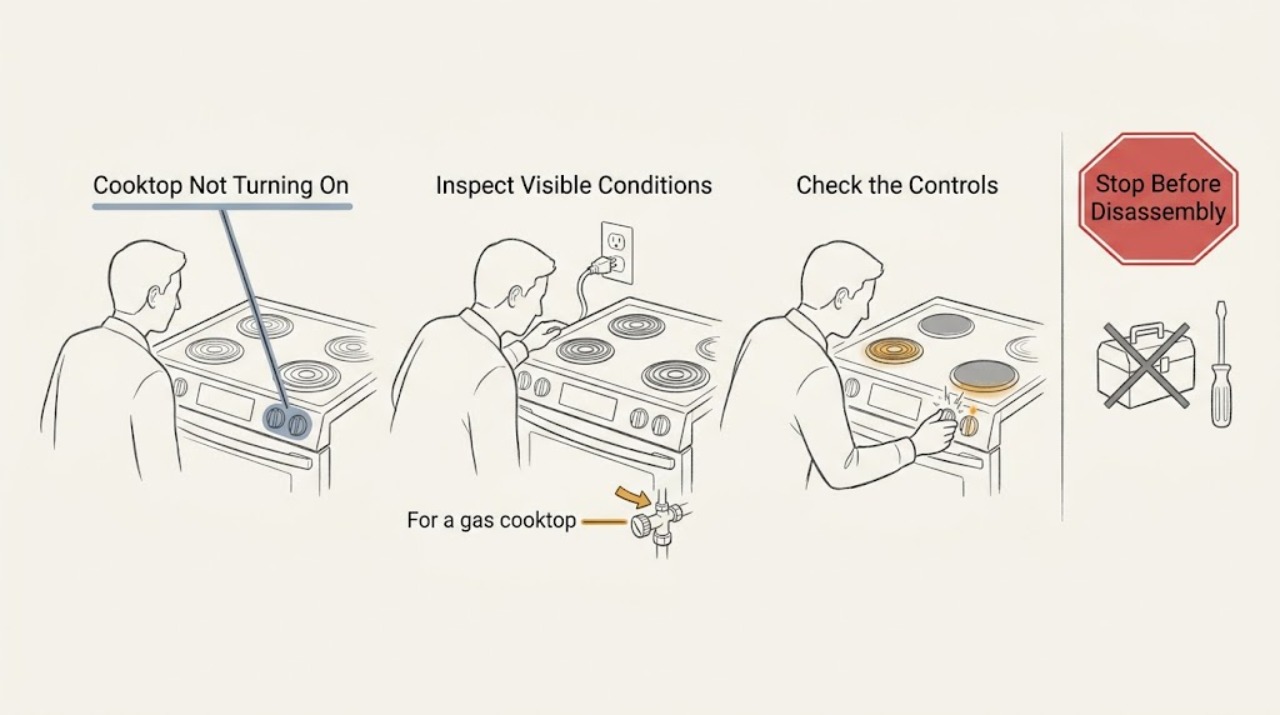
Viking Cooktop Not Turning On
If a Viking cooktop will not turn on, first identify whether it is gas, electric radiant, or induction, then use that model's control sequence and check the safe external power path. A gas model needs electrical ignition and gas supply; a radiant model needs power and a pushed-and-turned control; an induction model needs main power, a selected element, and suitable cookware.
-
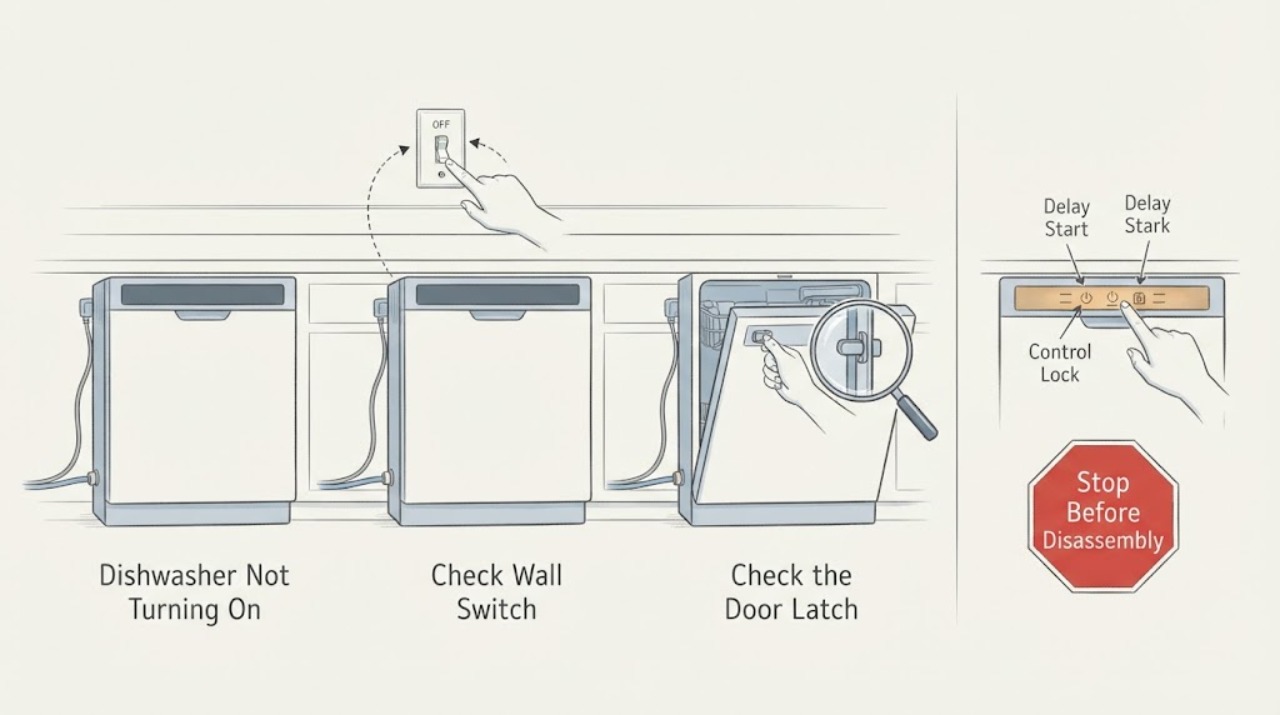
Viking Dishwasher Not Turning On: Check Door, Delay Start, and Power
When a Viking dishwasher will not turn on or start, verify the breaker, outlet, and cord, then close the door firmly and check for a control lock or delay start. Viking's use-and-care guidance lists an open door, delay start, disconnected water, power cord, fuse, and breaker among start-failure checks. Do not bypass the door latch or open live panels. A repeated breaker trip, burning odor, or failure after these checks requires qualified service.
-
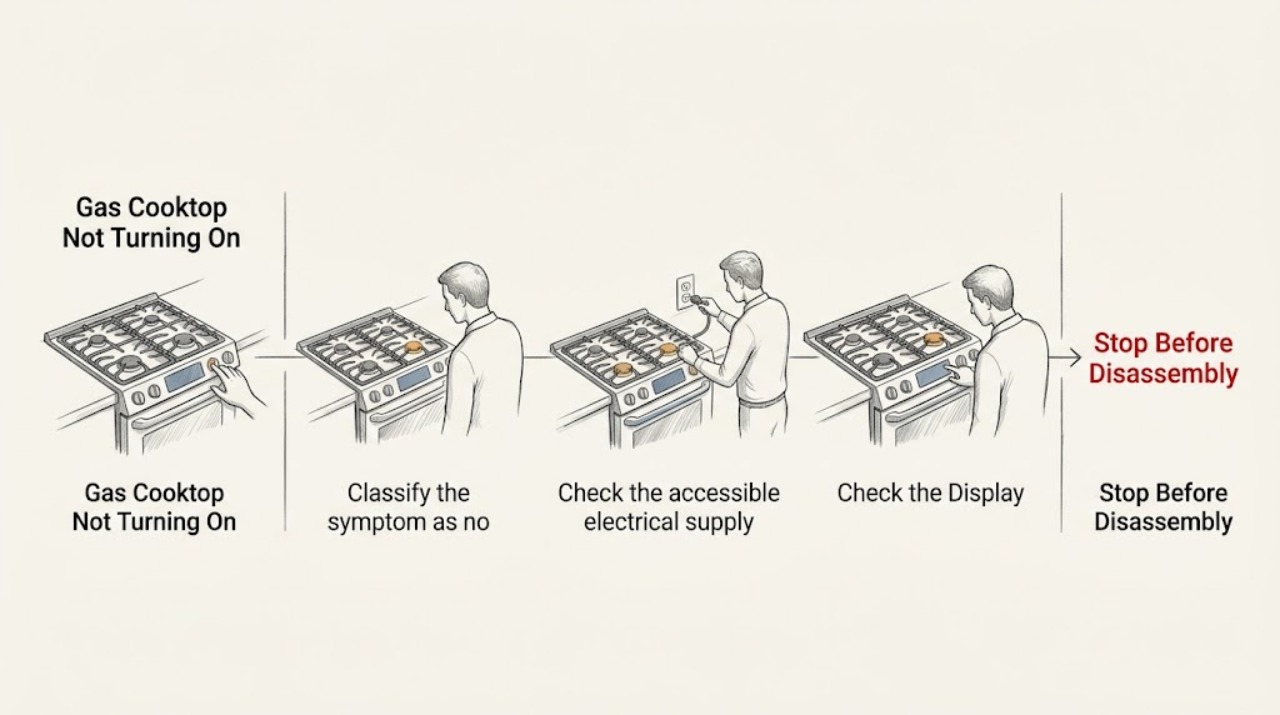
Viking Gas Cooktop Not Turning On: Separate Power, Spark, and Gas Faults
First turn every knob to OFF and decide what is missing: no control response or clicking, clicking with no flame, or a flame that is abnormal or will not stay lit. Viking gas cooktops use electric spark ignition, so a no-spark symptom can involve power, the breaker, grounding, the ignition switch, or the shared spark system.
-
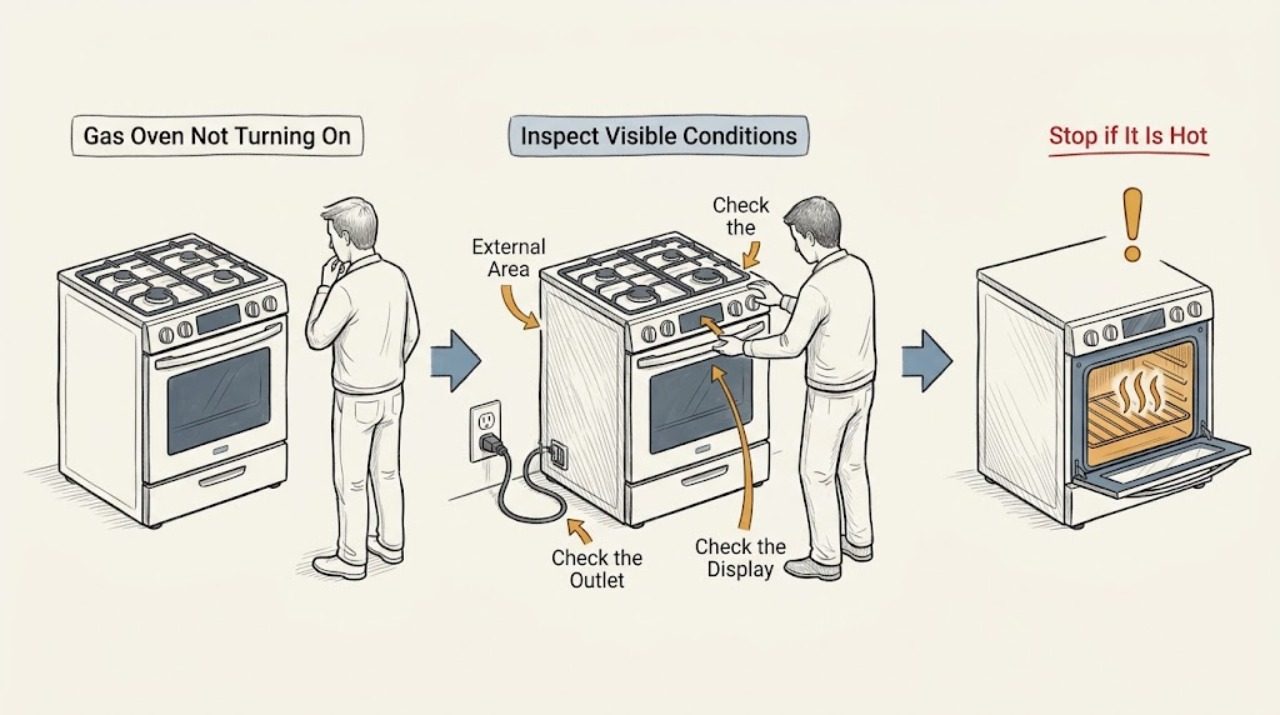
Viking Gas Oven Not Turning On: Separate Power, Controls, Ignition, and Gas-Safety Clues
First separate a Viking gas oven with no display or no response from one that has power but will not start a bake cycle or light its burner. Record the exact model, display state, selected mode, clock or timer state, and any sound or odor.