
Repair problem
Not Working Troubleshooting Guides – Page 2
Published FixGraph guidance for diagnosing and responding to not working.
Matching published guides
Choose a guide that matches the service, equipment, and conditions you are seeing.
-
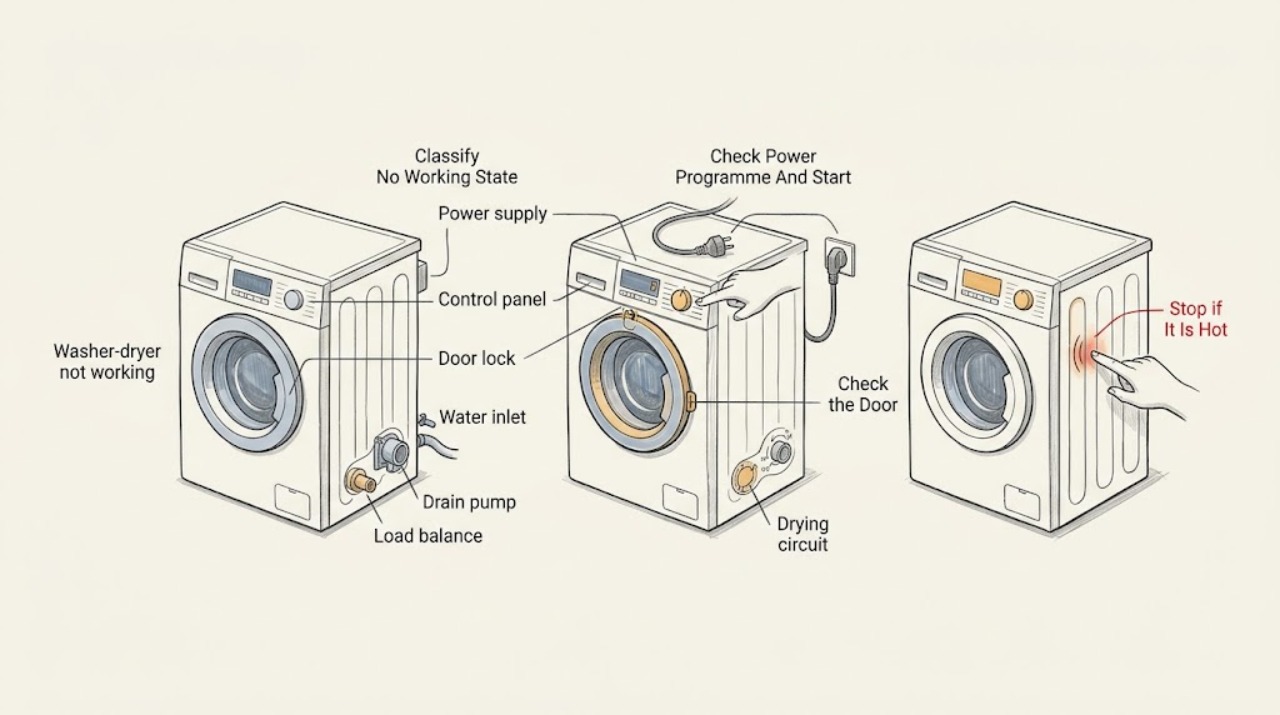
Bosch washer-dryer not working: isolate power, water, drain, and drying faults
First identify whether the Bosch washer-dryer is completely dead, waiting at the door or water stage, stopped with water inside, or failing only during drying. Check the plug and household supply from a safe, dry position, make sure the programme is selected and the door is closed, and read any display symbol or code.
-
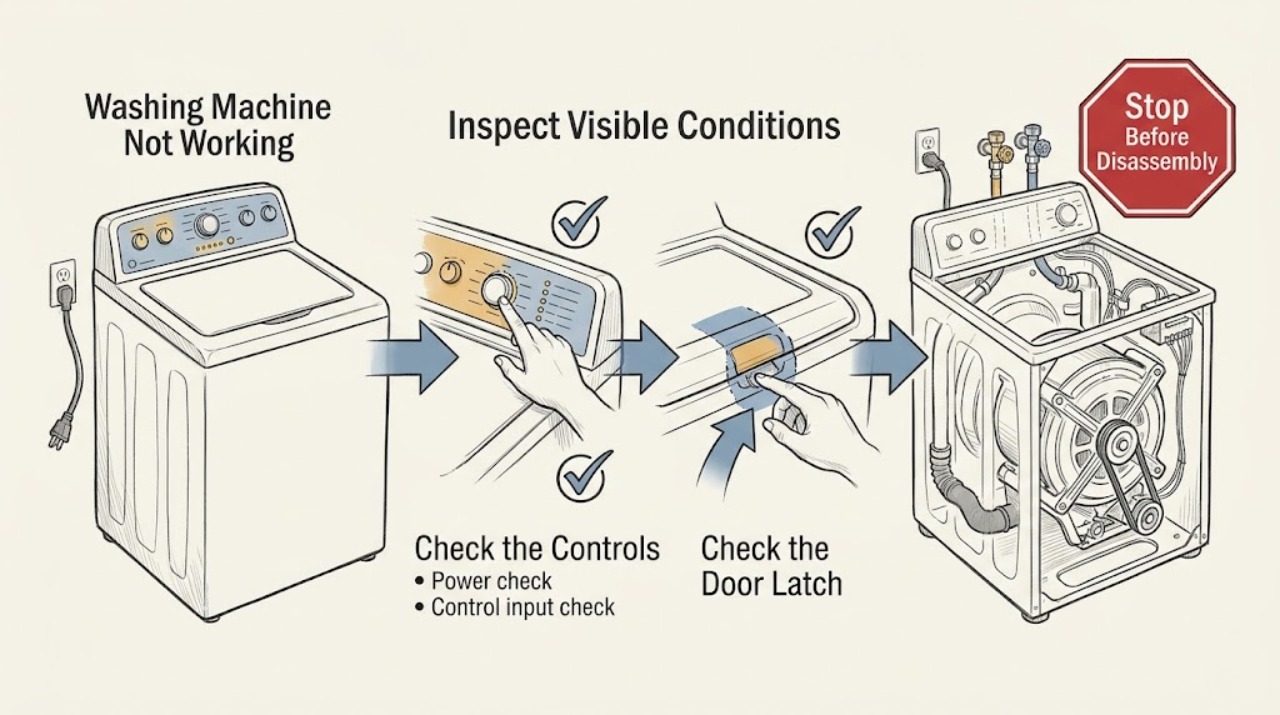
Bosch Washing Machine Not Working: A Safe Symptom-by-Symptom Check
When a Bosch washing machine is not working, first classify the symptom: no lights, a lit panel that will not start, or a programme that starts and then stops. For a blank panel, check the plug, switched socket, and household protection.
-
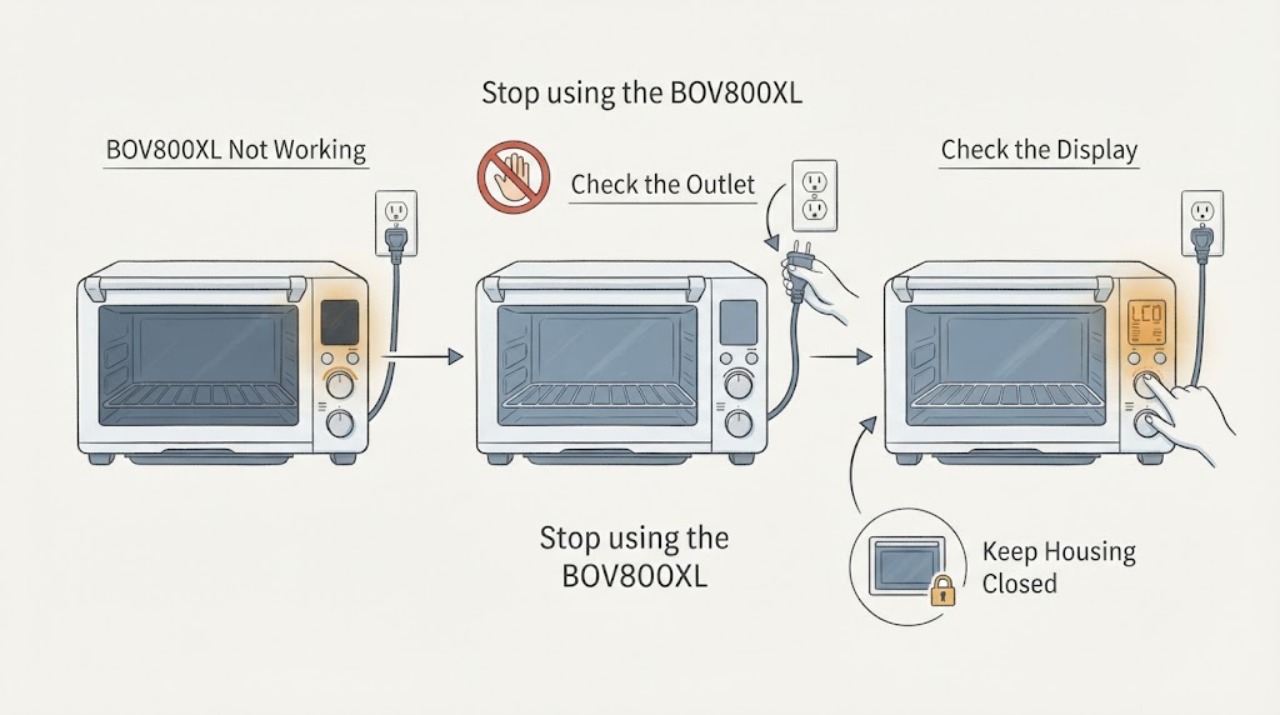
Breville BOV800XL Not Working: Safe Checks Before Service
For a Breville Smart Oven BOV800XL that seems not to work, first check the plug and outlet, then determine whether the LCD is simply in standby. Breville’s manual says the oven enters standby after 10 minutes; pressing START/CANCEL or turning a dial wakes it.
-
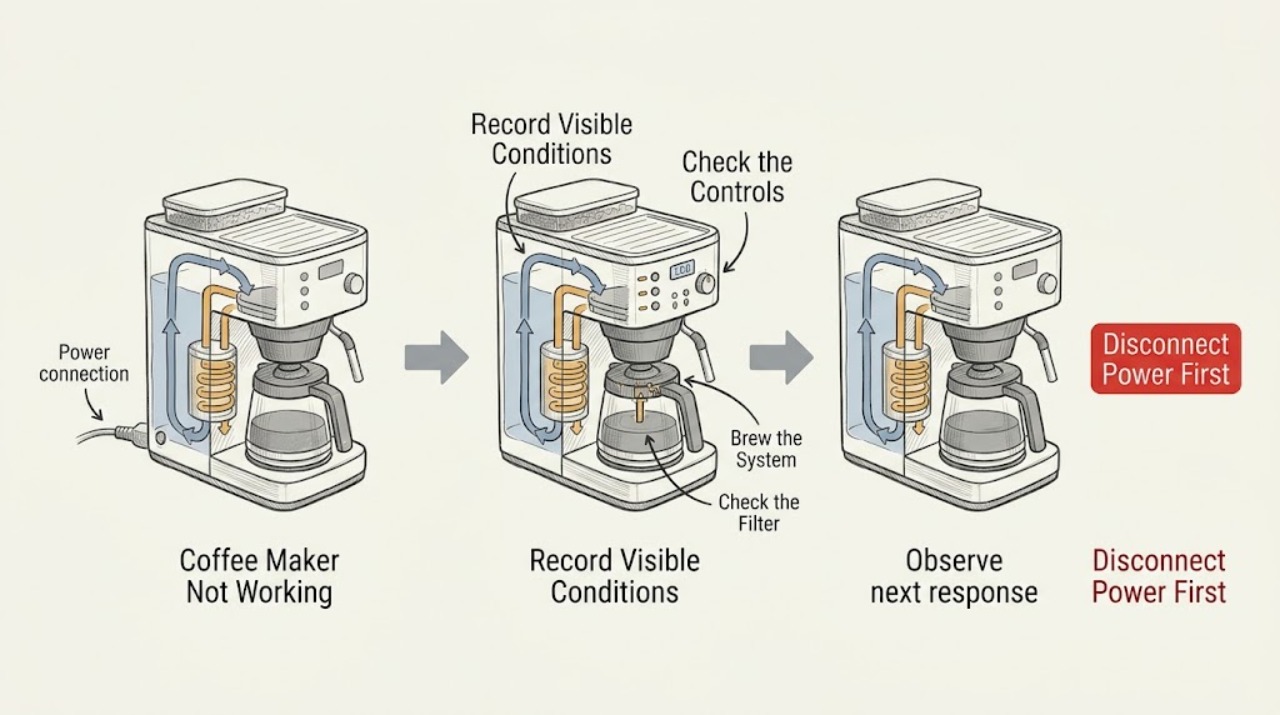
Breville Coffee Maker Not Working
Start by identifying the architecture and the exact symptom: Breville's drip machines such as the BDC650 use a water tank, carafe, filter basket, grinder, and brew controls, while espresso machines such as the BES840 use a water tank, portafilter, pump, heater, and steam wand. Check only the visible plug, water level, model-specific basket/portafilter, and displayed status; do not mix procedures between models.
-
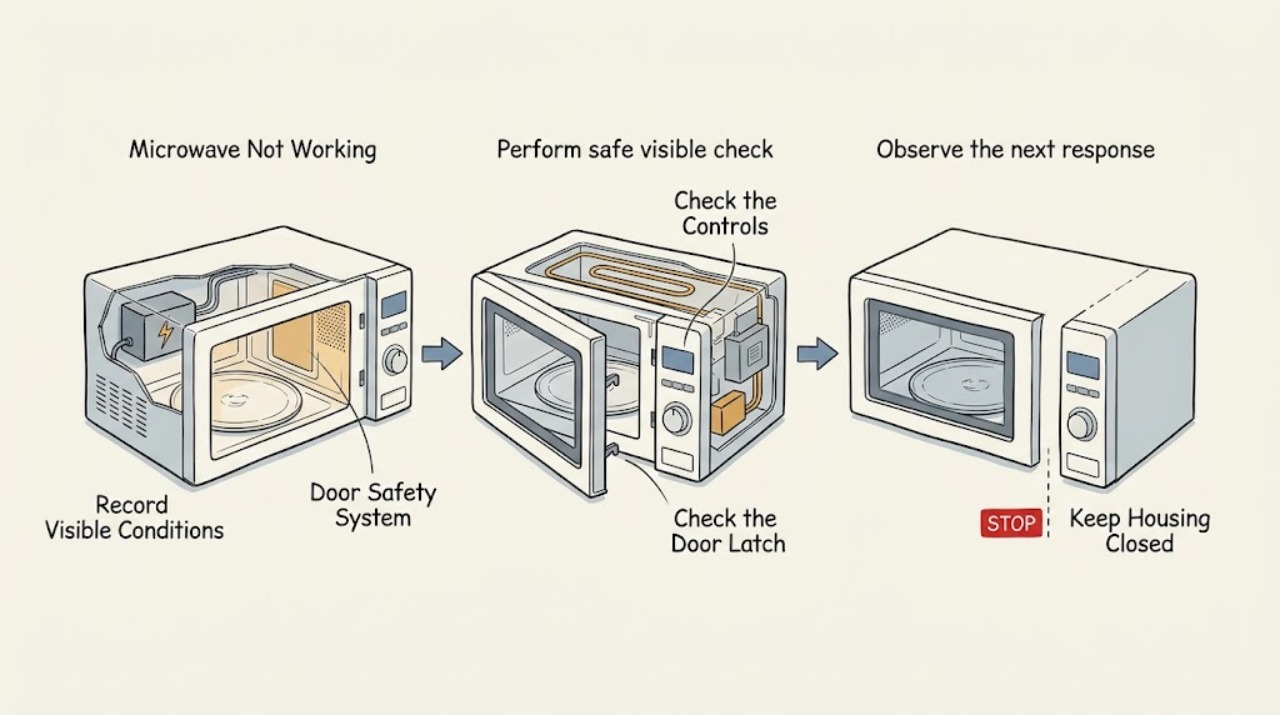
Breville Microwave Not Working
First separate a completely dead Breville microwave from one that starts but does not heat, has a turntable or noise problem, or shows a status message. Check only the visible power connection, household supply, control setting, properly closed door, and model-specific turntable assembly; never defeat the door safety system, run the oven empty, open the cabinet, or test high-voltage parts.
-
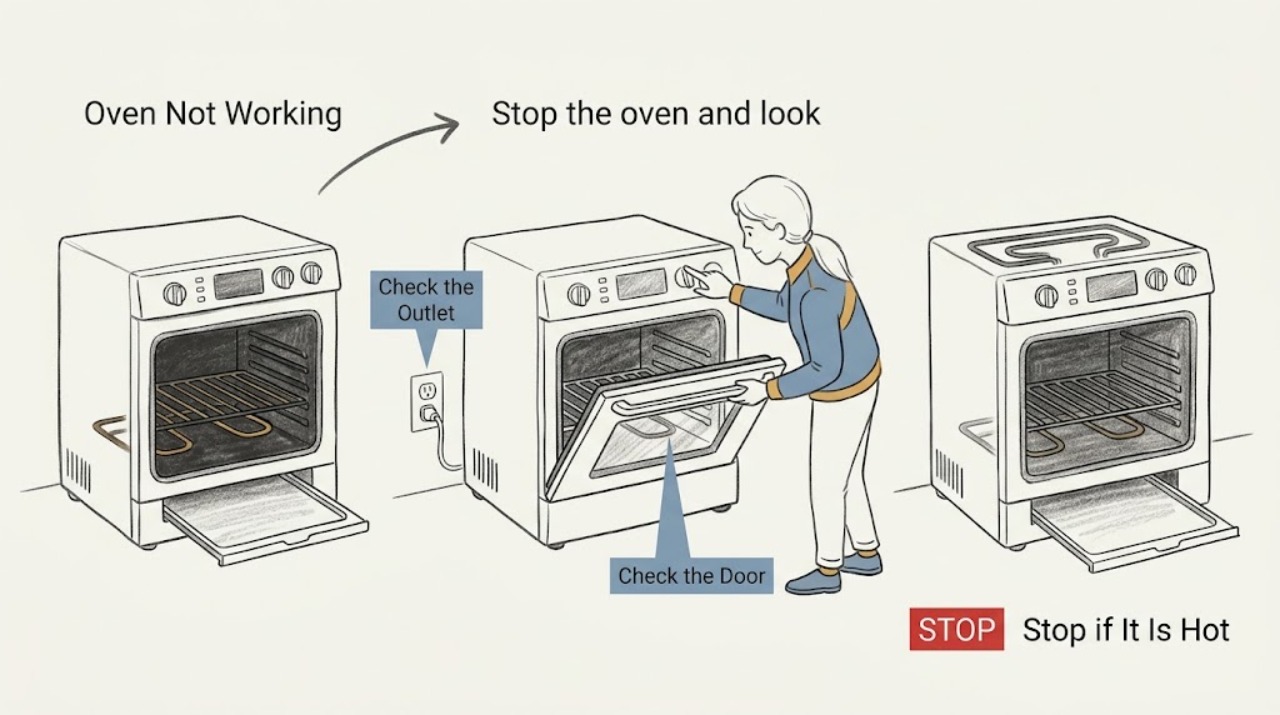
Breville Oven Not Working
If a Breville countertop oven is not working, first confirm that the power plug and outlet are good, the circuit breaker has not tripped, and the oven is not simply in standby. Select a valid function, set the temperature and time, and press START/CANCEL as described in the model manual.
-
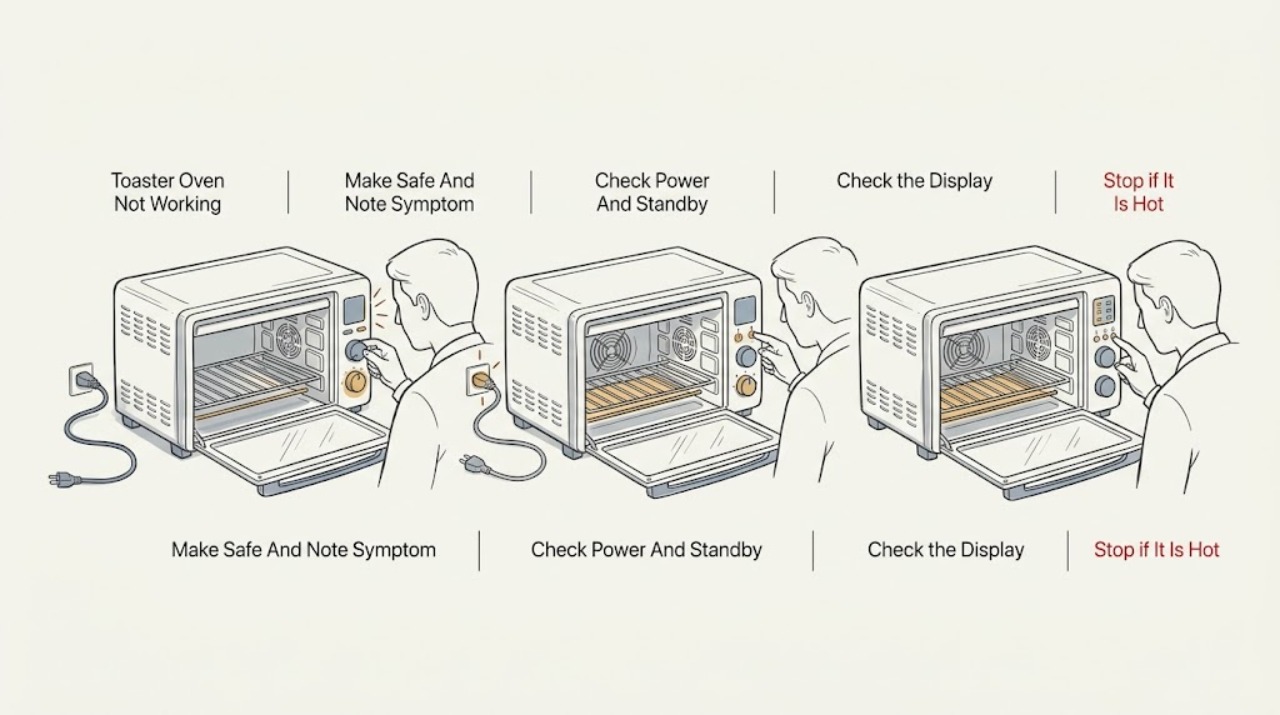
Breville Toaster Oven Not Working
When a Breville toaster oven is not working, first separate a blank display from a cycle that starts but does not heat, a fan-only or noisy-fan symptom, a door/control problem, and an error code. Check the plug and outlet from a safe position, wake a model that is in standby, select a supported function, set a time and temperature, and press the exact model's START or START/STOP control.
-
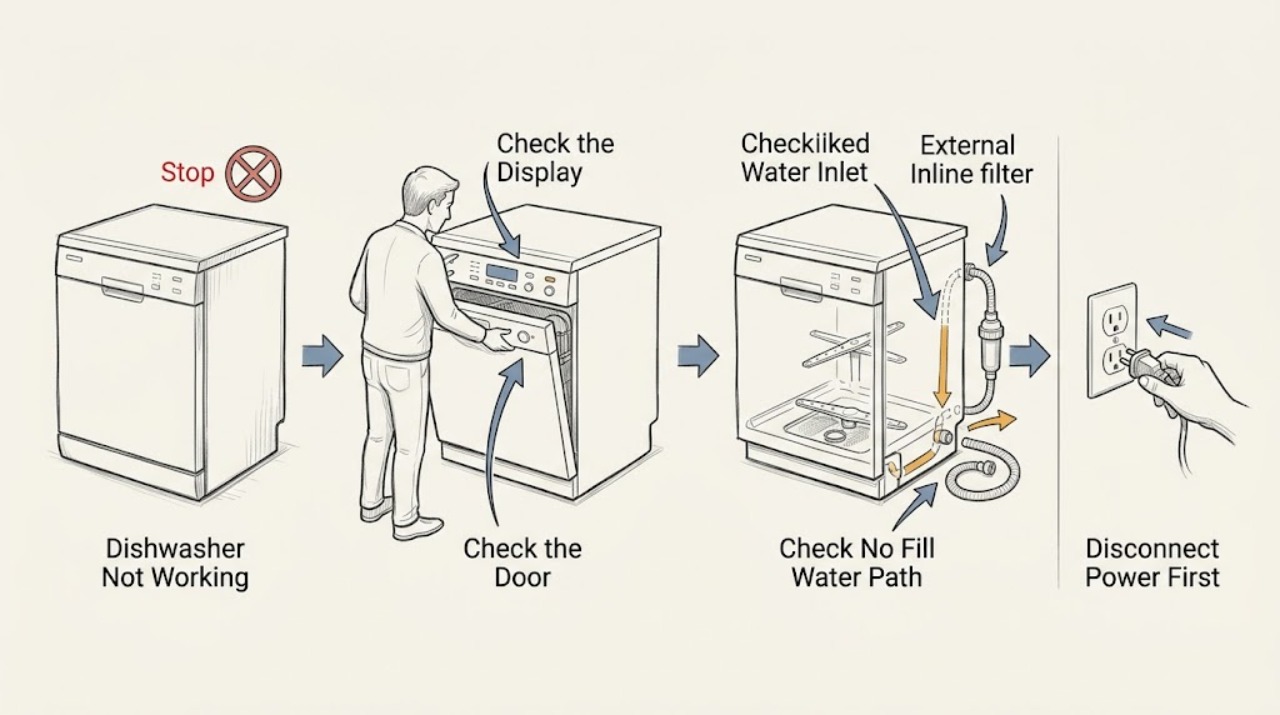
Candy Dishwasher Not Working
First separate the symptom on your Candy dishwasher: no display or lights, a lit panel that will not start, no water entering, water left inside, poor washing or no heat, or a displayed code/rapid flashing pattern. For a blank machine, check only the accessible plug, wall outlet, and ON/OFF control; do not open the appliance.
-
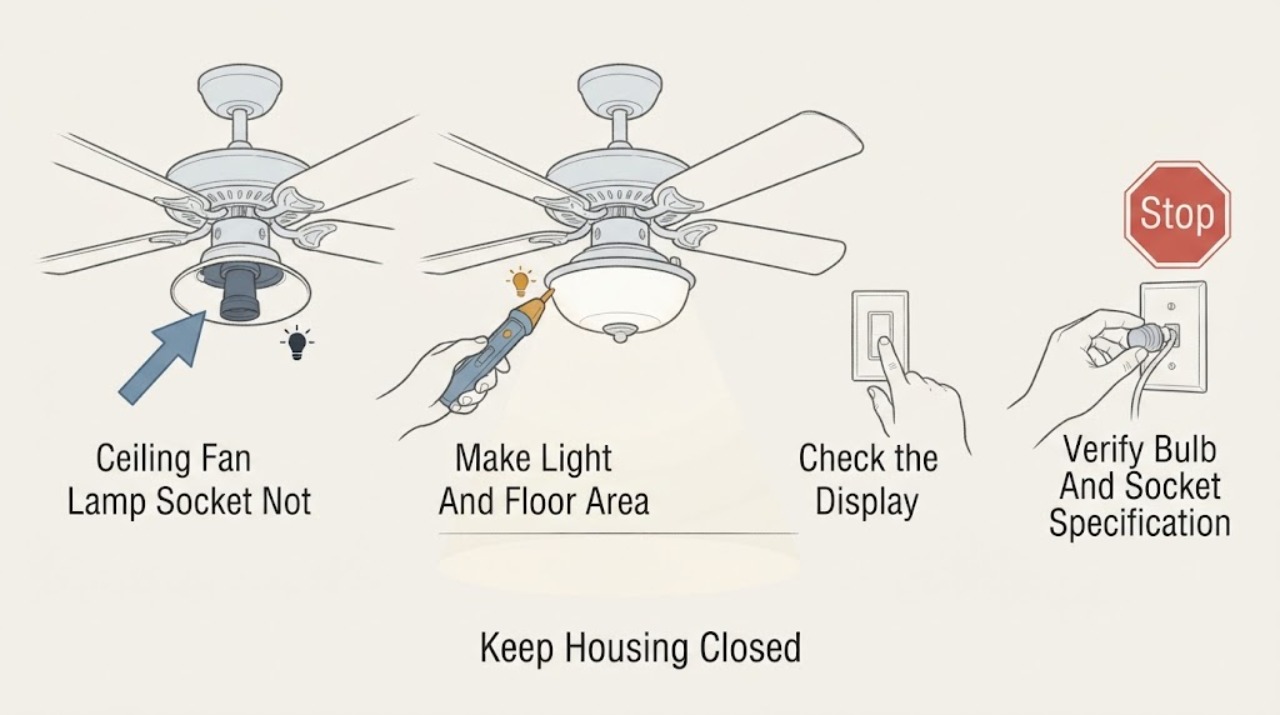
Casablanca Ceiling Fan Lamp Socket Not Working: What to Check Next
If the lamp socket on a Casablanca ceiling fan does not work, first turn the light control off and let the bulb and shade cool. From the floor, note whether the fan motor still runs, whether every light on the fixture is out, and whether the light responds to the wall control, pull chain, or remote.
-
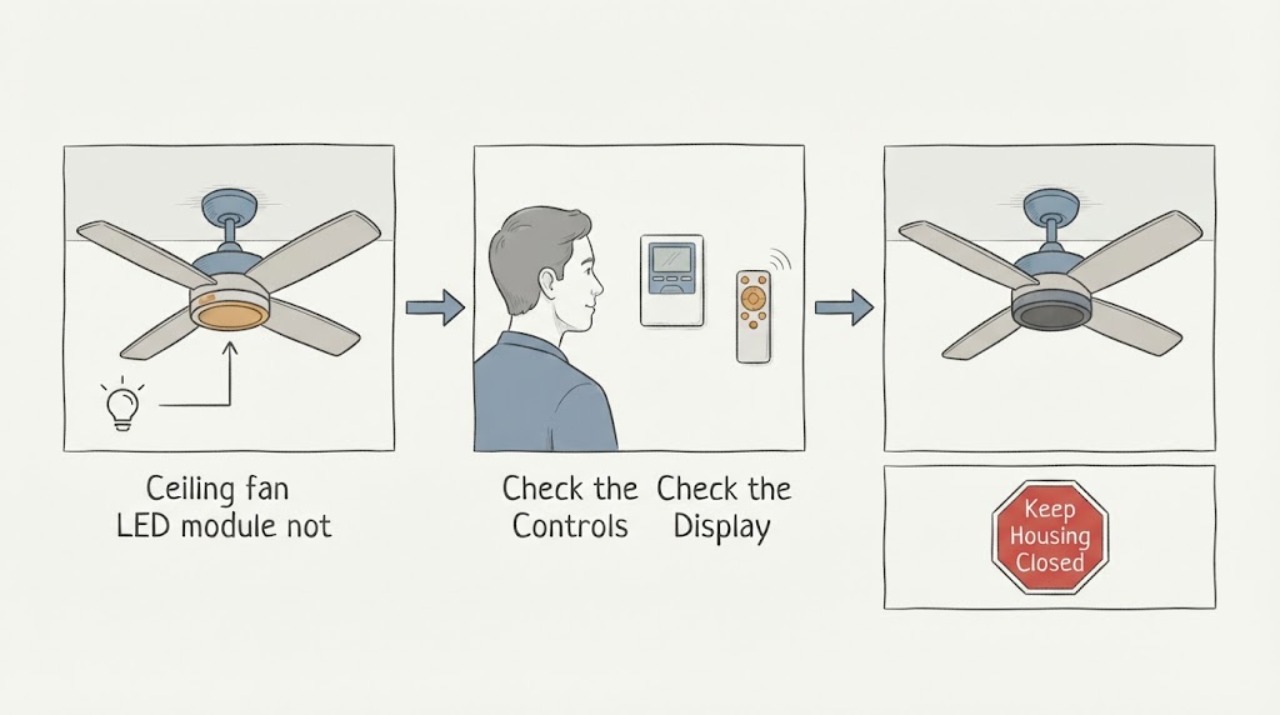
Casablanca ceiling fan LED module not working: What to Check and What to Do Next
If a Casablanca ceiling-fan LED module is dark, first determine whether the fan still runs and whether the light control produces any response. Confirm the wall switch or breaker is on, press the light control once, and follow the exact Casablanca manual for that model's light-control or pairing behavior.
-
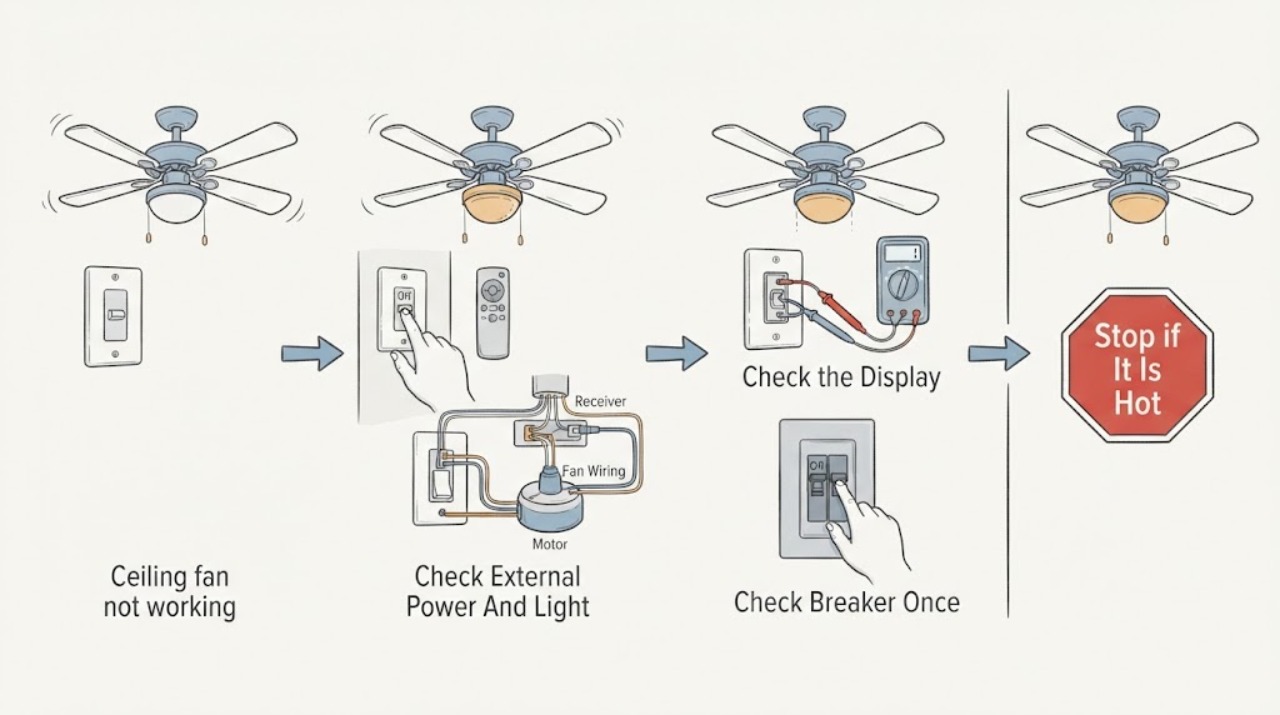
Casablanca ceiling fan not working: What to Check and What to Do Next
When a Casablanca ceiling fan does not work, first separate a control problem from a loss of power: confirm the wall switch is on, try the installed control or pull chain as appropriate, and check whether the light or another fixture on the same circuit responds.
-
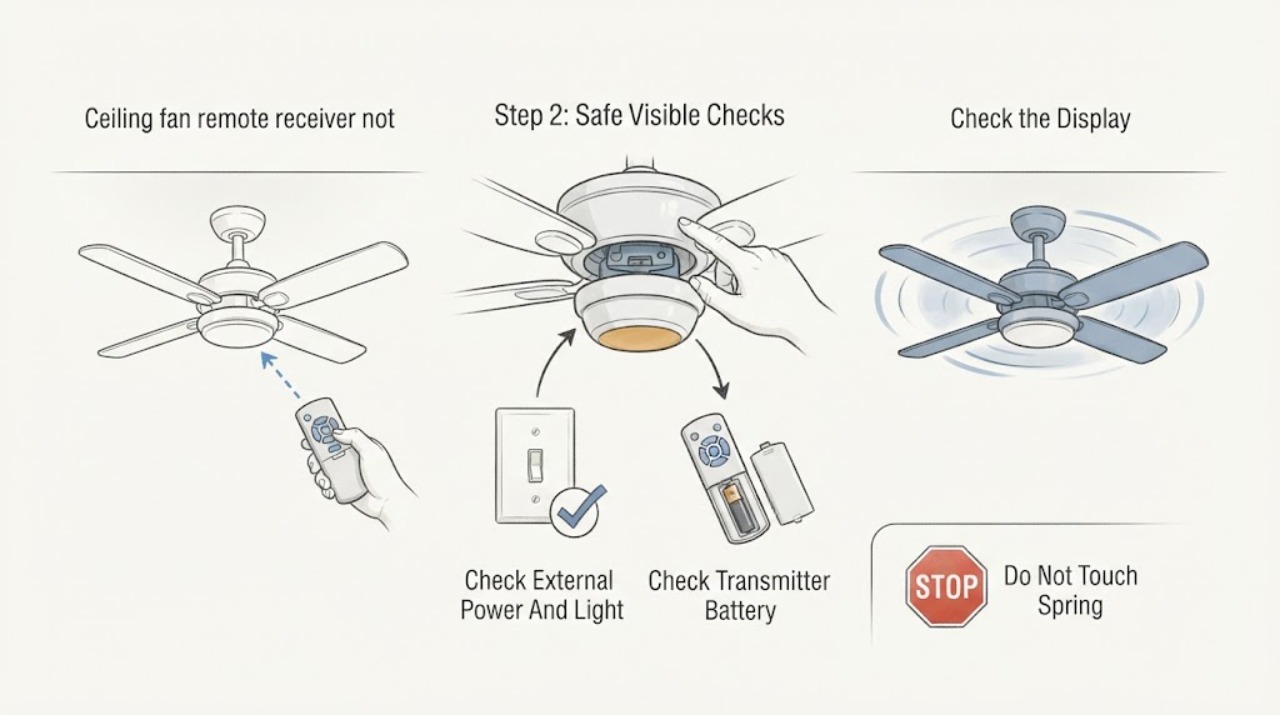
Casablanca ceiling fan remote receiver not working: What to Check and What to Do Next
When a Casablanca ceiling-fan remote receiver is not working, first identify the exact fan, wall control or handheld transmitter, and receiver family. Then check the external wall switch or breaker, the transmitter battery where applicable, and whether the light responds when a fan command does not.
-
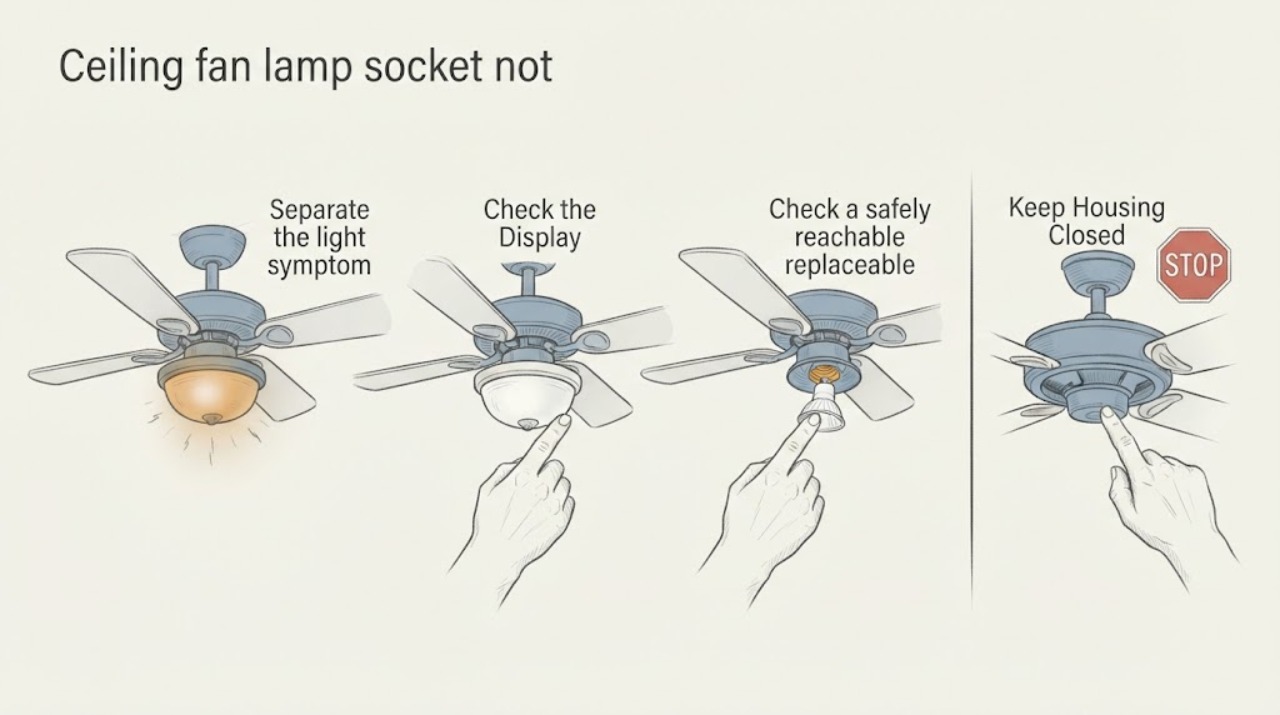
Ceiling fan lamp socket not working: What to Check and What to Do Next
First determine whether the fan still runs and whether the failed light uses a replaceable bulb or an integrated LED module. Use the light control by itself, then—only if the bulb is safely reachable—turn off power, let it cool, and try the correct known-good bulb.
-
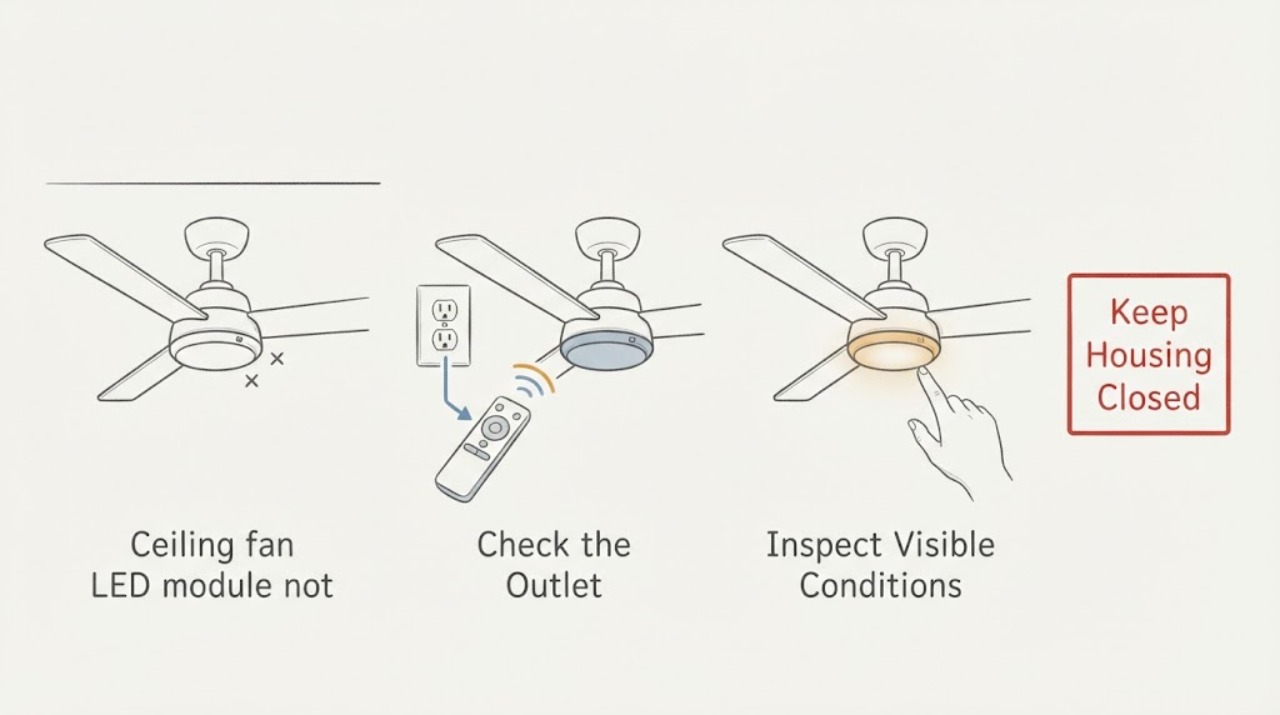
Ceiling fan LED module not working: What to Check and What to Do Next
First determine whether the ceiling fan still runs and whether the light fails from every normal control. A light-only failure can involve the control path, receiver, connector, LED driver, or LED module, and the exact design varies by fan.
-
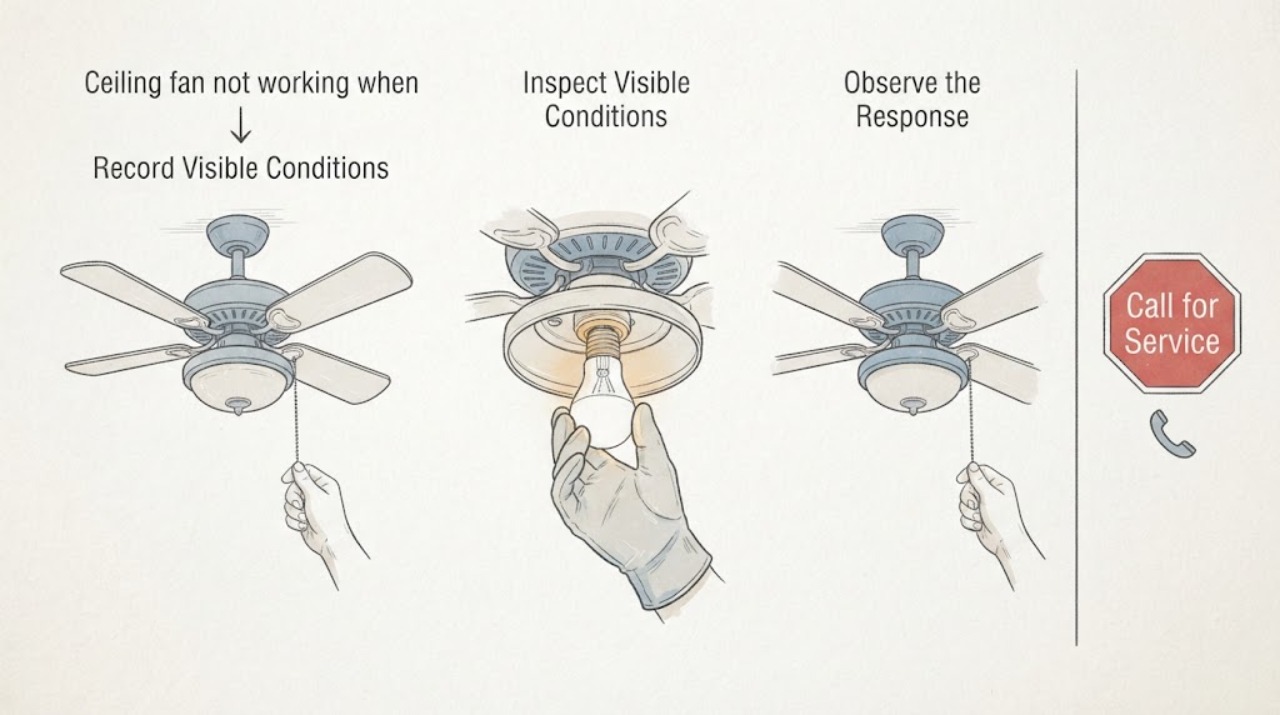
Ceiling fan not working when the bulb or module is replaceable: What to Check and What to Do Next
First separate a dead fan, a dead light with a running fan, and a fan-and-light combination that is completely unresponsive. From a normal standing position, check the wall switch, pull chain or remote control, remote batteries, and the accessible breaker indication; then use the exact fan manual.
-
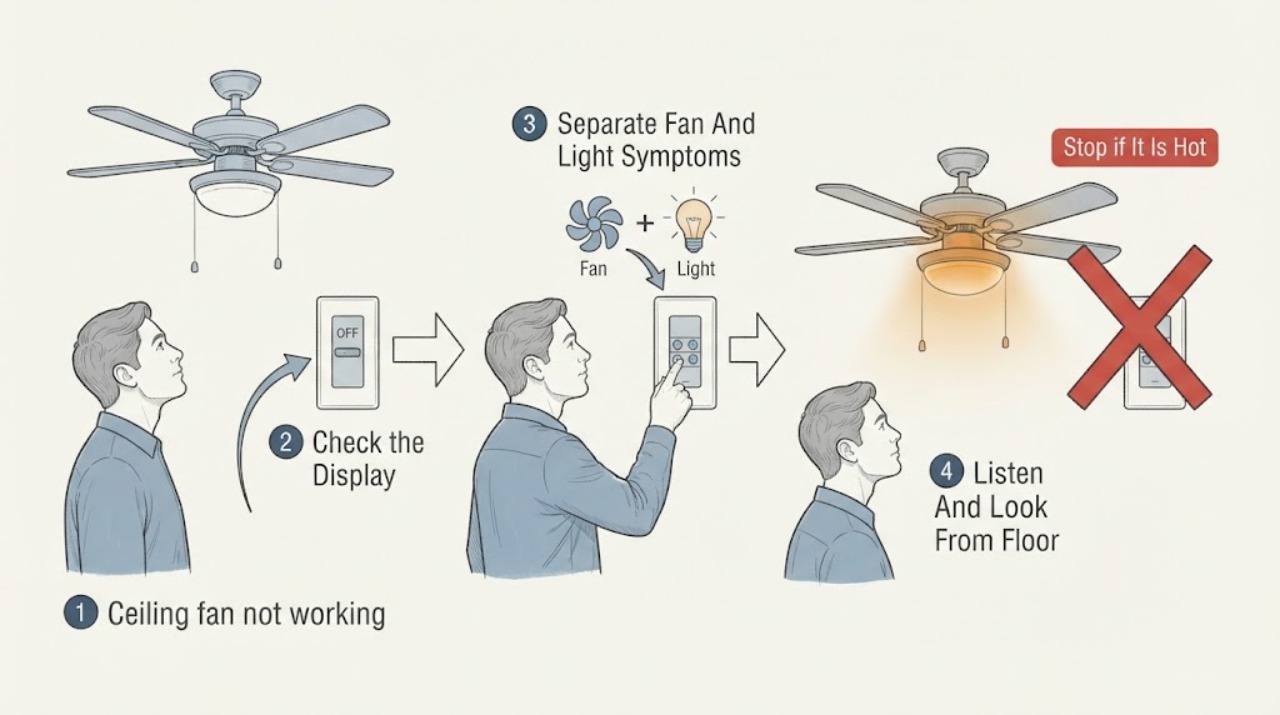
Ceiling fan not working: What to Check and What to Do Next
Start by separating a total no-response problem from a fan-only or light-only problem. From the floor, note the wall-switch and remote state, the last known fan and light response, and any click, hum, heat, odor, flicker, or prior breaker trip.
-
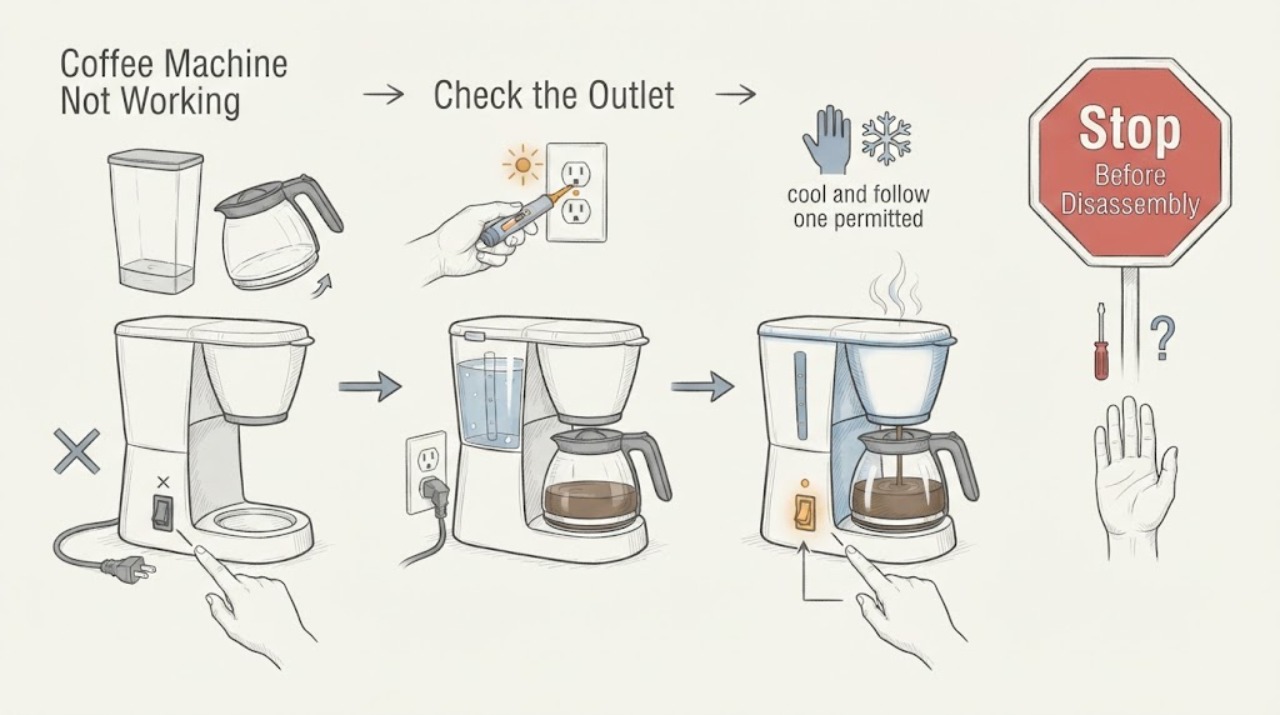
Coffee Machine Not Working
Separate a coffee machine that is dead from one blocked by tank seating or a hot/scale-affected brew path. Check power and rear switch, seat the tank and parts, then follow one permitted cool-down or cleaning step.
-
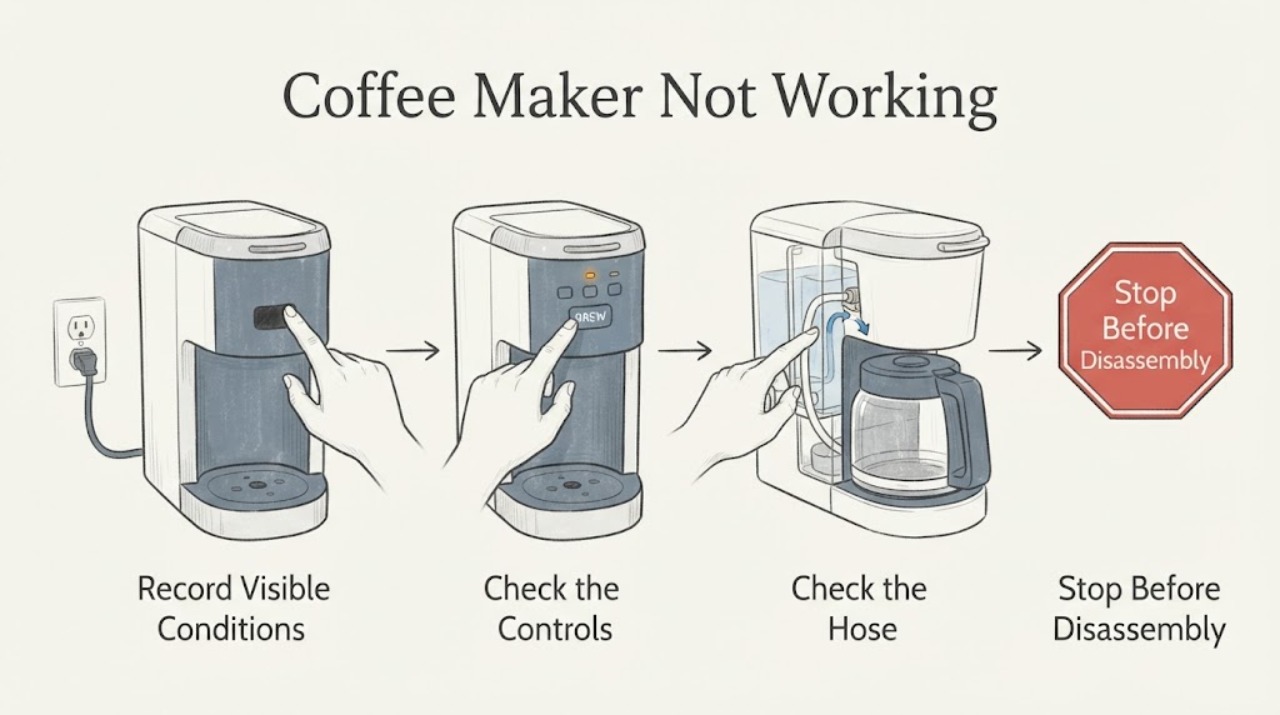
Coffee Maker Not Working
Check the outlet, power switch, water tank, lid or basket seating, and selected brew time or program. Use the exact coffee-maker manual for cleaning and reset steps. If power and setup are normal but the machine remains inactive, arrange service.
-
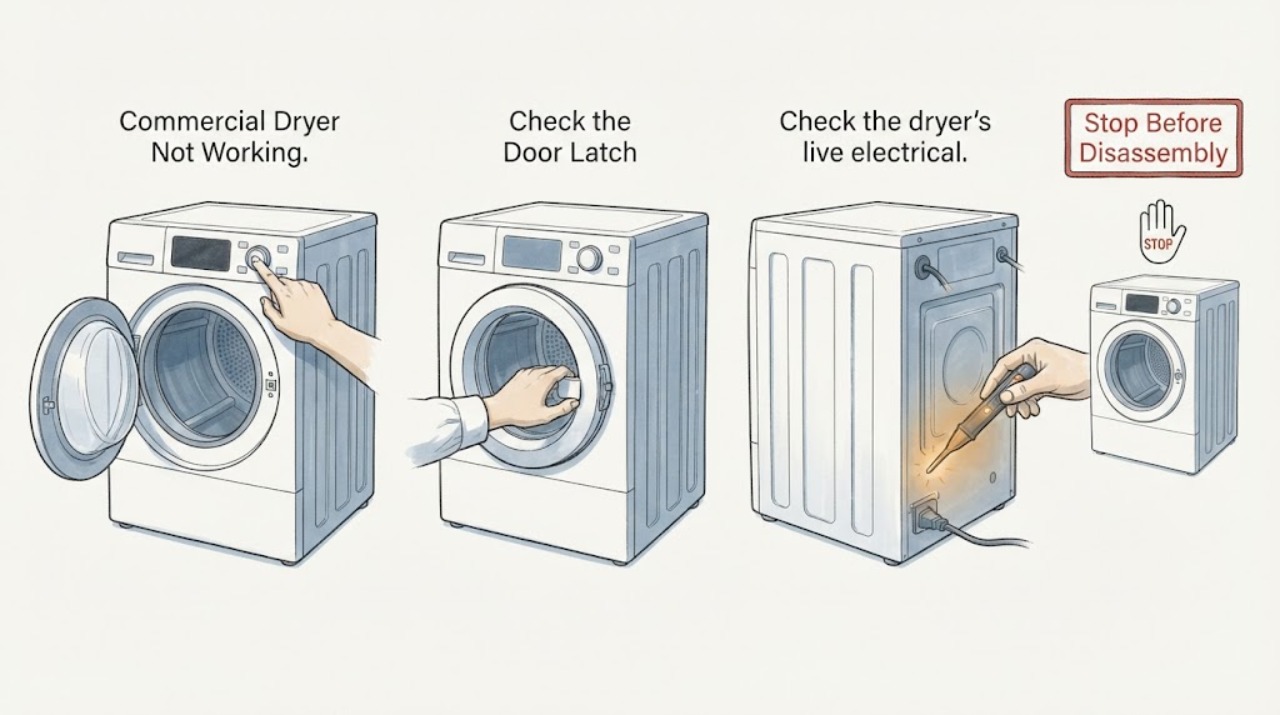
Commercial Dryer Not Working
For a commercial dryer that is not working, separate no start from no heat or poor drying. Check the door latch, cycle selection, live supply, breaker or fuse, and the fuel or exhaust path appropriate to the installed dryer. A recurring trip, gas concern, damaged wiring, or persistent failure needs authorized commercial service.
-
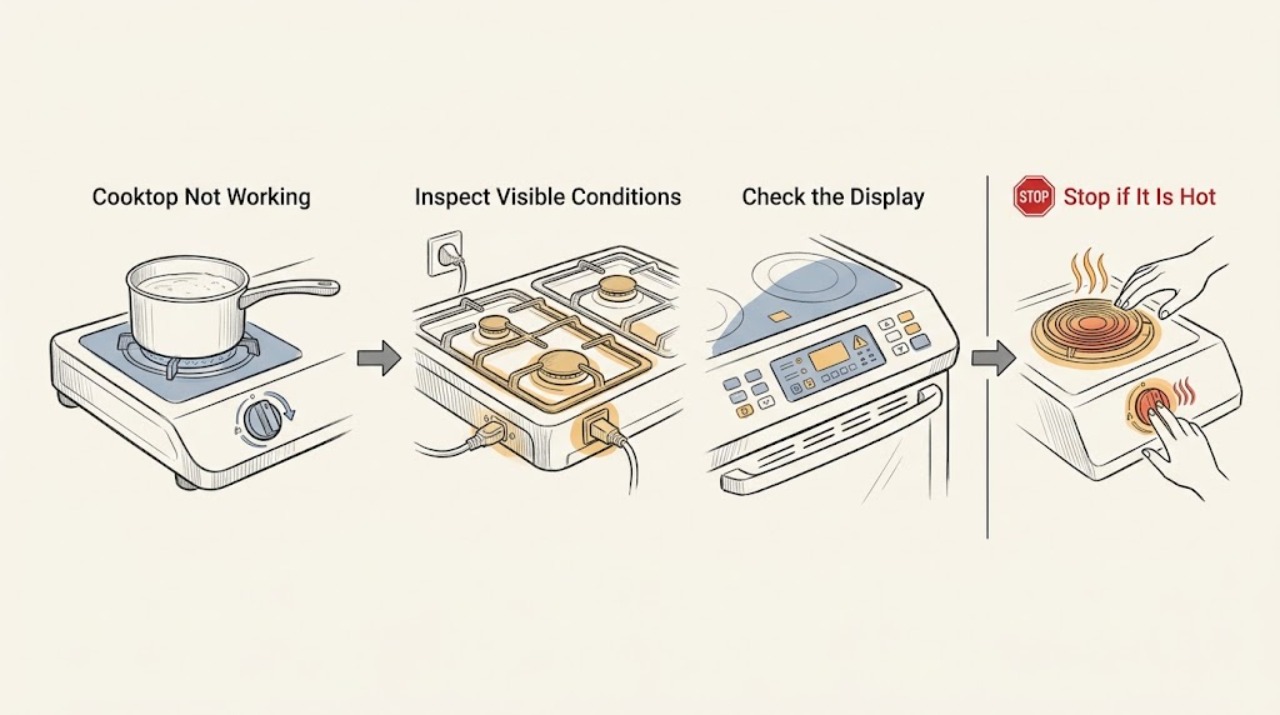
Cooktop Not Working
First separate a cooktop with no display or no power from one where only a burner or zone fails. From a dry, safe position, check for an outage, control lock, incorrect setting, or tripped supply protection; then identify whether the surface is gas, electric radiant or coil, or induction.
-
Crosley Refrigerator Not Working
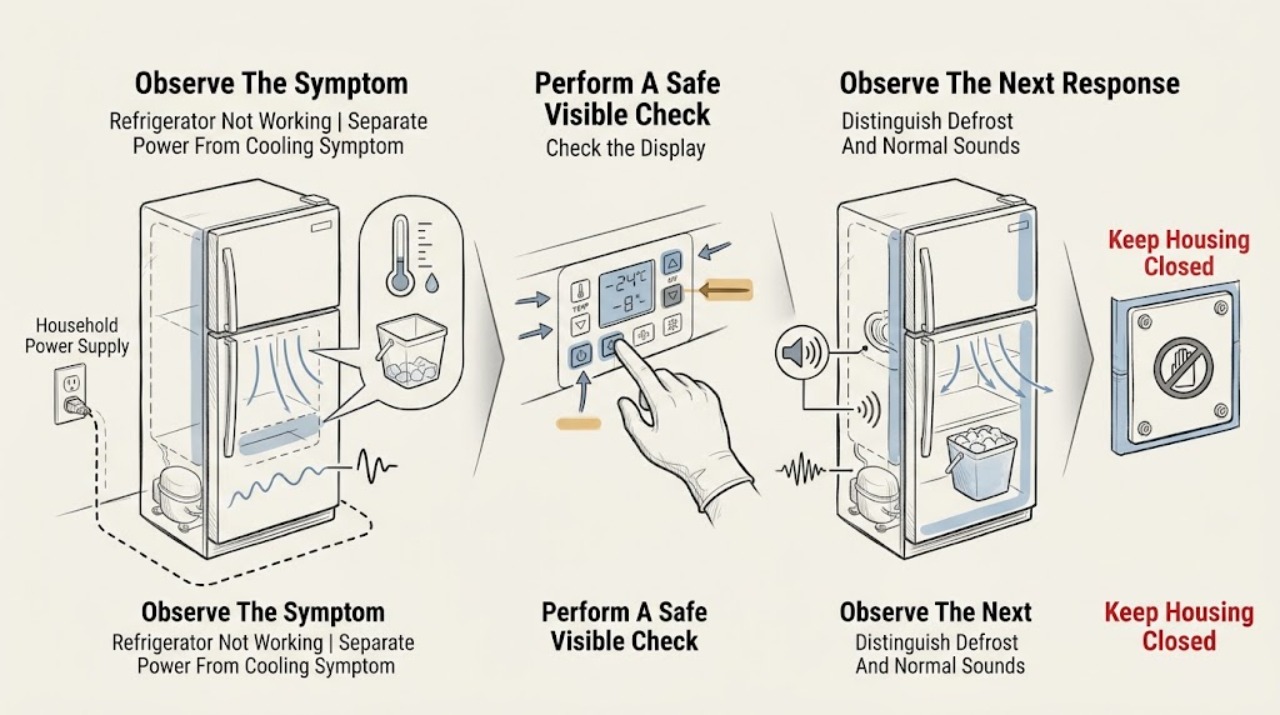
First separate a completely dead Crosley refrigerator from one that has lights but is not cooling or has only an ice, water, noise, or alarm symptom. From a dry visible position, confirm the plug and household supply, check that the cooling control is not OFF or 0, and make sure doors close and seals and the lower air path are not obviously blocked.
-
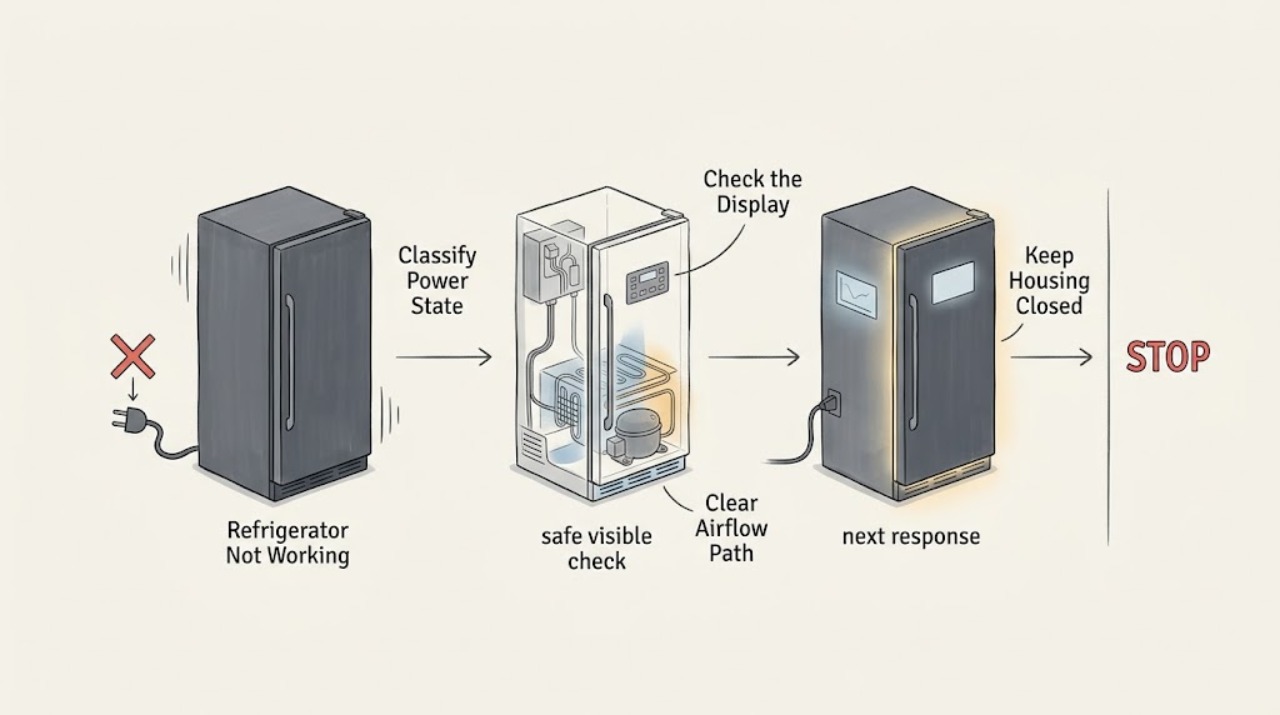
Daewoo Refrigerator Not Working: Power, Cooling, and Safe Next Steps
First decide whether the Daewoo refrigerator is completely without power or is powered but not cooling. Check the plug, outlet, fuse or breaker, and any display or interior light from a dry, accessible position; do not open the electrical compartment.
-
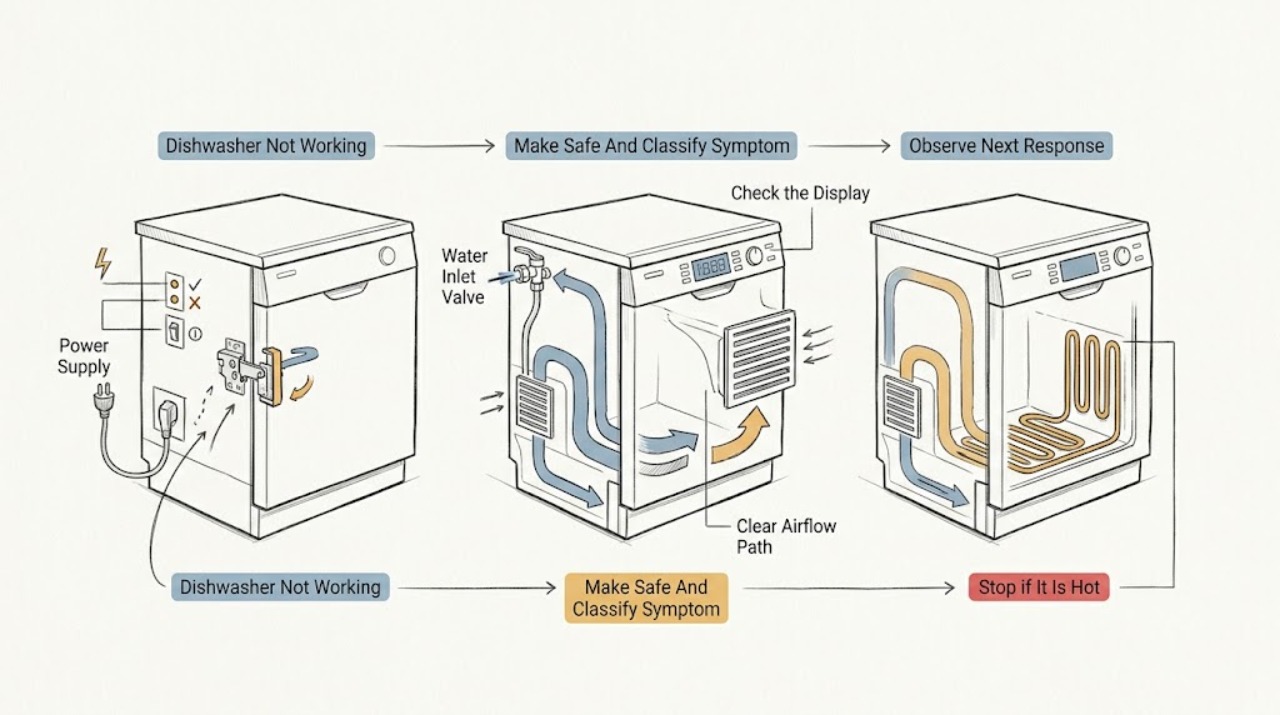
Danby Dishwasher Not Working: Find the Failure Safely
If a Danby dishwasher is not working, first make it safe: stop the cycle, keep hands out of hot water, and isolate power from a dry, safe position before handling the appliance. Decide which symptom you actually have.
-
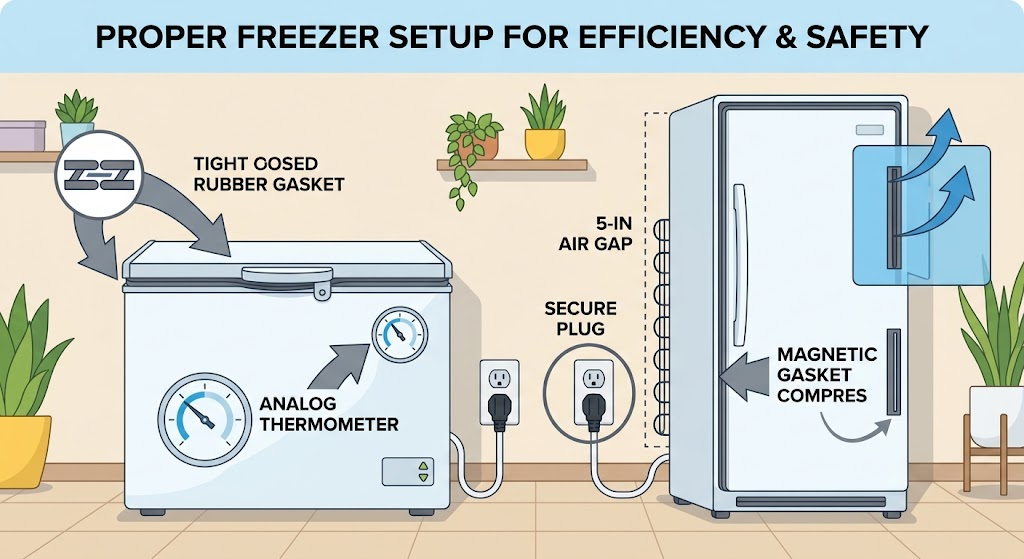
Danby Freezer Not Working: Check Power, Temperature, Door, Airflow, and Placement
First separate a Danby freezer with no power from one that has power but is not getting cold. Check that the plug is fully seated, the outlet works, the unit is switched on, and the temperature control has not been moved; then check that the door or lid closes and seals, food is not blocking airflow, and the cabinet is away from a heat source.
-
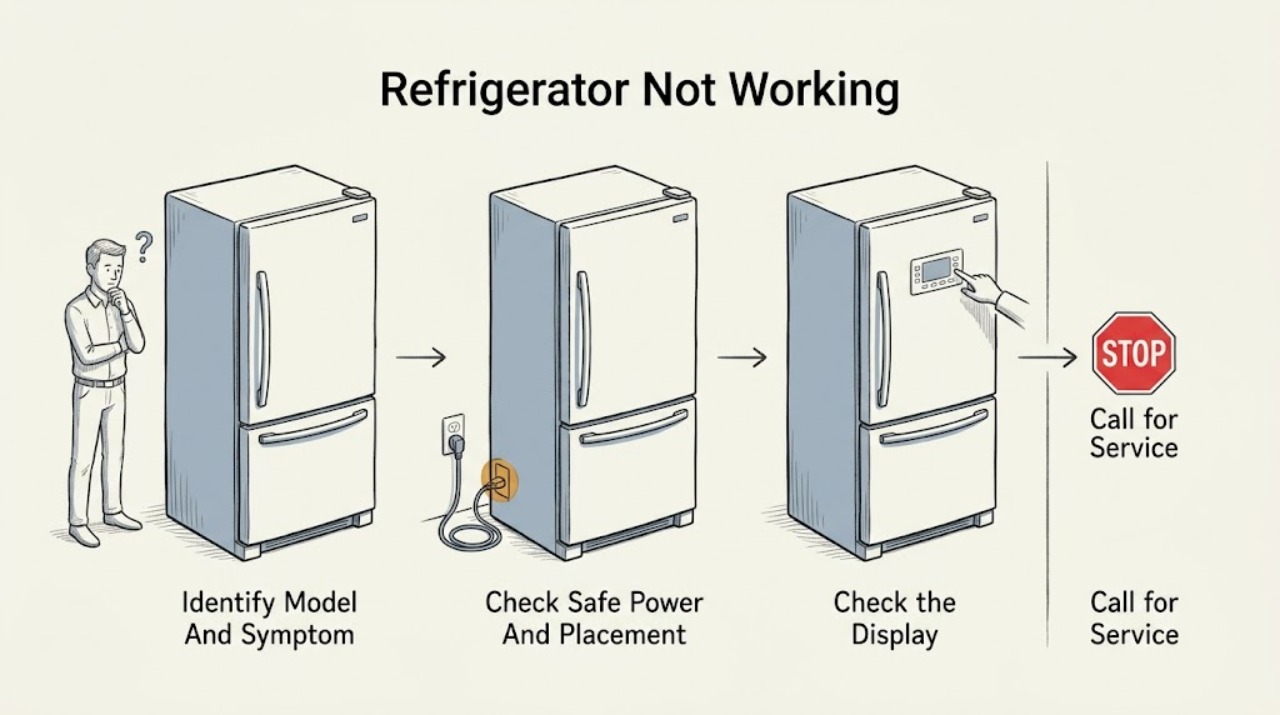
Danby Refrigerator Not Working
Start by separating a dead refrigerator from one that has power but is warm. Record the exact Danby model, check that the plug is seated and the unit is turned on, and use the model-matched manual before changing settings or moving the cabinet.
-
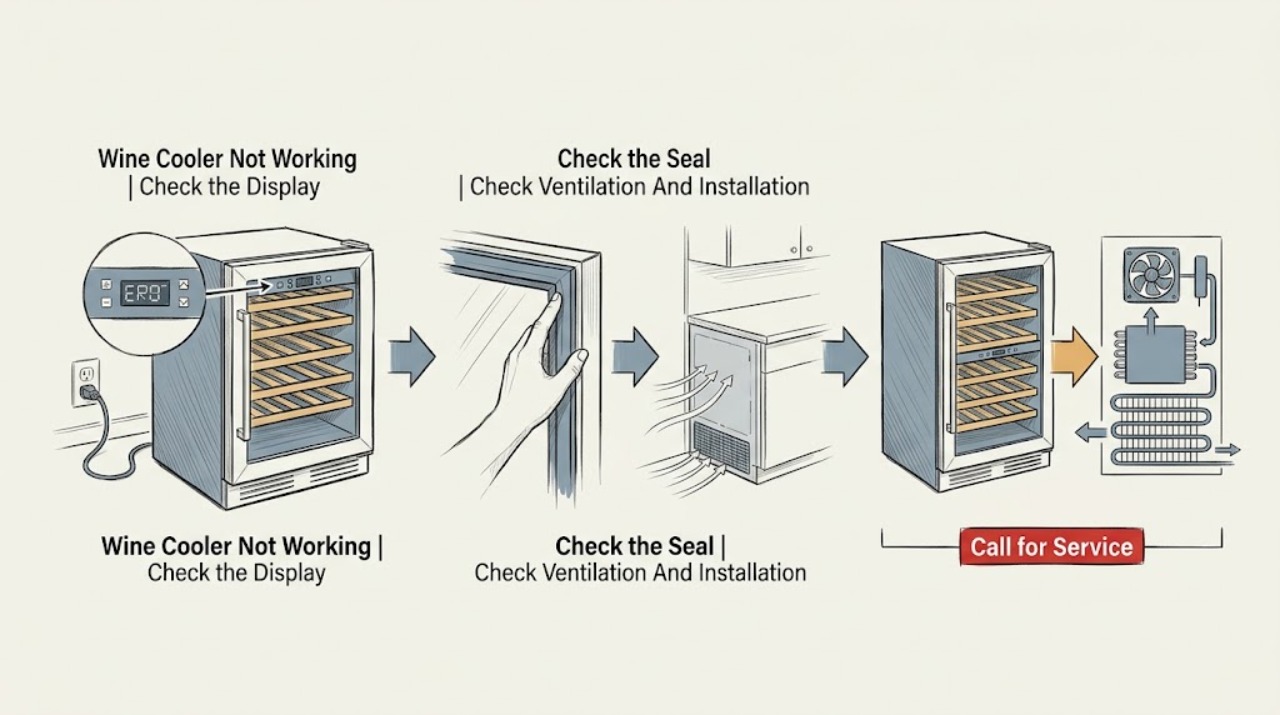
Danby Wine Cooler Not Working: Power, Cooling, Door, and Airflow Checks
First decide whether the Danby wine cooler has no power, has power but is not cooling, or runs while the cabinet temperature remains high. Check the external plug and protection, the temperature setting, a fully closed door and sealing gasket, the visible exhaust path, and the clearance required by the exact model.
-
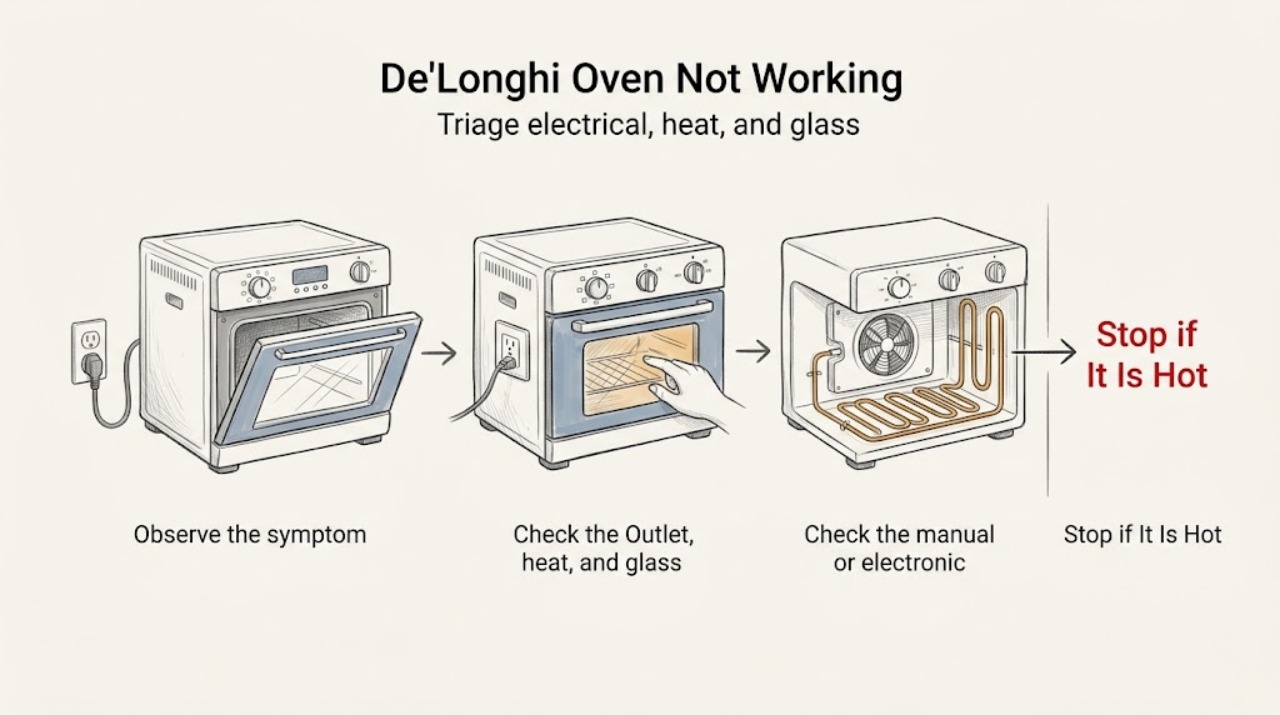
De'Longhi Oven Not Working: Safe Checks
If a De'Longhi oven is not working, first stop for smoke, a burning or melting smell, a hot or damaged cord, arcing, water near electrical parts, cracked glass, or a breaker that trips again. If it is cool and dry, identify whether the display is dark, the timer blocks operation, the controls respond but the oven does not heat, or the fan or function behaves abnormally.
-
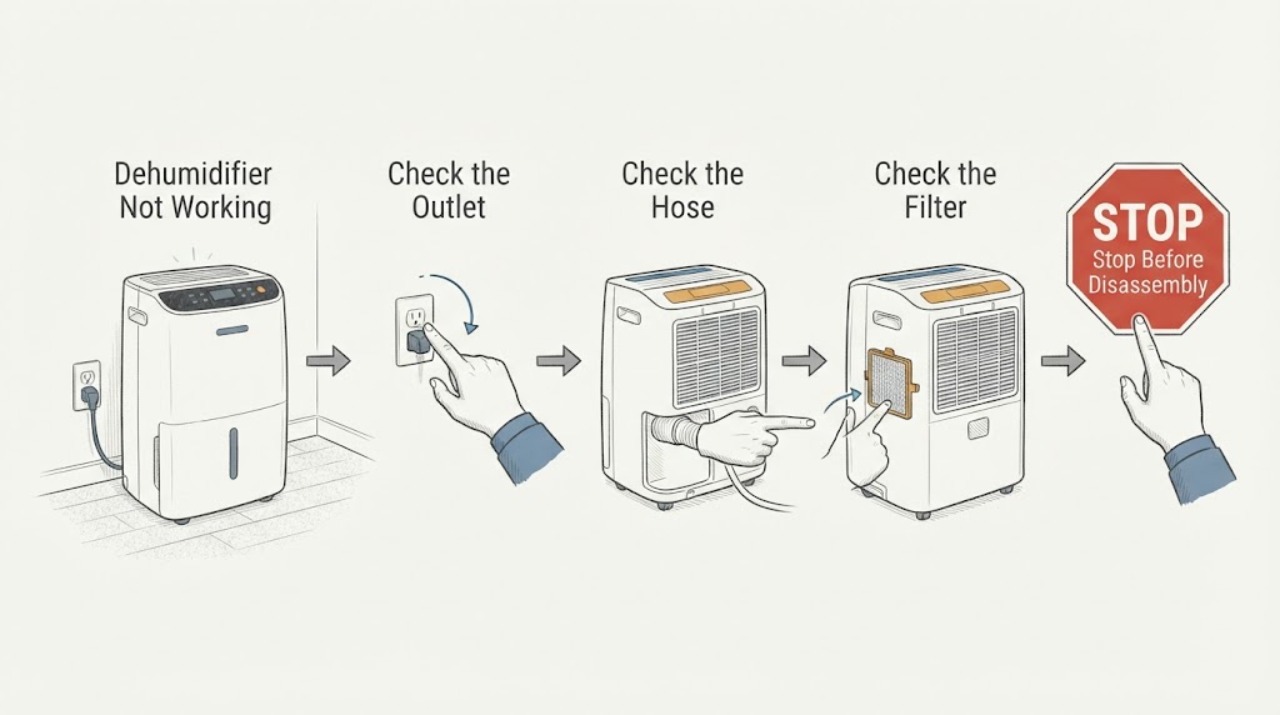
Dehumidifier Not Working: Safe Checks
Start by deciding whether the dehumidifier is completely dark, powers up but does not run, runs without collecting water, or stops with a code or full bucket. Check the cord, outlet, breaker or GFCI, bucket seating, filter and hose only from outside and according to the manual. Frigidaire’s guidance treats sensor, sealed-system and electronic-control codes as service matters; it also links pump behavior to a connected, unobstructed hose and bucket pickup.
-
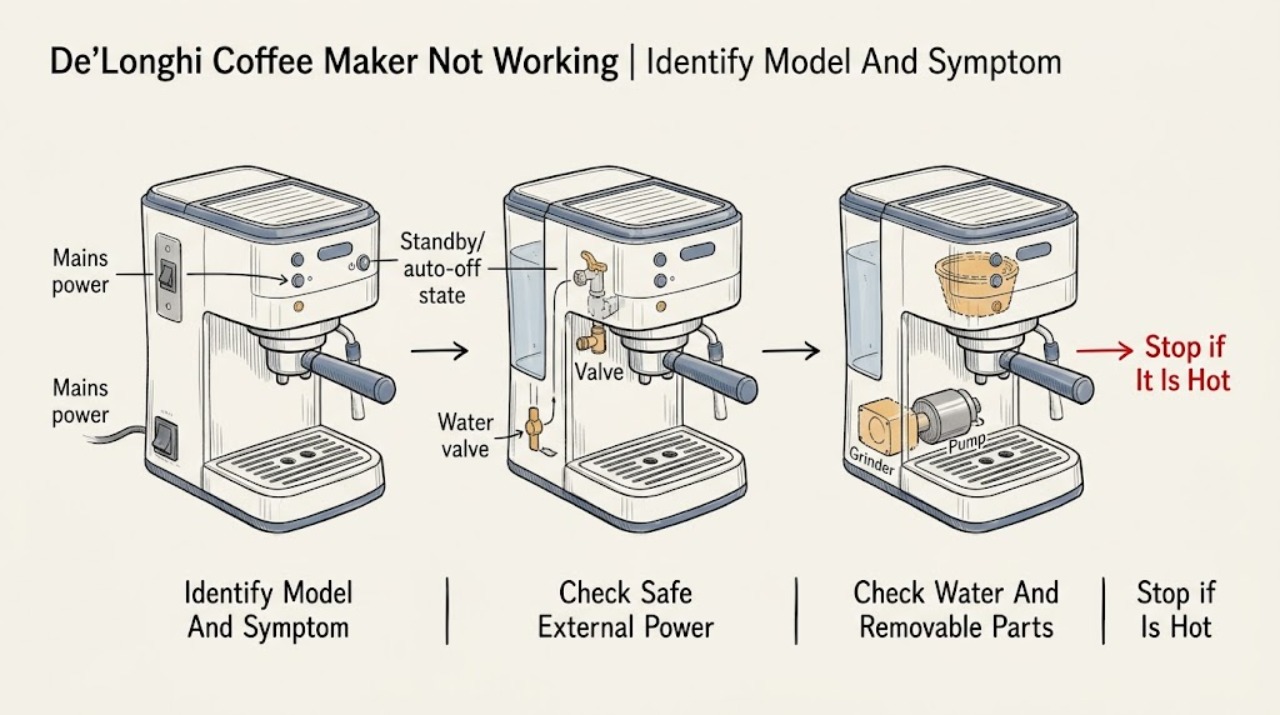
De’Longhi Coffee Maker Not Working: Separate Power, Water Flow, and Heating Faults
Start by identifying the exact De’Longhi product family and the symptom: no lights, lights on but no start, no coffee, no hot water, no heat, or an error/indicator message. Check the plug, outlet, and any external power switch only from a dry, safe position; for applicable models, confirm the rear switch is on and wake the machine from standby with its normal button.
-
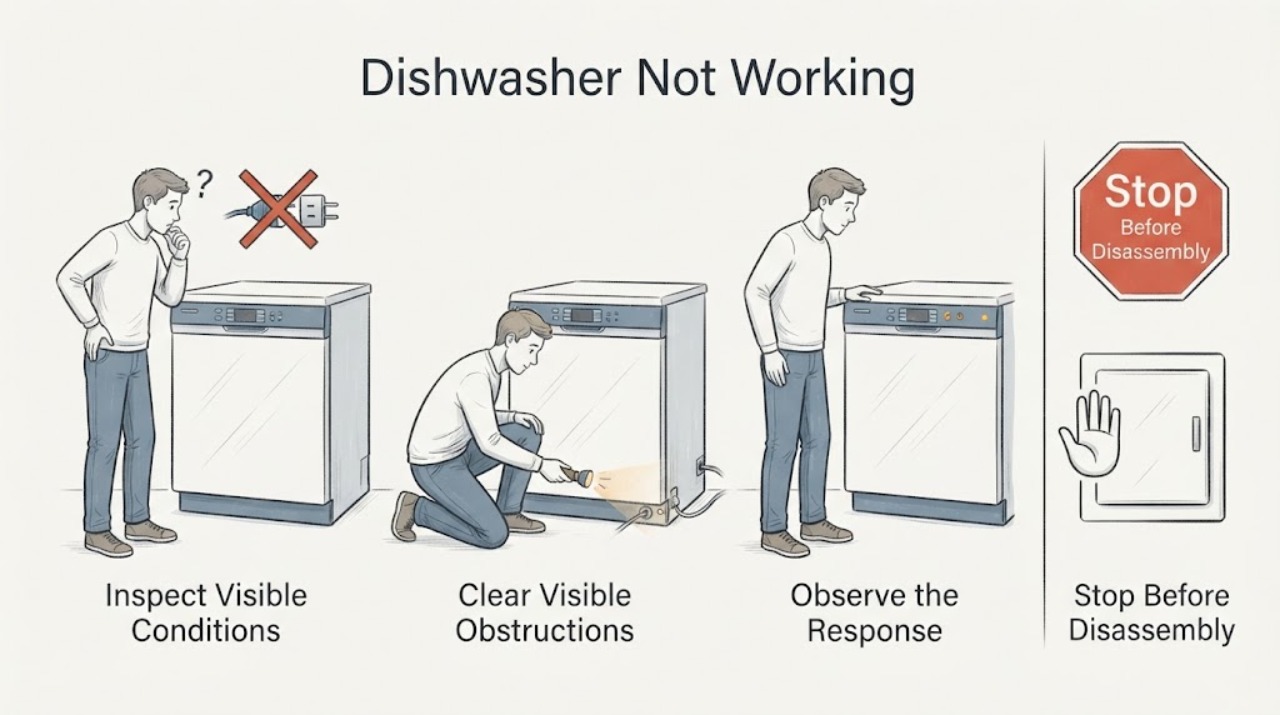
Dishwasher Not Working: Safe Checks
A dishwasher that is not working needs a quick split between no power, a control state that blocks start, a door or water-supply condition, and a cycle that starts but stops or leaves water. Check the breaker or plug, control lock or sleep mode, door latch, water tap and selected cycle in that order. Whirlpool’s guidance supports one safe reset and model-manual checks; persistent leaks, trips, or no-start after these checks need service.
-
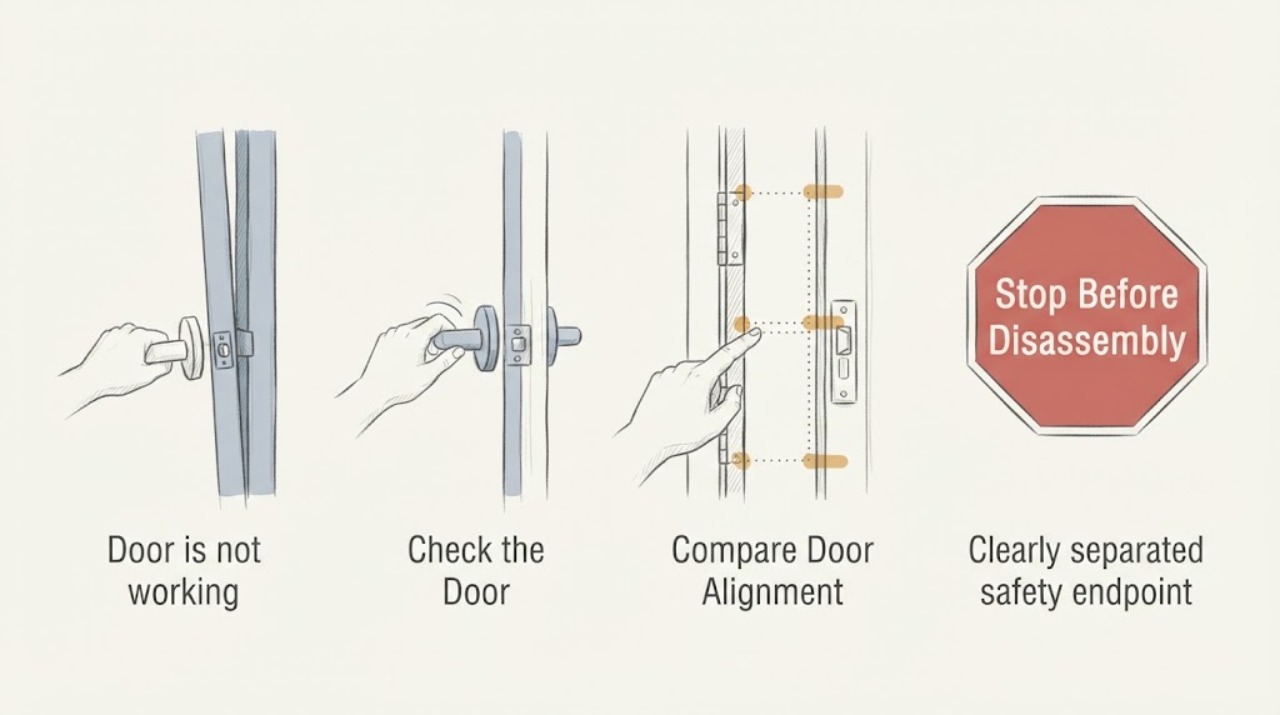
Door is not working: What to Check and What to Do Next
A door that is not working must first be separated into a door that will not open, will not close, will not latch, or is difficult to move. From a stable position, operate the handle normally without forcing it, observe where the door contacts the frame, and look for an uneven gap, a shifted strike, hinge-side sag, a swollen sill, damaged weatherstrip, or an obstruction.
-
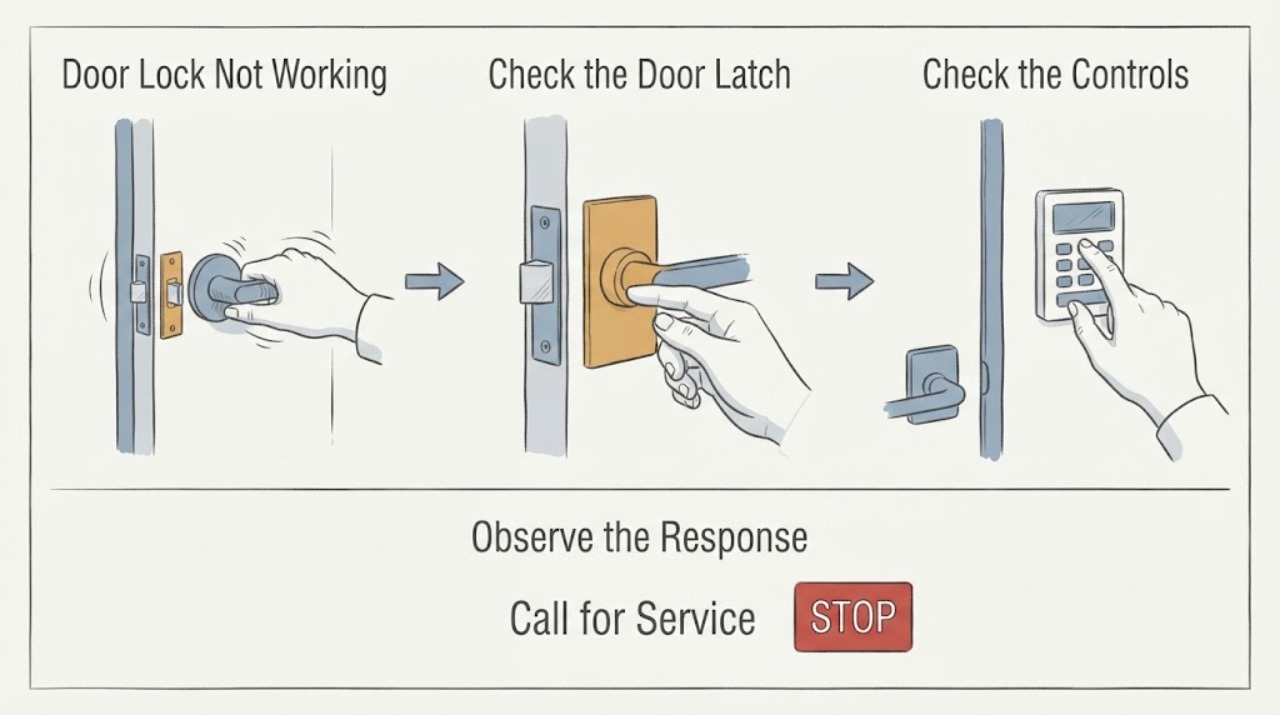
Door Lock Not Working: Check Alignment, Latch, and Hardware Safely
A door lock that does not work is often an alignment problem rather than a failed lock: the door may be rubbing the frame, the latch or bolt may miss the strike, weatherstrip compression may be too tight, or the handle may be binding. Test the lock with the door open before applying force, then observe whether the latch moves freely and whether it aligns with the strike when the door closes.
-
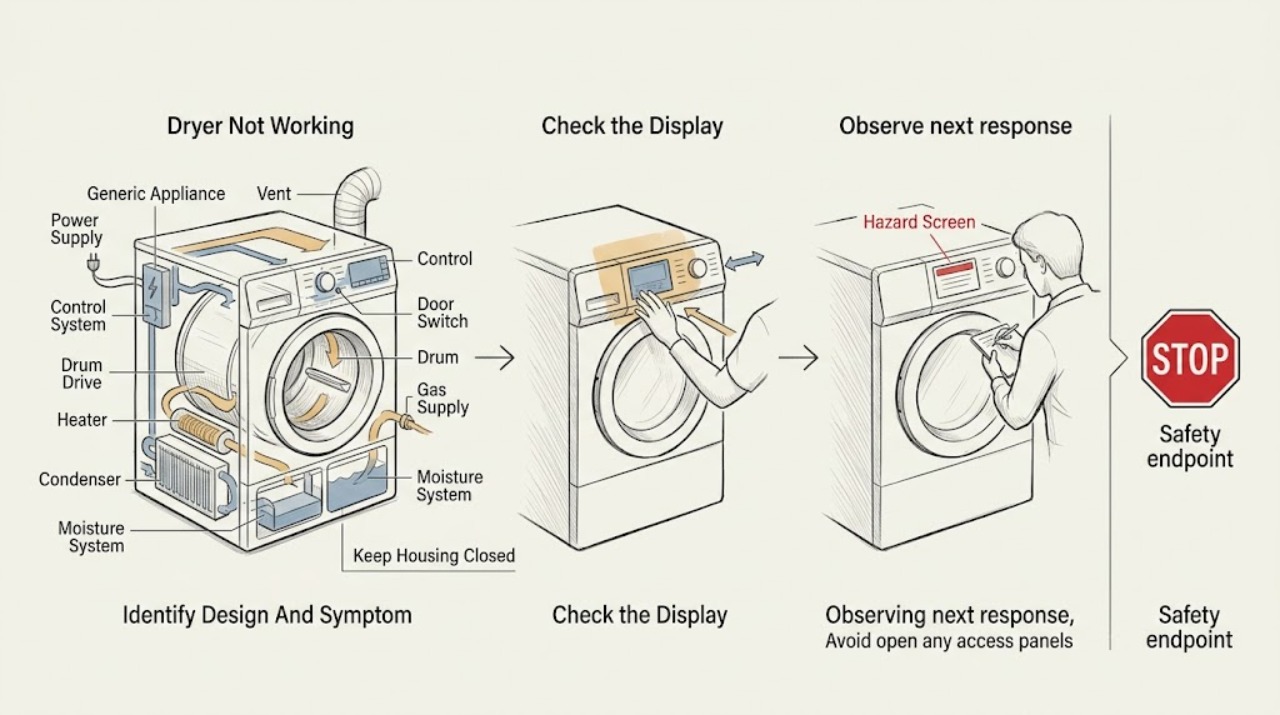
Dryer Not Working: Separate Power, Start, Heat, Airflow, and Cycle Faults
Dryer not working is a symptom, not one diagnosis. First record whether the display or drum light is dead, the dryer has power but will not start, the drum does not turn, it turns without heat, clothes stay damp, or a cycle stops or never finishes.
-
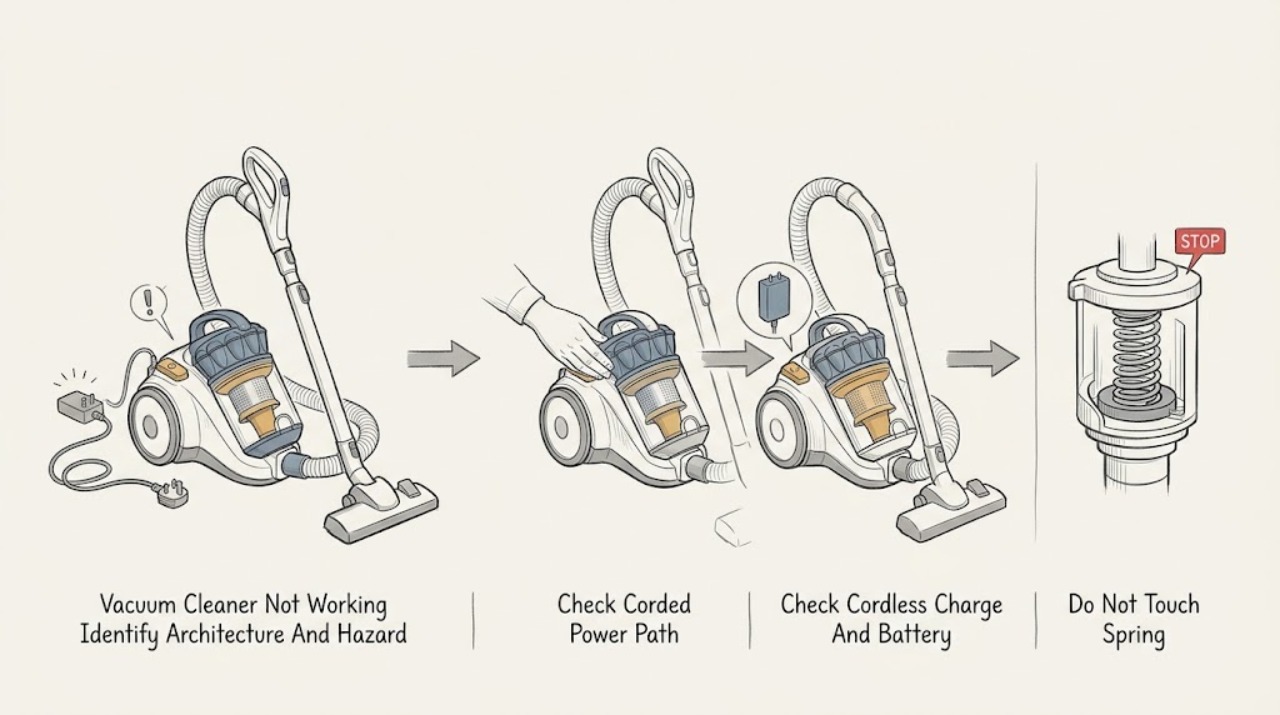
Dyson Vacuum Cleaner Not Working: Corded, Cordless, Blockage, and Safe Checks
First identify the architecture: a corded Dyson upright or cylinder vacuum needs a safe cable, wall outlet, switch, and model-appropriate plug/fuse check; a cordless Dyson needs a charged battery, an undamaged battery casing, and its normal charger or dock. Dyson says not to use a machine with a damaged cable or cracked/damaged cordless battery, and says blocked airflow can trigger a safety cutout.
-
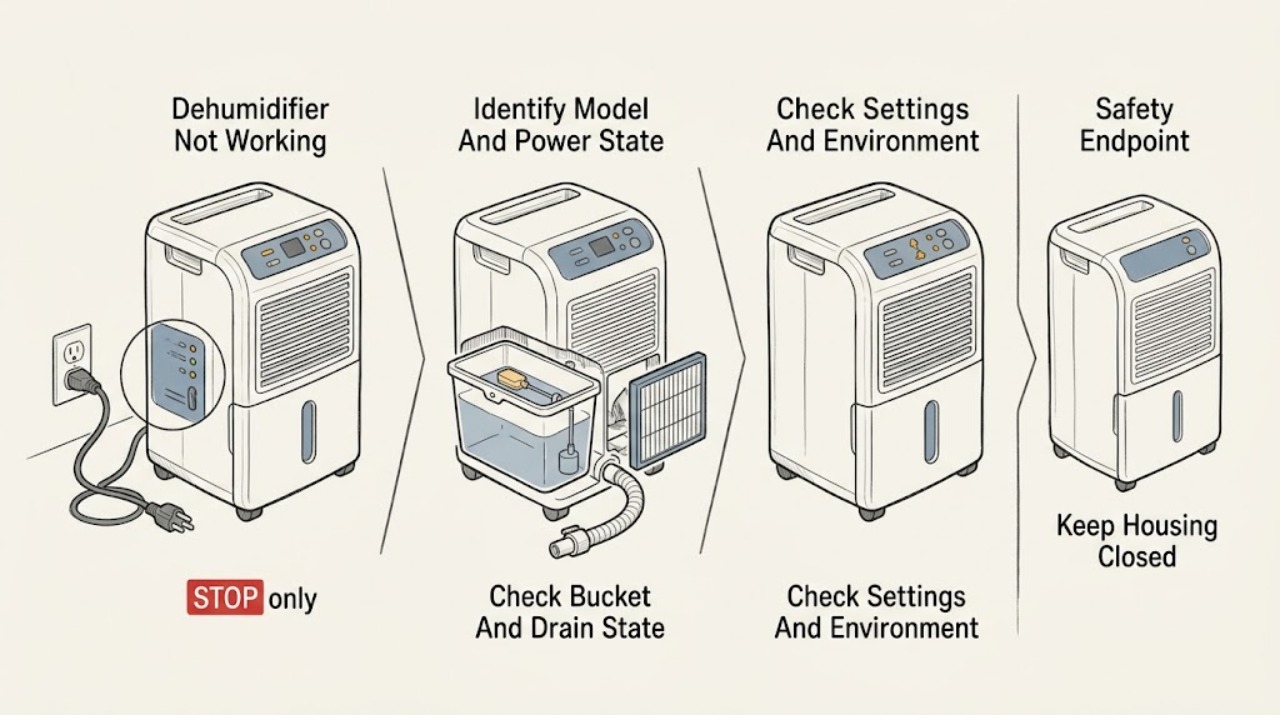
Electrolux Dehumidifier Not Working
Start with the exact Electrolux model because dehumidifier controls, codes, bucket design, and drainage options vary. From a dry position, check that the plug is fully seated, the normal power control is selected, the bucket is empty and correctly seated, and any timer or humidity target is not telling the unit to stop.
-
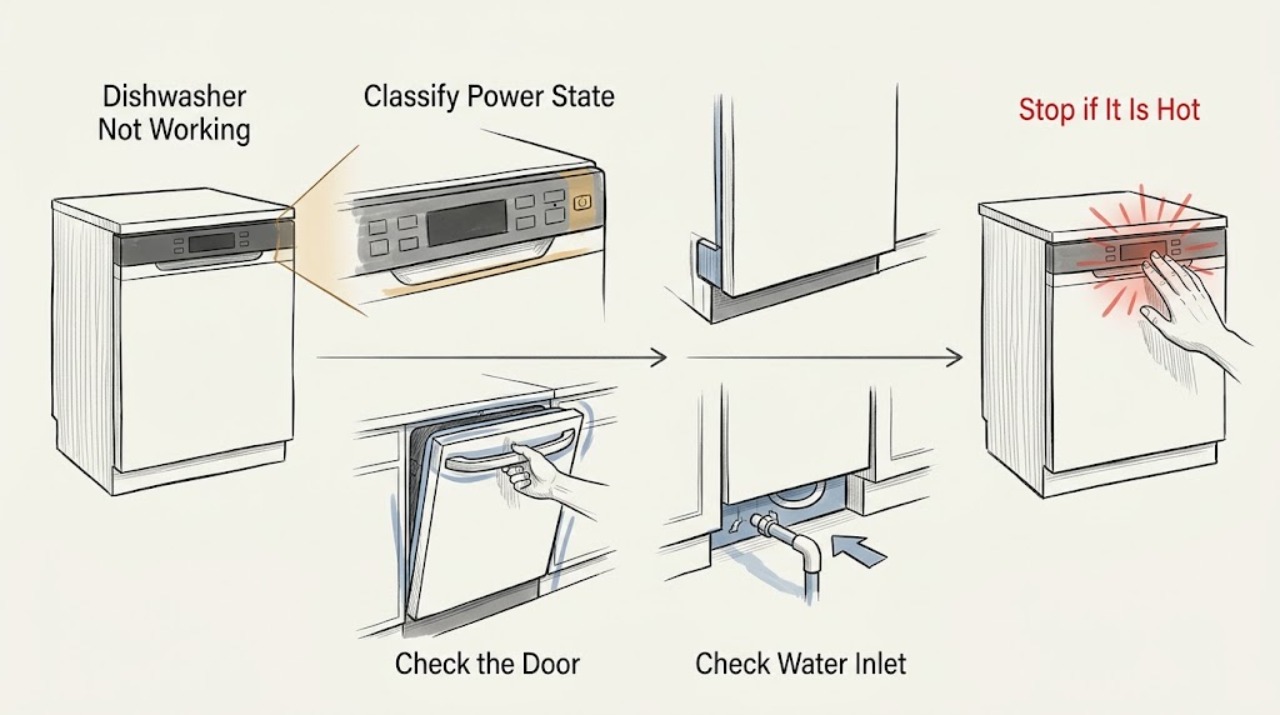
Electrolux Dishwasher Not Working: Power, Water, Cycle, and Error-Code Checks
First separate a completely dead Electrolux dishwasher from one that has power but will not start, fill, wash, drain, heat, or finish. Check the outlet and breaker from a safe position, then confirm a programme is selected, the door closes and latches, Delay Start or Demo mode is not active, and a model-appropriate reset is used once.
-
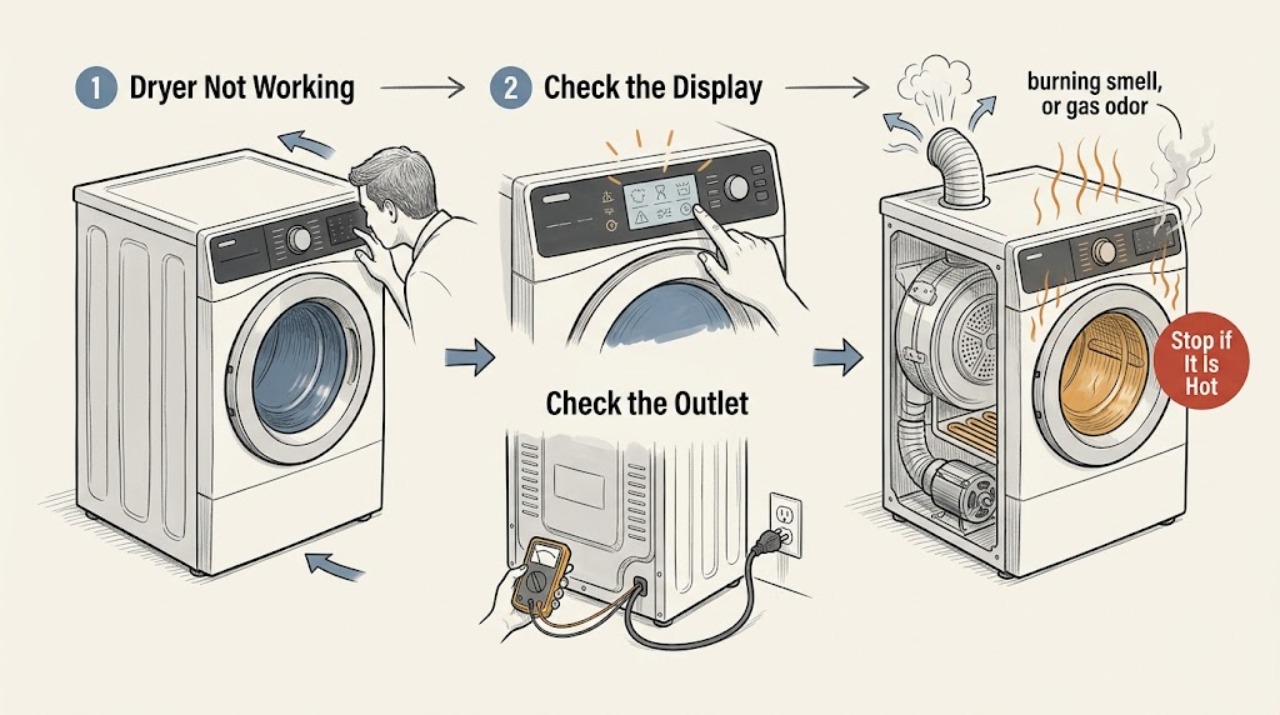
Electrolux Dryer Not Working: Safe Checks Before Service
Separate an Electrolux dryer that has no display or drum movement from one that runs but does not heat. With the dryer off, confirm the door is fully closed, the cycle selector is in a start position, and the Start control is held long enough for the model.
-
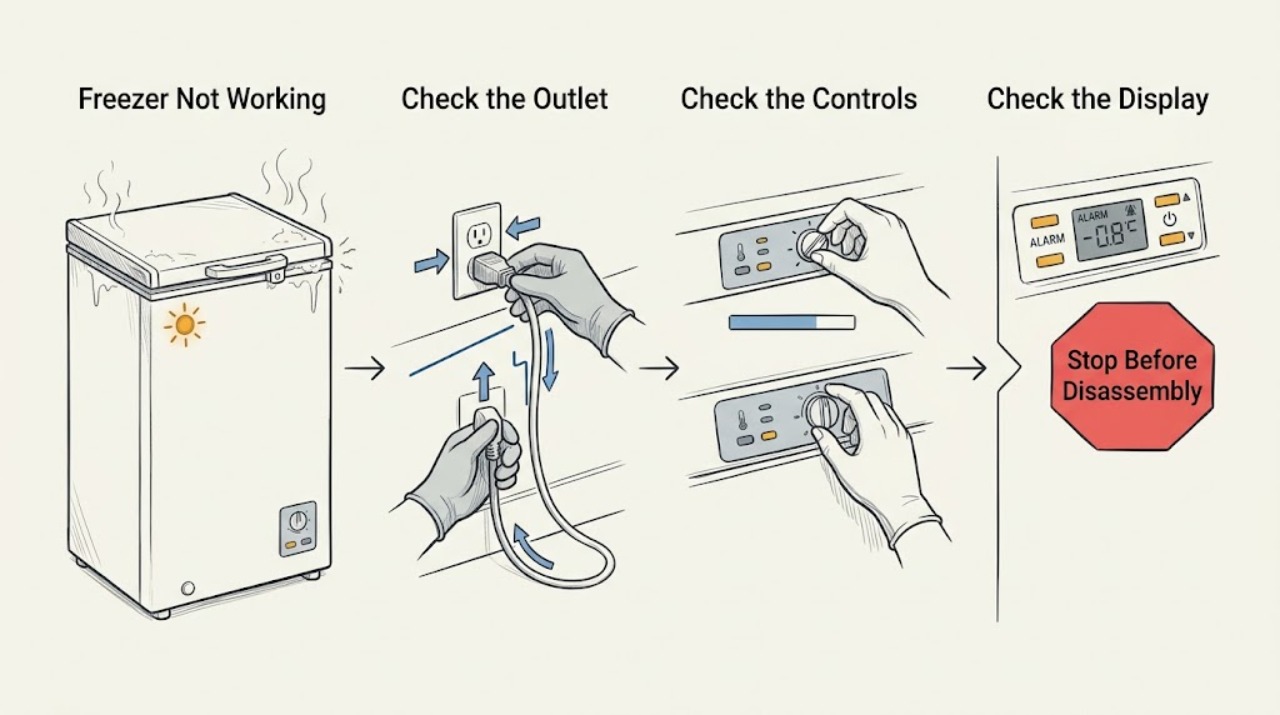
Electrolux Freezer Not Working: Separate a Power Problem from a Cooling Fault
For an Electrolux freezer that is not working, first separate no power or no operation from a freezer that runs but is not getting cold. Check the outlet, plug, breaker or GFCI, OFF or demo-like control settings, door seal, vents, frost, and recent installation or power loss; after a reset or installation, allow the model's stabilization period.
-
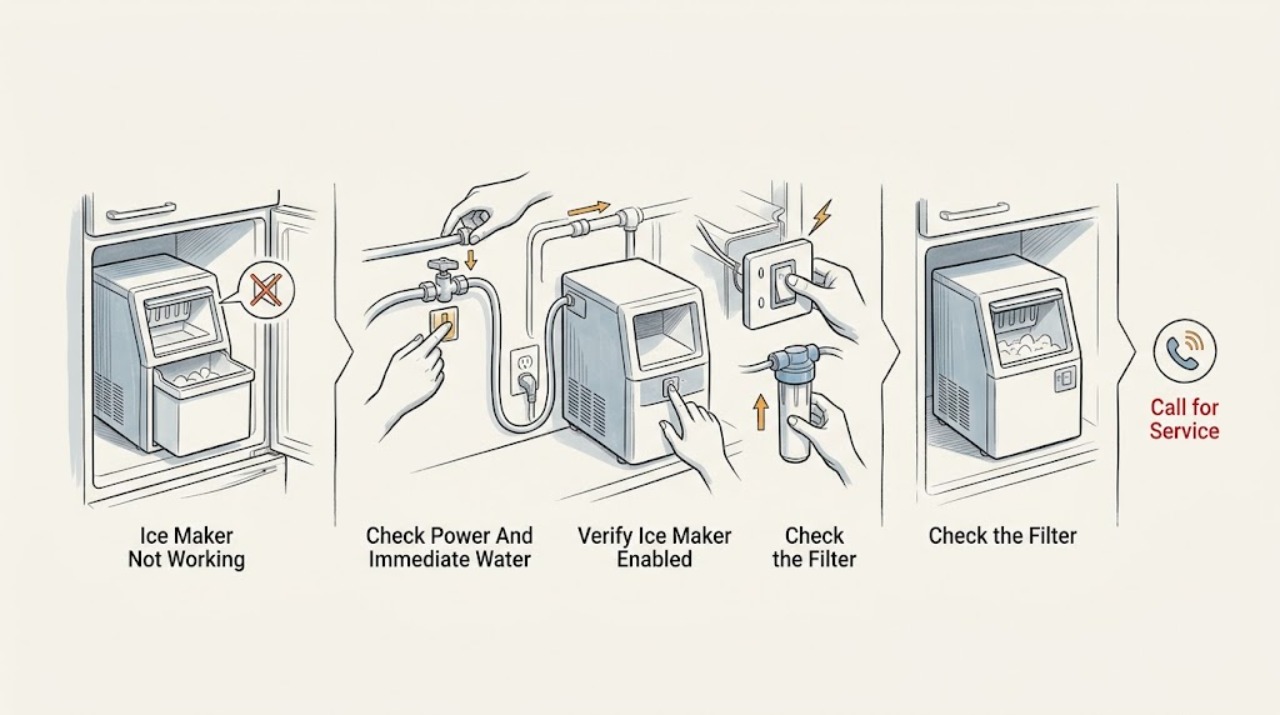
Electrolux Ice Maker Not Working: Check the Water, Temperature, and Ice-Maker State
An Electrolux refrigerator ice maker can appear not to work when it is turned off, the water supply is closed or kinked, the filter is restricted or not seated, the freezer is not cold enough, the bin or signal arm is not positioned correctly, or the refrigerator has not yet had time to stabilize after installation or a power interruption.
-
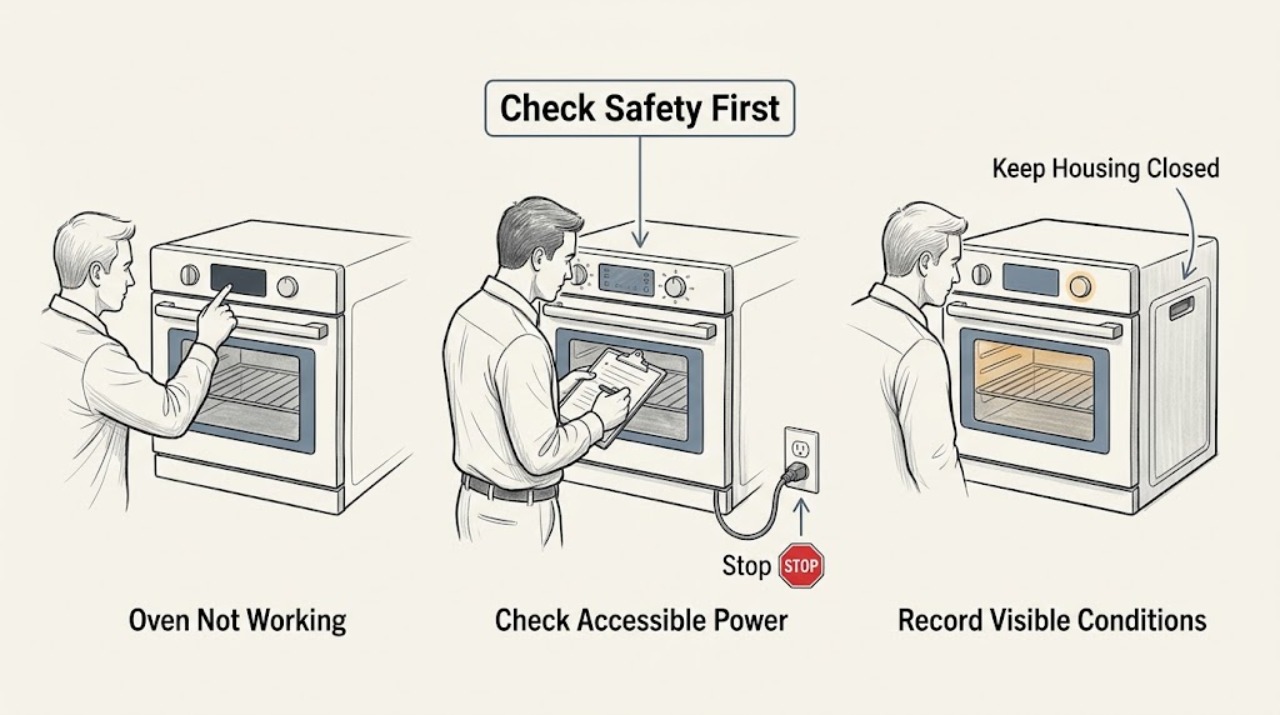
Electrolux Oven Not Working
First separate a dead display, a control or door-lock problem, and an oven that runs but does not heat. Stop for gas odor, smoke, sparks, arcing, a hot or damaged cord, a cracked glass surface, an uncontrolled self-clean or overheating, or a door that cannot be handled safely.
-
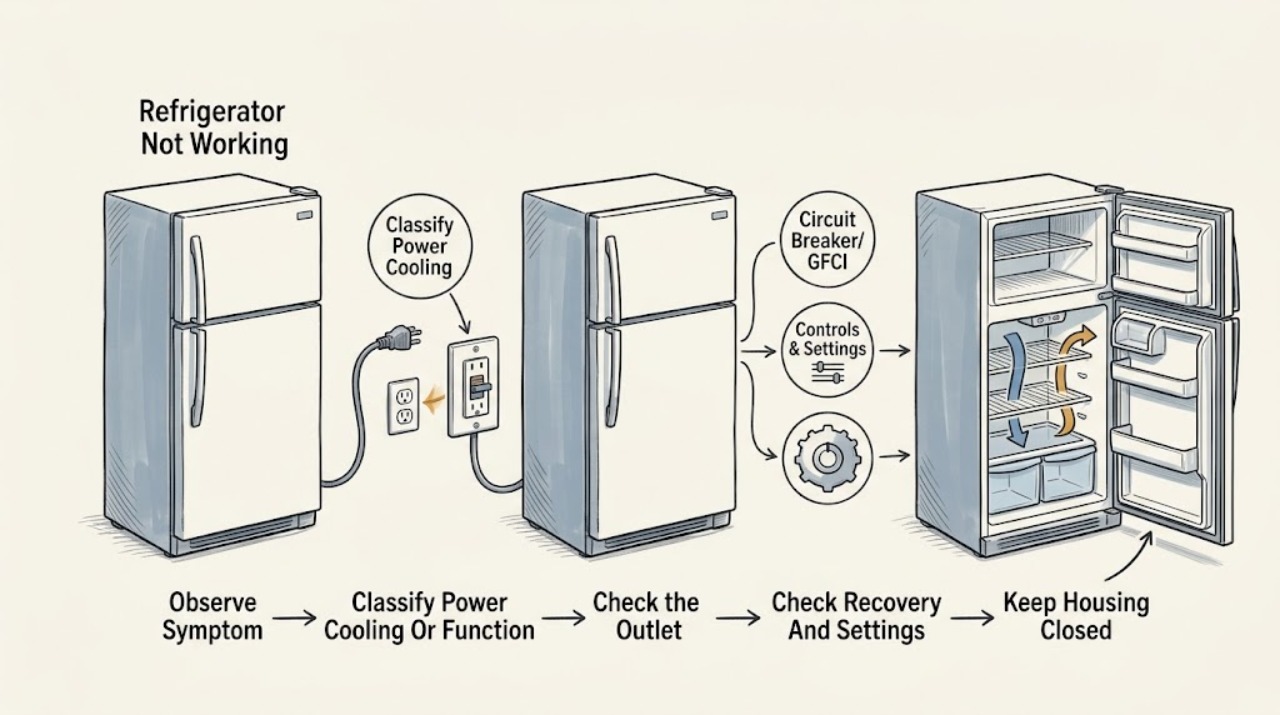
Electrolux Refrigerator Not Working: Power, Cooling, Door Seal, and Safe Checks
First separate an Electrolux refrigerator with no display or interior light from one that has power but is warm, and from one whose controls or dispenser are the only functions not working. For a completely dark unit, make sure the plug is secure, check the dedicated outlet and breaker/fuse from a dry position, and do not keep resetting a circuit that trips.
-
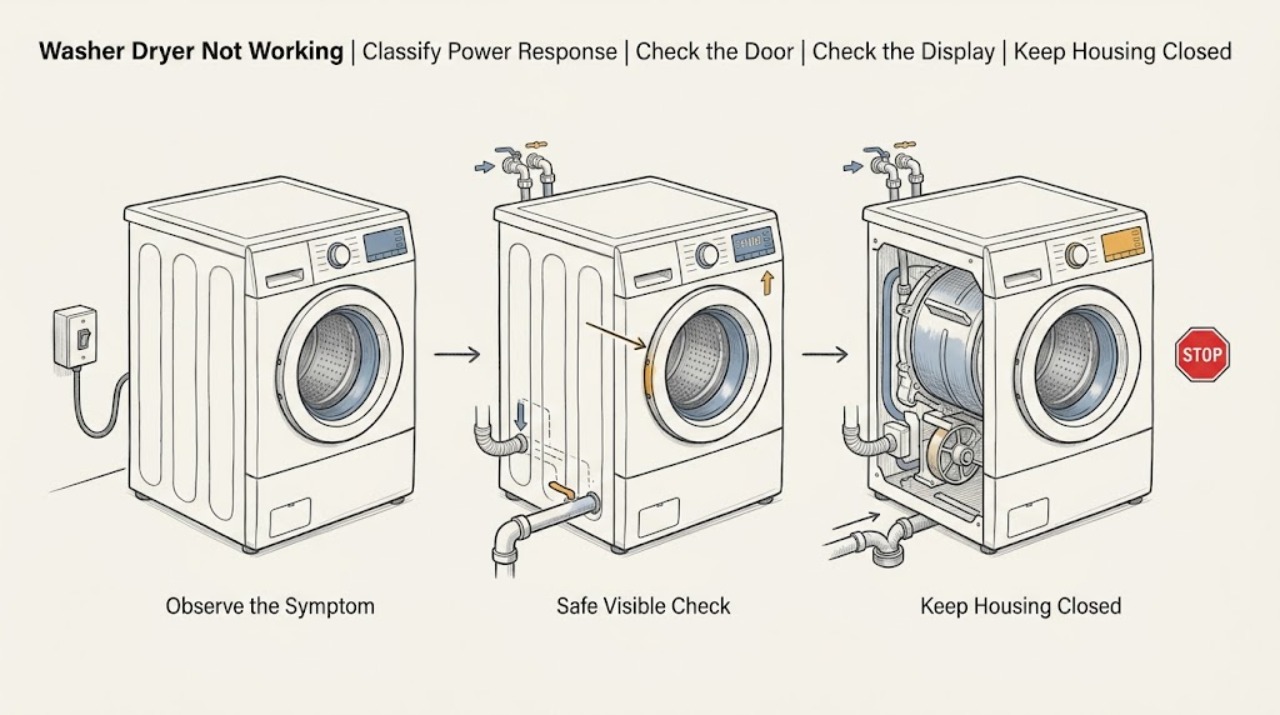
Electrolux Washer Dryer Not Working: Separate power, door, water, and cycle faults
Start by deciding which failure you actually have: a completely blank and unresponsive washer dryer, a powered appliance whose program will not start, a cycle that stops with a water or drain warning, or a unit that fails only after drying. From a dry, safe position, check the plug, working socket, breaker or safety switch, and any display or error message.
-
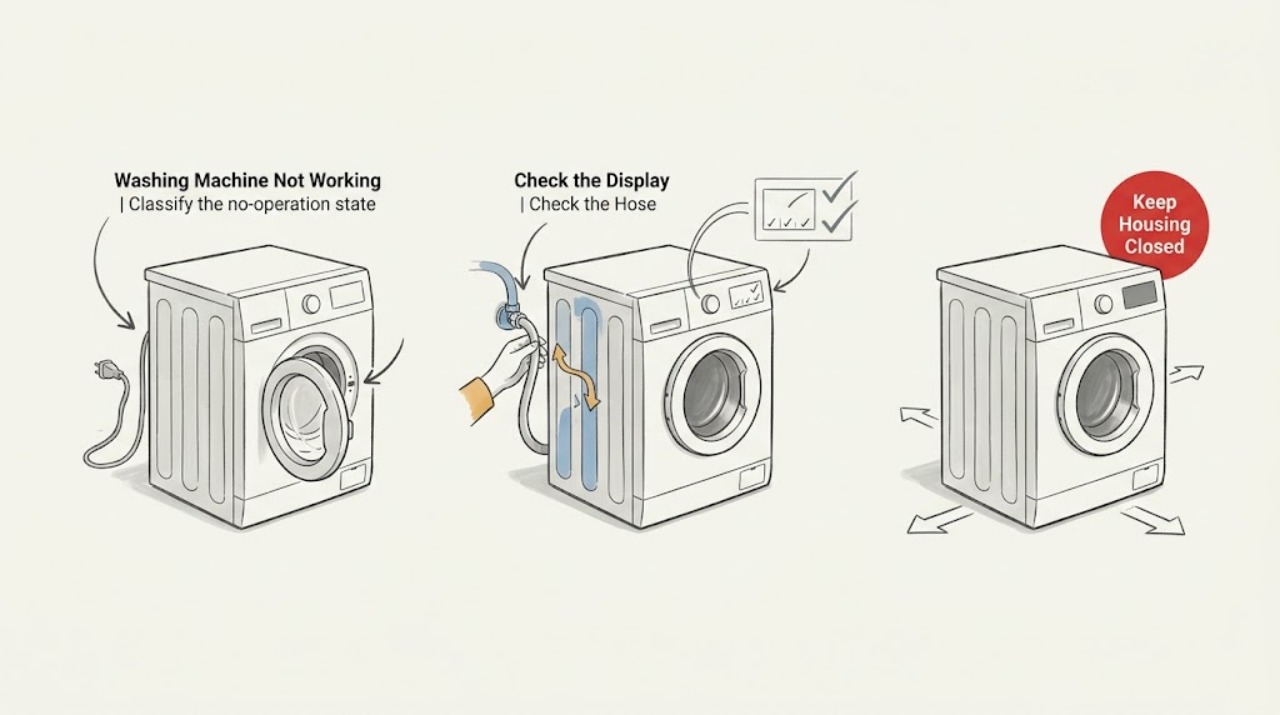
Electrolux Washing Machine Not Working
First define what not working means on your Electrolux washing machine: no display, controls that do not respond, a cycle that will not start, a cycle that stops while filling, or a tub that will not drain. Check power and the model's control-lock state, confirm the door or lid is securely closed, and verify both water supplies are open with hoses correctly connected and free of kinks.
-
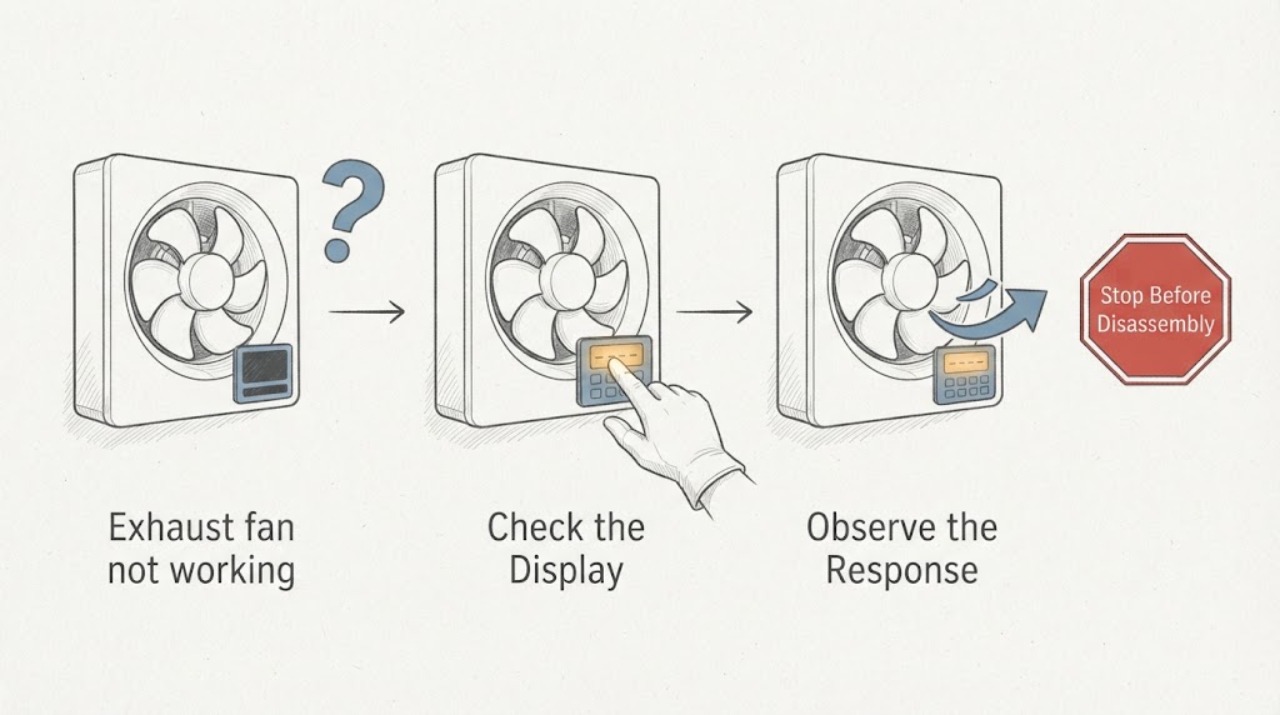
Exhaust fan not working
An exhaust fan that is not working should be separated into no power/control response, a blocked or dirty grille/blower, and a motor/control fault. Turn off power before removing a grille, clean only accessible dust, and check switch/breaker without opening live wiring. A dead motor, hum, damaged wiring, or burning odor needs qualified service.
-
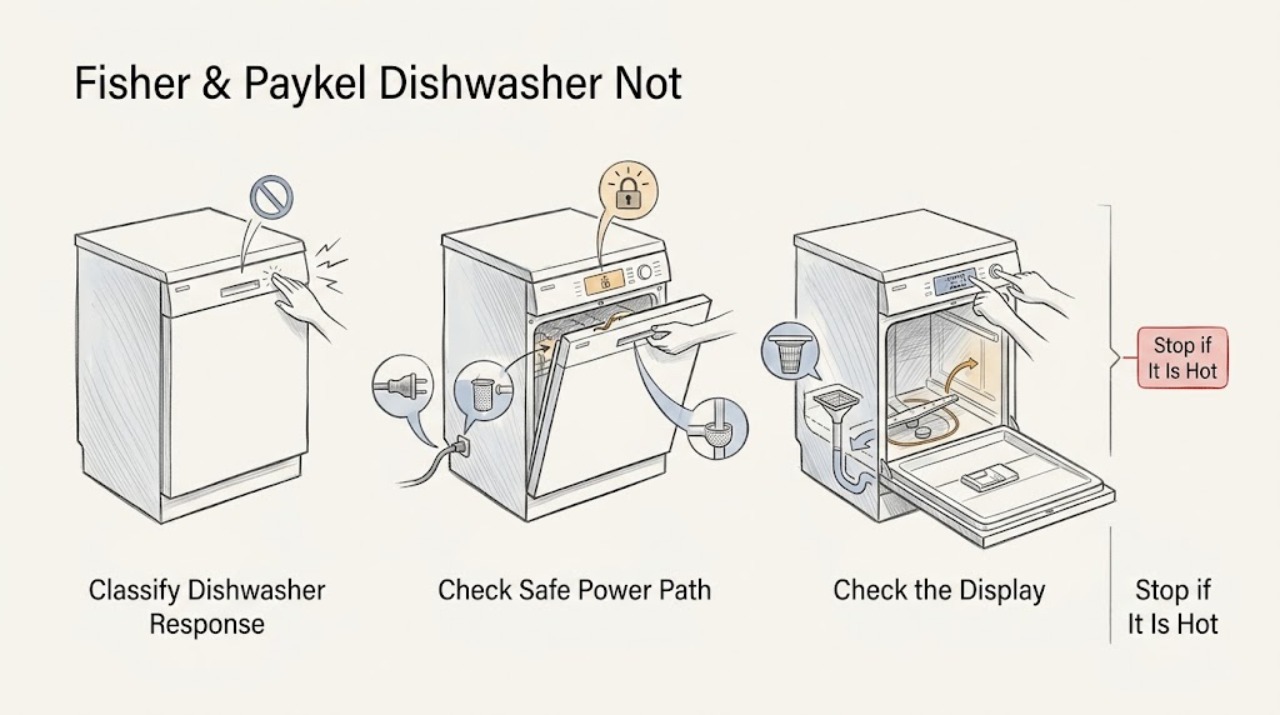
Fisher & Paykel Dishwasher Not Working: Find the Fault Path Safely
First define what “not working” means on the exact Fisher & Paykel dishwasher: no lights or response, controls that respond but will not begin, a cycle that starts but does not fill, or a cycle that leaves water behind. Fisher & Paykel's dishwasher troubleshooting guides point first to power, a fully closed door, the model's Start/Pause control, an open water tap, and a blocked inlet strainer; some models also list Keylock as a reason buttons beep without starting.
-
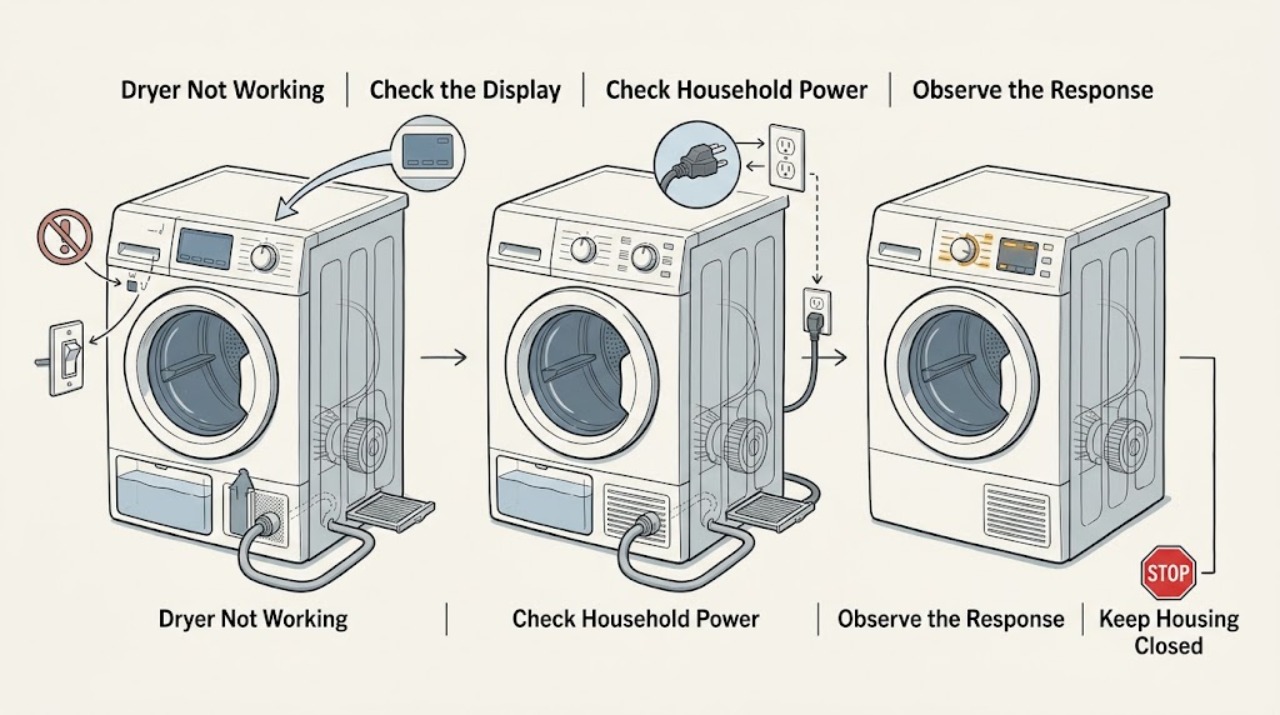
Fisher & Paykel Dryer Not Working: Check Power, Door, Cycle, and Faults
Start by separating the symptom: no lights or response points to the household supply, power switch, cord, or control; lights on but no start points to a paused cycle, open door, keylock or delay setting, a full or incorrectly fitted water tank on applicable condensing models, an incorrectly seated lint filter, overload, or a displayed warning; a running drum with no heat points to an air-only cycle, the COOL phase, a full tank, or an airflow or internal heating fault.
-
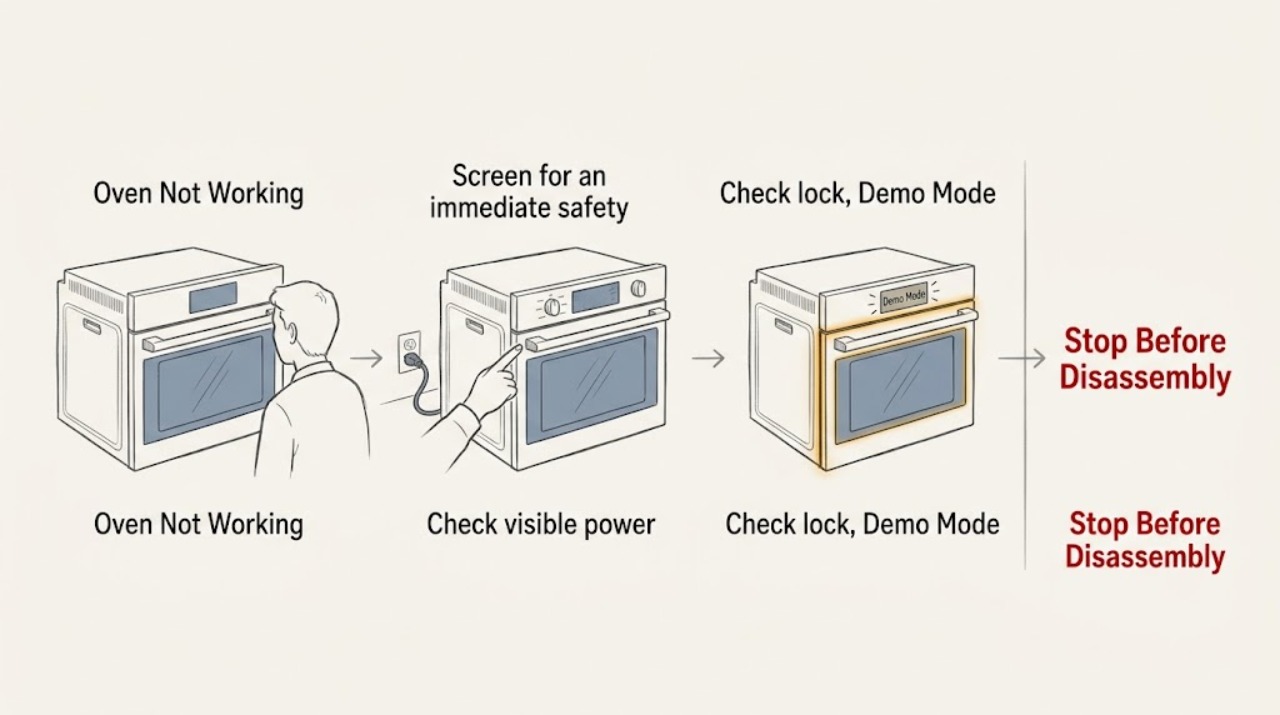
Fisher & Paykel Oven Not Working: Safe Power, Mode, and Door Checks
When a Fisher & Paykel oven is not working, first check whether the display and oven light are also off. If they are, check the visible wall switch, household fuse or circuit breaker, and any local power outage.
-
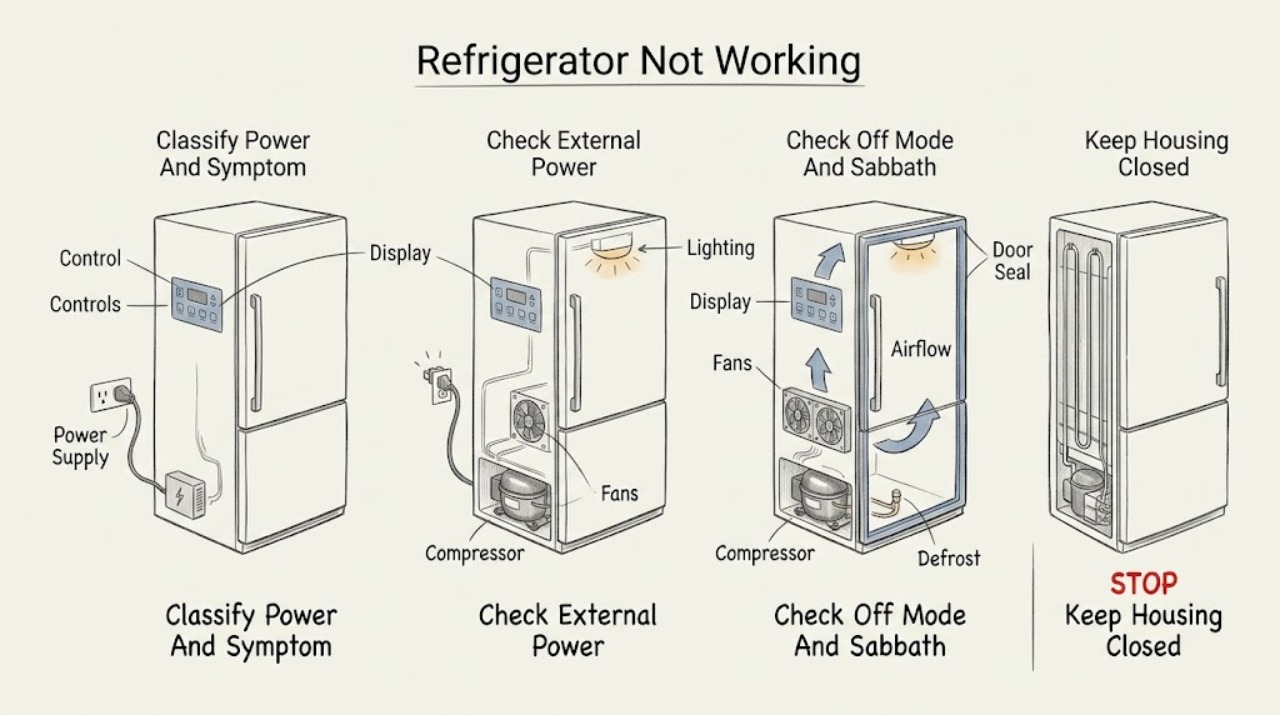
Fisher & Paykel Refrigerator Not Working: Separate Power, Cooling, and Single-Zone Faults
First separate a completely dead refrigerator from a refrigerator that has lights or a display but is not cooling, and from a single warm compartment or failed feature. For no power, check the plug, outlet, wall switch or isolator, and house fuse from outside the appliance; some Fisher & Paykel models may also be turned off or in Sabbath Mode.