
Samsung appliance guidance
Samsung Oven Repair Guides
Troubleshooting and repair guidance for published Samsung Oven problems, symptoms, and maintenance questions.
Published Samsung Oven guides
Choose the guide whose symptom or condition most closely matches what you are seeing.
-
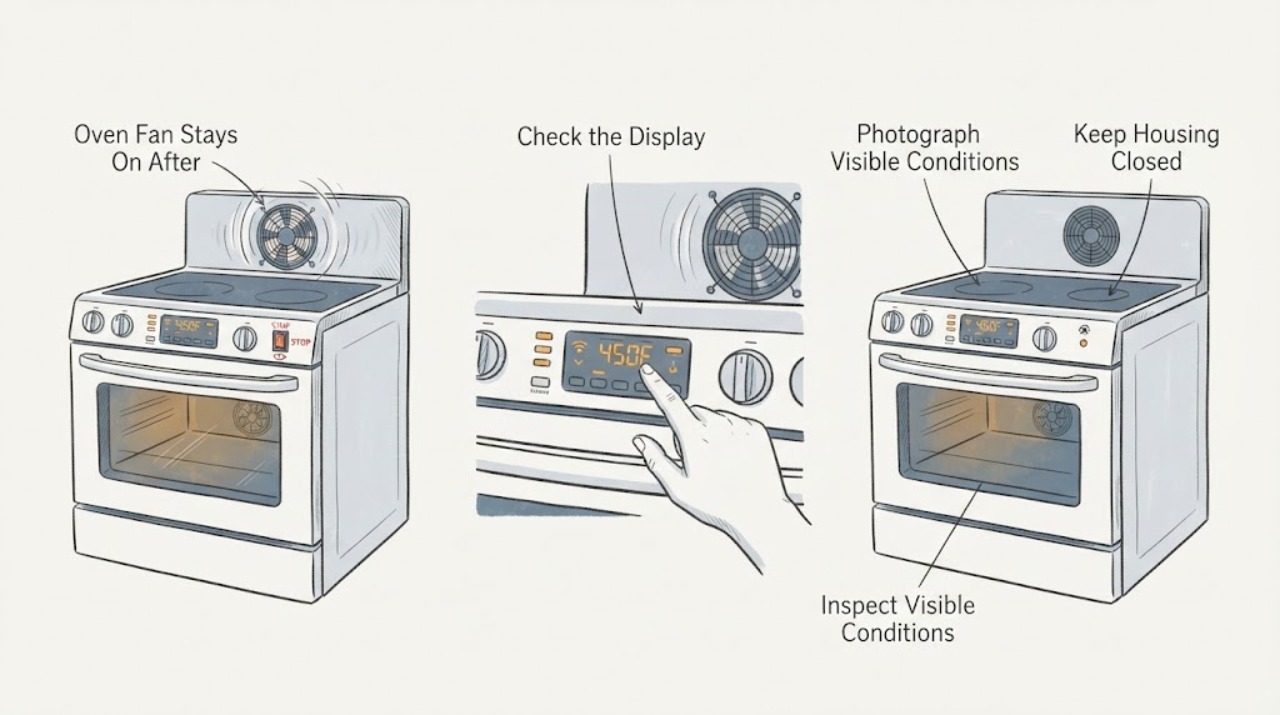
Samsung BF64CCBST Oven Fan Stays On After Use
A Samsung BF64CCBST fan can continue after cooking while the built-in oven cools, so a fan running immediately after use is not by itself proof of a failed relay or fan motor. Samsung's exact-model support page identifies BF64CCBST/XSA as a built-in oven and lists its market-specific user manual; confirm the full suffix and market before applying controls.
-
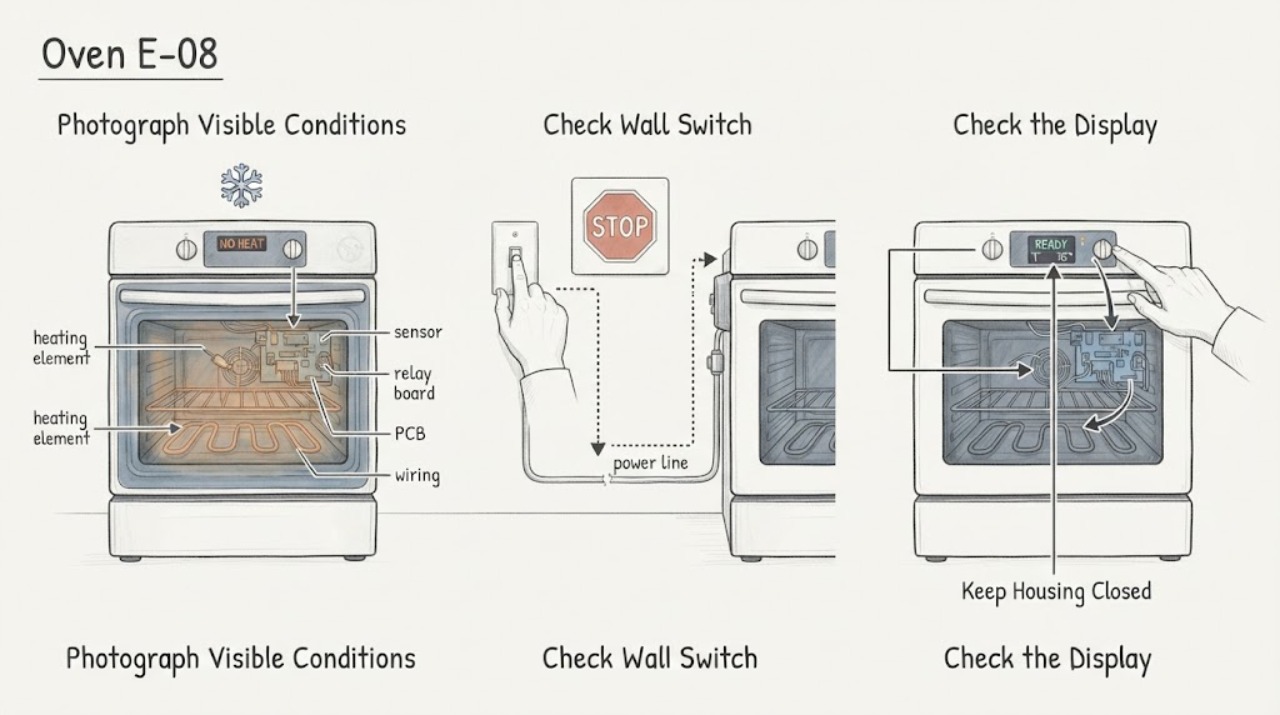
Samsung FE-R300SX/XAA Oven E-08: Confirm the Heating Error Before Service
On the Samsung FE-R300SX/XAA electric range, the manufacturer user manual identifies E-08 as an oven heating error. It does not select a bake element, broil element, sensor, relay, harness, or control board for replacement.
-
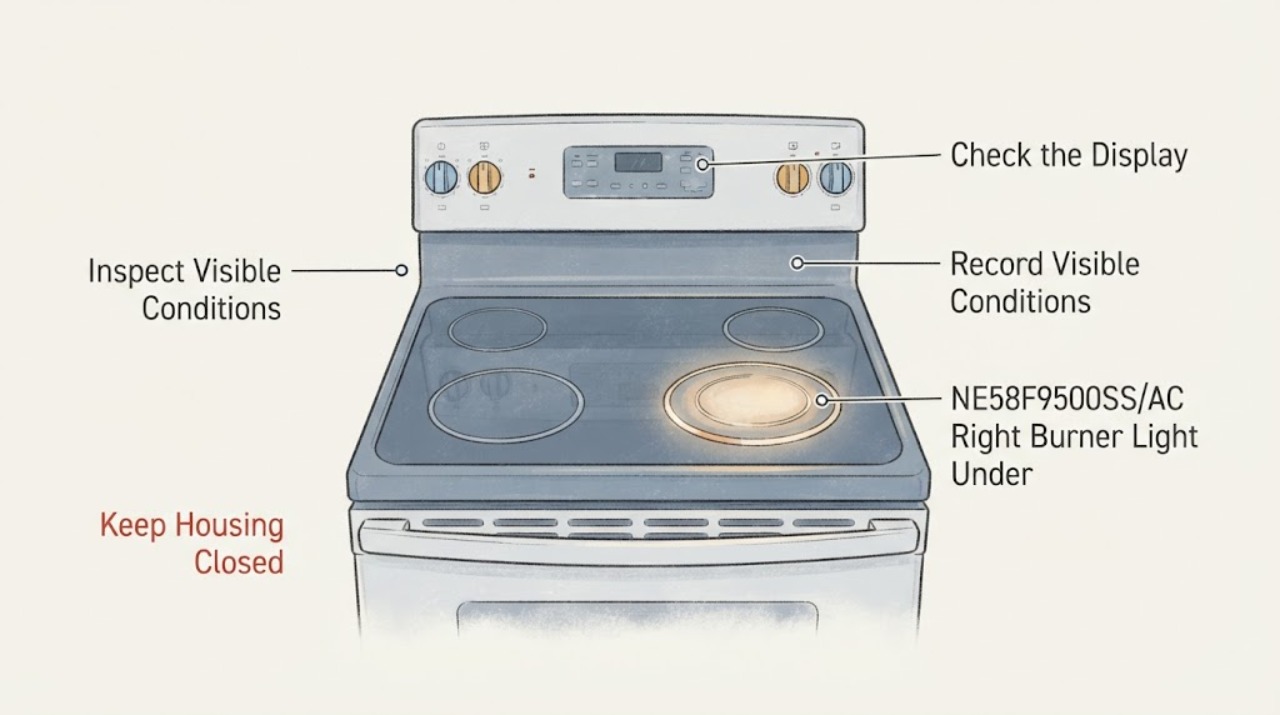
Samsung NE58F9500SS/AC Right Burner Light Under Glass: Normal Radiant Glow or Unsafe Arc?
On the Samsung NE58F9500SS/AC electric range, a red or orange glow visible through the ceramic glass inside the selected radiant burner circle can be normal: Samsung says radiant elements cycle on and off to maintain the selected setting, so the glow can appear and fade even at high heat. The hot-surface indicator is a separate safety indicator and can remain lit after the controls are off until the surface cools to about 150°F.
-
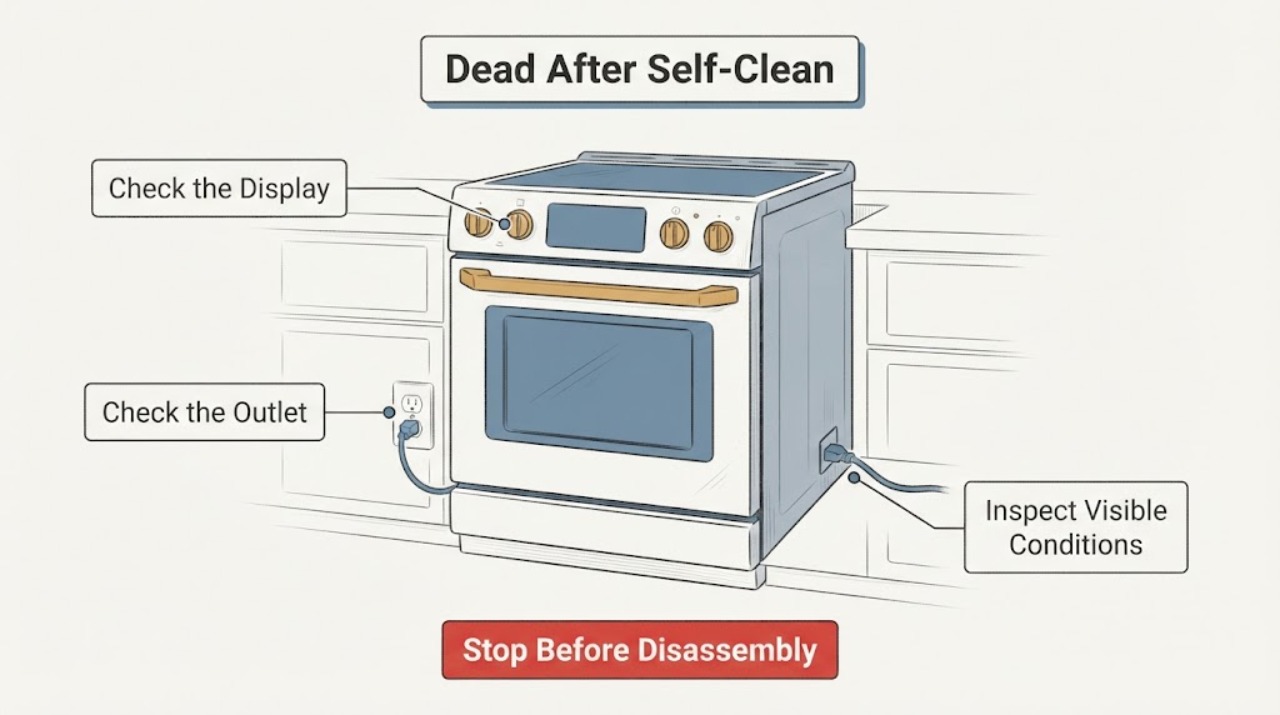
Samsung NE58F9710WS Dead After Self-Clean: Cool, Check Power, Then Stop
For a Samsung NE58F9710WS that goes completely dead after Self Clean, first leave the range undisturbed until it is fully cool and the door lock has released normally. Then, from a dry and safe position, check the visible range breaker or disconnect once and record whether the cooktop, display, and oven light respond.
-
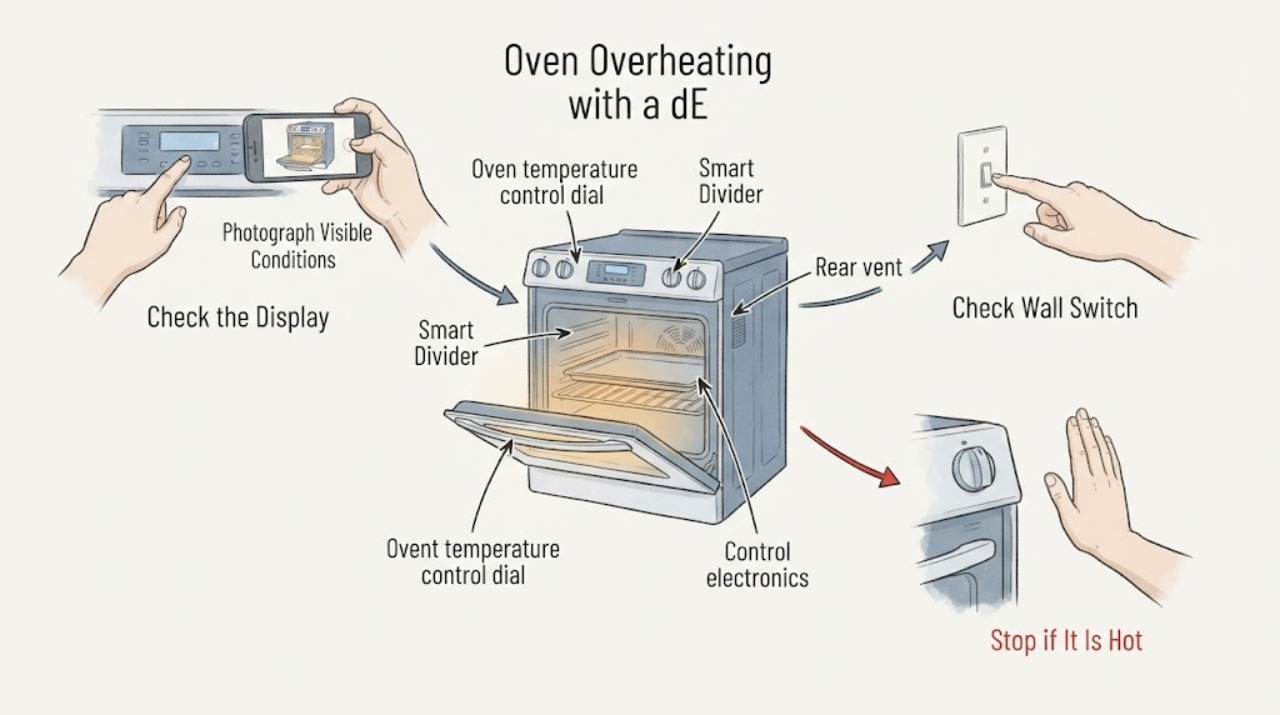
Samsung NE58F9710WS Oven Overheating with a dE Display
Treat a Samsung NE58F9710WS oven that is genuinely overheating, will not stop heating, or produces smoke, scorching, or an unsafe hot surface as a stop-use condition. Do not keep preheating or run a high-temperature test to see whether it settles.
-
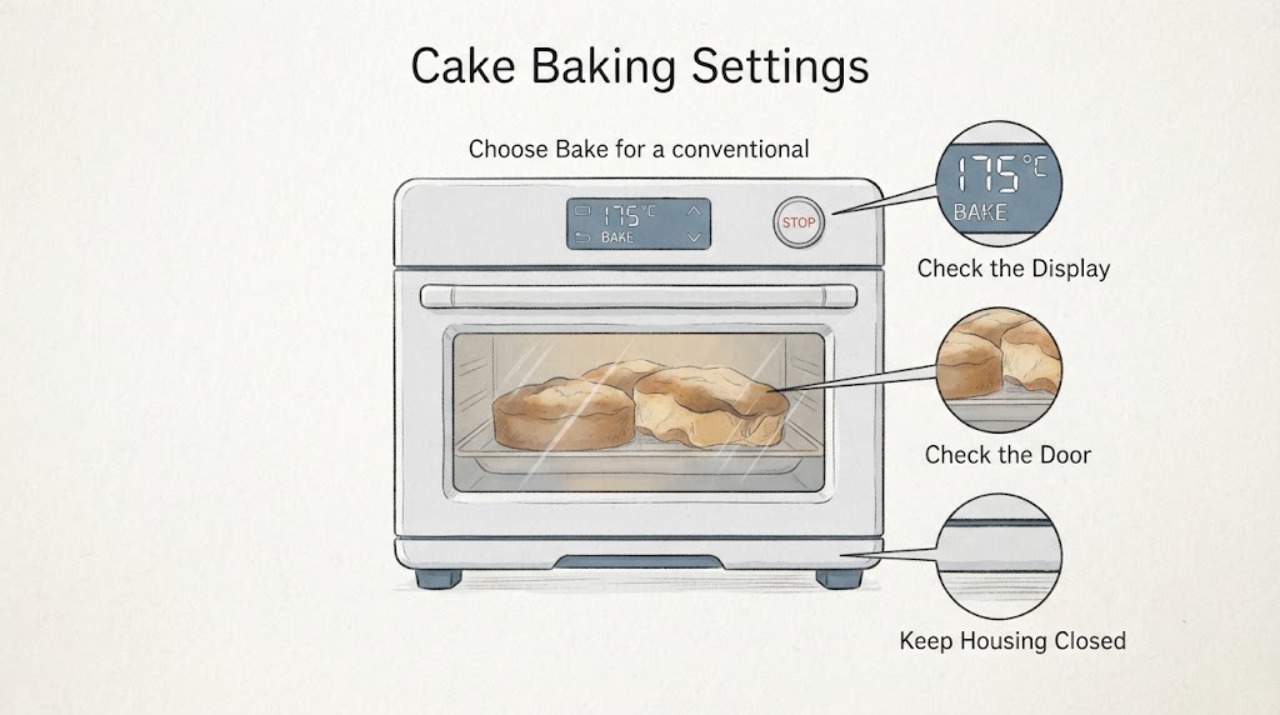
Samsung NE58H9950WS Cake Baking Settings: Mode, Rack and Temperature Checks
For cakes in the Samsung NE58H9950WS, start with a repeatable setup rather than changing parts: use the exact recipe's Bake mode unless you intentionally choose Convection Bake, preheat fully, use the rack position and pan type specified by the model manual, center the pan with room for airflow, and keep the door closed while baking. Samsung identifies this model as a Flex Duo electric range with Chef Bake and Convection Bake.
-
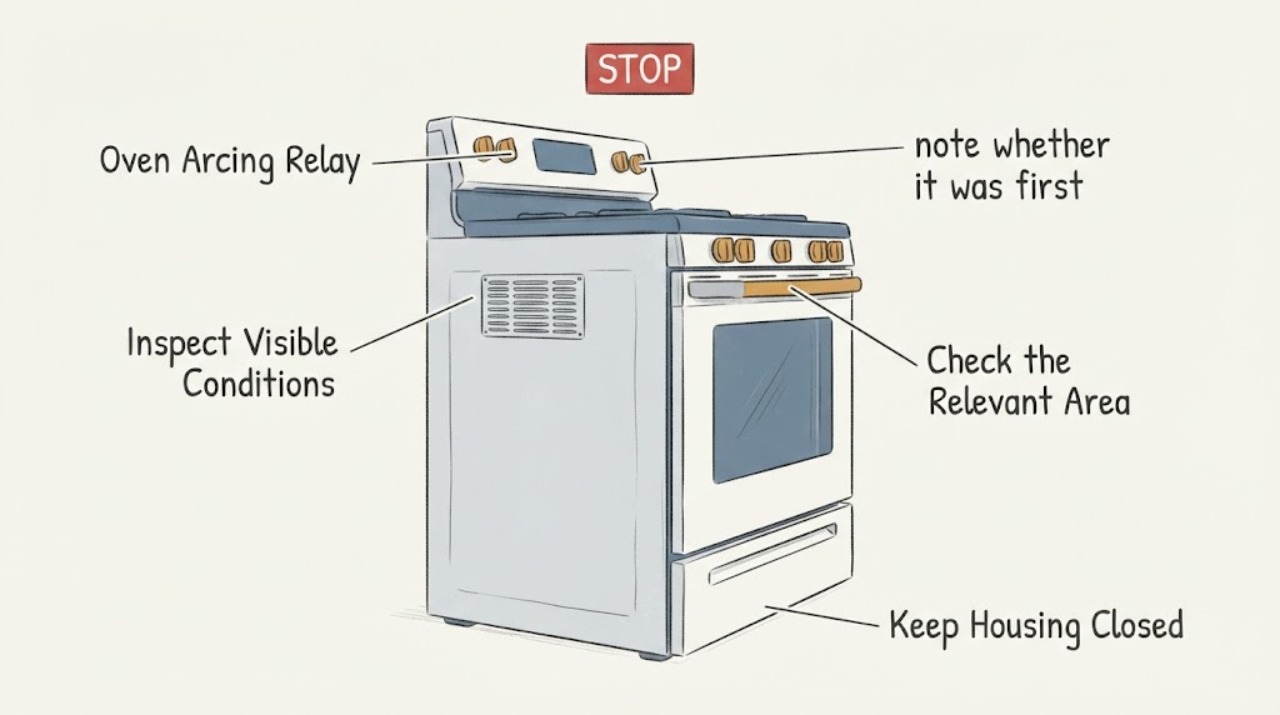
Samsung NE58K9850WS Oven Arcing Relay: Safe Checks and Service Boundary
Samsung’s official materials identify NE58K9850WS as a Flex Duo slide-in electric range with two oven compartments, but they do not confirm that “arcing relay” is a user-verified fault or define a relay test. Treat any reported arc, crackle, burning odor, smoke, heat or breaker event as a stop-use warning: do not reproduce it, open the control area or probe the range.
-
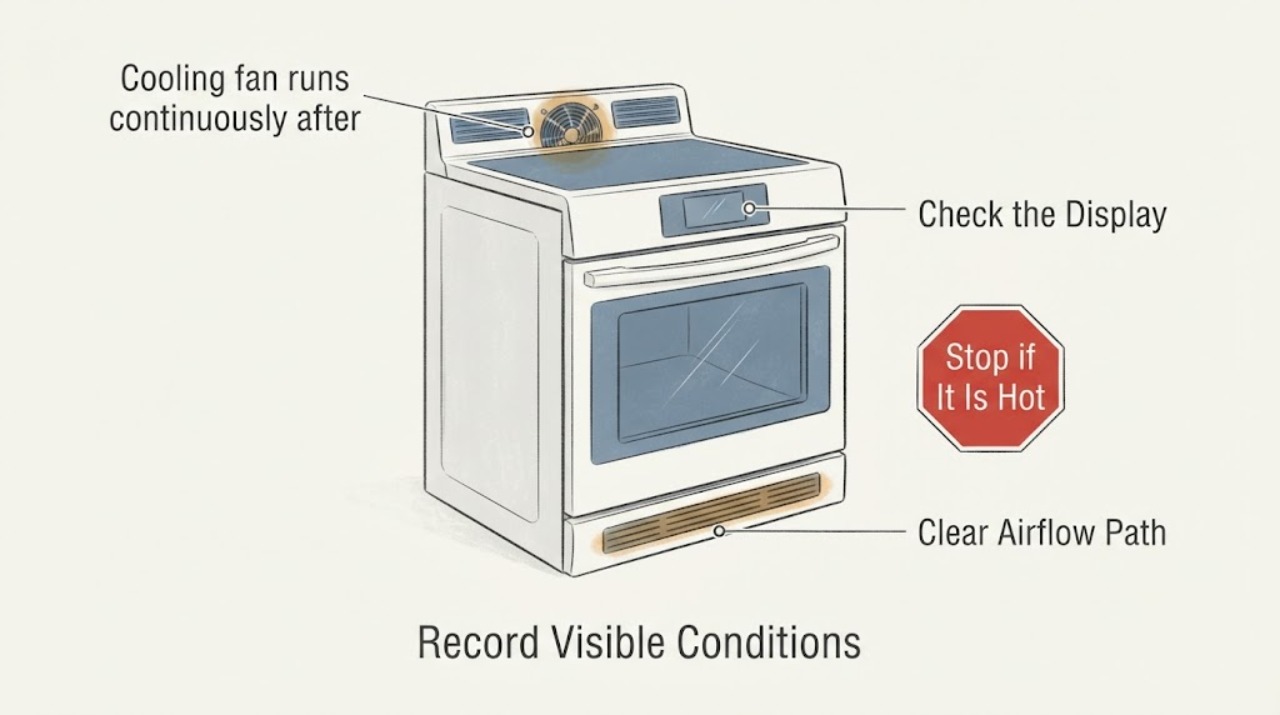
Samsung NE58R9431SS cooling fan runs continuously after Self Clean
The NE58R9431SS is an electric range with Self + Steam Clean. Samsung says its hidden cooling fan runs while the electronics are hot and turns off when they are cool; the visible convection fans have a different cycling pattern.
-
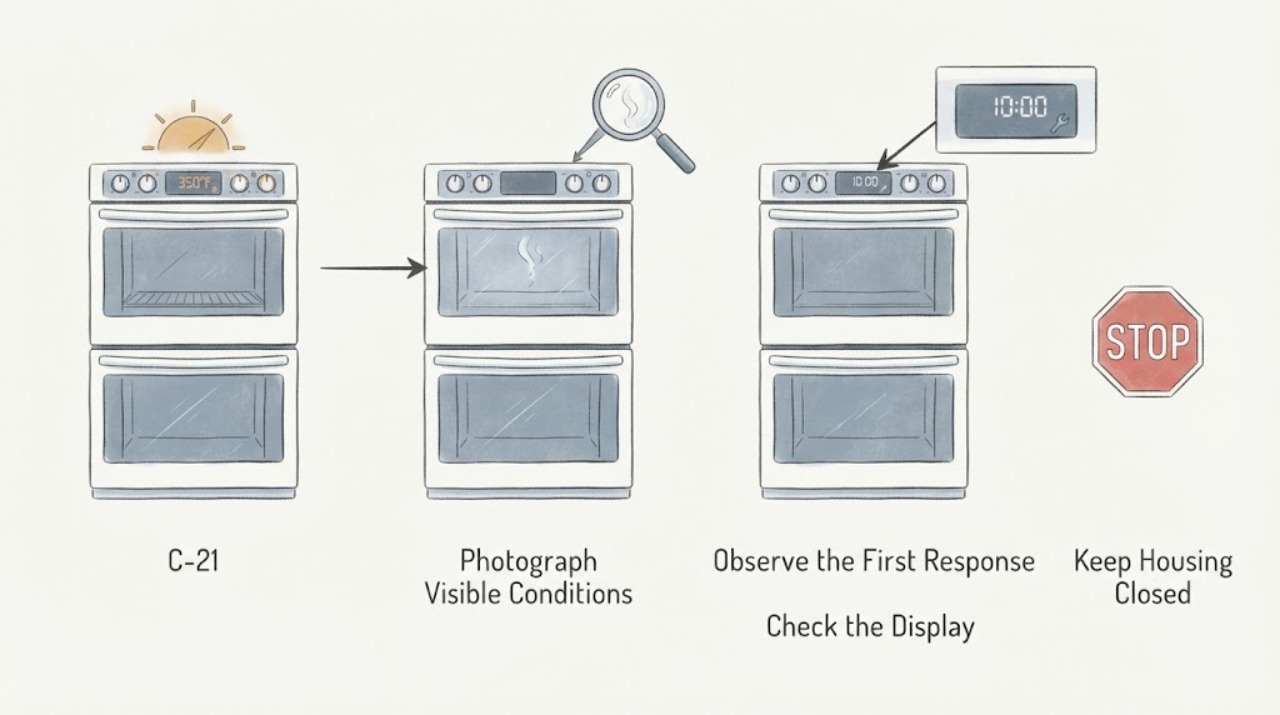
Samsung NE59J7750WS C-21: upper element appears to heat when the lower oven is selected
The Samsung NE59J7750WS is a Flex Duo electric range: its oven can be divided into two cavities with a removable Smart Divider and has two temperature controls. The opened Samsung range-code guides do not publish a model-specific explanation for C-21, so do not import a meaning from another Samsung appliance or assume that an upper element glowing identifies a failed part.
-
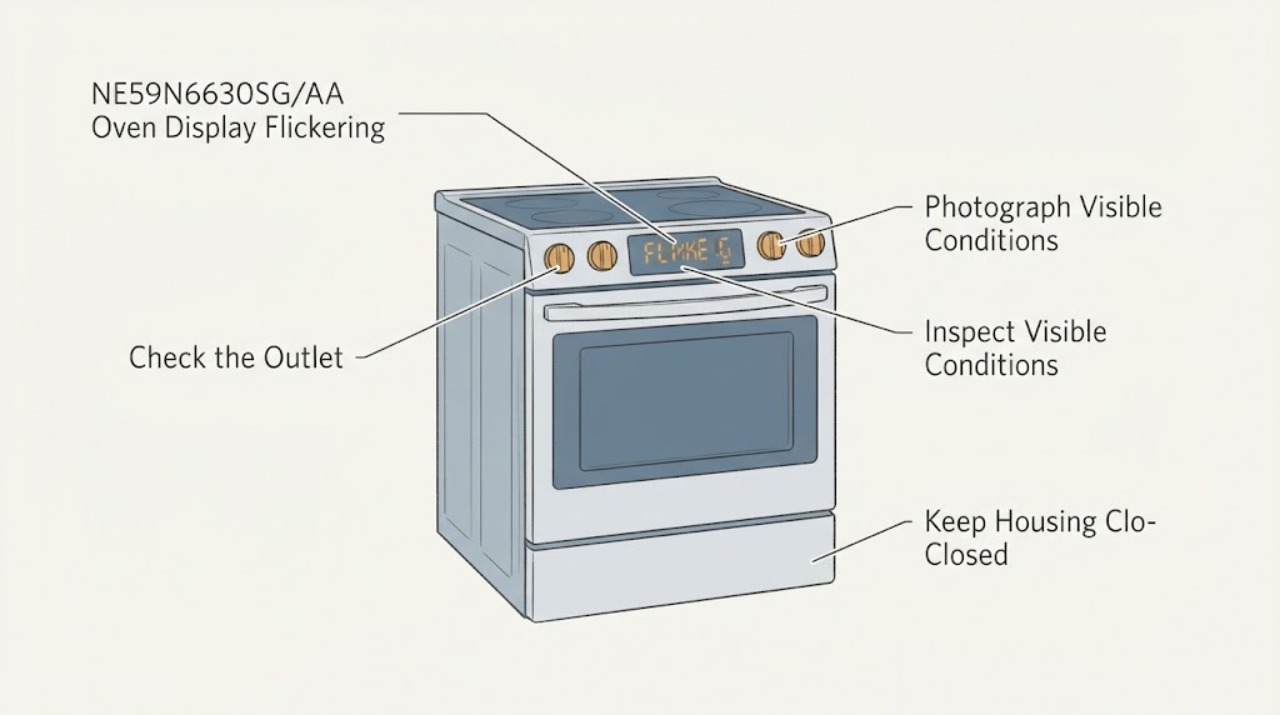
Samsung NE59N6630SG/AA Oven Display Flickering: Safe Checks Before Service
For the Samsung NE59N6630SG/AA, treat a flickering clock or control display as a display/power symptom, not as an oven-light problem. Confirm the complete model suffix and record whether the whole display, only some segments, or the display brightness changes, and whether the oven, cooktop, nearby lights, or breaker also react.
-
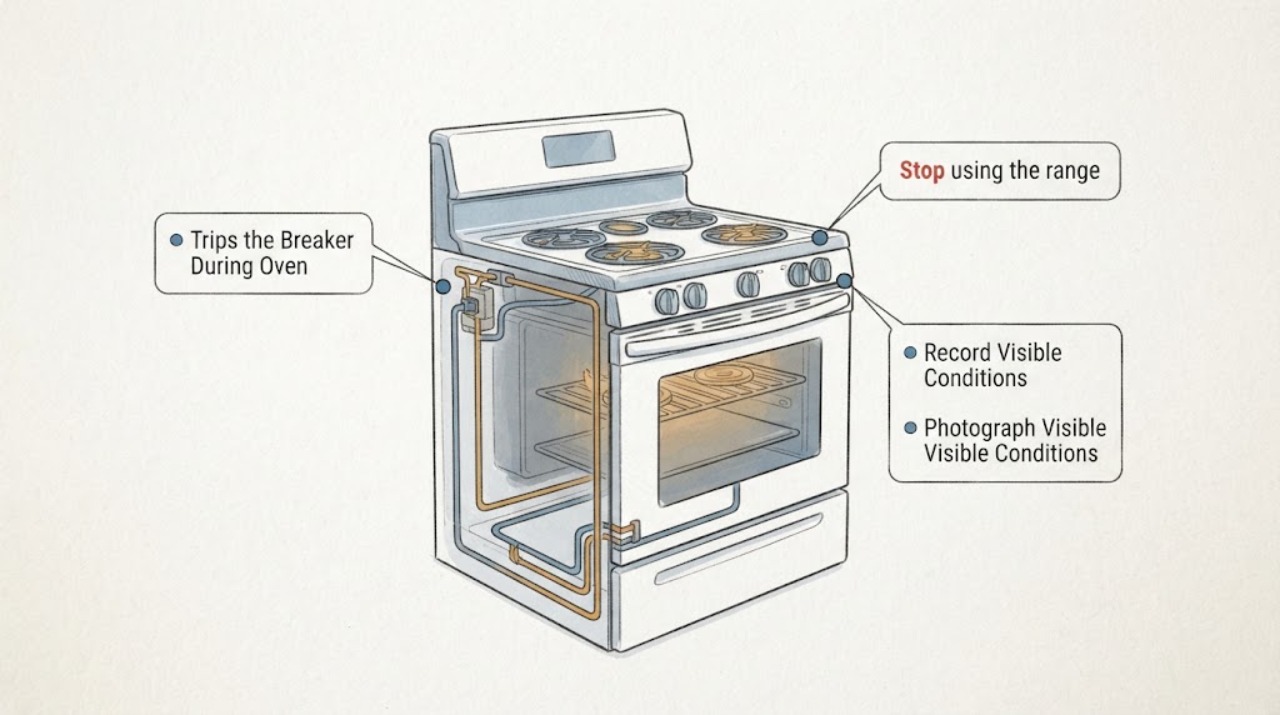
Samsung NE59T4311SS Trips the Breaker During Oven Preheat and Cooktop Use
The Samsung NE59T4311SS is a freestanding electric range, so a breaker trip while the oven is preheating above 350°F and the cooktop is in use is a high-load timing clue—not proof that one heating element or control board is bad. Do not keep resetting the breaker, change circuits, use an extension cord, or run modes to reproduce the trip.
-
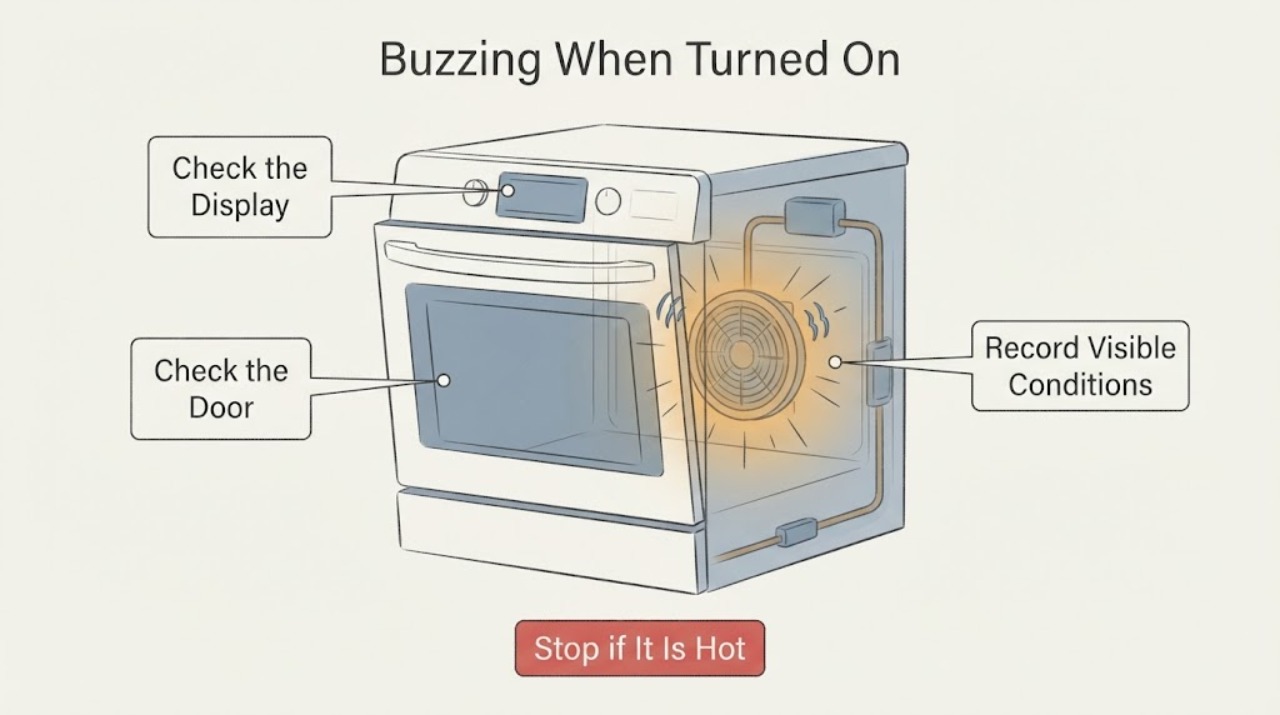
Samsung NQ70M6650DG/AA Buzzing When Turned On: Fan or Electrical Warning?
Samsung's NQ70M6650DG/AA is listed in Samsung documentation as a wall-oven model. A low, steady buzz or airflow that begins with preheating, a cooking mode, or the cooling period can be a normal fan sound; Samsung says its oven fans are generally quiet and may run at intervals or while the electronics cool.
-
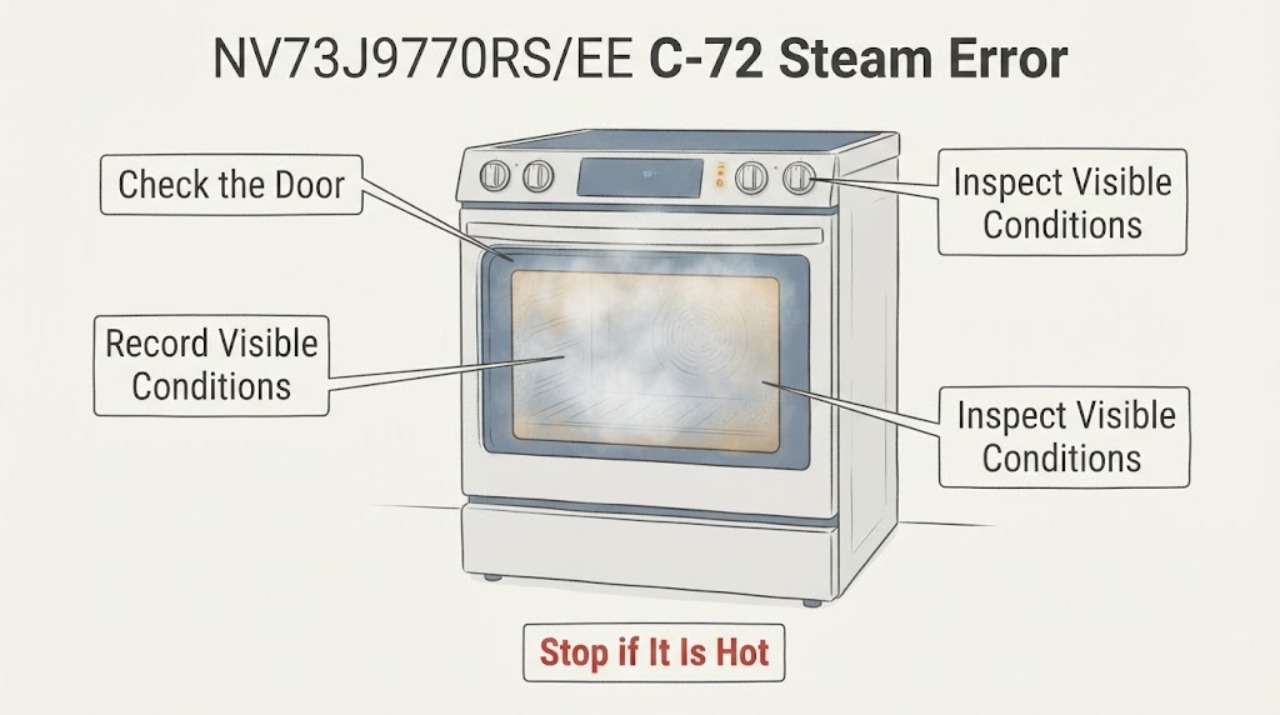
Samsung NV73J9770RS/EE C-72 Steam Error: Safe Checks
On the Samsung NV73J9770RS/EE, the model's user manual groups C-72 under “Vapour-related problems.” Treat it as a steam-system message, not proof that a water tank, pump, sensor, or board needs replacement. Stop the steam function, let the oven and any water or steam cool, and record whether the message appeared while filling, cooking with vapour, draining, or after descaling.
-
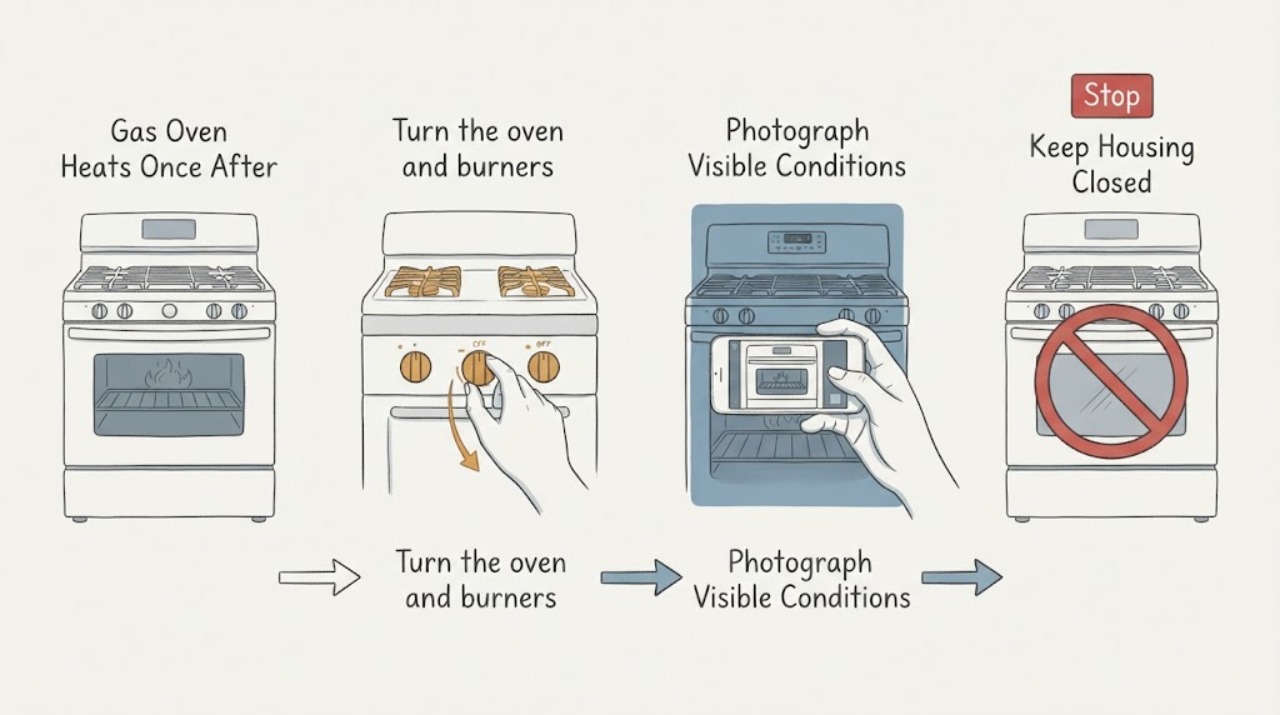
Samsung NX5837750SS Gas Oven Heats Once After Igniter Replacement, Then Bake and Broil Stop
Do not keep replacing igniters or repeatedly trying Bake and Broil. The supplied Samsung model string NX5837750SS needs to be checked against the range rating plate because Samsung's support system requires a valid model code and the opened Samsung support material does not verify this exact string.
-
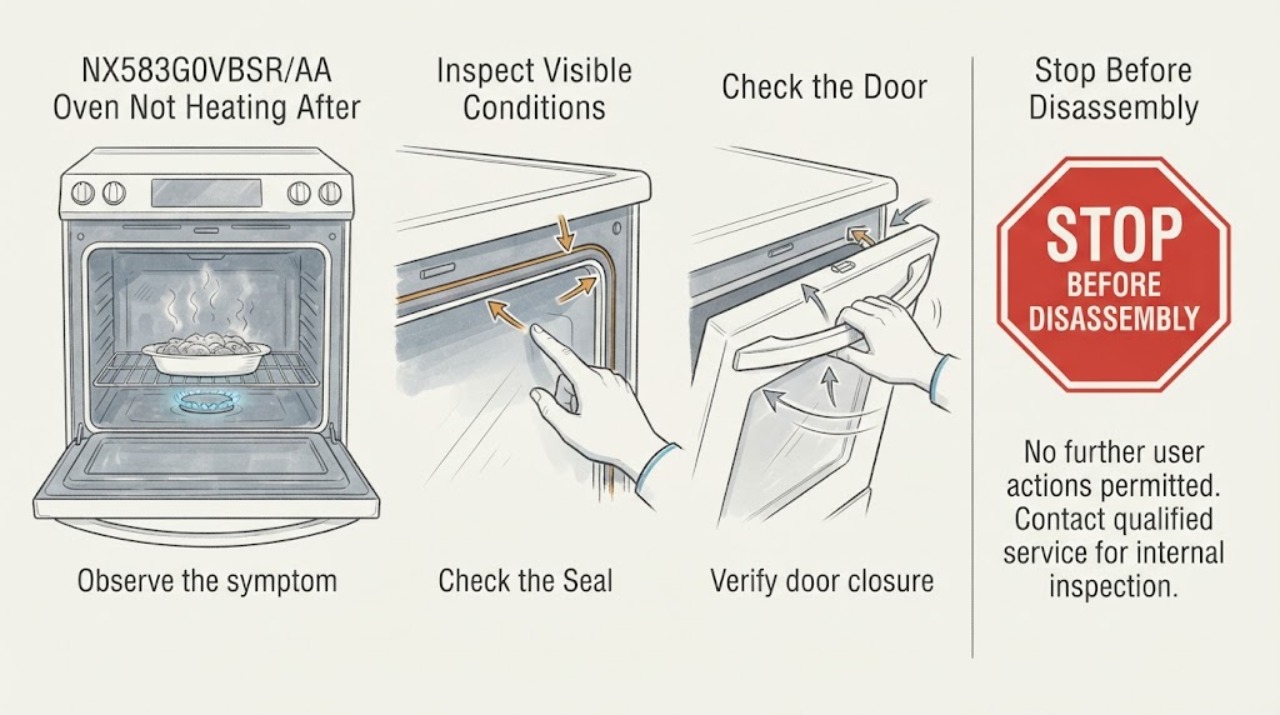
Samsung NX583G0VBSR/AA Oven Not Heating After Meat Juices Dripped on the Oven Bottom
Meat juices on the bottom of a Samsung NX583G0VBSR/AA do not by themselves mean an igniter, valve, or control part needs replacement. Let the gas range cool completely, wipe away the excess spill with a soft damp cloth using the model's cleaning guidance, and keep foil and commercial oven cleaners out of the cavity.
-
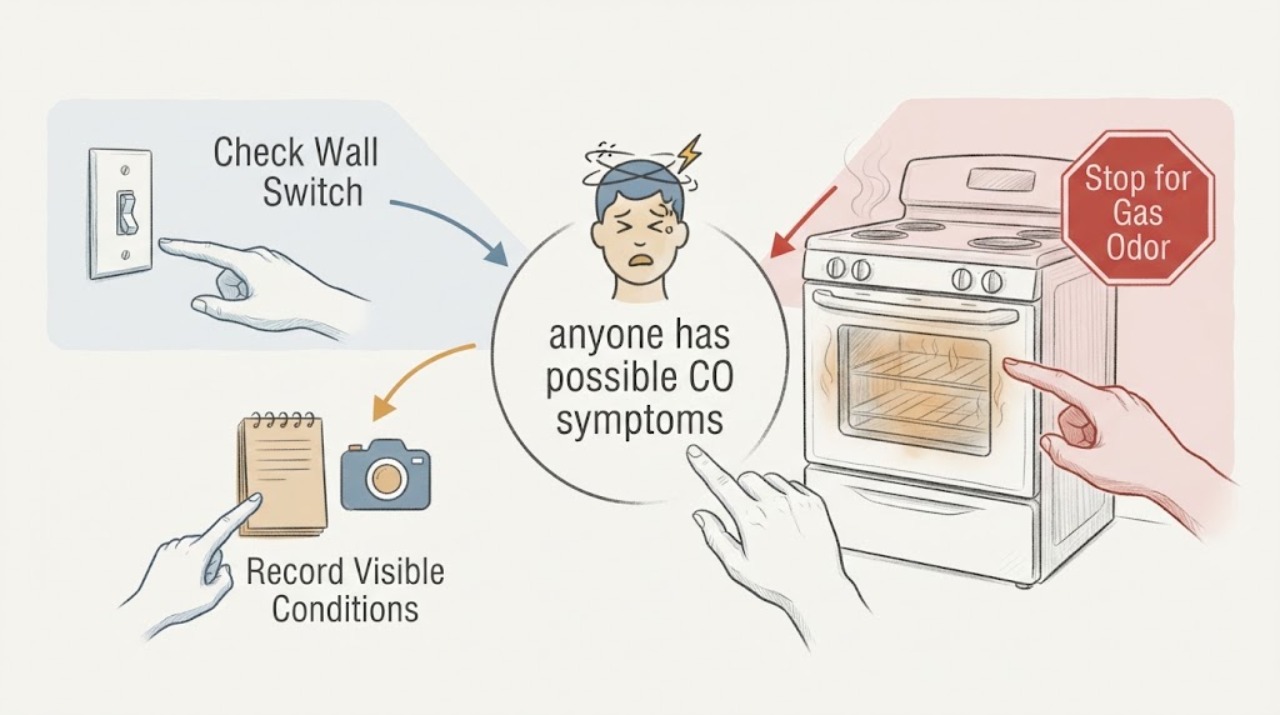
Samsung NX58H5600SS Suspected Carbon Monoxide Leak: Leave and Get Professional Help
Do not use a Samsung NX58H5600SS gas oven again to see whether carbon monoxide is present or to reproduce a suspected leak. Carbon monoxide is colorless and odorless, and an alarm, symptoms such as headache, dizziness, weakness, nausea, chest pain, or confusion, or a credible concern about combustion requires everyone, including children and pets, to leave for fresh air and contact emergency or fuel-gas professionals from a safe location.
-
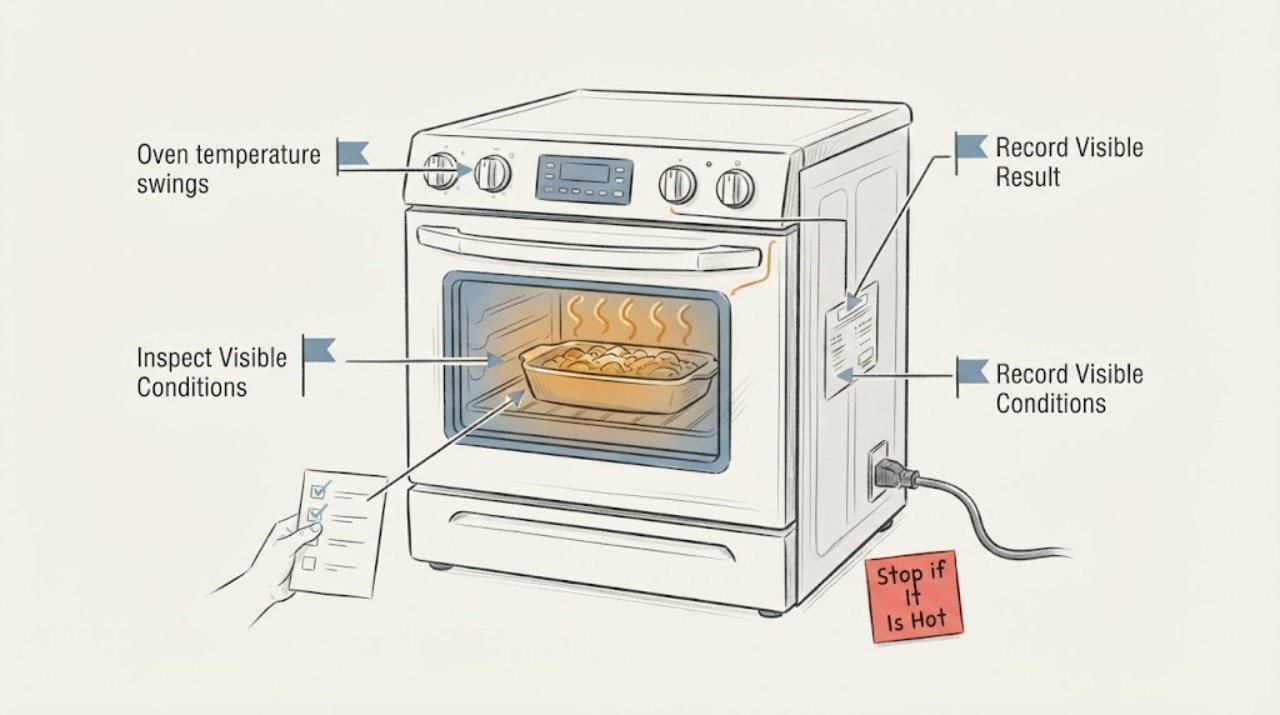
Samsung NX58H5600SS oven temperature swings: normal cycling or a fault?
On a Samsung NX58H5600SS gas range, the oven burner normally cycles on and off to hold an average temperature, so an instant high or low reading does not by itself prove a failed sensor or igniter. First confirm the complete market suffix, the selected Bake or Convection mode, and the actual cooking result.
-
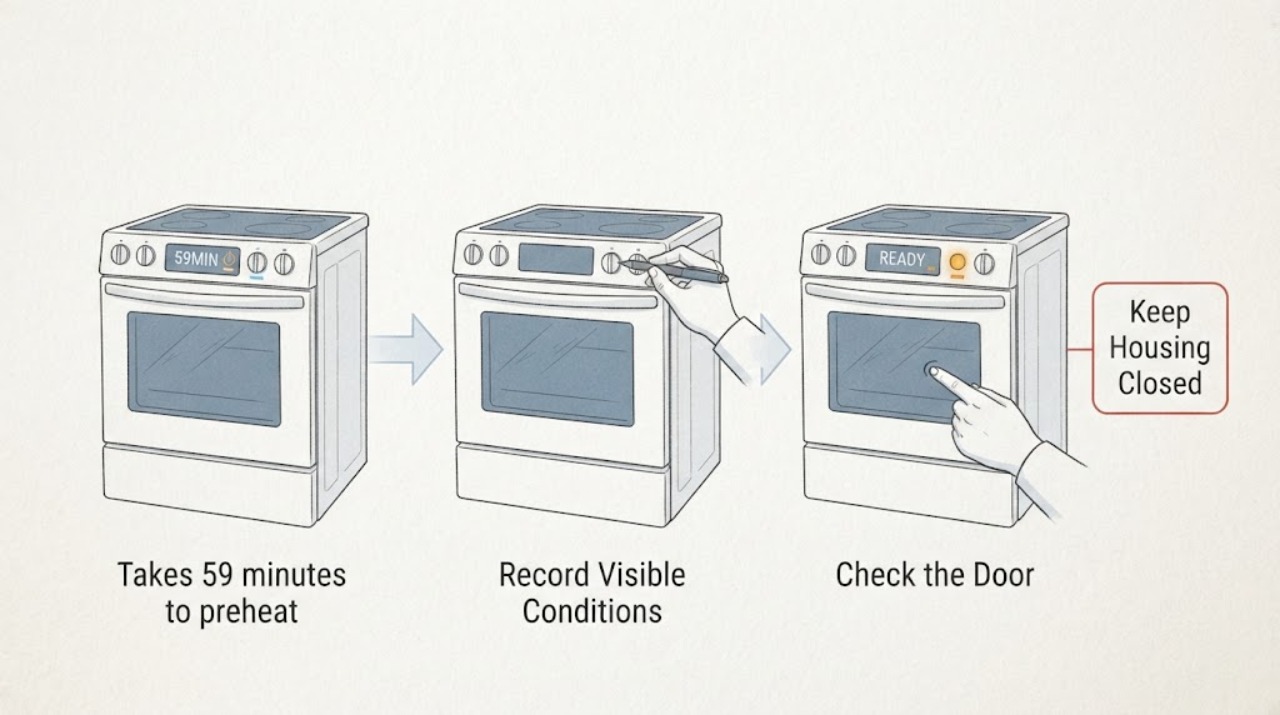
Samsung NX58H9500WS/AA takes 59 minutes to preheat
The Samsung NX58H9500WS/AA is a slide-in gas range, so a 59-minute preheat is meaningful only if the oven was empty and at room temperature, one rack was left inside, the target was 350°F, the door stayed closed, and the completion beep was timed. Samsung says that controlled test should finish within 20 minutes; do not use an oven thermometer as the test.
-
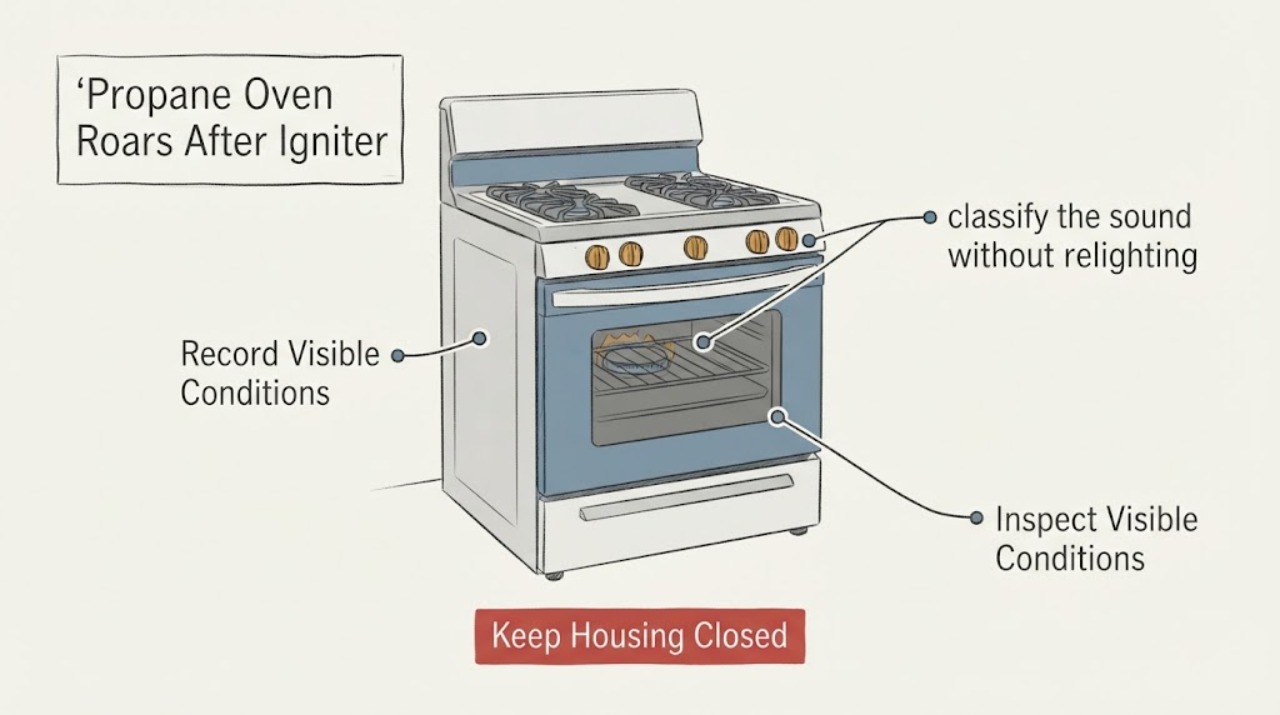
Samsung NX58H9500WS/AA Propane Oven Roars After Igniter Replacement
Stop using the Samsung NX58H9500WS/AA if its propane oven suddenly makes a roaring or unusually forceful flame sound after an igniter replacement. Samsung identifies this product as a gas range and says its gas ranges may use natural gas or LP only after the correct conversion; Samsung's model support page provides the model-specific installation and user manuals.
-
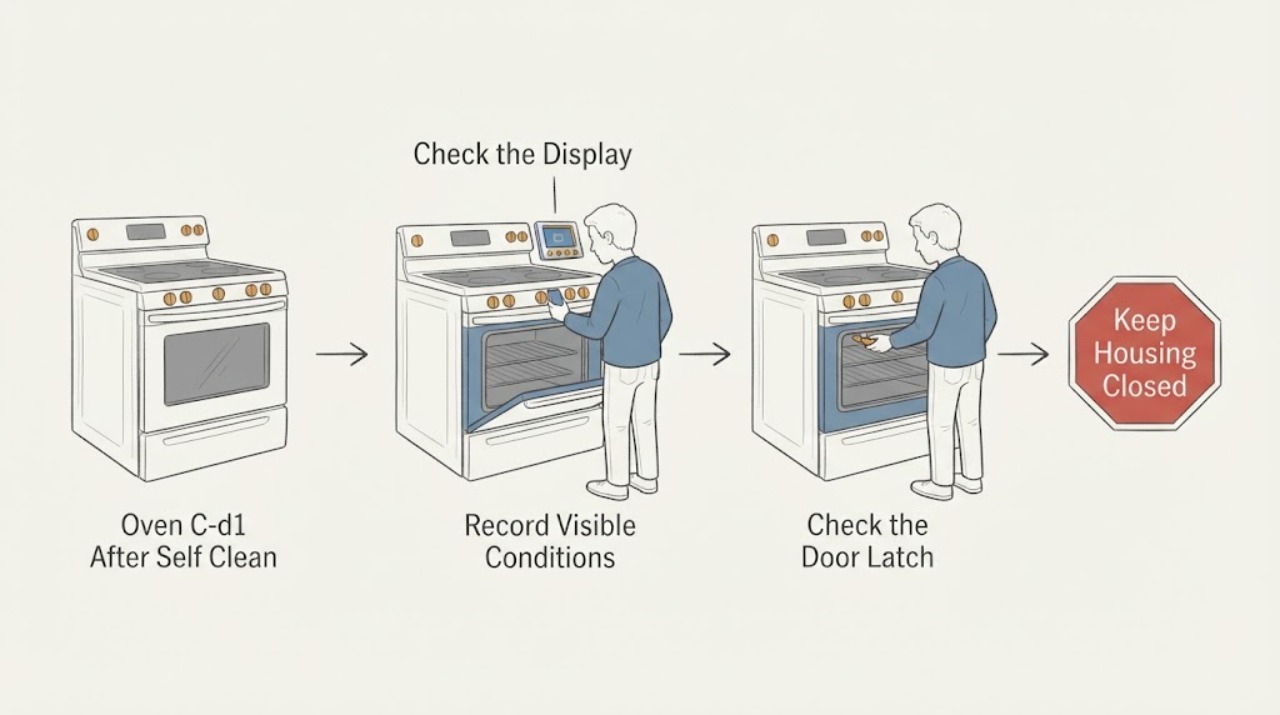
Samsung NX58M9420SS Oven C-d1 After Self Clean: Door Lock Safety Checks
On the Samsung NX58M9420SS gas range, C-d1 after Self Clean should be treated first as a hot, safety-locked oven state and a possible door-lock malfunction—not as proof that a latch, motor, or control board needs replacement. Let the range cool naturally, keep the door closed, and never pull the handle or start Self Clean again to test it.
-
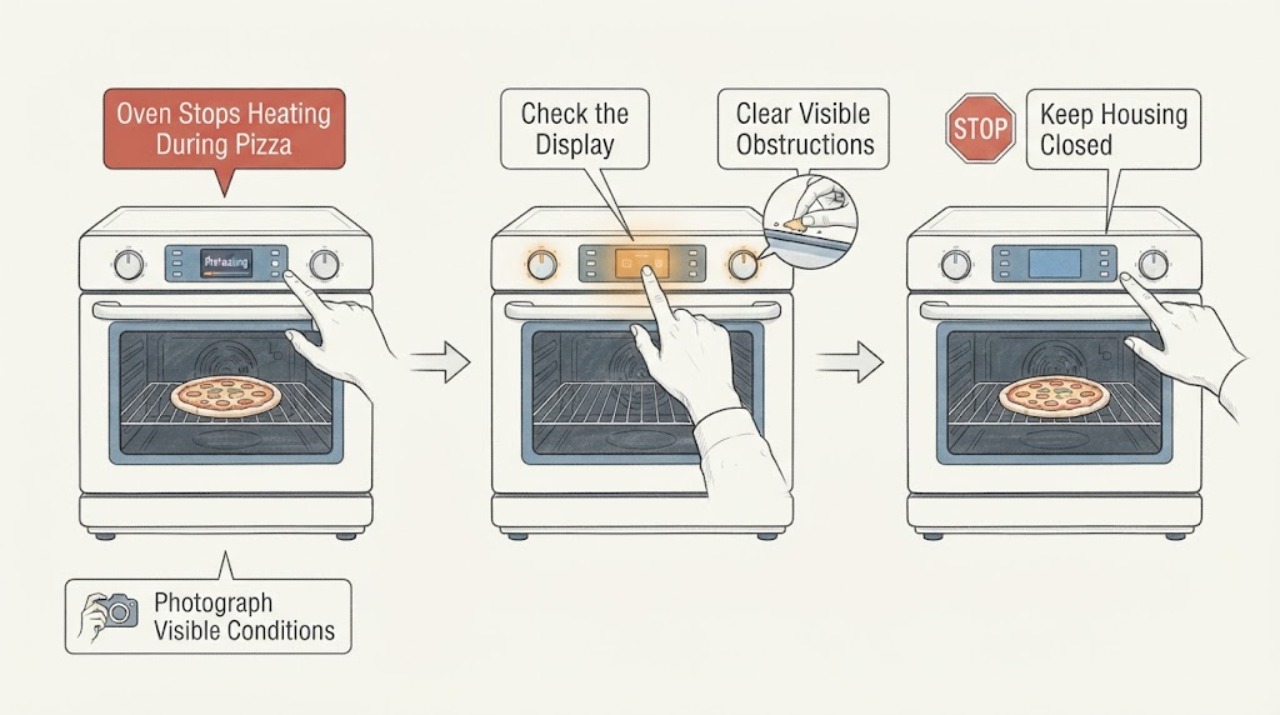
Samsung NX60T8111SS Oven Stops Heating During Pizza Preheat: Verify the Model First
First read the range rating label: Samsung's opened product record identifies the stainless model as NX60T8111SS, not NX60T8111SSS. Do not apply a manual or parts listing until that suffix is confirmed.
-
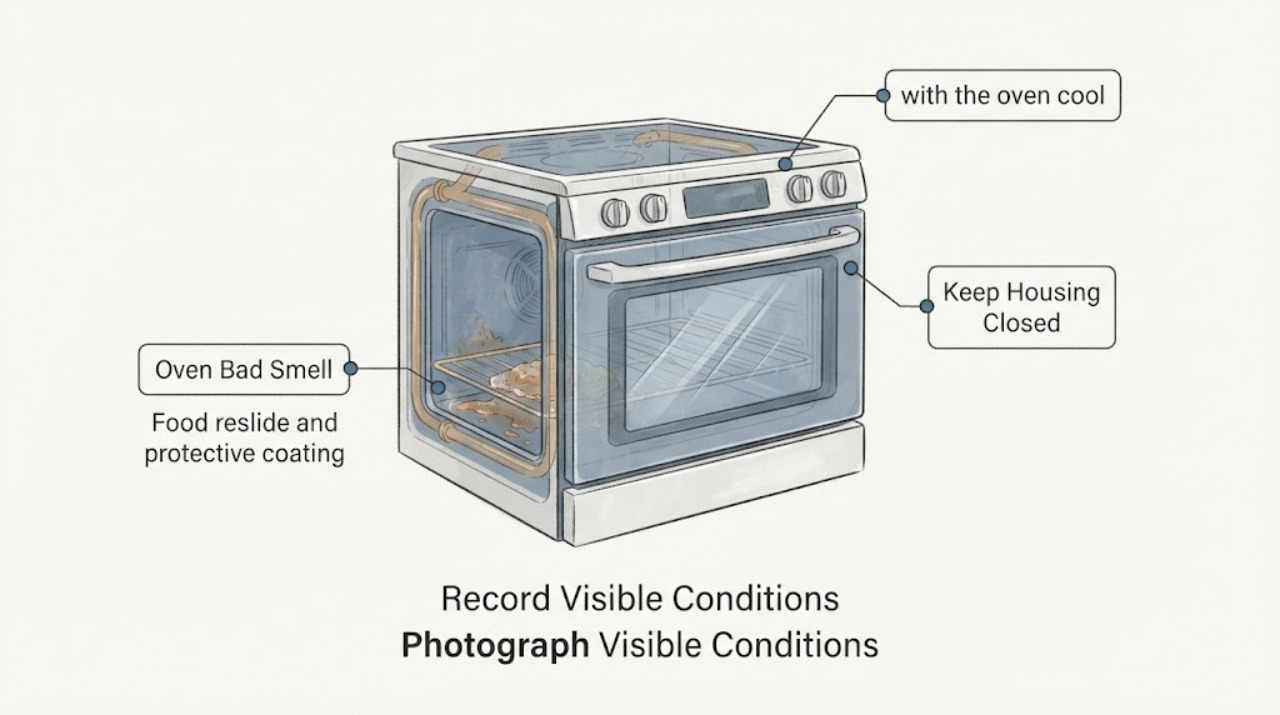
Samsung Oven Bad Smell: Separate Normal Odor from a Safety Fault
A Samsung oven smell is only potentially routine when it matches a known situation: a faint odor during first use, odor or smoke during a model-supported self-clean cycle, or smoke from food residue during normal cooking. Identify the oven model, fuel type and when the smell starts before choosing any remedy.
-
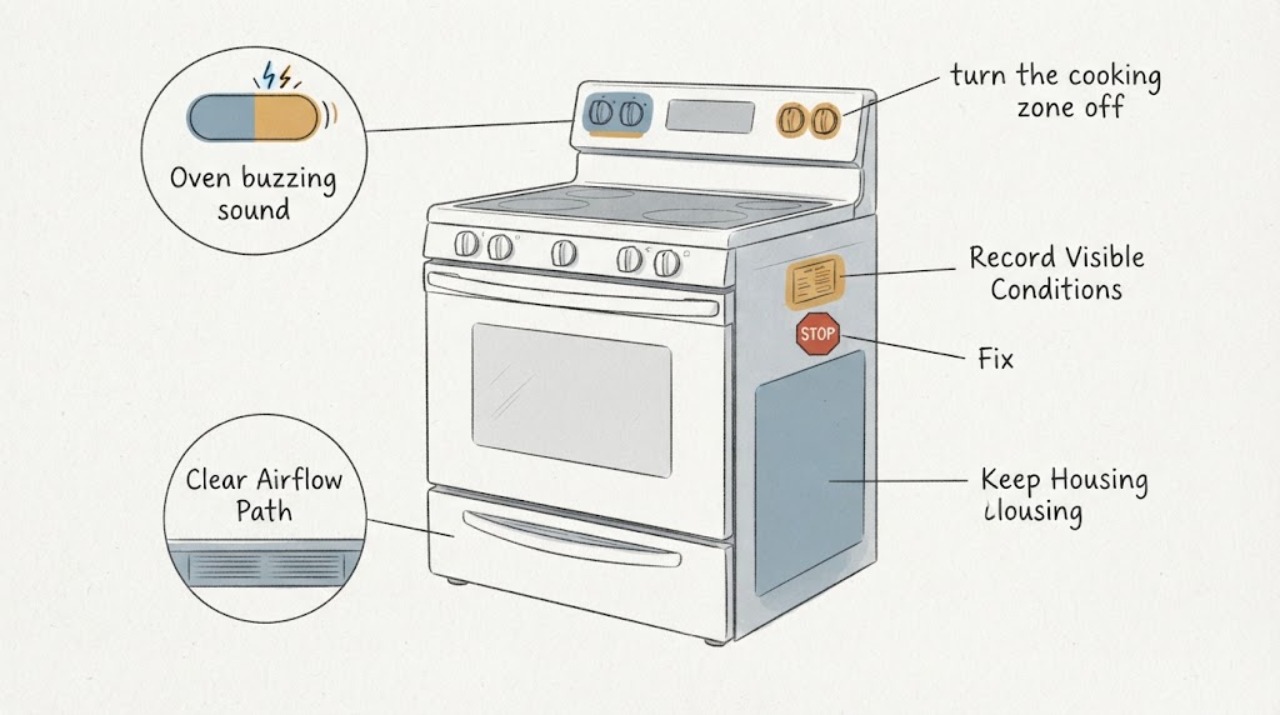
Samsung Oven buzzing sound | Fix Guide
A Samsung oven can make a quiet hum or buzz from its cooling or convection fan, and a Samsung range with an induction cooktop can buzz depending on the cookware. First record whether the sound occurs during preheating, convection cooking, cooktop use, when the door opens, or after the oven is turned off.
-
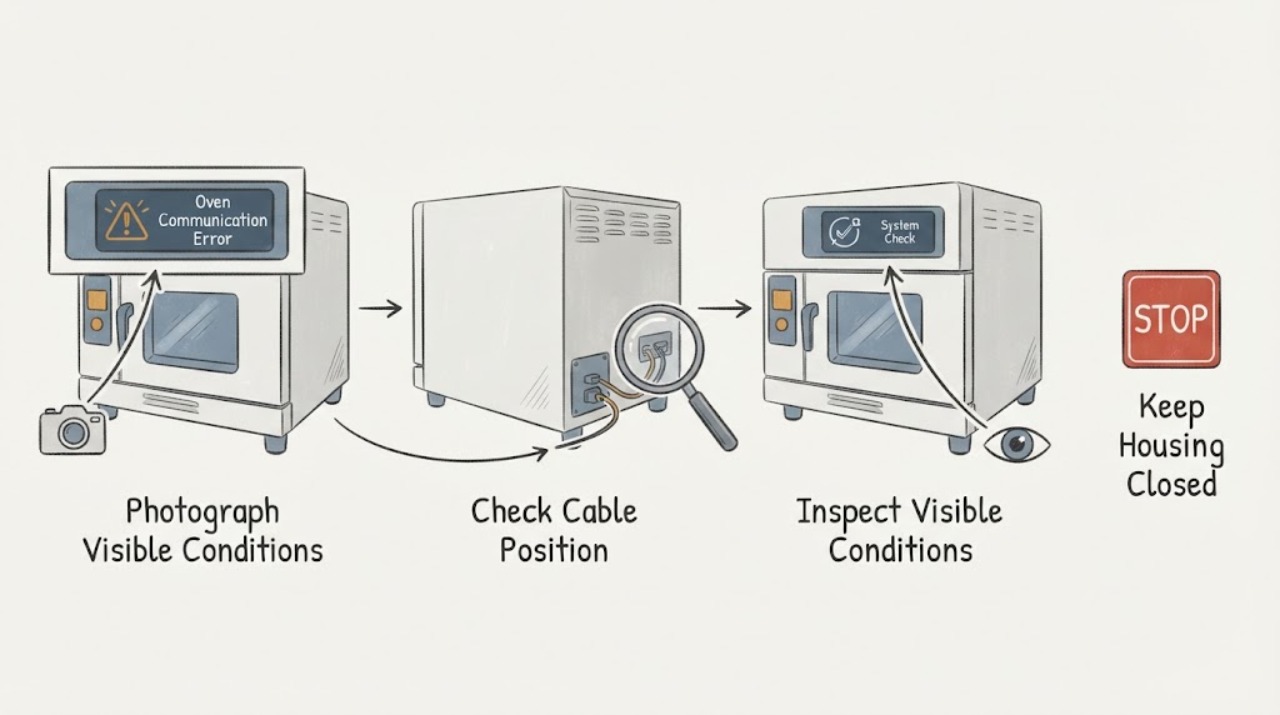
Samsung Oven Communication Error: Identify the Code Before Resetting
Samsung uses more than one communication-related information code, and the meaning can vary by oven design and model. On Samsung's official oven guidance, C-F0 means communication is absent between the main PCB and sub PCB, while C-F2 means a communication problem is maintained between the Touch IC and the main or sub micom.
-
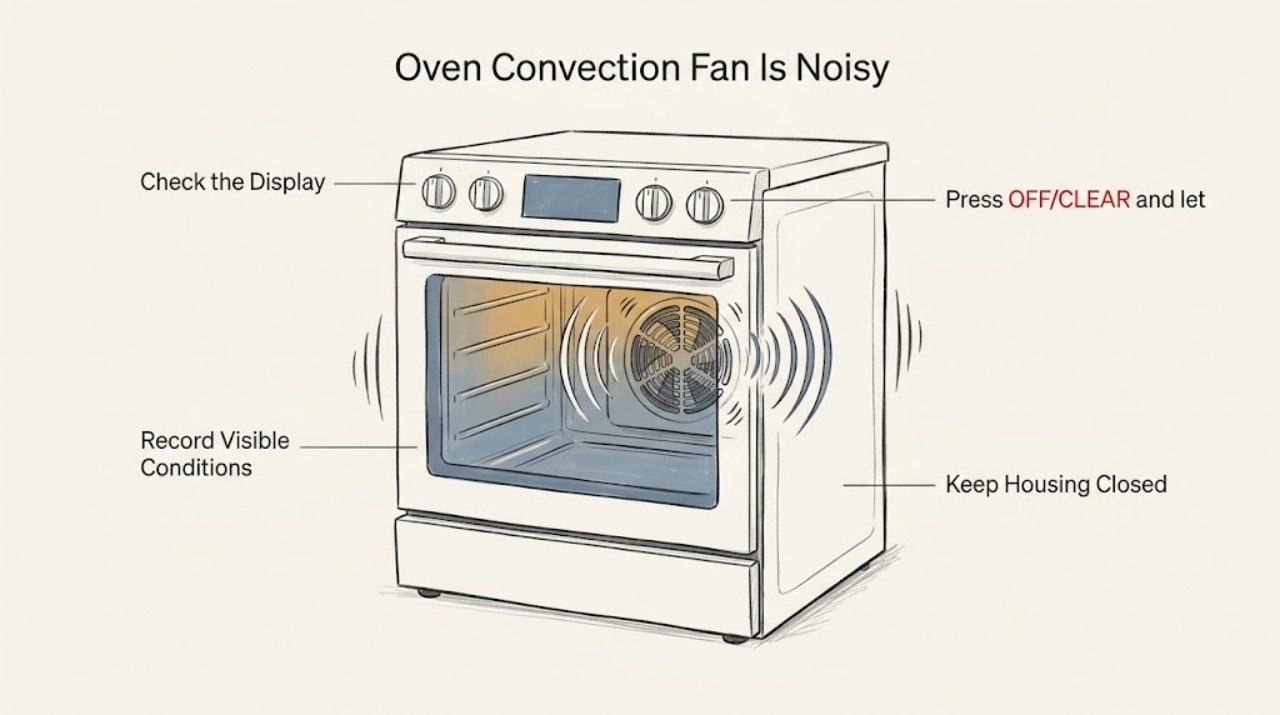
Samsung Oven Convection Fan Is Noisy: What to Check and What to Do Next
A Samsung convection fan normally makes a quiet, low hum and may turn on and off during convection cooking; the separate cooling fan can also continue after cooking while the oven cools. A new grinding, scraping, rattling, clicking, or distinctly louder sound is not something to diagnose by removing panels.
-
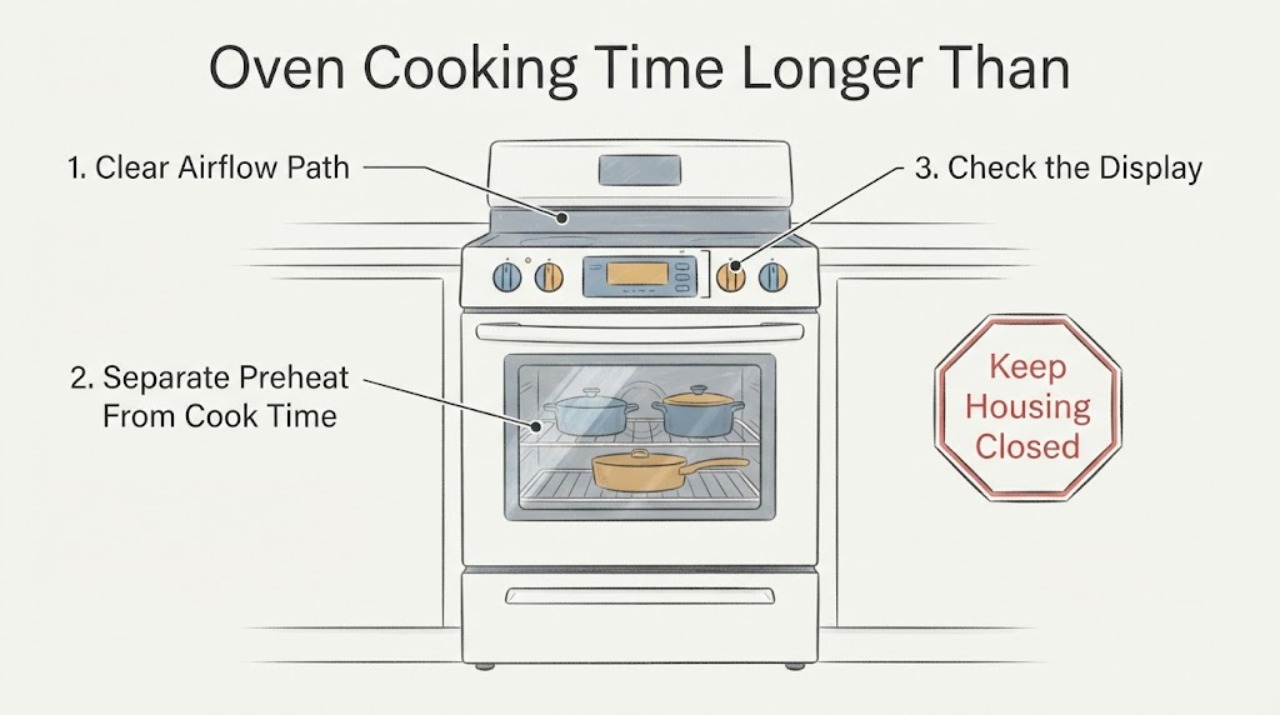
Samsung Oven Cooking Time Longer Than Expected | Safe Checks
Separate a long preheat from food that cooks slowly after preheating. Samsung's official guide says to test a room-temperature empty oven with one rack at 350°F and time the beep without opening the door; the guide uses 20 minutes as its service threshold for that test.
-
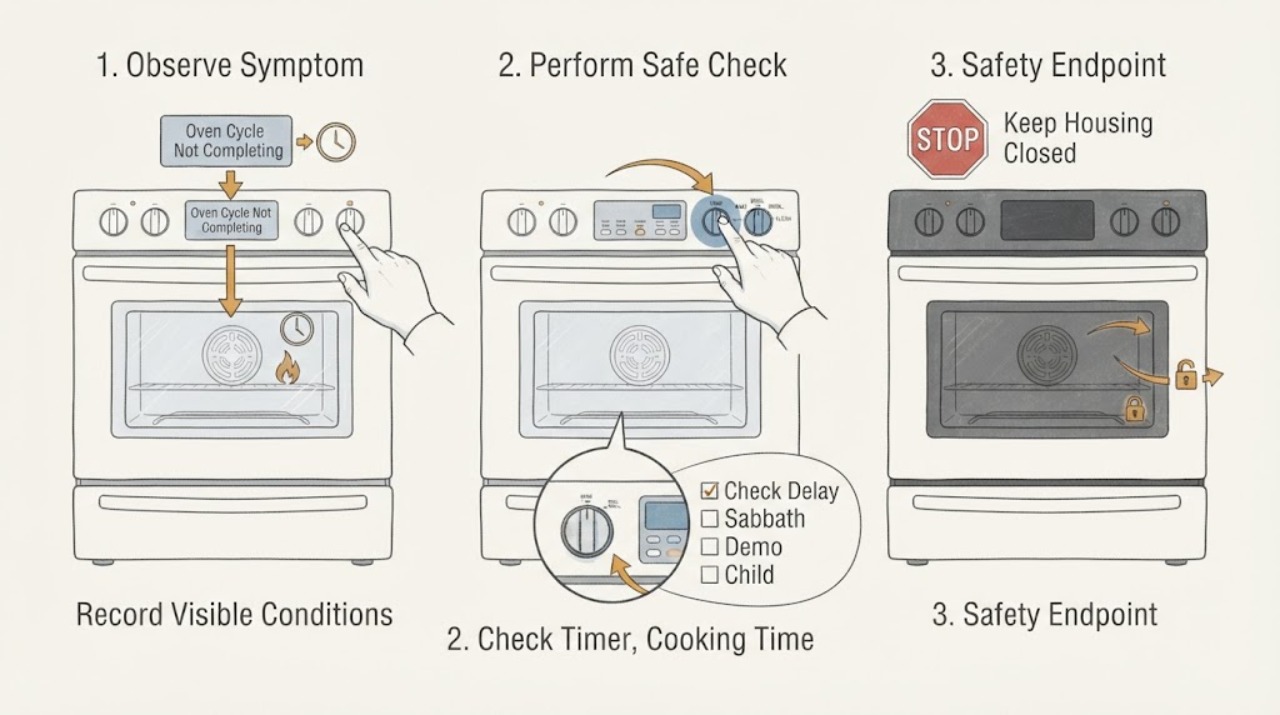
Samsung Oven Cycle Not Completing: Check Timers, Modes, and Safety Stops
If a Samsung oven cycle does not complete, first determine whether it stopped at the programmed end time, never started because Delay Start or a mode was selected, or stopped unexpectedly while heat was still needed. The kitchen timer only counts down and beeps; it does not start or stop cooking.
-
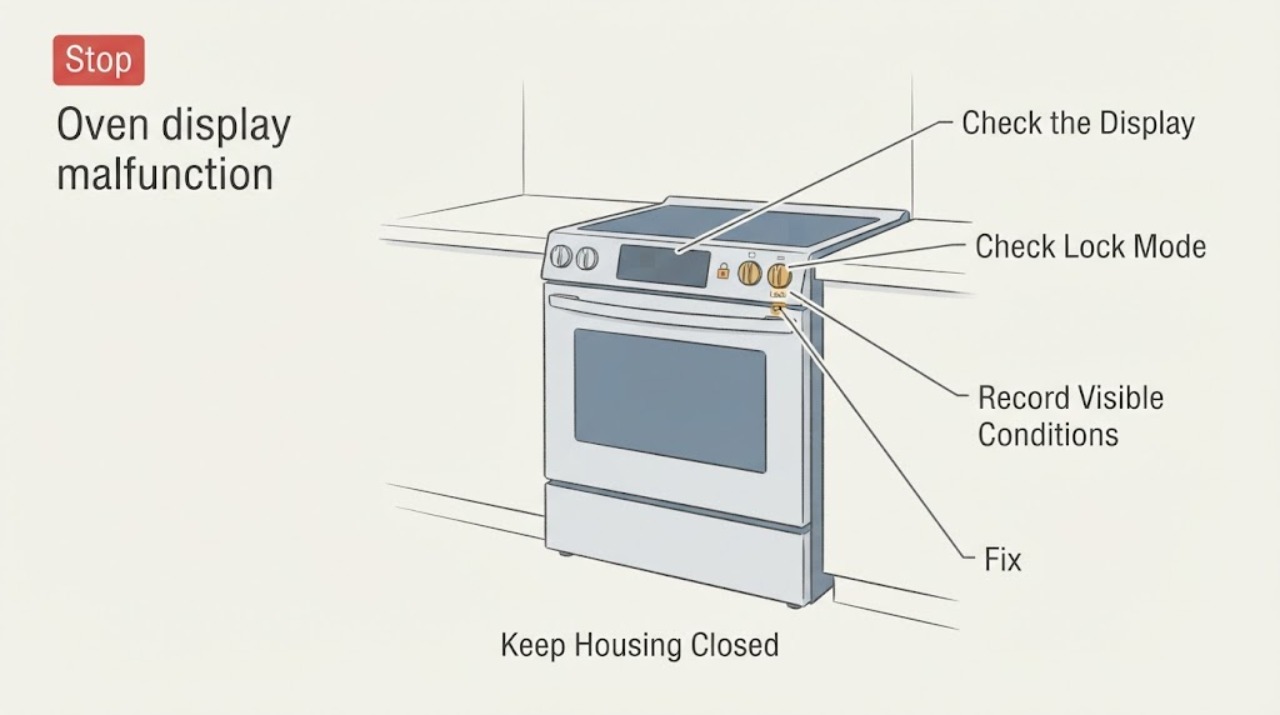
Samsung Oven display malfunction | Fix Guide
First separate a display that is merely asleep from a panel that is locked, in a model-specific mode, showing an error, or persistently blank or erratic. Samsung says a wall-oven display can go blank after inactivity and wake when you interact with it.
-
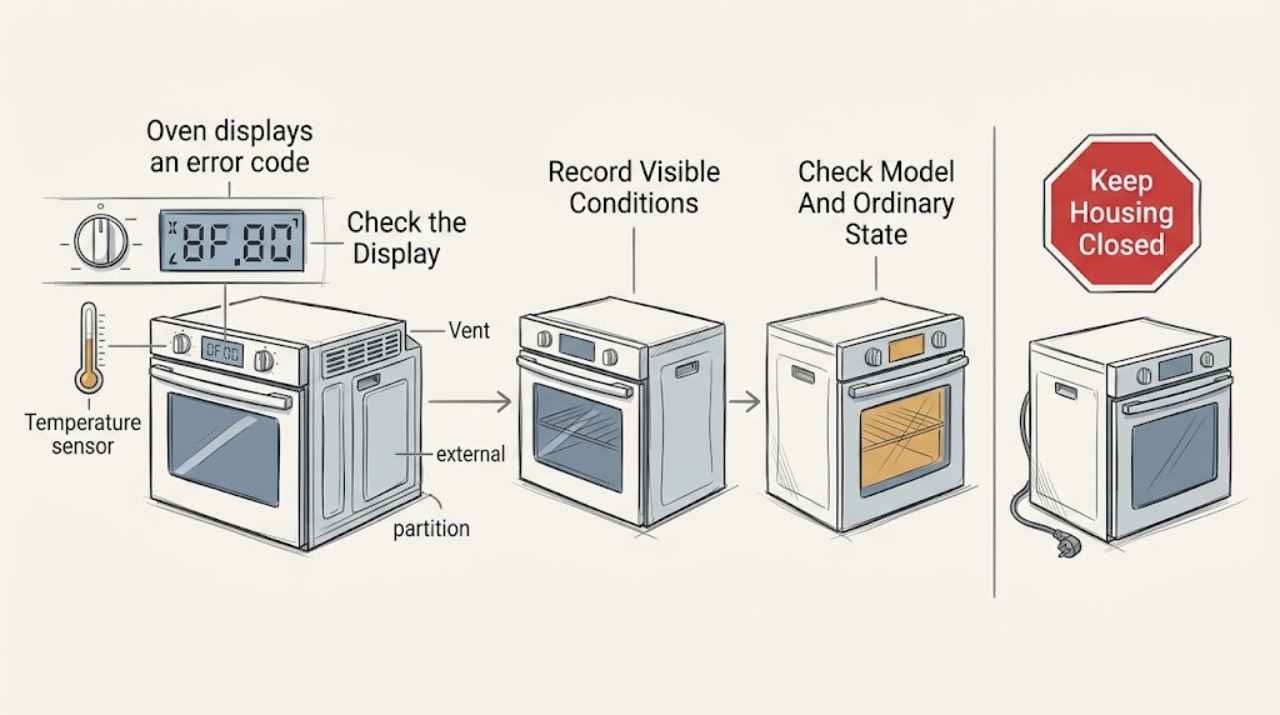
Samsung oven displays an error code: What to Check and What to Do Next
Record the complete Samsung oven message before trying to clear it. Samsung uses information codes for different conditions, including a door or divider position, Demo mode, blocked vent or high temperature, power connection, communication, or a model-specific fault.
-
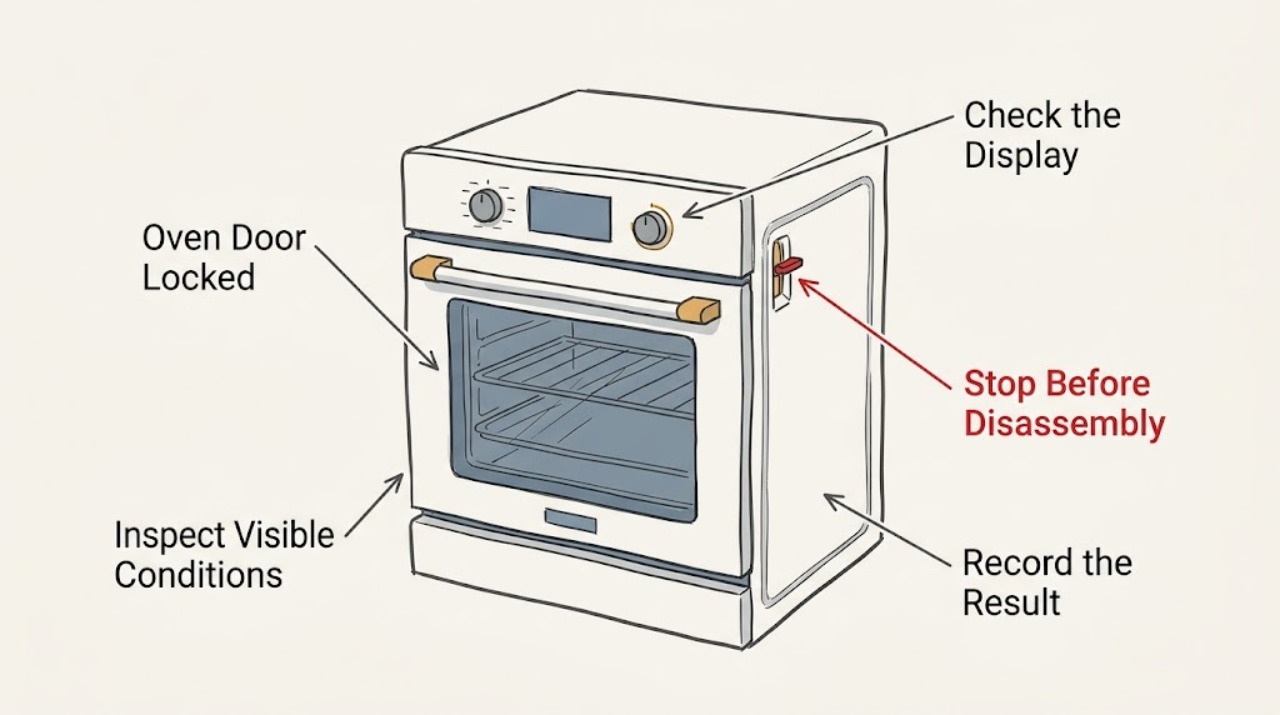
Samsung Oven Door Locked: What to Check Before Calling for Service
A Samsung oven door commonly remains locked because the oven is still hot after Self Clean, the cleaning cycle is still active, Control Lock or Oven Lock is enabled, power was interrupted during a lock condition, or the latch or door is physically out of position. Wait until the oven is fully cool and follow the exact model manual before trying a control reset.
-
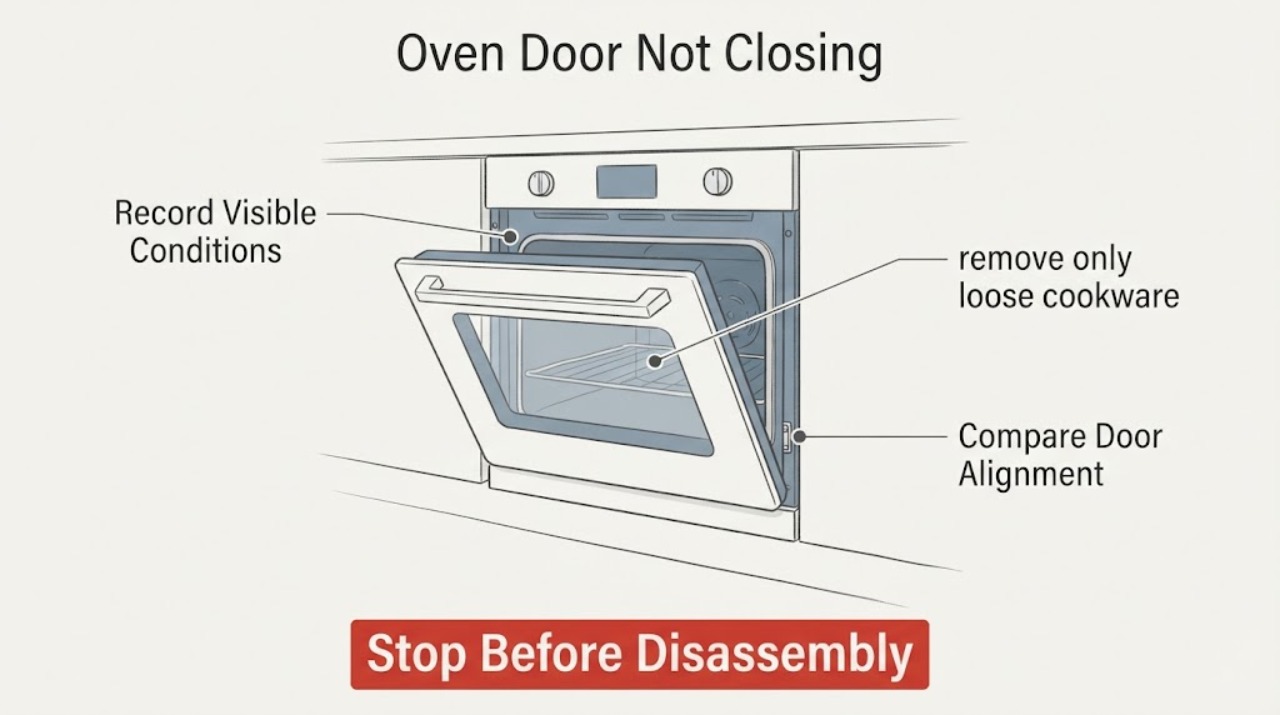
Samsung Oven Door Not Closing: Check Racks, Hinges, and the Latch
If a Samsung oven door will not close, first decide whether the oven is still hot or in a self-clean lock state. Keep hands away from hot surfaces, wait for a safe cool condition, and check that racks, a divider, tray, liner, or food is not blocking the door.
-
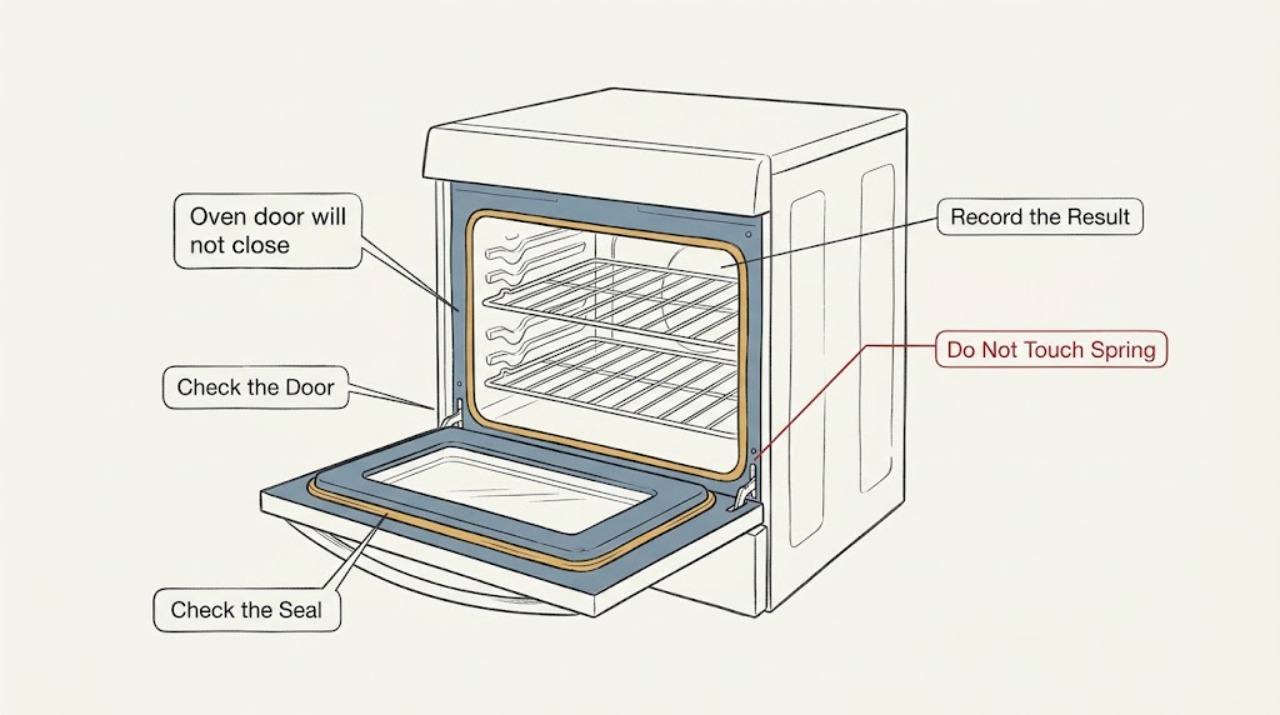
Samsung oven door will not close: What to Check and What to Do Next
With the oven cool and off, remove anything that projects into the door path and push every rack or Smart Divider fully into its intended position. If the door was recently removed, use the exact Samsung manual to check that both hinges are seated and not extended or bent; do not force the door or hinge arms.
-
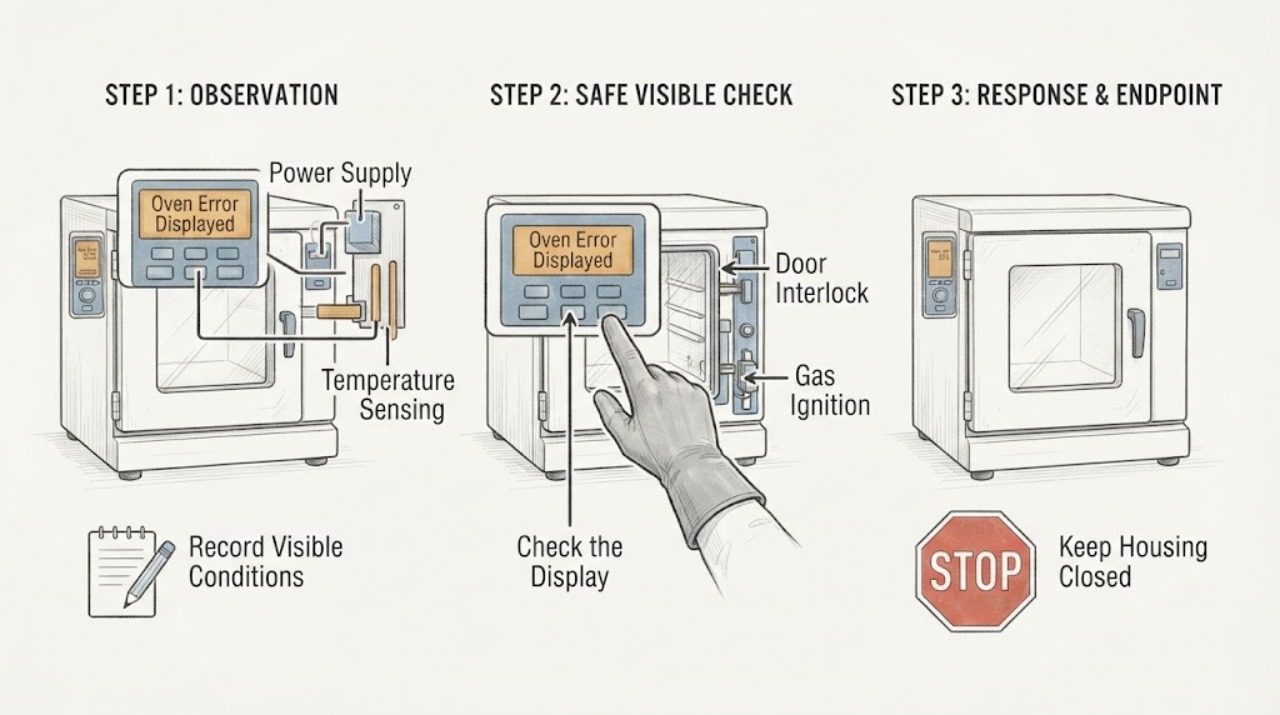
Samsung Oven Error Displayed: Record the Code, Match the Model, and Reset Once
When a Samsung oven displays an error, record the exact characters, model number, fuel type, and what the oven was doing before you try anything.
-
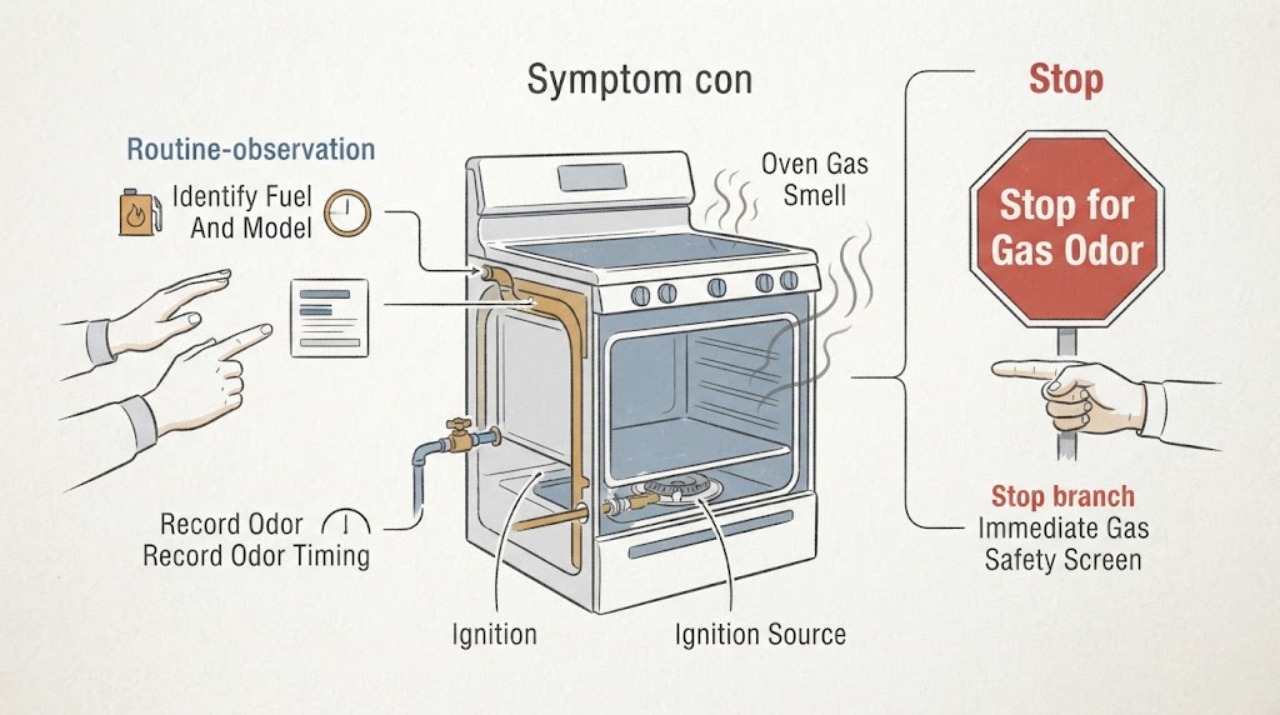
Samsung Oven Gas Smell
First confirm that the Samsung appliance is a gas oven or gas range and treat a real gas odor as a safety event, not a smell to diagnose by repeated ignition. If the odor is strong, persistent, accompanied by hissing, a delayed or burst flame, smoke, soot, abnormal flame, or a carbon-monoxide alarm, do not operate controls, switches, flames, or phones in the area: leave, and contact emergency or gas-safety help from a safe location.
-
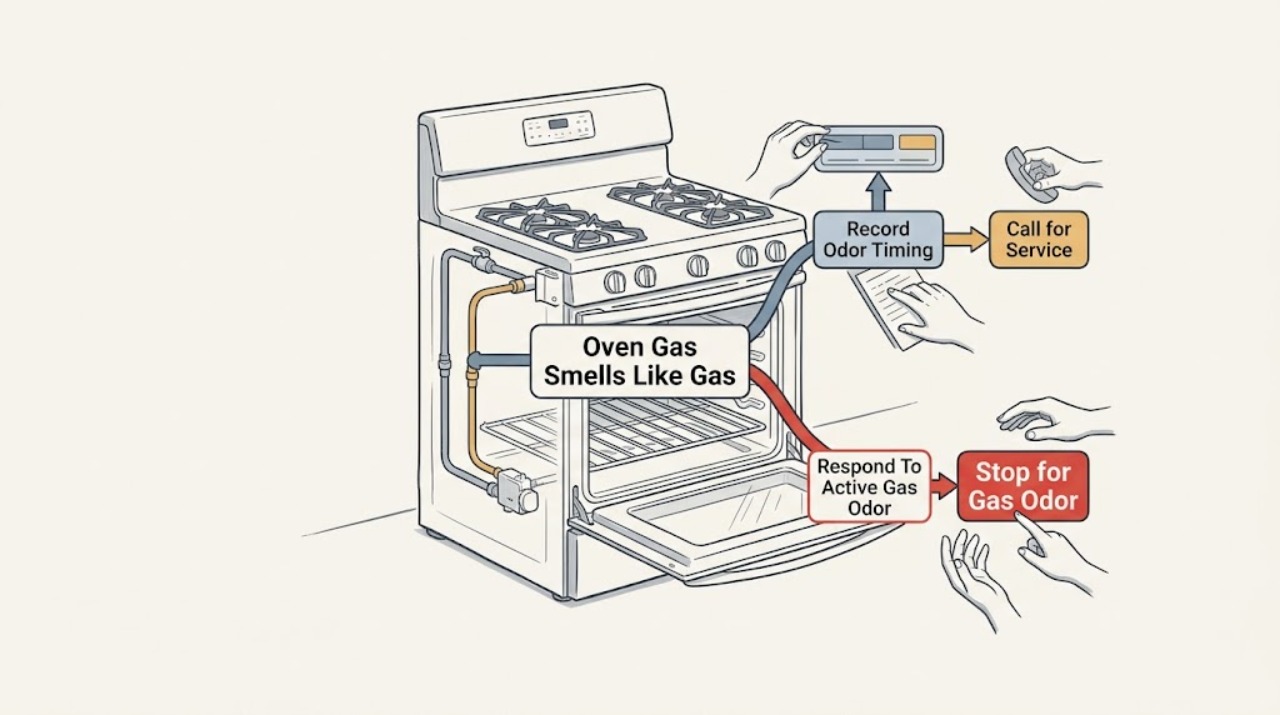
Samsung Oven Gas Smells Like Gas: What to Check and What to Do Next
Treat a gas smell from a Samsung gas oven as a possible gas leak until its timing and source are safely understood. If the smell is present now, is strong or persistent, occurs when the oven is off, or comes with a hissing sound, do not light anything, operate switches or appliances, use a phone inside, or try another ignition.
-
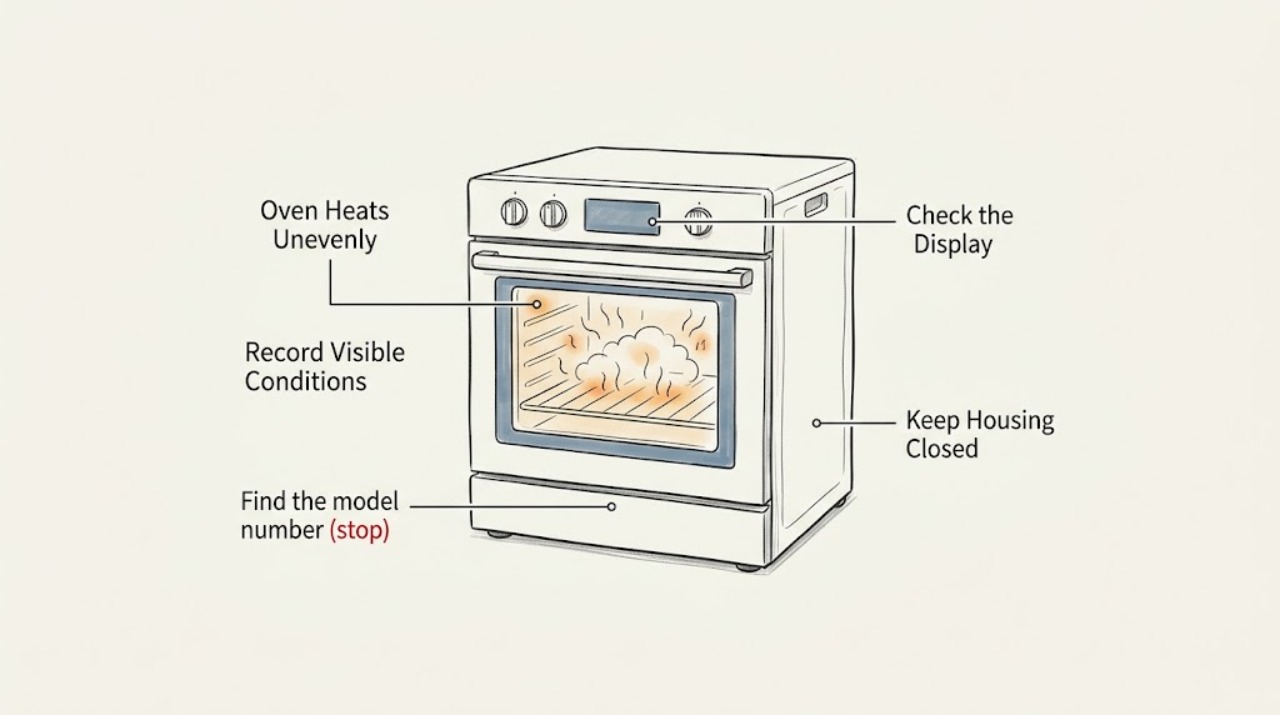
Samsung Oven Heats Unevenly: What to Check and What to Do Next
If a Samsung oven heats unevenly, first identify the pattern, then repeat a simple bake with the exact model's recommended mode, rack position, pan, full preheat, and closed door. Samsung says rack placement, airflow, settings, preheating, crowding, and calibration can affect uneven cooking, while its models differ in convection and heating features.
-
Samsung Oven Leaking
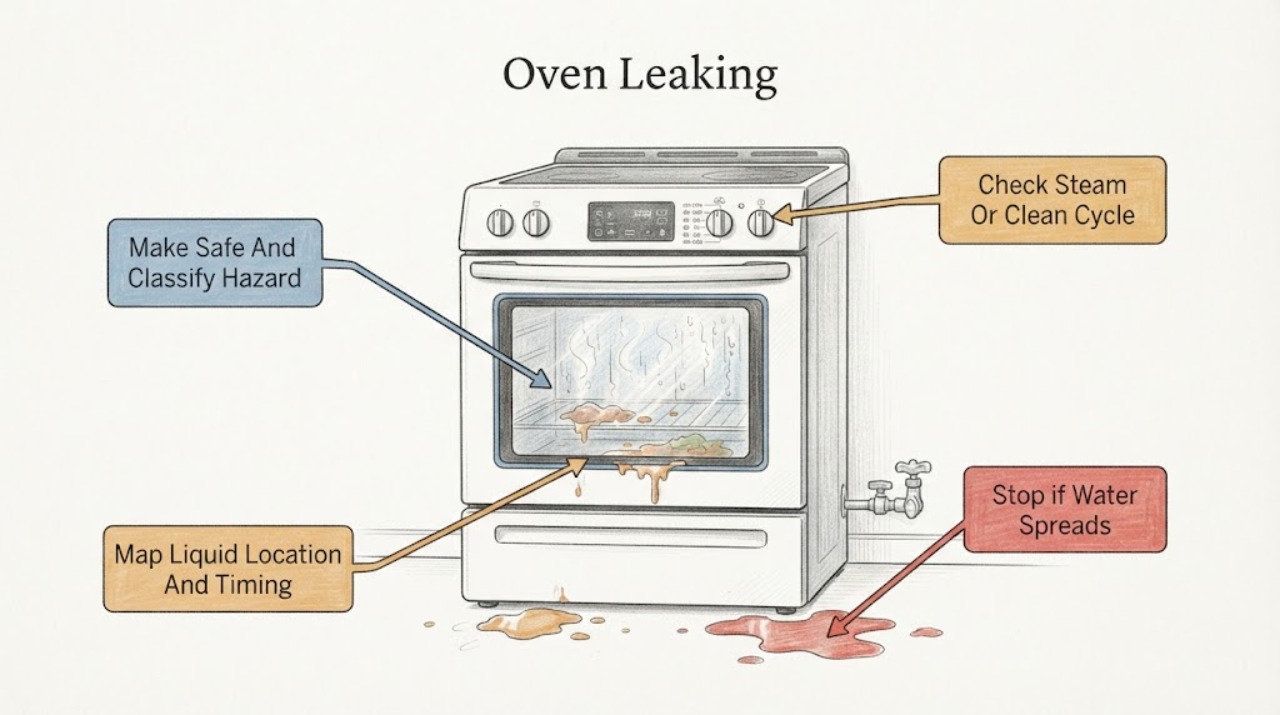
A Samsung oven that appears to be leaking may be releasing steam or condensation, retaining water after an applicable Steam Clean cycle, or allowing liquid food residue to run toward the door. Samsung says Steam Clean models can have a significant amount of hot water left in the cavity after the cycle, and that some wall-oven models use water for Steam Cook; let the oven cool before wiping it and follow the exact model manual.
-
Samsung Oven Light Flickering: Check the Door, Bulb, and Power Safely
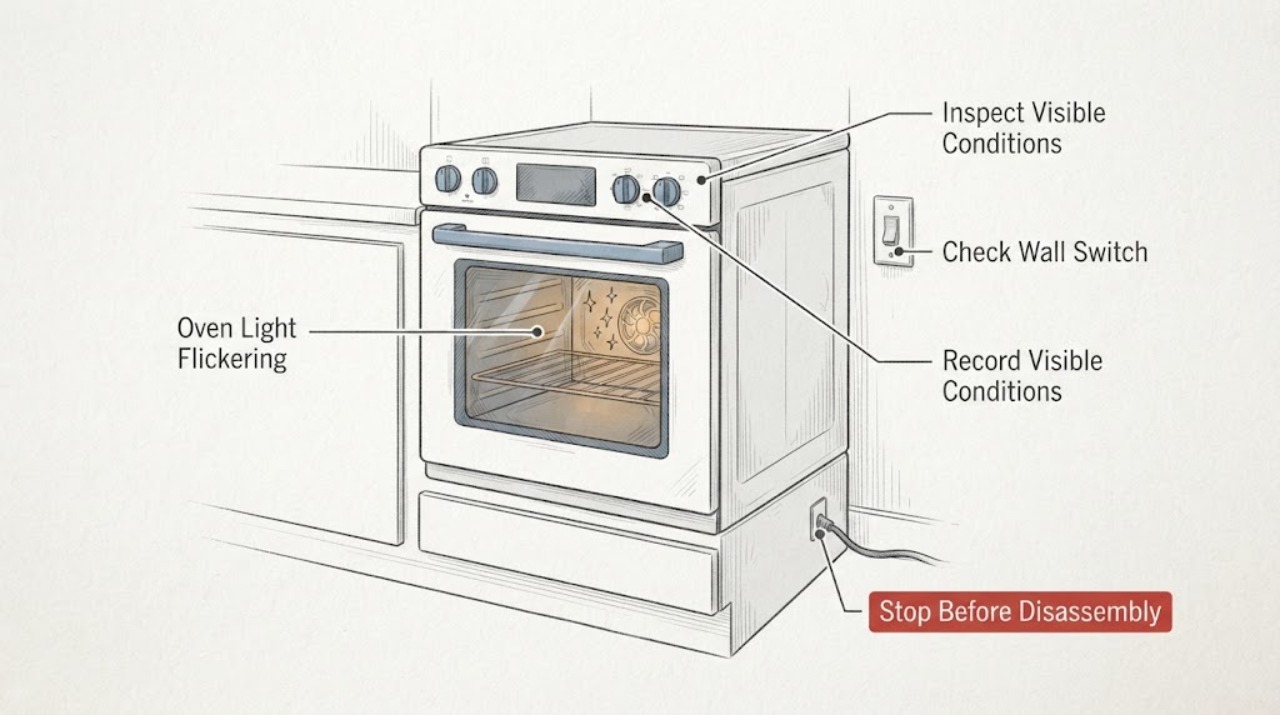
A Samsung oven light may change when the door switch, Lamp control, preheating, or a high-heat function changes state. Flickering that follows the door or a selected mode can be a control or switch clue; flickering at random, across the whole appliance, or together with a blinking display suggests a power, control, or connection problem.
-
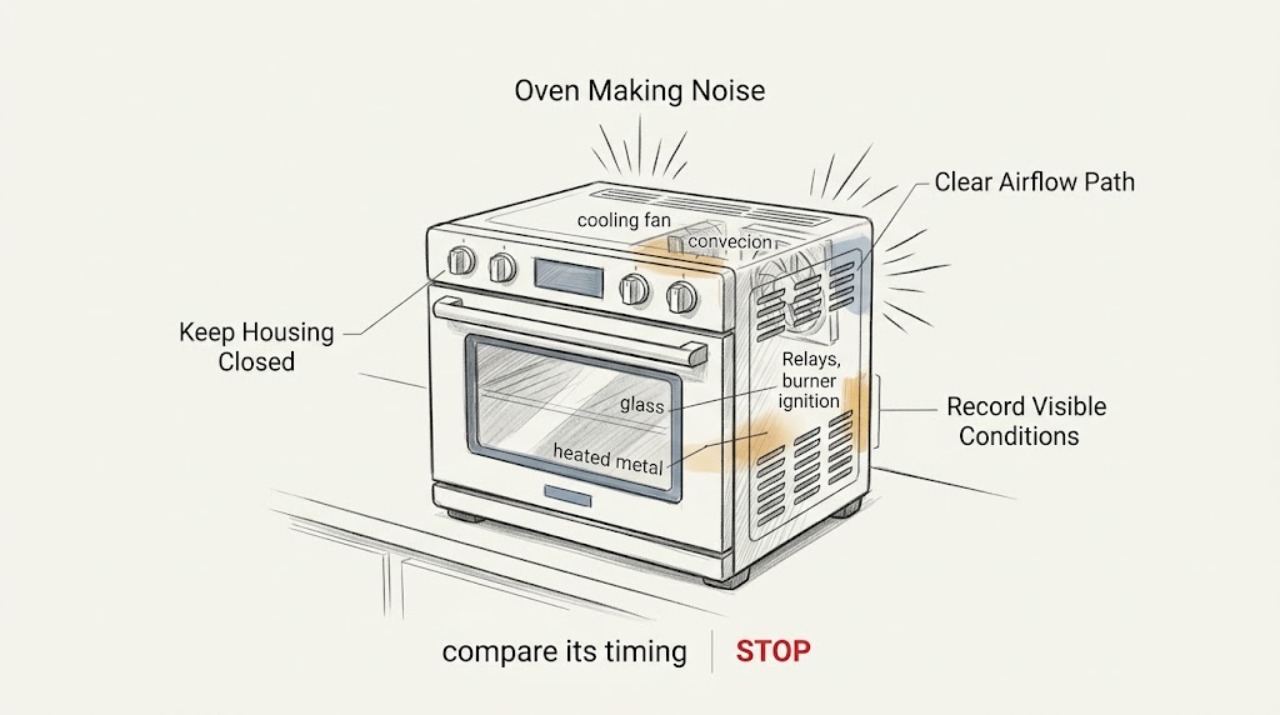
Samsung Oven Making Noise: Fan, Relay, and Gas-Ignition Sounds
First identify when the sound occurs, whether the oven is electric, gas, induction, or dual-fuel, and whether the sound is a quiet repeating hum or a new loud mechanical or gas-related noise.
-
Samsung Oven Not Heating: Check Mode, Door, Power, and Fuel Safely
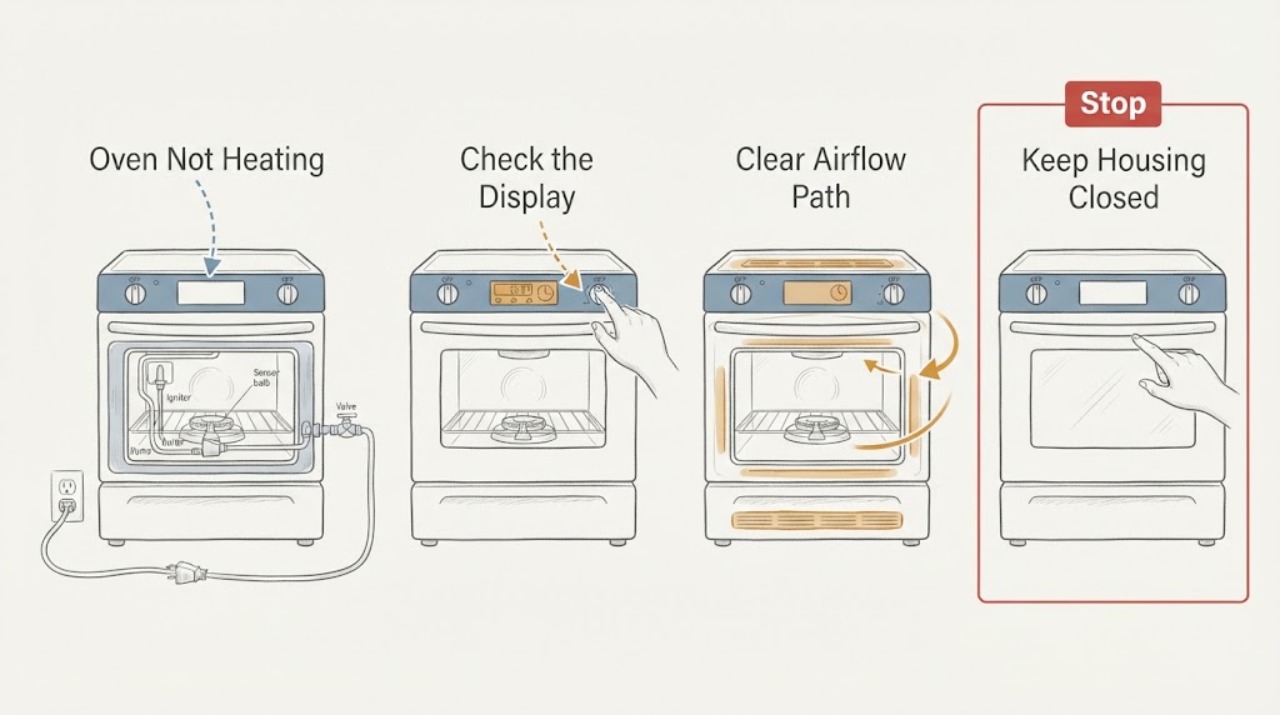
If a Samsung oven is not heating, first confirm that the correct mode and temperature were selected and Start was pressed, then check whether the display is in Demo mode, shows an error, or indicates a door or control state. Keep the door closed while preheating and do not use foil that blocks airflow.
-
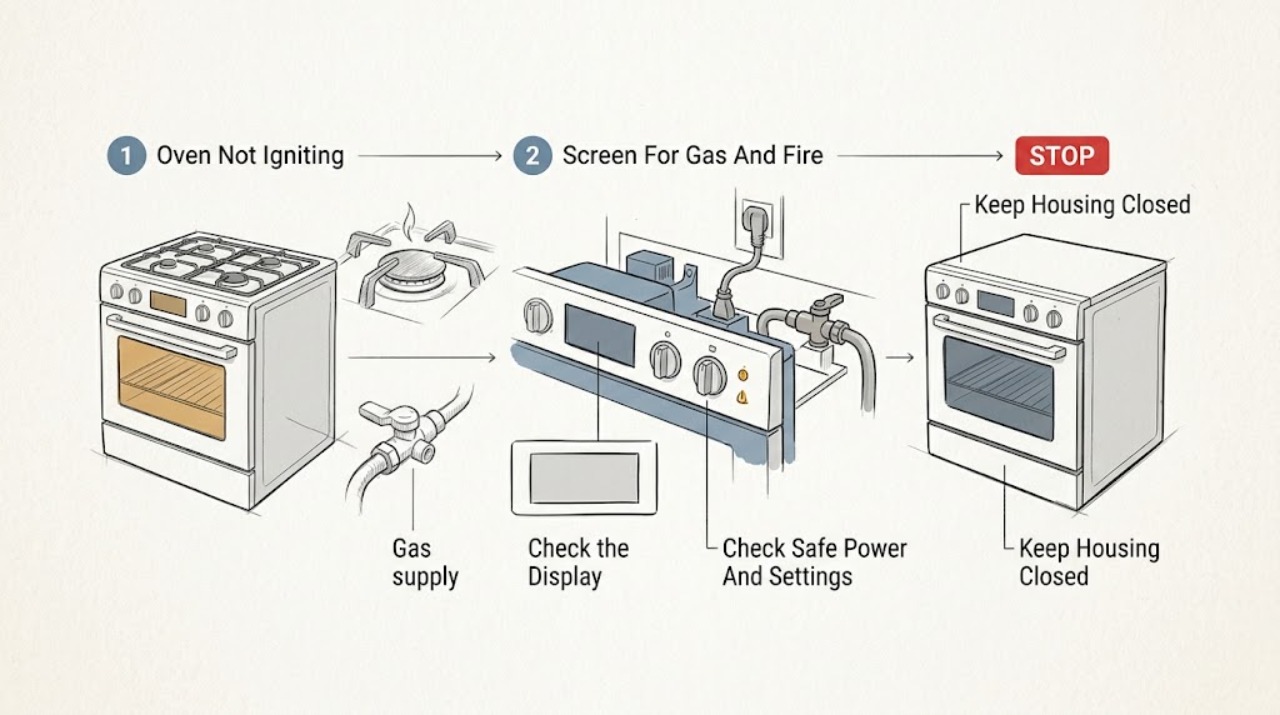
Samsung Oven Not Igniting: Check the Controls, Gas Supply, and Ignition Sequence
First determine whether this is a gas Samsung oven and whether the display, controls, and cooktop have power. A gas oven may fail to ignite because the control sequence, door state, gas supply, or igniter is not ready, while electric models do not use a gas burner ignition system.
-
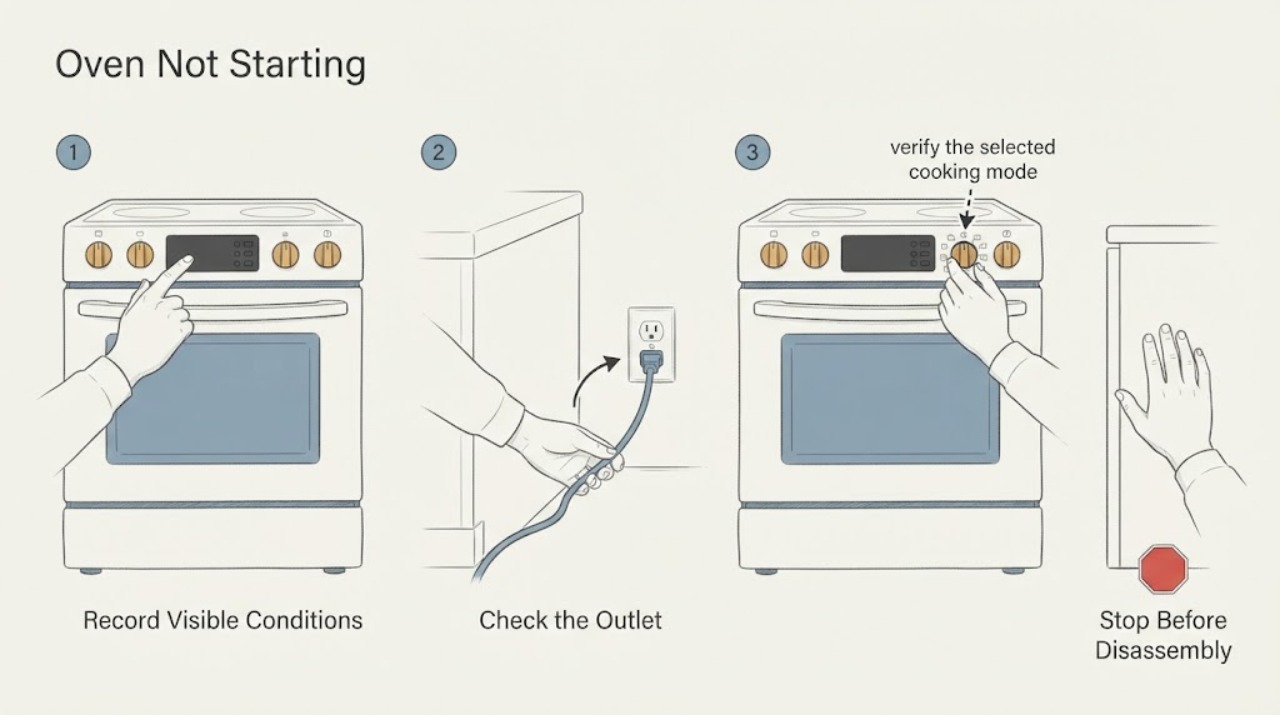
Samsung Oven Not Starting: Check Power, Settings, Door, and Gas Safely
A Samsung oven that will not start can have no power at all, or it can have a live display but be held by a control lock, Demo mode, delayed start, timer, door condition, or an error. First record the model, display, mode, and whether the cooktop also works.
-
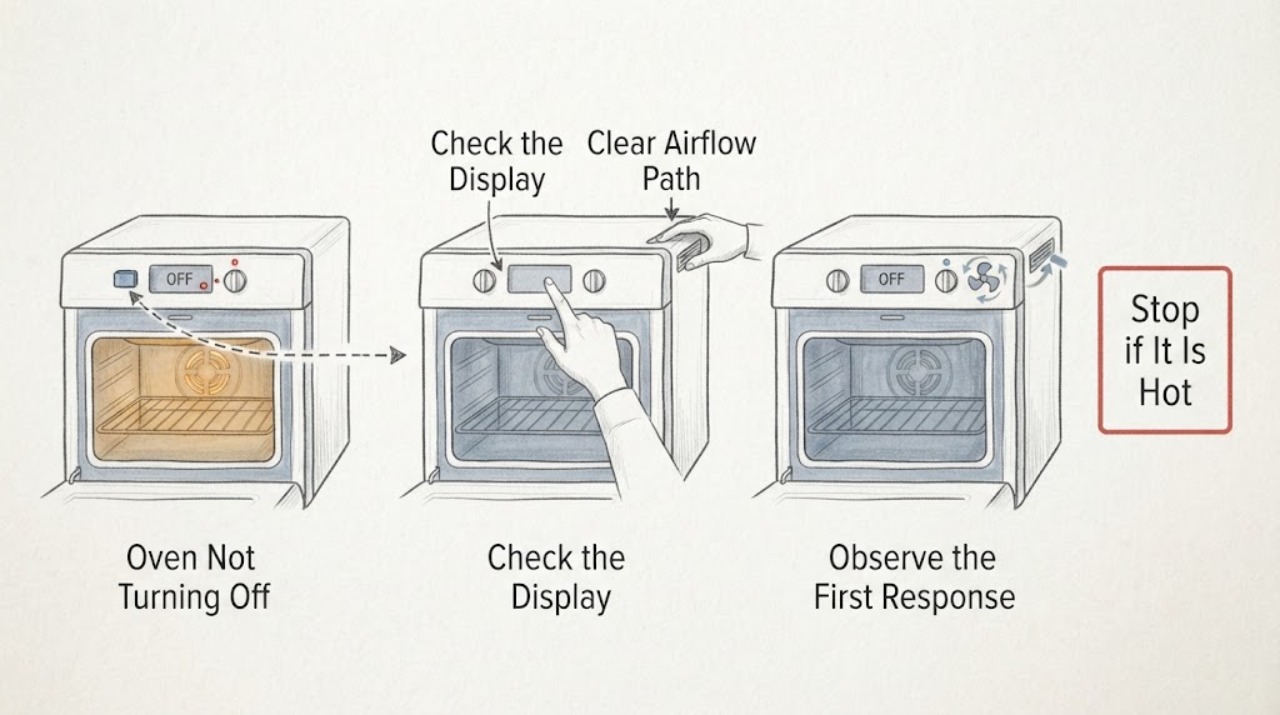
Samsung Oven Not Turning Off: Fan or Continuous Heat?
First separate a fan or lit display from continued heating. Samsung ovens can keep a cooling fan running after cooking while the electronics cool, and a convection fan can cycle during operation.
-
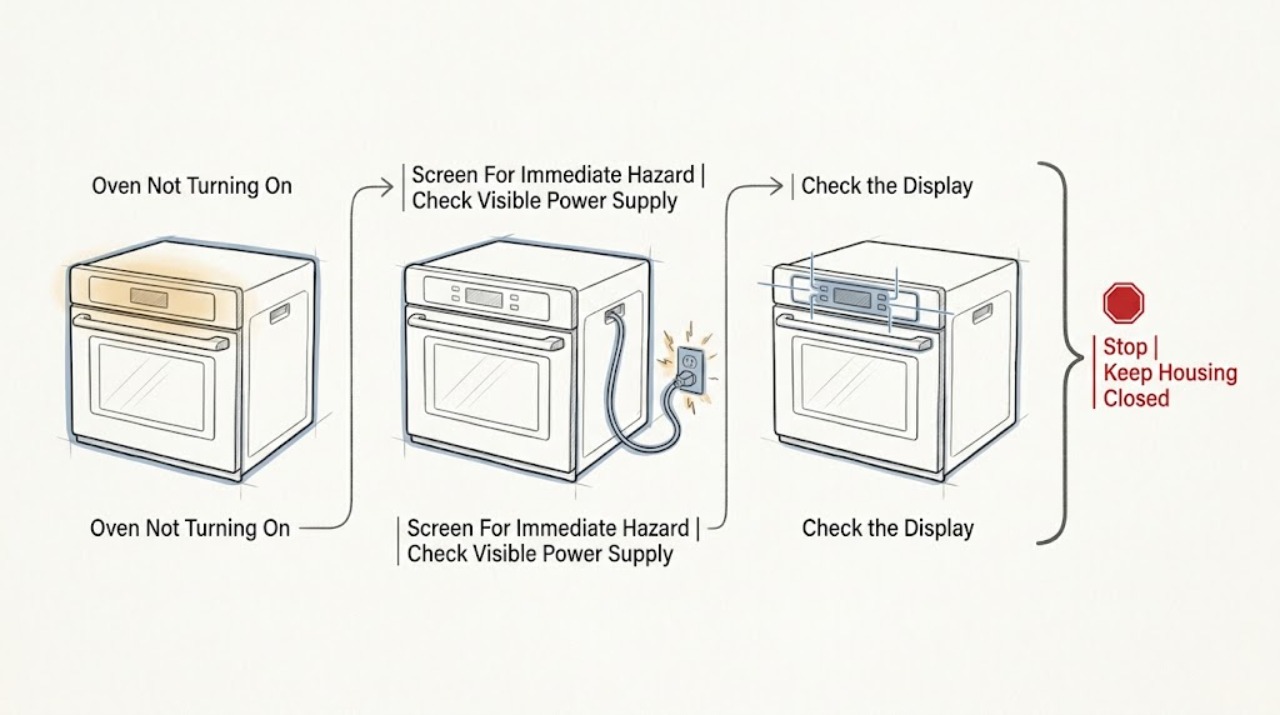
Samsung Oven Not Turning On
First separate a completely blank Samsung oven from an oven whose display works but will not start a cycle. If there is smoke, a burning smell, visible arcing, a hot or damaged cord or outlet, repeated breaker trips, water near electrical parts, or a gas odor, stop and do not keep testing it.
-
Samsung Oven Not Working
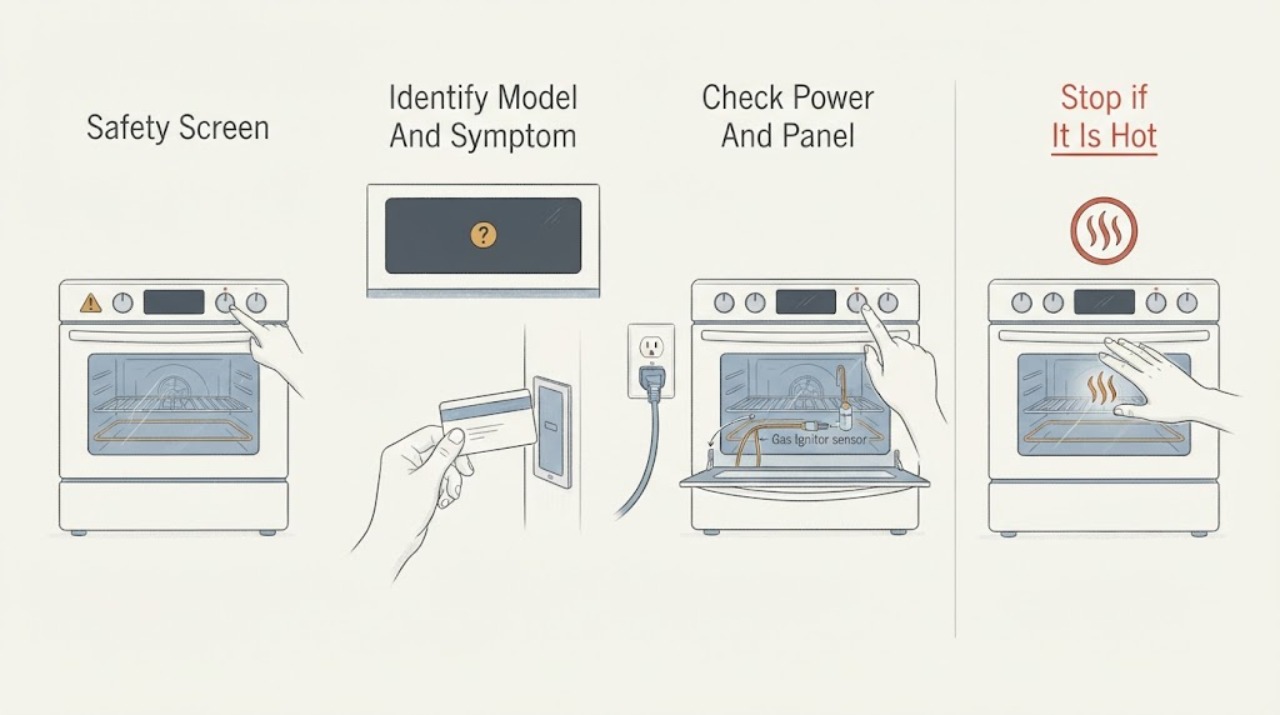
Break a Samsung oven that is ‘not working’ into the actual symptom: a blank panel, a panel that will not accept a start command, no heat, a gas oven that will not ignite, an error or lock, or a cycle that stops. From a dry, safe position, check the intended power connection and breaker once, confirm the door is fully closed, verify the mode and timer settings, and check the exact model manual for Demo or Child Lock.
-
Samsung Oven or Range with a Cracked Cooktop | Safe Next Steps
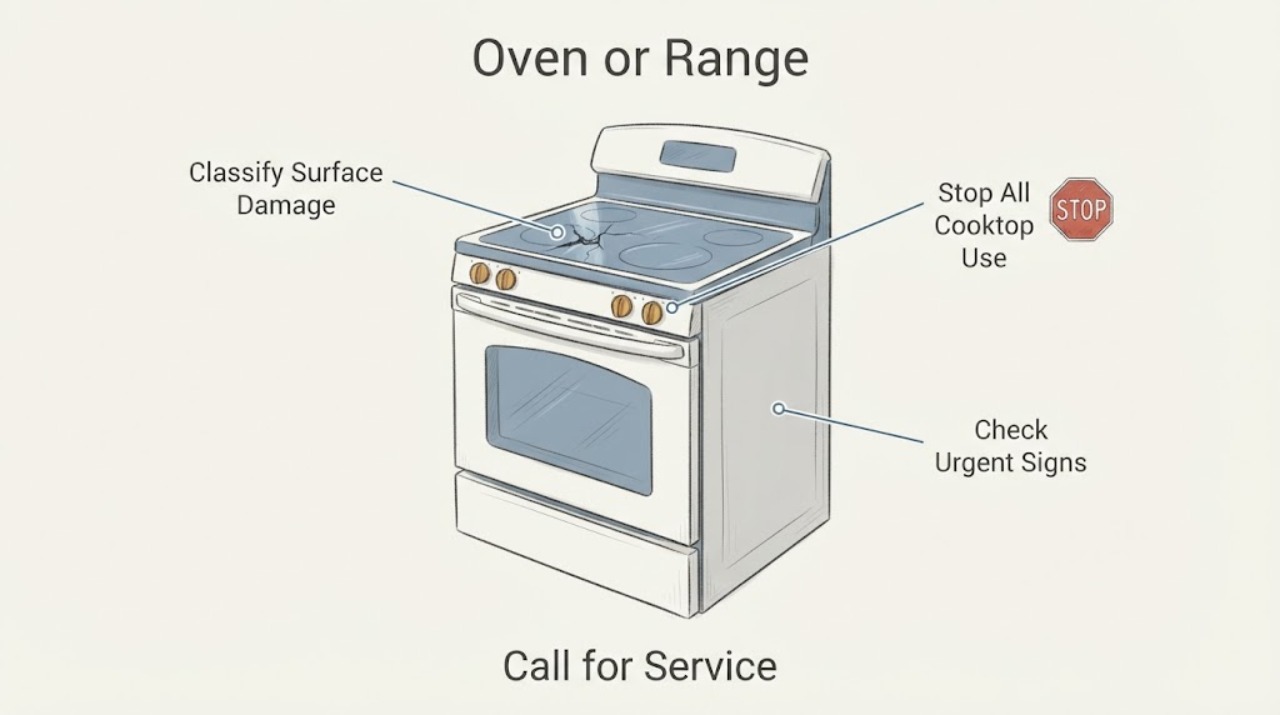
Treat a genuine crack, split or chip in the Samsung glass cooktop as a stop-use condition. Turn off every surface unit and, if it is safe and accessible, disconnect power; do not cook on, touch, lift or tape over the broken glass, and do not continue using other zones until the exact model and repair scope are confirmed.
-
Samsung Oven Overheating: Separate Normal Heat Cycling From a Fault
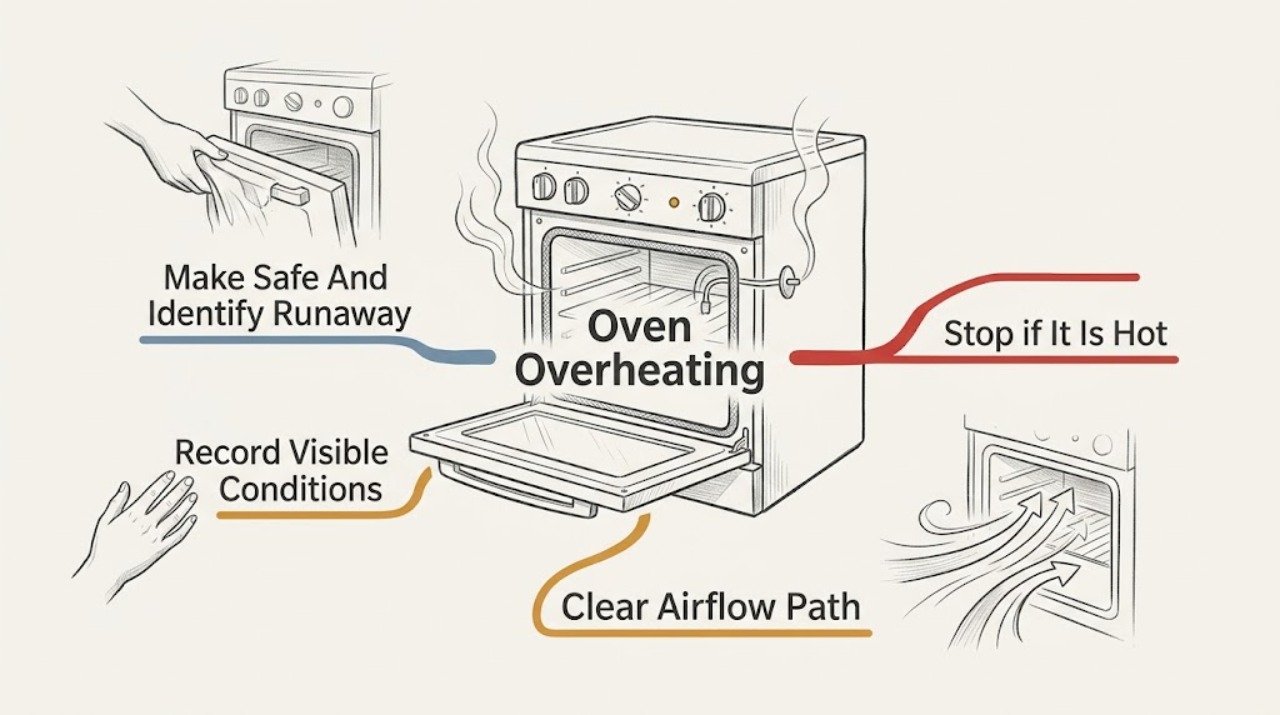
A Samsung oven can feel very hot while operating normally: heating elements cycle above and below the set temperature, and a cooling fan may continue after cooking to protect the controls. Treat it as overheating when food burns at the same setting, the oven keeps heating after the selected function is cancelled, the temperature rises without cycling off, the door or controls become abnormally hot, or smoke, a burning odor, flame, arcing, or a CO alarm appears.
-
Samsung Oven Sounds Like It Is Re-Igniting Over and Over
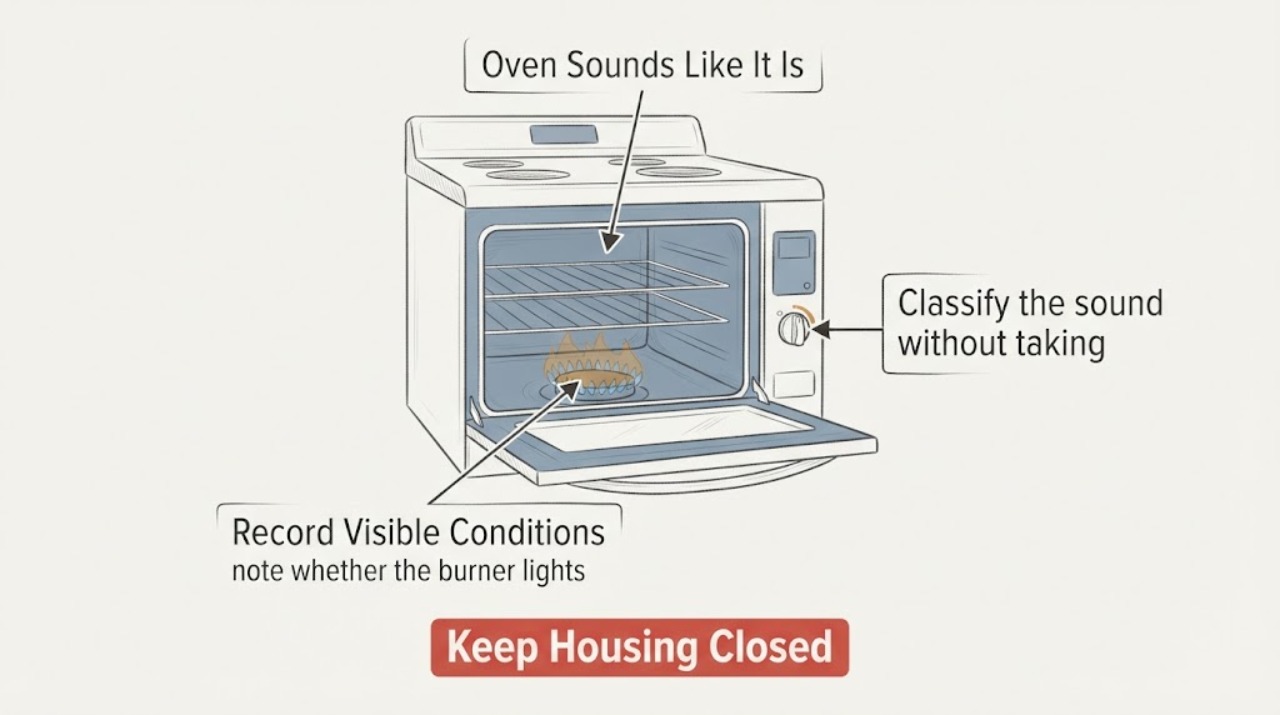
A Samsung gas oven can ignite and turn its burner off repeatedly during bake or preheat to hold the set temperature; Samsung describes that cycling as normal operation. A click at ignition does not by itself prove that an igniter, relay, valve or control has failed.