
Repair problem
Not Heating Troubleshooting Guides – Page 4
Published FixGraph guidance for diagnosing and responding to not heating.
Matching published guides
Choose a guide that matches the service, equipment, and conditions you are seeing.
-
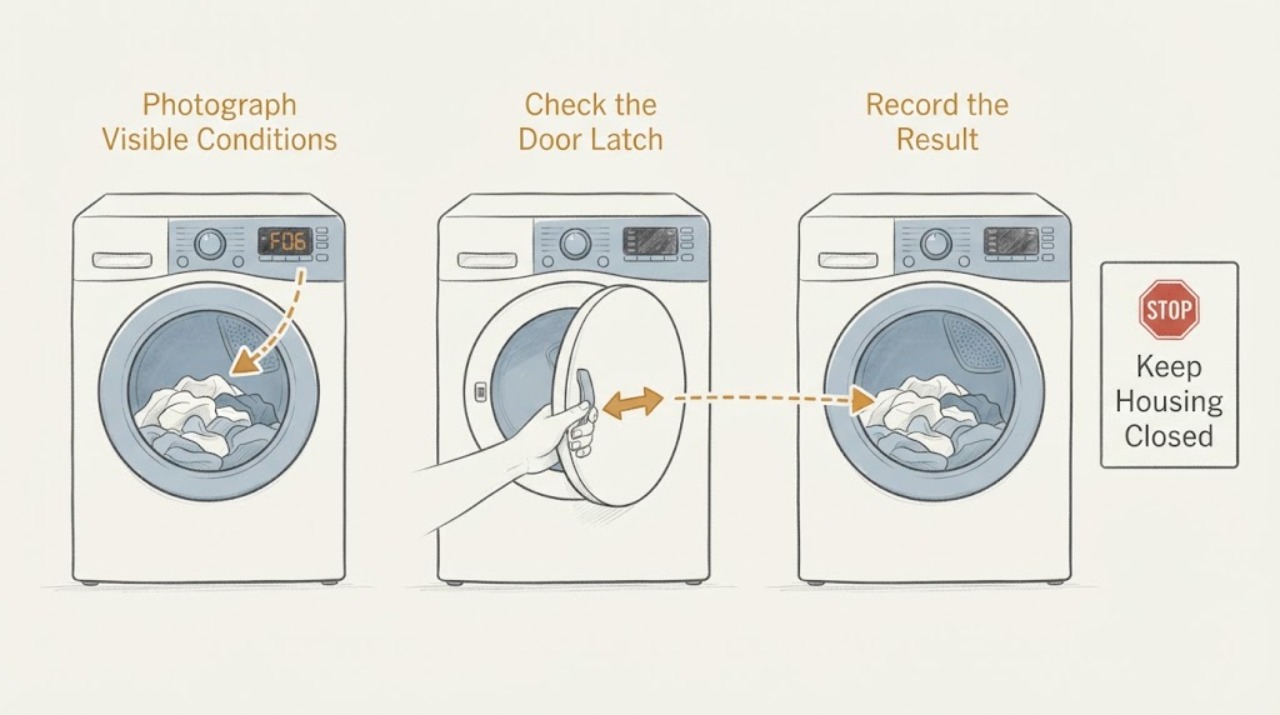
Hotpoint TDWSF 83B EP F06: Why a Dryer That Does Not Heat Needs a Door-Lock Check
On a Hotpoint TDWSF 83B EP, do not treat F06 as proof that the heater or thermostat has failed. Hotpoint UK's tumble-dryer error guide identifies F06 as a door-lock fault: the door may not close or the programme may not start.
-
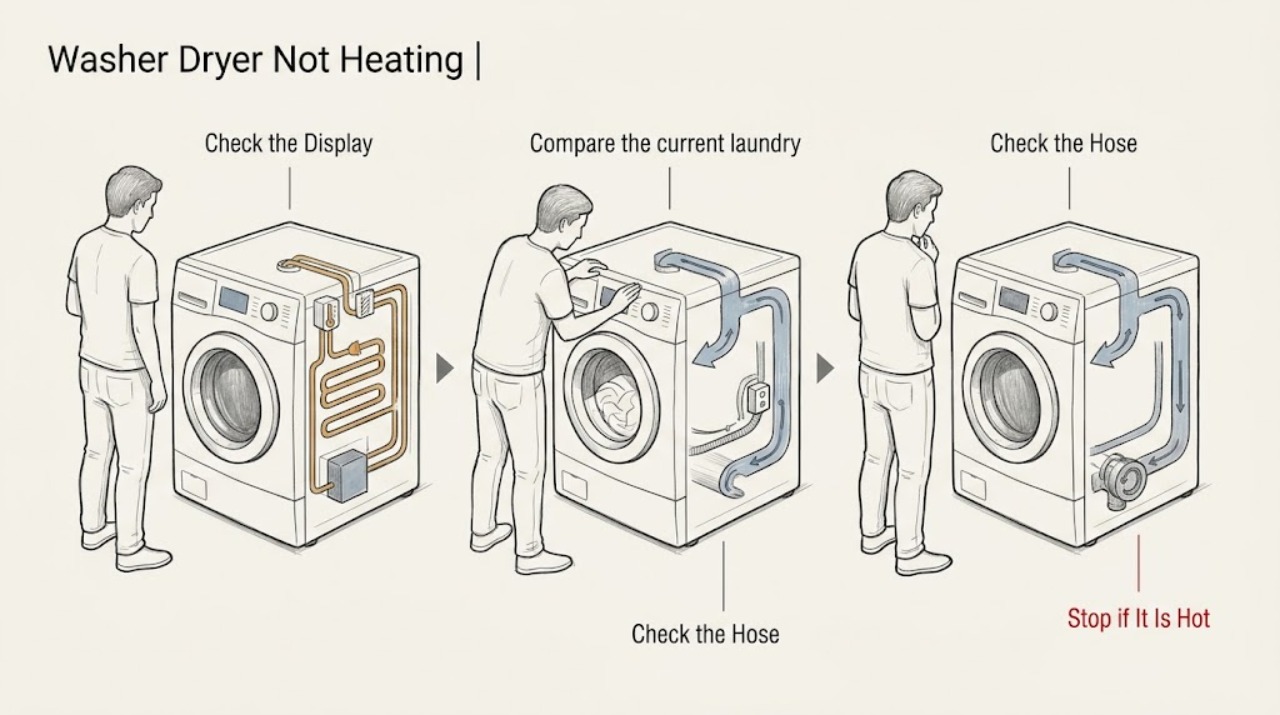
Hotpoint Washer Dryer Not Heating
First confirm that the selected programme is meant to heat and that the washer-dryer is not simply in a cool-down or low-temperature phase. Check the load and lower drying capacity, because an overloaded drum can restrict air circulation and leave clothes damp.
-
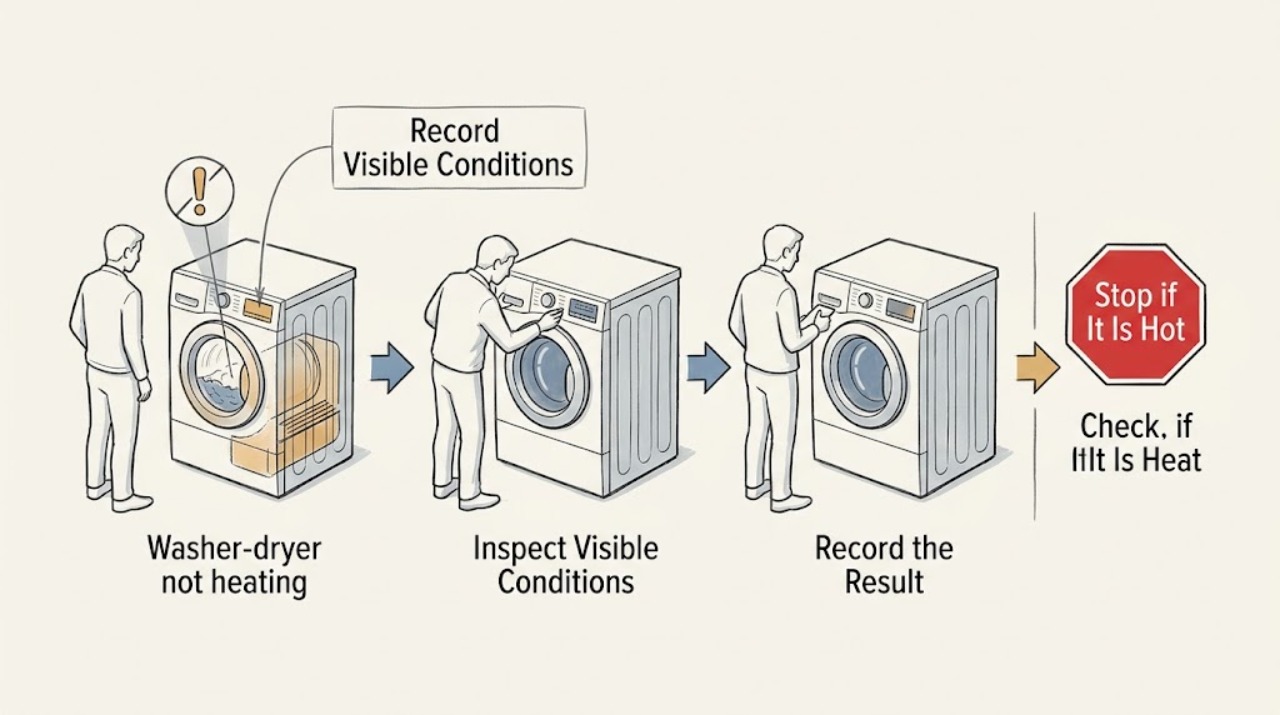
How to troubleshoot an AEG washer-dryer that is not heating
First identify whether your AEG washer-dryer is not heating the wash water, the drying air, or both. Cold clothes at the end of a wash can be normal because the final rinse is generally cold, but a selected heating cycle should show warmth during the wash.
-
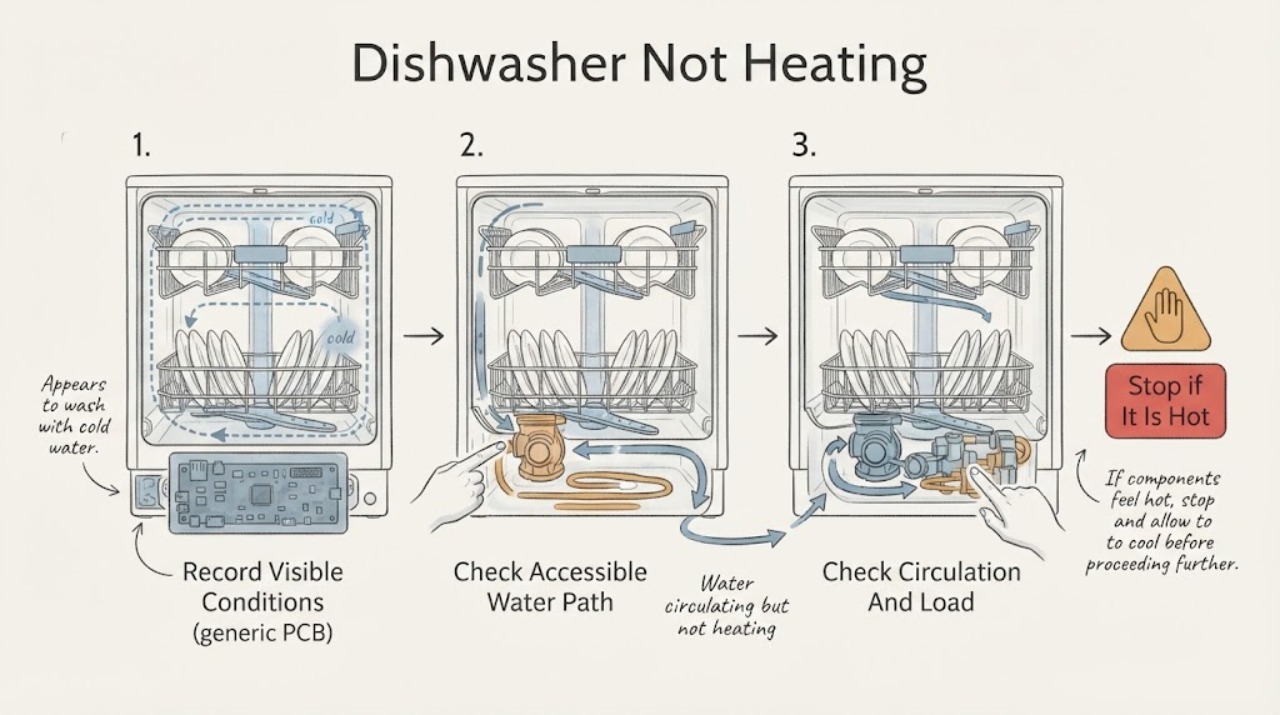
Indesit Dishwasher Not Heating
A cold load does not by itself prove that an Indesit dishwasher heater has failed. First confirm that the dishwasher actually filled, circulated water, and reached a programme stage that calls for heat; some cycles and phases are not equally hot, and a drain or fill problem can prevent the heating stage.
-
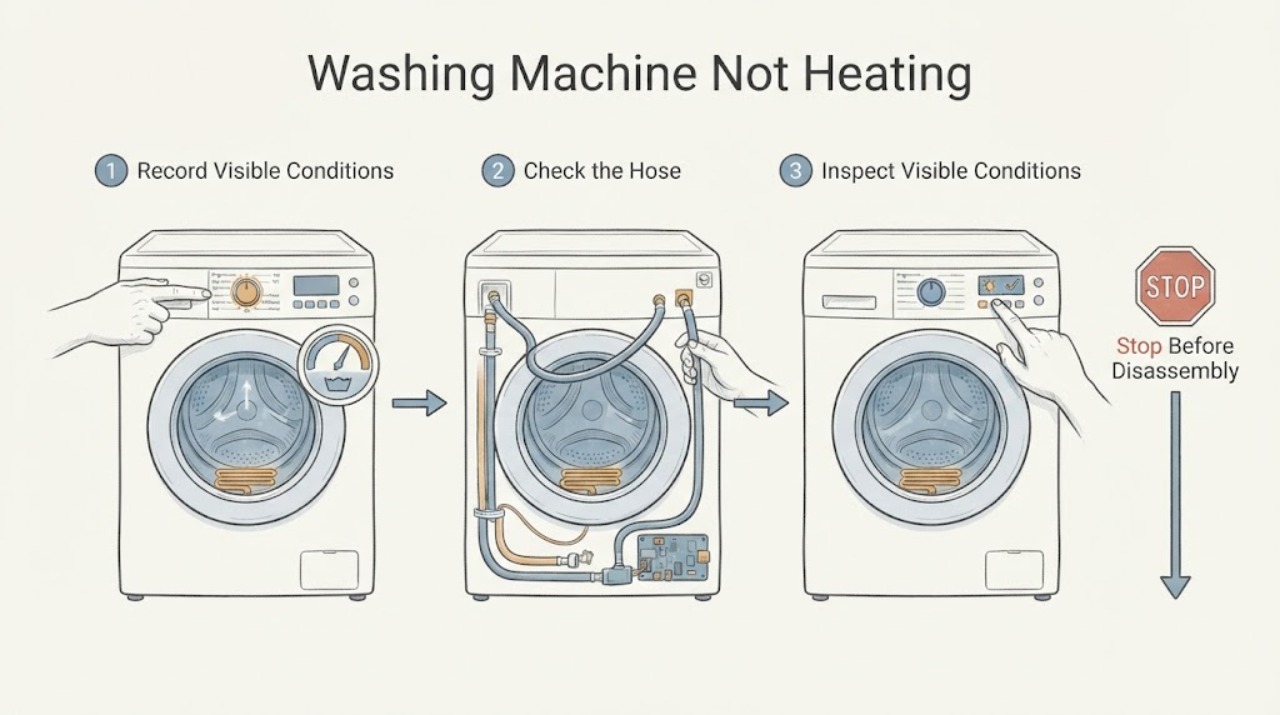
Indesit Washing Machine Not Heating: Check the Programme Stage Before the Heater
Do not judge heating during a cold-fill, rinse, spin, economy, or early programme stage: many programmes use little or no heat at that point, and the machine may heat only after filling and beginning the main wash. First identify the model and programme, confirm the selected temperature is not cold or reduced, and observe whether the machine fills, tumbles, pauses, and completes the expected stage.
-
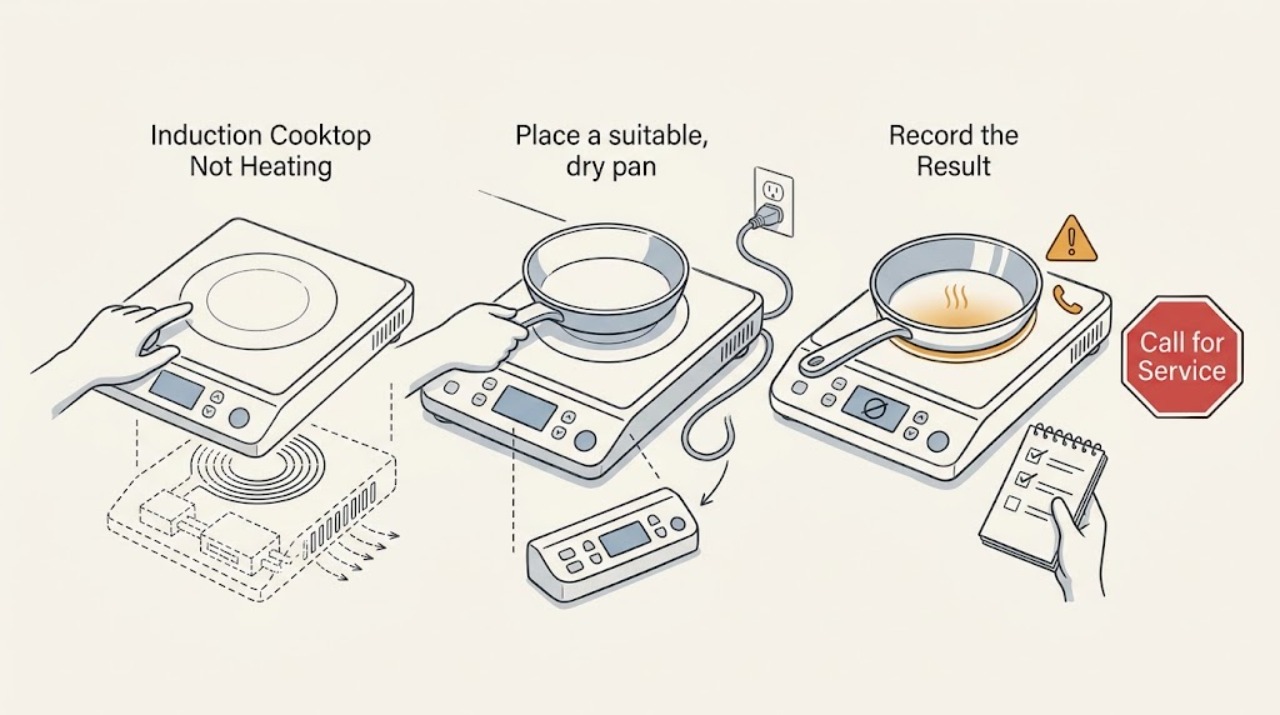
Induction Cooktop Not Heating: Check the Pan, Settings, and Power
Keep this as a pure induction diagnosis: do not look for gas ignition parts. First check that the pan is magnetic, large enough for the selected zone, flat, and centered.
-
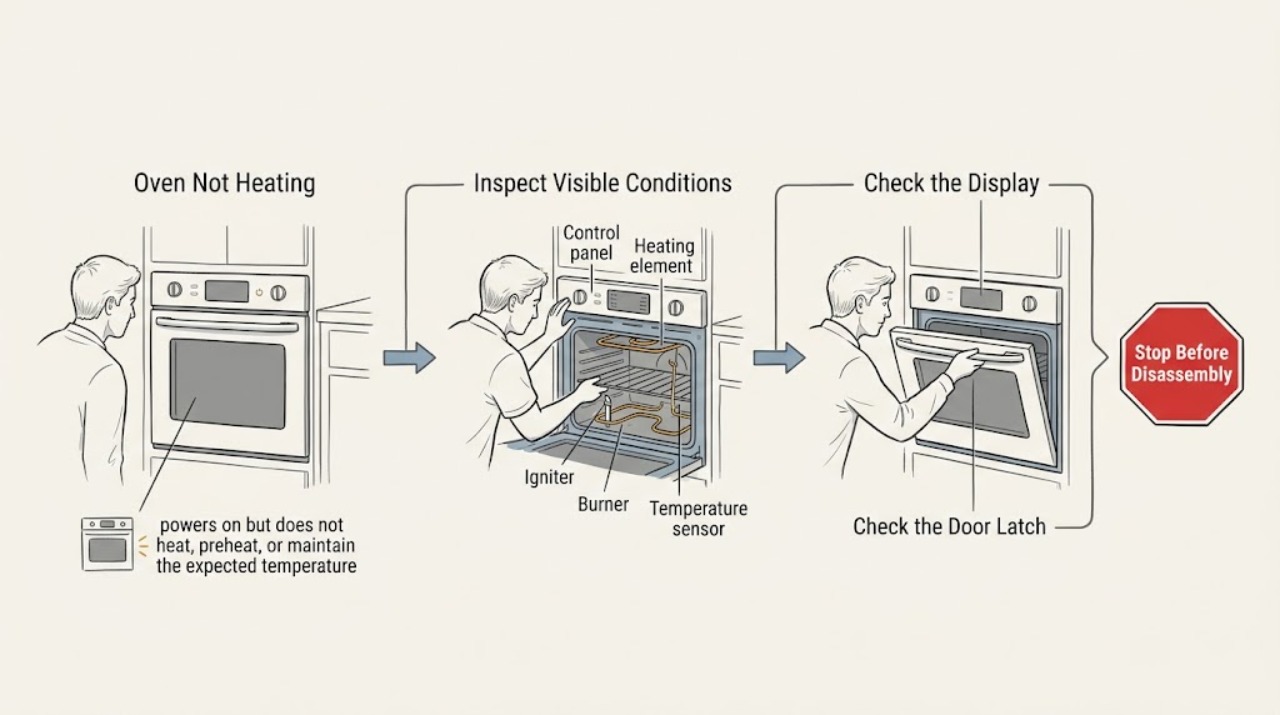
JennAir Oven Not Heating: Safe Checks for Electric and Gas Models
First identify whether the JennAir oven is electric or gas, whether the display responds, and whether it is truly not heating or simply preheating slowly. Confirm the correct Bake or other cooking mode, temperature, clock, door closure, Control Lock, Demo Mode, and Delayed Start settings.
-
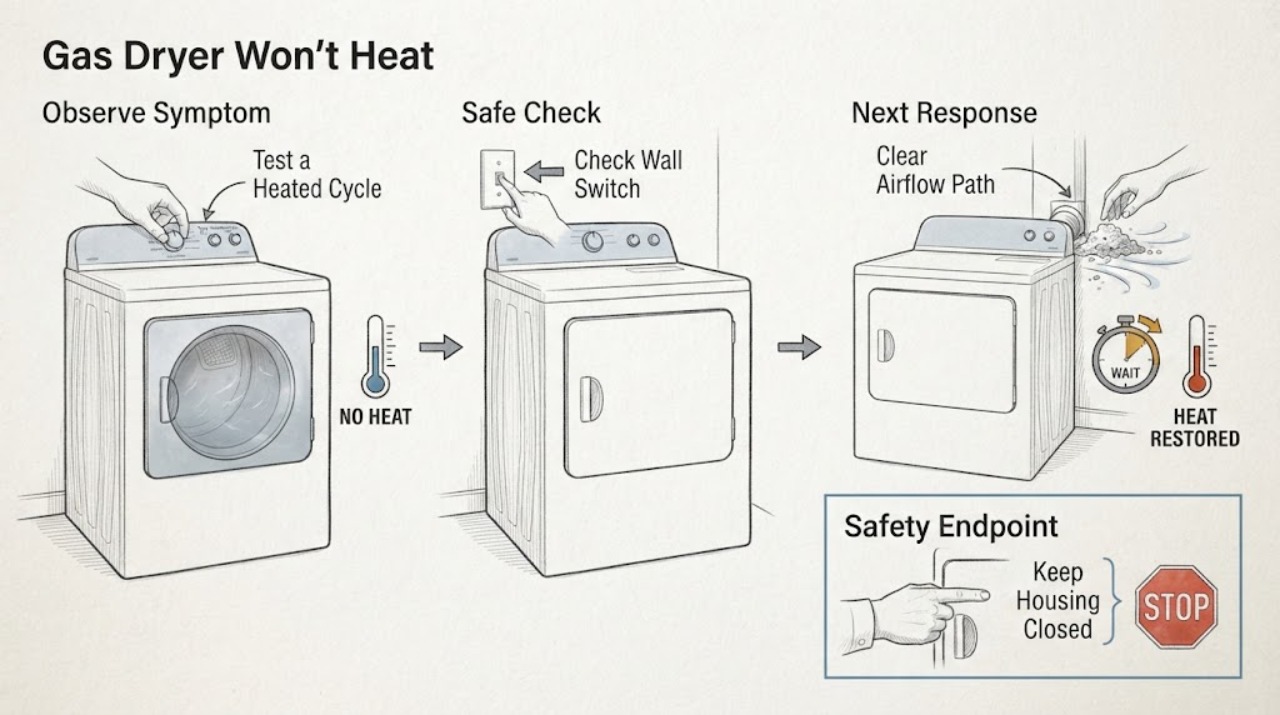
Kenmore 110.92836100 Gas Dryer Won’t Heat: Repair or Replace?
For a Kenmore Elite 110.92836100 gas dryer that tumbles but does not heat, do not decide from age or a guessed part alone. First confirm the full model, gas type, cycle, and whether there is any gas odor, smoke, burning smell, abnormal heat, or restricted airflow; stop immediately for those hazards.
-
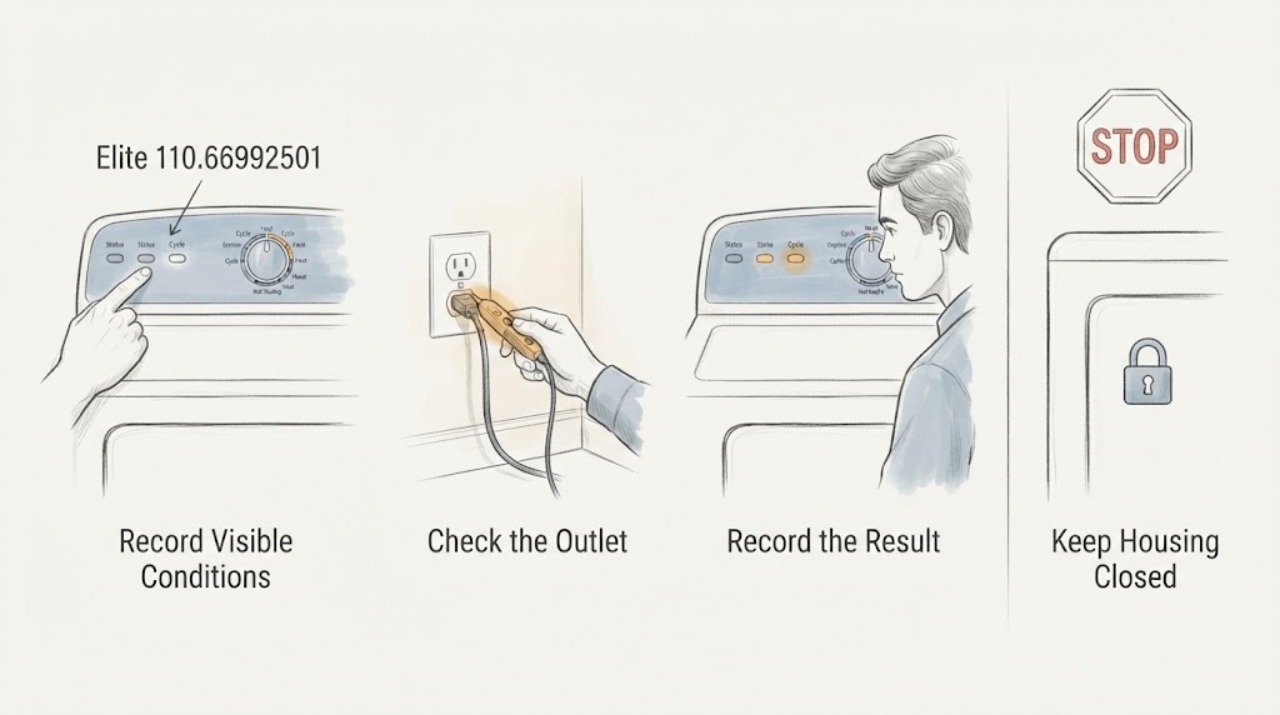
Kenmore Elite 110.66992501: Can a GE Thermal Cutoff or High-Limit Thermostat Fit?
Do not substitute a GE thermal cutoff or high-limit thermostat in the Kenmore Elite 110.66992501 just because the part name, shape, terminal count, or temperature marking looks similar. The opened Kenmore manual finder tells owners to retrieve the manual with the full model number, while GE's official part page says to check the model number to confirm compatibility; neither is an interchangeability approval for this Kenmore model.
-
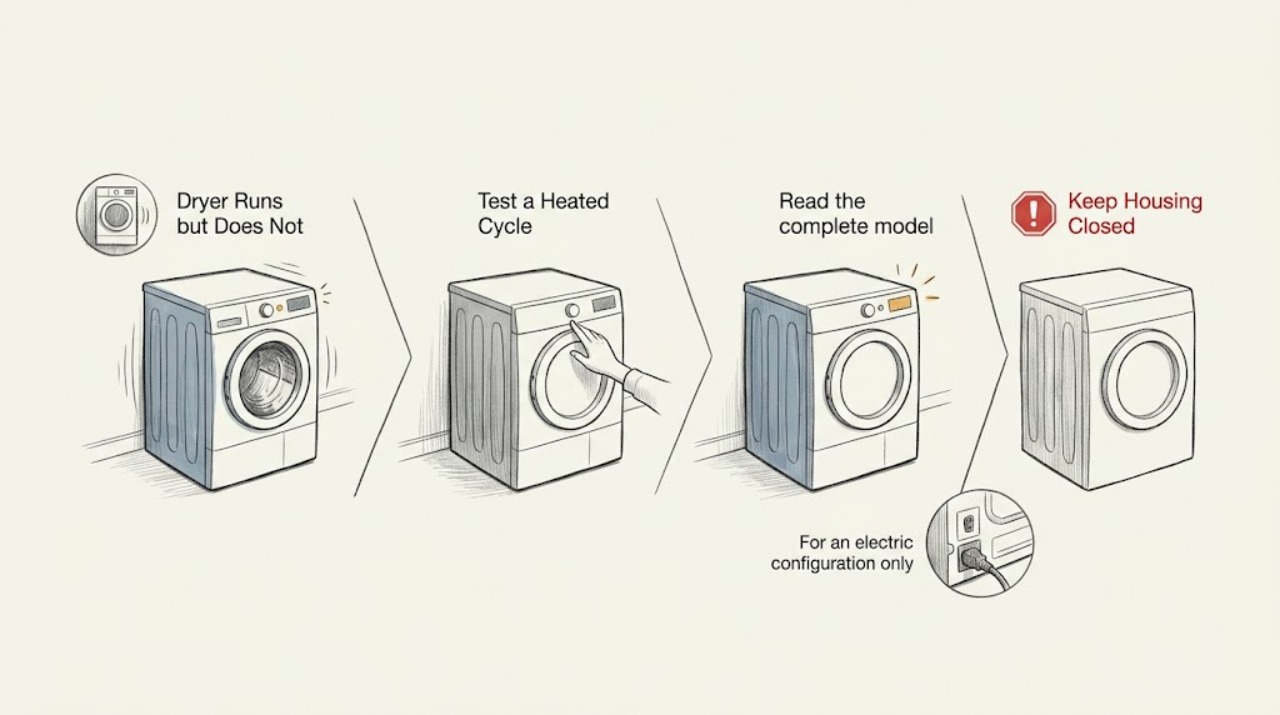
Kenmore 417.98042701 Dryer Runs but Does Not Heat
If the Kenmore 417 98042701 drum turns but the load stays cold, first confirm the selected cycle is meant to heat and identify whether this exact dryer is gas or electric from its model label and matching manual. For an electric dryer, a single tripped fuse or breaker can leave the drum turning while the heater is off.
-
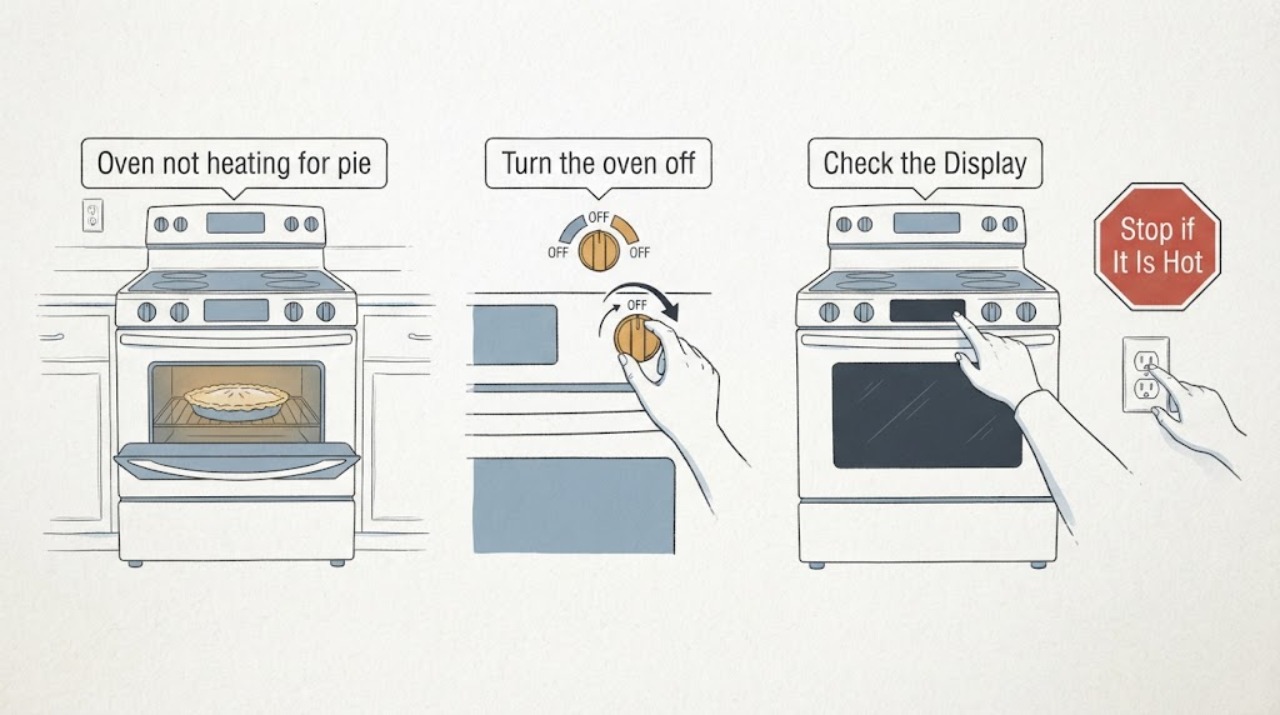
Kenmore 665.95142300 oven not heating for pie crust: confirm the electric range identity first
The assigned Kenmore 665.95142300 record is identified in appliance-service references as an electric range/oven, but verify the full model and serial plate before applying any 665-family instruction. For a pie crust that stays raw, first confirm that the oven is in Bake—not a cooktop, Broil, Delay Start, or self-clean function—set a temperature and press the model-specific Start/Enter control.
-
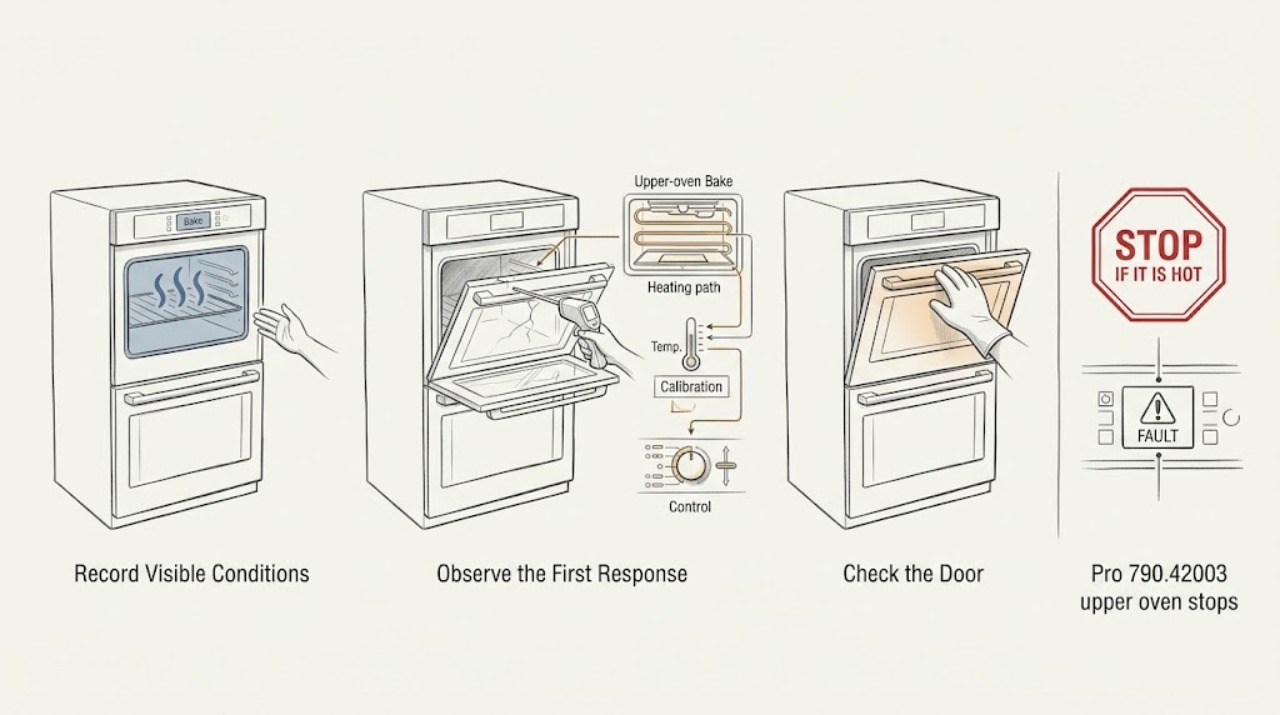
Kenmore Pro 790.42003 upper oven stops near 285°F in Bake
For Kenmore Pro 790.42003, a report of the upper oven stopping around 280–285°F at a 350°F Bake setting does not by itself identify a sensor, element, or control failure. The report did not check the lower oven or other modes, so first verify the complete model and whether the symptom is upper-only.
-
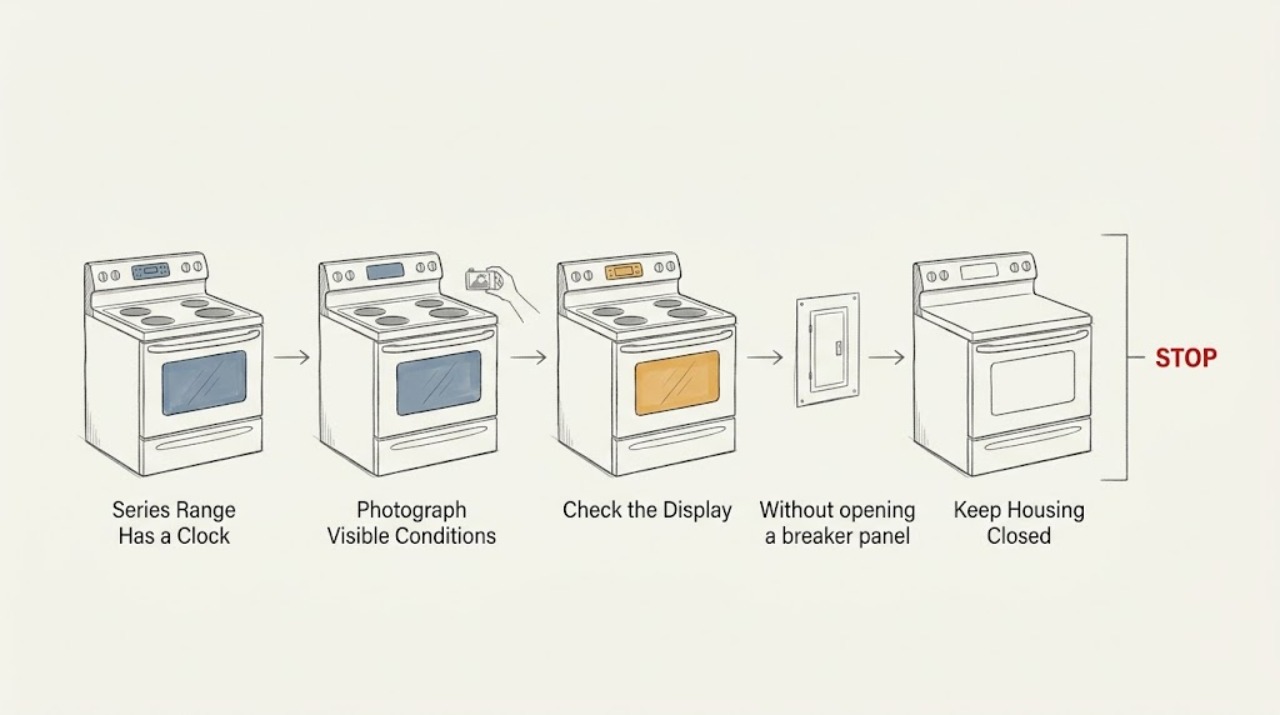
Kenmore 790.4558-Series Range Has a Clock but Neither the Oven nor Cooktop Heats
A lit clock only proves that some power reaches the Kenmore 790.4558-series range; it does not prove that the heating supply and installation are correct. Because the report is that the oven and the cooktop are both cold, confirm the complete model and fuel type first, then have the installer or a qualified electrician verify the range's supply and cord installation.
-
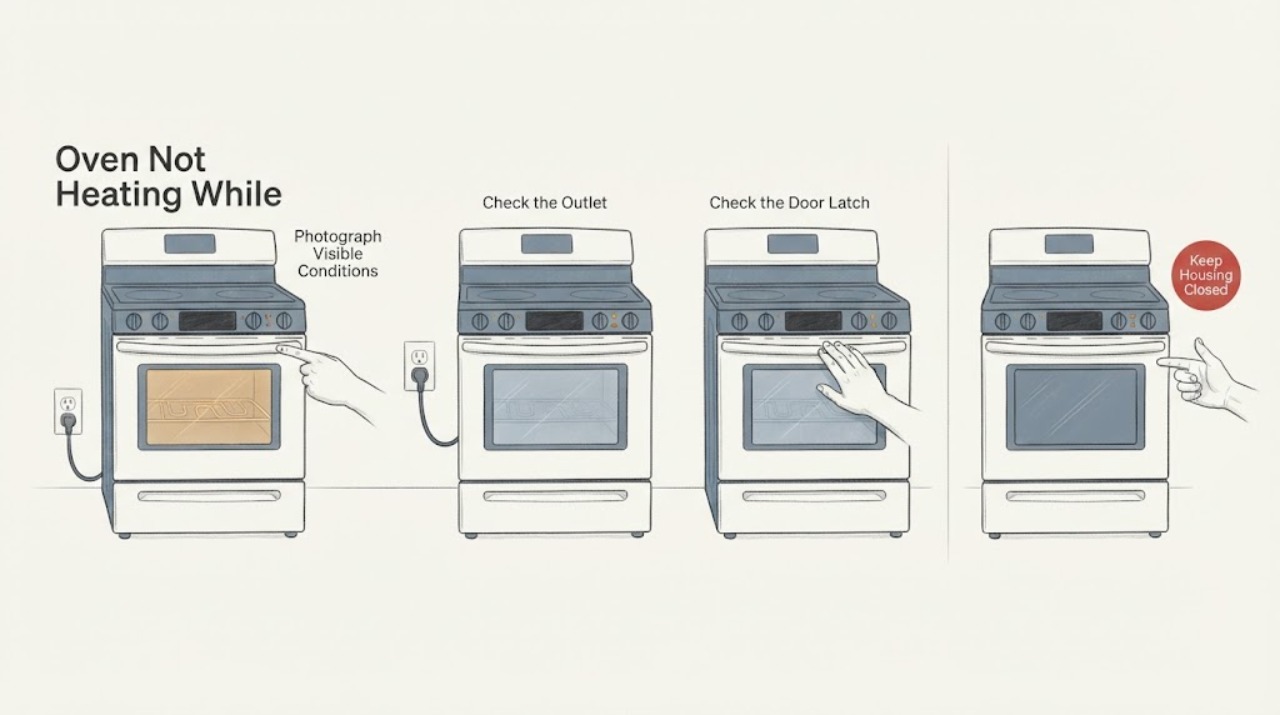
Kenmore 790 Oven Not Heating While the Stovetop Works
A Kenmore range with a 790 prefix is not identified well enough for a part diagnosis: Kenmore says its manual search needs the complete model number, with at least 11 characters, and the prefix alone does not establish whether the range is electric, gas, or a particular control platform. The fact that the stovetop works proves only that some range function remains available.
-
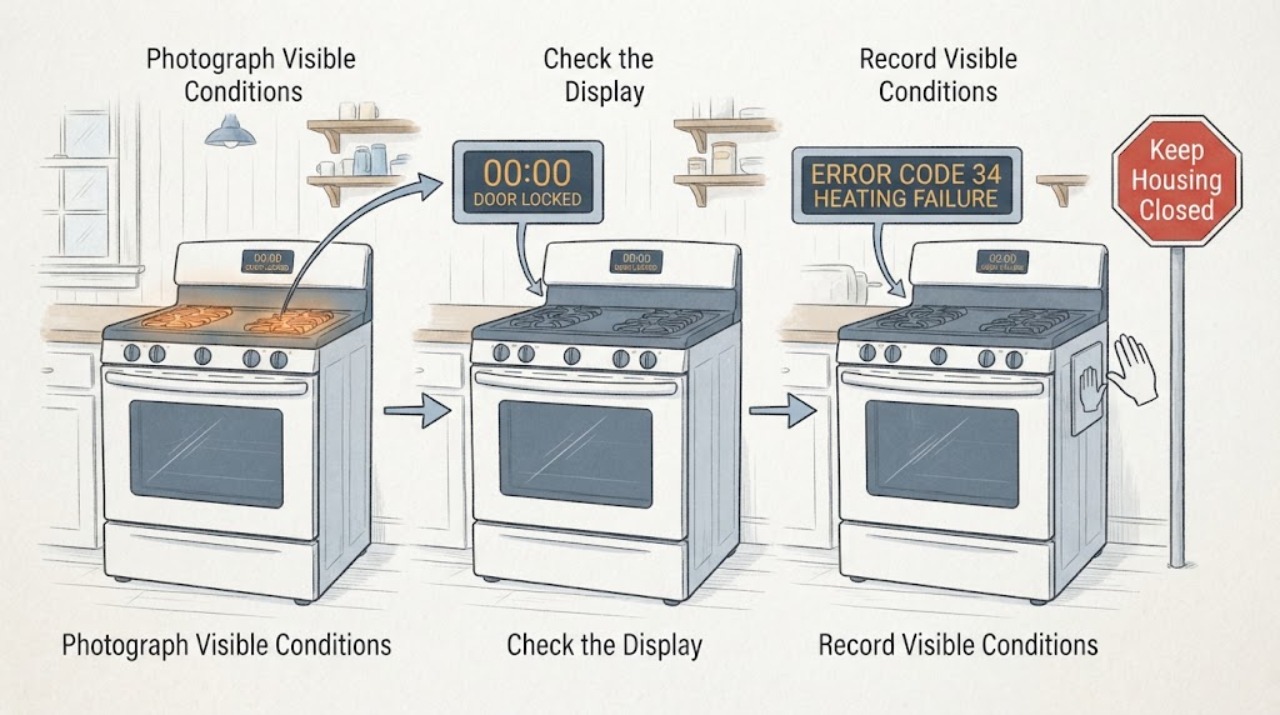
Kenmore C970-495526 Stovetop Works but Oven Does Not Heat
For a Kenmore C970-495526 range in a cottage, working surface elements with a cold oven is a localized oven-path symptom, not proof that the whole appliance has power or that one element is bad.
-
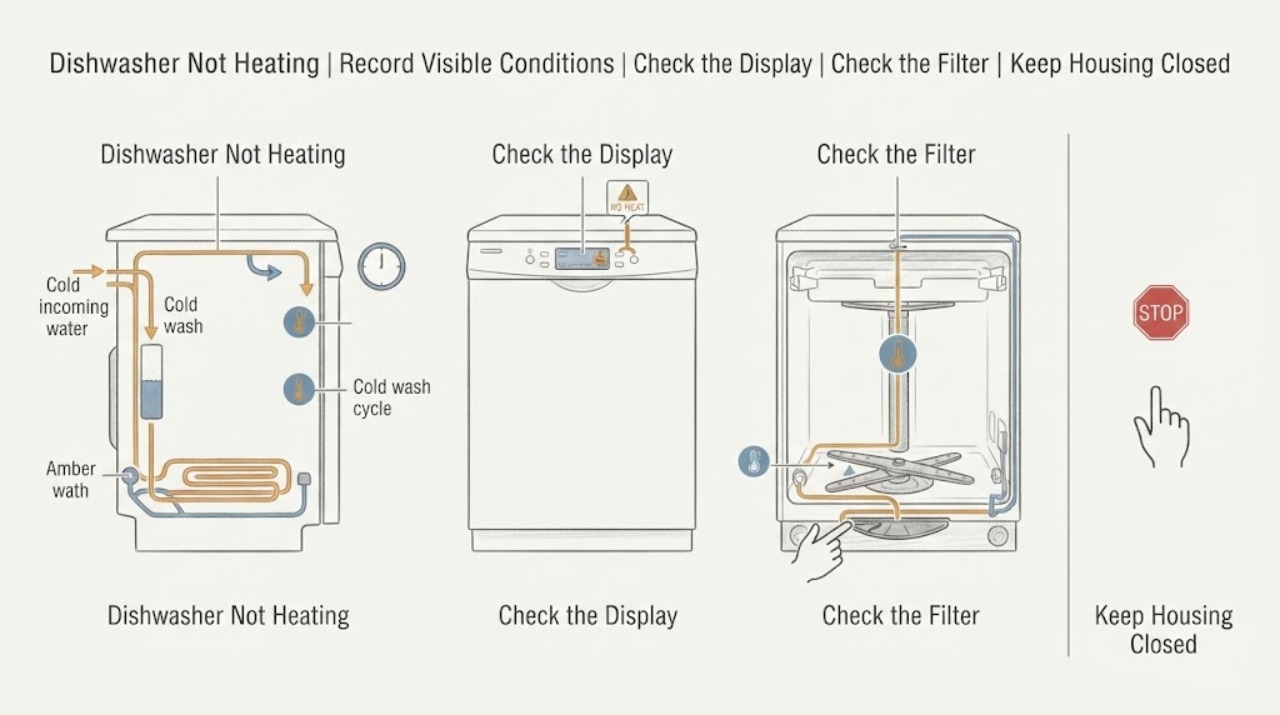
Kenmore Dishwasher Not Heating: Separate Wash Temperature from Heated Dry
First separate a dishwasher that is not heating wash water from one that cleans but leaves dishes wet after drying. Record the complete Kenmore model and the selected cycle, then check only the user-accessible filter, spray arms, water supply, cycle options, and visible error or pause state described in that model's manual.
-
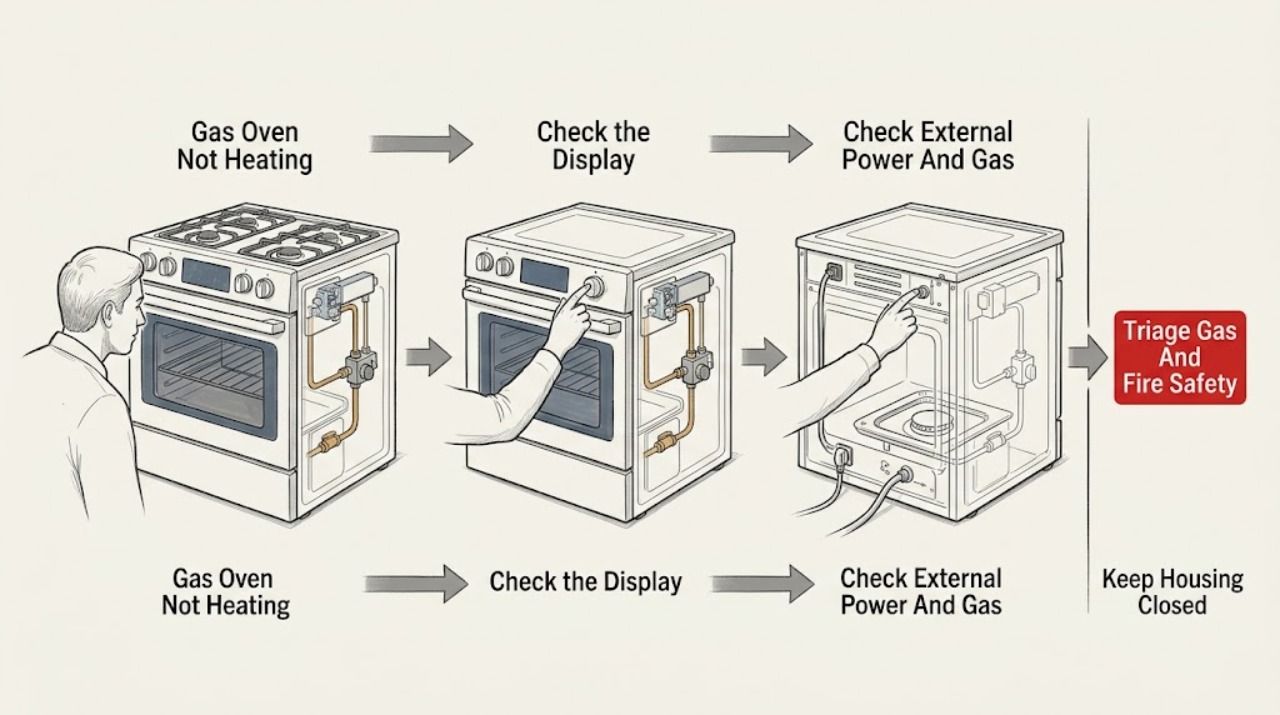
Kenmore Gas Oven Not Heating: Check the Controls, Gas, and Ignition Safely
Start by identifying the exact Kenmore model and its owner's manual because Kenmore gas ovens use different controls and ignition arrangements. Confirm that the clock or control state, Bake or Broil function, temperature setting, and any lock or special mode are correct, and check power at the appliance without repeatedly resetting a breaker.
-
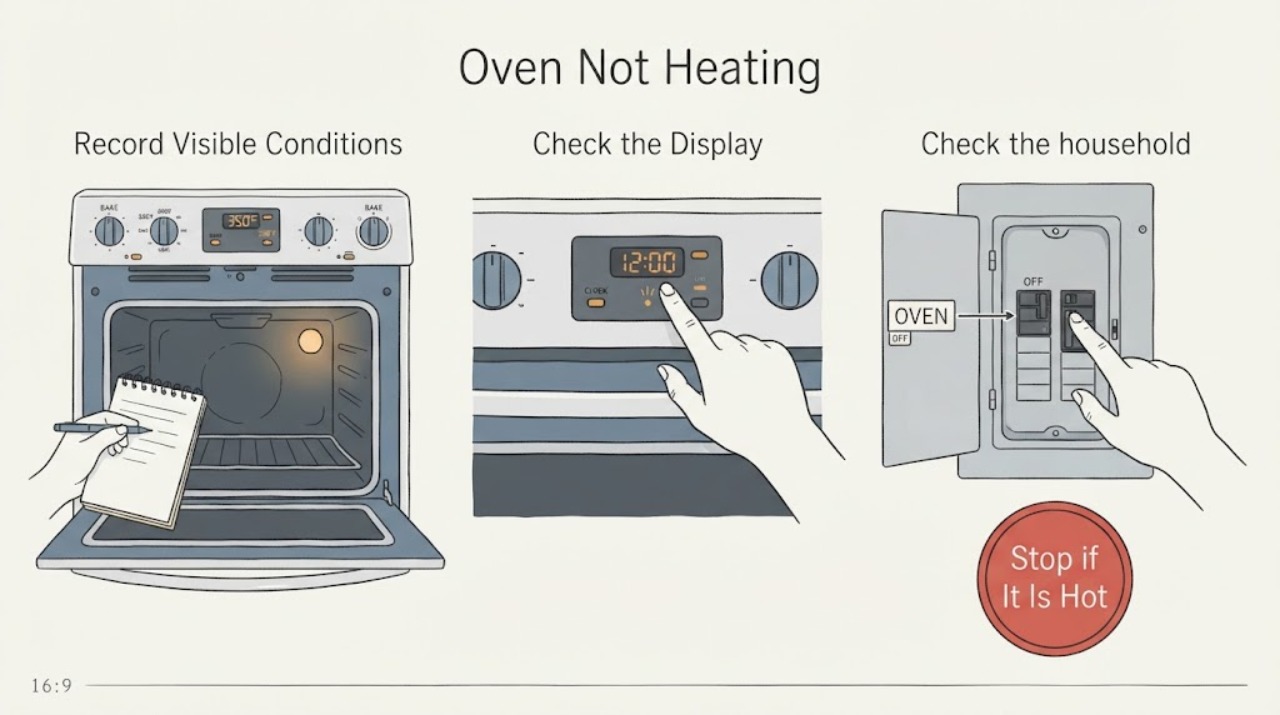
Kenmore Oven Not Heating
A Kenmore oven that is not heating needs to be separated by fuel type and symptom: no display or no response points to power or controls; a lit display with no heat points to the selected mode, clock or lock, door state, and the bake, broil, or gas-ignition path. Confirm the exact model and use its manual because Kenmore code meanings and controls vary.
-
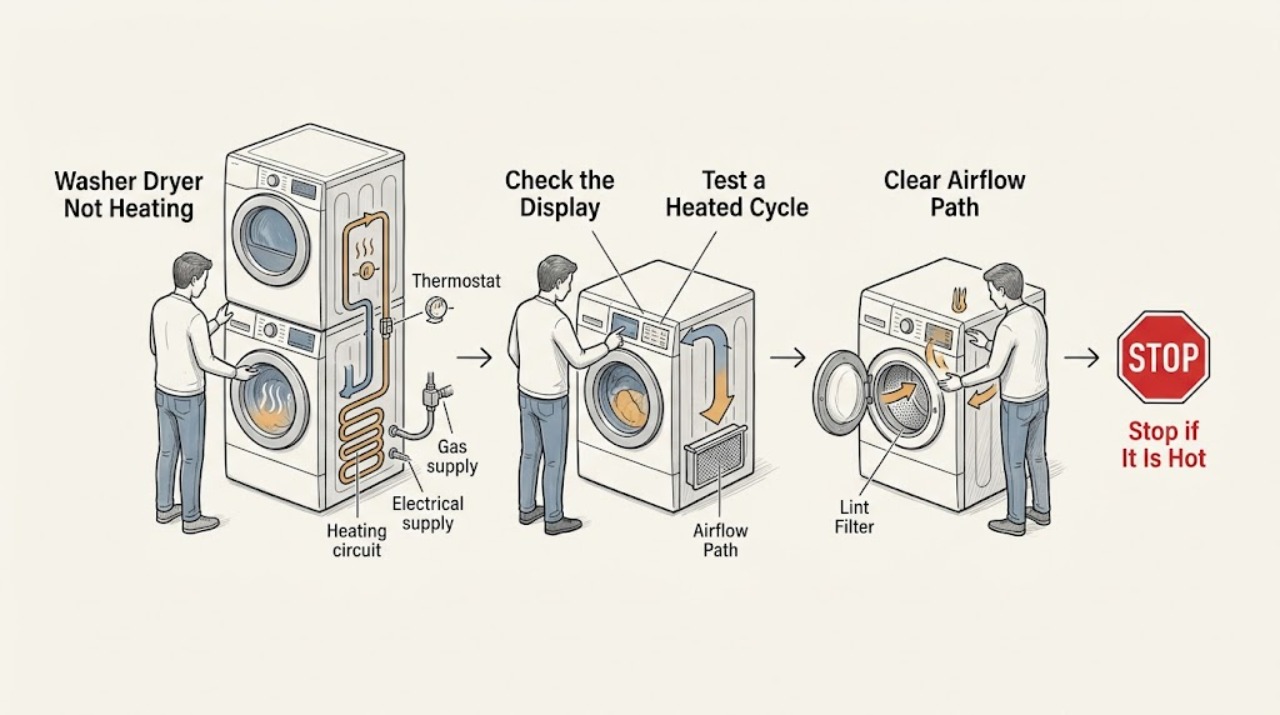
Kenmore Washer Dryer Not Heating
First determine whether the Kenmore washer-dryer is failing to heat wash water, or whether the dryer portion tumbles but produces no warm air. A dryer can appear to work on an Air Dry or no-heat setting, and exact cycles vary by model.
-
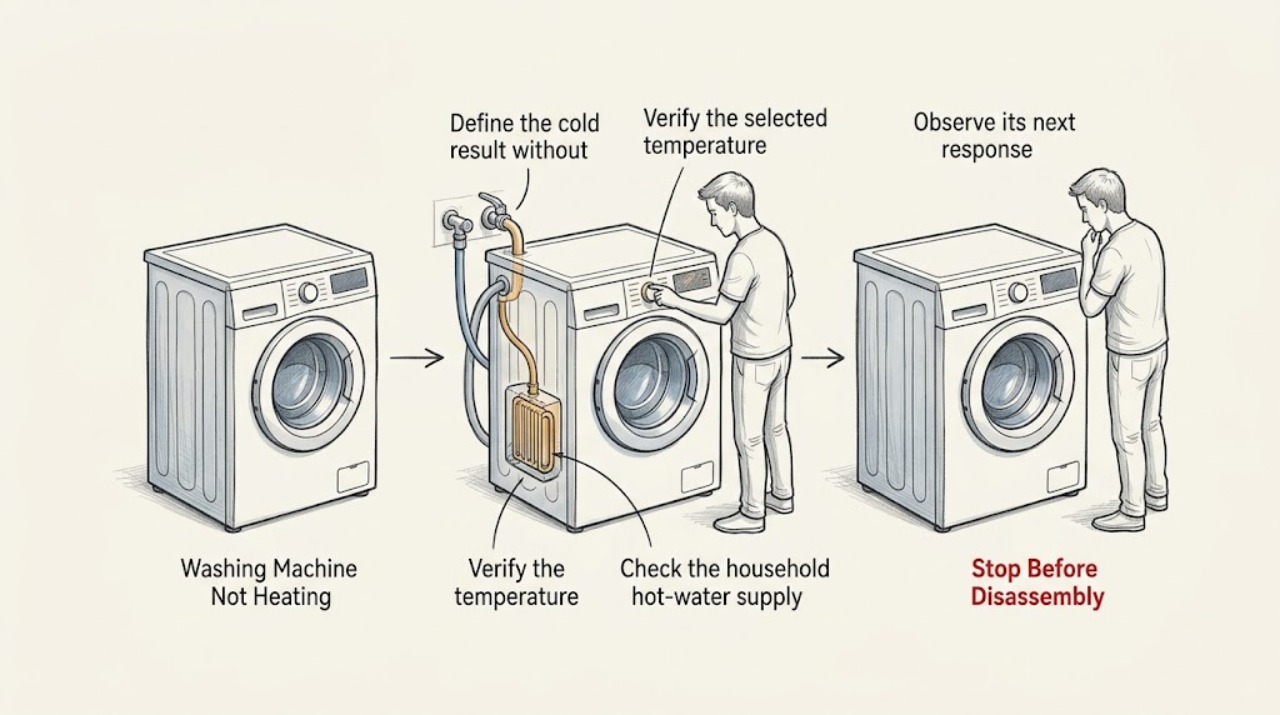
Kenmore Washing Machine Not Heating: Check the Water Path and Model Features
Most Kenmore washers do not make all of their hot wash water internally: the selected cycle may blend incoming hot and cold water, while only some models add an internal heater or steam option. Start by comparing the selected temperature with what the load actually receives, not by assuming a failed heater.
-
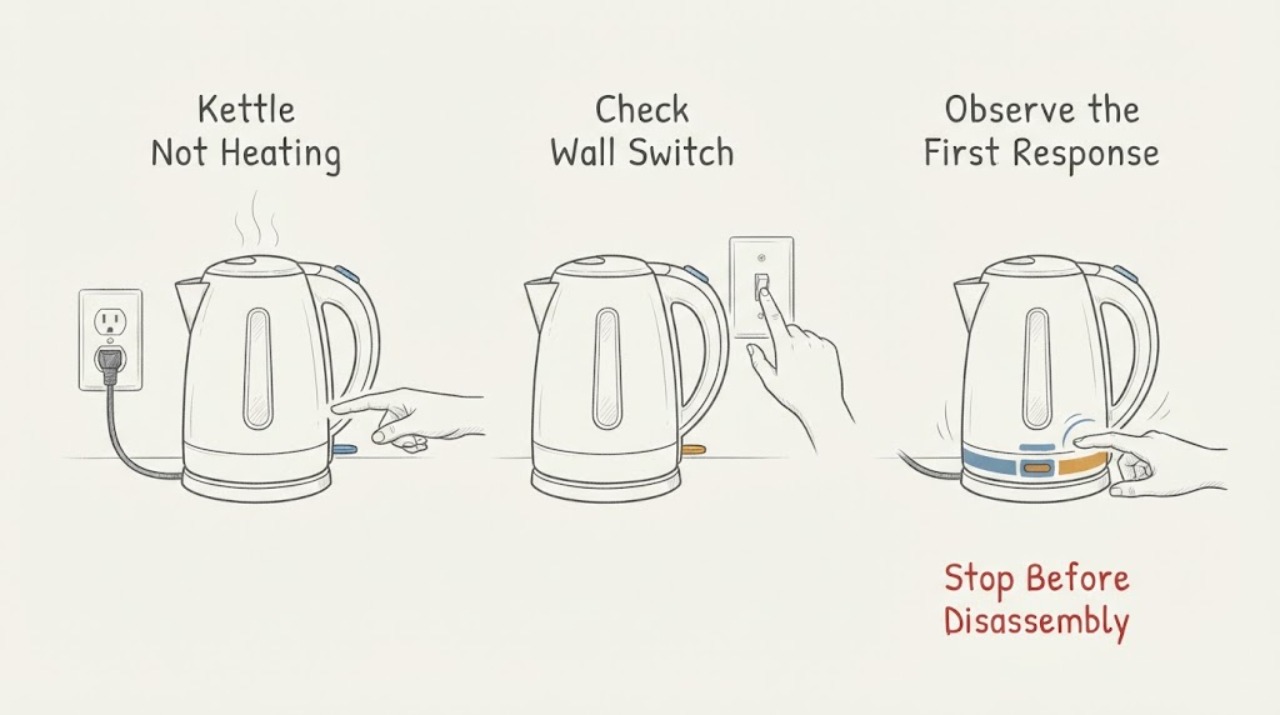
Kettle Not Heating
For a kettle that does not heat, first reseat the kettle on its supplied base, confirm the switch is on, and test the outlet with another appliance. If it was boiled dry, switch it off, unplug it, let it cool, and refill it before trying again. A kettle that still does not heat, has a damaged cord, or smells electrical should remain unplugged for service.
-
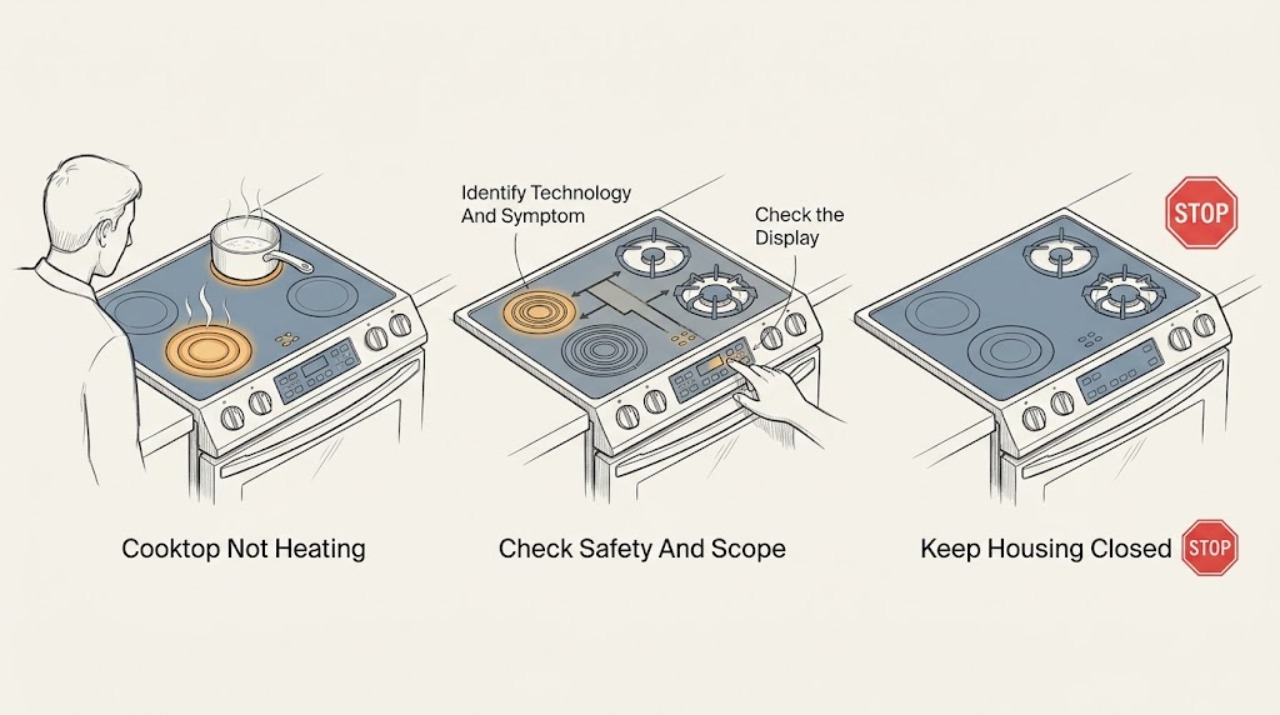
Kitchenaid Cooktop Not Heating
First identify whether the KitchenAid cooktop is gas, electric radiant, or induction and whether one zone or every zone is affected. Stop for a gas odor, smoke, sparks, arcing, a damaged cord or receptacle, a cracked glass surface, or controls that behave erratically.
-
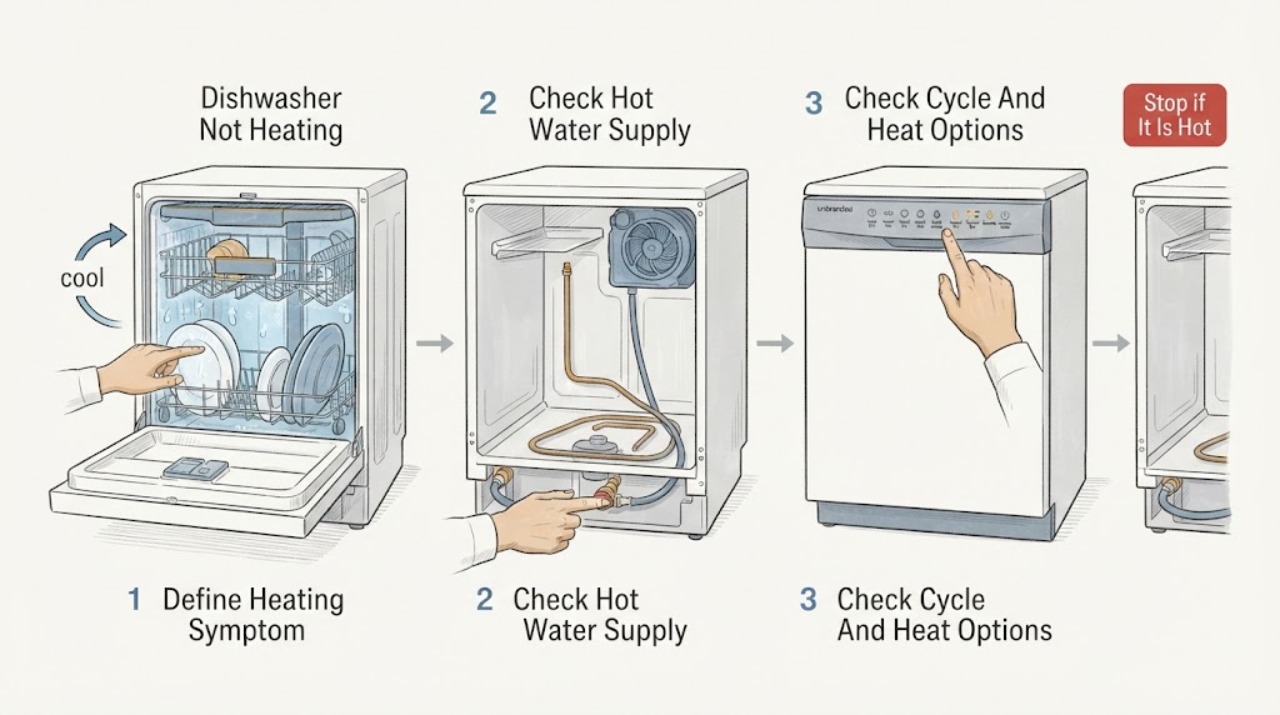
KitchenAid Dishwasher Not Heating: Check Water Supply, Cycle, and Heat Results
First define what is not heating: incoming wash water, the final rinse and drying phase, or the dishes at the end. KitchenAid says dishwashers perform best with incoming water around 120°F (49°C), and that a cold supply can lengthen cycles because the appliance may spend more time heating.
-
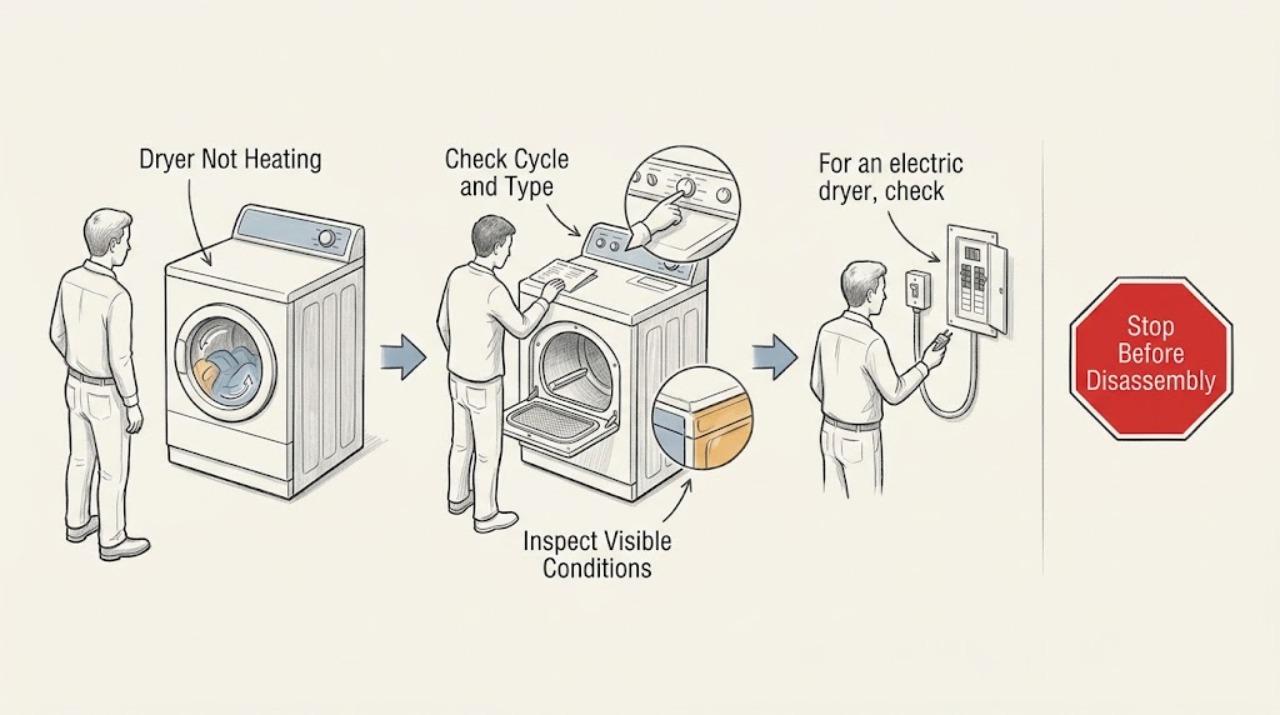
KitchenAid Dryer Not Heating: Check the Cycle, Power or Gas Supply, and Airflow
Start with the cycle: Air Only intentionally tumbles without heat, so select a heat cycle appropriate for the load. Then confirm the dryer door is closed, the controls and Start command are accepted, and the power supply is stable.
-
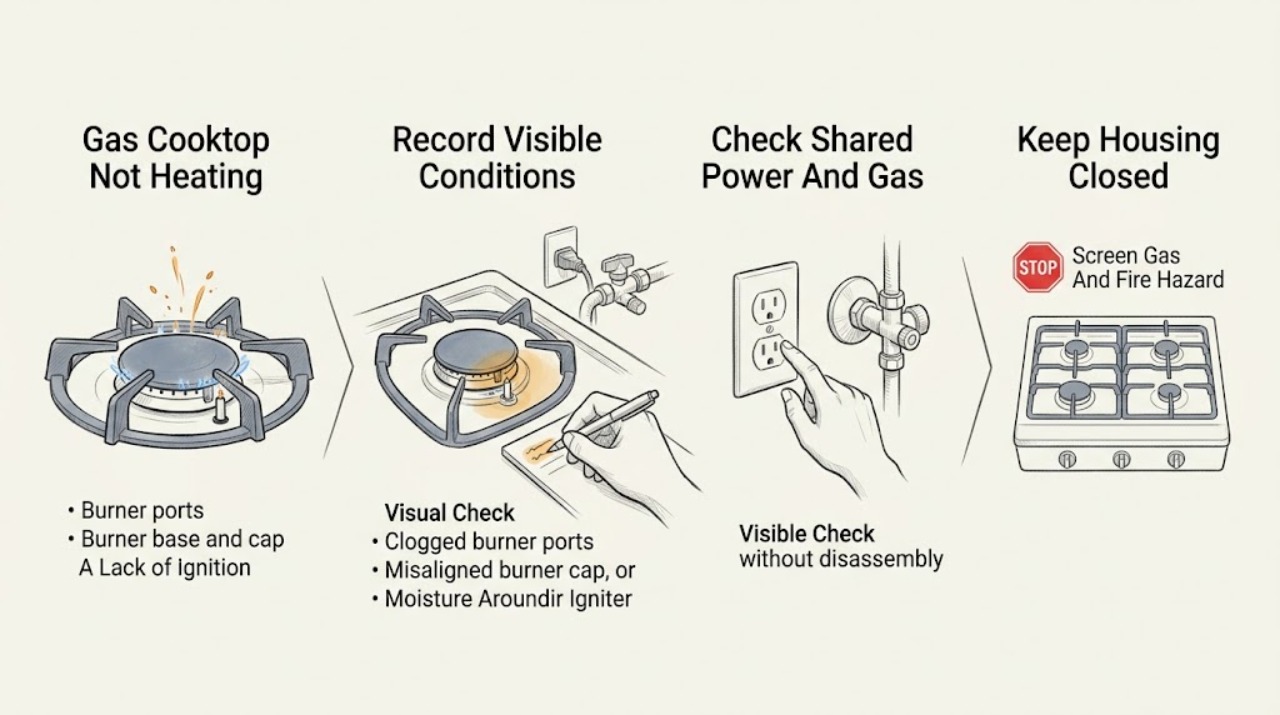
Kitchenaid Gas Cooktop Not Heating
A KitchenAid gas cooktop that does not heat may have an unlit burner, a wet or obstructed port, a misaligned burner cap, a control lock, loss of electrical ignition power, a closed gas supply, a flame or fuel-conversion issue, or a component fault. Stop immediately for gas odor, a continuous gas sound, smoke, sparks, arcing, a yellow or unstable flame, scorching, or a cracked or wet cooktop.
-
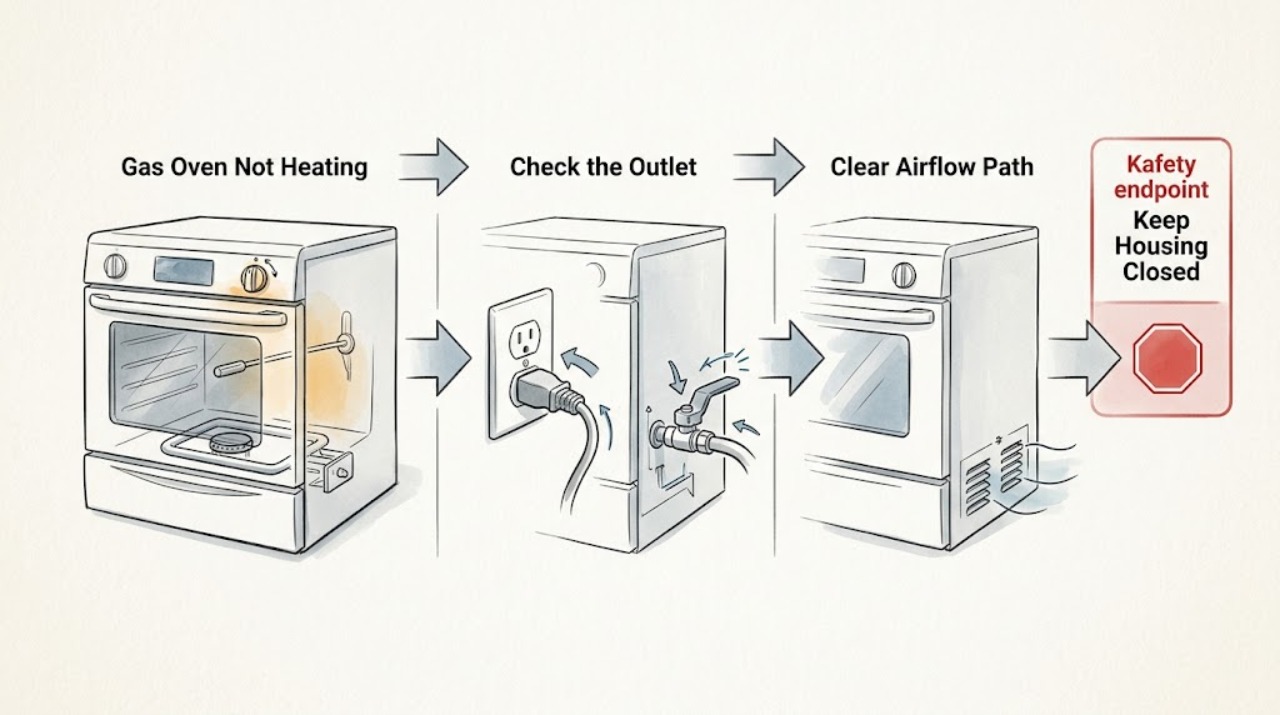
KitchenAid Gas Oven Not Heating: Check Ignition, Gas Supply and Controls Safely
A KitchenAid gas oven that is not heating needs a fuel, control and ignition check in that order. Confirm the full model and that the appliance is a gas range or gas wall oven; the oven still needs safe electrical power for its controls and igniters.
-
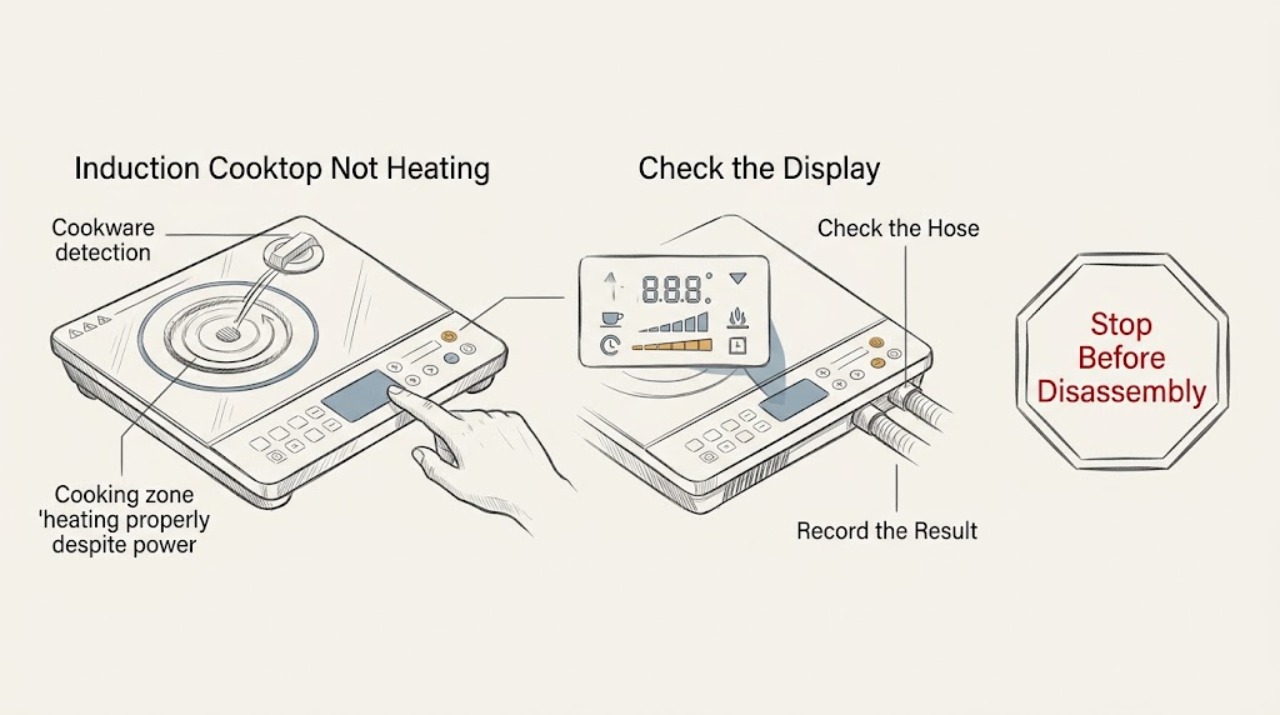
KitchenAid Induction Cooktop Not Heating: Check Pan Detection, Controls, and Cooling
A KitchenAid induction cooktop may appear not to heat when the pan is not ferromagnetic, is too small or off-center, the control lock is active, the touch panel is wet or obstructed, or the cooktop has reduced or stopped output while protecting itself from heat or poor ventilation. Use a flat induction-compatible pan centered on the matching zone, select a heat level, clear and dry the controls, and let a hot cooktop cool before trying again.
-
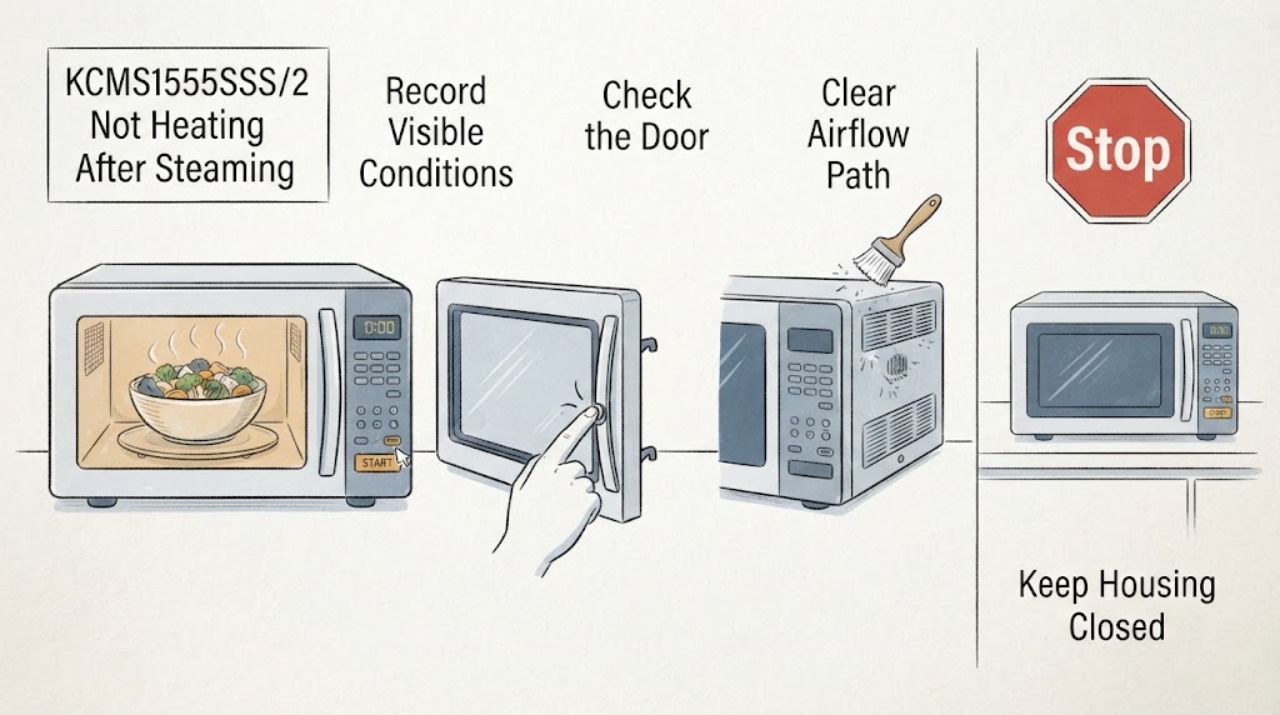
KitchenAid KCMS1555SSS/2 Not Heating After Steaming Vegetables
After steaming vegetables, first separate a sensor or moisture problem from a true no-heat fault on the KitchenAid KCMS1555SSS/2. Steam and condensation can be normal, and a sensor cycle can be affected if the door is opened while it is detecting humidity or if the cavity or container is wet.
-
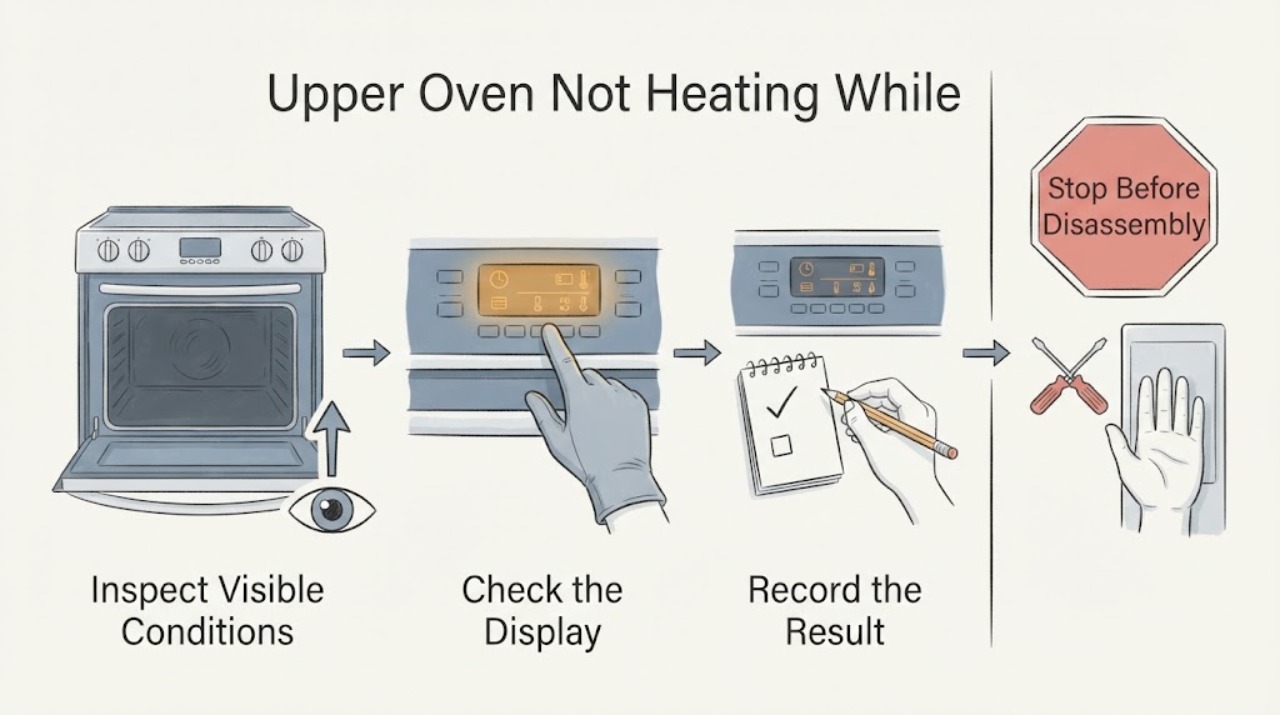
KitchenAid KFGD500EBS Upper Oven Not Heating While Lower Oven Works
The KitchenAid KFGD500EBS is a gas double-oven range whose product sheet describes a thermal upper oven and a convection lower oven. A working lower oven therefore does not prove that the upper oven's gas or ignition path is healthy.
-
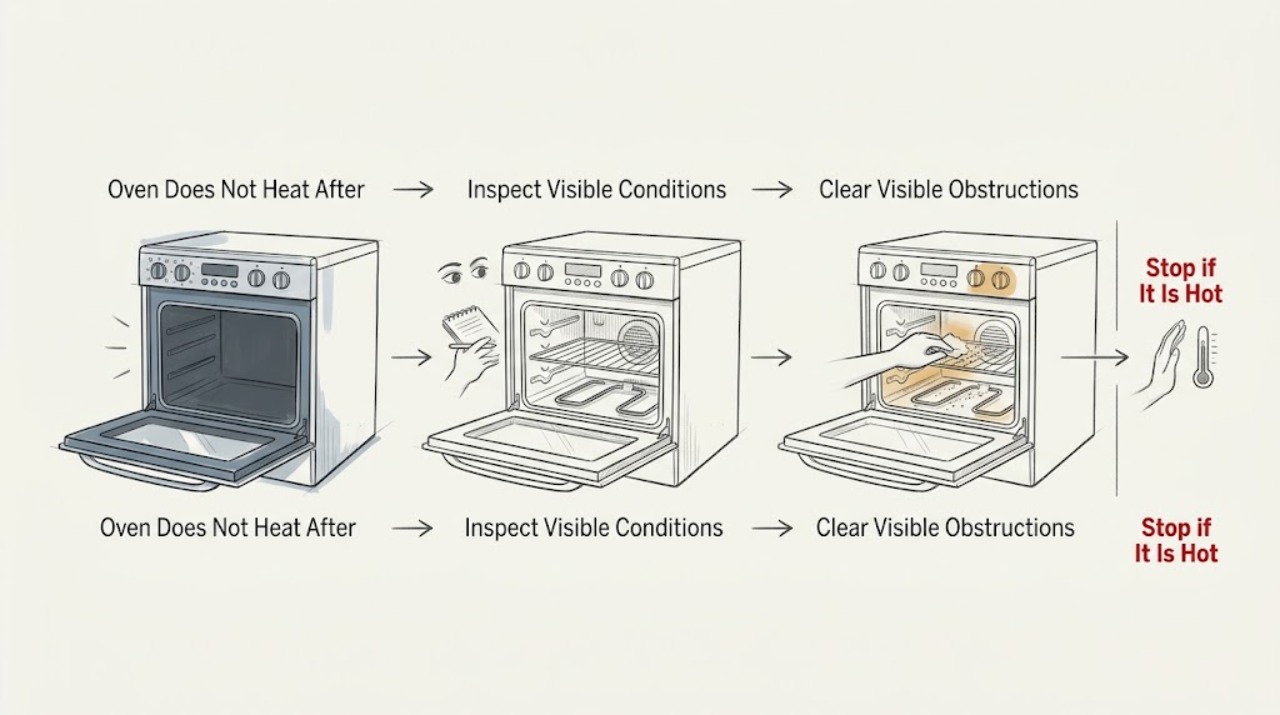
KitchenAid KGRS807SSS00 Oven Does Not Heat After Ignition Attempts With the Door Open
For a KitchenAid KGRS807SSS00 gas oven, do not repeat ignition attempts with the door open. The opened KitchenAid gas-range instructions say the bake burner should light after Bake and Start, allow for a longer first ignition if air is in the line, and then direct you to press Off, check the grounded outlet and gas shut-off valves, and contact service if the burner still will not light after the permitted repeat.
-
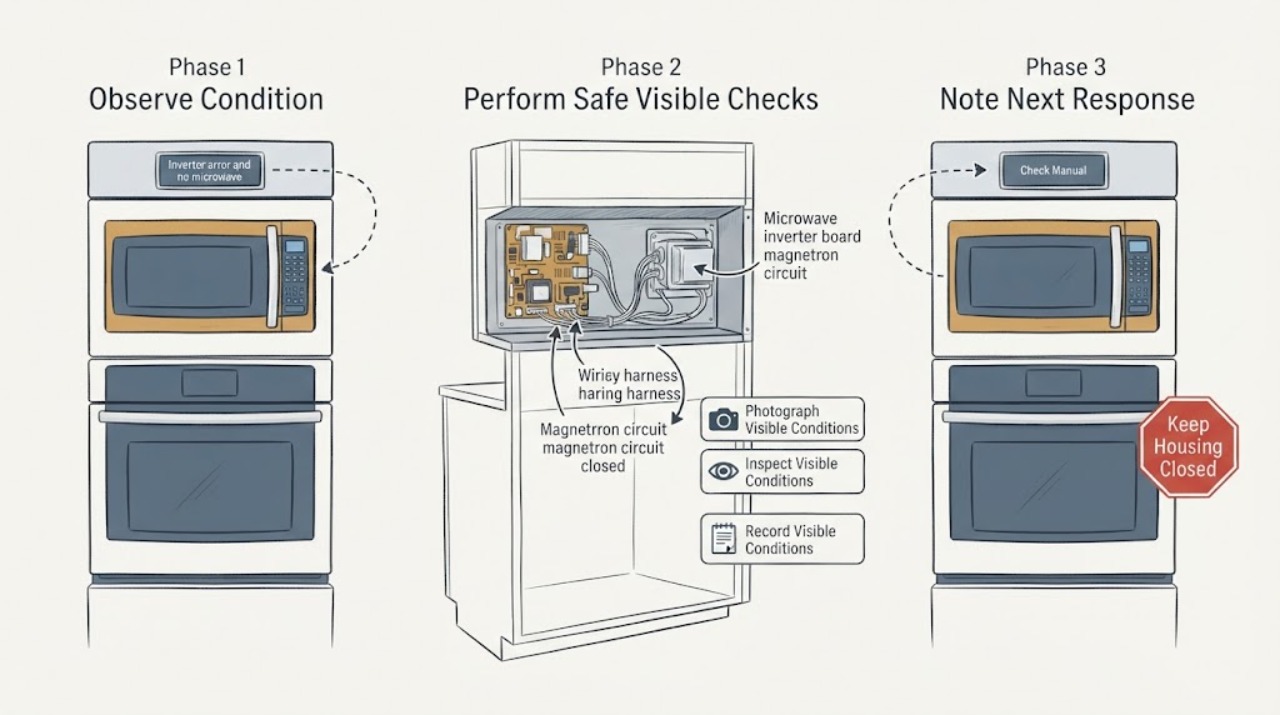
KitchenAid KOCE500EBS inverter error and no microwave heat: why a melted magnetron is not yet confirmed
Stop using the upper microwave on the KitchenAid KOCE500EBS and do not run another heating test if it shows an inverter error, smells burnt, sparks, smokes, or appears to have heat damage. KitchenAid identifies KOCE500EBS as a combination wall oven with microwave-convection cooking in the upper oven and a convection oven below.
-
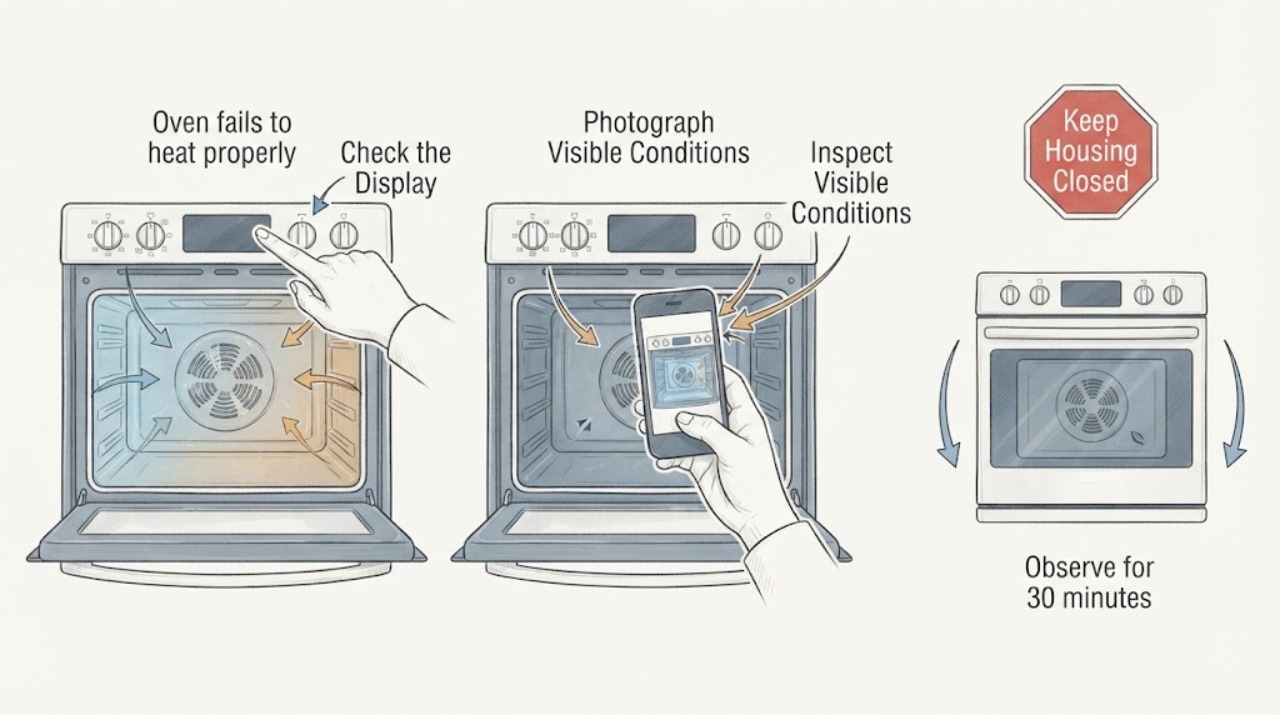
KitchenAid KSEG700ESS3 oven fails to heat properly
Treat “blower fan error” as a description until you capture the complete display. KitchenAid’s opened range service documentation identifies F8E0 as cooling-fan speed too low and F8E2 as cooling-fan speed too high; it does not establish that the words “blower fan error” are the actual code on a KSEG700ESS3.
-
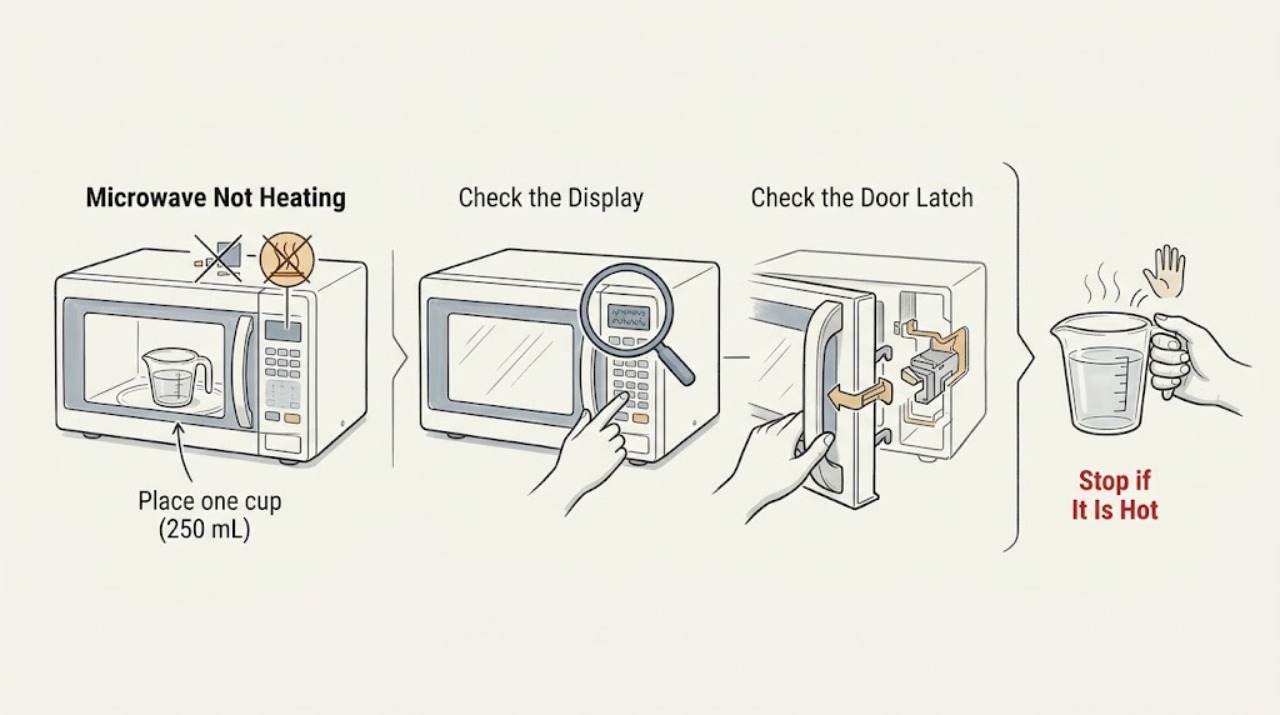
KitchenAid Microwave Not Heating
Run a one-minute, full-power test with one cup of water. If the water stays cold while the light, fan, or turntable operates, stop using the microwave and arrange qualified service; do not remove its cabinet.
-
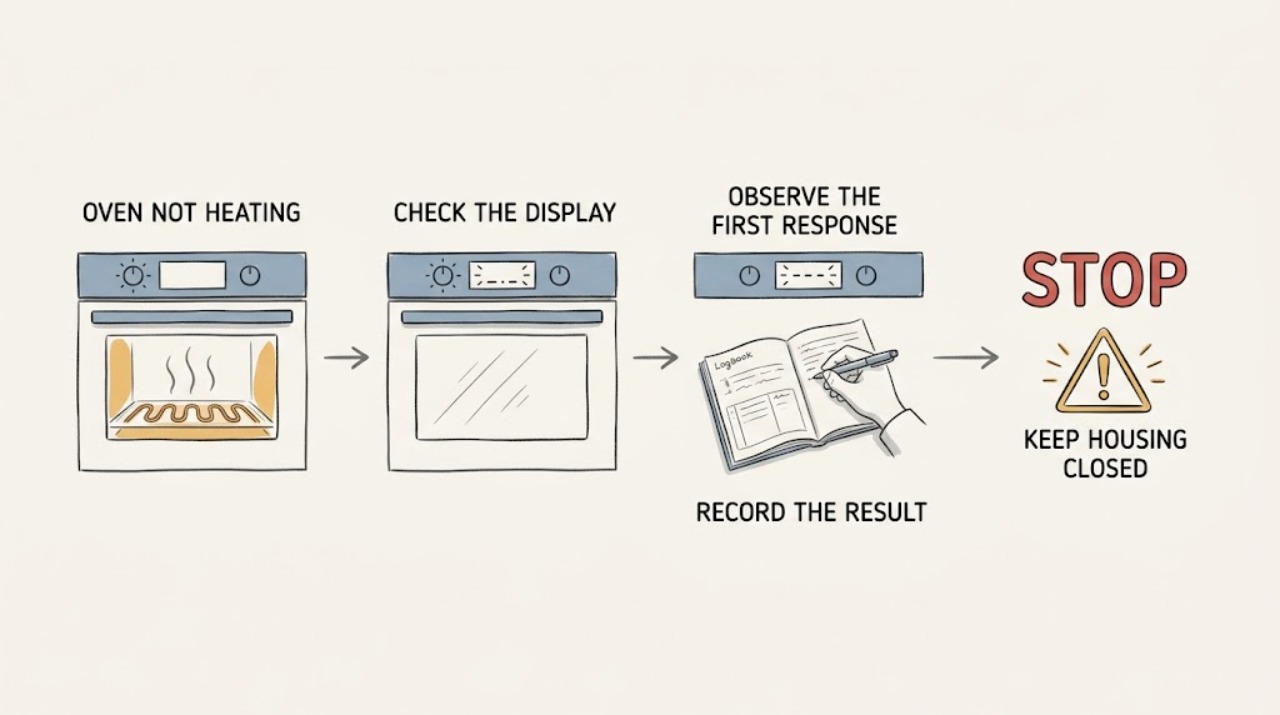
KitchenAid Oven Not Heating: Checks for Electric and Gas Models
First decide whether the KitchenAid oven is completely without power or has a live display that runs a cycle without producing heat. With no signs of smoke, gas, water, arcing, or repeated breaker trips, check the door, selected cooking mode, temperature, Control Lock or demo mode, and any Delayed Start setting.
-
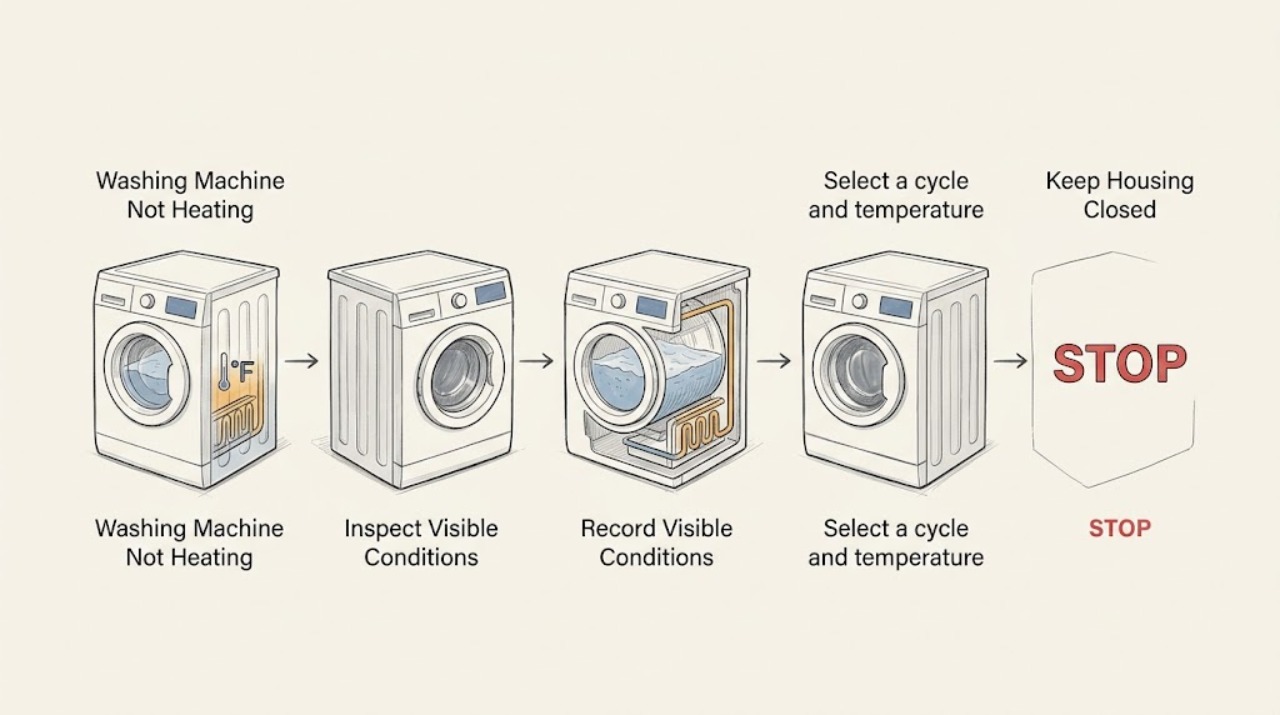
KitchenAid Washing Machine Not Heating: Check Water, Settings, and Model Features
Most KitchenAid washers rely on the home's hot and cold water supply and mix incoming water to the selected wash temperature; an internal heater or steam phase exists only on models whose manual lists that feature. A cool fill does not always mean the washer's heater has failed: the selected cycle, load, household water temperature, hose connections, and temperature-sensing logic all matter.
-
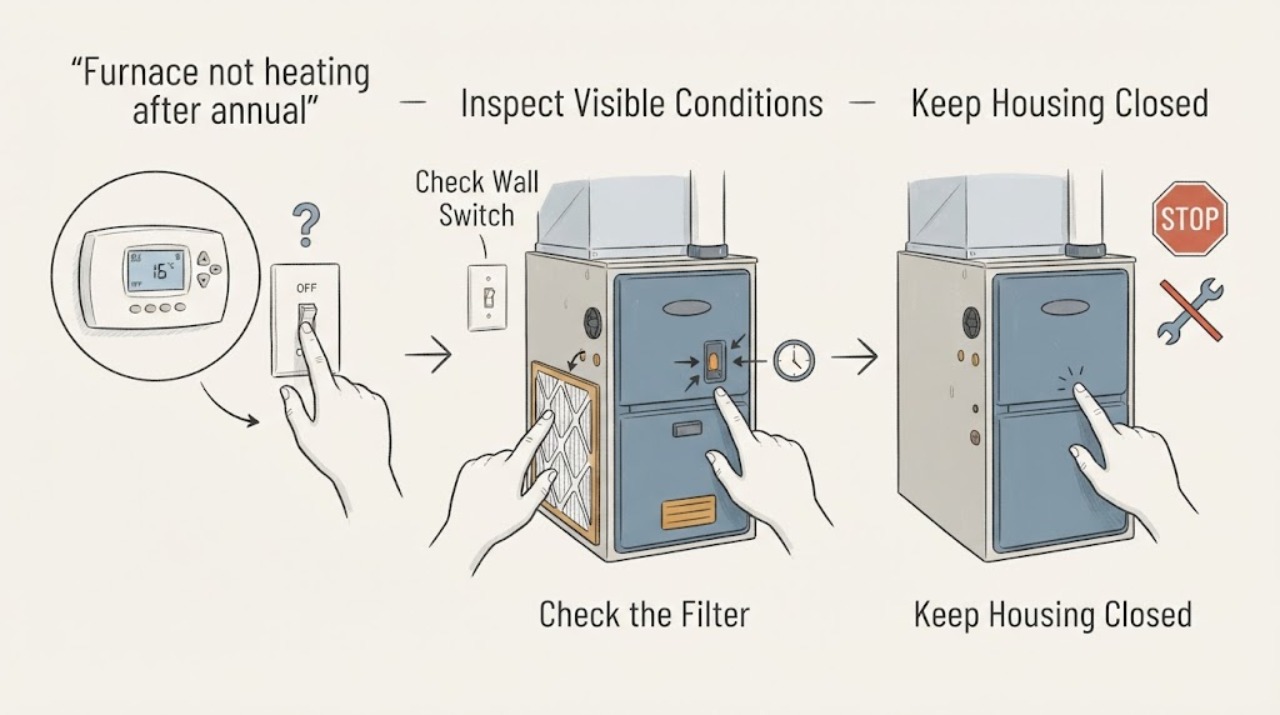
Lennox furnace not heating after annual maintenance: safe checks
A Lennox furnace that is not heating after annual maintenance may be responding to a thermostat setting, a power interruption, a restricted filter, an access panel that is not seated, or a fault in ignition, airflow, controls, or venting. The timing after maintenance is useful history, but it does not prove the visit caused the failure.
-
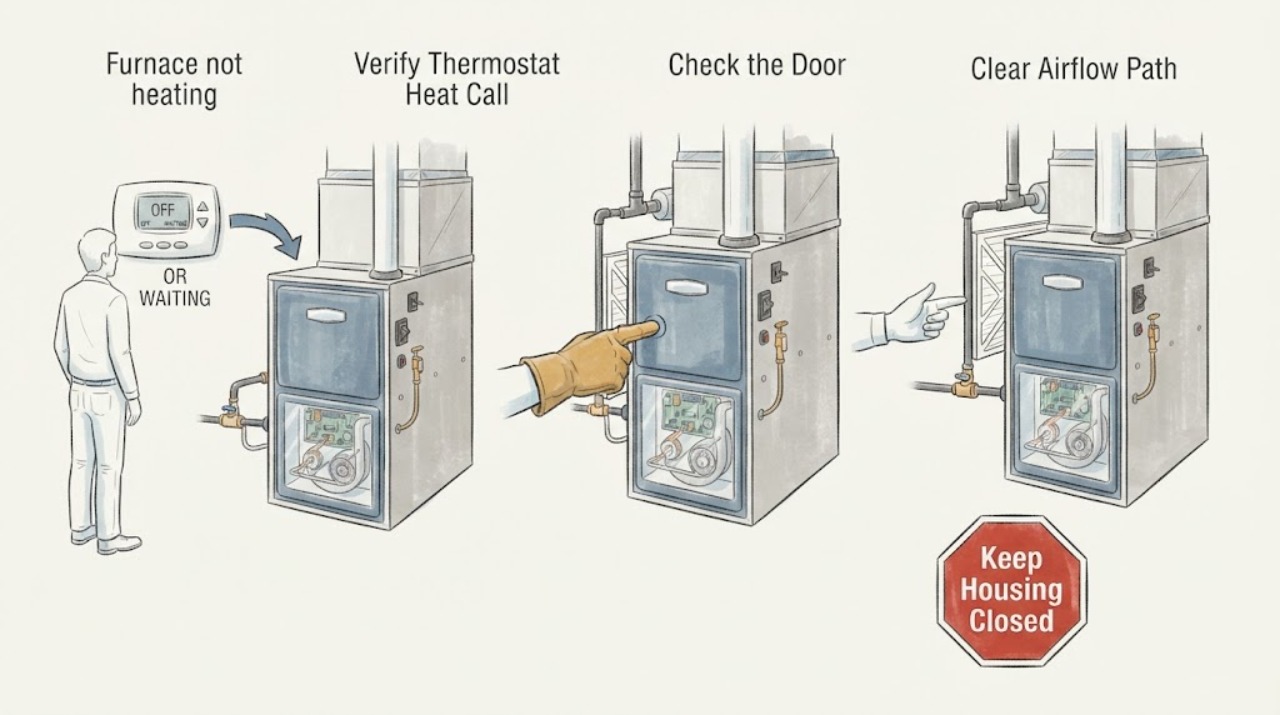
Lennox furnace not heating: What to Check and What to Do Next
If a Lennox furnace is not heating, first confirm the thermostat is calling for heat and the fan is set to Auto, then check the furnace disconnect or breaker and the filter without opening the cabinet. A brief burst of cool air at startup can be normal while the ducts warm, but air that stays cool means the burners or electric heat are not producing or delivering heat.
-
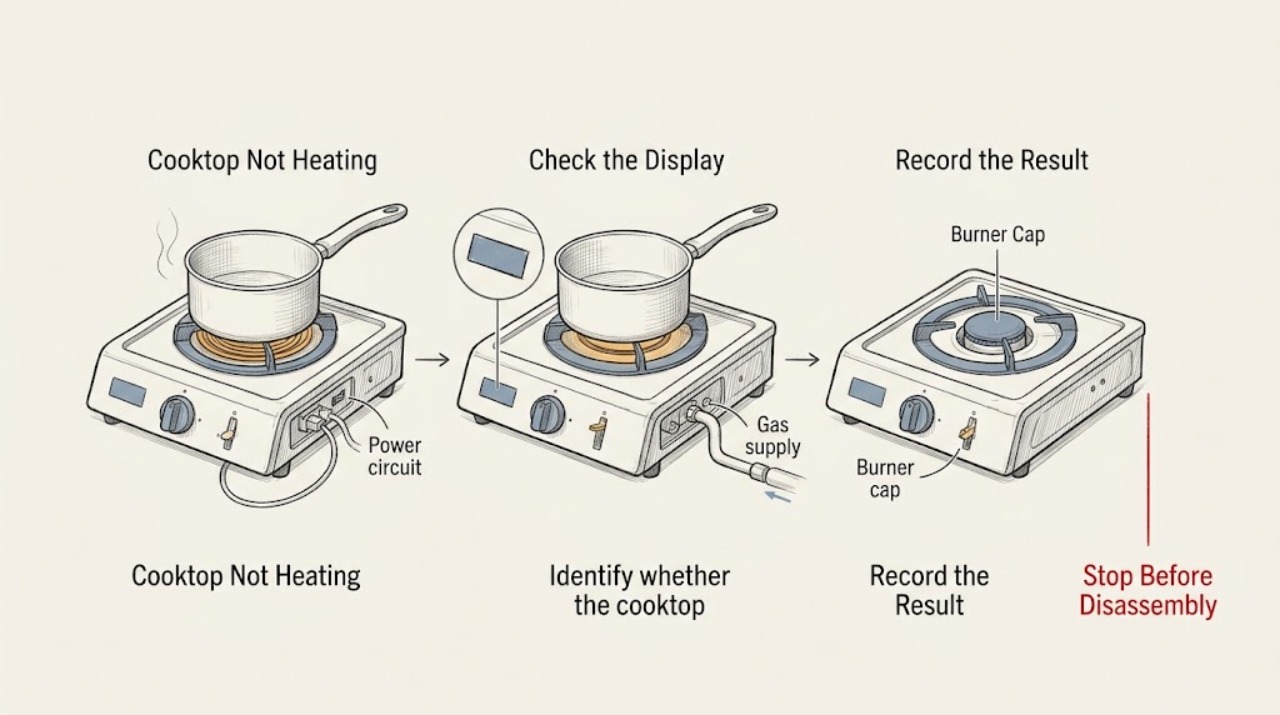
LG Cooktop Not Heating: Check the Correct Burner, Power, and Gas Safety
An LG cooktop that is not heating may have a control or power problem, an unsuitable or incorrectly positioned pan on an induction zone, a burner cap or head that is wet or misassembled on a gas model, or an electric element that is cycling normally or has failed. First identify whether the issue affects one burner or all of them, then switch the controls off and check for a cracked surface, smoke, burning smell, gas odor, liquid in the controls, or damaged wiring.
-
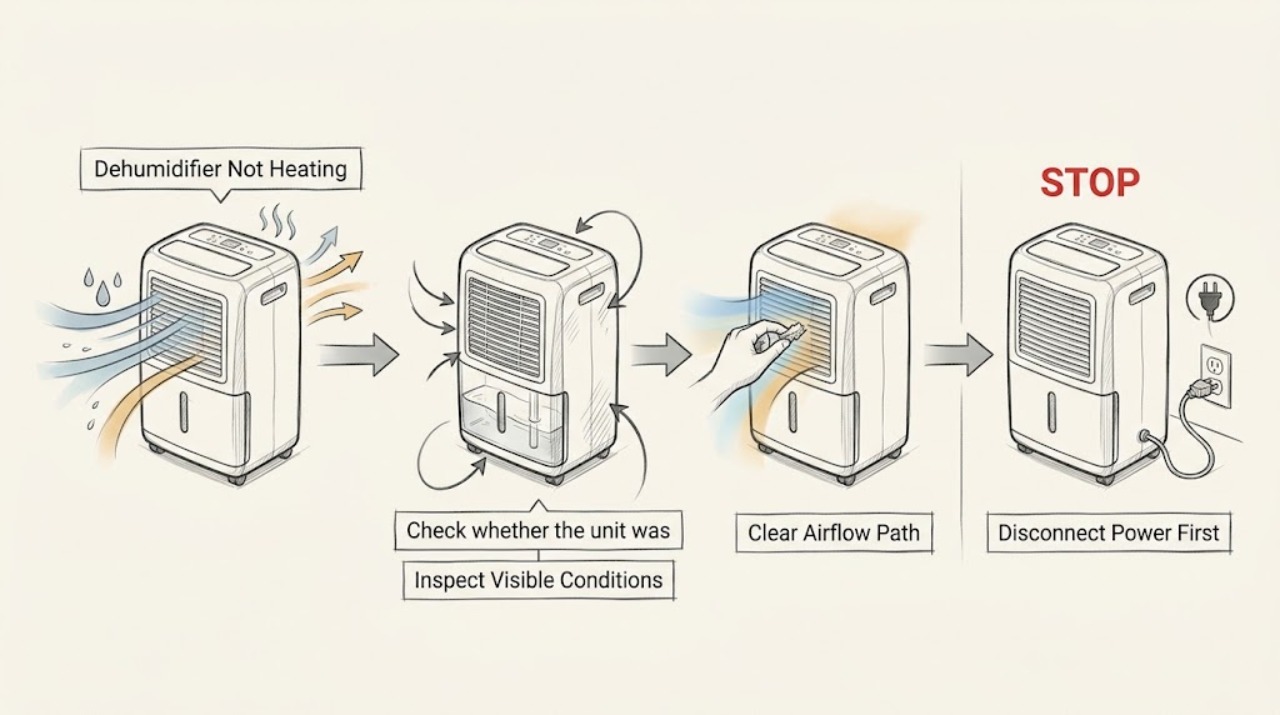
LG Dehumidifier Not Heating
An LG dehumidifier is not a room heater: its normal dehumidifying cycle sends dry air back into the room and can raise room temperature, but the outlet temperature is not a standalone heating test. If the air feels cool, first confirm that the fan runs, the humidity setting is below the room reading, and the room is within the unit's specified operating range.
-
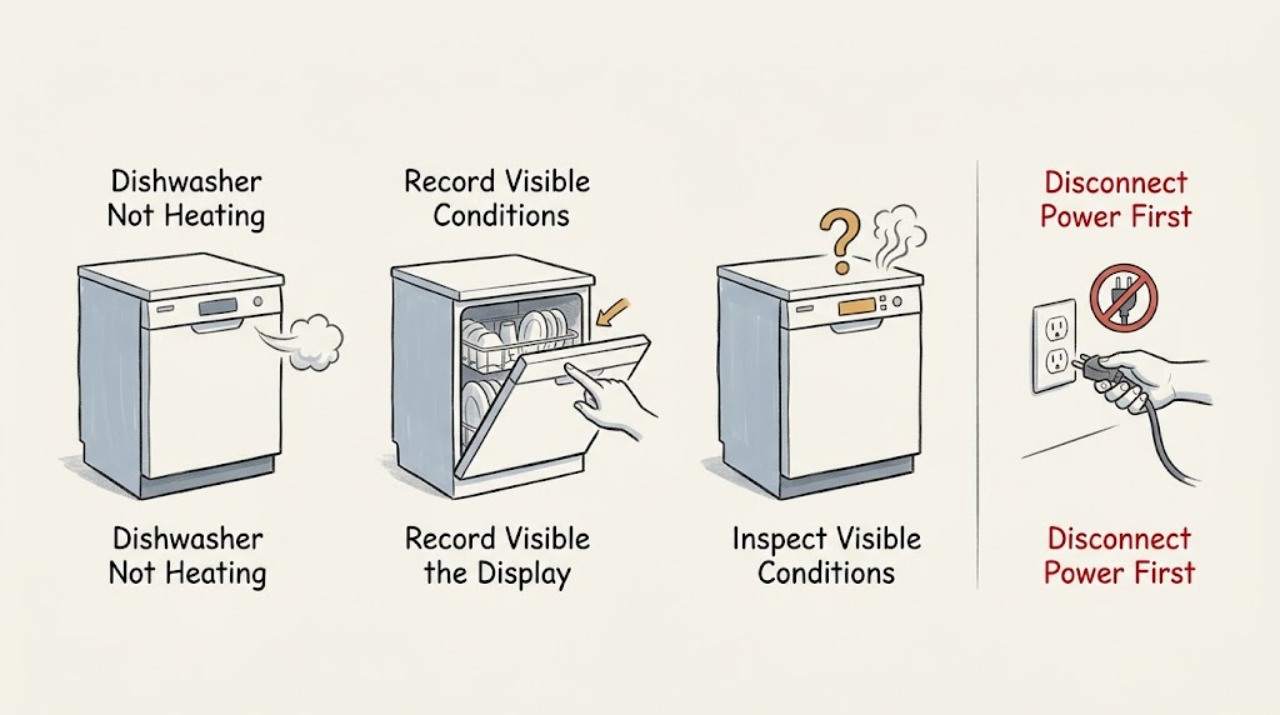
LG Dishwasher Not Heating
Separate a true heating fault from normal drying behavior first. Record the selected cycle, whether wash water or dishes become warm, and any code. Wet plastic or a wet tub wall can be normal, while everything remaining wet, a returning HE or temperature code, or no airflow during the model's documented dry stage needs the matching LG check or service; do not test live heater wiring.
-
LG DLE2301R Dryer Not Heating After a Power Outage: Separate Restricted Airflow from Power
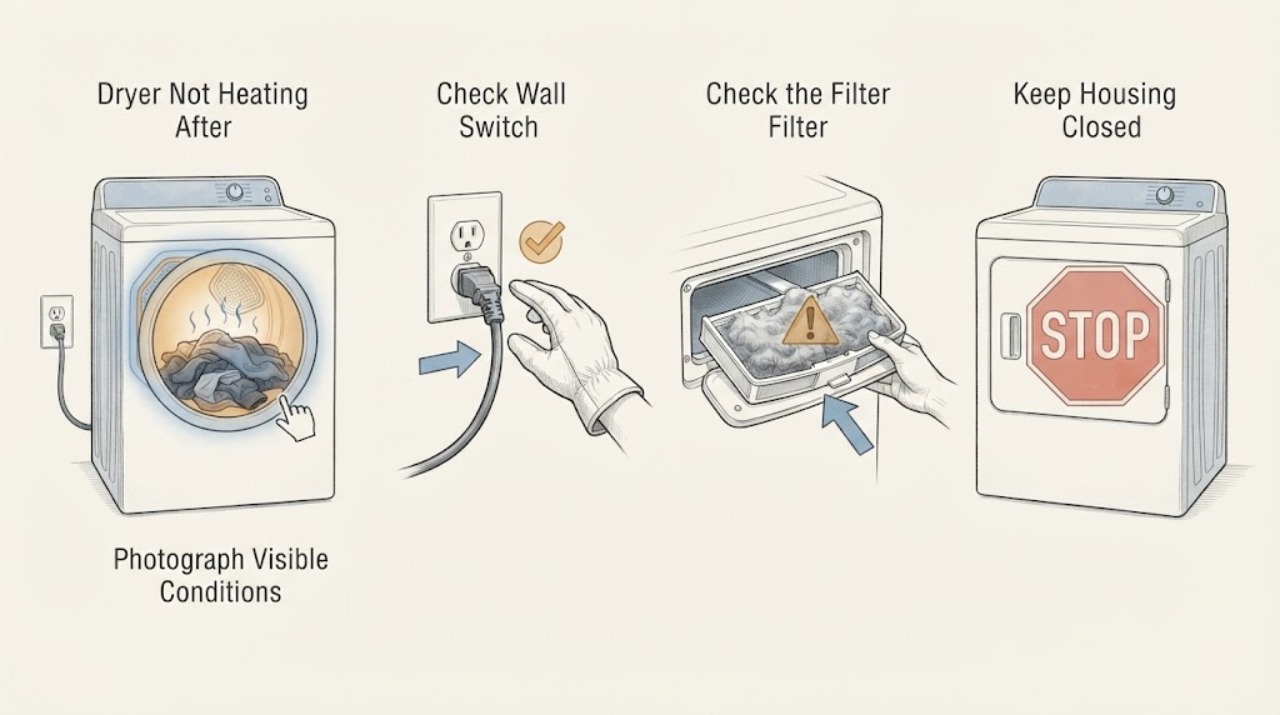
The LG DLE2301R is an electric dryer, so “restricted air duct” after an outage must not be treated as proof that the heating element failed. First photograph the complete display or Flow Sense result and check whether the actual message is PF, d80/d90/d95, Flow Sense bars, or an installation-test result such as no temperature change.
-
LG DLE2514W Dryer Not Heating: Treat Repeated Fuse Shutdowns as an Overheat Clue
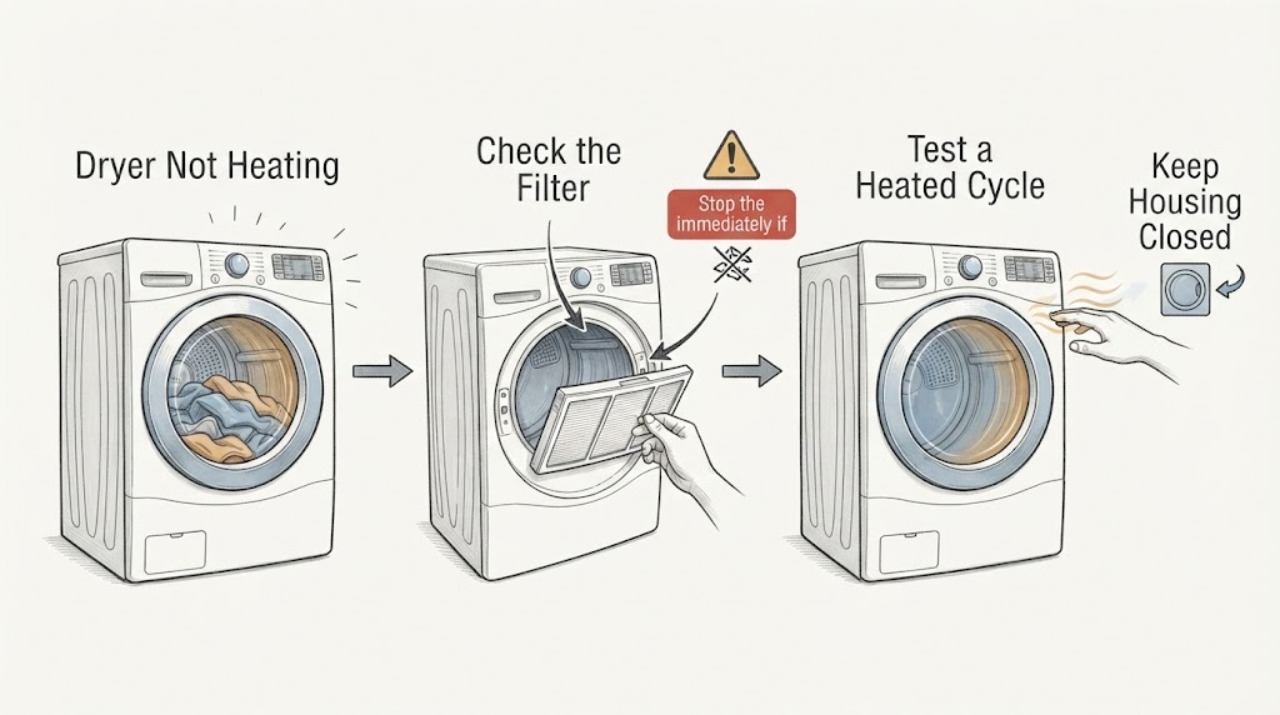
LG identifies the DLE2514W as an electric dryer. The report that its thermal fuse is blowing is not, by itself, a confirmed diagnosis or a reason to keep replacing the fuse.
-
LG DLEX3700W Dryer Shows nP but Runs Without Heat
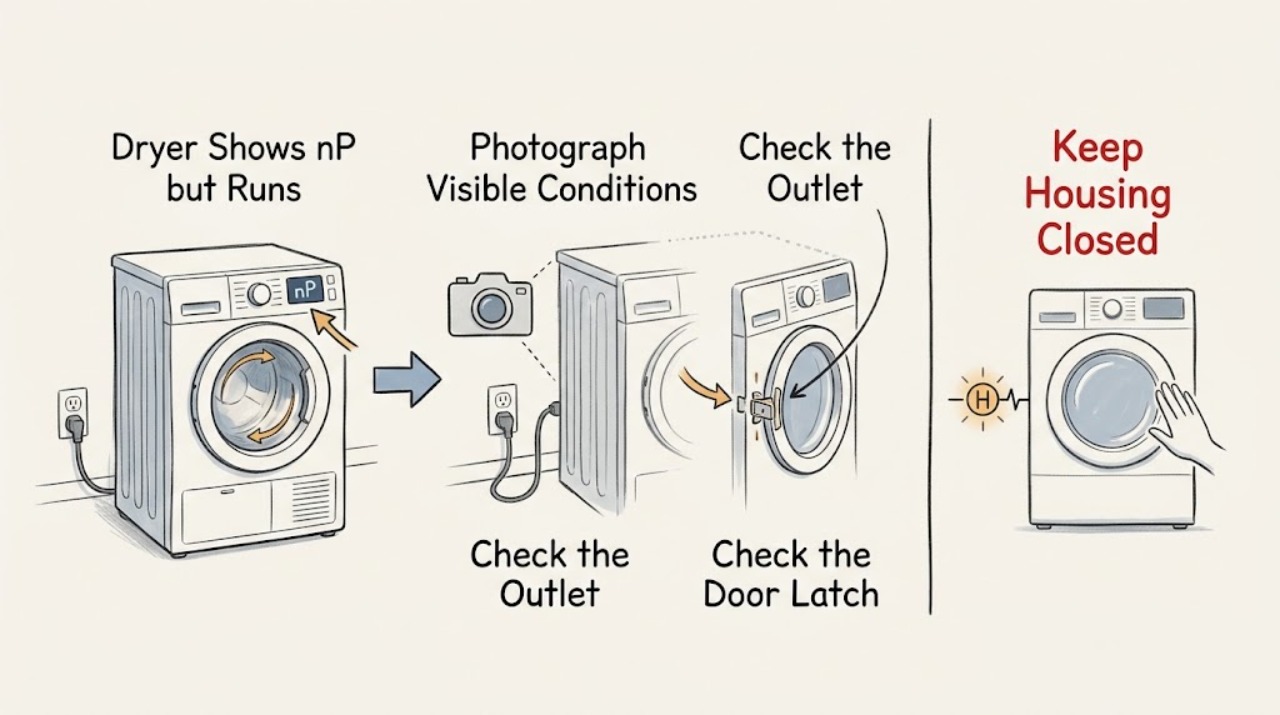
On the LG DLEX3700W, nP does not mean that the entire dryer has no power. LG defines nP as no current being detected at the heater, usually associated with the home's electrical wiring.
-
LG DLEX3875W dryer not heating or stopping early: assess an unidentified sensor safely
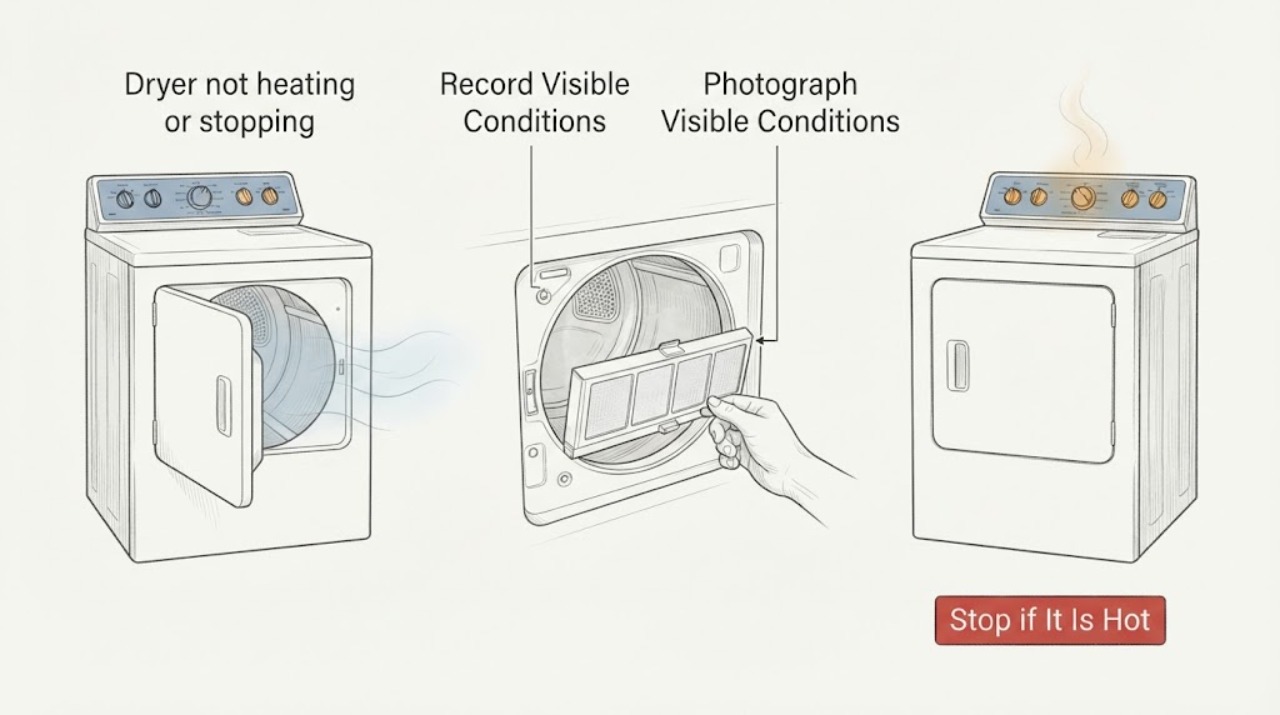
The LG DLEX3875W is an electric dryer with Sensor Dry System and FlowSense, but a photograph or an unlisted-looking component does not prove that a sensor is faulty. First separate the reported symptom: a powered drum that stays cold on a heated cycle is a different path from a Sensor Dry cycle that ends early.
-
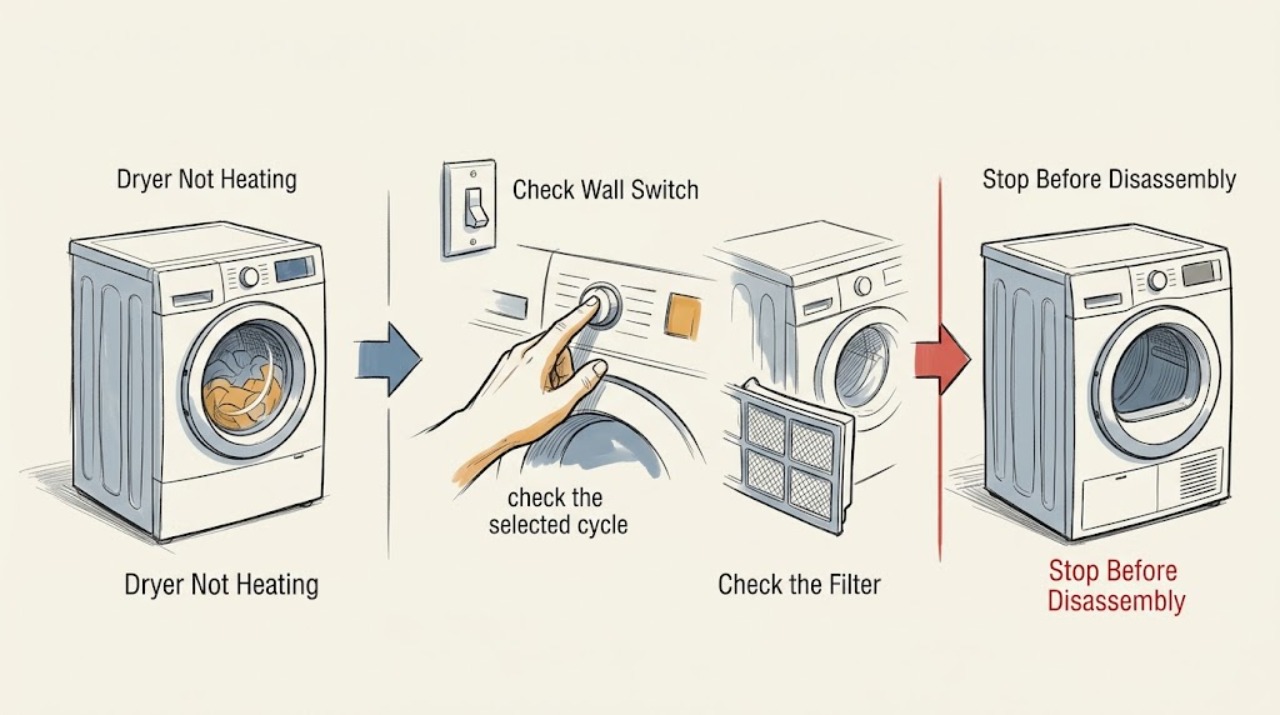
LG Dryer Not Heating: Check the Cycle, Airflow, and Power Safely
Before troubleshooting an LG dryer that is not heating, stop for gas odor, burning smell, smoke, sparks, visible melting, overheating, or a breaker that trips again. If the appliance is safe and cool, check whether Air Dry or Energy Saver is intentionally using little or no heat, then try a normal heat setting only if the model manual permits it.
-
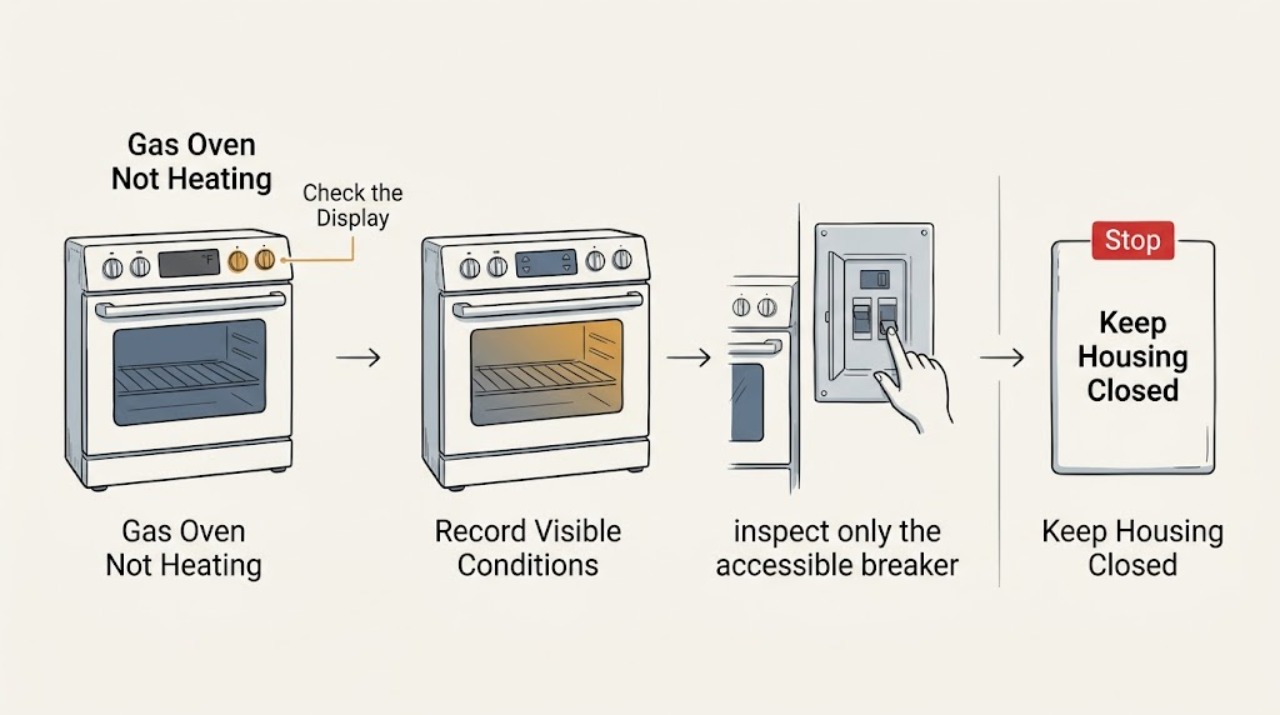
LG Gas Oven Not Heating: Check Settings, Gas Supply, and Ignition Safely
If an LG gas oven is not heating, first stop for gas odor or hissing, delayed ignition or a bang, abnormal flame, smoke, arcing, water near electrical parts, or a repeated breaker trip. If there is no hazard, record the exact model and any displayed code, confirm the breaker and direct power connection, select the intended oven mode and temperature, press START to confirm it, and check that Oven Lockout or Child Lock and Delay Start are not active.
-
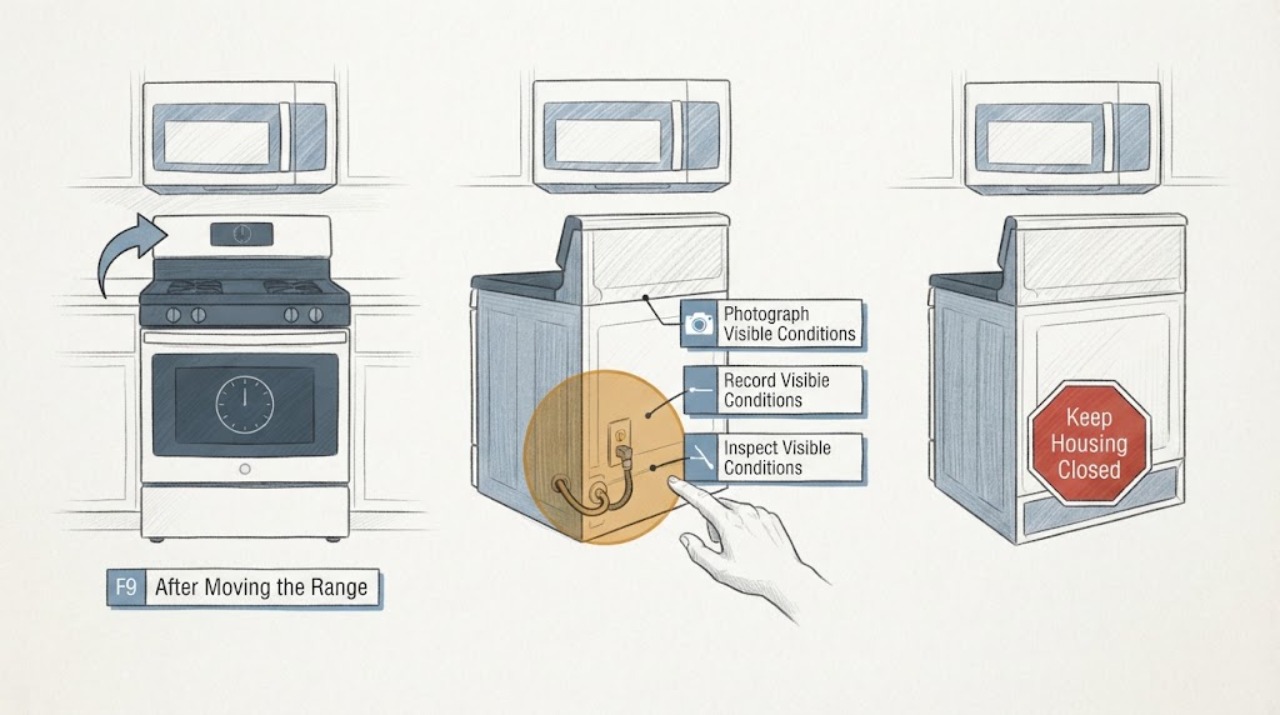
LG LDE4413 F9 After Moving the Range: No-Heat and Safe Power Checks
On an LG LDE4413 electric double-oven range, an F9 display with no heat after the range was moved should be treated as an unresolved heating or power-supply event, not as proof that a particular element or control board failed. LG's official material identifies LDE4413ST and LDE4413BD as the two electric-double-oven suffixes and provides separate upper and lower oven circuits and controls; confirm the complete suffix and serial from the rating label before using a manual.
-
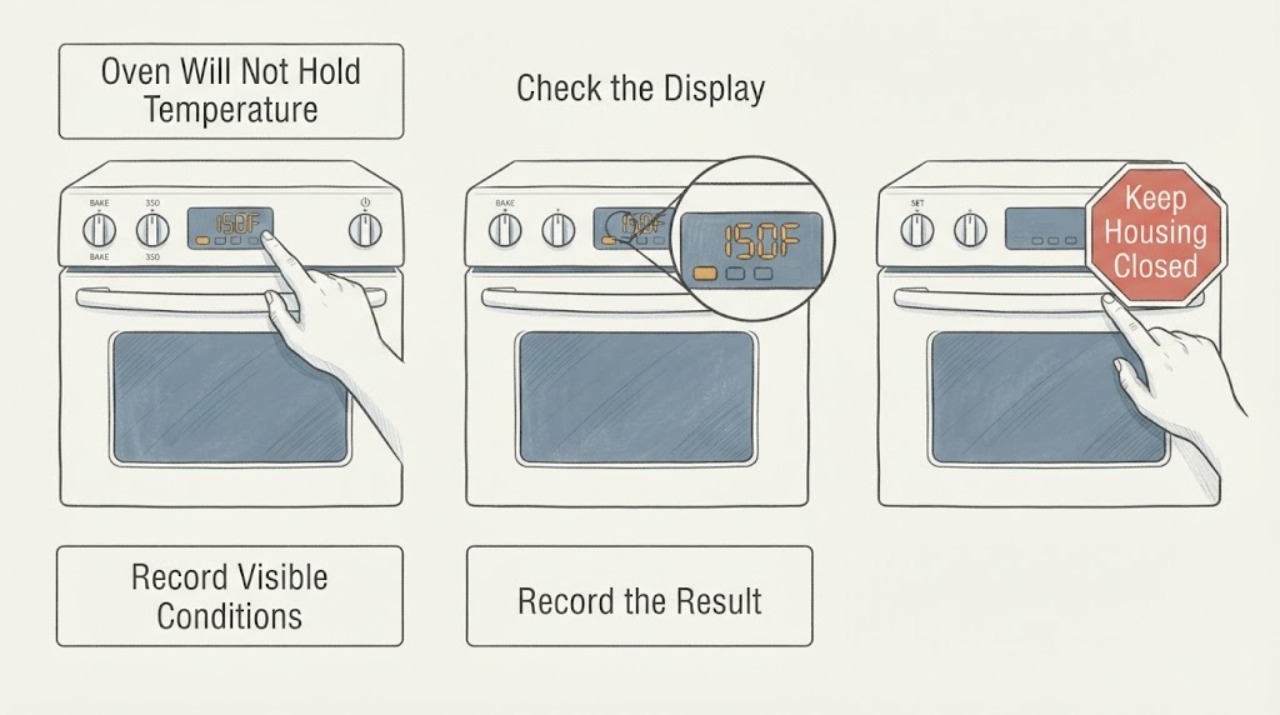
LG LRE3061ST Oven Will Not Hold Temperature While Baking
For an LG LRE3061ST that reaches a set temperature and then seems unable to hold it, first separate normal heating cycles, convection temperature conversion, and a repeatable temperature offset from true loss of heat. LG identifies the LRE3061ST as a 6.3 cu.