
Repair problem
Not Heating Troubleshooting Guides – Page 3
Published FixGraph guidance for diagnosing and responding to not heating.
Matching published guides
Choose a guide that matches the service, equipment, and conditions you are seeing.
-
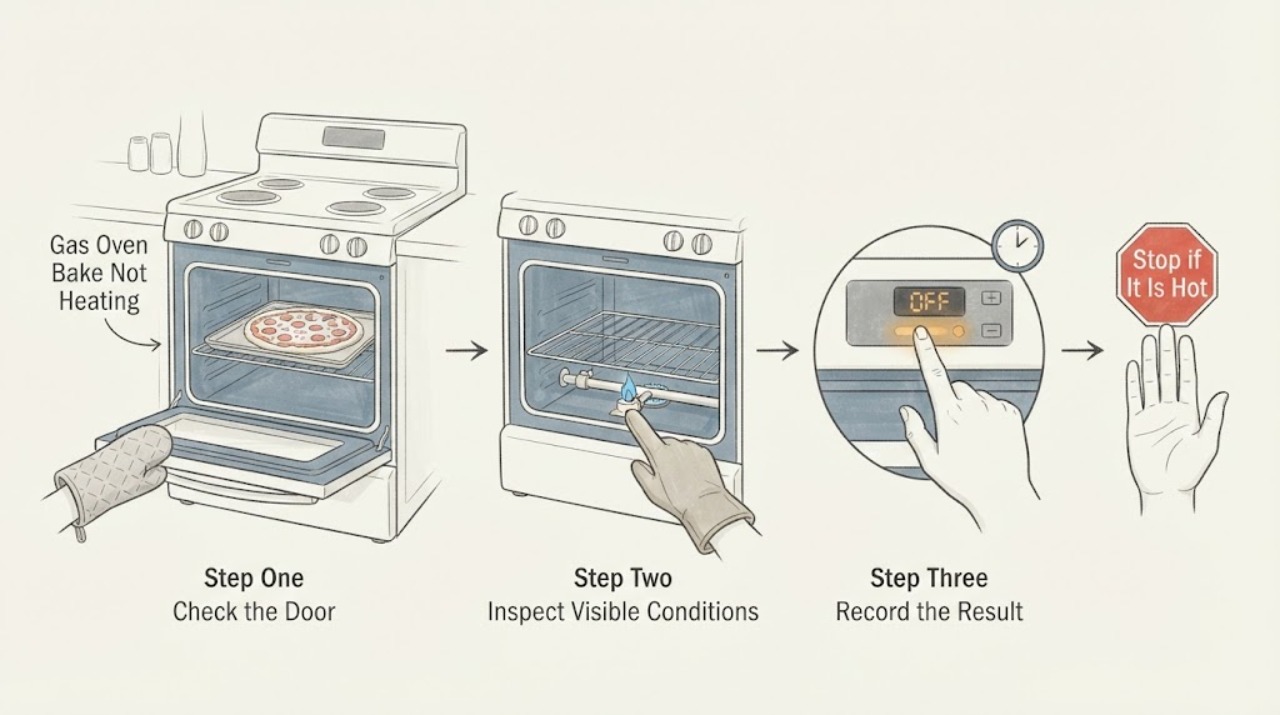
Frigidaire FFGF3047LSH Gas Oven Bake Not Heating: Safe Checks Before Service
For a Frigidaire FFGF3047LSH gas oven that will not heat for pizza, first separate an unstarted or incomplete Bake cycle from a failed gas ignition. With the cavity empty and the door closed, use the exact model's normal Bake sequence and wait for its full preheat signal; do not judge by a pizza cooking slowly in a loaded oven.
-
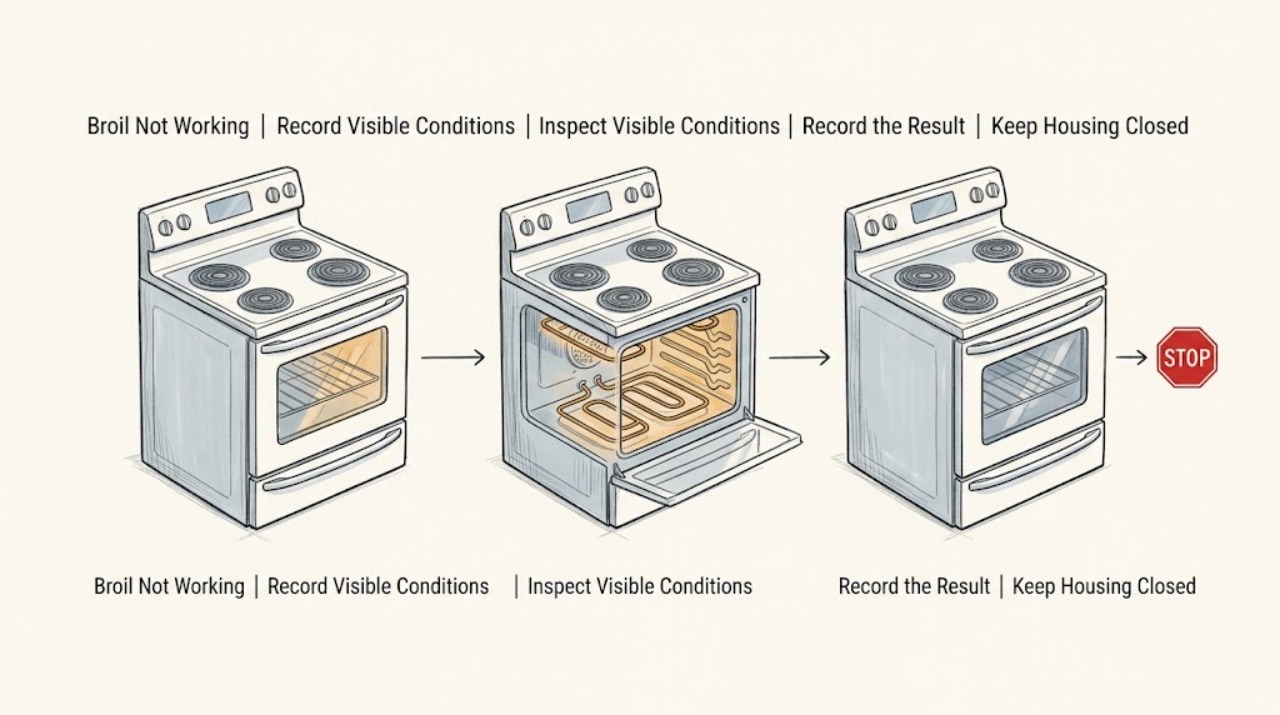
Frigidaire FGEW3066UFC Broil Not Working: Verify the Electric Wall Oven First
The title says gas, but Frigidaire's official support page identifies the FGEW3066UF as a 30-inch single electric wall oven; confirm the complete FGEW3066UFC rating-plate model before using any model-specific instruction. For a Broil-only complaint, let the cavity cool, keep the door closed, select Broil, accept the temperature, and press OK/START as the owner's guide directs; the guide calls for about two minutes of preheating.
-
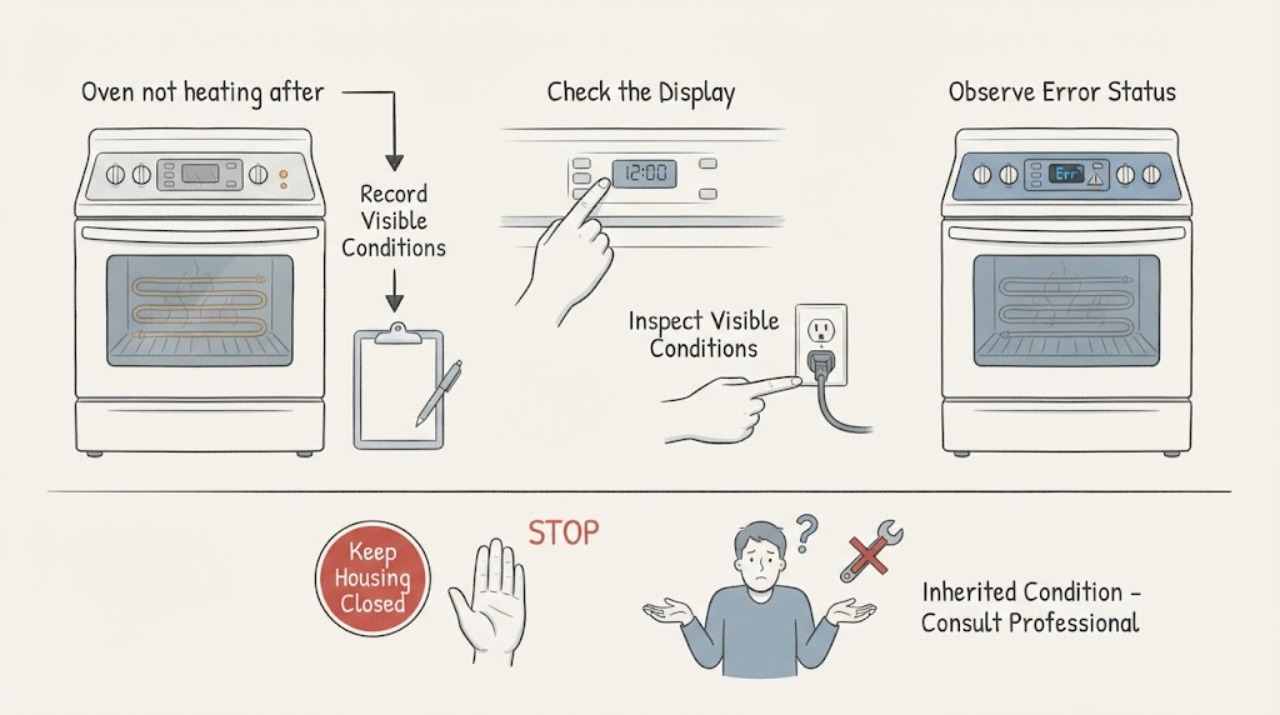
Frigidaire FGGF3036TFA oven not heating after a home purchase
Because this range came with the home, verify the complete model suffix and the gas and electrical installation history before treating “not heating” as a failed part. The Frigidaire page that could be opened is for the related FGGF3036TW variant, not a confirmed FGGF3036TFA manual; it identifies that family as a gas range and links to model support.
-
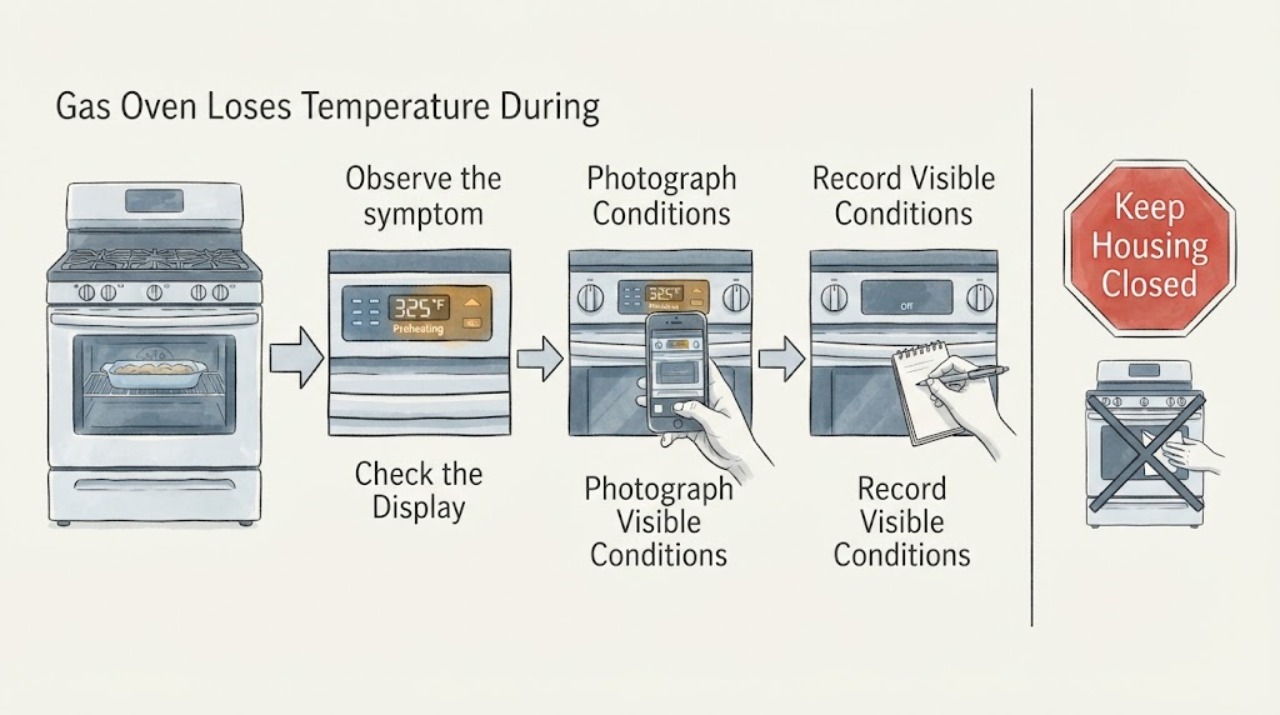
Frigidaire FPGF3081KFM Gas Oven Loses Temperature During Long Cooking: What to Check
A Frigidaire FPGF3081KFM gas oven that seems to lose heat late in a long bake should not be diagnosed from one cold spot or from a single burner sound. First verify the rating-label model, the selected mode, the set temperature, the timer or automatic shutoff, door-opening history, and whether the temperature actually recovers after a normal cycle.
-
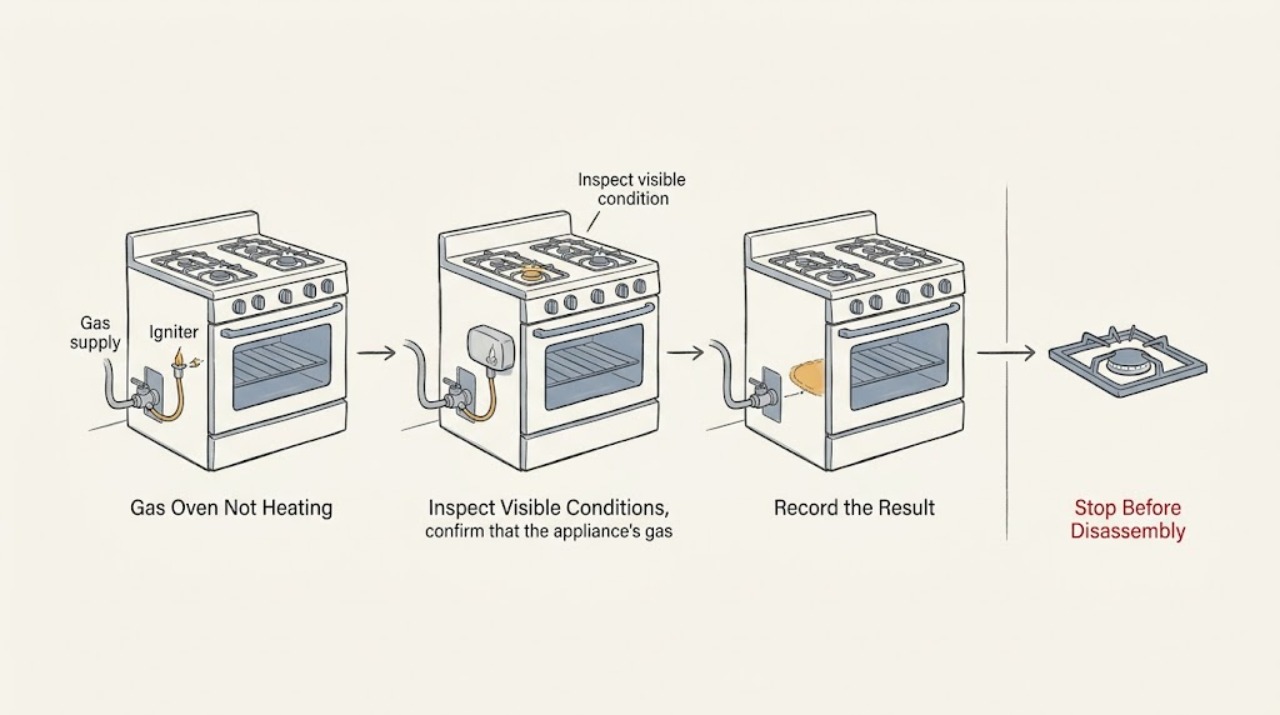
Frigidaire Gas Oven Not Heating
If a Frigidaire gas oven is not heating, first confirm that Bake is selected correctly, the oven has completed its model-specific preheat sequence, and the display shows no lock or error condition. Observe the bake burner only through the normal viewing area if the model permits it: a brief ignition and a stable heating cycle point away from a simple setting issue, while no ignition, repeated clicking, or a flame that never develops needs service-oriented diagnosis.
-
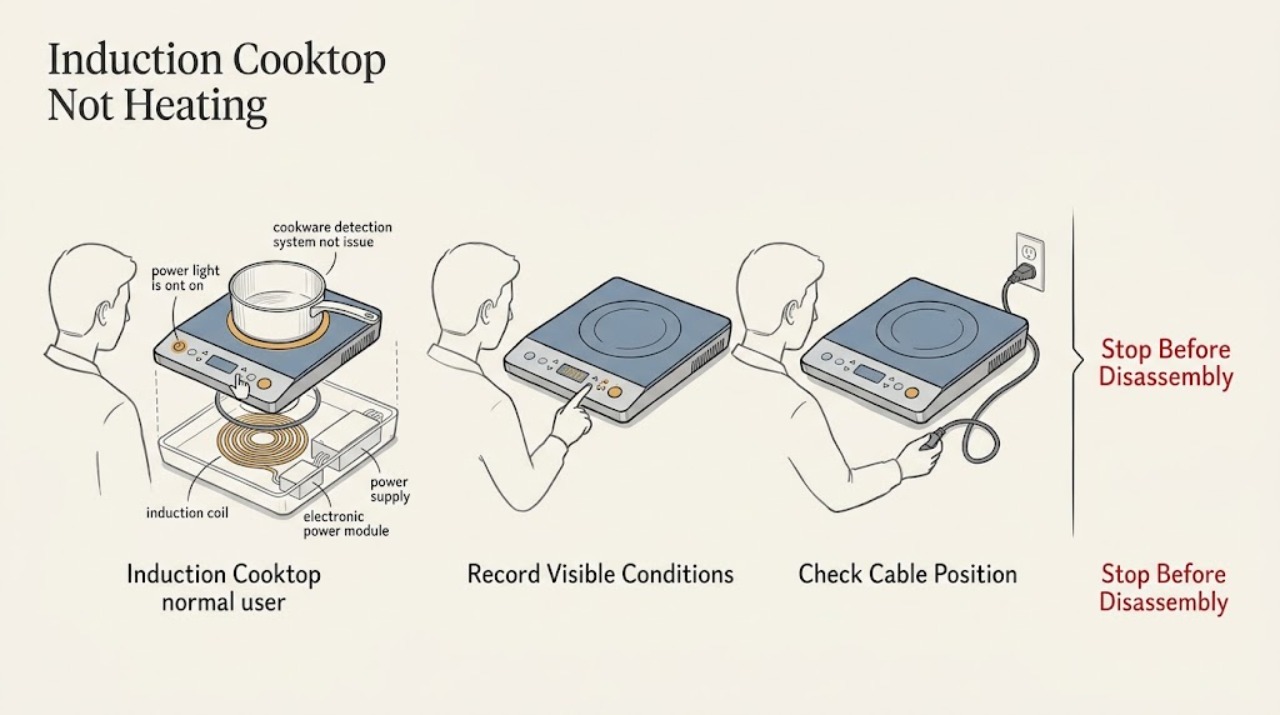
Frigidaire Induction Cooktop Not Heating: Check Cookware, Controls, and Power
An induction cooktop heats the pan rather than the glass, so first use cookware the exact Frigidaire manual approves and check that the pan base is magnetic, flat, and positioned correctly on the zone. Then check for a lock indication, moisture on the controls, and a user-accessible power interruption.
-
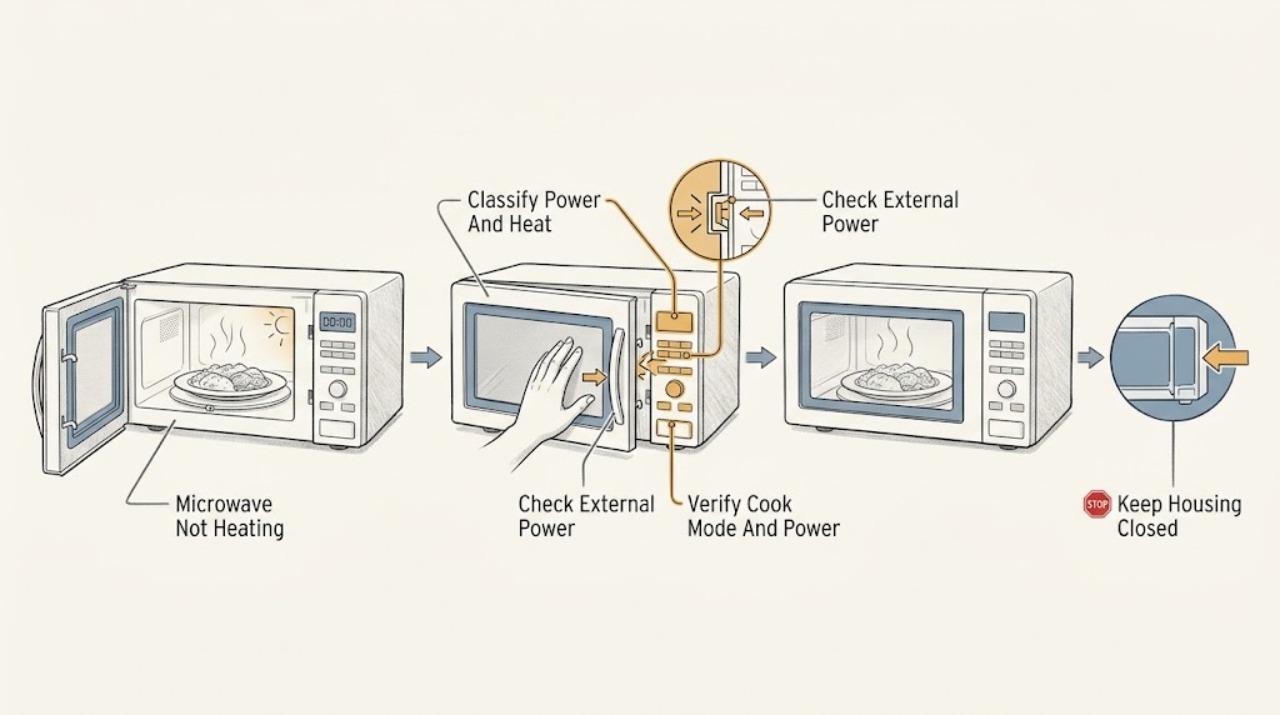
Frigidaire Microwave Not Heating: Check Settings, Demo Mode, Door, and Power
First separate a microwave that is completely dead from one that runs but leaves food cold. If the display and cavity light are dark, check the breaker and the correctly grounded supply from outside the appliance; Frigidaire says a recent surge can trip the breaker and that a microwave should use a dedicated non-GFI circuit.
-
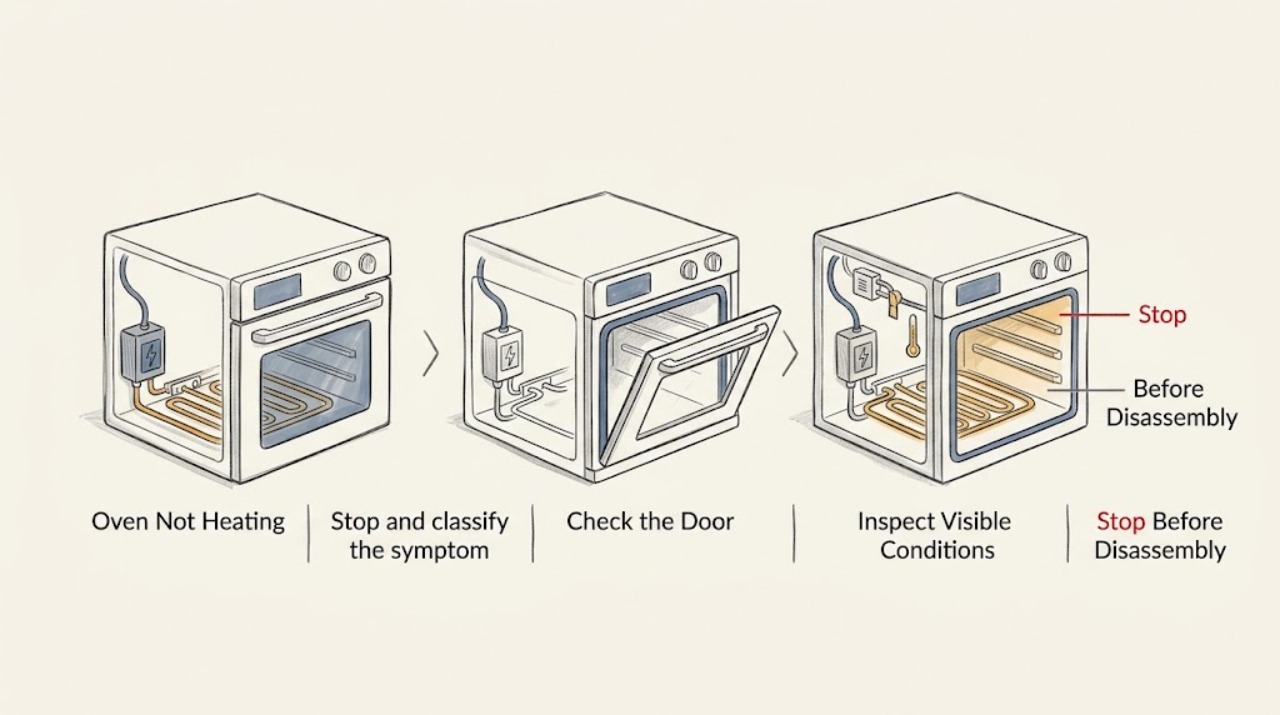
Frigidaire Oven Not Heating: Safe Preheat, Power, Door, and Ignition Checks
First separate an oven that produces no heat from one that is merely slow or runs cool. With the cavity empty and the door closed, select the model's normal Bake mode, start a full preheat, and confirm that the controls and indicator respond.
-
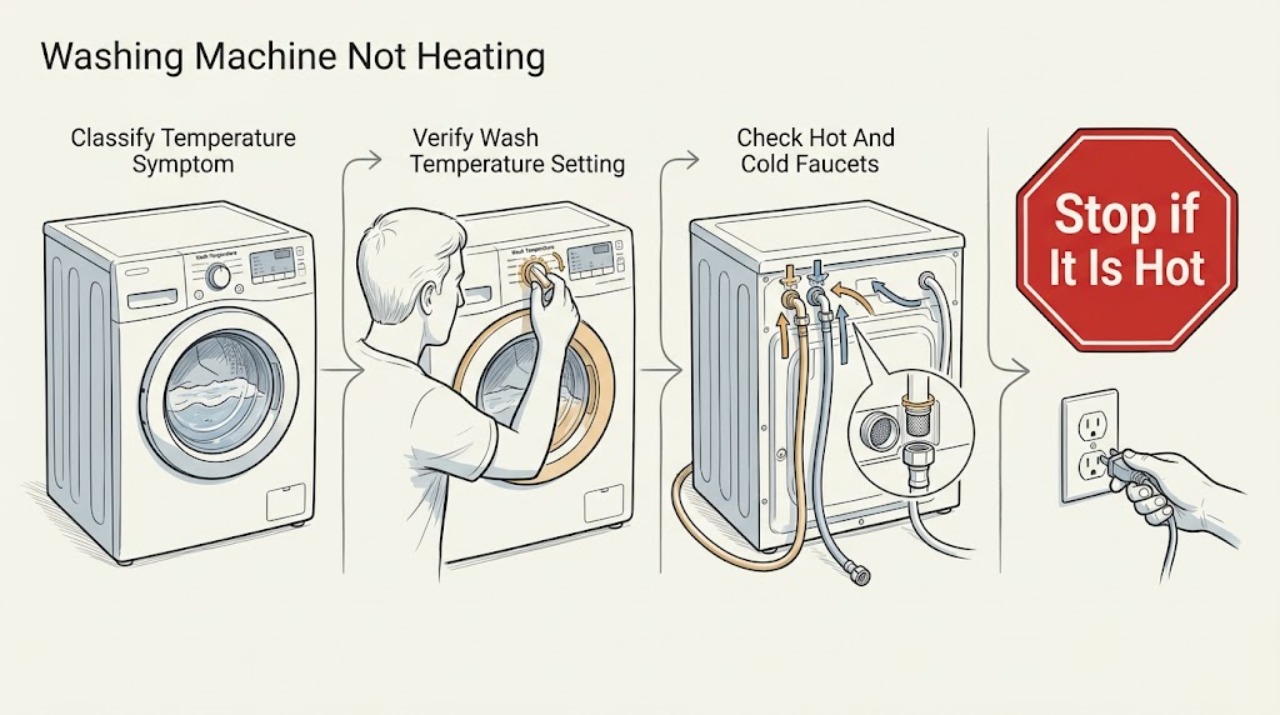
Frigidaire Washing Machine Not Heating: check the wash temperature and hot-water supply
A Frigidaire washing machine that does not seem to heat may be receiving cooler water by design, using a cycle or temperature option that does not call for hot water, or failing to receive the hot supply. First identify whether the washer fills normally but the wash water is cooler than expected, then check the selected Wash Temp and exact model instructions.
-
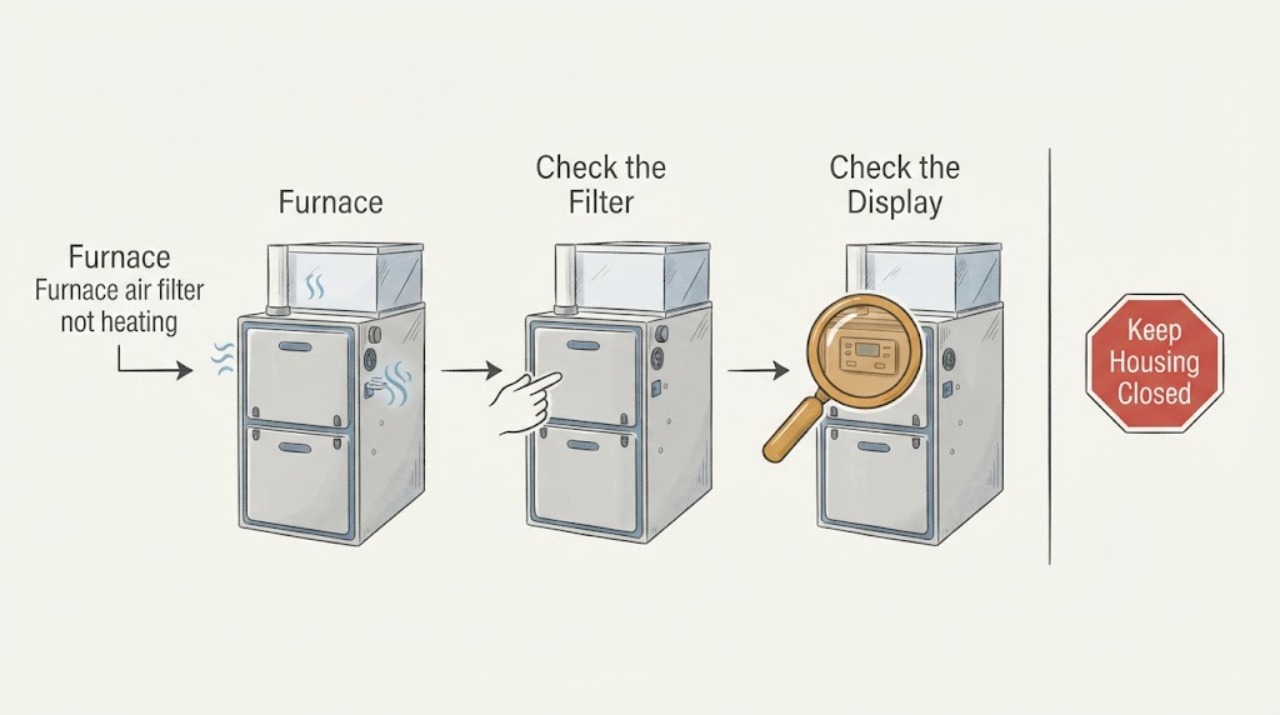
Furnace air filter not heating: What to Check and What to Do Next
A furnace filter does not create heat; a dirty, wrong-size, backward, or poorly seated filter can reduce airflow and make the system run poorly or shut down, while no heat can also come from thermostat, power, ignition, flame-sensing, fuel, or limit faults. With the furnace off and cool, check the filter's condition, airflow arrow, fit, and accessible return path, then verify the thermostat and one normal power reset if the manual allows it.
-
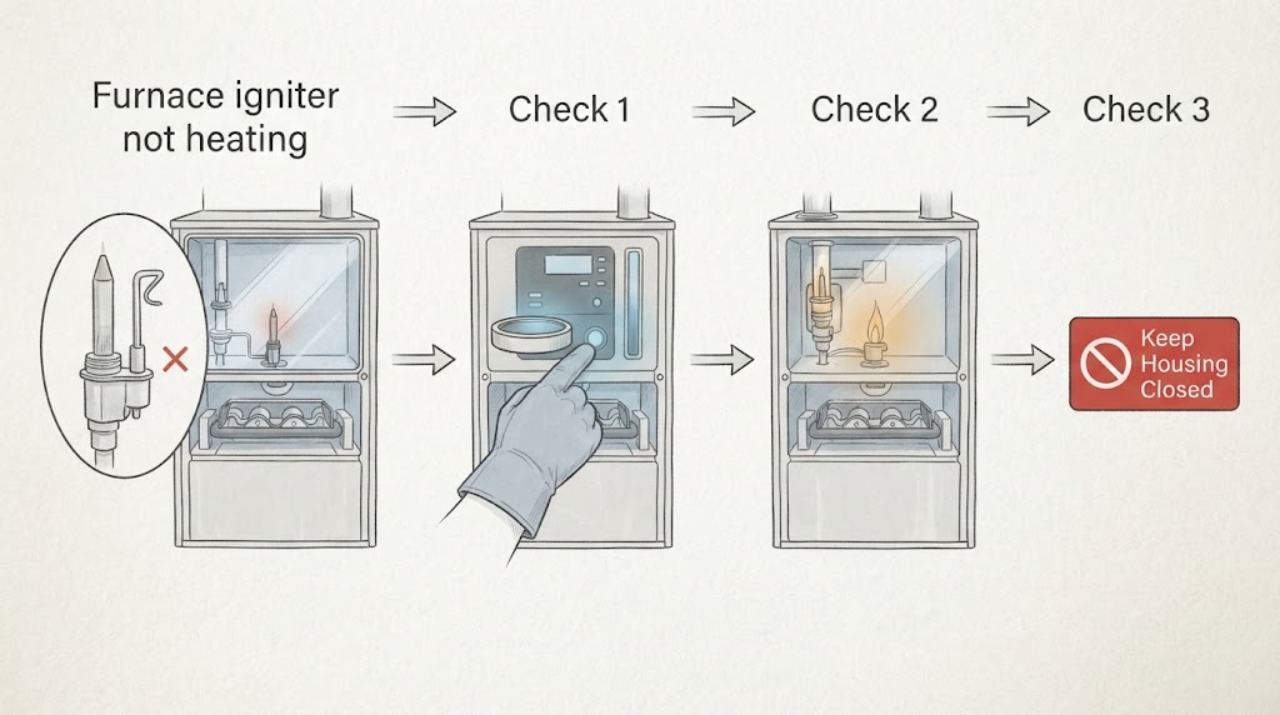
Furnace igniter not heating: What to Check and What to Do Next
If a furnace igniter is not heating, do not remove the access panel or test the igniter with a meter. First confirm that the thermostat is calling for heat, the furnace has normal power, the filter and registers are not obviously blocked, and any diagnostic light or sight window can be read without opening the cabinet.
-
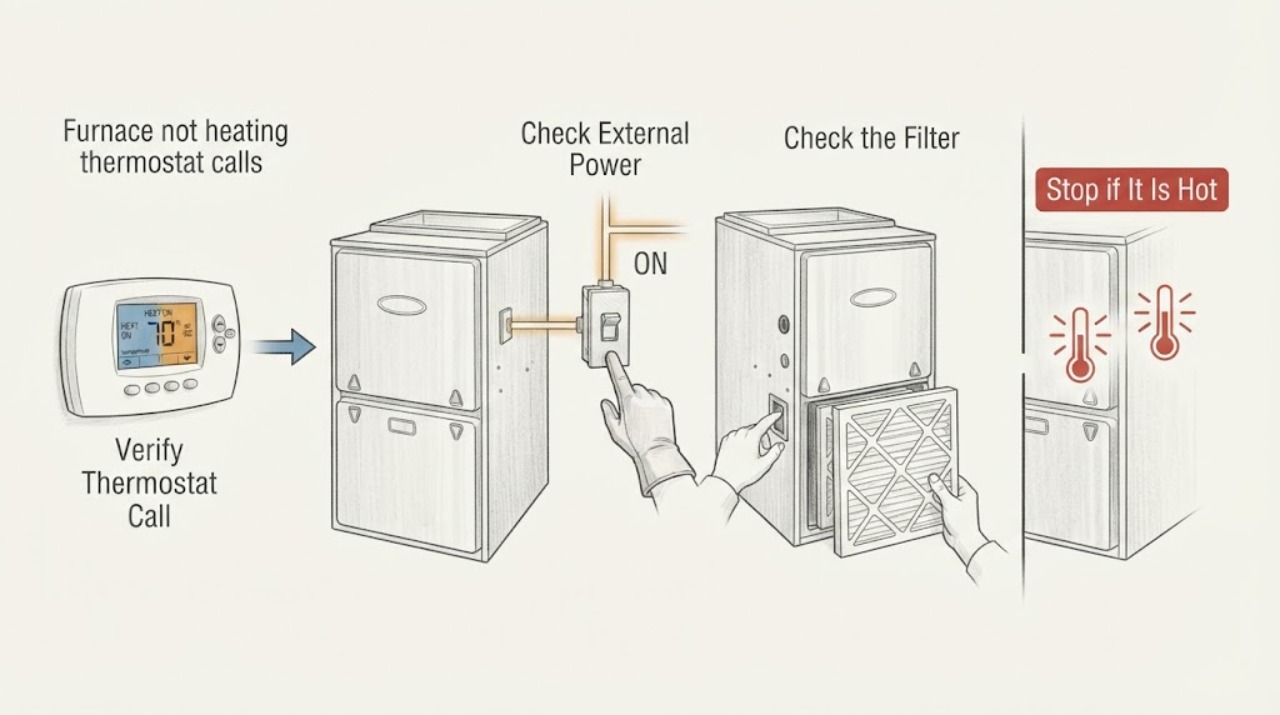
Furnace not heating thermostat calls for heat: What to Check and What to Do Next
If the thermostat is calling for heat but the furnace is not heating, first confirm the display, Heat mode, setpoint, and fan setting, then check only the accessible furnace switch, breaker, filter, and open supply and return vents. A furnace can receive the call yet fail because of lost power, restricted airflow, a limit or condensate safety shutdown, fuel or ignition trouble, a blower fault, or a control problem.
-
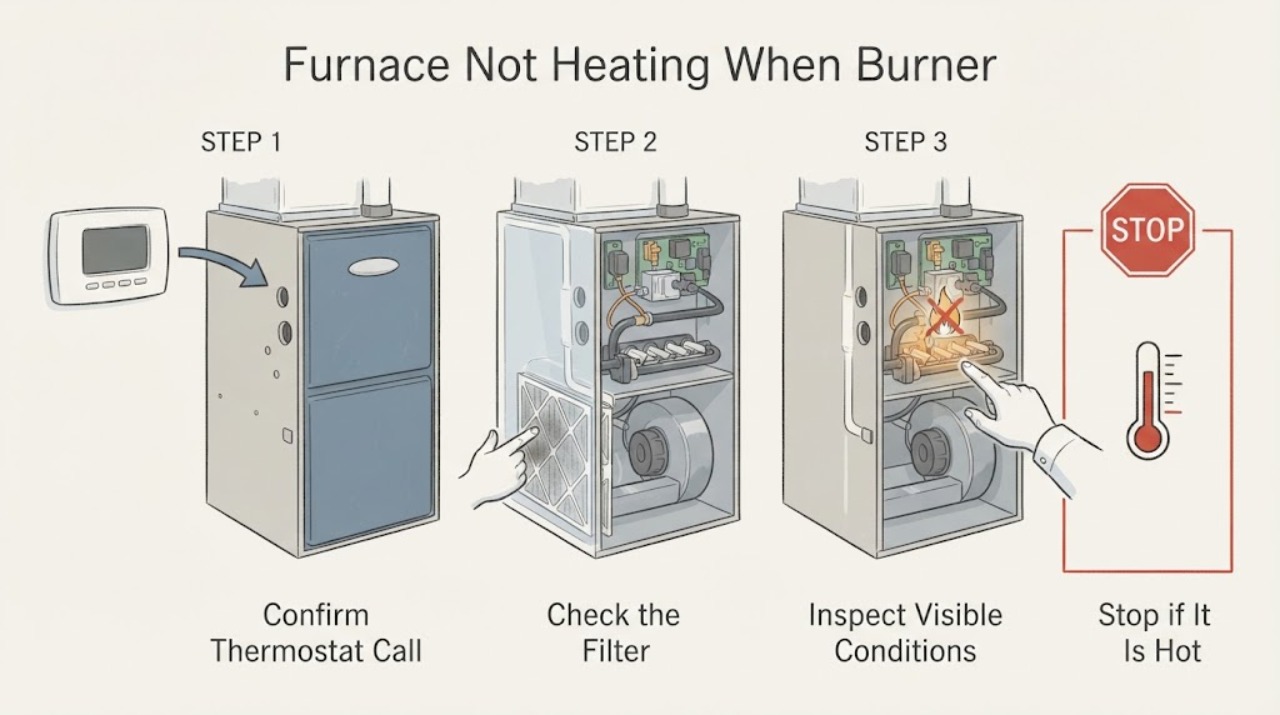
Furnace Not Heating When Burner Ignition May Fail: What to Check and What to Do Next
When a gas furnace is not heating and the burner may not be igniting, first confirm the thermostat is calling for heat, the furnace switch has power, and the filter is not visibly blocked. If the furnace has a safe viewing window, note whether the inducer or blower starts, ignition clicks or glows, a burner flame appears, and the flame stays on; do not remove access panels or touch the igniter, flame sensor, burner, gas valve, or wiring.
-
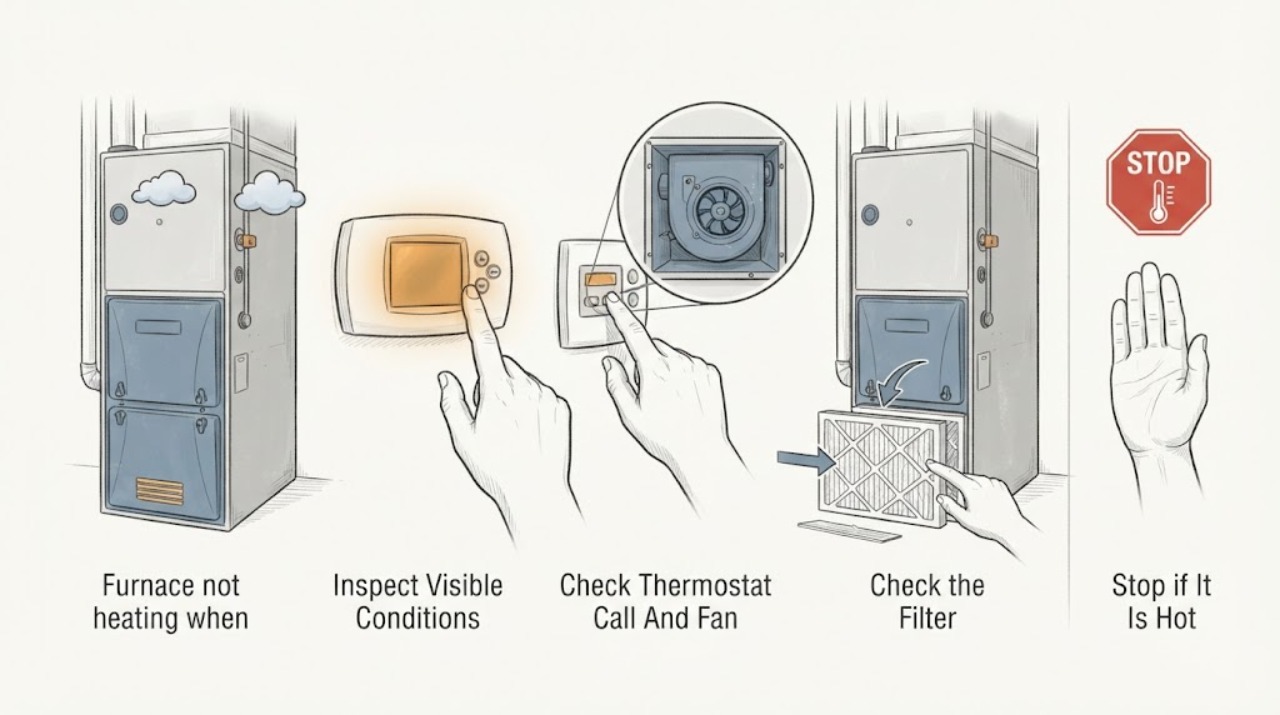
Furnace not heating when the blower runs or is silent: What to Check and What to Do Next
First separate a blower-only problem from a furnace-that-is-not-producing-heat problem. If the blower runs but the air is cold, the thermostat may be set to Fan On, the burner or igniter may not be operating, a dirty filter may have triggered a safety limit, or a fuel, condensate, control, or flame-sensing fault may have stopped heat production.
-
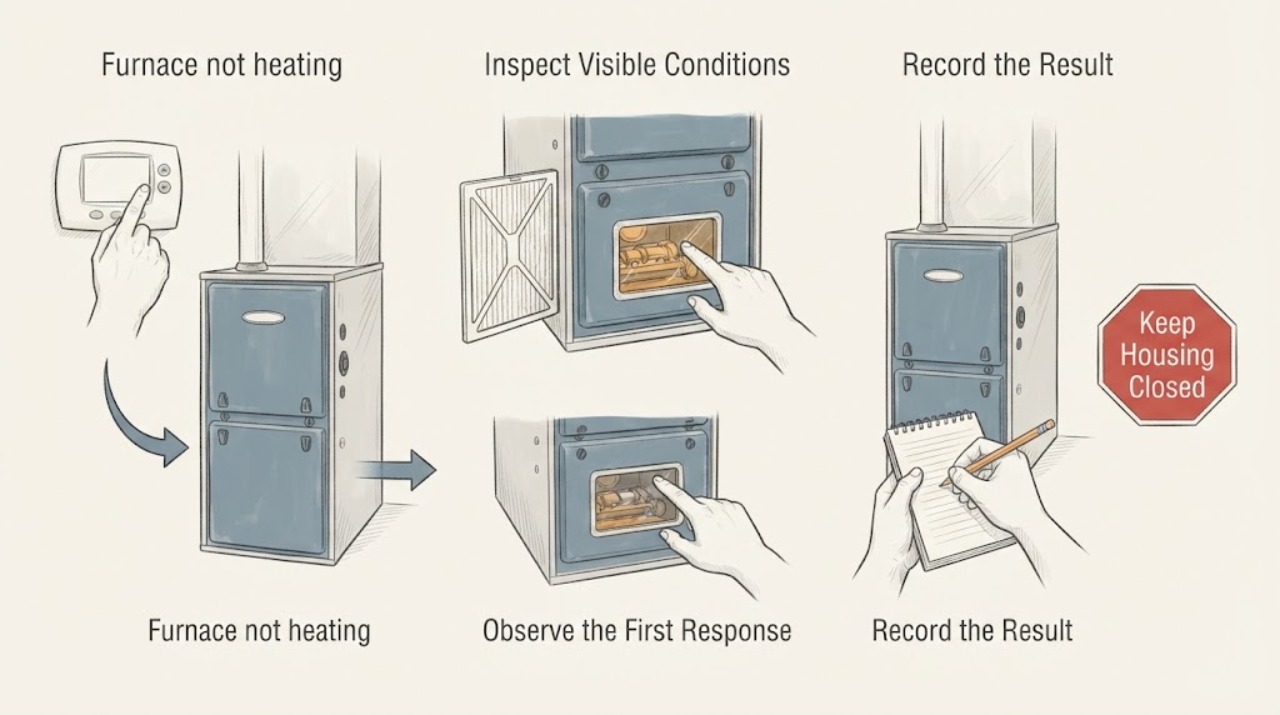
Furnace not heating: What to Check and What to Do Next
If a furnace is not heating, first check only the thermostat display and mode, room registers and return airflow, and any filter indicator or filter that is accessible without opening the furnace cabinet. Record whether the blower runs, whether warm air ever appears, and any visible diagnostic light pattern without repeatedly resetting or cycling the unit.
-
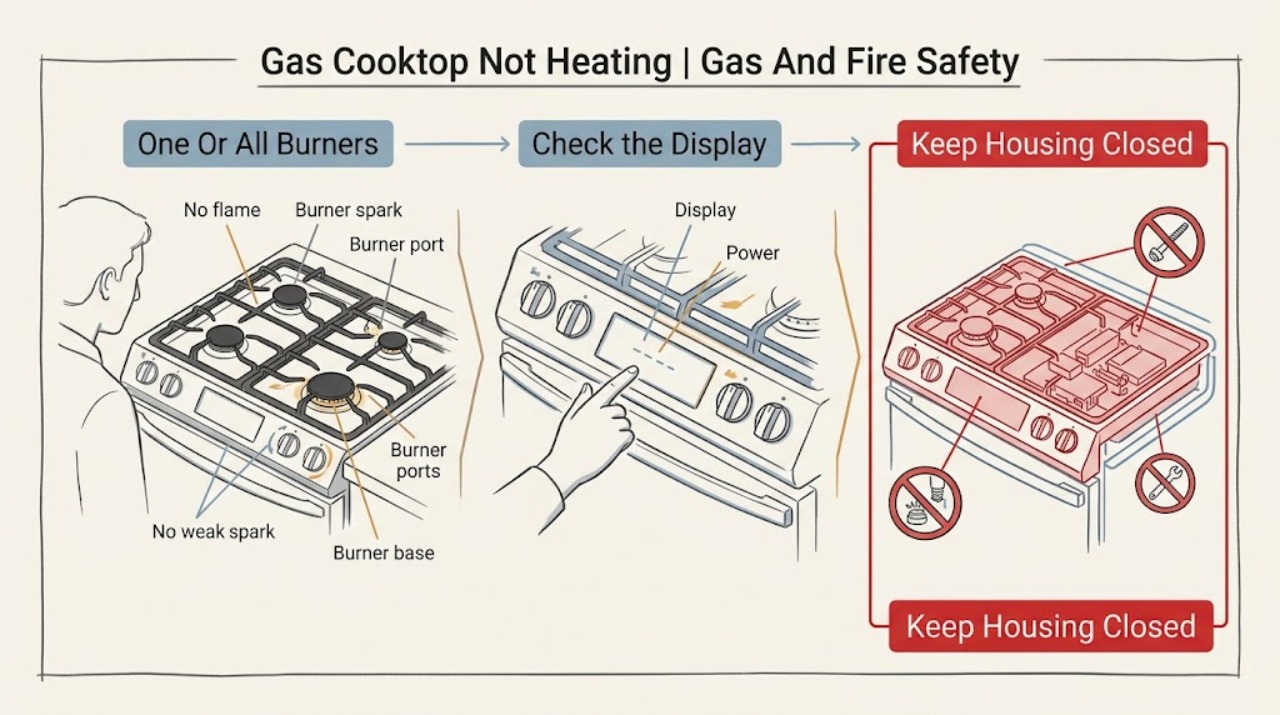
Gas Cooktop Not Heating
A gas cooktop that is not heating usually has no usable flame, a weak or uneven flame, a blocked or wet burner, a mis-seated cap, a control/ignition issue, or an interrupted gas supply. First turn the control off and check for gas odor, hissing, smoke, burning smell, abnormal flame, or a burner that will not shut off.
-
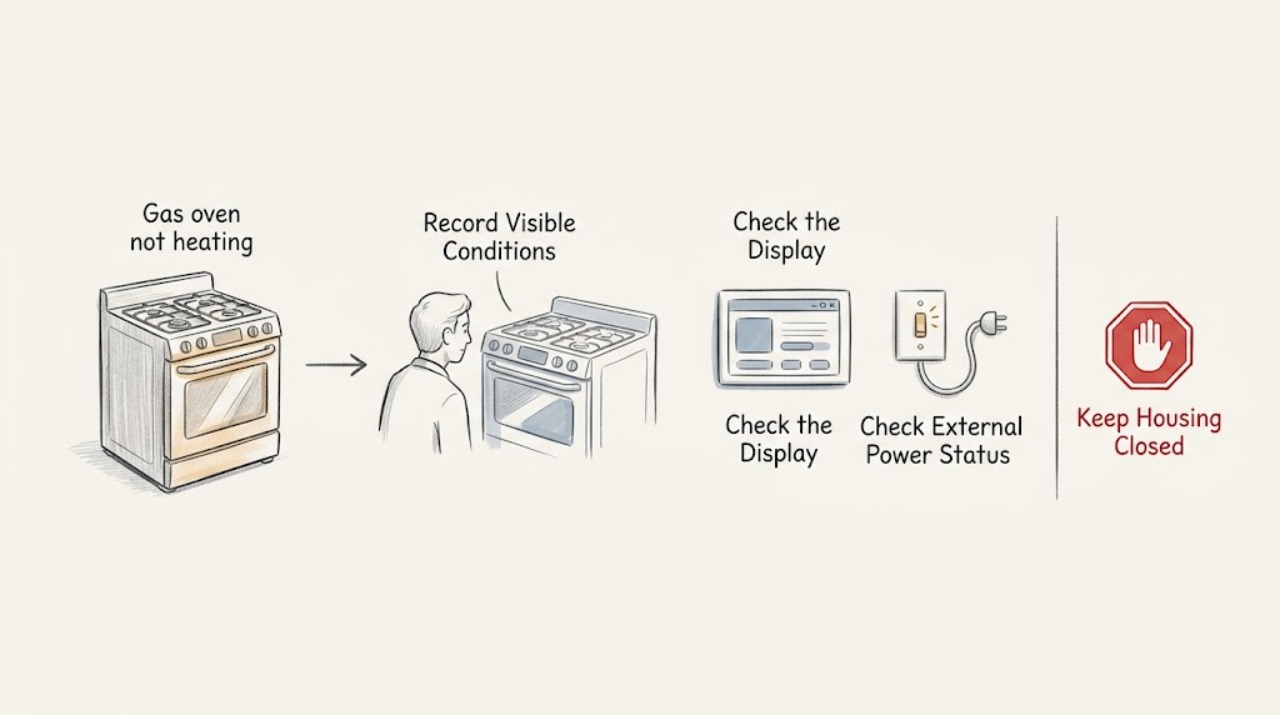
Gas oven not heating: check the controls and ignition safely
A gas oven that is not heating may be in the wrong mode, waiting for preheat, without electrical power, without gas supply, or unable to complete its ignition sequence. First record the model, display or error, selected mode, and whether the oven is cold, warming slowly, or heating unevenly.
-
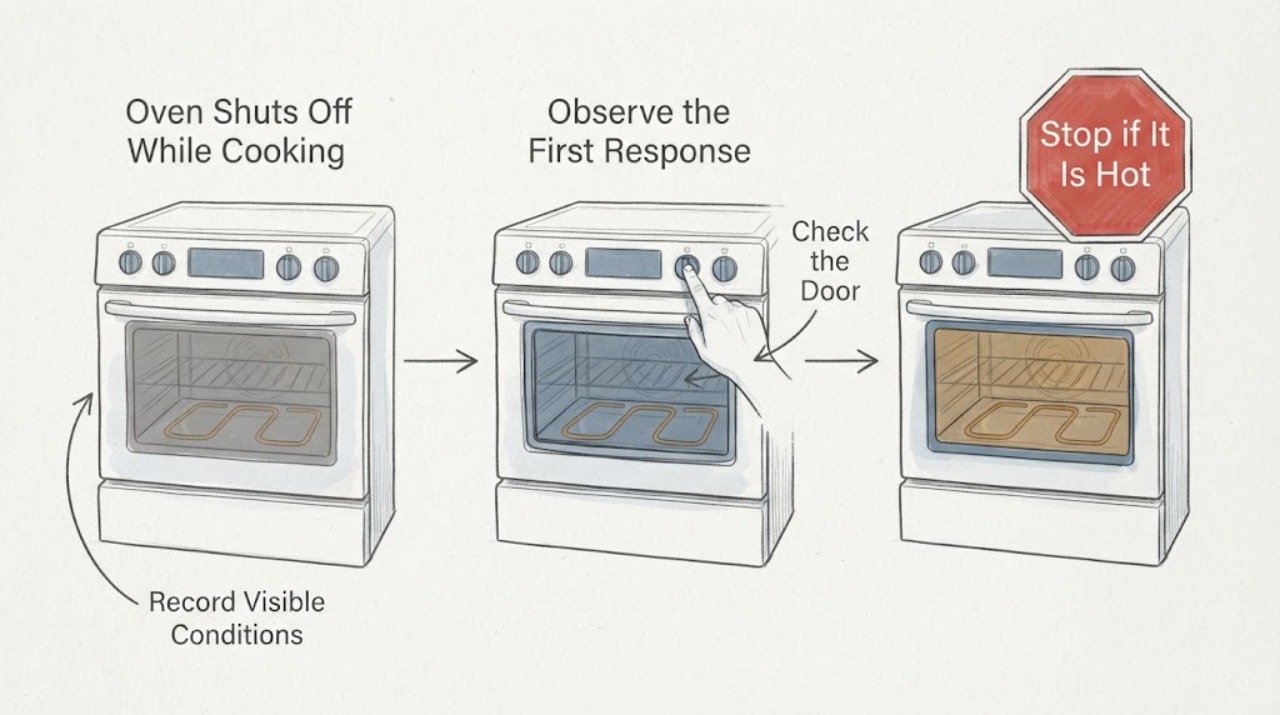
GE C2S985SET6SS Oven Shuts Off While Cooking
A GE C2S985SET6SS oven that seems to shut off while cooking should first be classified, not diagnosed as a failed heater. There is a meaningful difference between the oven burner or element cycling while the display remains active, a Cook Time or other automatic feature ending the heat, and the clock/display actually losing power.
-
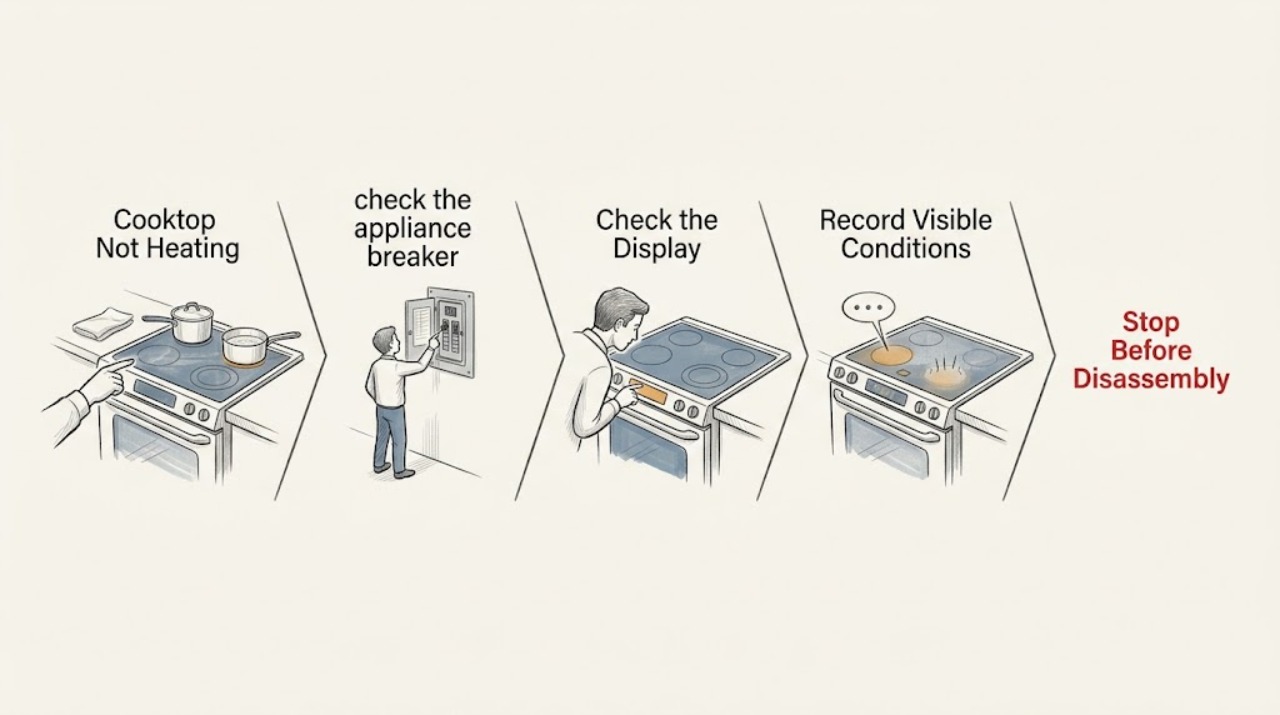
GE Cooktop Not Heating: Check the Burner, Pan, and Power Path
For a GE cooktop that is not heating, first determine whether one surface unit, the warming zone, or every unit is affected. With the controls off and the surface cool, verify the correct control, power supply, burner or module seating, and a flat smooth pan; a warming zone may not glow red even when it is operating. If a correctly selected unit stays cold, a breaker trips again, or built-in wiring needs inspection, stop and arrange qualified appliance service.
-
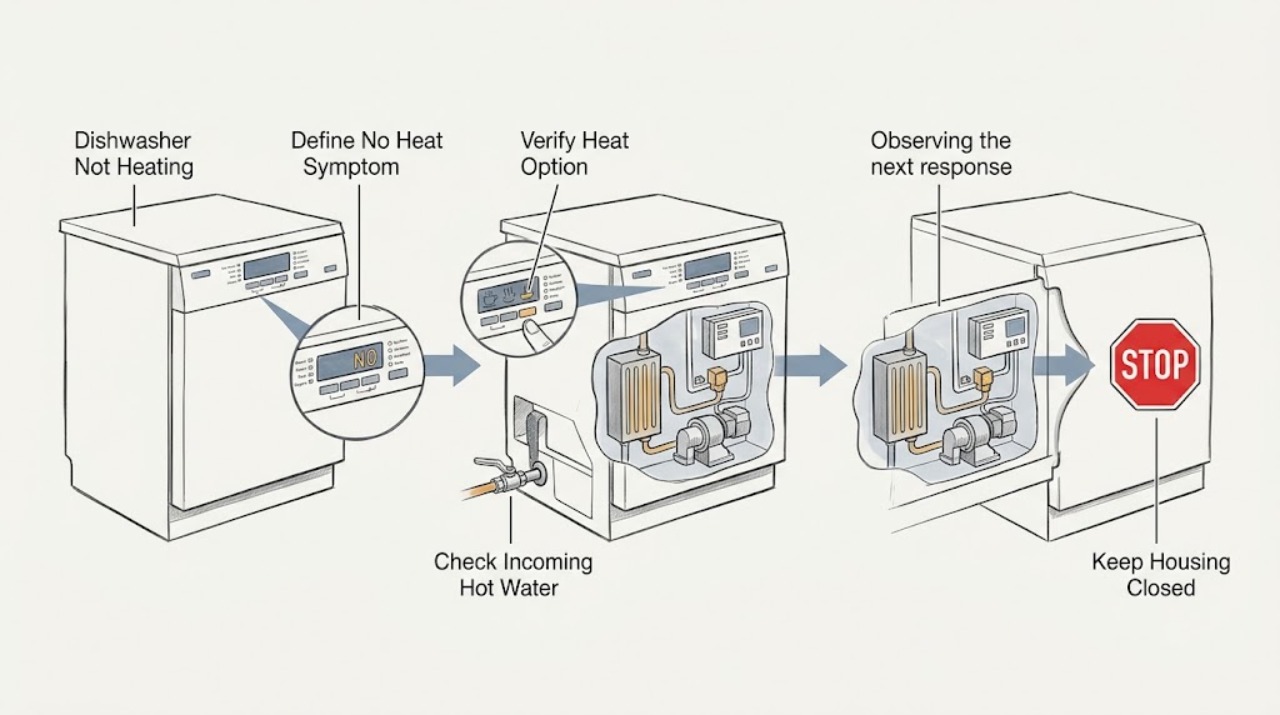
GE Dishwasher Not Heating: Check Cycle Settings, Incoming Water, and Heater Type
First decide whether the GE dishwasher truly fails to heat or is simply using a no-heat drying option. GE says natural-convection drying is expected when Heated Dry is not selected, and model options differ.
-
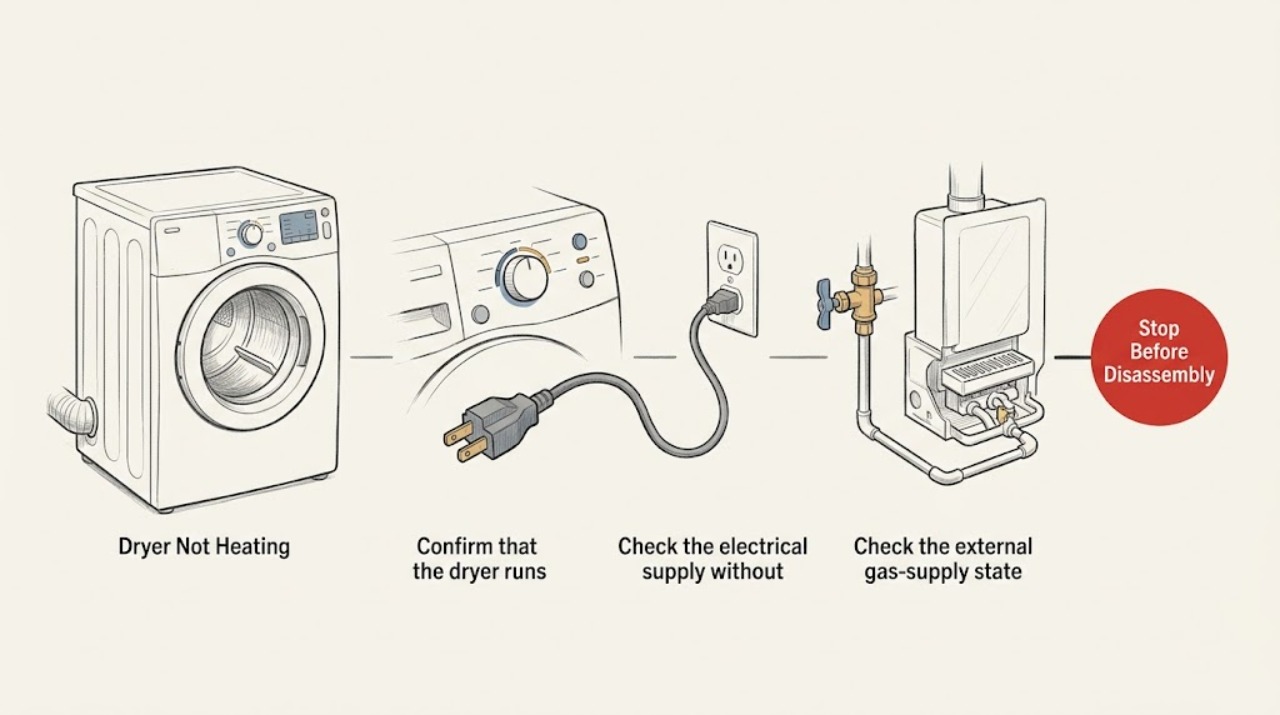
GE Dryer Not Heating: Check Cycle, Power, Gas, and Venting Safely
First confirm that the cycle is a heated dry cycle rather than Air Fluff or Cool Down, and that the dryer is actually running. Check the accessible outlet and breaker or fuse state; an electric dryer can tumble with incomplete power, while a gas dryer also needs a working gas supply.
-
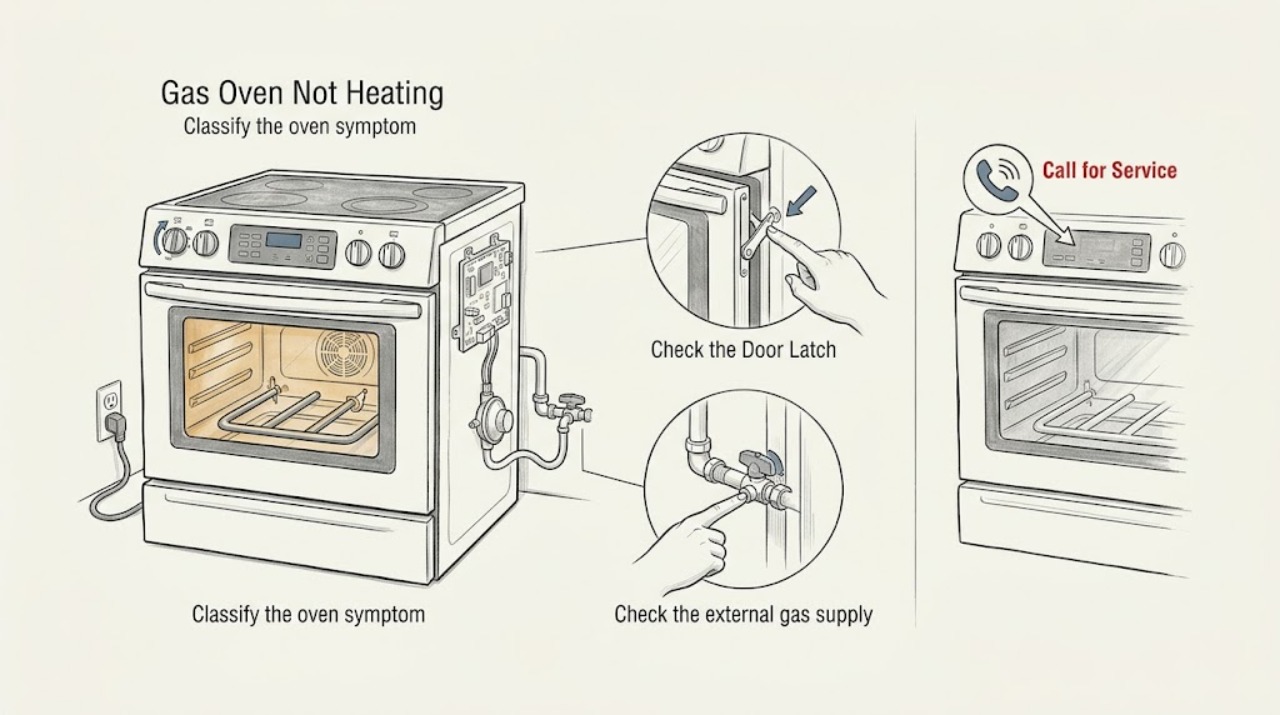
GE Gas Oven Not Heating: Check Settings, Power, Gas Supply, and Ignition Safely
If a GE gas oven is not heating, first confirm that the issue is in the oven rather than the surface burners: GE notes that burners can work while the oven does not. With no gas odor or other hazard, verify the Bake or Broil setting, temperature control, power connection or breaker, and any self-clean latch or model-specific mode.
-
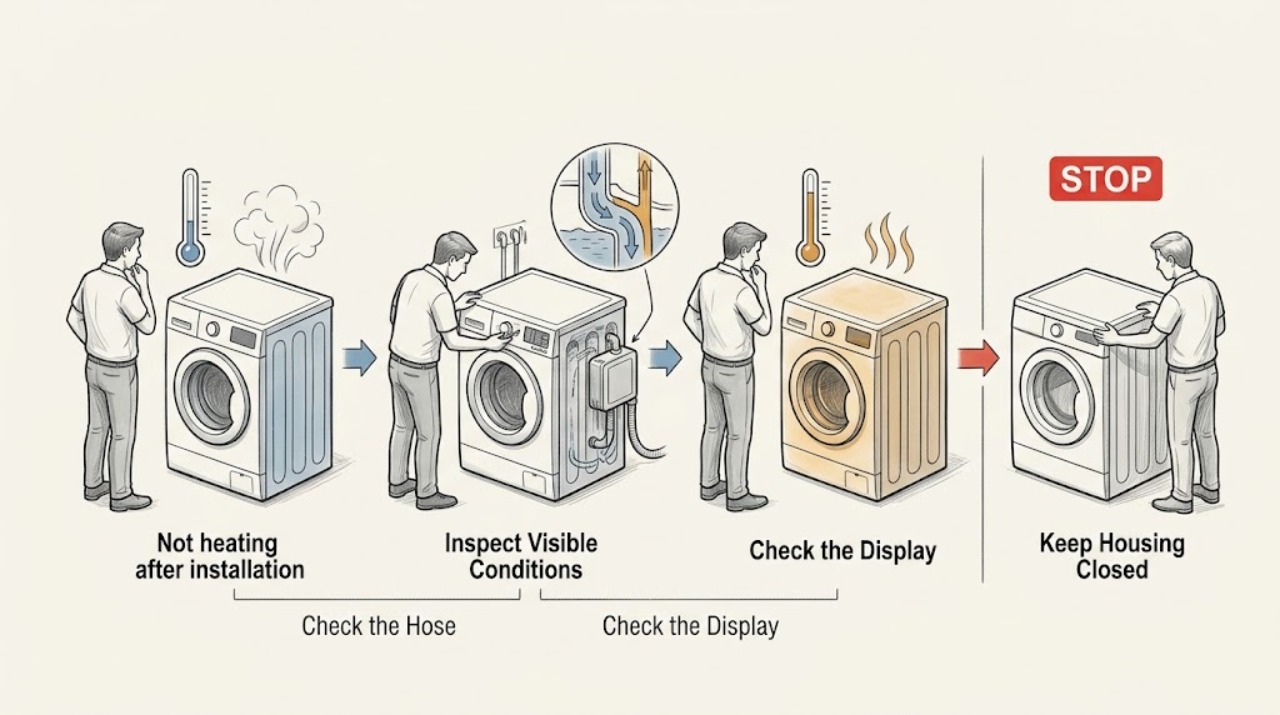
GE GFW148SSMWW not heating after installation: check the fill temperature first
The GE GFW148SSMWW is a front-load washer, and a cold-feeling load does not by itself prove that the washer cannot heat. GE says HOT water depends on the household hot-water supply, WARM is a mix of hot and cold water, and the first installation checks are that both supply valves are open and the hoses are not reversed at the H and C inlets.
-
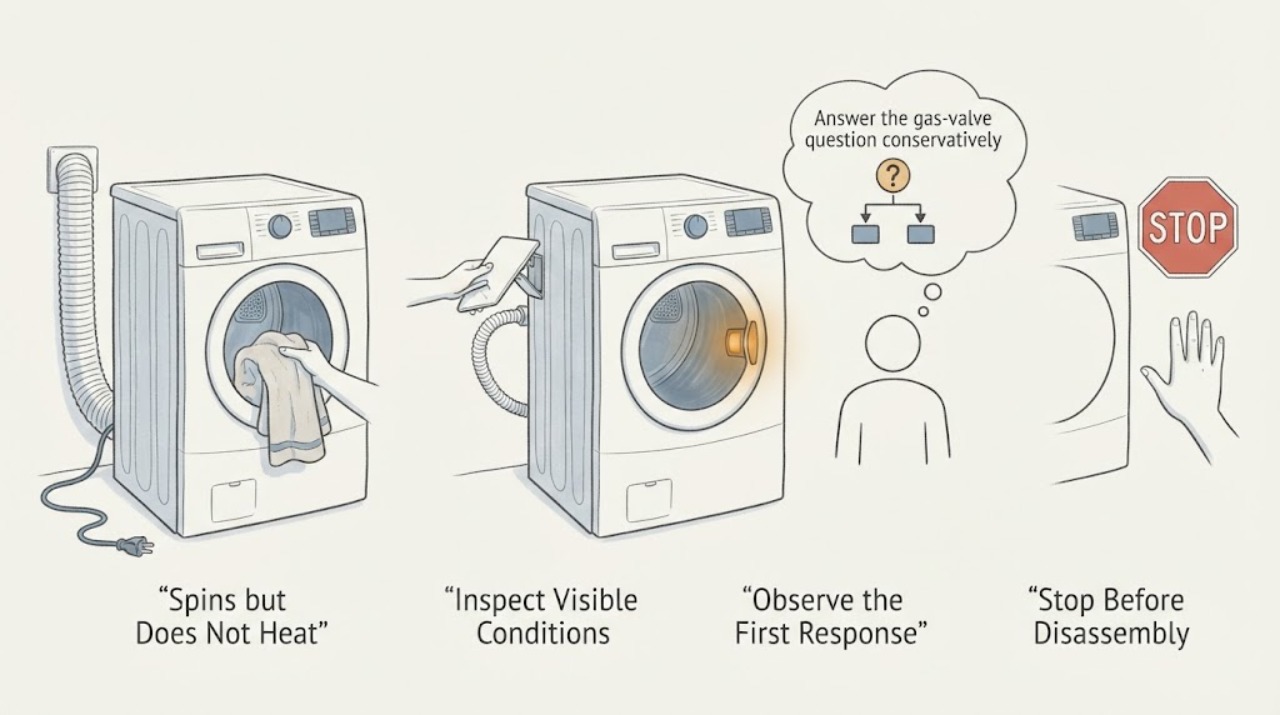
GE GTD42GASJWW Spins but Does Not Heat: Do Not Guess the Gas Valve Position
A GE GTD42GASJWW dryer can tumble without heat when it is on Air Fluff or another no-heat setting, when its gas supply is unavailable, or when a vent or internal heating fault needs service. GE's exact-model installation instructions require an accessible manual gas shutoff within 6 feet and tell an installer to turn it off before connection and open it afterward, but they do not establish a universal parallel-versus-perpendicular handle rule.
-
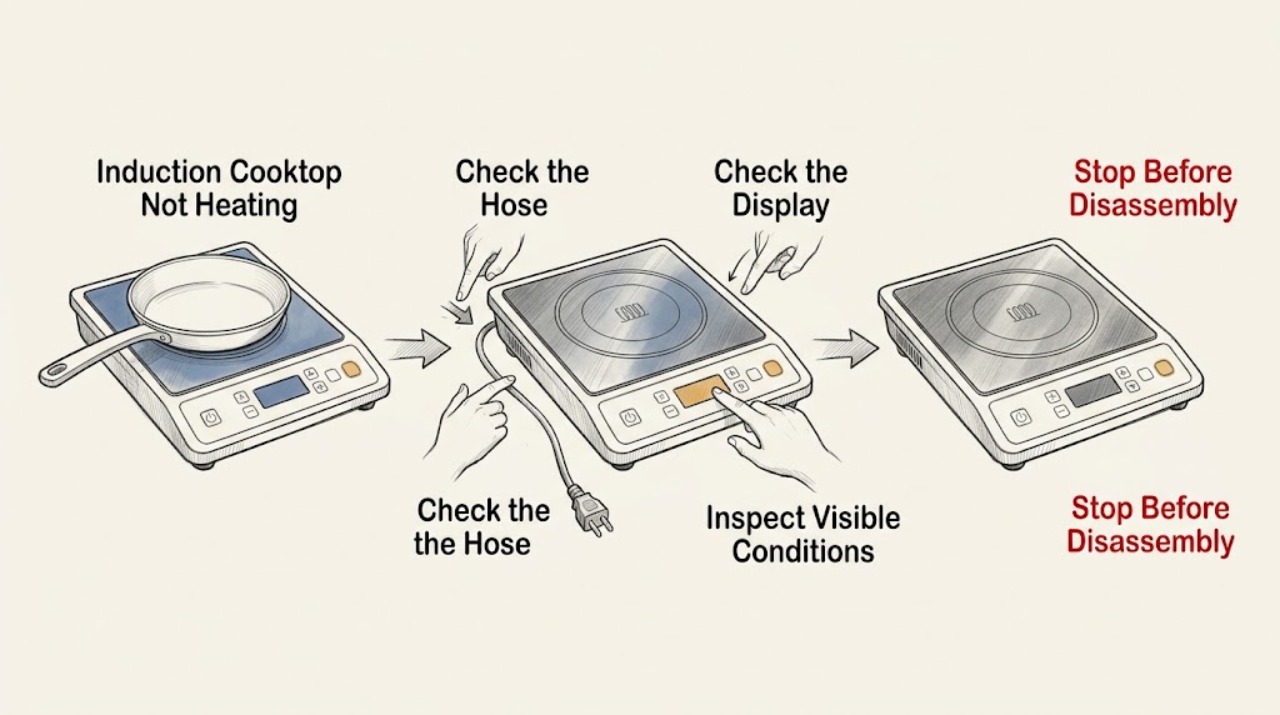
GE Induction Cooktop Not Heating: Check the Pan, Power, and Controls
A GE induction cooktop heats the pan, not the unused glass surface, and it will not activate unless the cookware is magnetic, large enough for that element, centered, and flat against the glass. Check those conditions first, then verify the control was turned on correctly and that the cooktop has power.
-
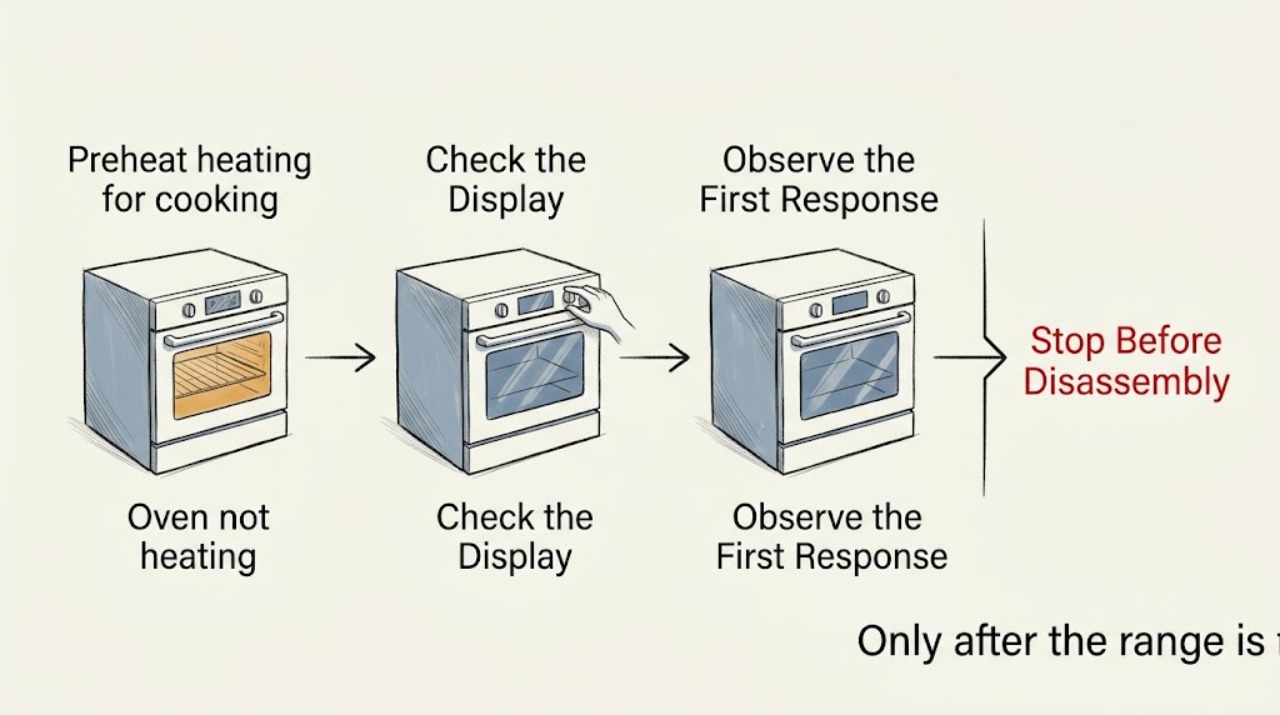
GE Spectra JBP68H0D1CC Oven Made a Loud Pop, Smoked, Then Stopped Heating
Treat a GE Spectra JBP68H0D1CC oven that made a loud pop, released smoke, and then stopped heating as an electrical or fire-safety event, not as ordinary slow preheating. Turn the oven controls off and do not reset the range, re-energize it, or run another Bake test.
-
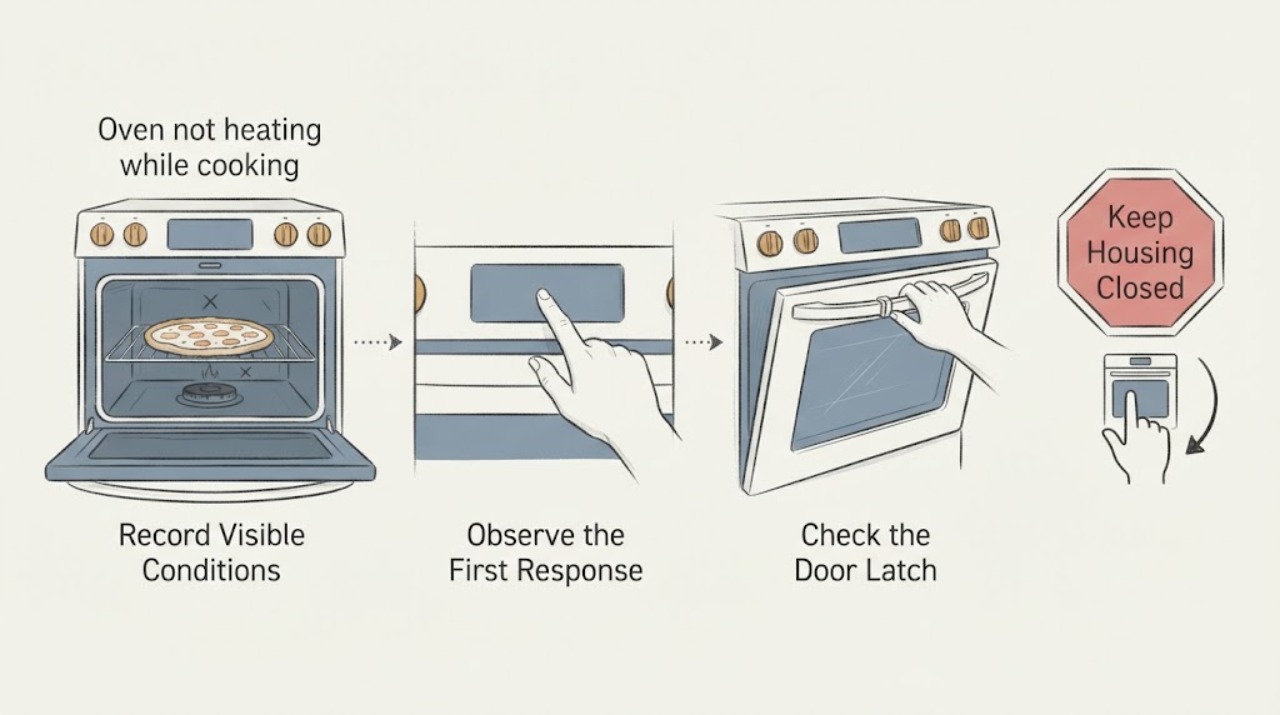
GE JGB905BEF2BB oven not heating while cooking pizza at high temperature
For the GE JGB905BEF2BB, a pizza that stays cold or takes far too long at a high setting is not automatically a failed oven. First separate a cooking/setup issue from an ignition or temperature-control problem: fully preheat before loading the pizza, confirm Bake rather than an unintended mode, keep the rack, pan or stone, and door seal clear, and note whether the oven actually reaches temperature before the problem occurs.
-
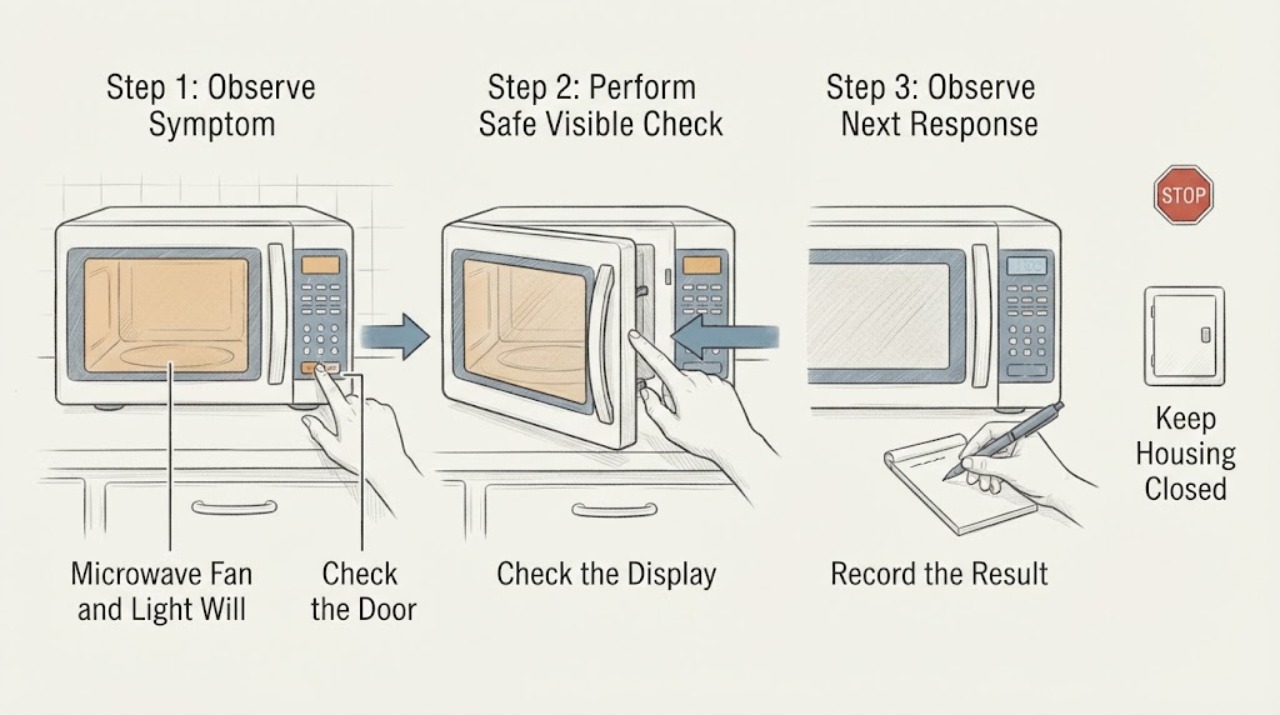
GE JVM3160DF4WW Microwave Fan and Light Will Not Turn Off
For the GE JVM3160DF4WW over-the-range microwave, first identify which light and which fan are running. The underside cooktop light is a user-controlled three-position function: press Surface Light once for bright, twice for night light, and a third time to turn it off.
-
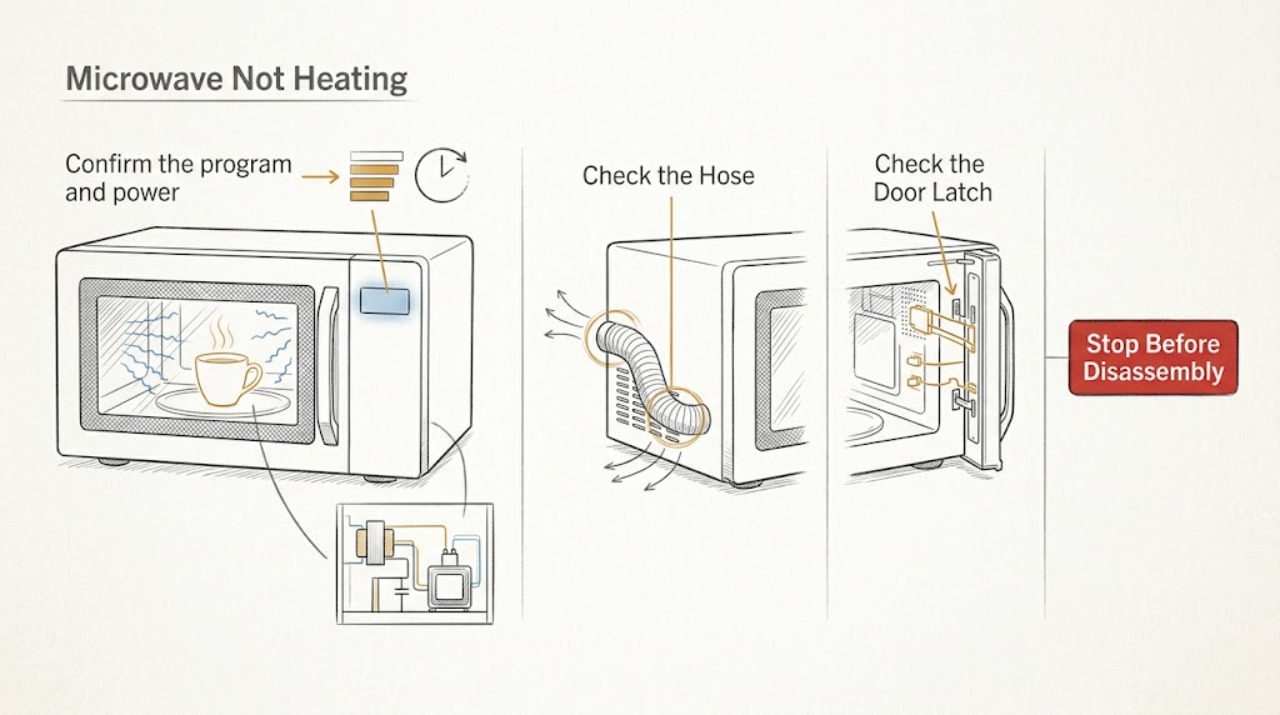
GE Microwave Not Heating
If a GE microwave runs but does not heat, first confirm that you used a cooking function rather than Timer, the door closes firmly, and the selected power level is appropriate. Test with a heat-safe glass bowl of water only if the oven is intact and the model instructions allow it; never put a thermometer inside the cavity and never run the microwave empty.
-
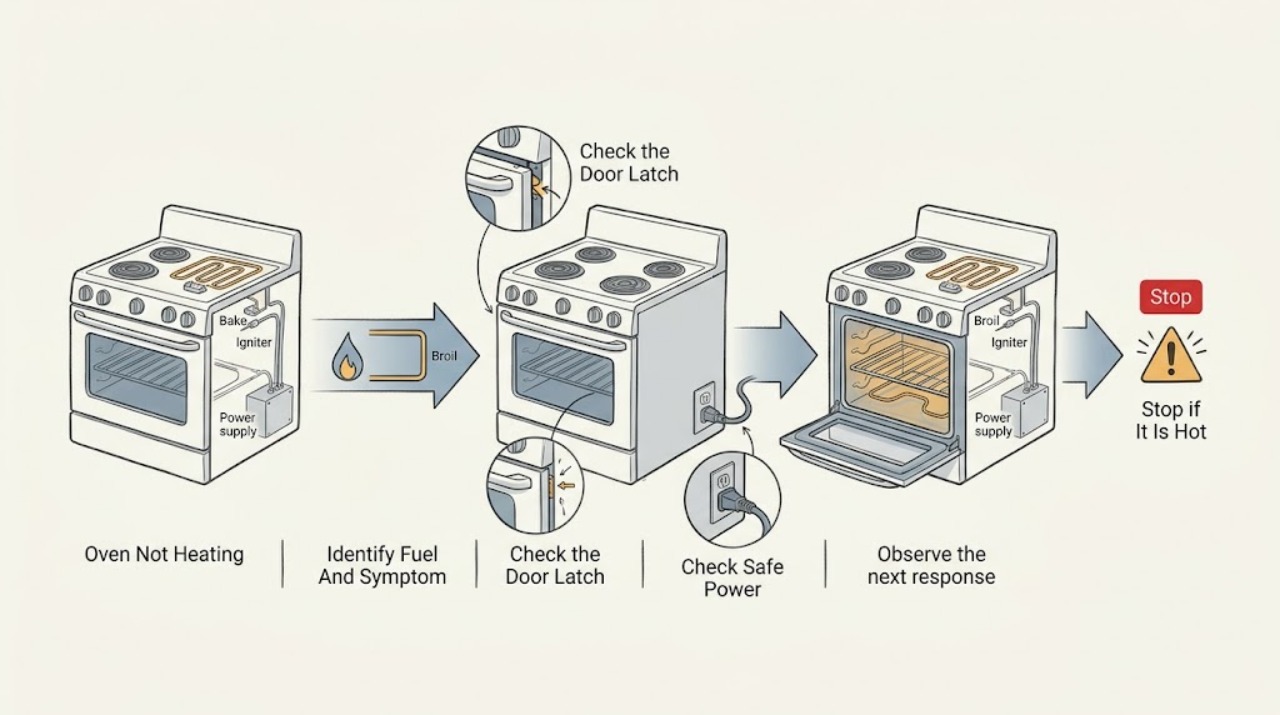
Ge Oven Not Heating
First identify whether this is a GE electric oven or a gas oven, then confirm the selected Bake or Broil function, temperature, Start command, self-clean latch, and any model-specific Sabbath mode. If the display is dead, a breaker is tripped, the power cord is loose, or the breaker trips again, stop and arrange qualified appliance service rather than repeatedly resetting it.
-
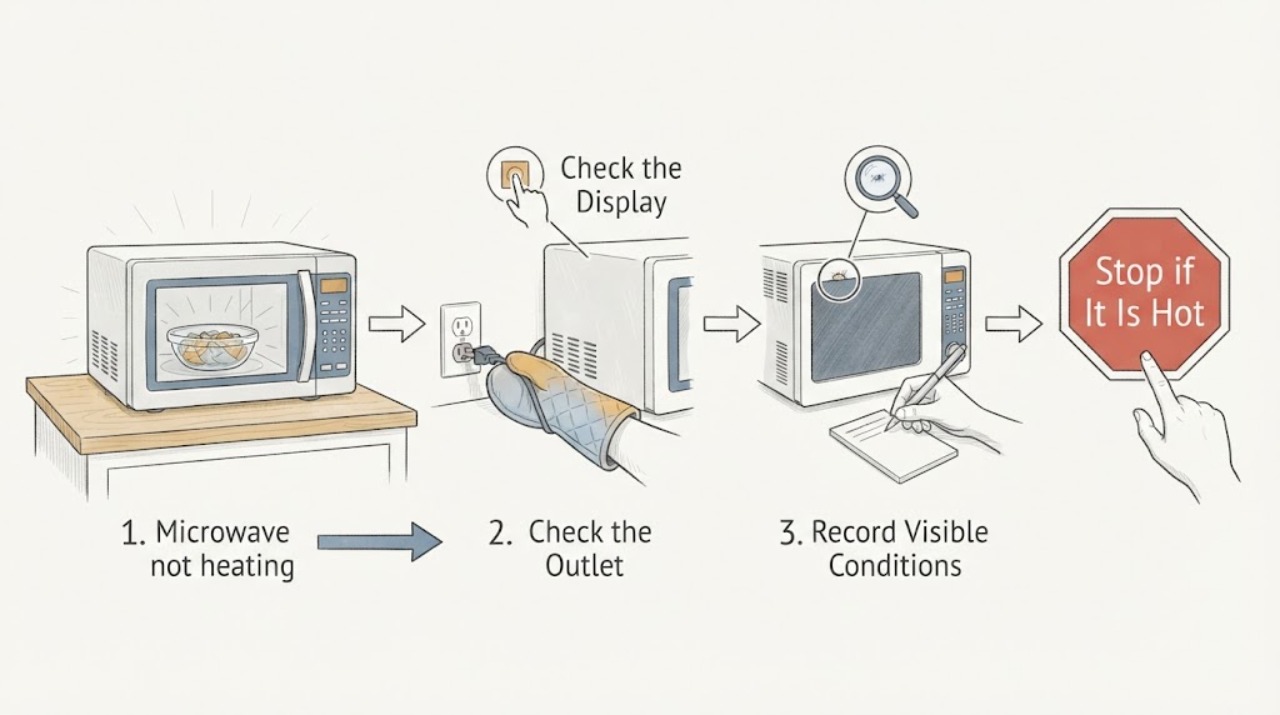
GE Profile PEB7227AN1DD not heating after a power drop: separate a supply event from an internal fault
A power drop before a GE Profile microwave stopped heating is a timeline clue, not proof that a high-voltage part failed. First preserve the exact model label and record whether the display, clock, fan, light, turntable, and countdown still work.
-
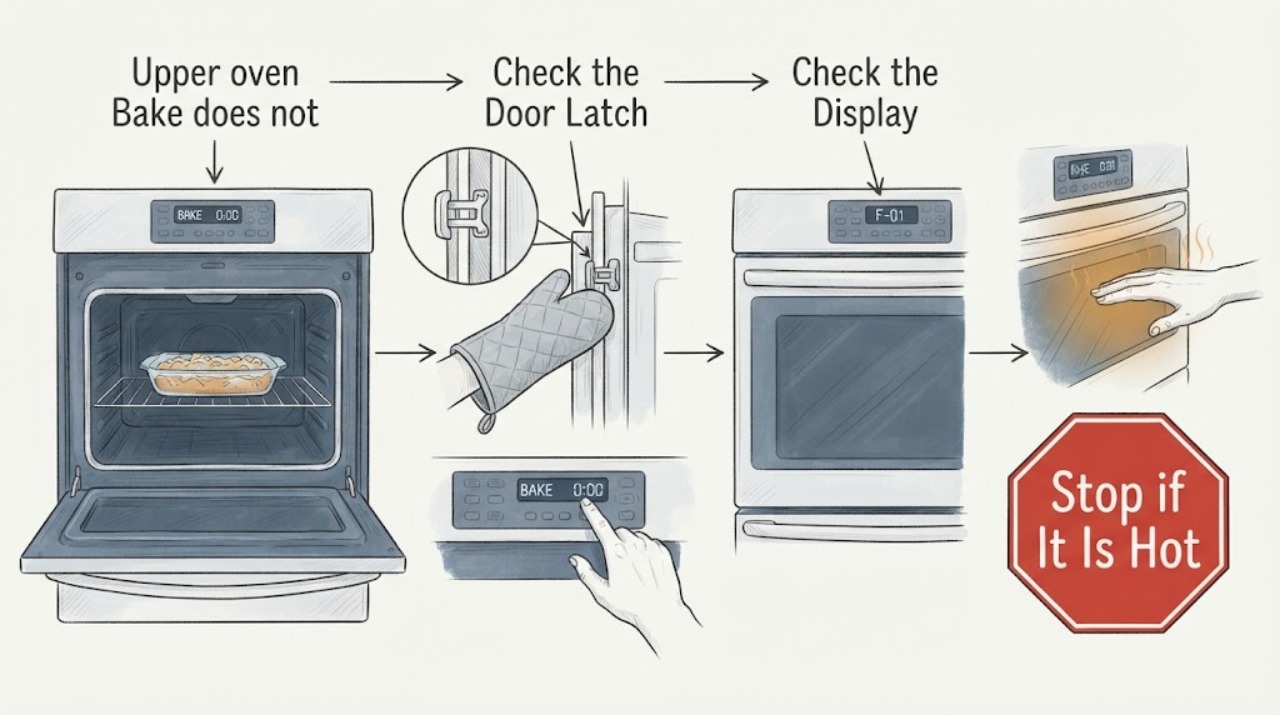
GE PGS950SEF1SS upper oven Bake does not heat while Broil works
The GE PGS950SEF1SS is a Profile slide-in front-control double-oven gas range, so an upper-oven Bake failure with Broil still working is not an electric bake-element diagnosis by itself. First confirm that the upper cavity—not the lower oven—is selected, that Bake, temperature, and Start are correct, and that no self-clean latch or other mode is preventing operation.
-
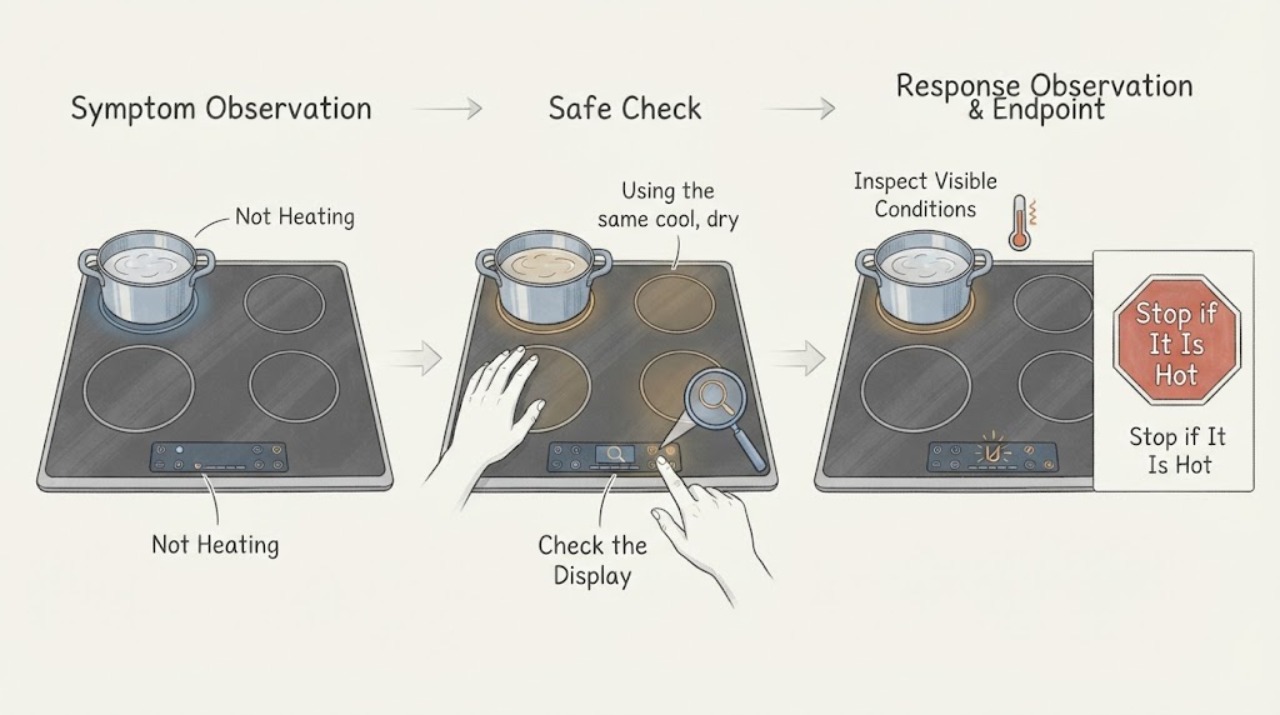
GE PHP9030SJ5SS Not Heating: Check Power Sharing
For the GE Profile PHP9030SJ5SS induction cooktop, first test one compatible, flat pan on one element with the control unlocked and the pan centered. This 30-inch model has two cooking zones: when two elements in the same zone are used and at least one is set to Hi, the manual says the Hi setting operates at reduced power even though the display does not change.
-
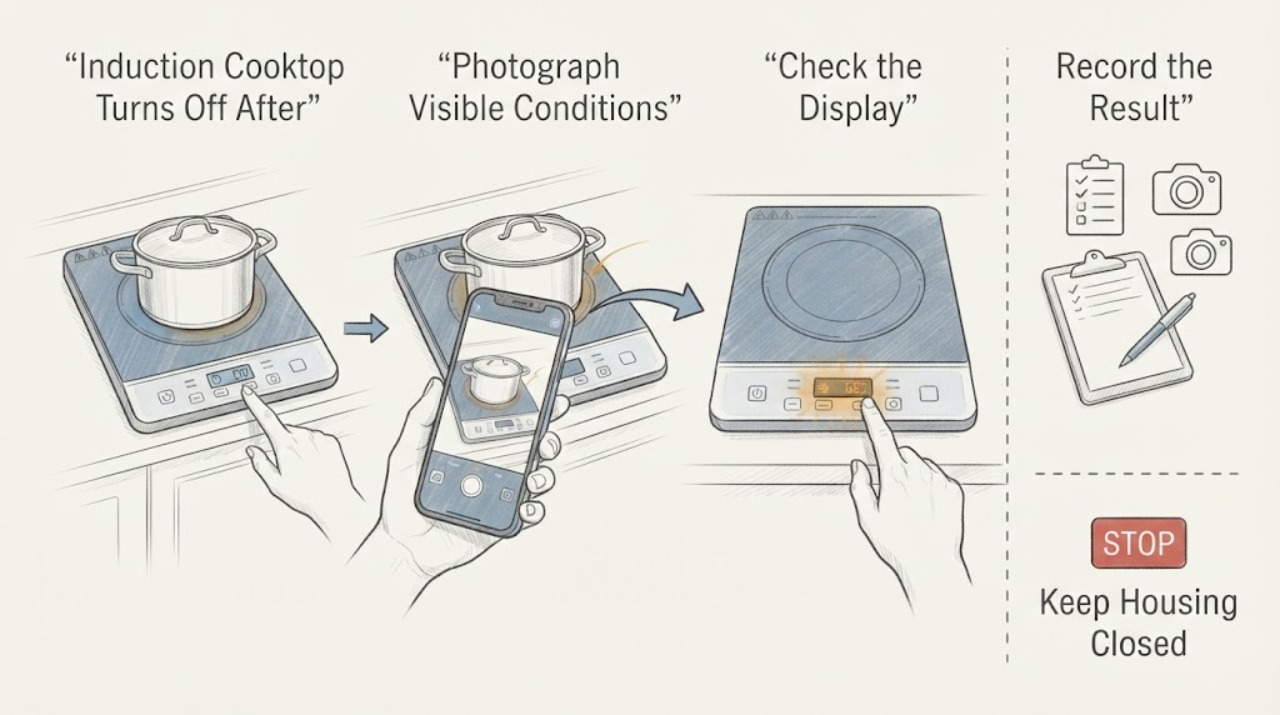
GE PHP9036DT Induction Cooktop Turns Off After 7 Seconds
For the GE Profile PHP9036DT family, first verify the pan rather than assuming the cooktop has failed: the flat bottom should attract a magnet, meet the affected element's minimum size, sit centered with full contact, and not overlap the controls. GE's opened PHP9036/PHP9036DTBB owner manual says that if a pan is not detected for more than 25 seconds, the element indicator flashes and the control turns off.
-
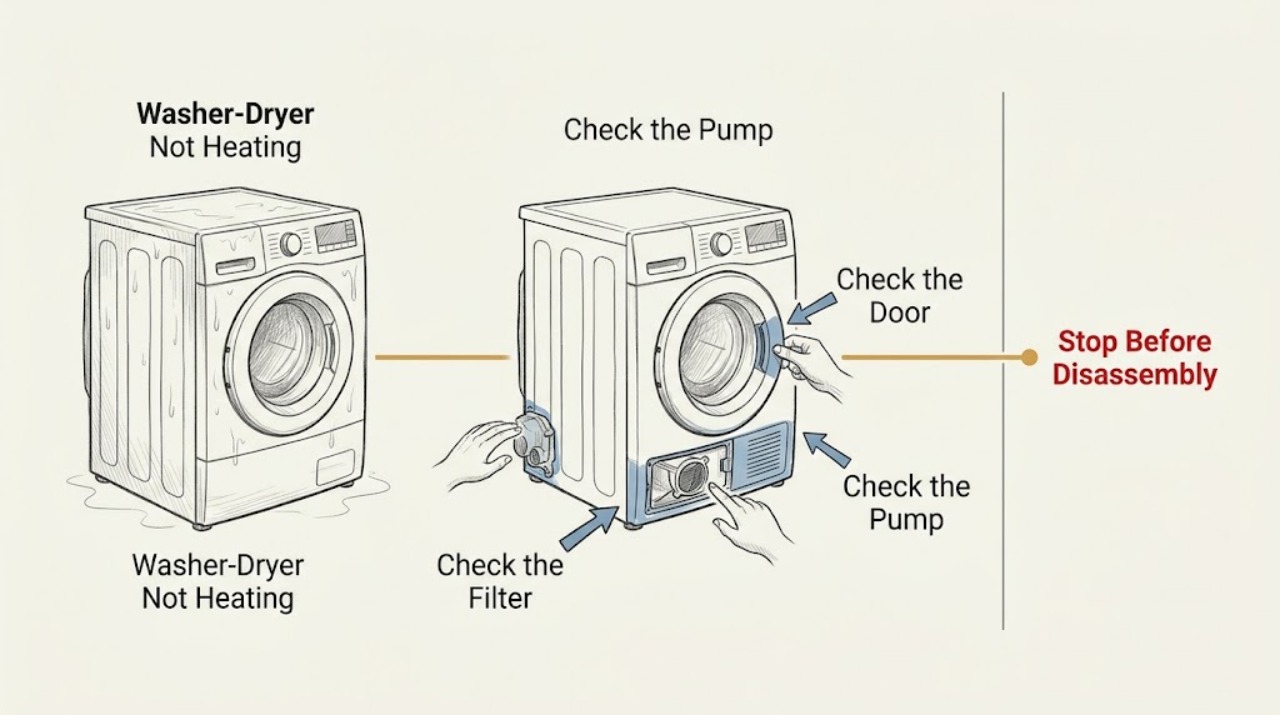
GE Washer-Dryer Not Heating: Safe Checks for Combo and Vented Units
A GE washer-dryer may seem not to heat for two different reasons: a ventless GE Profile UltraFast Combo intentionally dries at a lower, consistent temperature, while a conventional electric dryer can tumble on only partial household power and still fail to heat. First identify which design you have, then choose a true drying cycle and check the load, drainage, visible airflow, and power symptoms that apply to that design.
-
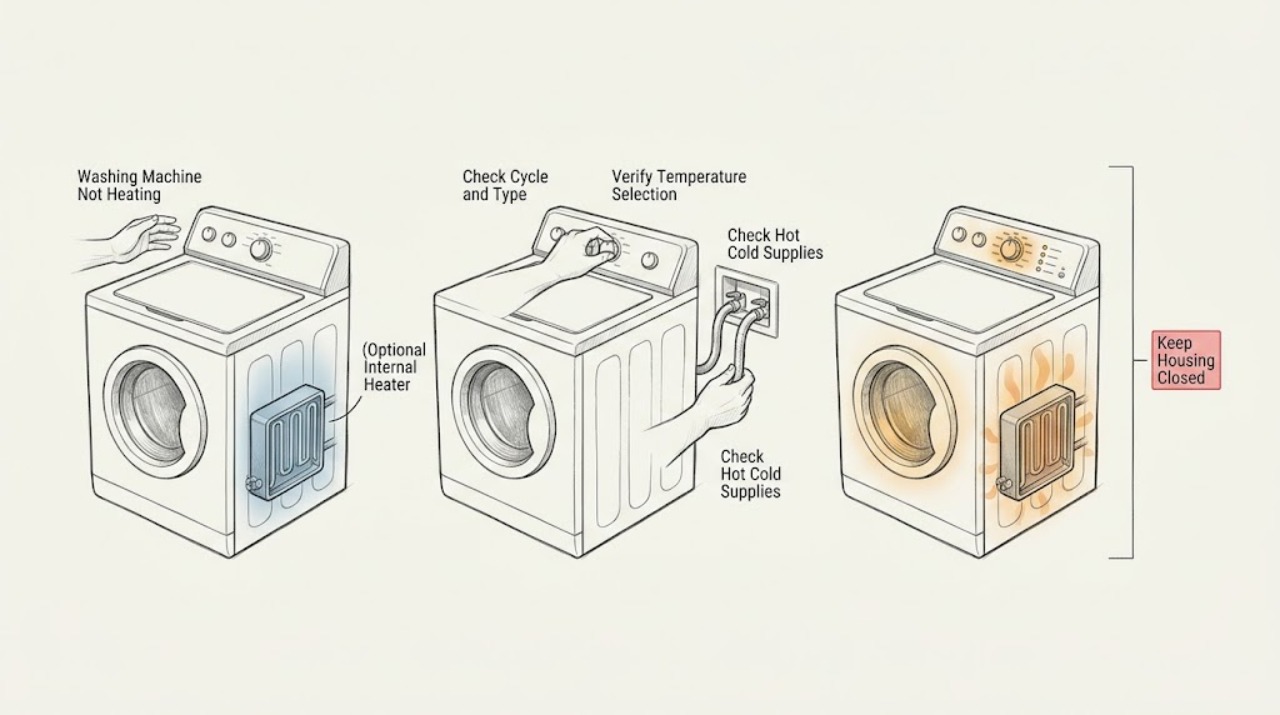
GE Washing Machine Not Heating: Check the Water Path Before the Washer
A GE washing machine that seems not to heat may be receiving normal mixed-temperature water rather than failing: GE says many washers mix hot and cold water even when HOT is selected, and WARM depends on both incoming supplies. First confirm the selected cycle and compare the hot and cold supply hoses and valves without opening the appliance.
-
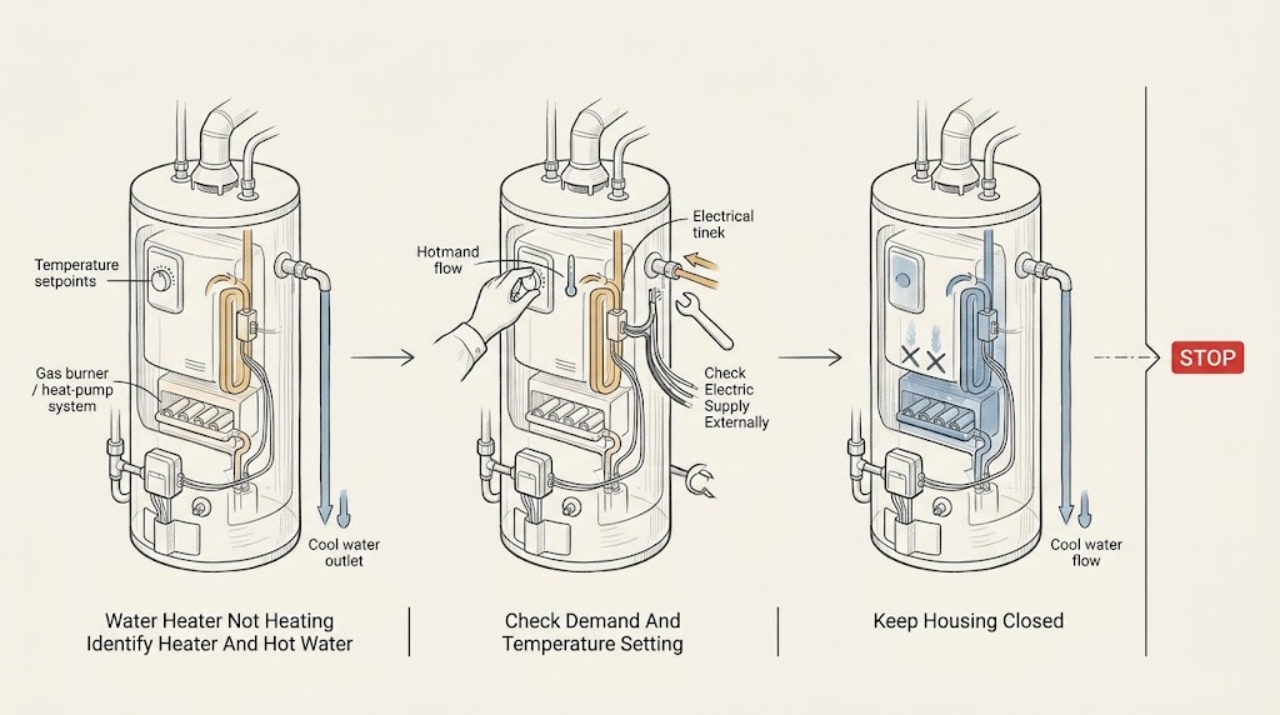
GE Water Heater Not Heating: Identify the Heater Type Before Checking Power
First record the exact GE model, serial information, fuel or heat-pump type, display state, and whether the complaint is no hot water at every faucet or only less hot water after heavy use. Check that all hot-water faucets are closed and that the temperature setting is not too low; a low setting, colder inlet water, a long exposed pipe, or an open faucet can look like a heater failure.
-
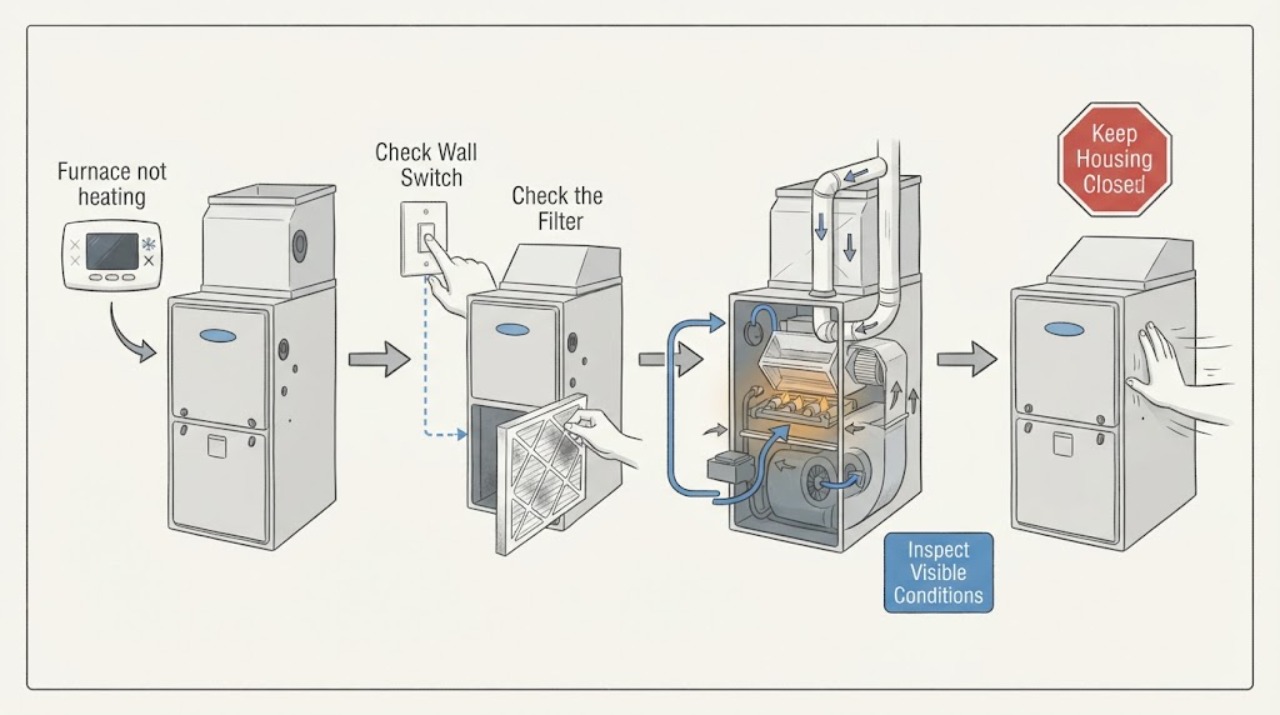
Goodman furnace not heating: What to Check and What to Do Next
A Goodman furnace that is not heating may not be receiving a call for heat, may have lost electrical power, may have an airflow restriction, or may be stopping during ignition, combustion, exhaust, or blower operation. Start with safe observations: thermostat mode and setpoint, the furnace power switch and clearly labeled breaker, the return-air filter, supply and return airflow, and any status light or code visible without opening the cabinet.
-
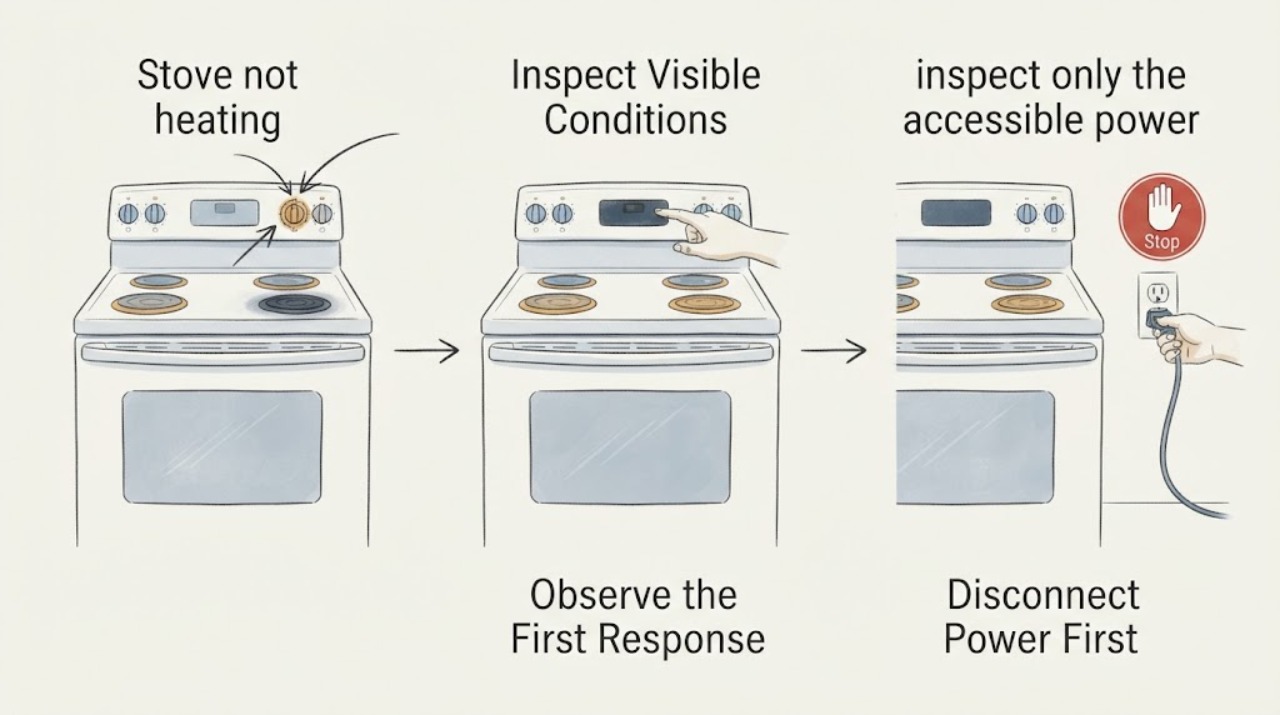
GE GRF600AV1SS Stopped Heating After a Power Outage
For a GE GRF600AV1SS that stopped heating after an outage, turn every range control to Off and first record whether the display is blank and whether the oven and all surface elements are affected. With the appliance cool and without moving it or opening a panel, check the range's two-pole breaker or fuses and confirm the accessible power connection is firm.
-
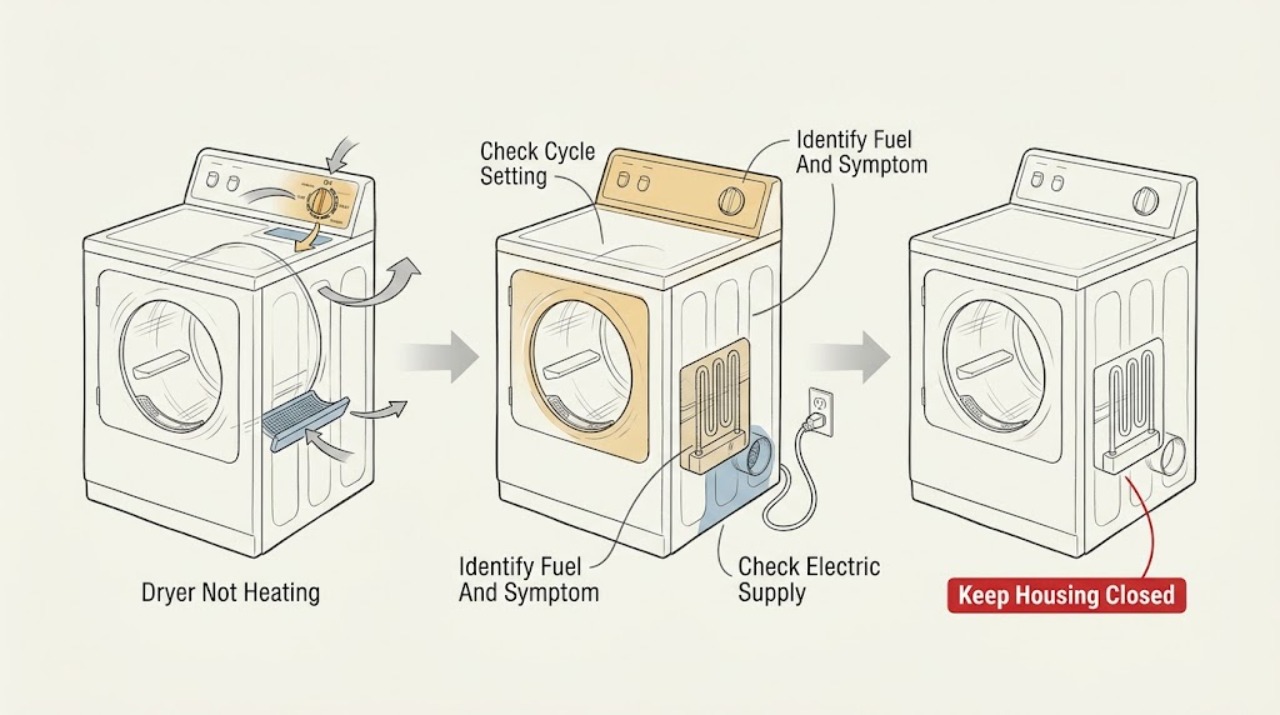
Haier Dryer Not Heating
A Haier dryer may be intentionally running without heat when Rack Dry or Air Dry is selected. Confirm a heat-enabled cycle, identify whether the dryer is gas or electric, and check only the external power and airflow items that are safe to access.
-
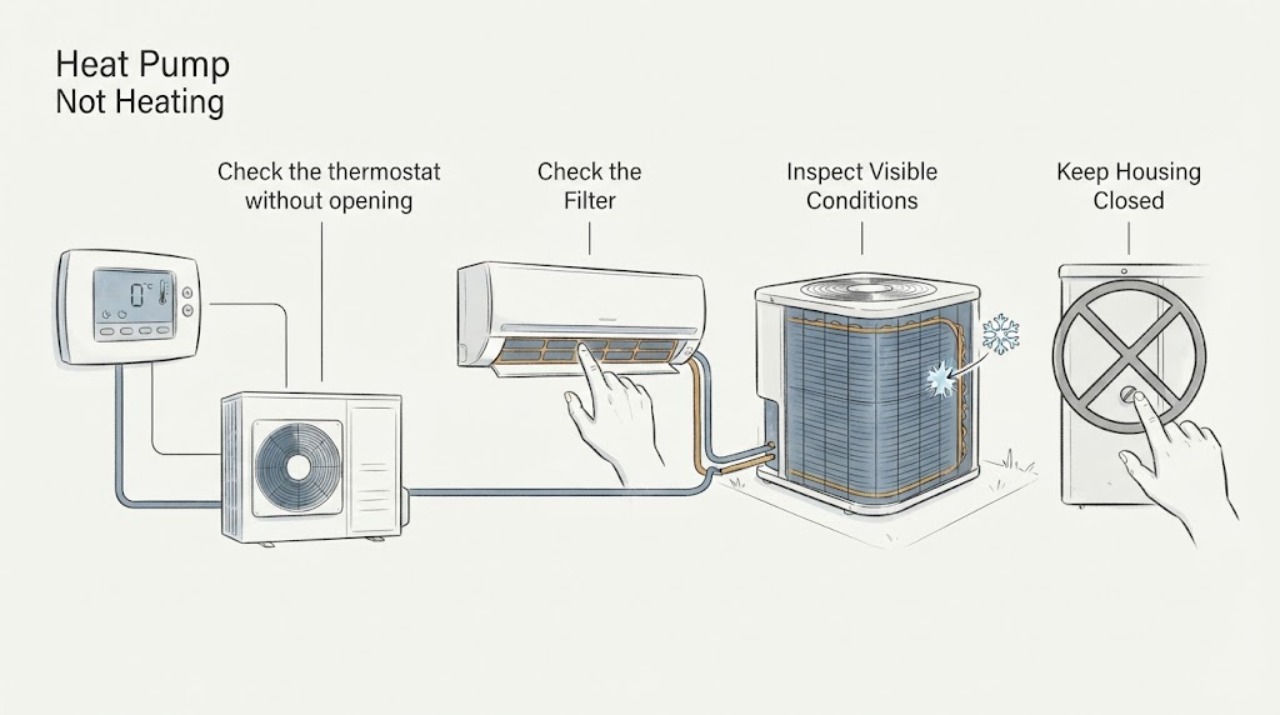
Heat Pump Not Heating: Check Mode, Airflow, Defrost, and Power Before Service
If a heat pump is not heating, first confirm the thermostat is calling for heat and that the fan is set to Auto, then check the accessible air filter, indoor and outdoor power status, and the outdoor unit for leaves, snow, or a solid ice coating. Cool air for a short period can occur during a normal defrost cycle, and heat-pump supply air may feel less hot than furnace air.
-
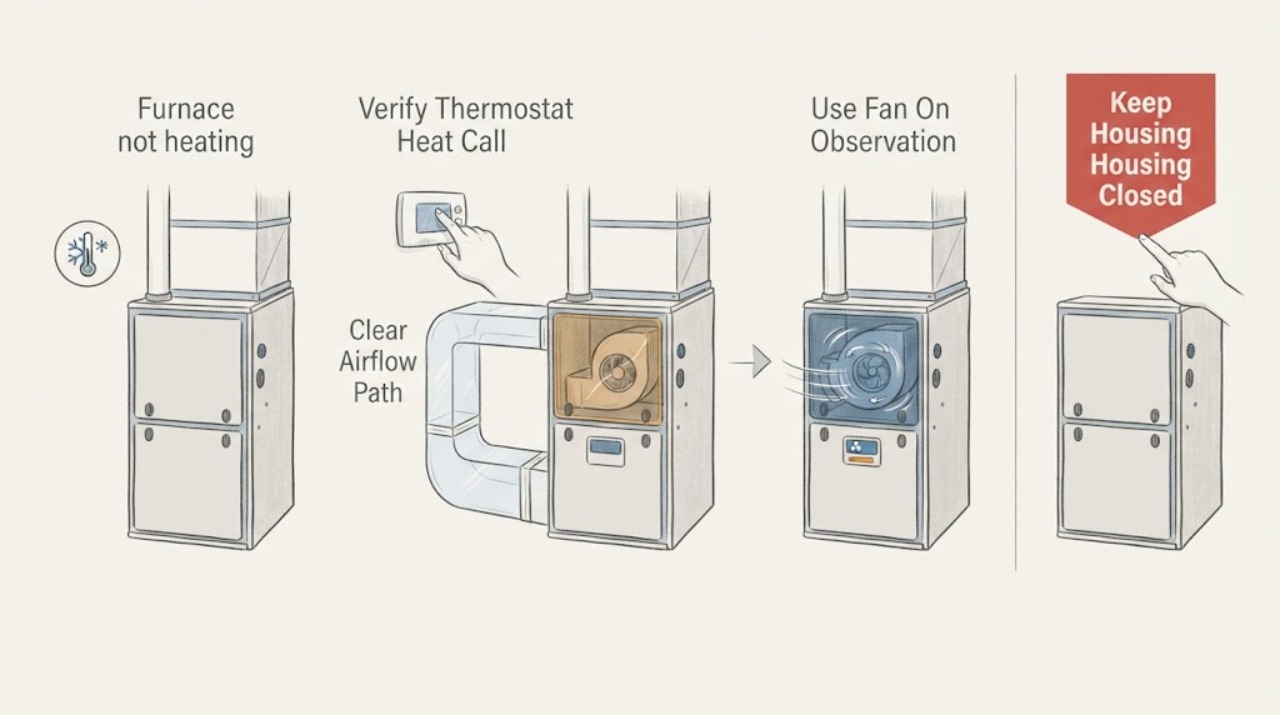
Honeywell furnace not heating: blower motor checks and when to call for service
Honeywell Home's own no-heat guide separates no air, room-temperature air, weak warm air, and cold air, then routes a fan that does not operate with a fan call to service. Start by recording the Honeywell thermostat model, furnace manufacturer/model, fuel type, and whether the vents have no airflow or weak airflow.
-
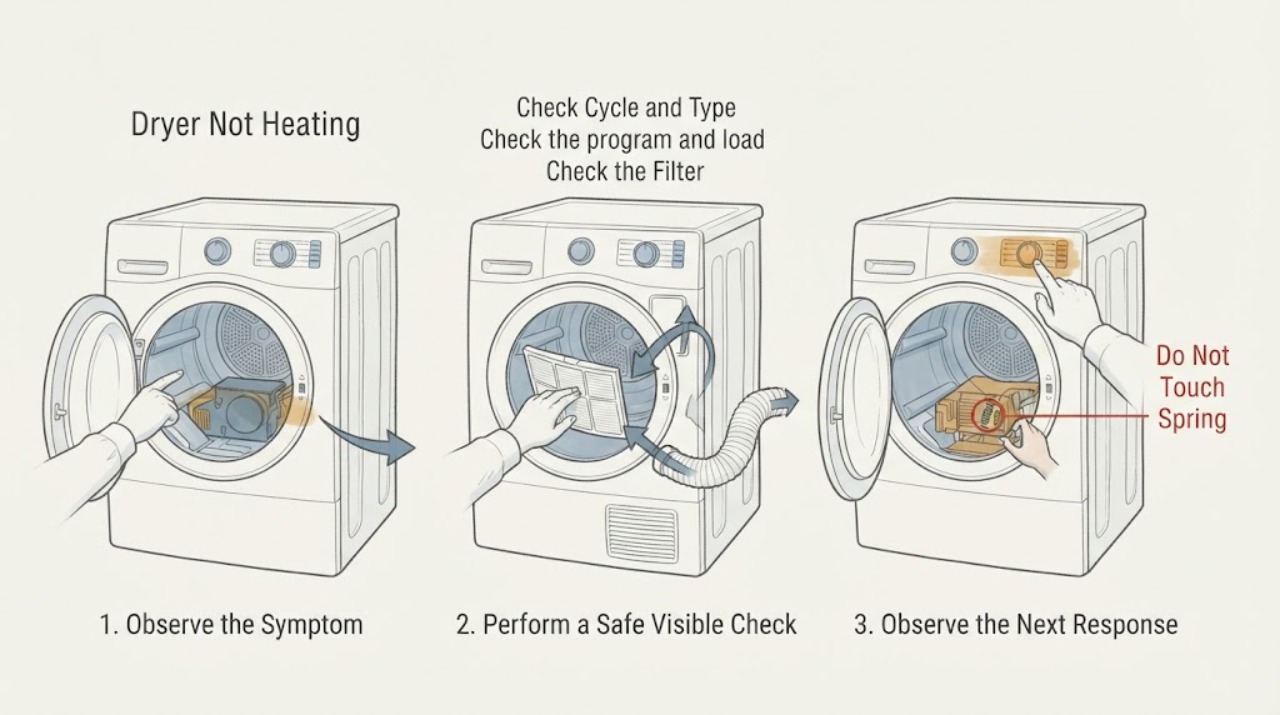
Hoover Dryer Not Heating
First determine whether the dryer truly has no heat or whether it is a Hoover heat-pump model that warms gradually and does not feel hot when the door is opened. Check the selected program, load size, lint filter, condenser filter, vent hose, outside vent, water tank, and room conditions according to the exact model manual.
-
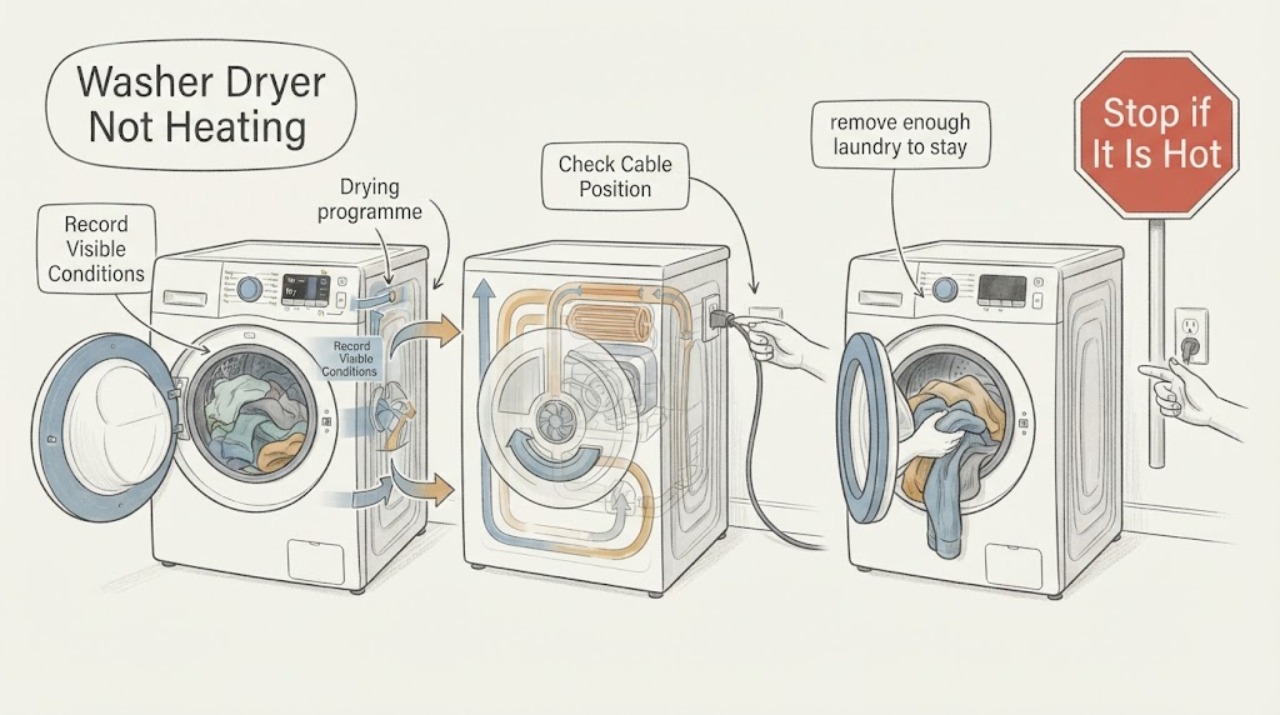
Hoover Washer Dryer Not Heating
If a Hoover washer-dryer is not heating, first confirm that the problem is in the drying phase rather than the wash-water temperature, and select an actual drying or dry-only programme with the heat level your model provides. Remove part of the wash load because Hoover says a washer-dryer's drying capacity is lower than its wash capacity, then check whether the laundry was spun and whether the programme is appropriate for the fabric.
-
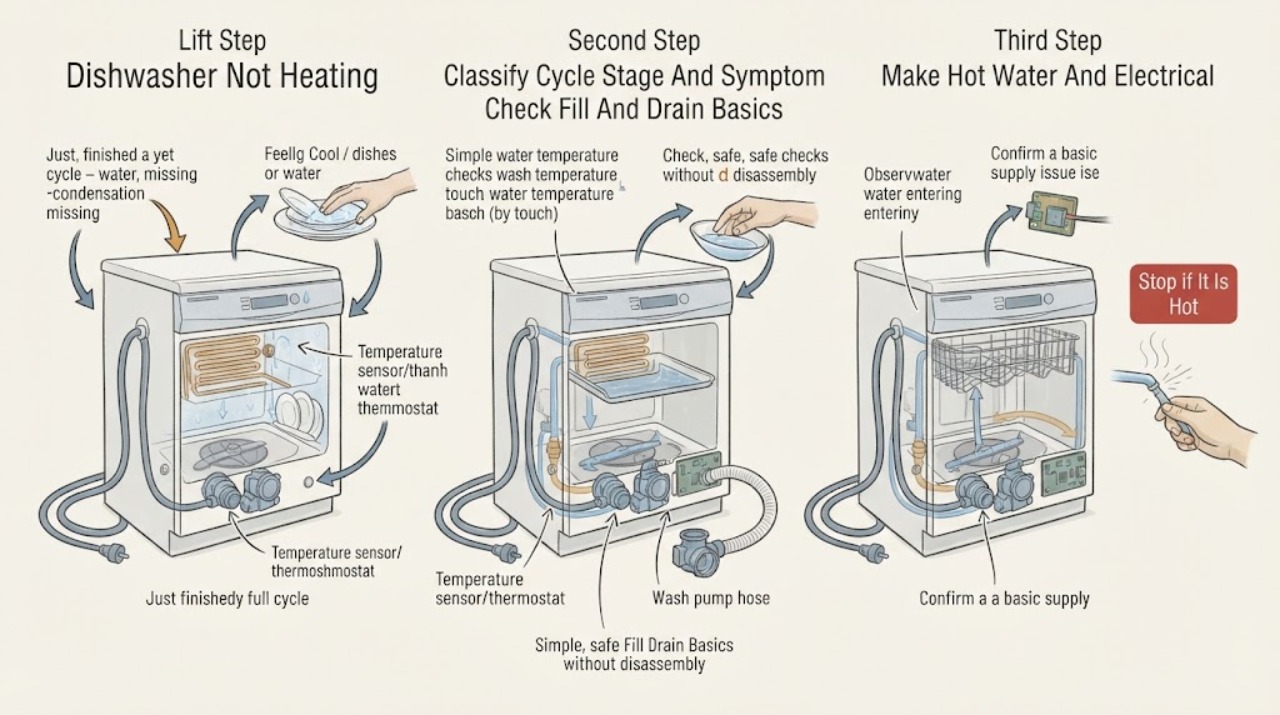
Hotpoint Dishwasher Not Heating: Identify the Cycle Stage Before Service
Do not open the dishwasher during a hot programme or touch the water to test its temperature. First record whether the machine fills, washes, drains, and completes, or whether it stops before heating.
-
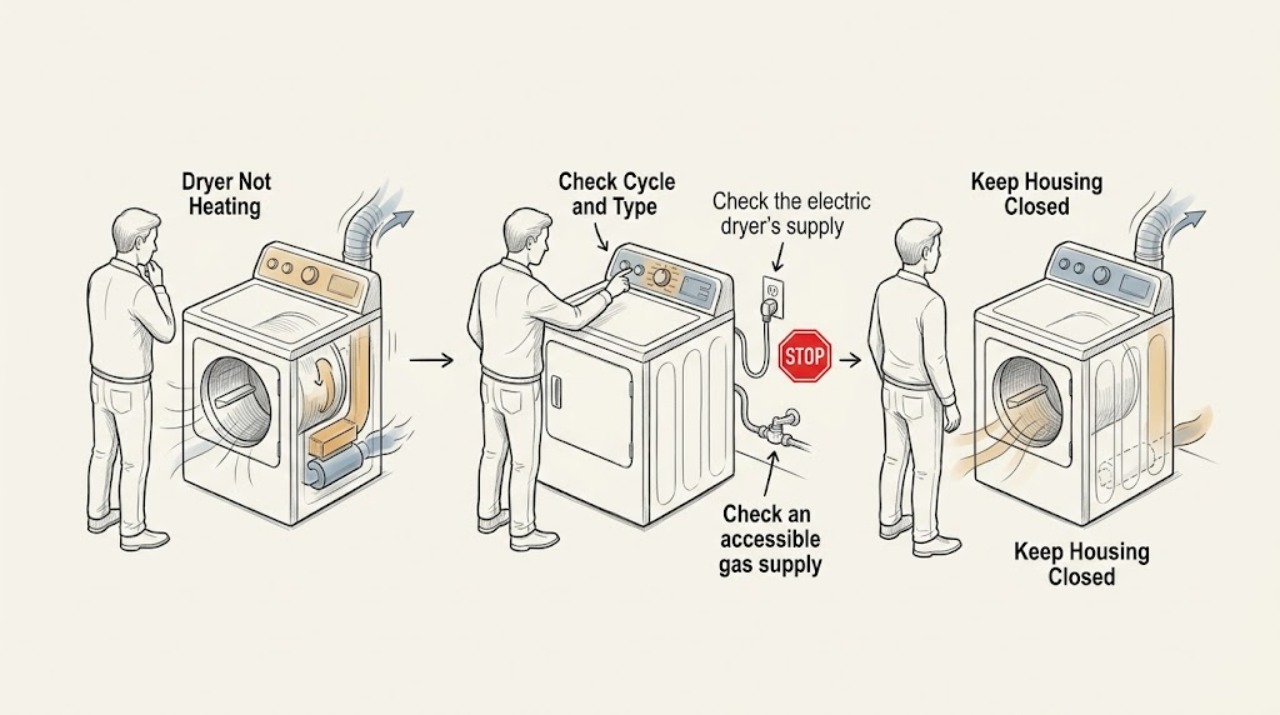
Hotpoint Dryer Not Heating: Safe Checks Before Service
If a Hotpoint dryer tumbles but produces no heat, first confirm that a dry cycle and a heat setting are selected, then identify whether the dryer is electric or gas. An electric model can tumble with a partially tripped breaker while the heating circuit is unavailable; a gas model needs its gas supply available and the correct cycle.
-
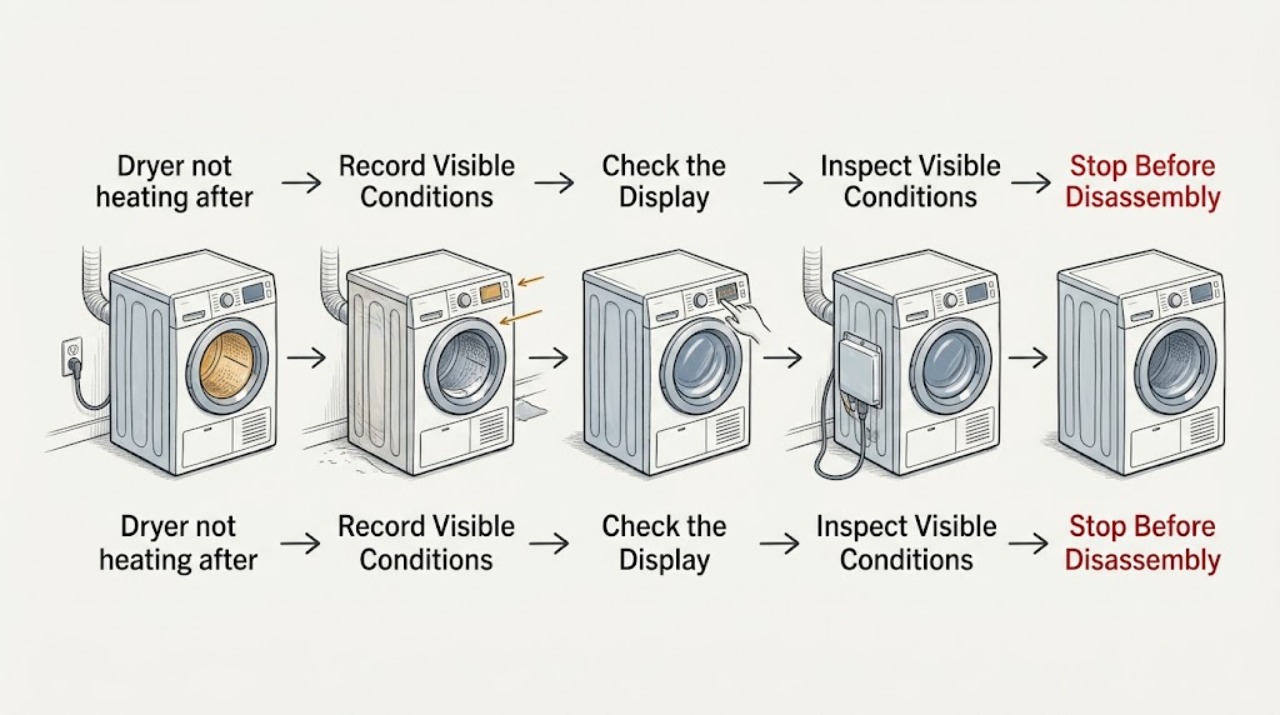
Hotpoint HTX24EASK0WS dryer not heating after a move: check the new electrical supply first
The HTX24EASK0WS is an electric dryer rated for a 208/240-volt supply, so a no-heat symptom that begins after moving should be checked at the new-house cycle setting, dryer circuit, cord and outlet before anyone suspects an internal heater. Confirm a heated setting, inspect the dedicated breaker from the normal panel position, and look at the plug, cord, outlet and visible vent for damage or a crushed connection.
-
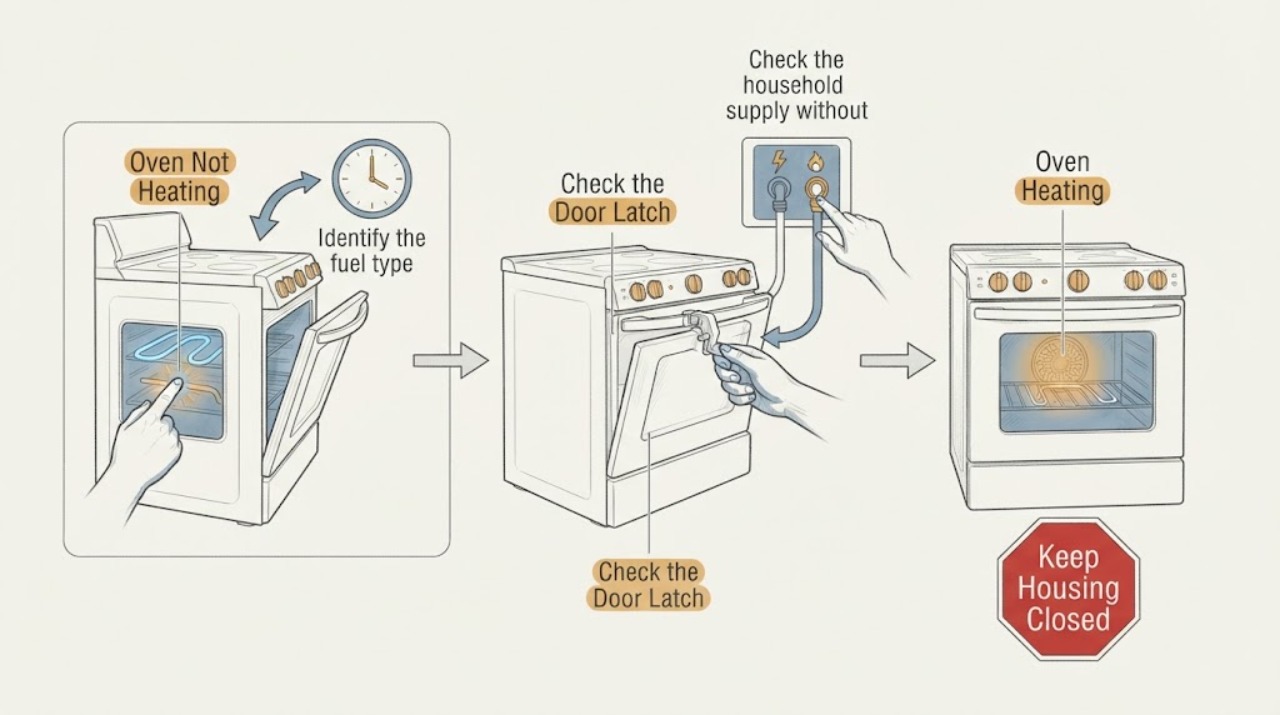
Hotpoint Oven Not Heating: Check the Setting, Supply, and Heating Path
First identify whether the Hotpoint oven is electric or gas and whether it is completely inactive, warm but below temperature, or heating unevenly. Confirm the oven function and temperature are selected, the electronic clock or timer is set as required by the model, the door or self-clean latch is not holding the oven out of operation, and the household breaker or fuse is on.