
Repair problem
Not Spinning Troubleshooting Guides – Page 2
Published FixGraph guidance for diagnosing and responding to not spinning.
Matching published guides
Choose a guide that matches the service, equipment, and conditions you are seeing.
-
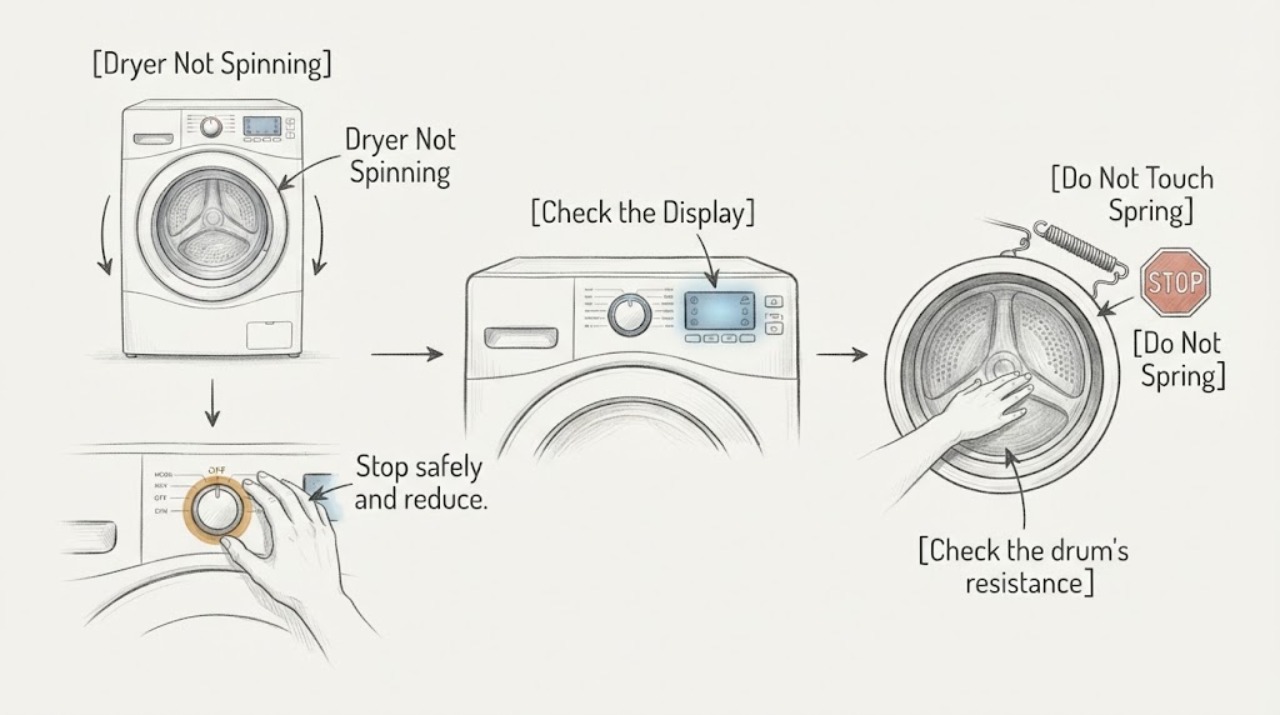
Hotpoint Dryer Not Spinning: Safe Checks Before Service
If a Hotpoint dryer's drum is not spinning, stop the cycle and remove part of a heavy or wet load first. With the dryer stopped and power disconnected before any maintenance, check that the door closes, the cycle and Start control are set correctly, and the drum is not jammed by an object.
-
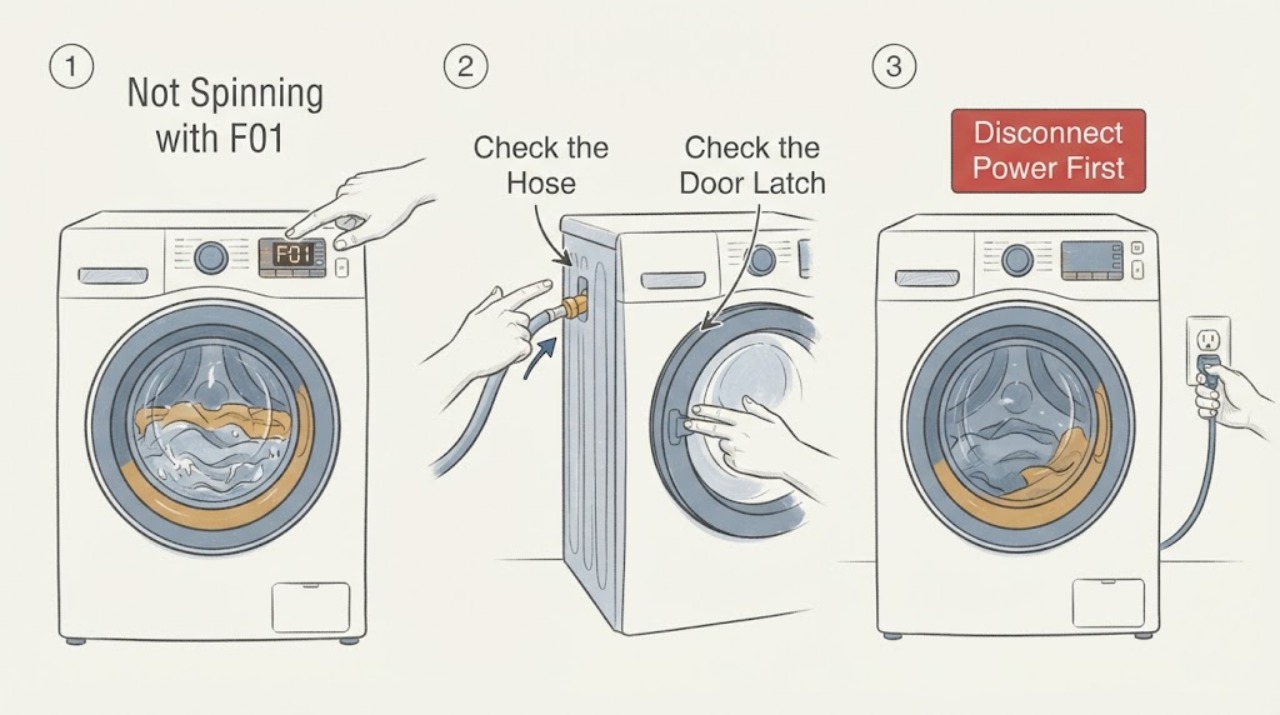
Hotpoint RD966JGD Not Spinning with F01: Safe Checks
For the Hotpoint RD966JGD, a no-spin report with F01 should not be treated as a motor-part diagnosis. Hotpoint's official error-code guidance defines F01 as an electronic circuit-board fault and says the appliance may have some or all functions unavailable; its separate F02 entry is the motor-circuit code for intermittent or absent drum rotation, while F05 covers a drain or pump issue and F06 covers a door-lock fault.
-
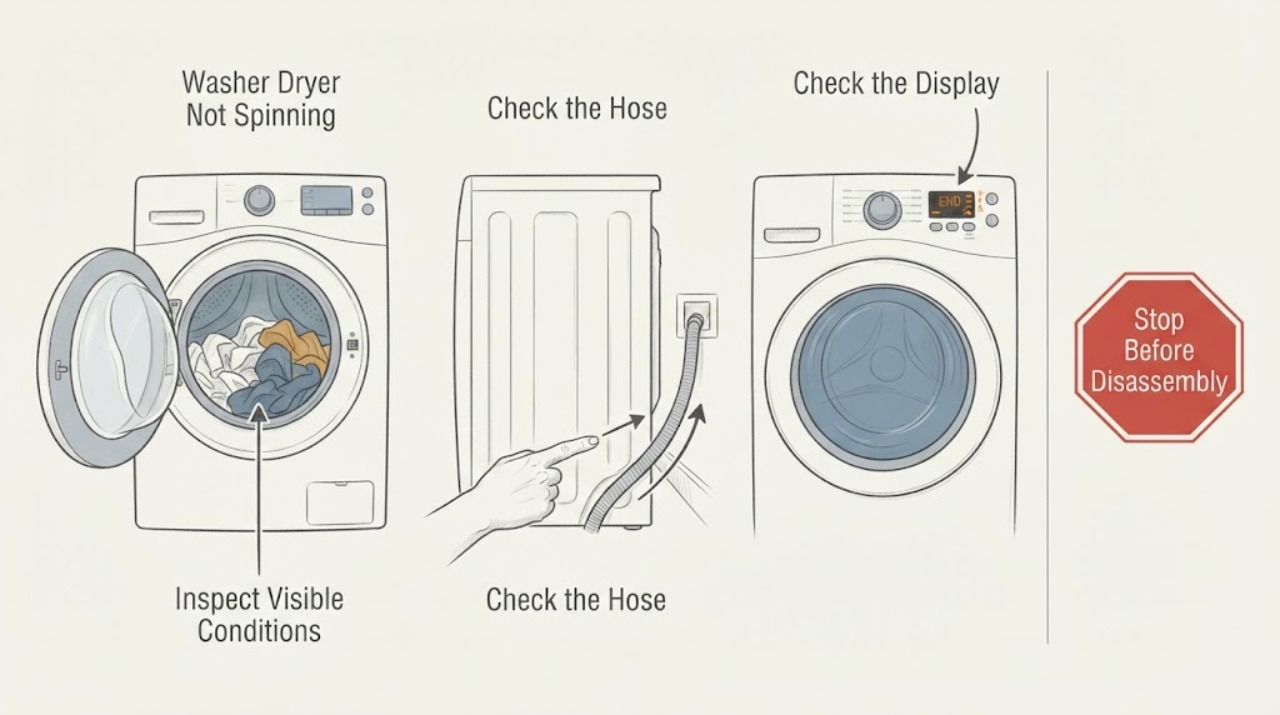
Hotpoint Washer Dryer Not Spinning: Drain, Load, and Safety Checks
If a Hotpoint washer dryer is not spinning, first check whether water remains in the drum, the load is badly unbalanced, or a selected programme is holding the final rinse. Keep the door closed while the drum is moving, check the drain hose and accessible plumbing for a kink or blockage, and redistribute a mixed load rather than overloading it.
-
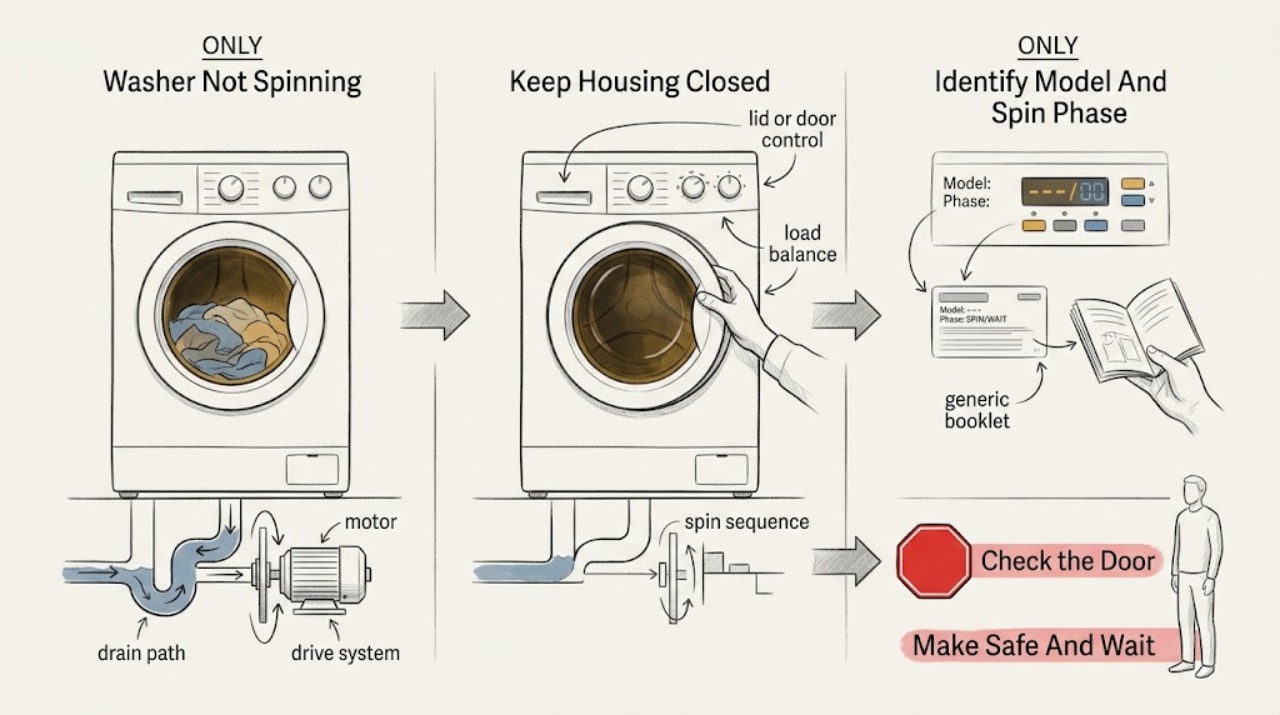
Hotpoint Washer Not Spinning: Check the Cycle, Load, and Safe Service Boundary
A Hotpoint washer may be waiting through a normal pause or pump-out, unable to spin because the lid or door is not safely closed, stopping for an unbalanced load, or failing to spin because it has lost power, cannot drain, or has a motor or drive fault. Wait through the model's documented pause rather than advancing a timer, then note whether the tub is full, whether the pump drains, whether the lid or door locks, and whether a spin or balance indicator appears.
-
Hotpoint Washing Machine Not Spinning: Check the Load, Drain, and Lock
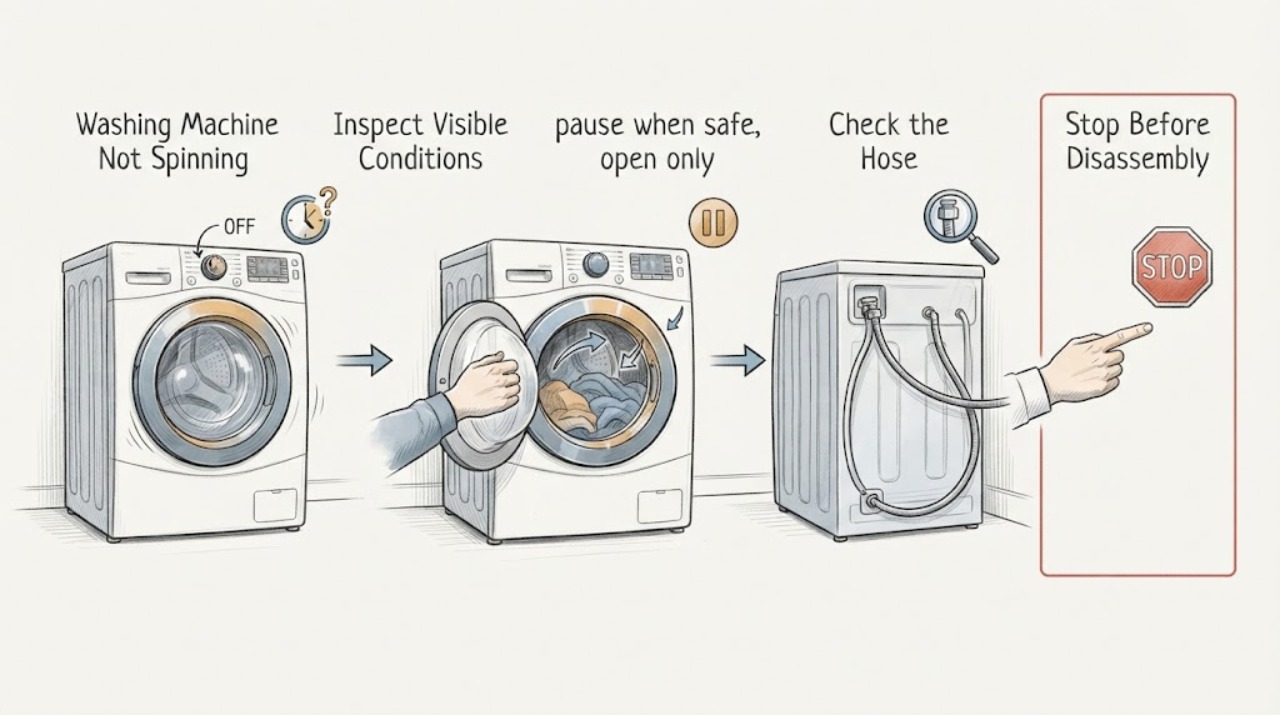
When a Hotpoint washing machine will not spin, first check whether the program is holding the load in rinse, whether the door is locked, and whether water remains in the drum. Hotpoint says its washers may abort spin when a load remains unbalanced, and a blocked drain path can also prevent a spin cycle.
-
Hotpoint WDAL 9640G UK Not Spinning with F05 After a House Electrical Issue
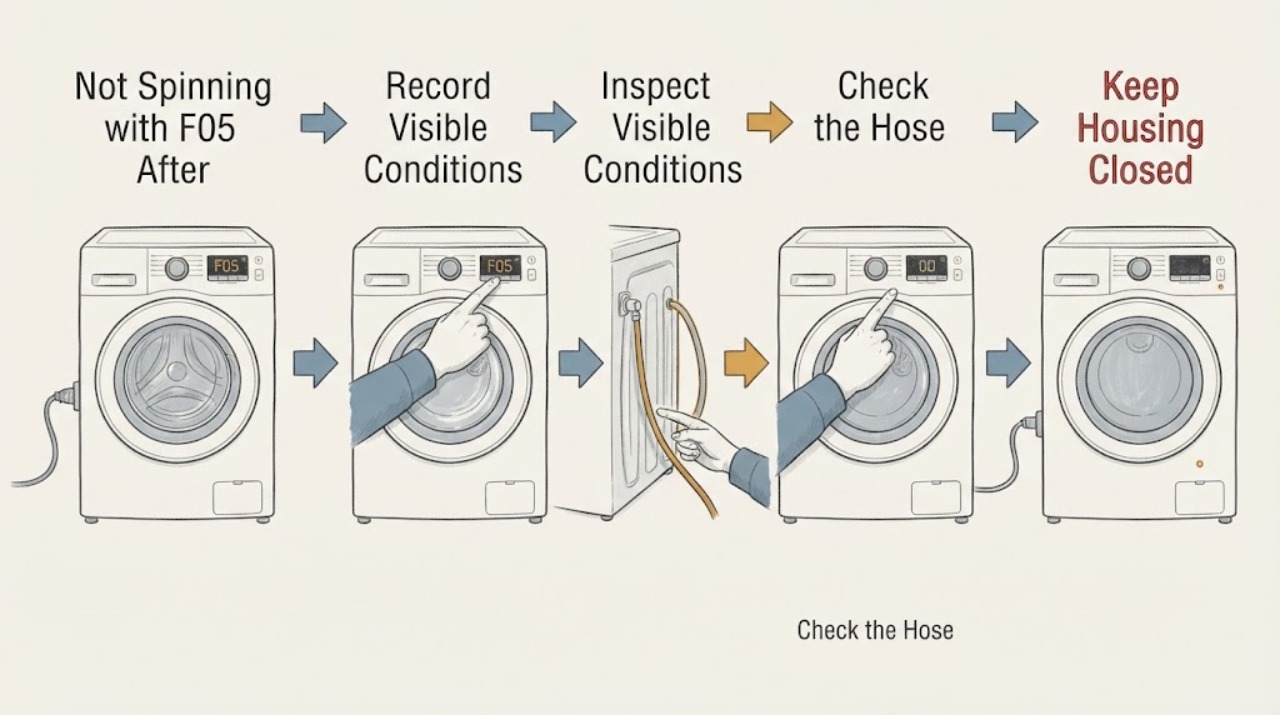
On the Hotpoint WDAL 9640G UK, an F05 display should be treated first as a drainage or pump fault: Hotpoint's washer-dryer code guidance identifies a blocked waste pipe or pump, with a pressure-switch fault also possible. That can prevent the washer dryer from emptying and therefore from reaching spin, but F05 does not by itself prove that a pump, pressure switch, or control board has failed.
-
Indesit Washing Machine Not Spinning: Check the hold, load, and drain path
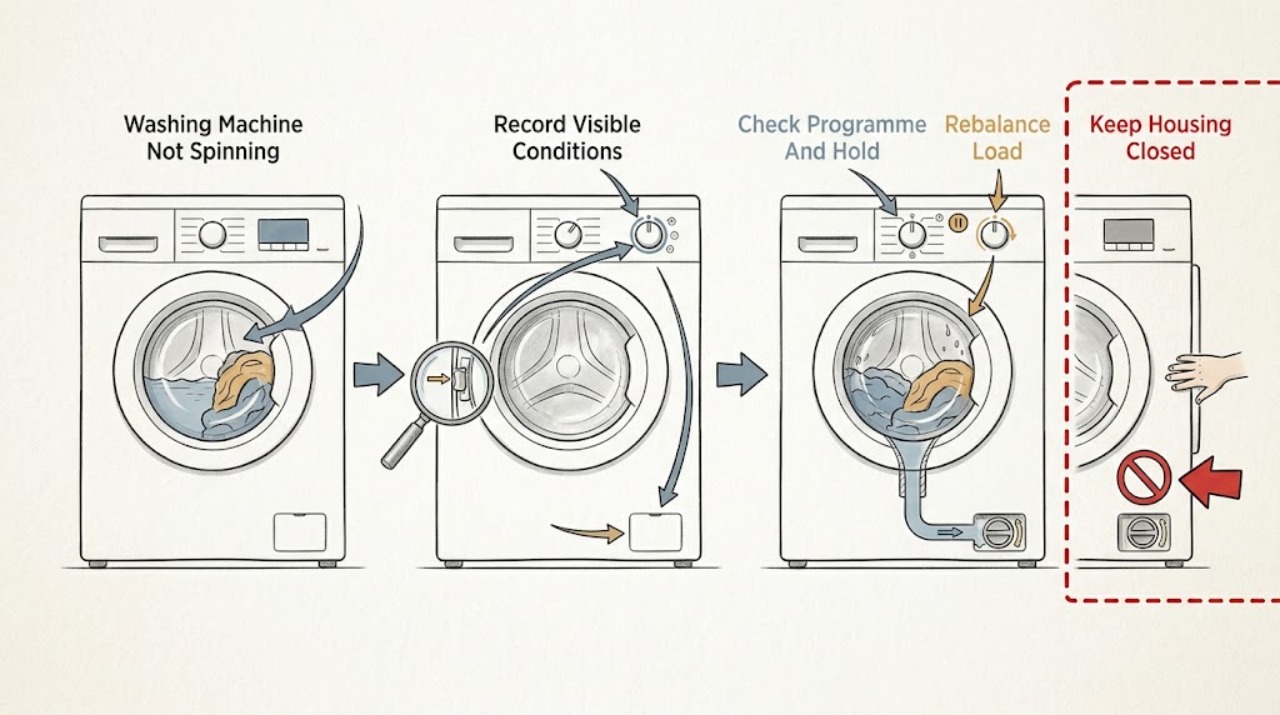
An Indesit washing machine may finish with wet clothes because Rinse Hold or Crease Care is holding water, the load is unbalanced, the machine has not drained, the selected programme or spin speed excludes a full spin, the door interlock is not satisfied, or a motor or control fault is present. Check the display and lights first, then keep the machine stable and inspect the load without forcing the drum.
-
Kenmore 110.26132410 Only Spins on Rinse and Spin: Check the Current Fault
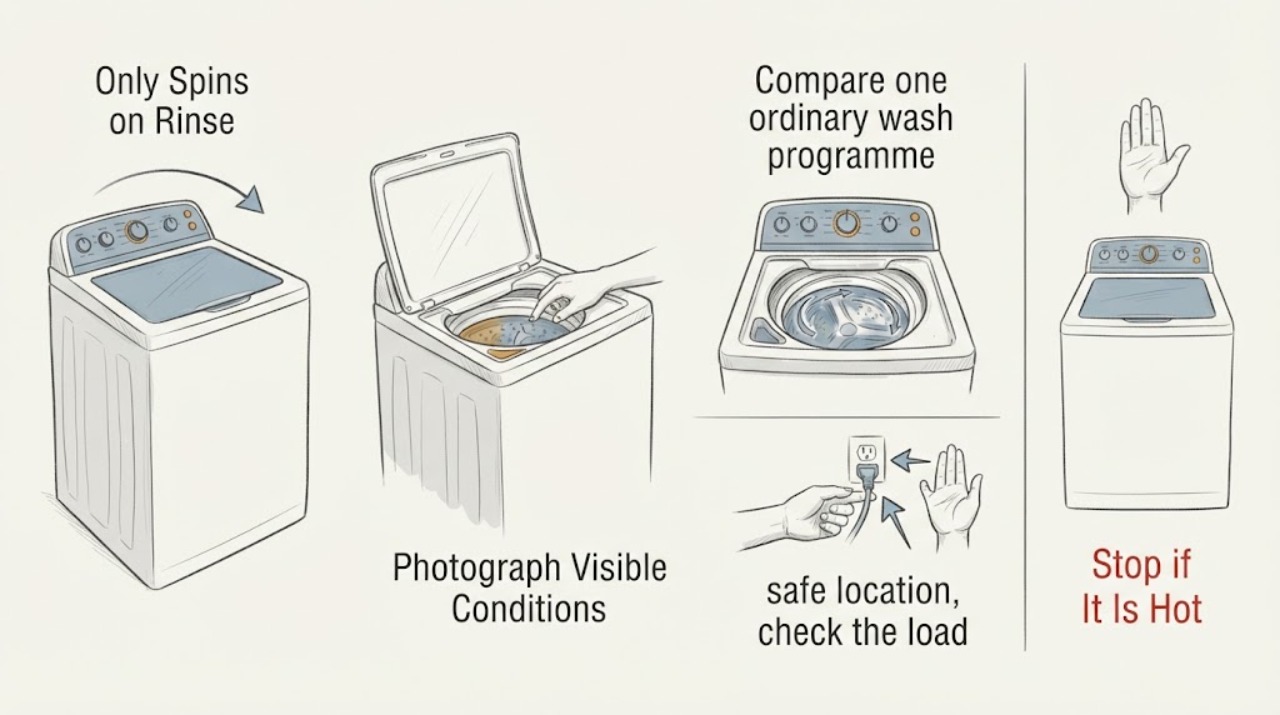
Treat F7E3, F7E0, F7E8, and F0E2 as four recorded diagnostic-history entries, not four confirmed current causes. In the exact 110.26132410 case, the washer drained and completed Rinse and Spin, while ordinary wash programmes failed to spin; the poster also reported that the individual service spin tests worked.
-
Kenmore Dryer Not Spinning: Check the Door, Controls, and Drive Safely
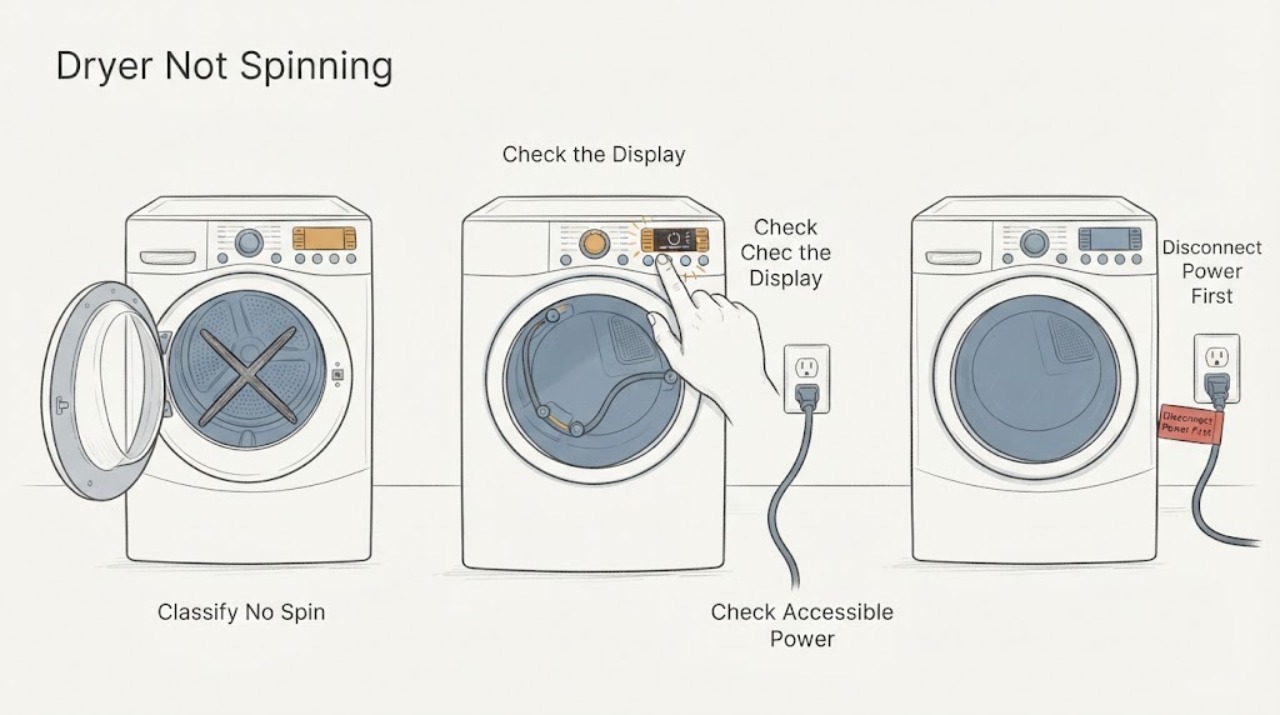
If a Kenmore dryer runs but the drum does not spin, first stop the cycle and check the door, selected controls, and accessible power without opening the cabinet. A dryer may appear not to spin when the cycle was not started, the door is not fully closed, or a model-specific pause or control condition is active.
-
KitchenAid Dryer Not Spinning: Check Power, Door, Load, and Drum Symptoms
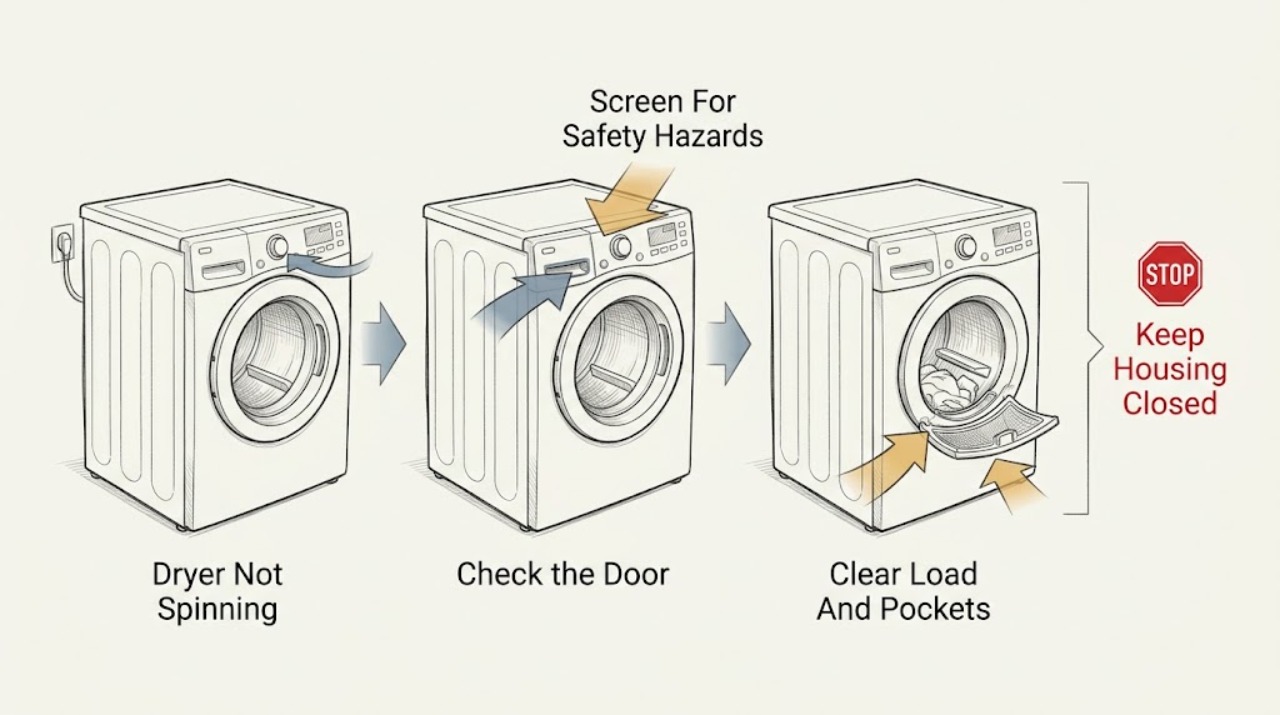
If a KitchenAid dryer is not spinning, stop and check for overheating, burning or gas odor, smoke, sparks, violent noise or movement, a damaged cord, water near electricity, or a breaker trip; leave it out of service and obtain the appropriate professional help for any of those symptoms. Otherwise confirm that the controls and drum light have power, the door is fully latched, the correct cycle is selected, and the Start or Hold to Start command was held as the model requires.
-
KitchenAid Washing Machine Not Spinning: Check the Cycle, Load, and Drain Path
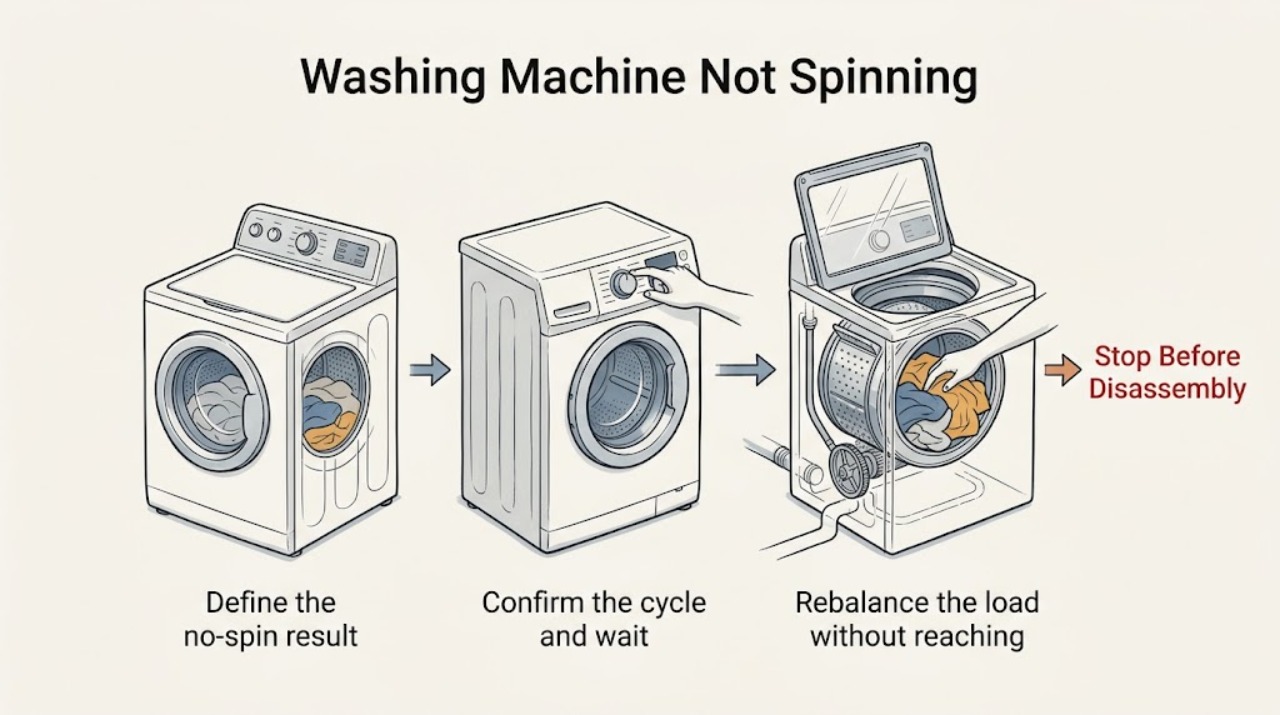
A KitchenAid washer can skip or delay spin because it is still in a normal pause, the lid or door is not recognized as closed, the load is tightly packed or unbalanced, or water has not drained. First note whether the basket never moves, the washer leaves the load wet, or it stops with water inside.
-
LG Dryer Not Spinning: Check the Door, Load, Controls, and Drum
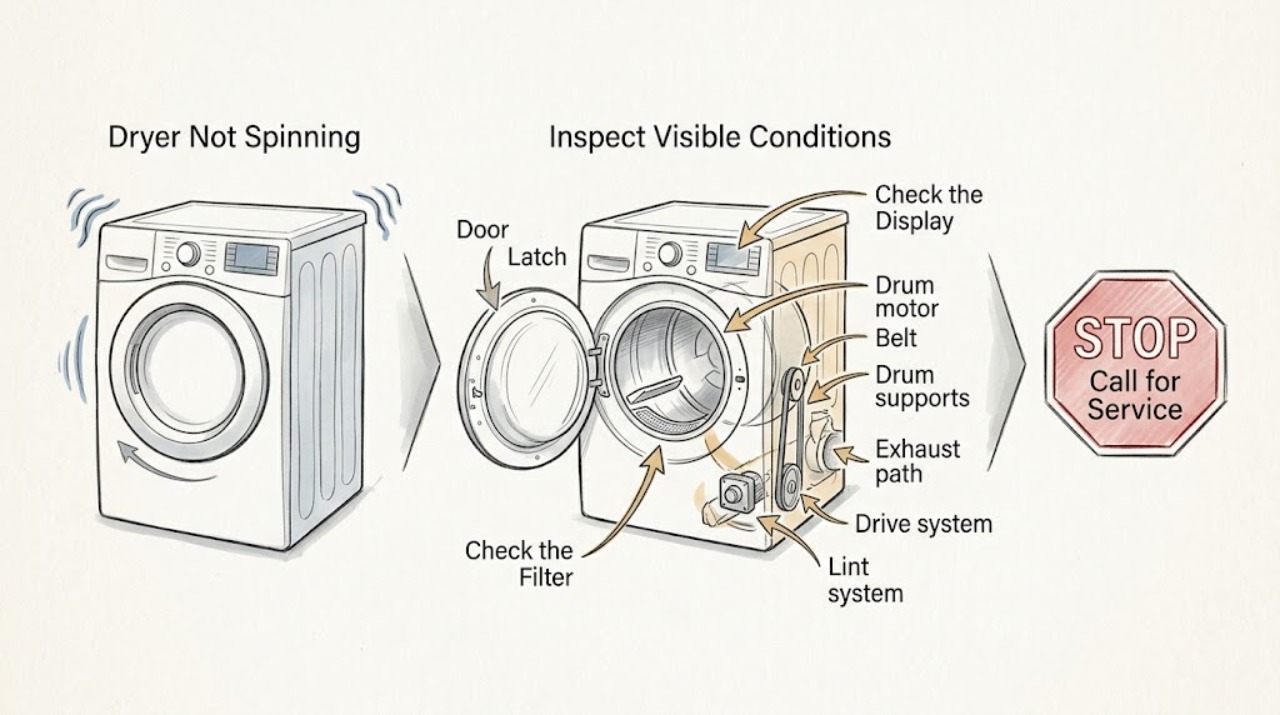
An LG dryer that is not spinning may be paused by an open door, Control Lock, a cycle or Start/Pause selection issue, an unsuitable load, a blocked or incorrectly seated lint filter, or a motor or drive fault. First decide whether the drum never starts, stops after starting, or only appears stopped because a very small automatic-dry load ends early or Wrinkle Care tumbles intermittently.
-
LG Washer Not Spinning: What to Check and What to Do Next
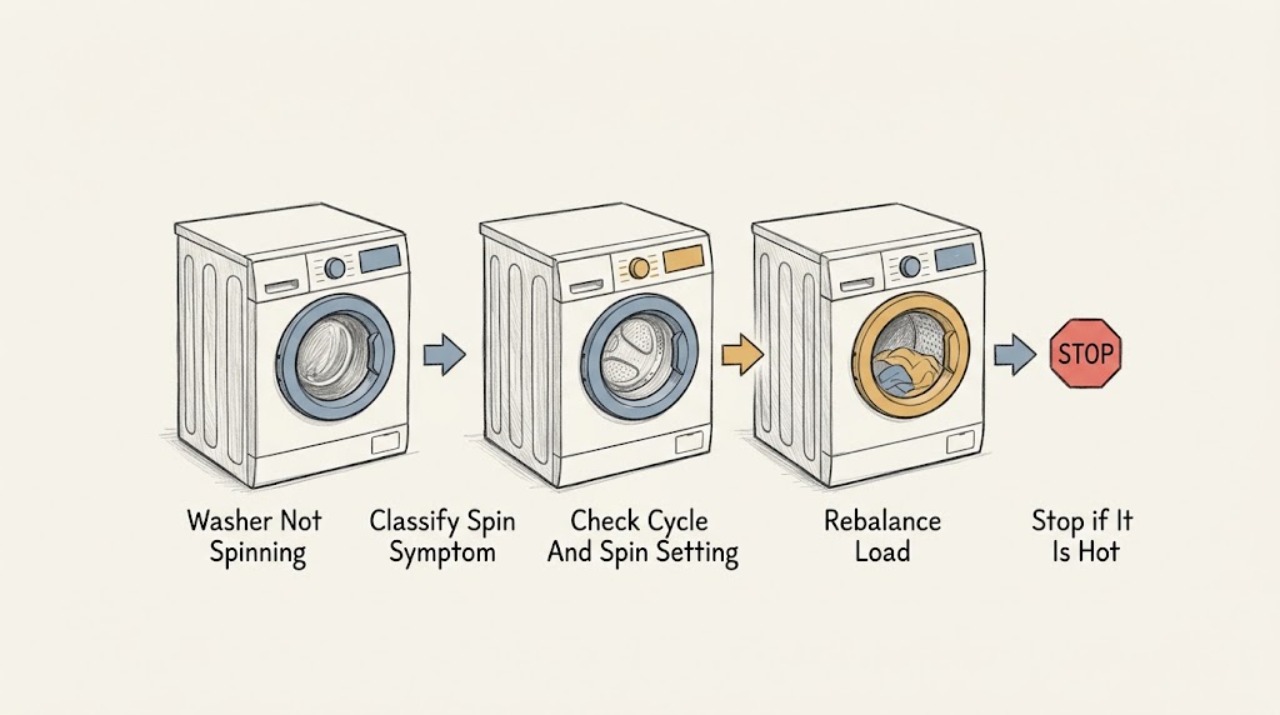
If an LG washer is not spinning, first record whether the tub never moves, starts and stops, spins weakly, or leaves clothes wet, and note any displayed code. Confirm that the selected course actually includes a spin phase, then pause safely and redistribute a tangled, single, large, or bulky load.
-
LG Washing Machine Not Spinning: Check the Load, Drain, and Door Safely
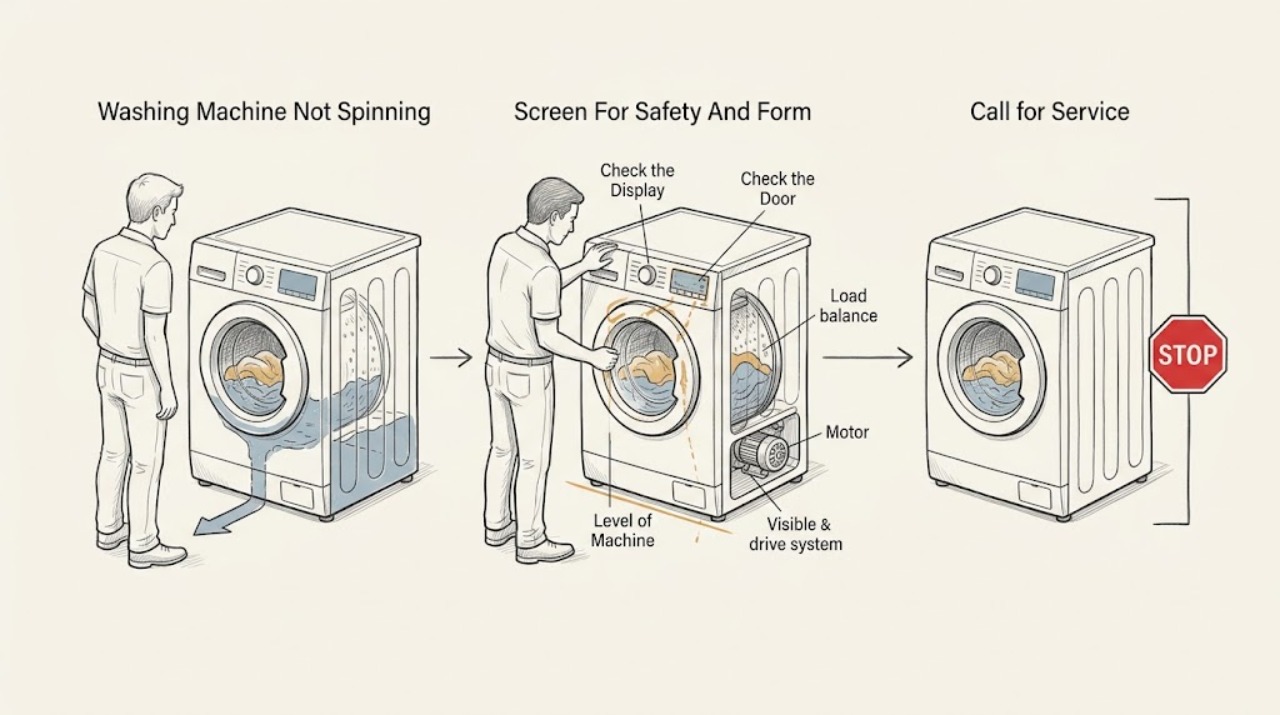
An LG washer may refuse or interrupt spin when the load is bunched, the machine is not level, water has not drained, the door or lid is not confirmed closed, or a model-specific error is active. First stop for leaking water, violent movement, metal-on-metal scraping, smoke, burning smell, sparks, a hot cord, or repeated breaker trips.
-
Maytag Dryer Not Spinning: Check the Drum, Drive and Start Path
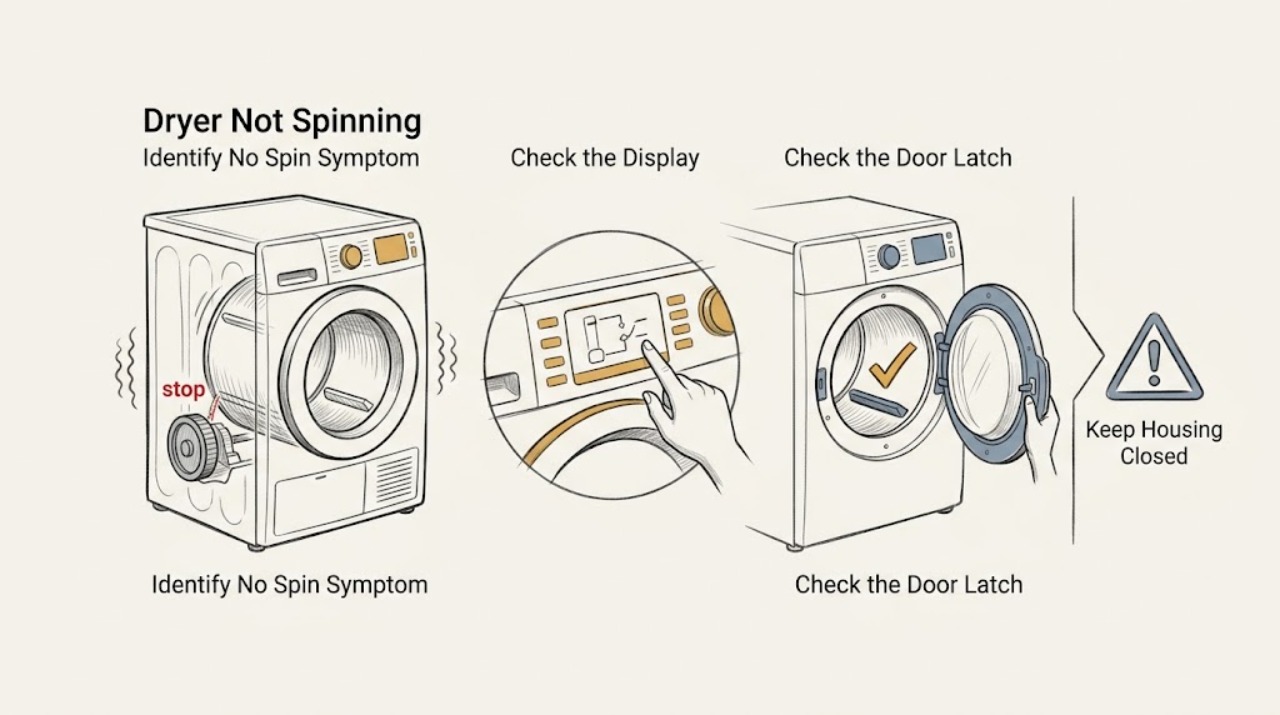
Stop using a Maytag dryer that is not tumbling. With the drum empty, first note whether the controls light, the motor hums, or the drum is difficult to turn by hand.
-
Maytag MEDB835DW4 Dryer Does Not Spin With F4E4: Check Power Before Suspecting the Drive
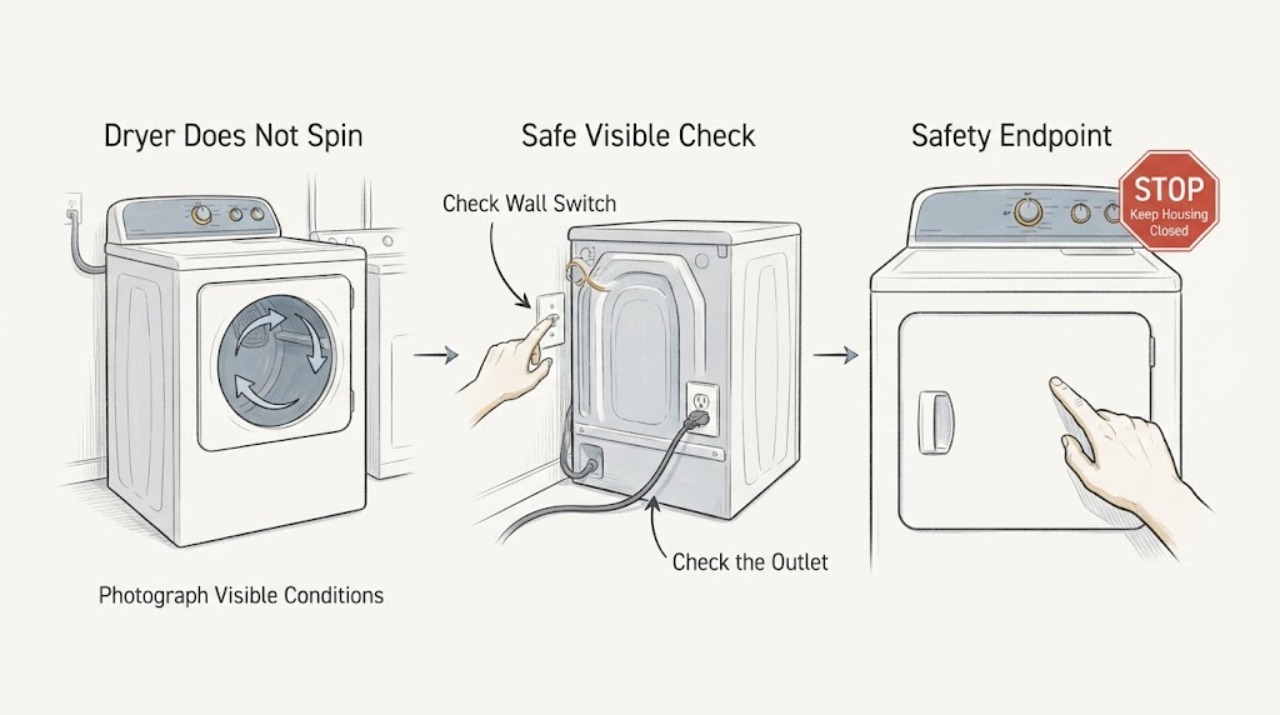
On the Maytag MEDB835DW4, F4E4 is documented as low or no line voltage and can keep the heater from turning on; it is not, by itself, proof that the motor, belt, or drum drive has failed. A dryer that also will not spin needs the two symptoms separated.
-
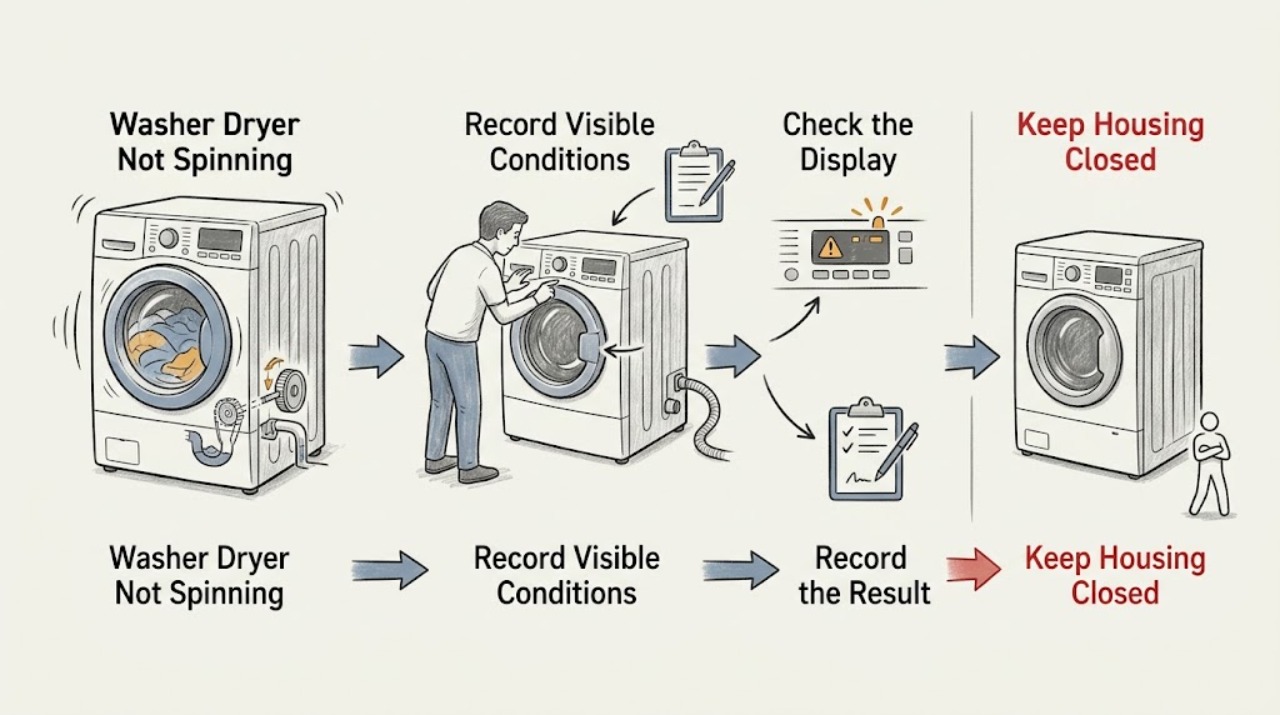
Maytag Washer Dryer Not Spinning: Check Drainage, Load Balance, and Cycle Settings
A Maytag washer dryer that finishes with wet clothes may be set to a low or no-spin cycle, paused while it balances a load, unable to close its lid or door, or unable to drain. First check the selected spin setting, redistribute or reduce the load, confirm the appliance is level and the lid or door closes, and inspect the external drain hose for a kink, clog, or incorrect installation.
-
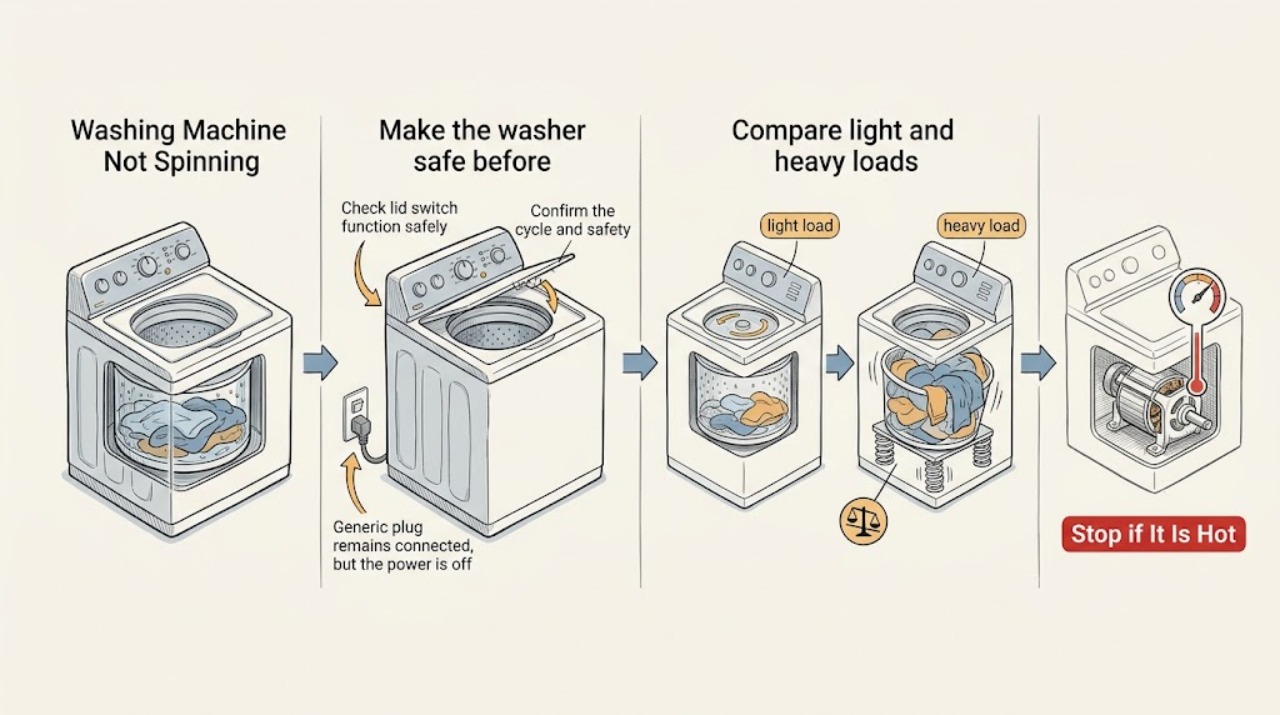
Maytag Washing Machine Not Spinning: Safe Checks Before Service
Start by separating the symptom: if water remains, treat the washer as a drain problem before a spin or drive problem; if the tub drains but the basket never starts, check the selected cycle and the lid or door lock; if an empty or light load works but a normal or heavy load fails, imbalance, leveling, bulky items, or suds become more likely.
-
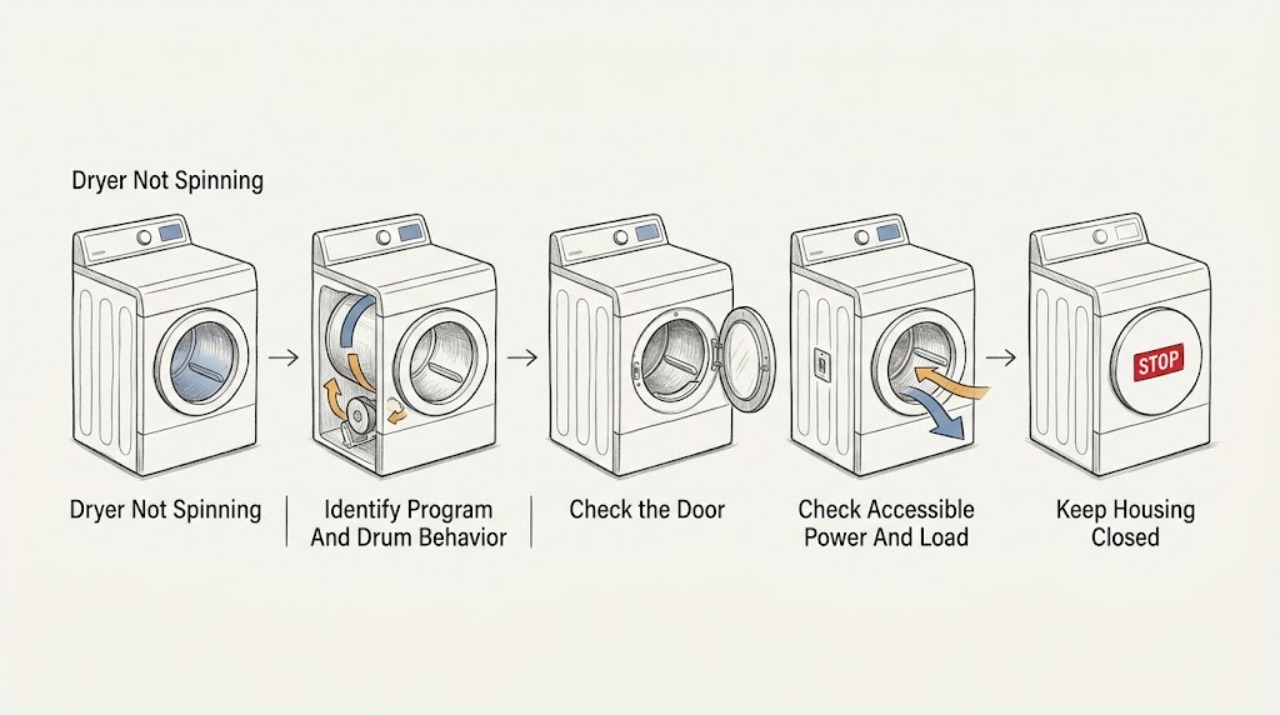
Miele Dryer Not Spinning: Check the Door, Program and Drum Safely
First determine whether the drum never started or stopped after the program began. Miele lists an incompletely closed door and an active delay-start function as reasons a drum can remain inoperative after program start, and it treats the Normal Economy program's lack of direction reversal as normal.
-
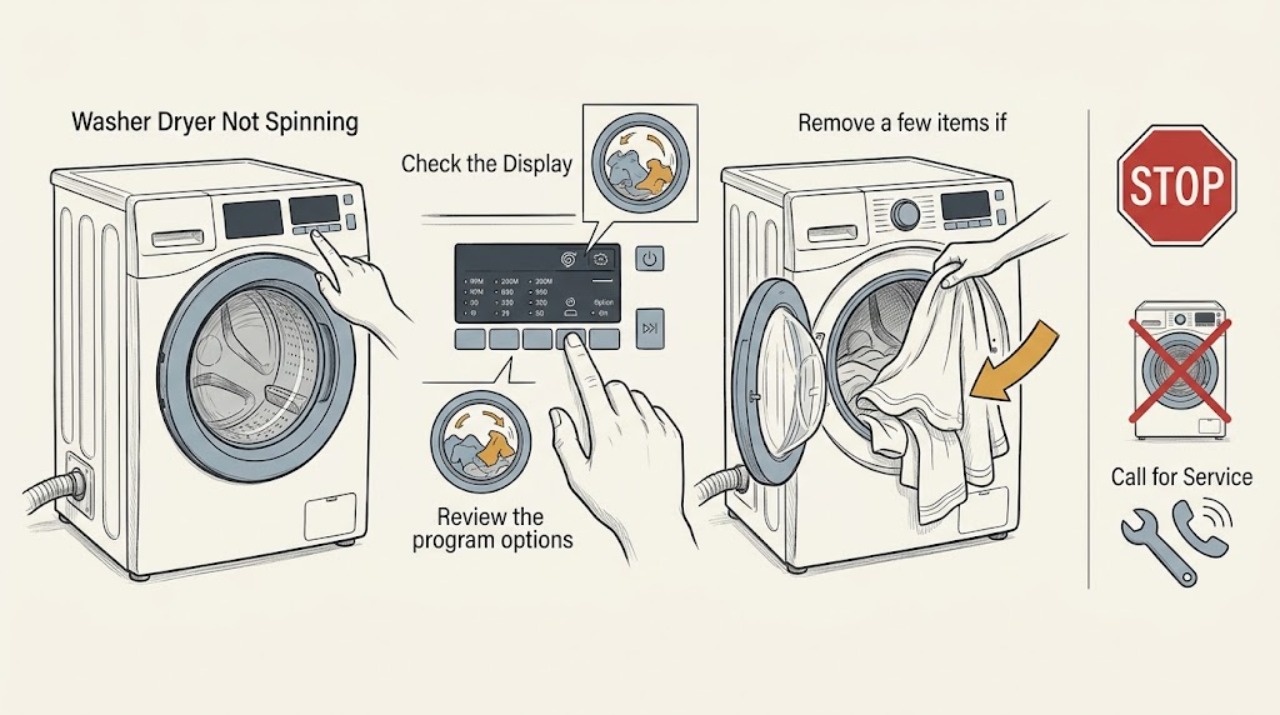
Miele Washer Dryer Not Spinning: Check the Load, Drain, and Setup
If a Miele washer-dryer finishes with wet clothes or will not start its spin, first check whether a no-spin or rinse-hold option was selected and whether water is still in the drum. A single bulky item, an unbalanced load, an unlevel machine, a restricted drain path, or an incomplete first-use setup can all prevent a normal final spin.
-
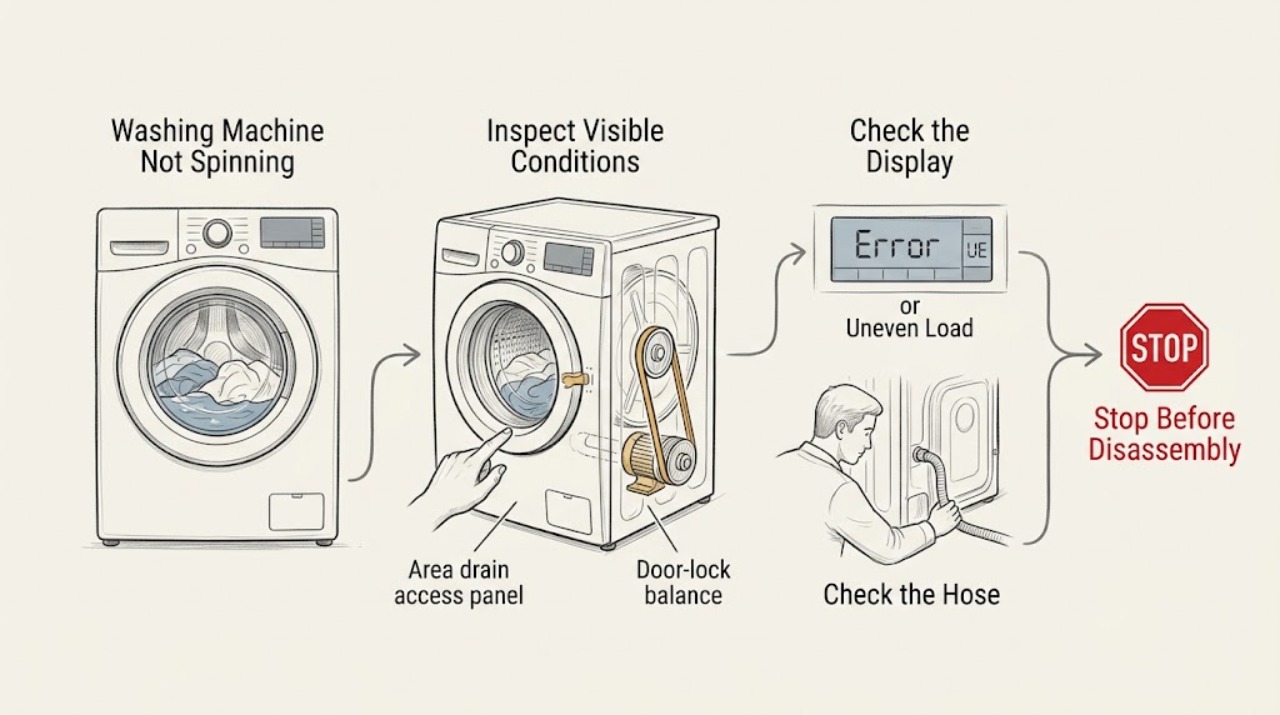
Miele Washing Machine Not Spinning: Check Drainage, Balance, and the Spin Stage
A Miele washer may leave laundry wet because it has not reached the final spin, has reduced speed after detecting an imbalance, has not finished draining, or is being held by a door or program condition. Note whether the drum never turns, turns during washing but not spin, pauses before final spin, or spins slowly, and record the display message and program stage.
-
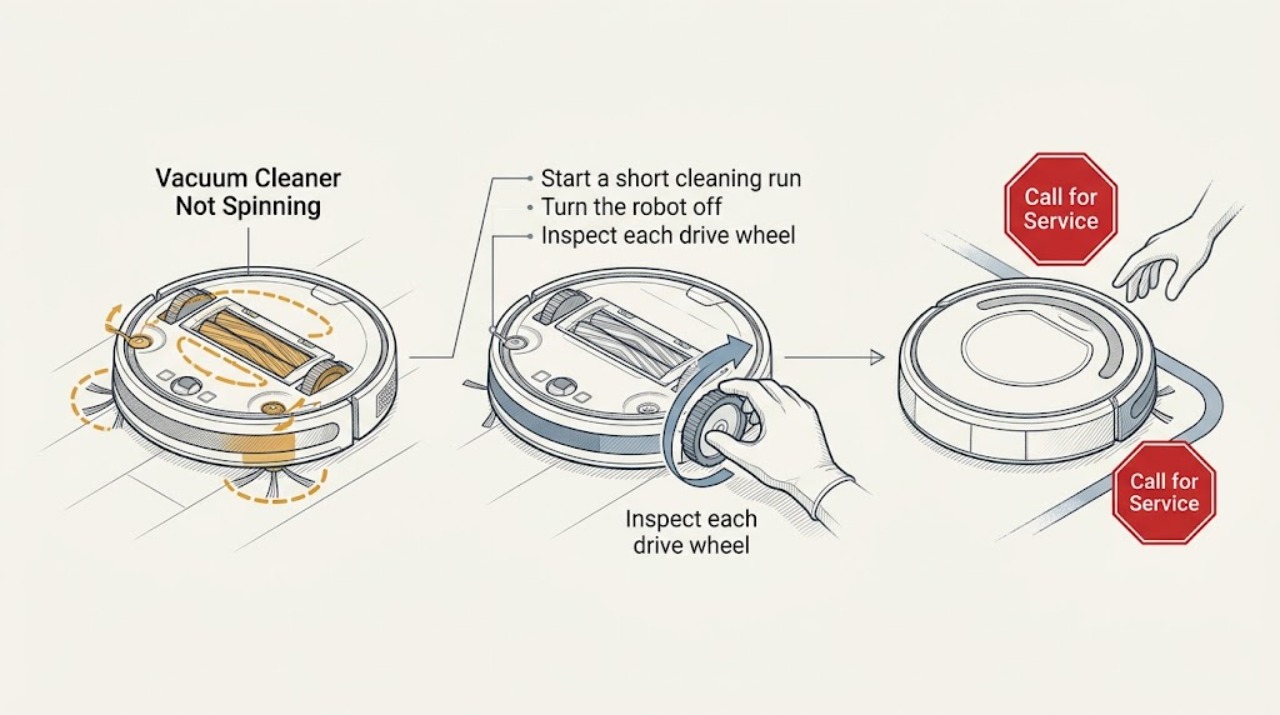
Roomba Vacuum Cleaner Not Spinning: Separate Brush, Wheel, and Drive Problems
First identify what is not spinning: the main brushes, side brush, or the robot's wheels. Remove hair and debris with the robot powered off, then check the app or the robot's spoken error. If a clean brush or wheel still will not move, stop before opening the drive assembly and arrange iRobot service.
-
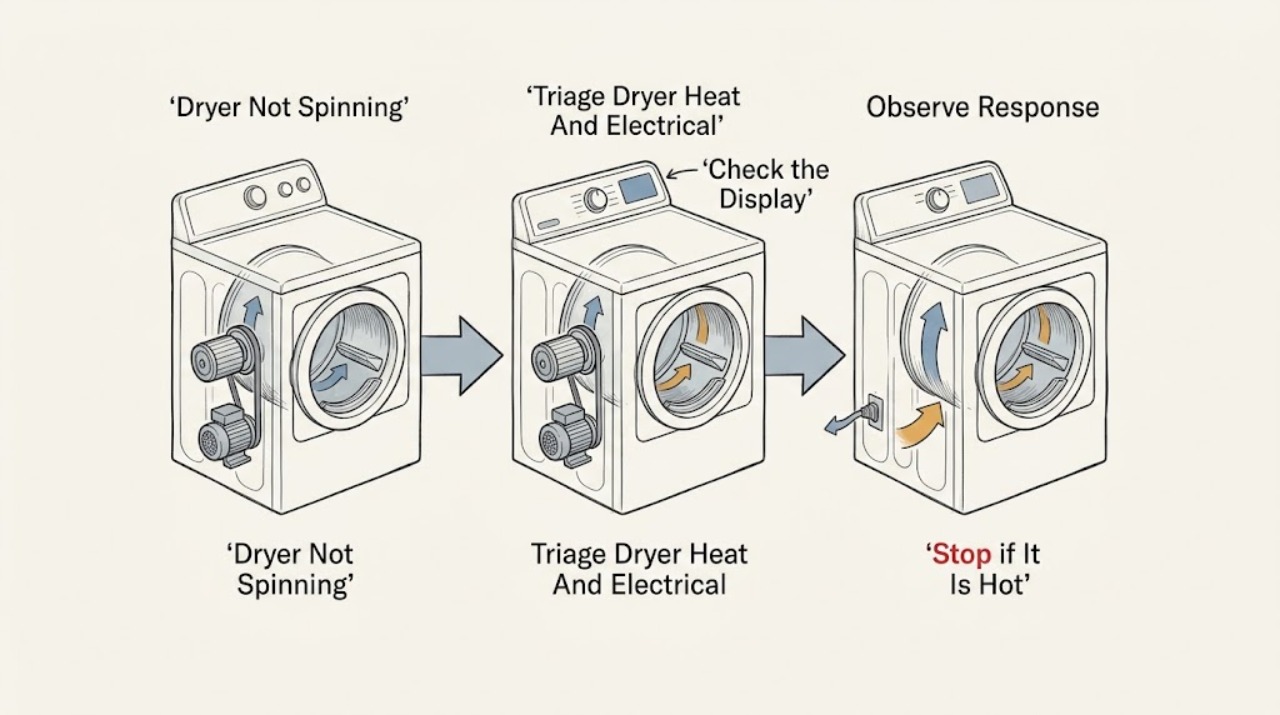
Roper Dryer Not Spinning: Check the Door, Power, Load, and Drum Safely
If a Roper dryer will not spin, stop immediately for smoke, a burning smell, severe heat, sparks, damaged wiring, a loud metal-on-metal sound, or a breaker that trips again. If it is safe, check that the door is latched, the correct dry cycle is selected, the Start control is held as the model requires, and the external power supply is present.
-
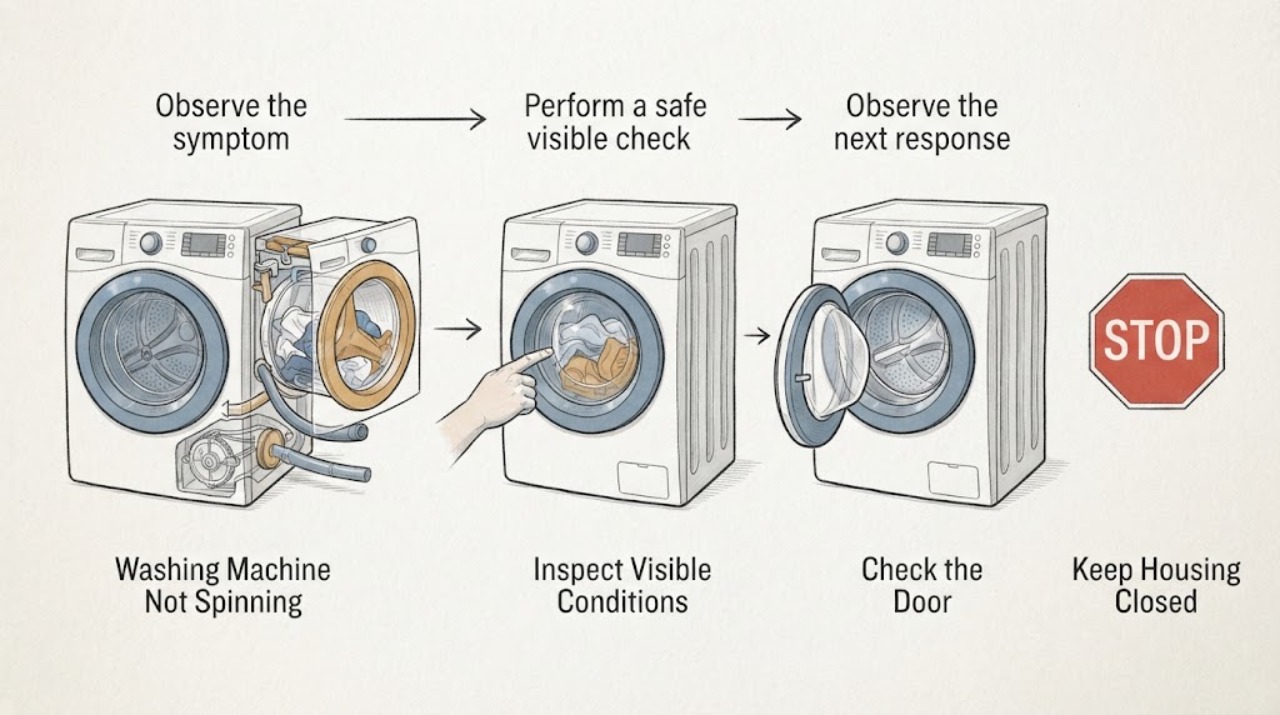
Roper Washing Machine Not Spinning: Check Drainage, Load Balance, and the Lid
A Roper washer that will not spin is often waiting for the tub to drain, protecting itself from an unbalanced load, using a low- or no-spin setting, or waiting for the lid to latch. First note whether the washer is top-load or front-load, whether water remains, and where the cycle stops.
-
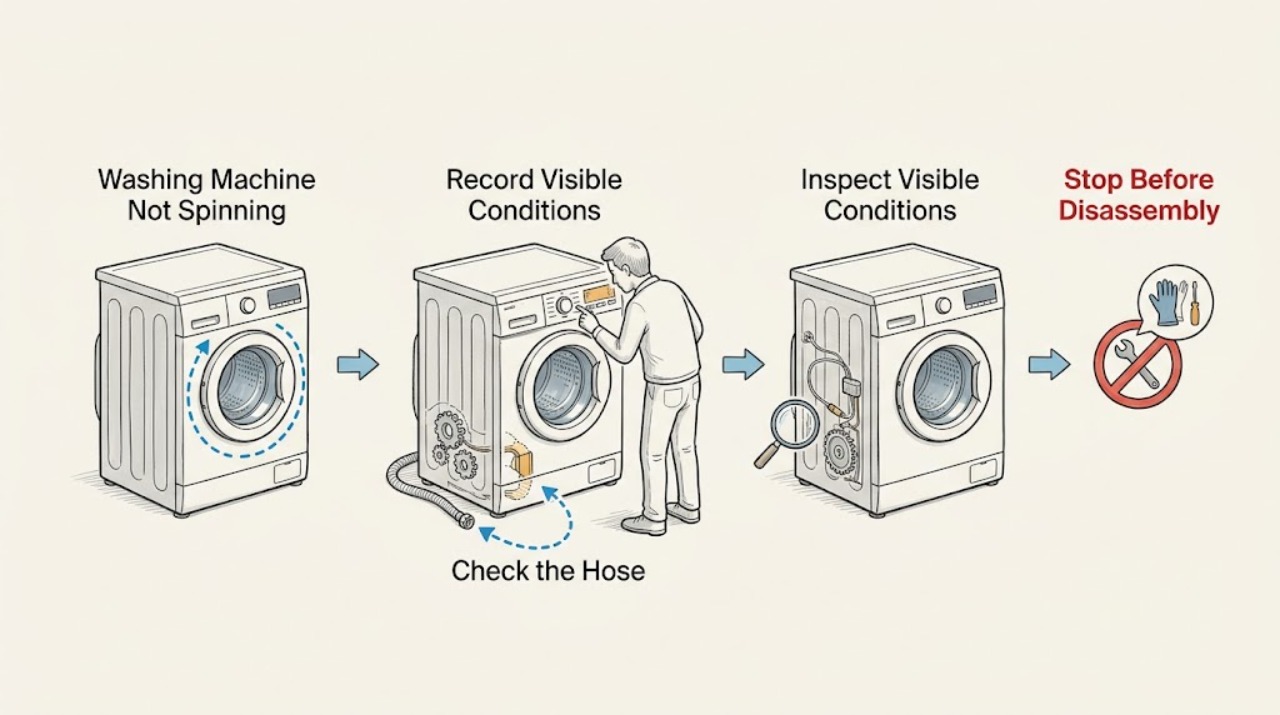
Russell Hobbs Washing Machine Not Spinning: Check Drainage First
If a Russell Hobbs washing machine is not spinning, first note whether the drum contains water, whether the cycle stopped before or during spin, and whether the display shows a code. The washer may hold spin when it cannot drain, when the load is uneven or unsuitable for the selected program, or when the door is not locked.
-
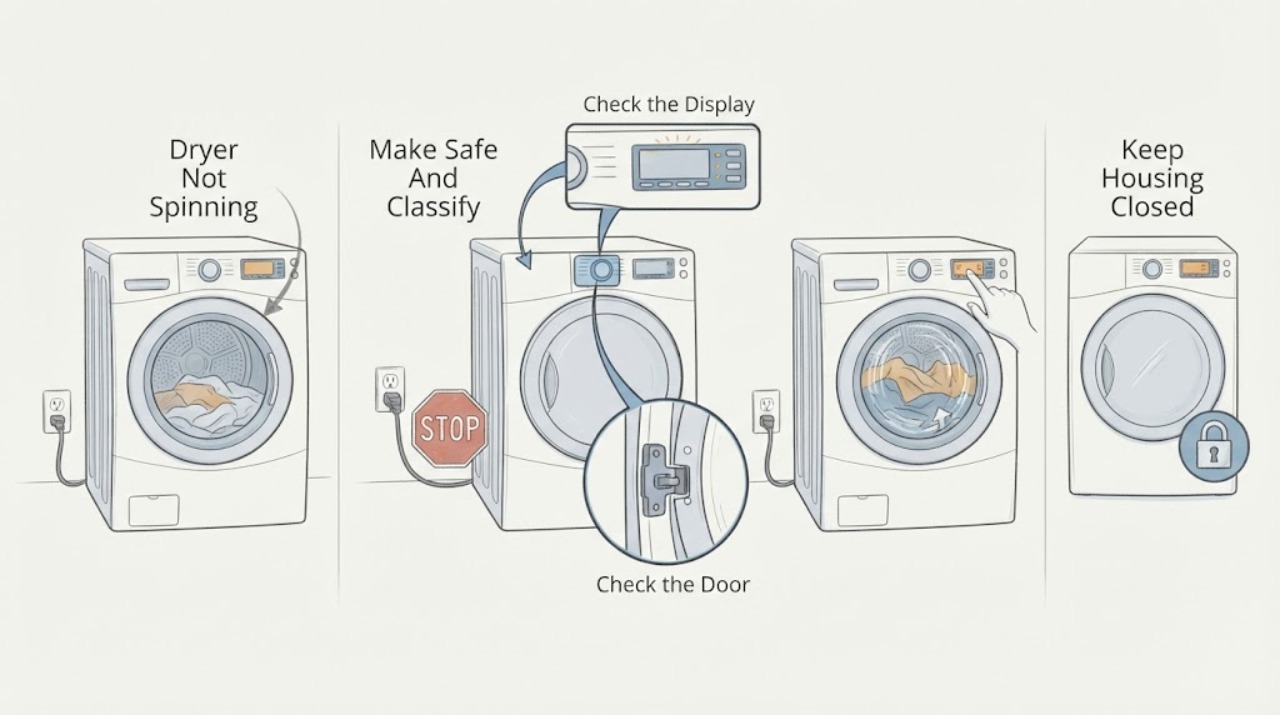
Samsung Dryer Not Spinning: Check the Start Path Before Service
If a Samsung dryer powers on but the drum does not tumble, first check whether an error or Child Lock is blocking Start, close the door fully, and run a short Time Dry test while confirming that the timer counts down. If the timer counts down but the drum remains still, Samsung says service is usually required; do not remove panels or reach into the drive system.
-
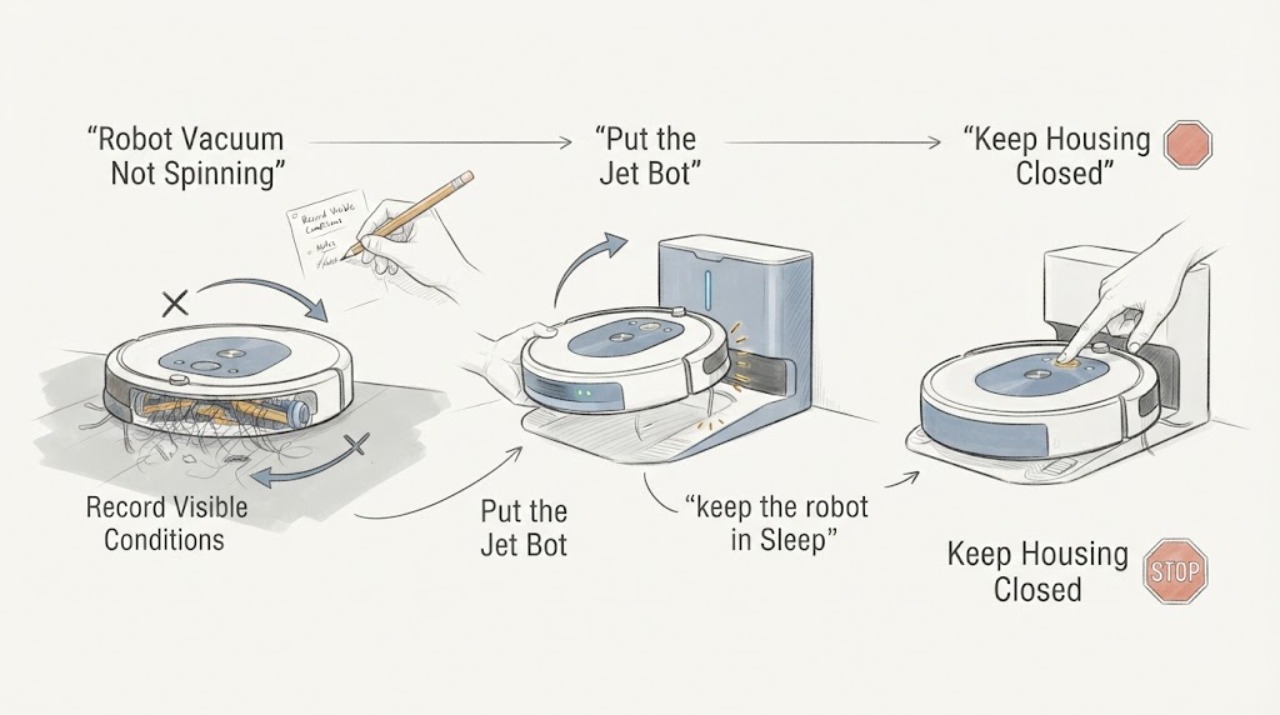
Samsung Robot Vacuum Not Spinning
When a Samsung robot vacuum is not spinning, first identify whether the stopped part is the main brush, the side or spin brush, a drive wheel, or the whole robot. Put the Jet Bot in Sleep mode or turn it off, then remove hair and debris from the affected part and reinstall the cover or brush so it is fully seated.
-
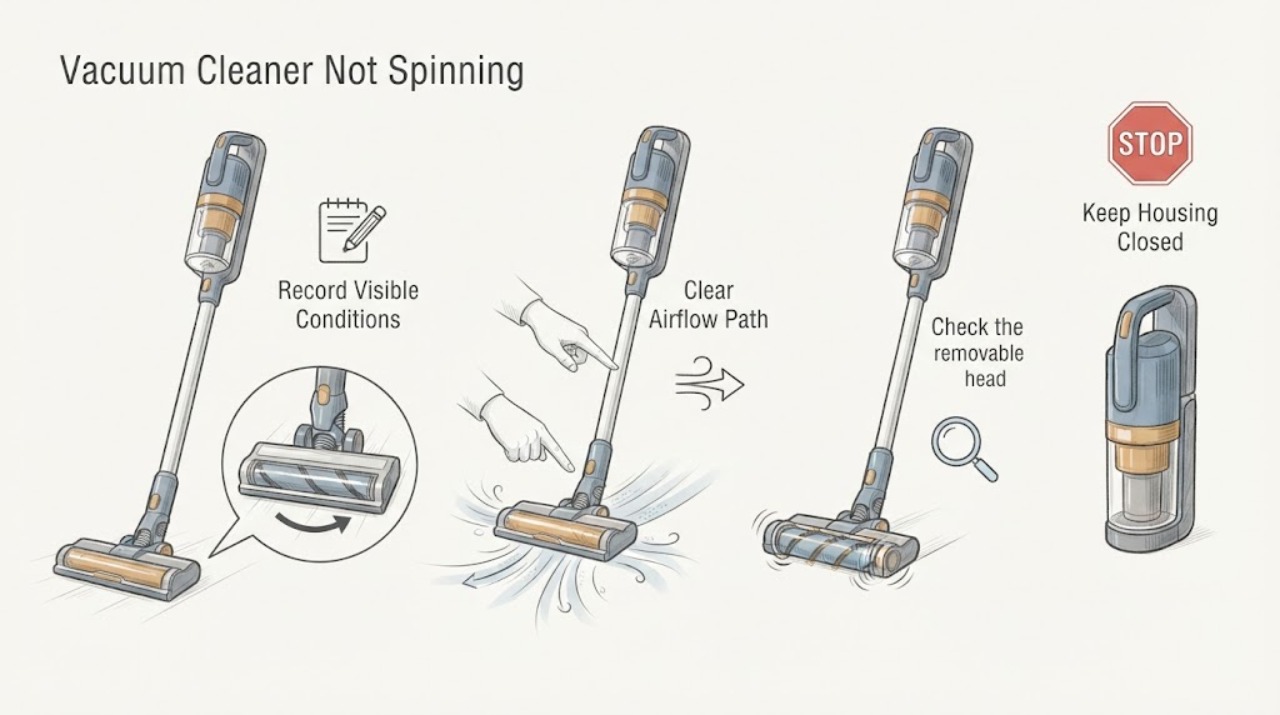
Samsung Vacuum Cleaner Not Spinning: Clear the Brush and Let It Cool
If the spinning brush on a Samsung vacuum cleaner is not turning, switch the vacuum off and disconnect power before checking the brush head. Remove hair, thread, and other foreign matter from the brush roll and confirm the cover, brush, and attachment are fitted and aligned for the exact model.
-
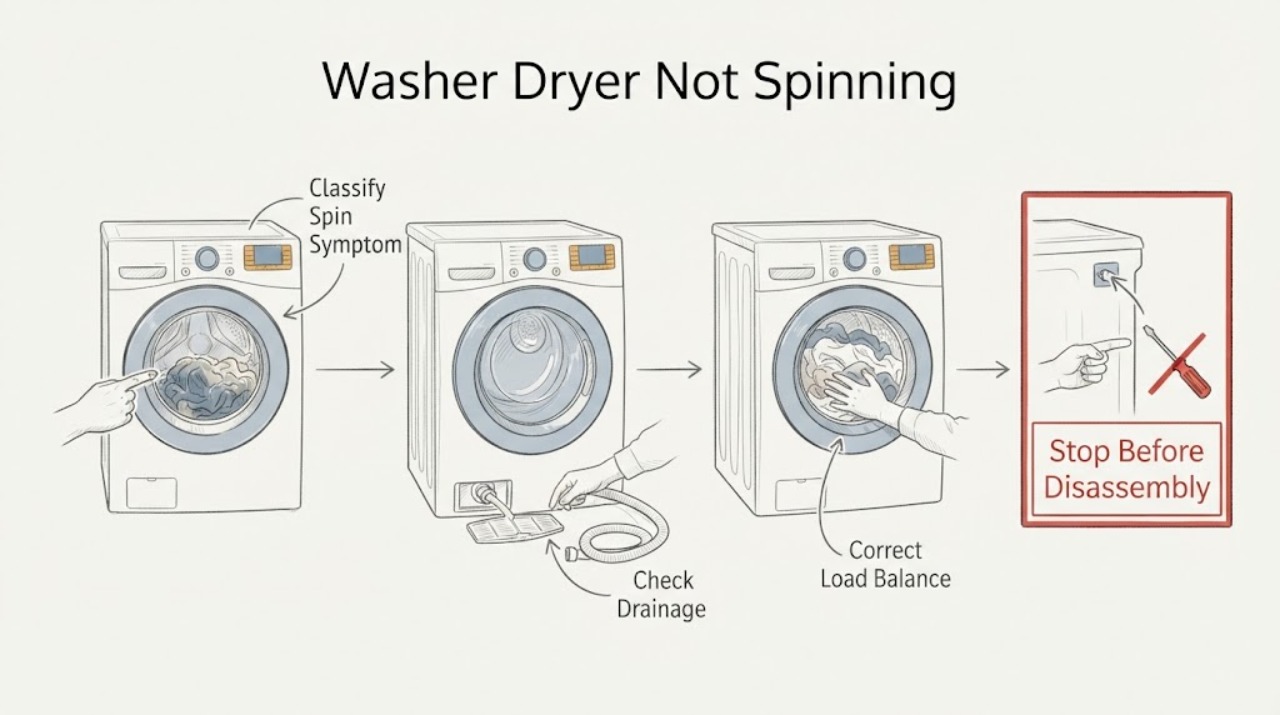
Samsung Washer Dryer Not Spinning
A Samsung washer-dryer may refuse to spin because it cannot drain, the load is unbalanced, the unit is not level, shipping bolts remain after installation, or a door or motor condition needs service. First determine whether the wash tub never starts, stops mid-cycle, or spins slowly.
-
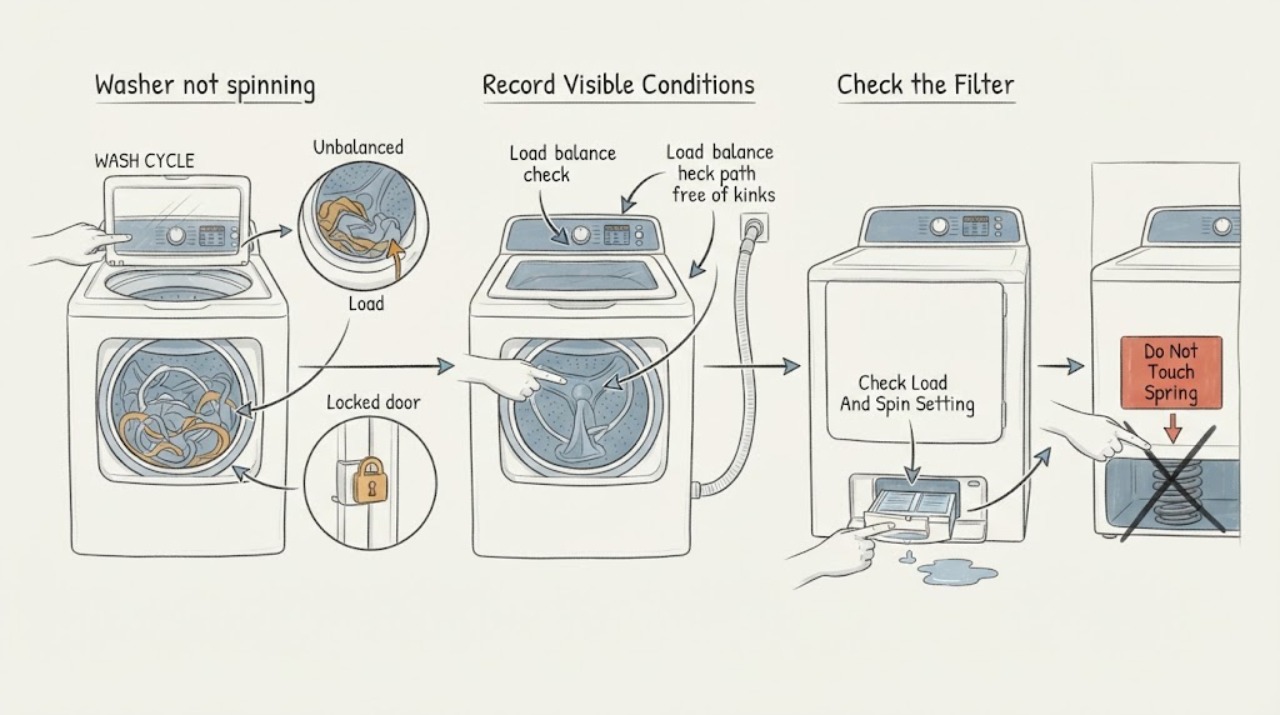
Samsung washer not spinning: What to Check and What to Do Next
First distinguish a washer that never starts spinning from one that spins slowly or stops during the cycle. Record the exact Samsung model, front-load or top-load type, code or blinking lights, water level, and whether the clothes are wet.
-
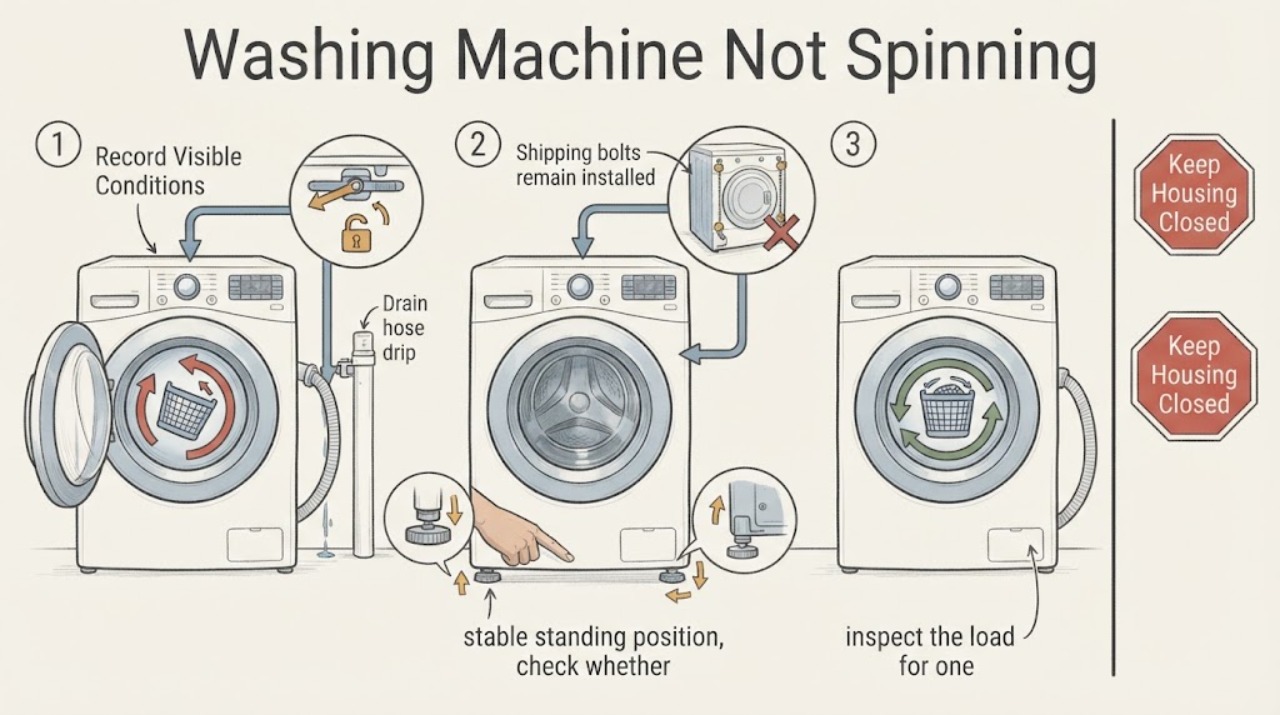
Samsung Washing Machine Not Spinning: Check Drain, Balance and Lock Conditions
A Samsung washer can refuse to spin because it has not drained, the door or lid is not locked, the load is unbalanced, the machine is not level, or a model-specific fault is present. First note whether there is standing water and whether the drum ever begins to turn.
-
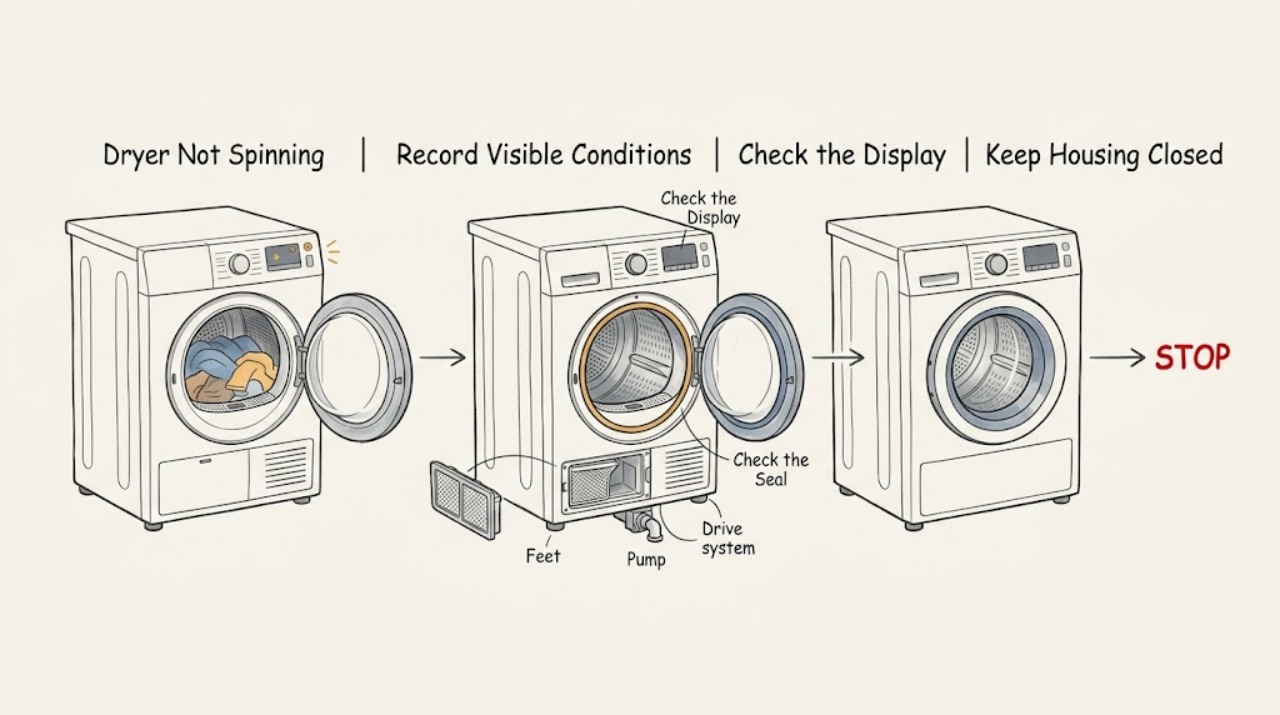
Sharp Dryer Not Spinning: Check the Door, Load, Level and Drive Safely
First confirm the exact Sharp model and whether it is a standalone tumble dryer or a washer-dryer, then note whether the drum never moves, stops during a programme, or turns only in an anti-crease or cooling phase. Do not reach into a moving drum.
-
Siemens Dryer Not Spinning: Safe Checks Before Service
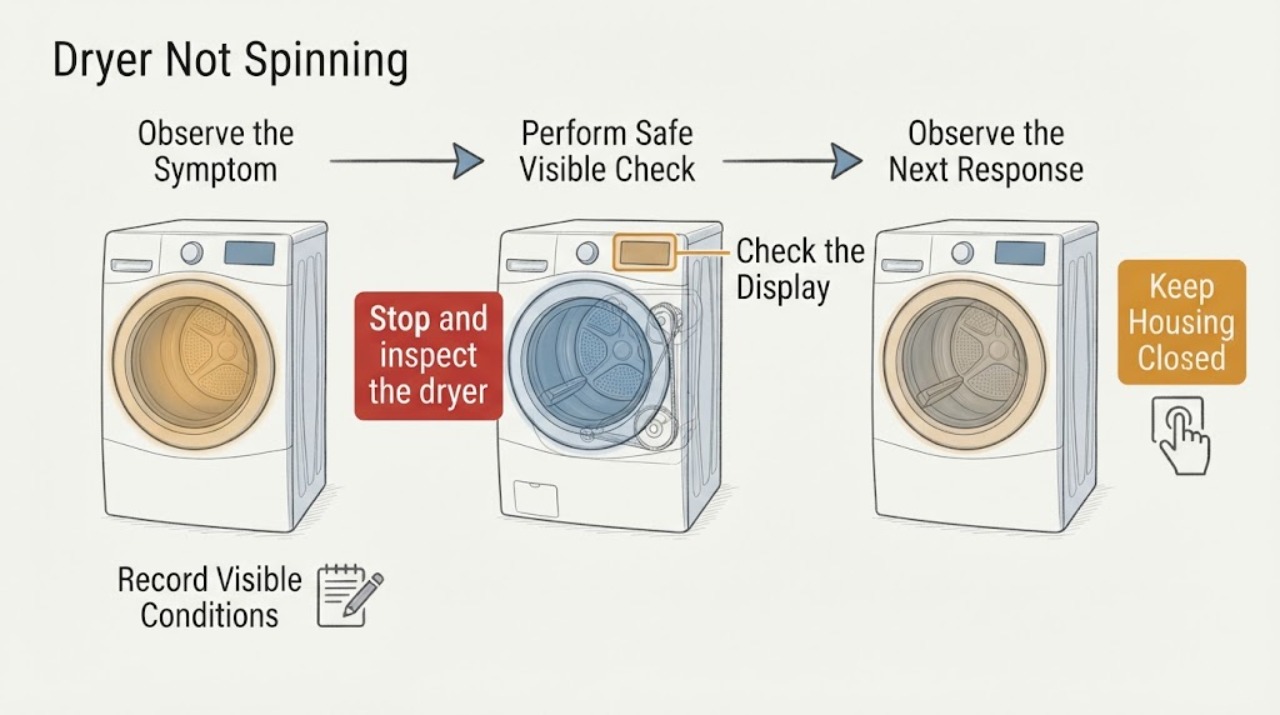
If a Siemens dryer will not spin, first stop for smoke, a burning smell, unusual heat, arcing, a wet electrical area, a damaged cord, or a repeated breaker trip. Otherwise identify the exact model and whether it is vented, condenser, or heat-pump, then check that a programme is selected, the door is fully closed, and Start has been pressed.
-
Siemens Washing Machine Not Spinning: Drain, Load, and Lock Checks
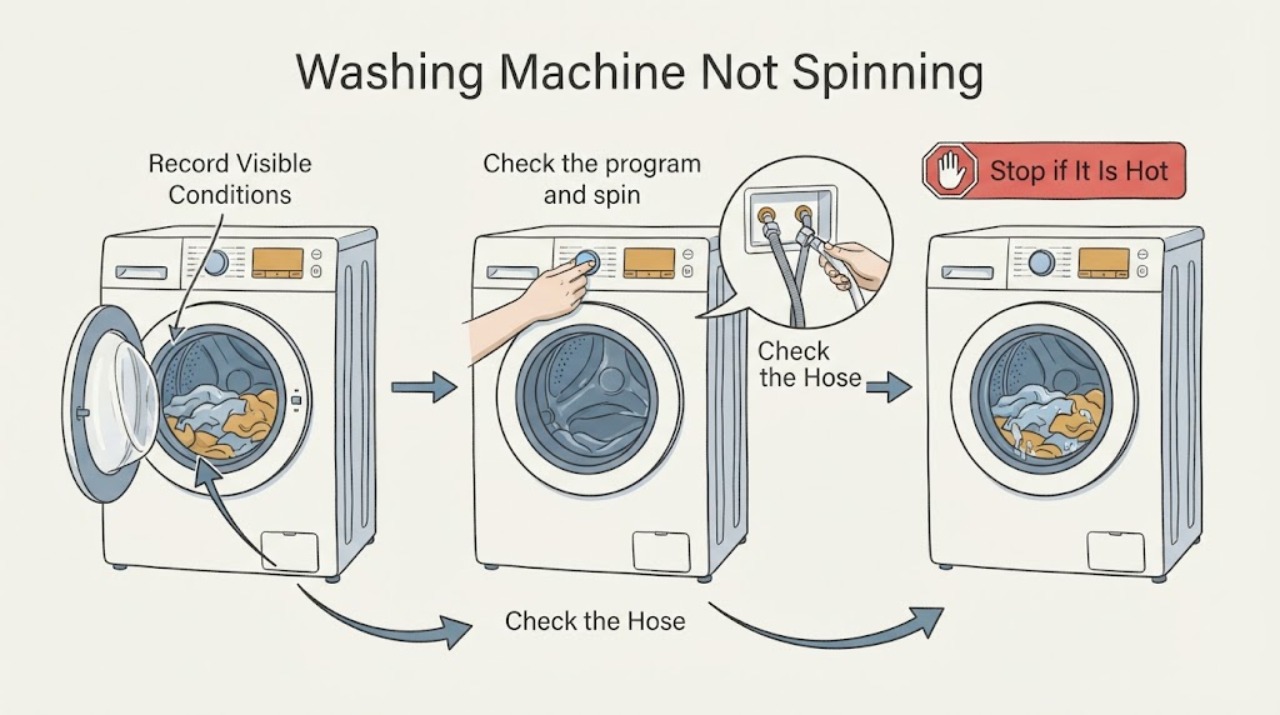
A Siemens washer often refuses or reduces spin when it still has water, detects an unbalanced or overloaded load, has a blocked hose or filter, is in a no-spin or rinse-hold setting, or cannot confirm the door is safe. First note whether the machine drains, whether the drum attempts to turn, the selected spin speed, and any symbol or complete error code.
-
Smeg Washing Machine Not Spinning: Drain, Door, and Balance Checks
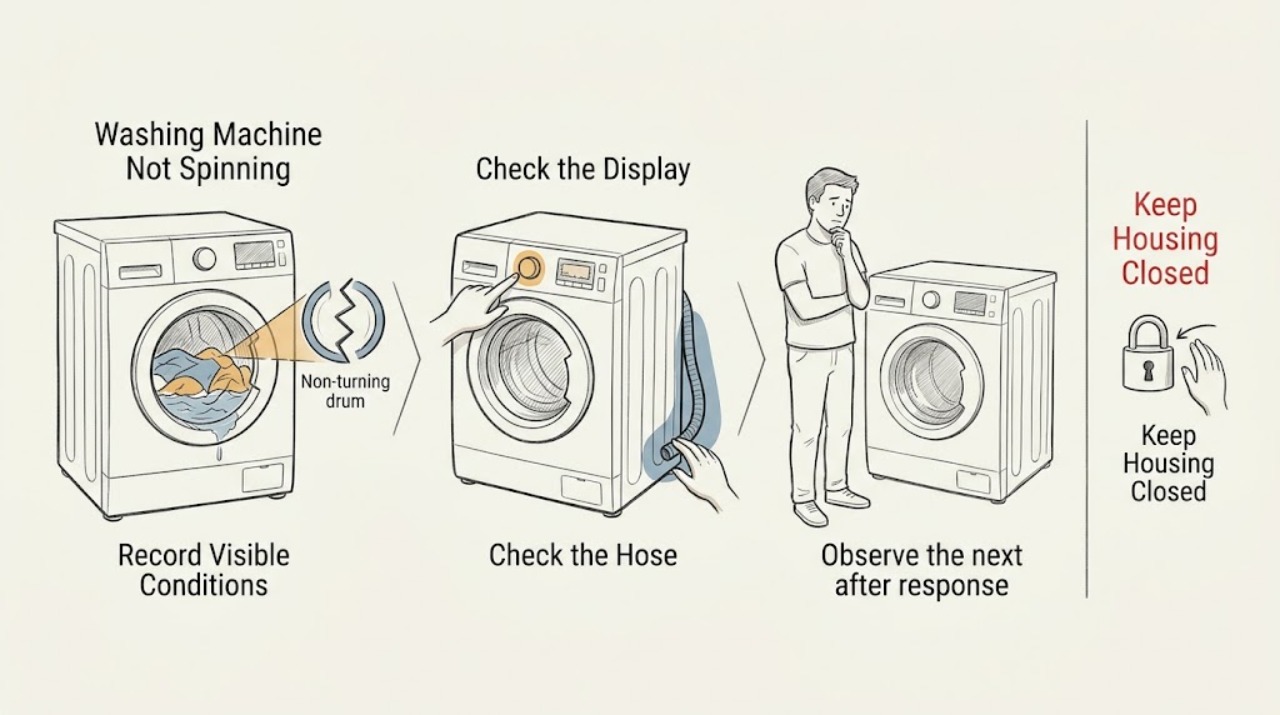
A Smeg washing machine may refuse to spin because water has not drained, a door or lid interlock is active, the selected program has no spin or a hold option, the load is unbalanced or overloaded, or excess suds have affected the cycle. First identify the loader type, program stage, water level, spin setting, and complete error code.
-
Speed Queen Dryer Not Spinning: Check Start, Door, Load, and Drive Safely
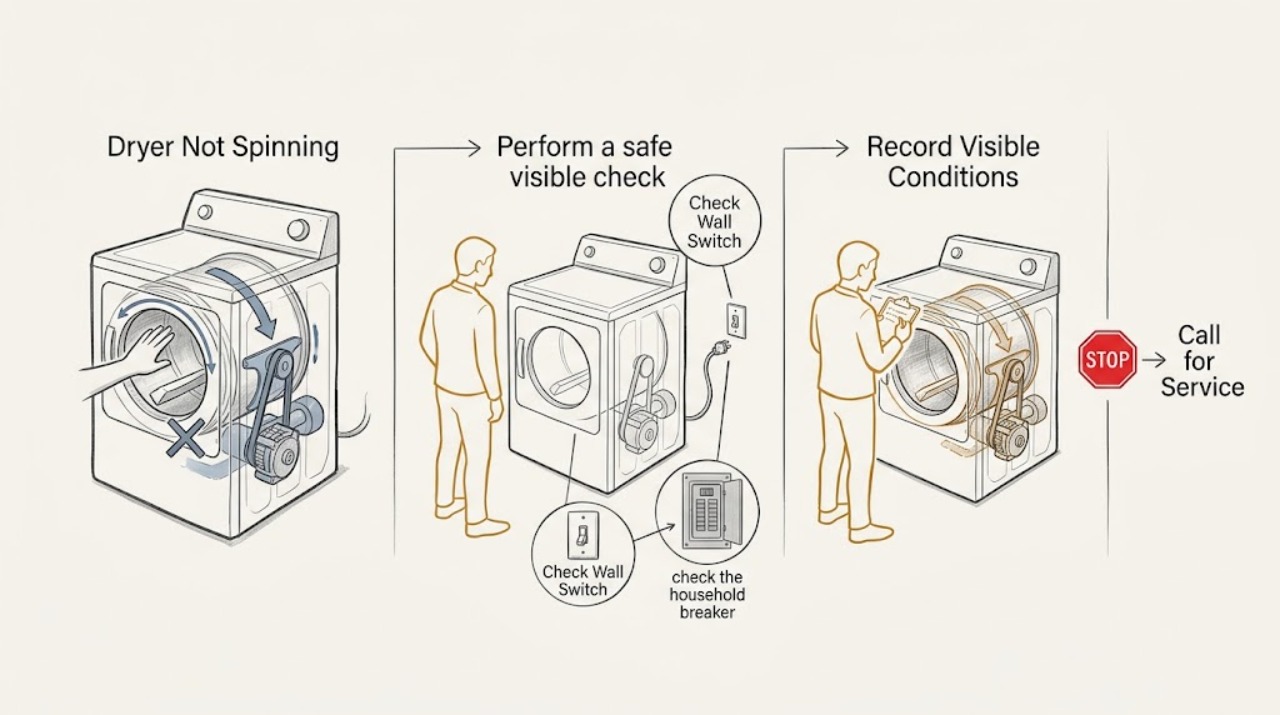
Stop the dryer and do not reach into a moving drum. Confirm the complete Speed Queen model from its nameplate, then check that the door is fully closed, the selected cycle and Start control are correct, and the household supply or breaker is on.
-
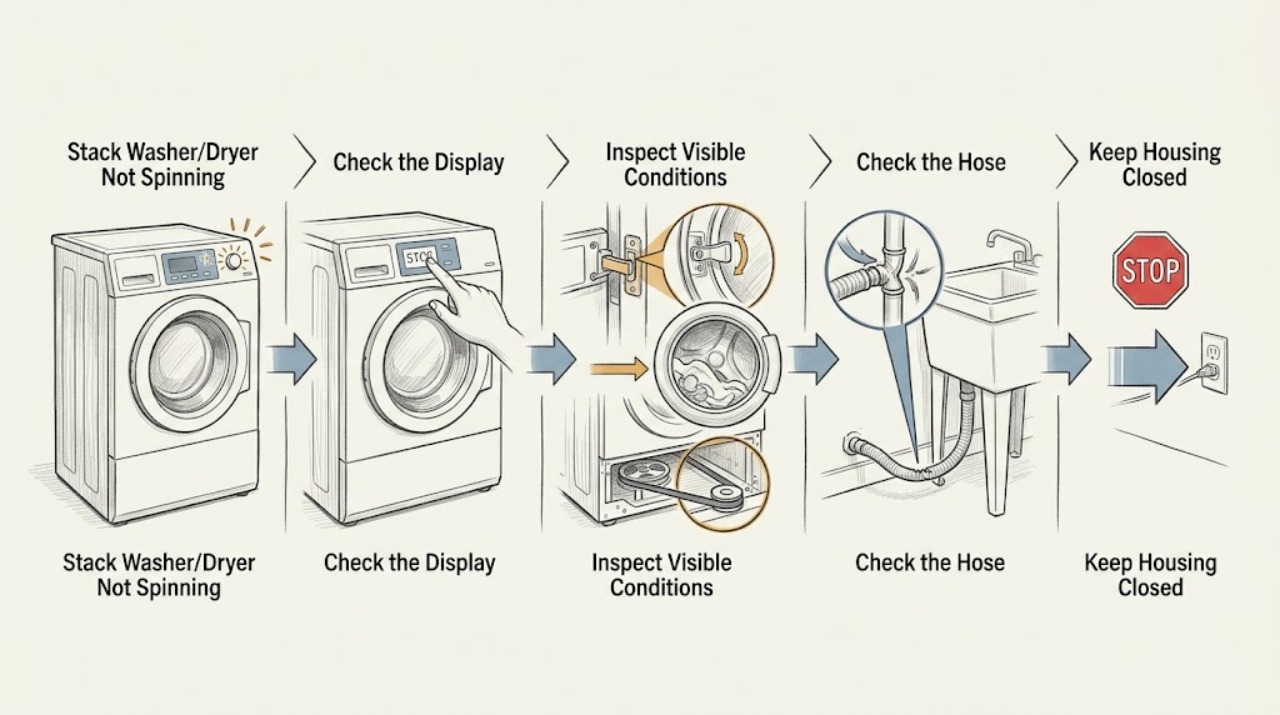
Speed Queen Stack Washer/Dryer Not Spinning: Diagnose the Washer Safely
Start with the washer section of the Speed Queen stack unit: make sure the selected cycle includes spin, the loading door is fully closed, the controls and power are normal, and the washer has drained. If the load is dripping wet, redistribute it and run the model's Spin cycle; Speed Queen documentation says an unbalanced load can limit spin speed.
-
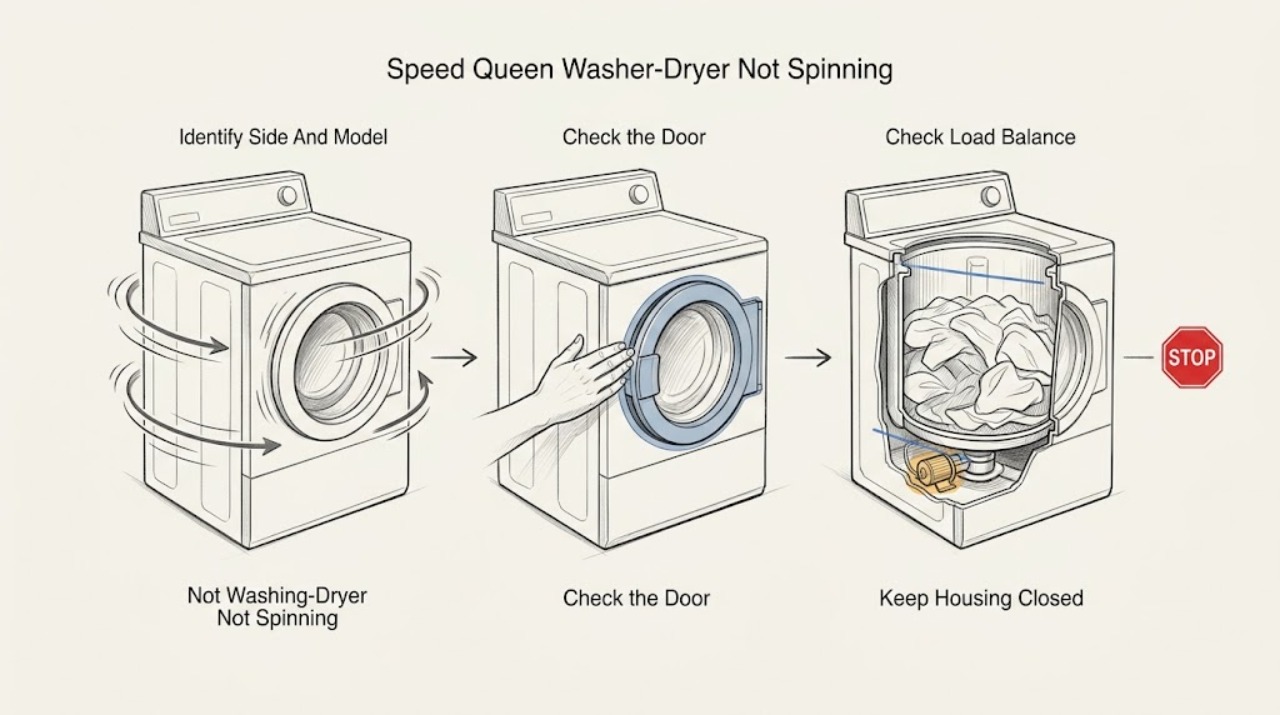
Speed Queen Washer-Dryer Not Spinning: Check Door, Load, and Drainage
For a Speed Queen washer-dryer, first confirm that the washer side—not the separate dryer drum—is the part that will not spin. A closed and latched loading door or lid, a selected spin-capable cycle, an unbalanced load, or water that has not drained can all prevent or limit spin.
-
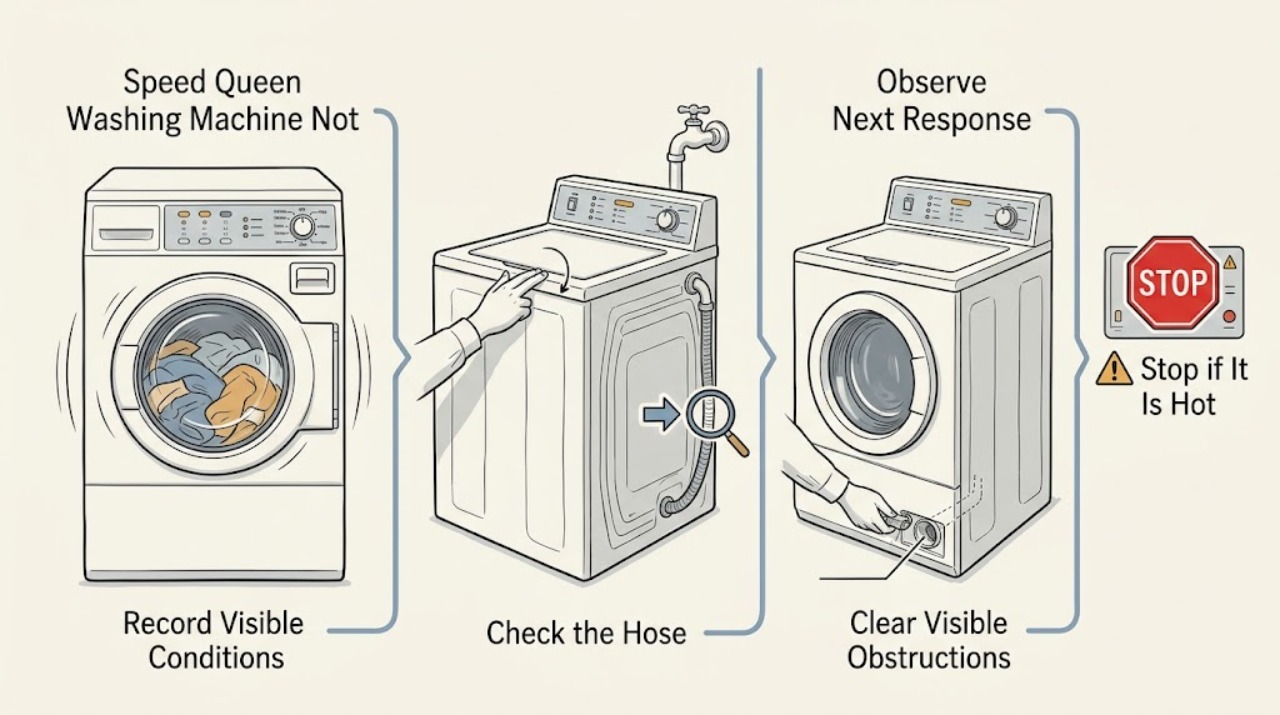
Speed Queen Washing Machine Not Spinning: Check Drain, Lock, Load, and Drive Clues
A Speed Queen washer may refuse to spin because it still detects water, cannot confirm that the door or lid is locked, has an unbalanced or oversudsed load, is paused by the selected cycle, or has a drive or control fault. First record the exact model, display message, cycle stage, and whether the tub is empty.
-
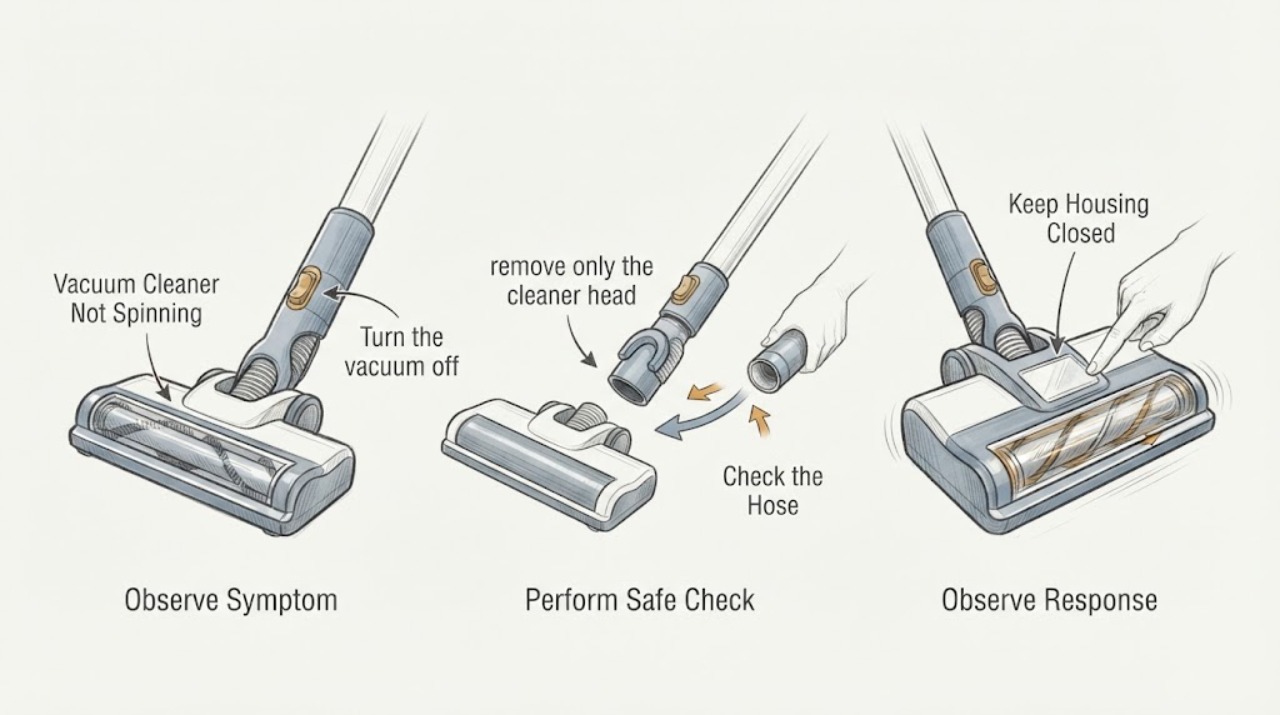
Vacuum Cleaner Not Spinning
If a vacuum cleaner’s brush or floor head is not spinning, first distinguish an upright-position control state from a jam. Turn it off and unplug it before removing hair or debris, then check the cleaner-head connection, brush control, and suction path. If the brush remains stopped, the belt/head is damaged, or the machine cuts out, keep it off and arrange model-specific service.
-
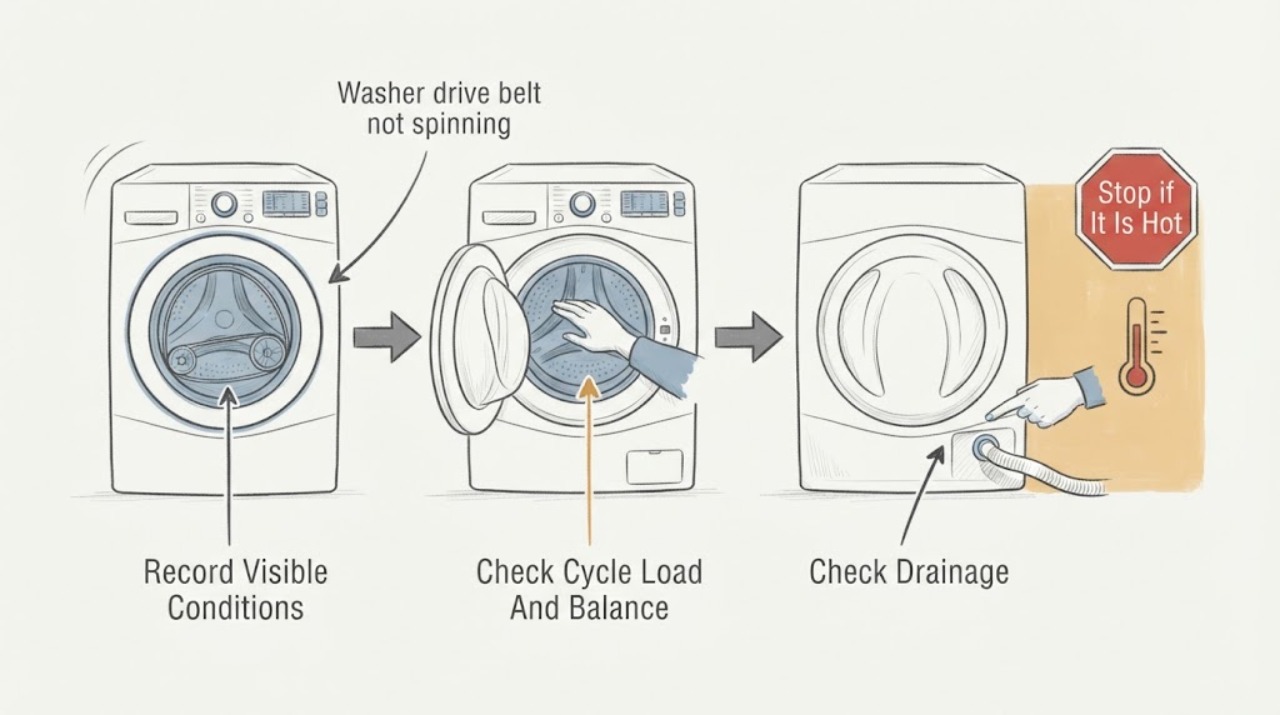
Washer drive belt not spinning: What to Check and What to Do Next
A washer that will not spin may have a worn, broken, loose, or displaced drive belt, but a belt is only one possible cause. First check the selected cycle, door or lid closure, standing water, load balance, and any displayed error without opening the cabinet.
-
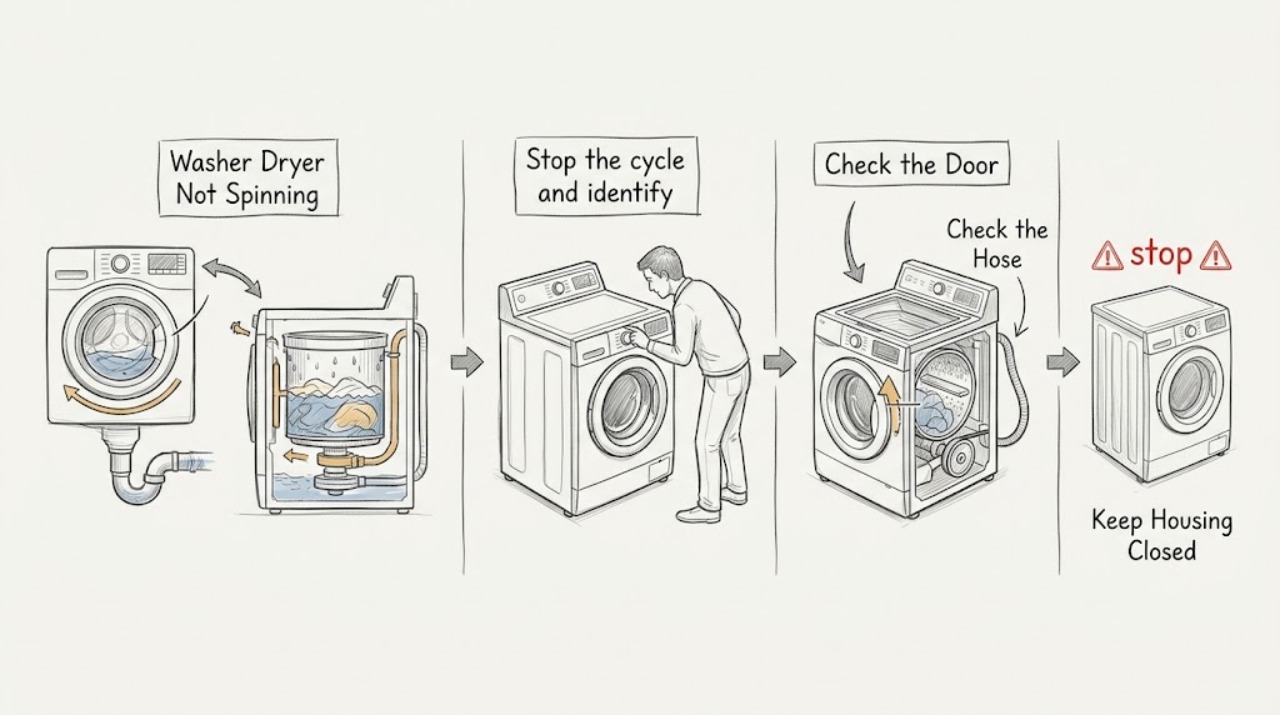
Washer Dryer Not Spinning: Check Drainage, Balance, Settings, and Safety
A washer-dryer that will not spin may be waiting for water to drain, protecting itself from an unbalanced load, using a low- or no-spin setting, blocked by a door or lid lock, slowed by excessive suds, or affected by a power interruption. Stop first for a leak, violent movement, metal-on-metal scraping, burning or electrical smell, sparks, overheating, or a breaker that trips again.
-
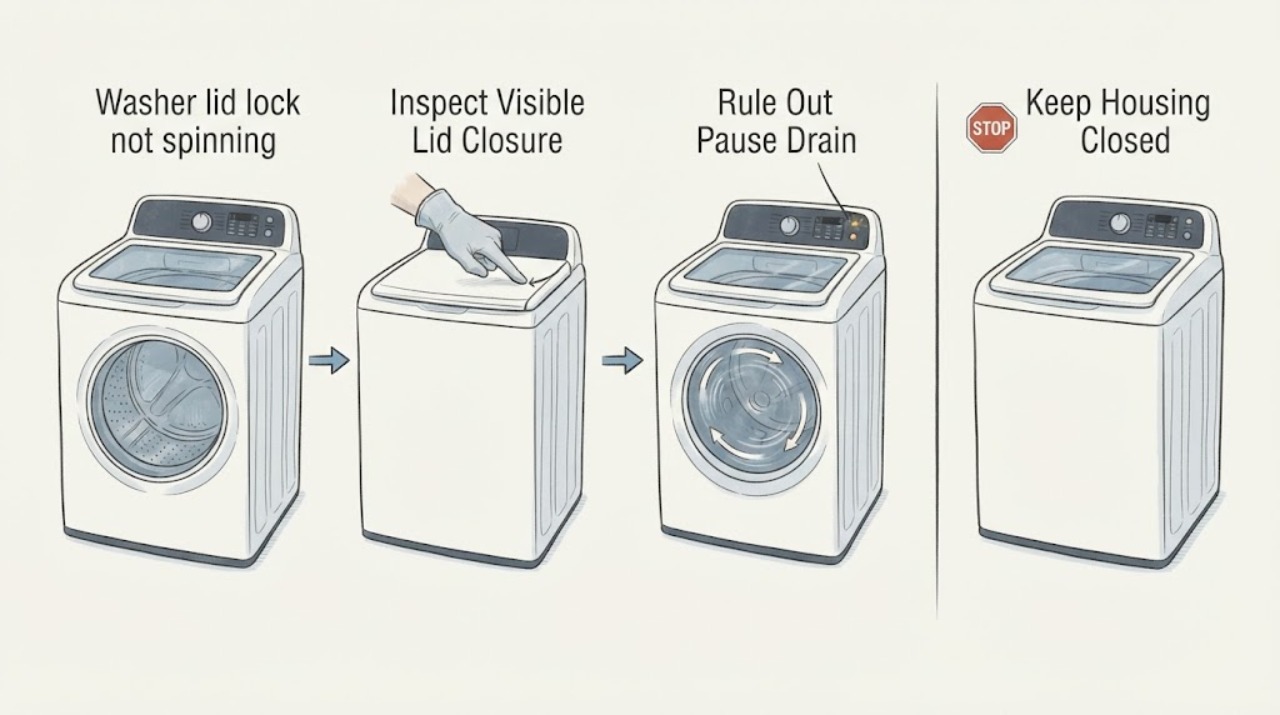
Washer lid lock not spinning: What to Check and What to Do Next
A top-load washer may refuse to spin because the lid is not closed or the lid-lock system has not confirmed closure, but a lid-lock symptom does not prove the lock itself is bad. First note whether the washer fills and drains, whether it pauses normally between agitation and spin, and whether a lid-lock light or error appears.
-
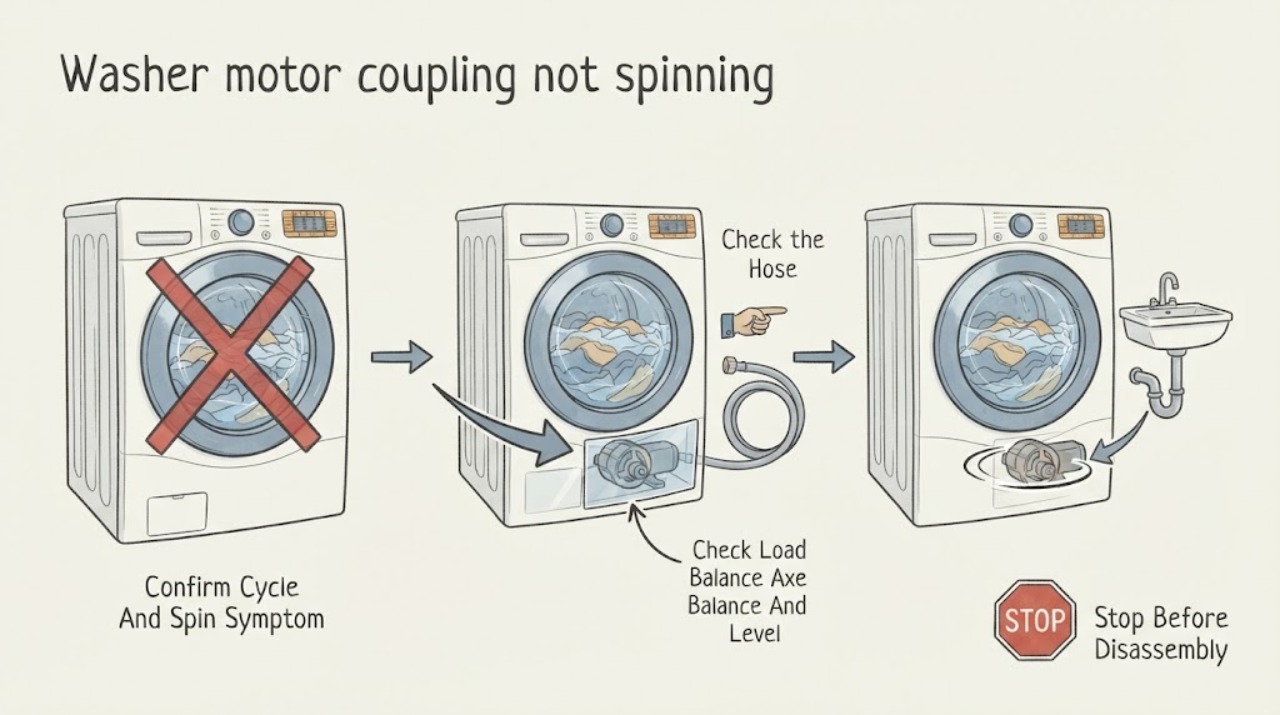
Washer motor coupling not spinning: What to Check and What to Do Next
A washer that fills and drains but leaves the agitator or basket still can have a drive-system problem, including a failed motor coupling on models that use one, but a load, spin setting, lid or door interlock, drain problem, or another drive fault can look similar. First confirm that a real spin cycle is selected, the lid or door is closed, the load is not tightly packed or badly unbalanced, and water is draining.
-
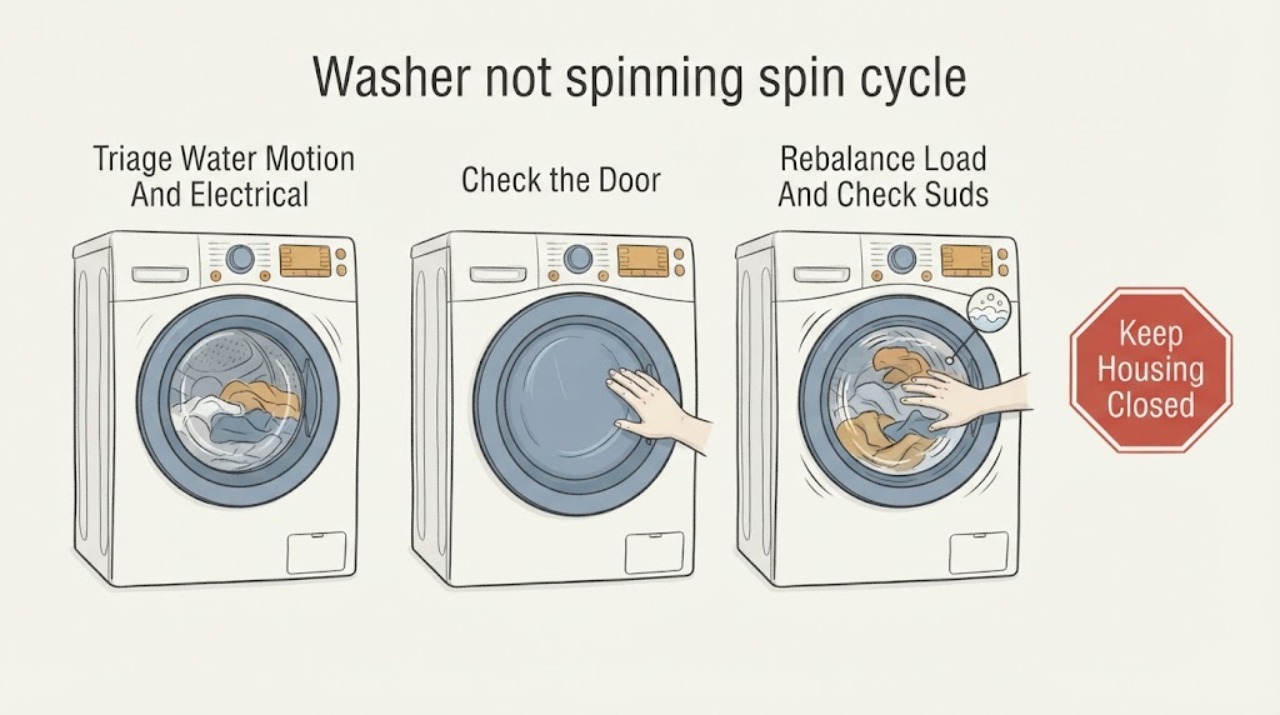
Washer not spinning spin cycle is silent or slow: What to Check and What to Do Next
A washer may spin slowly by design on Delicate, Hand Wash, Low Spin, or No Spin settings, and it may pause while pumping out water or rebalancing a load. If the spin cycle is silent or slow, first check the selected spin setting, door or lid closure, load balance, excessive suds, standing water, drain hose, level, and any displayed error.
-
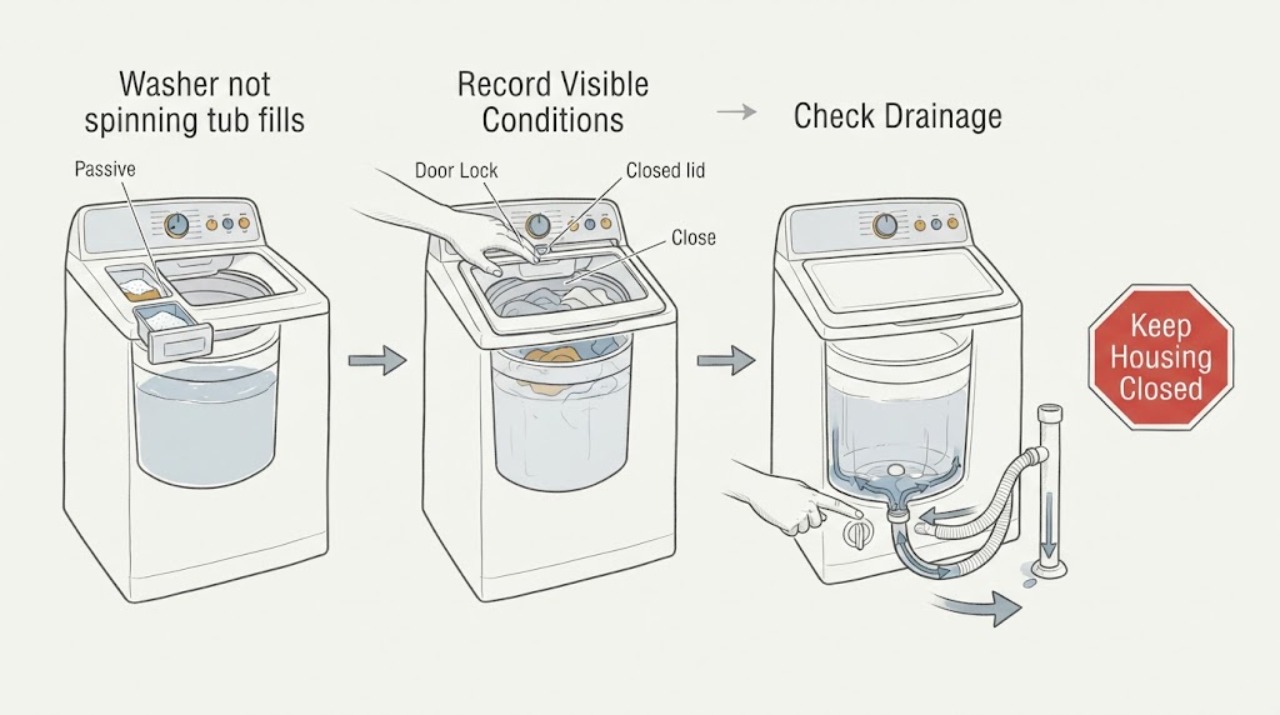
Washer not spinning tub fills and drains: What to Check and What to Do Next
When a washer fills and drains but the tub does not spin, first confirm that the selected cycle is supposed to include a spin and that the lid or door is fully closed and latched. The washer may also refuse to spin when the load is unbalanced, the drain hose or filter restricts discharge, excess suds extend the cycle, or a pause or control condition remains active.
-
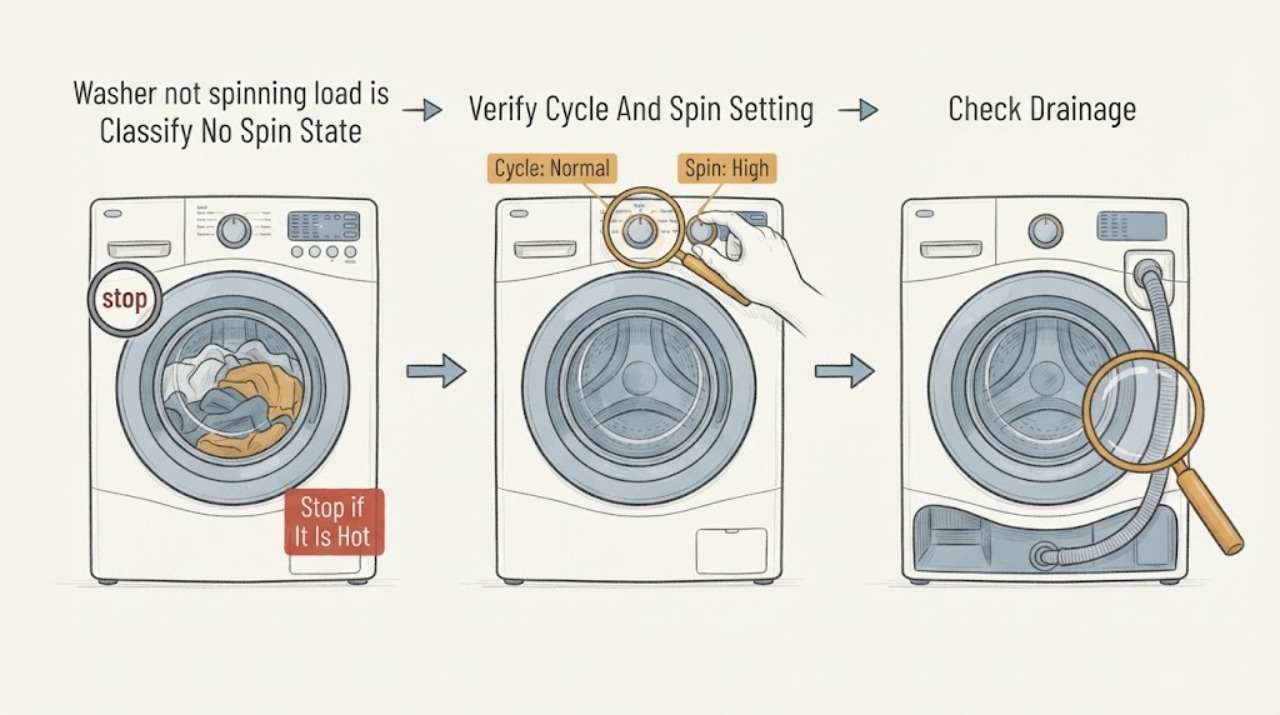
Washer not spinning load is balanced: What to Check and What to Do Next
If a washer is not spinning even though the load is balanced, first determine whether it cannot drain, cannot lock, has no selected spin, stops at a normal balancing pause, or never turns the drum at all. Save any display code, confirm the cycle and spin setting, and use the normal pause control before inspecting anything.
-
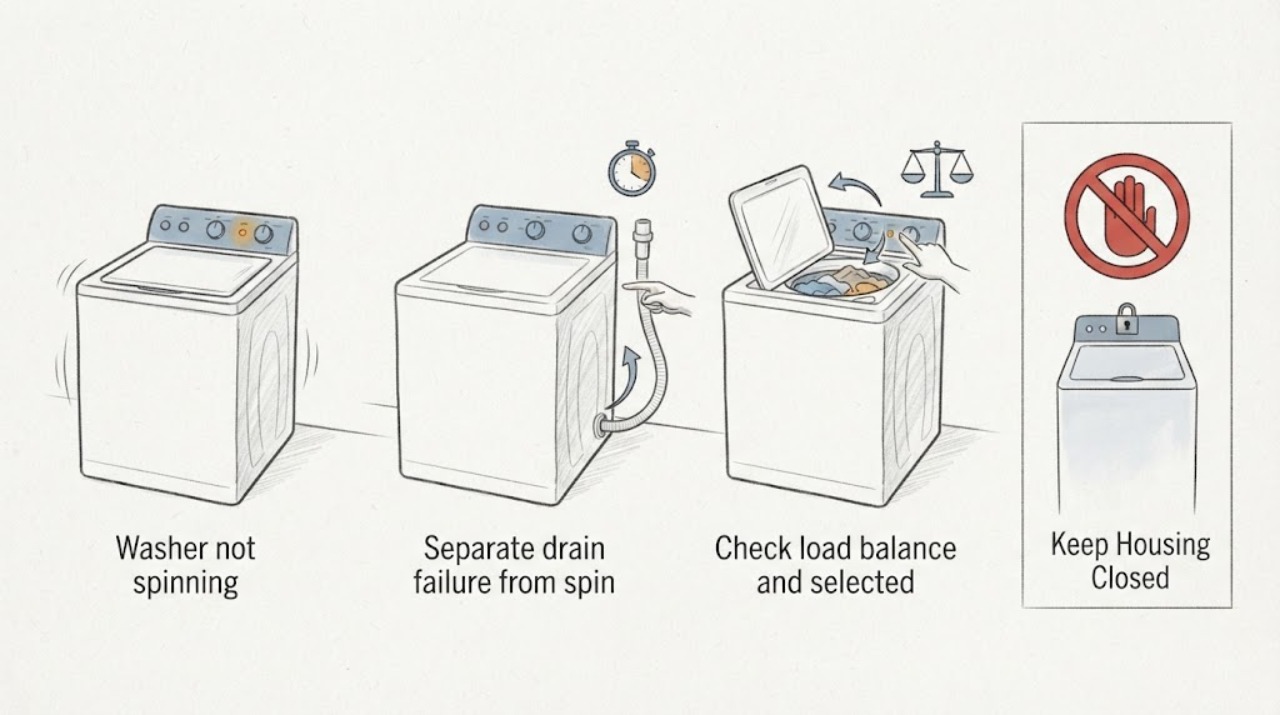
Washer not spinning: What to Check and What to Do Next
Start with the non-invasive causes: an unbalanced or bulky load, a low/no-spin selection, a door or lid that is not fully latched, or water that has not drained. Pause safely, redistribute a small load only when the controls permit it, and check the visible drain hose for a kink.