
Electrical guides
Circuit Breakers Repair Guides – Page 2
Guidance for tripping breakers, panel symptoms, circuit loads, and safe next steps.
Published circuit breakers guides
Choose the guide that best matches the equipment and symptom you are seeing.
-
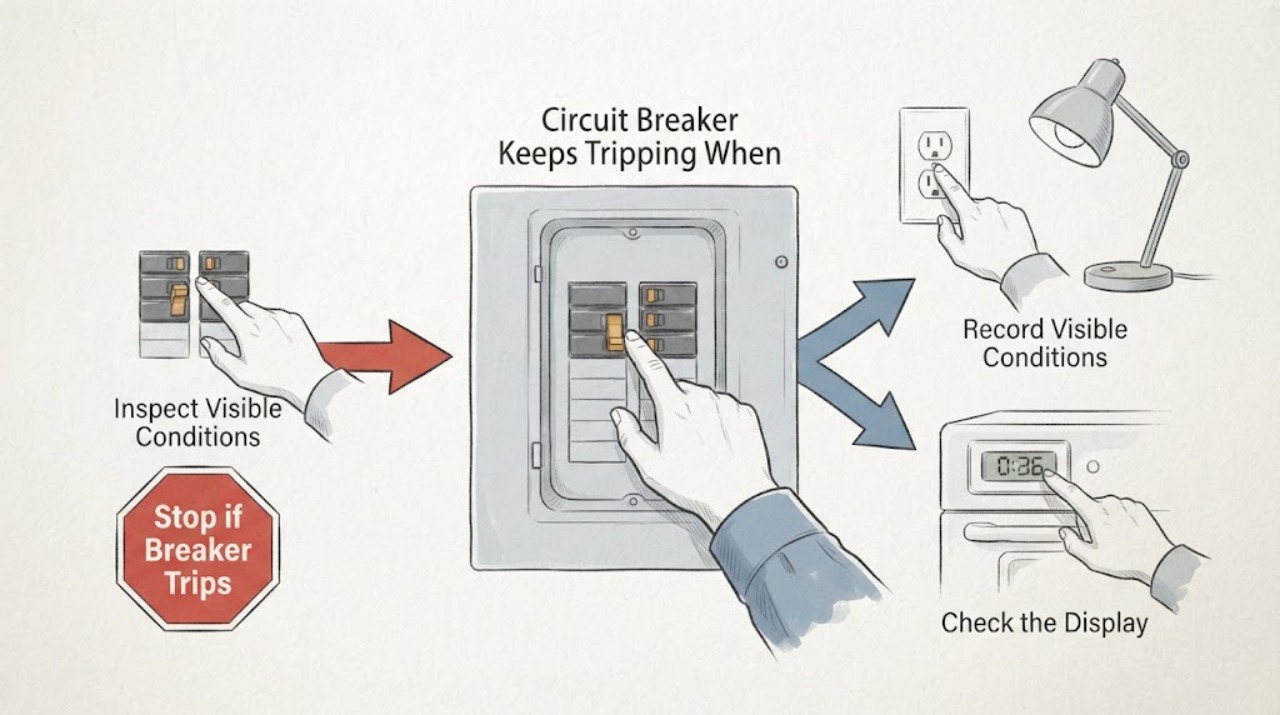
Circuit Breaker Keeps Tripping When Flipped Off and On Again
A breaker that trips again after you flip it off and on is signaling an unresolved overload, short, ground fault, arc fault, defective device, or wiring problem. Do not keep resetting it.
-
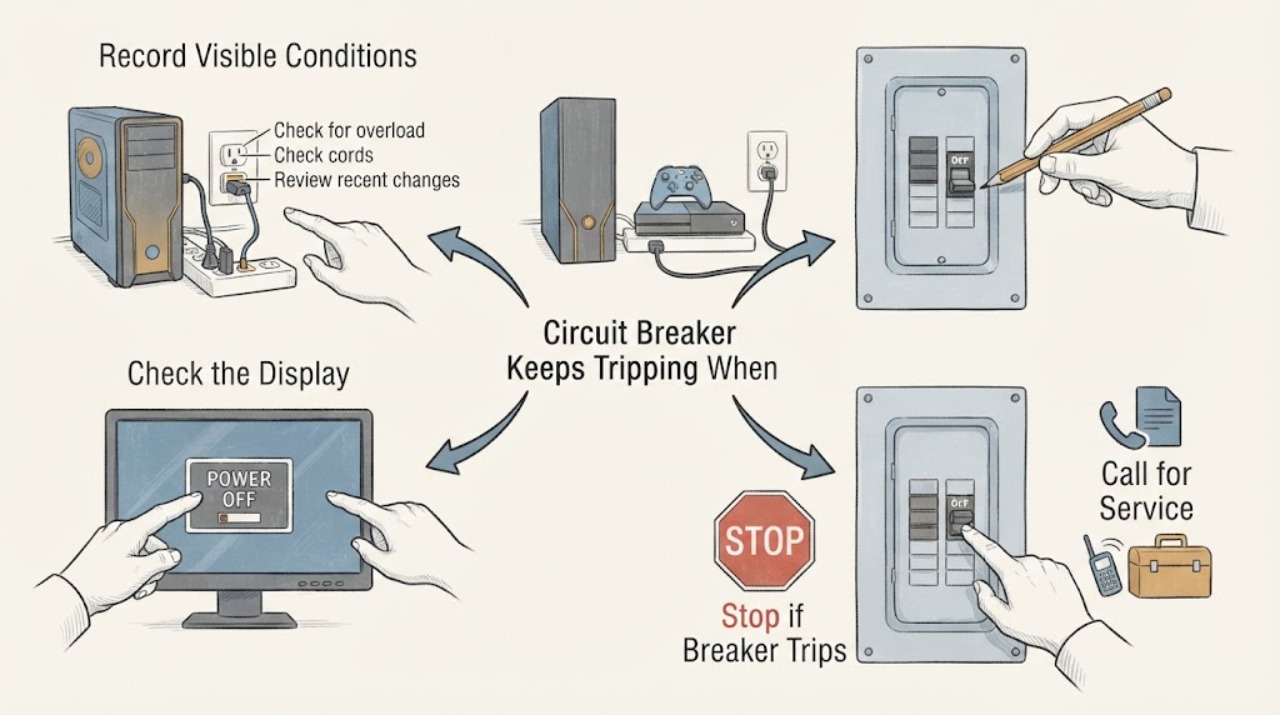
Circuit Breaker Keeps Tripping When Gaming: Separate the Gaming Load Safely
A breaker that trips during gaming may be reacting to the combined demand of a gaming PC or console, graphics hardware, display, speakers, chargers, lights, and other equipment on the same branch. It can also indicate a failing power supply, damaged cord or power strip, a ground fault, a hot receptacle, or fixed-wiring trouble.
-
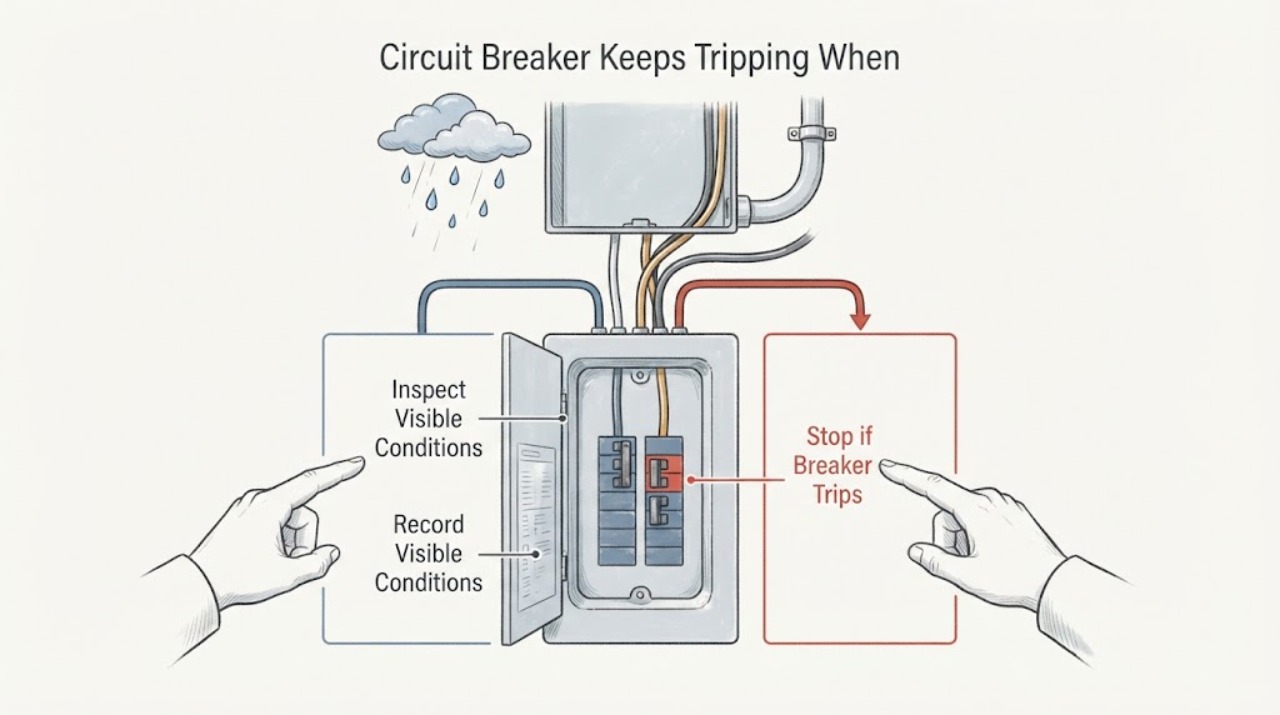
Circuit Breaker Keeps Tripping When It Rains: Find the Moisture Boundary Safely
A breaker that trips during rain may be responding to moisture entering an outdoor outlet, disconnect, cable, junction, light, appliance, or another part of the circuit, but rain can also coincide with an ordinary overload or a separate fault. Treat the weather pattern as a safety clue, not a diagnosis.
-
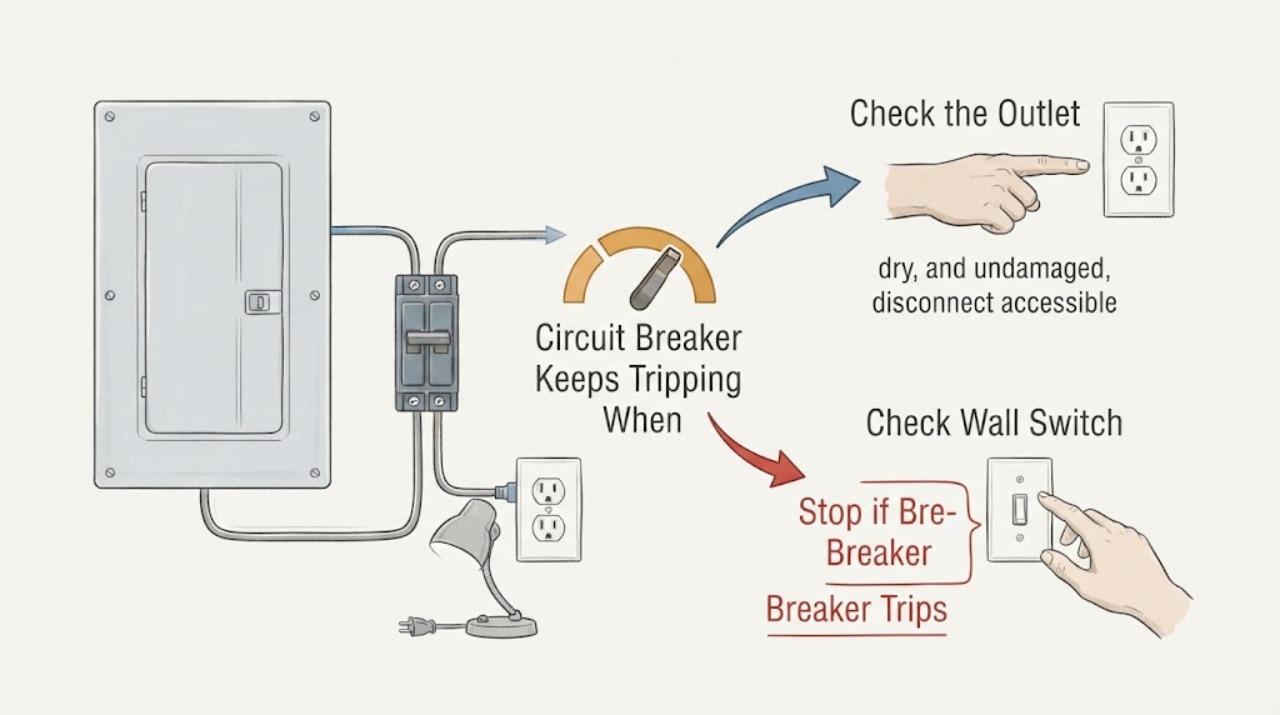
Circuit Breaker Keeps Tripping When Minimal Things Are Plugged In
If a circuit breaker keeps tripping even when only a few things are plugged in, the cause may be a single faulty appliance or cord, a fixed wiring or receptacle fault, moisture or ground leakage, an AFCI or GFCI protective trip, a hidden load on the same branch, or a breaker that needs professional evaluation. The small visible load does not prove the circuit is safe.
-
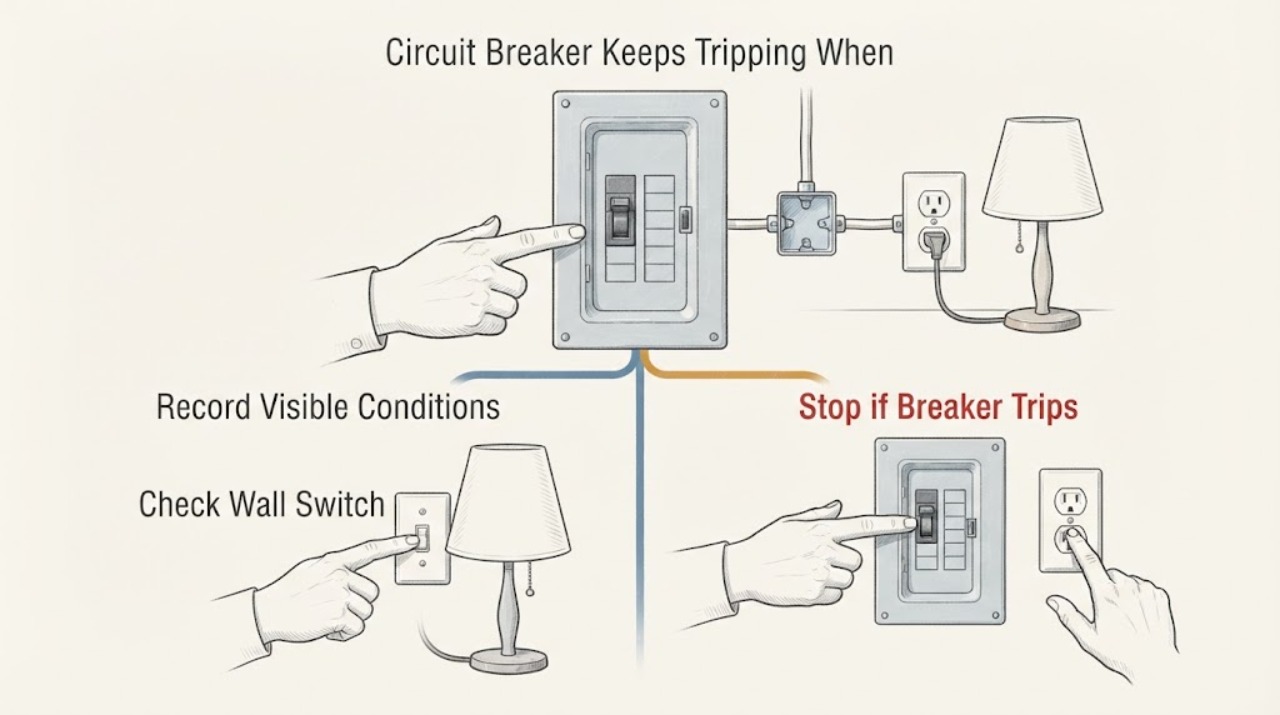
Circuit Breaker Keeps Tripping When One Outlet Is Used: Safe Checks
If the breaker trips even though this is the only outlet on the circuit, do not assume the breaker itself is bad or keep resetting it. A single outlet can still have an overloaded or failing appliance, damaged plug or cord, a ground fault, a worn receptacle, a loose connection, or a branch-wiring problem.
-
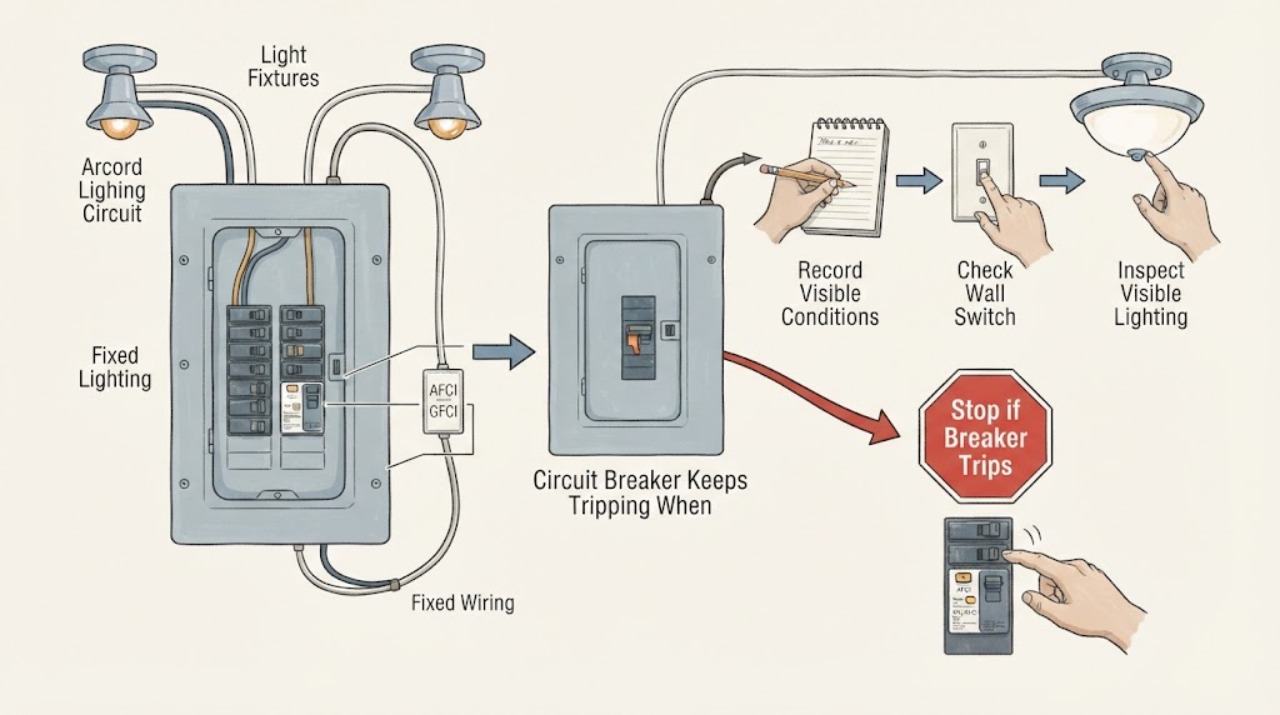
Circuit Breaker Keeps Tripping When Only the Lights Are On: Safe Checks
If a breaker trips when only the lights on that breaker are on, do not assume the load is simply too large. The pattern can point to one light fixture, switch or dimmer, a lighting connection, moisture or damage, a protective breaker, or another fault on the branch circuit.
-
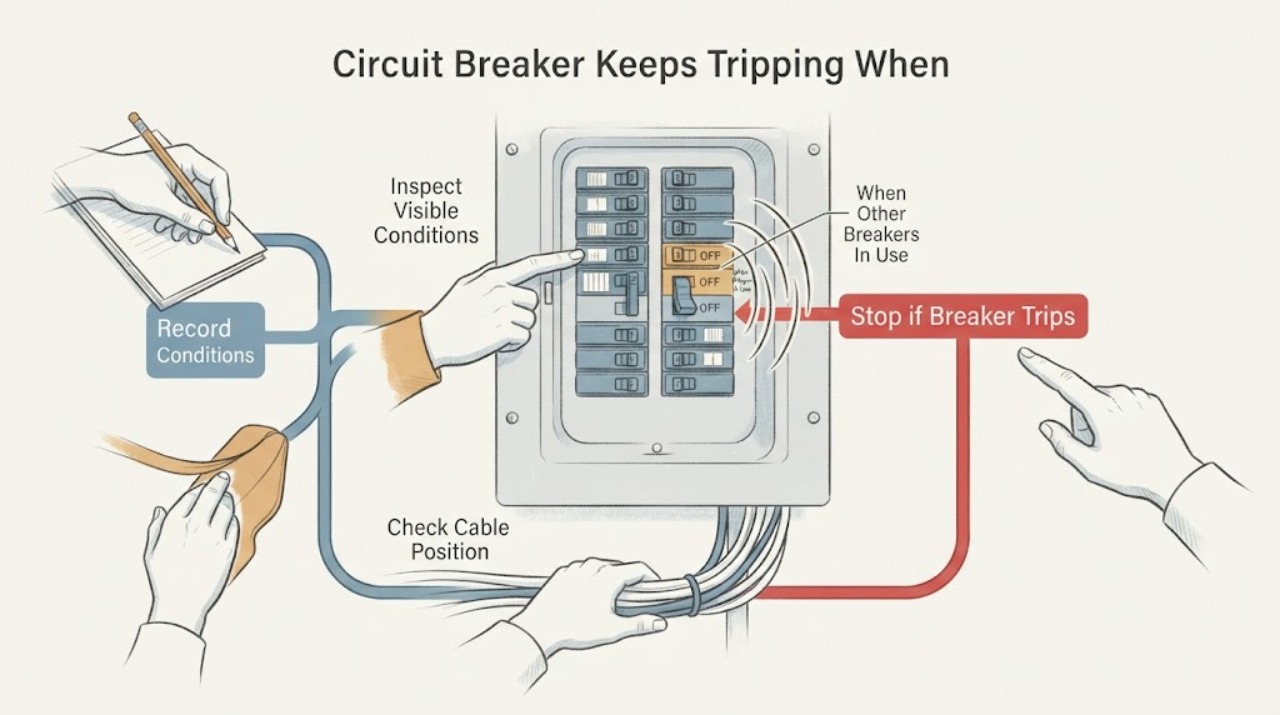
Circuit Breaker Keeps Tripping When Other Breakers Are Being Used
A breaker that trips when other breakers or their loads are active may be responding to a high combined load, a shared feeder or main-service limit, a fault in one device, or a fixed-wiring problem. Do not keep resetting it.
-
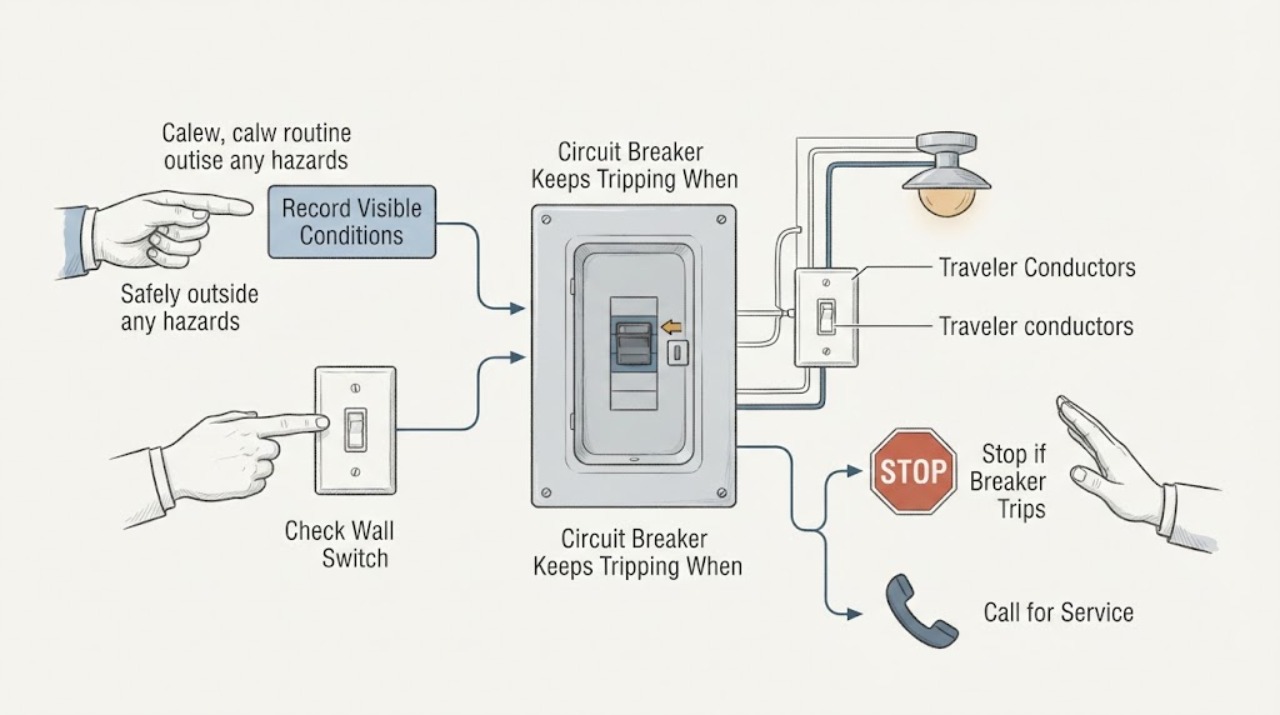
Circuit Breaker Keeps Tripping When the Opposite 3-Way Switch Is Triggered
A breaker that trips when the other switch in a 3-way circuit is operated is a fault signal, not normal 3-way behavior. Stop operating both switches and do not keep resetting the breaker to reproduce the event.
-
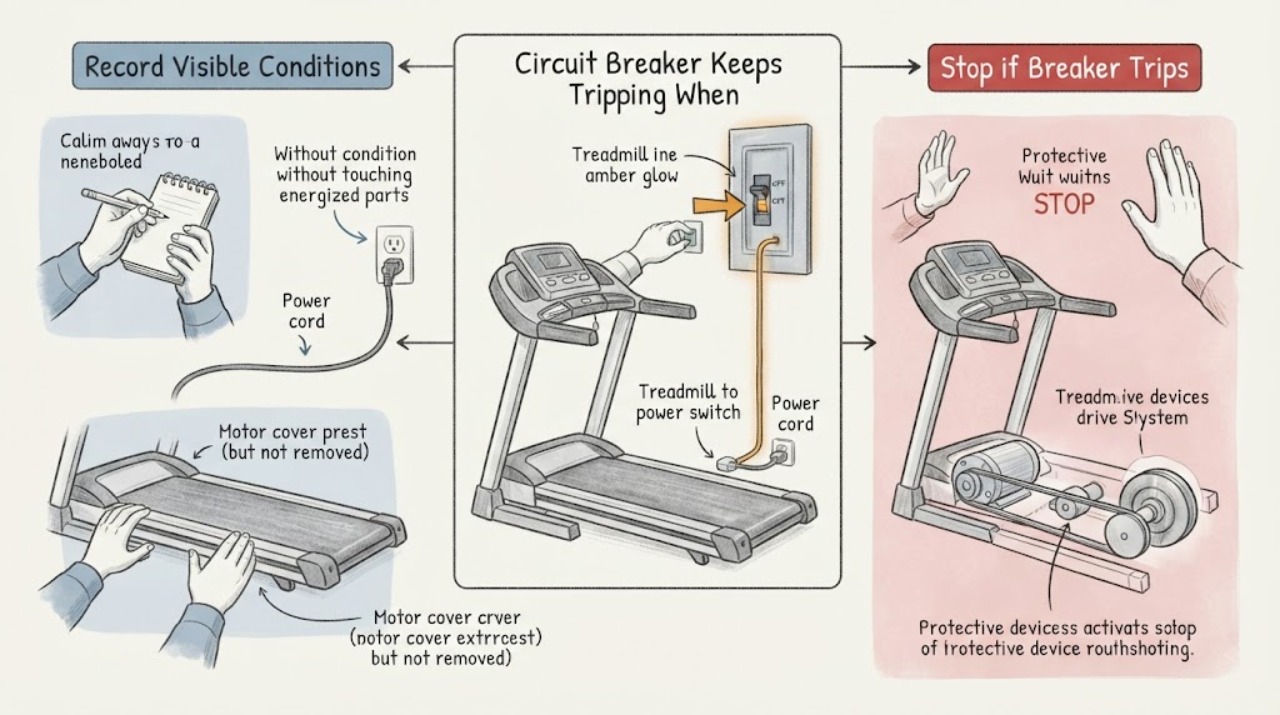
Circuit Breaker Keeps Tripping When Turning On a Treadmill
A breaker that trips when a treadmill is turned on can be reacting to the treadmill's startup or running load, a shared or unsuitable circuit, a damaged cord or receptacle, a ground or arc fault, or a treadmill motor or control fault. Leave the treadmill off and disconnected after the trip; do not keep resetting the breaker or start it again to compare symptoms.
-
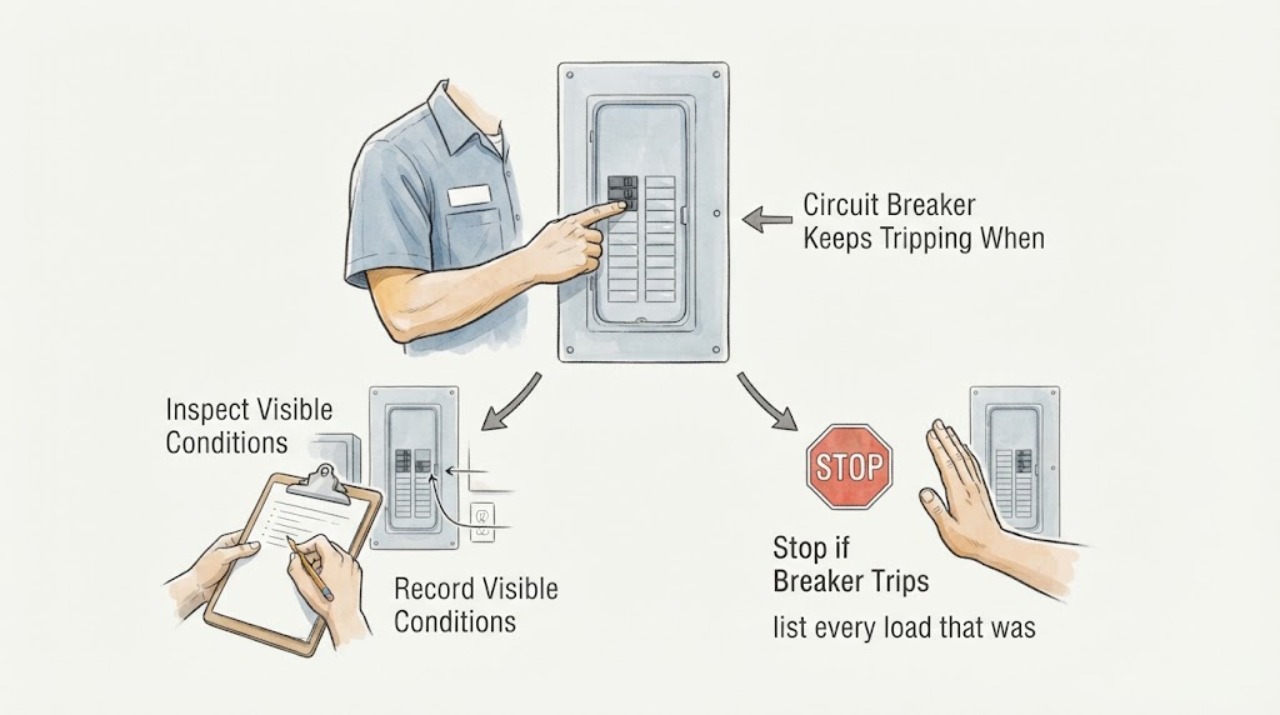
Circuit Breaker Keeps Tripping When “3A” Is the Only Load: What That Does and Does Not Prove
A reported “3A” load does not prove that a circuit is safe or that overload is impossible. The value may be a label, an estimate, a reading taken after the trip, or a device reading that misses startup current, other loads, leakage, an arc-fault condition, or an intermittent wiring fault.
-
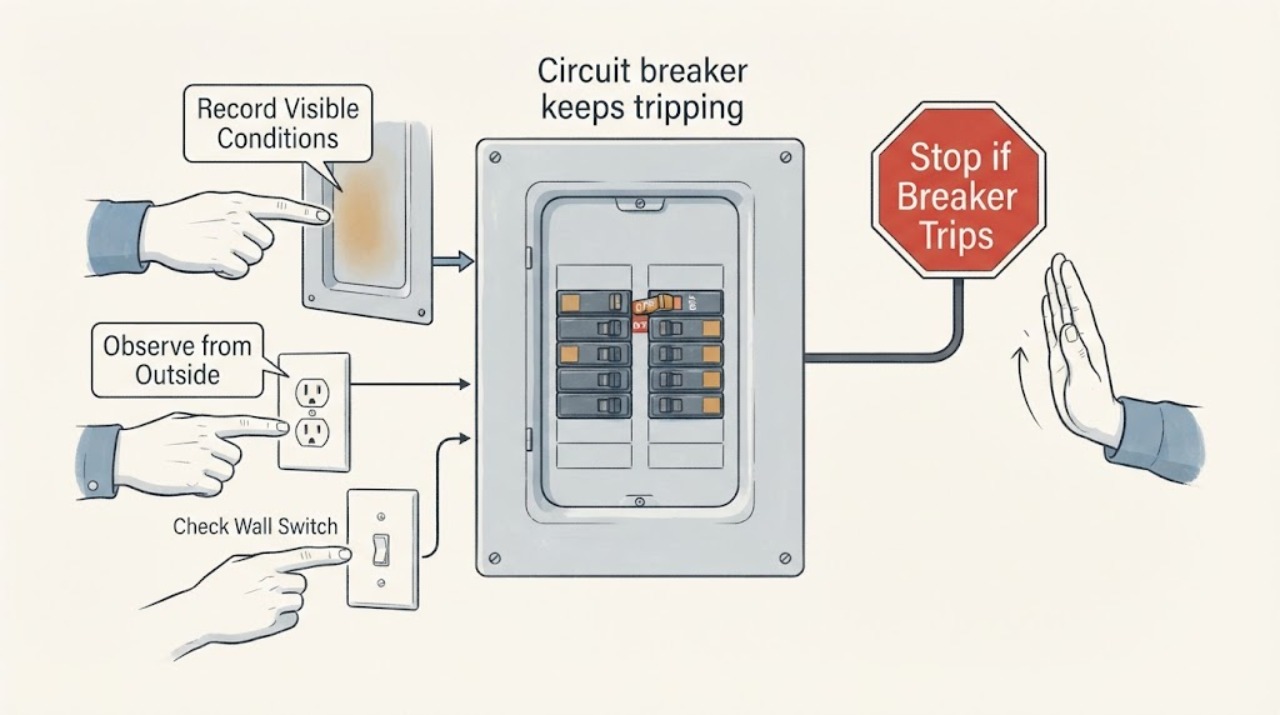
Circuit breaker keeps tripping: safe checks before an electrician
A circuit breaker that keeps tripping is a protective warning, not a reason to fit a larger fuse or keep resetting it. From a dry, safe position, identify whether the panel uses a breaker, a fuse, or a fused disconnect; note which circuit is affected, what load was running, and whether the trip is immediate or follows one appliance.
-
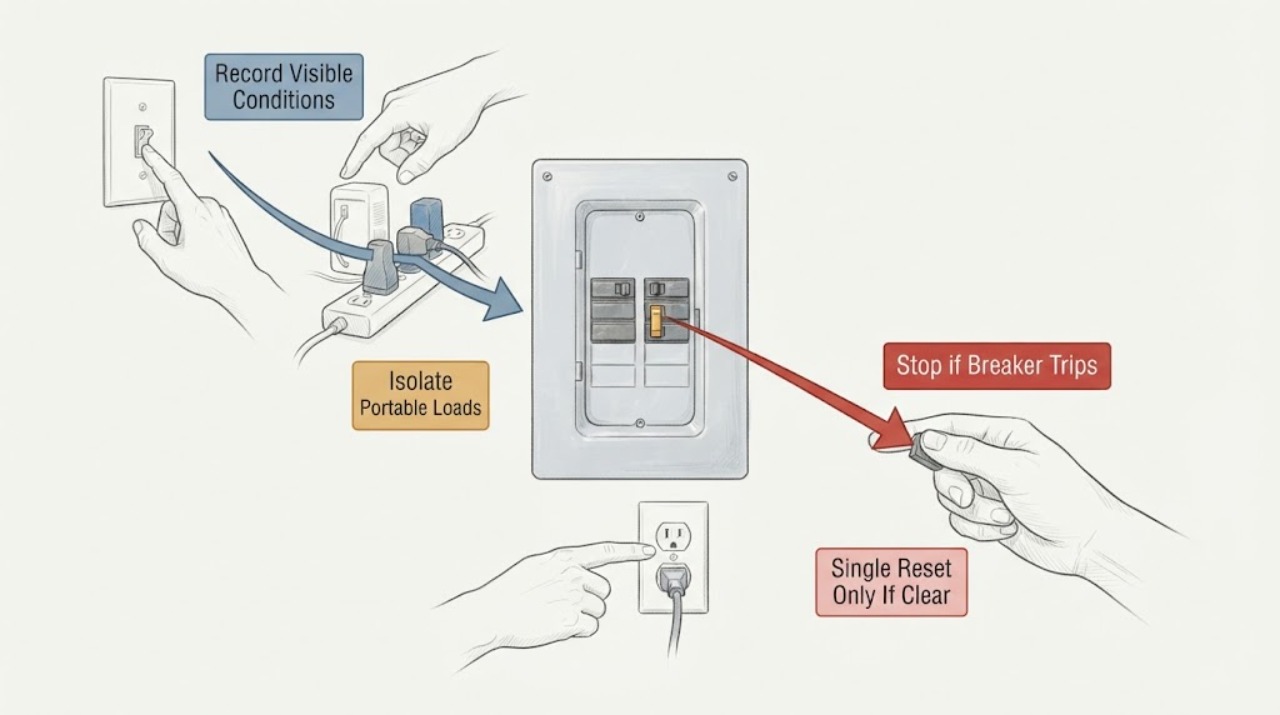
Circuit Breaker Keeps Tripping: Trace the Load Safely
A circuit breaker that keeps tripping is reporting a condition that needs diagnosis, not repeated resets. From a dry, safe position, record which breaker or circuit is affected, what load was connected, what operation preceded the trip, and whether the trip was immediate or delayed.
-
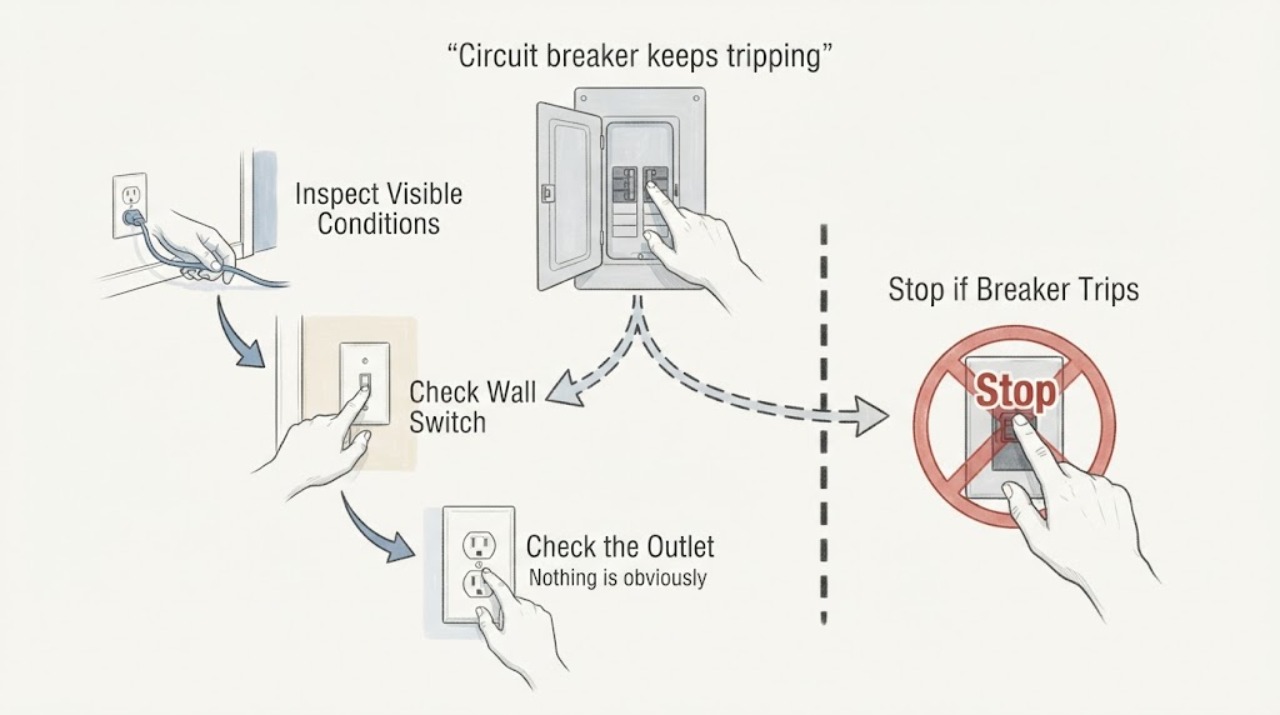
Circuit breaker keeps tripping: moving outlets to their own breaker
Moving outlets to a different breaker can reduce an overload only after a qualified electrician confirms the circuit design, wire size, breaker type, box capacity, grounding, and local code. A tripping breaker is a protective response to overload or a fault, not permission to install a larger breaker or move conductors yourself.
-
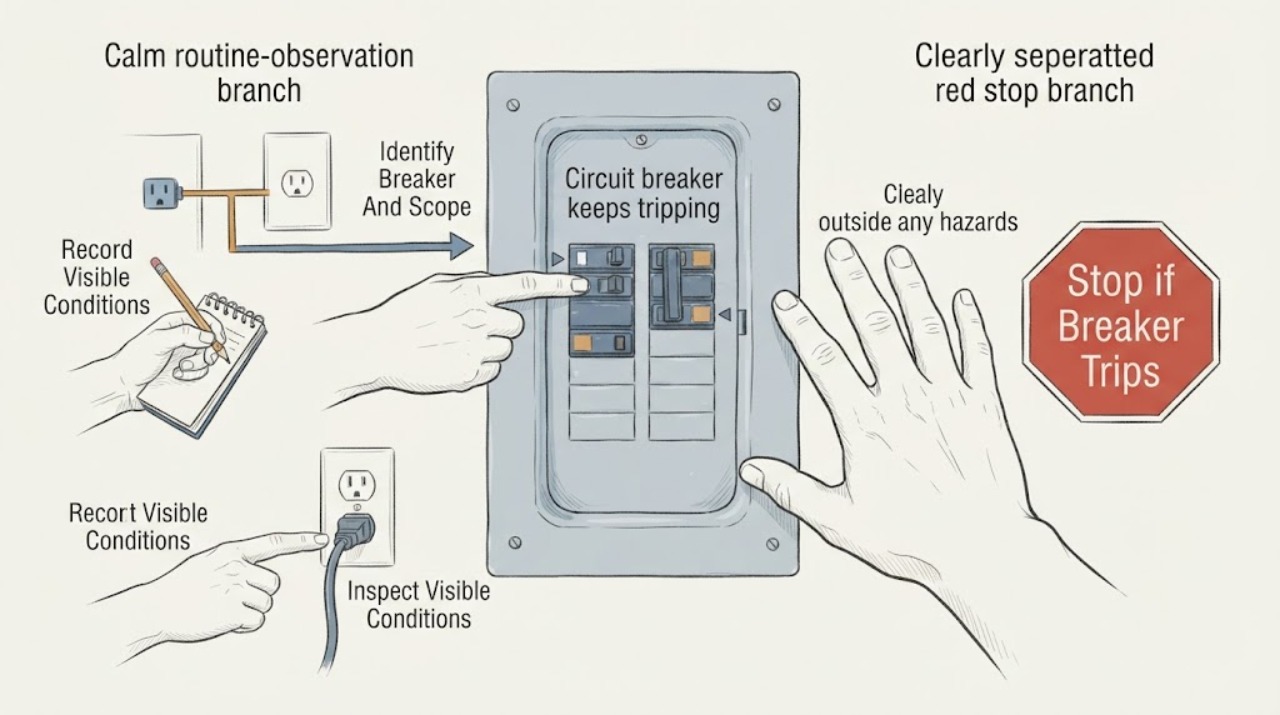
Circuit breaker keeps tripping: What to Check and What to Do Next
A circuit breaker that keeps tripping is opening to interrupt a condition it considers unsafe; it is not a reset-and-ignore symptom. From a safe position, record which breaker opens, which rooms and devices lose power, whether it trips immediately or only when a particular load starts, and whether there is heat, discoloration, buzzing, burning odor, water, smoke, or a shock.
-
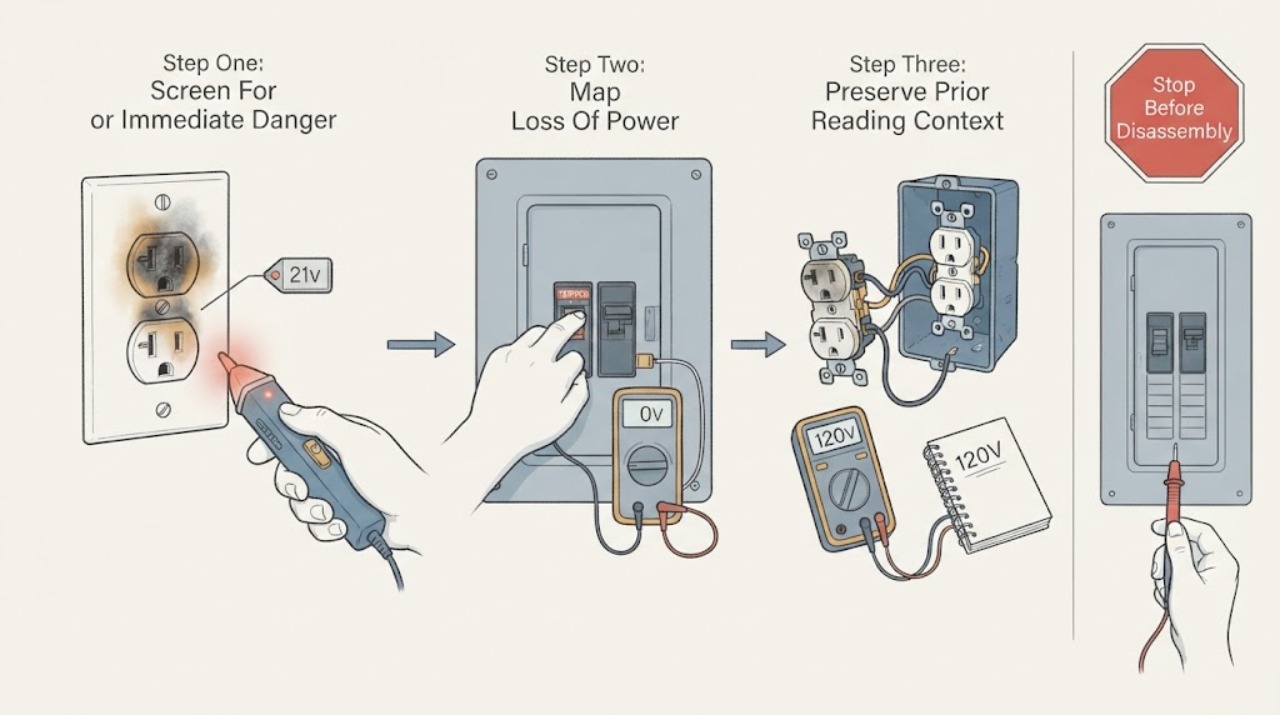
Circuit Breaker No Power After a Burnt Outlet Was Replaced
No power after a receptacle was burnt and replaced is a high-risk electrical fault, not a situation to solve by plugging in the television or taking another voltage reading. Treat the reported 21V as an unverified prior observation, not as a safe or confirmed diagnosis.
-
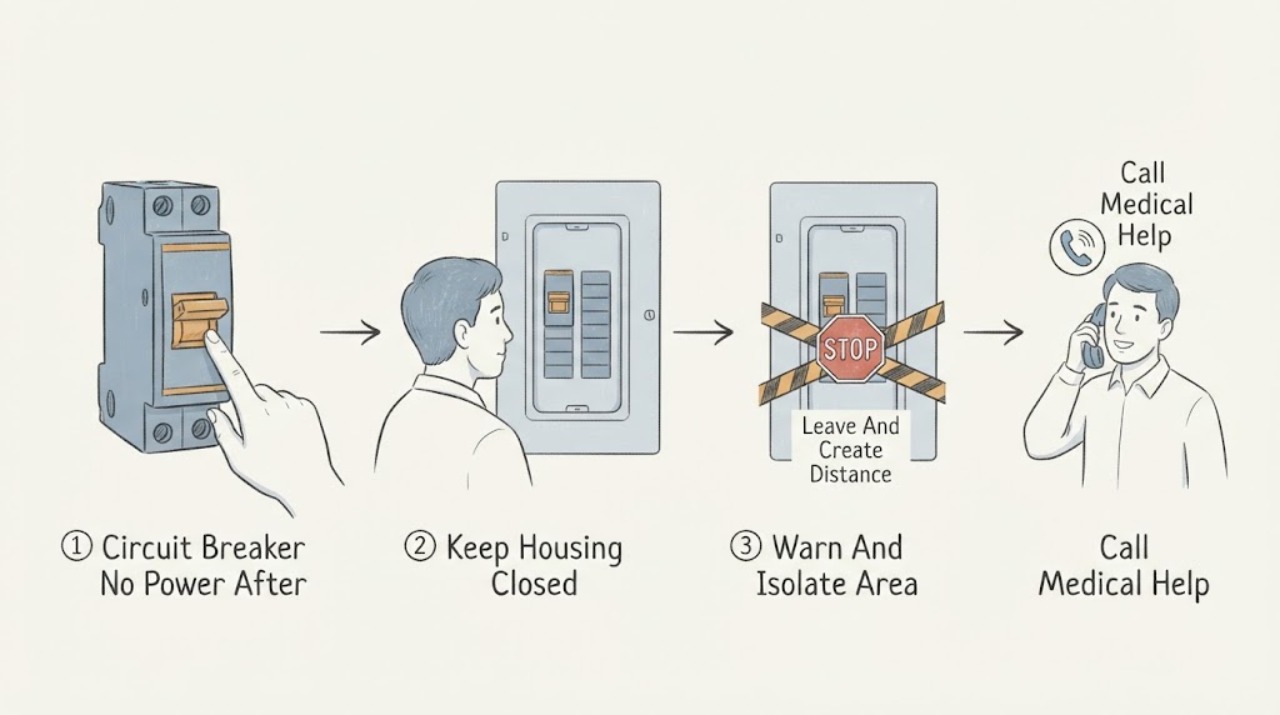
Circuit Breaker No Power After a Shock Outside the Box: Stay Away and Get Help
A shock from the outside of a breaker box is an electrical emergency, even if the shock seemed small and power is now off. Move away from the box and the surrounding floor, keep everyone else away, and do not touch the box, its cover, nearby wiring, switches, pipes, or another person who may still be in contact.
-
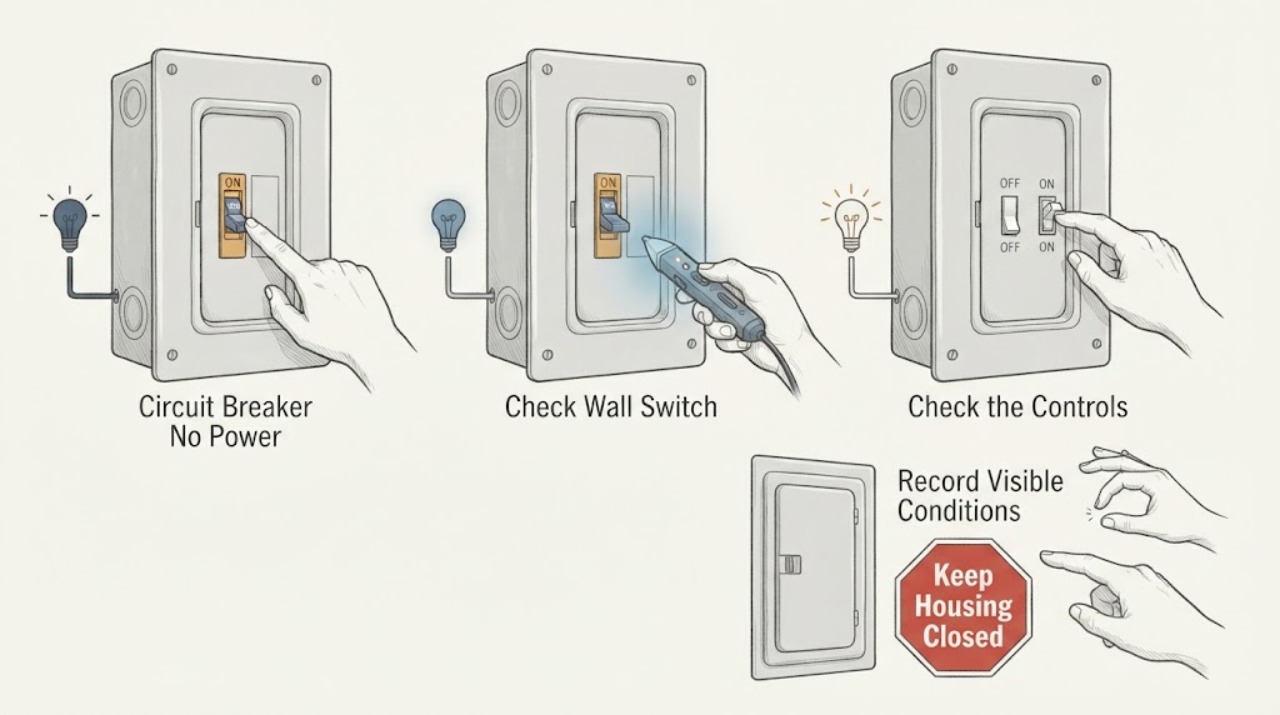
Circuit Breaker No Power: What a Fuse Fault Can Mean and When to Stop
If a circuit has no power and the suspected protective component is a fuse, treat the missing power as a protective shutdown until an electrician confirms the cause. A fuse can open because of an overload, short, damaged appliance, wiring fault, moisture, or an incorrectly rated or aging device; a dark fuse window or dead circuit does not tell you which cause is present.
-
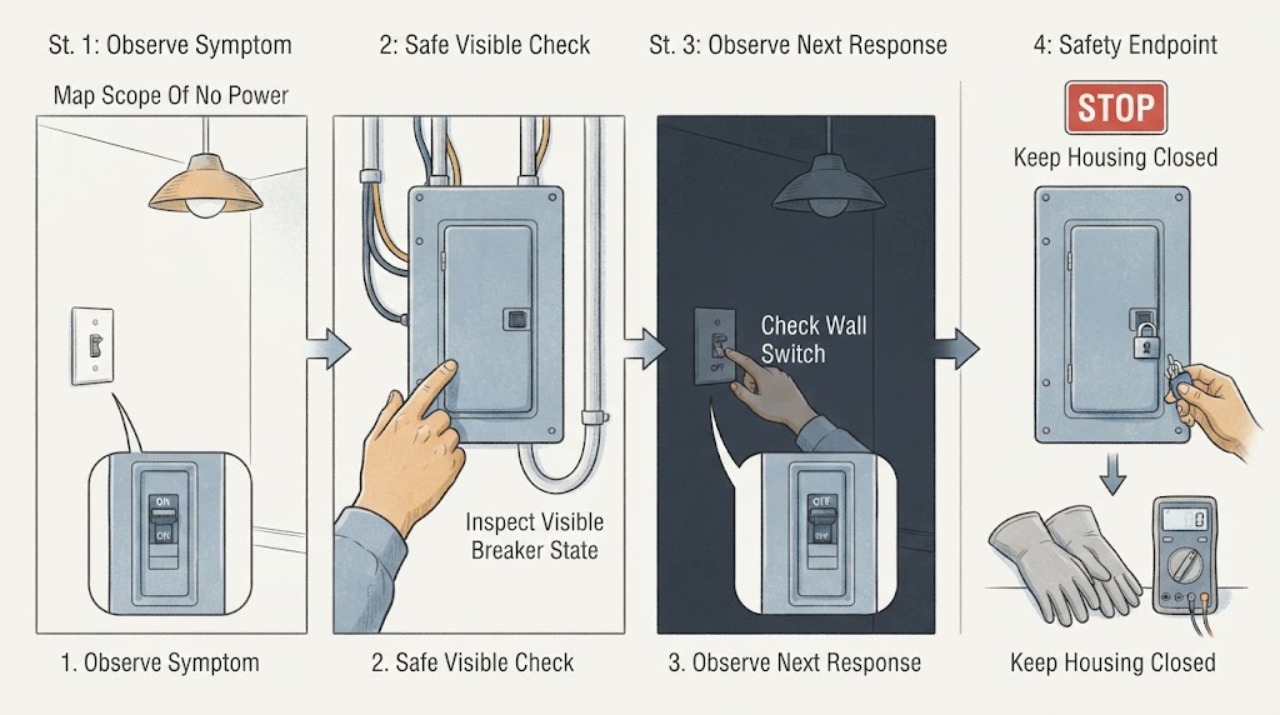
Circuit Breaker No Power: Safe Checks for the Switch and Wiring
When a circuit breaker has no power, first determine whether one outlet or circuit is dead, several circuits are dead, or the whole home has lost power. From a dry position, note the breaker handle, nearby lights and outlets, and any visible switch, receptacle, cord, or panel symptoms.
-
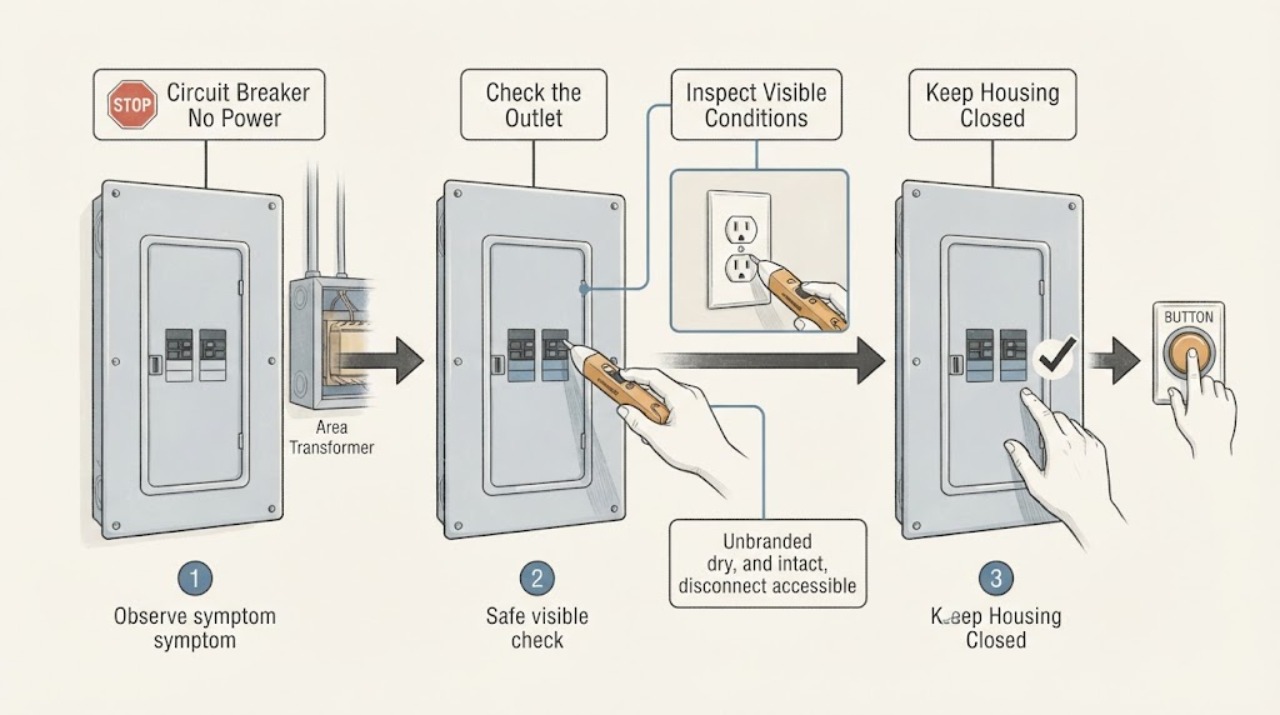
Circuit Breaker No Power: Transformer-Safe Checks
If a circuit breaker appears on but the equipment associated with the transformer has no power, do not assume the transformer is the only cause. The lost power may be limited to one branch, a receptacle or control circuit, a GFCI or AFCI protective device, a failed breaker or connection, a utility interruption, or the transformer itself.
-
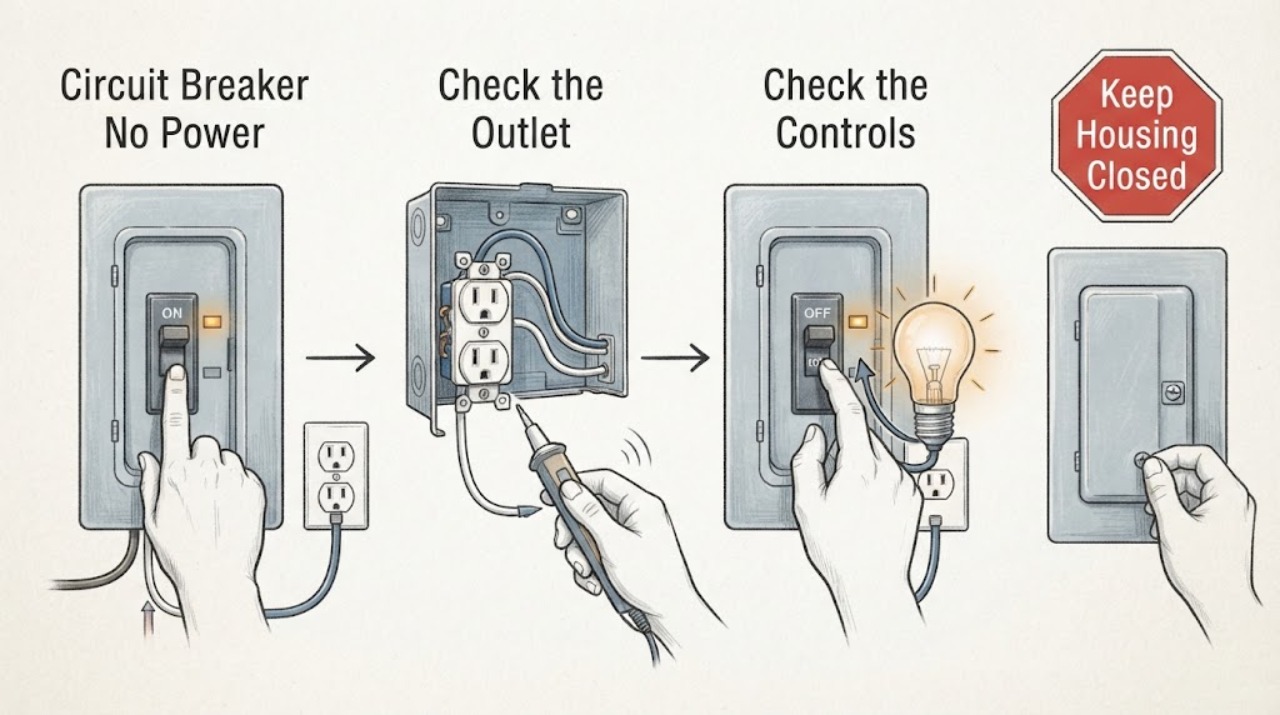
Circuit Breaker No Power: Safe Checks for a Wiring Fault
If a circuit breaker has no power, first separate a normal outage or tripped protective device from a wiring fault. From a dry, safe position, note whether one outlet or light, one branch, or the whole home is affected; look at the breaker handle and any accessible GFCI or AFCI indicator without removing a panel cover; and record any smell, heat, buzzing, flicker, spark, shock, or water.
-
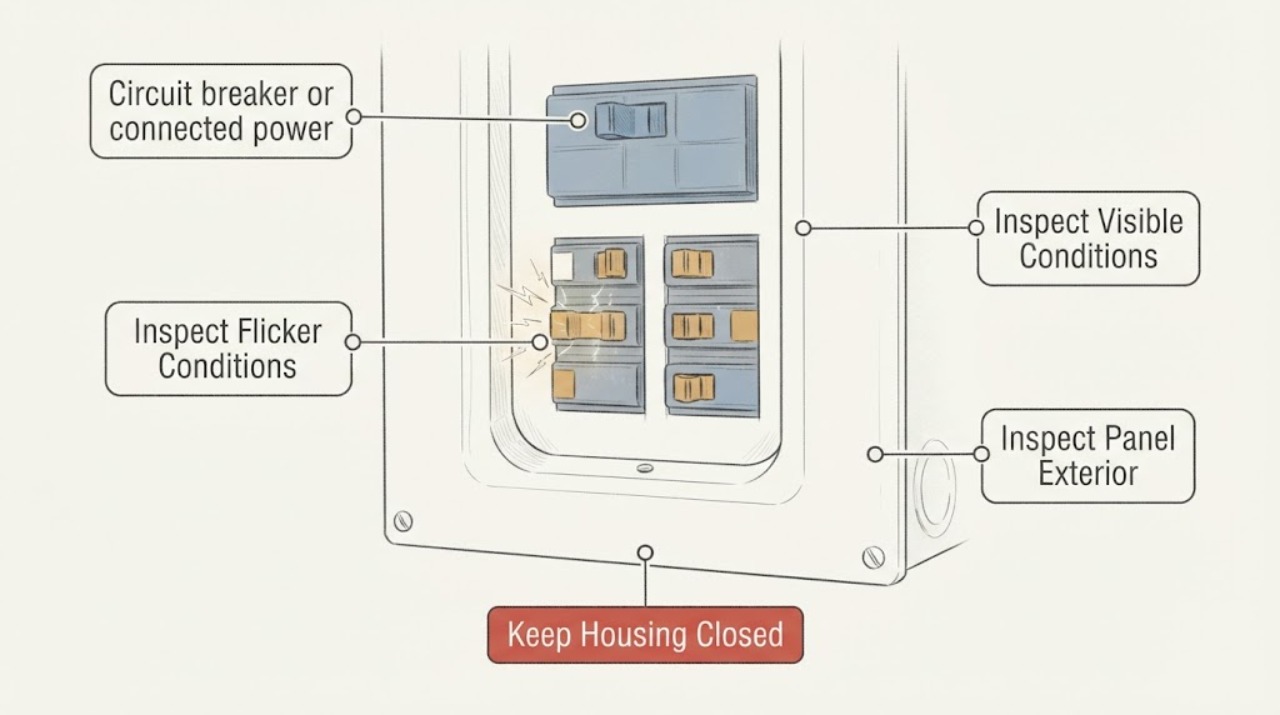
Circuit breaker or connected power is flickering: What to Check and What to Do Next
A circuit breaker should not be treated as a harmless flickering symptom. First determine whether the breaker handle or panel is visibly moving, or whether lights and devices on the breaker’s circuit are blinking, dimming, or losing power.
-
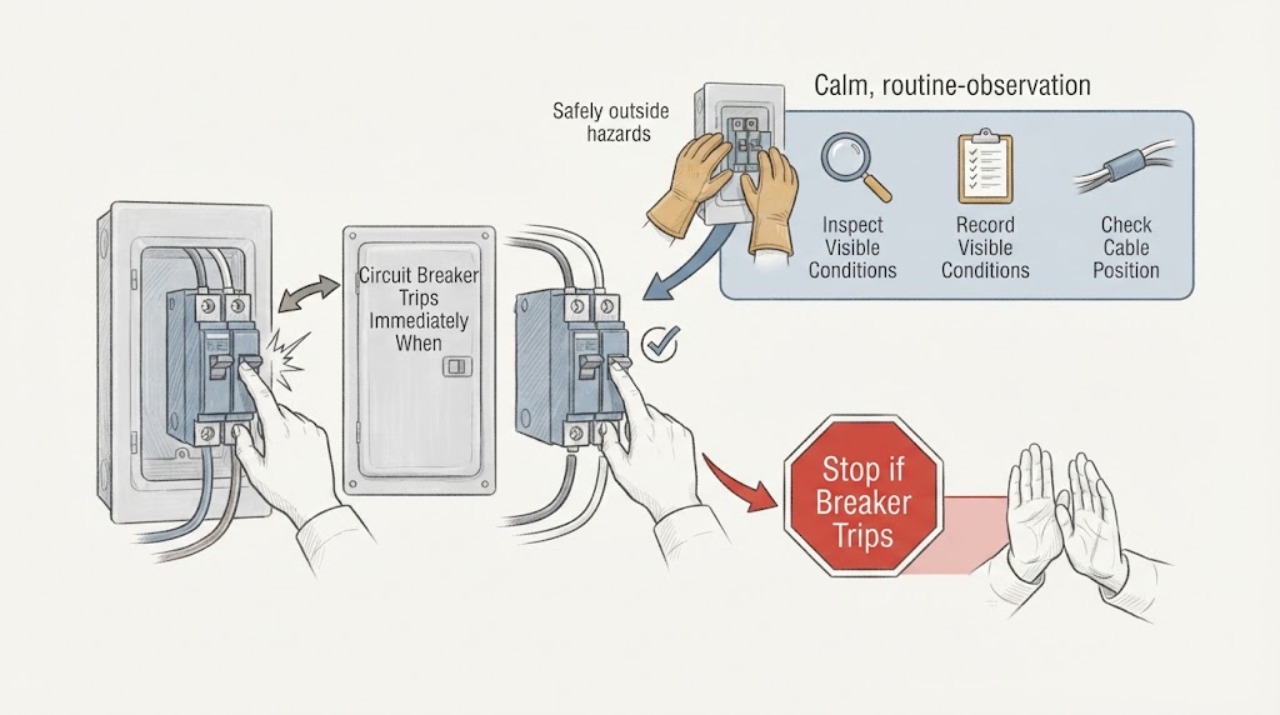
Circuit Breaker Trips Immediately When a Device Is Wired In: Safe Next Steps
If a breaker trips immediately when a device is connected but stays set when the device is disconnected, the difference shows that the fault appears when the load or its wiring is brought into the circuit. Possible causes include a short circuit, ground fault, damaged insulation, incorrect connection, a faulty switch or device, moisture, or an arc-fault condition; the pattern does not identify which one.
-
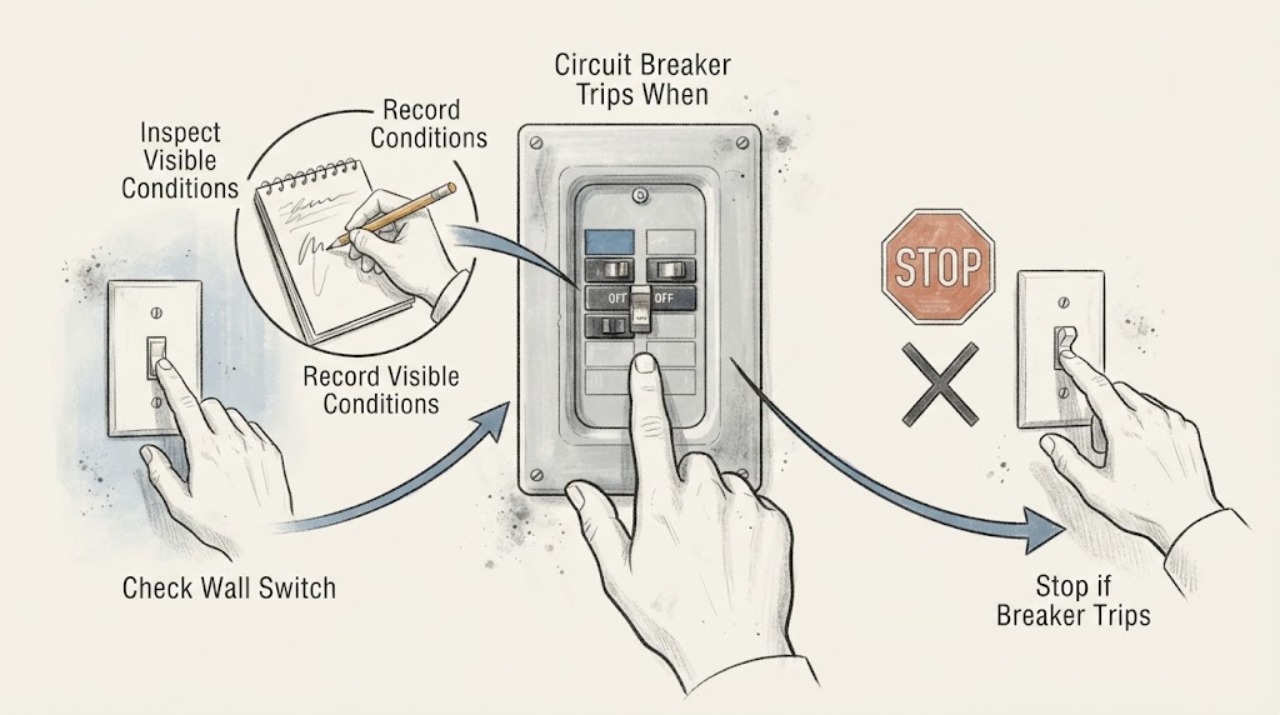
Circuit Breaker Trips When a Switch Turns On: Identify the Load Without Repeated Resets
If a breaker trips when a particular switch is turned on, leave it off and do not keep resetting the breaker. The switch may control a light, fan, appliance, motor, or fixed wiring fault; the breaker may also be responding to overload, short circuit, ground fault, or damaged connections.
-
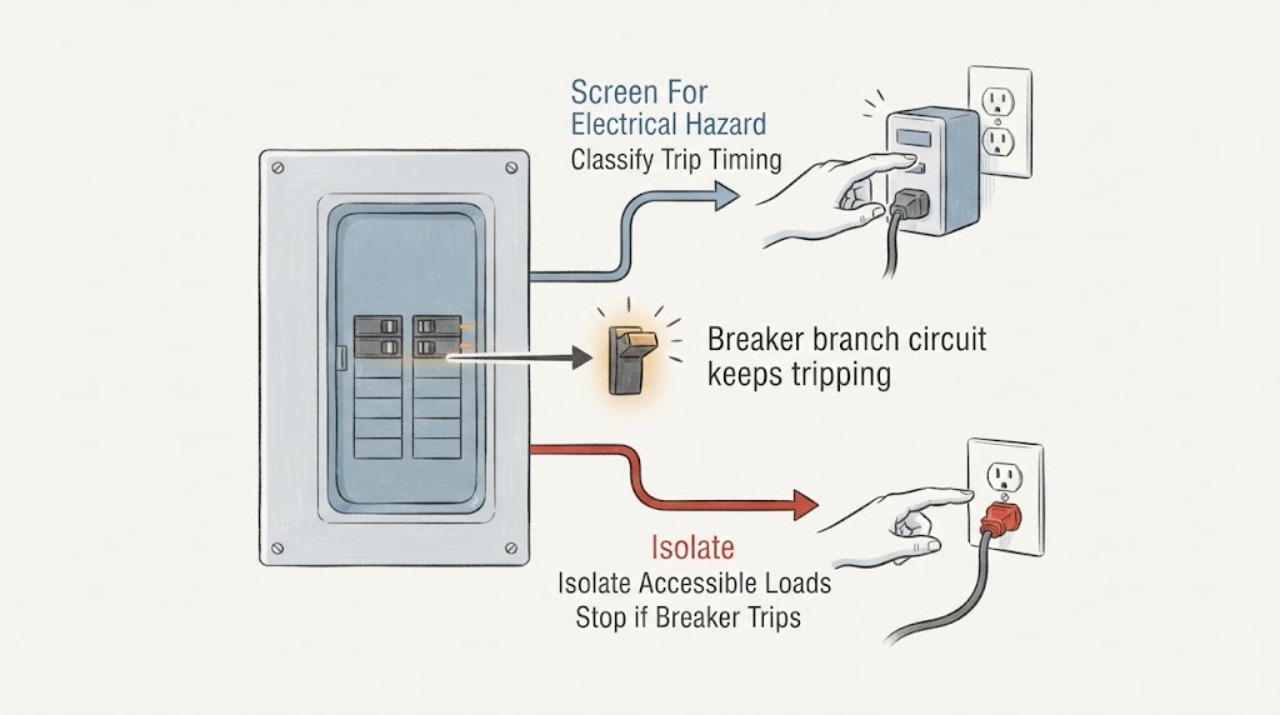
Eaton breaker branch circuit keeps tripping: What to Check and What to Do Next
An Eaton breaker that keeps tripping is interrupting a branch circuit because it has detected, or may be responding to, an overload, short circuit, arc fault, ground fault, or another fault condition; repeated resetting is not a repair. First note whether it trips immediately, only when a particular appliance or light is used, or after several minutes of combined load.
-
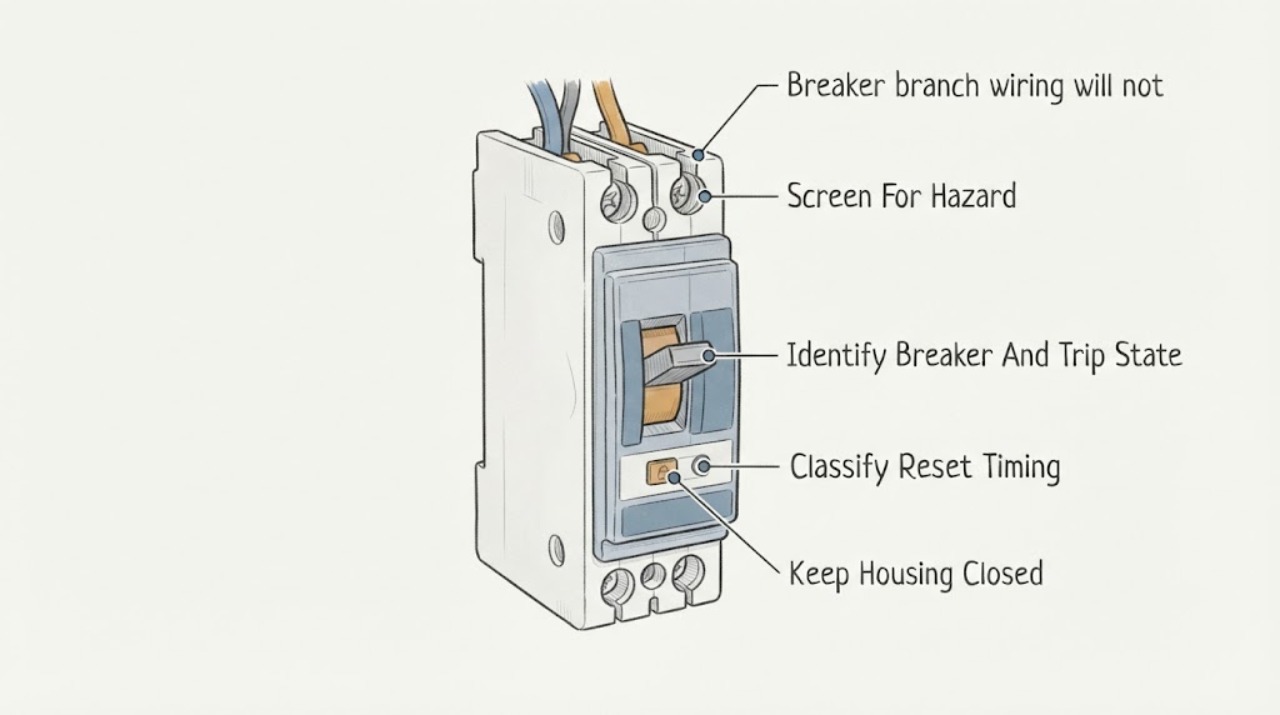
Eaton breaker branch wiring will not reset: What to Check and What to Do Next
An Eaton breaker that will not reset after branch wiring was installed or changed should be treated as a fault or compatibility problem, not as a handle problem. Eaton's residential instructions say that immediate tripping on reset indicates a fault and that breakers must be installed and serviced by a qualified electrician.
-
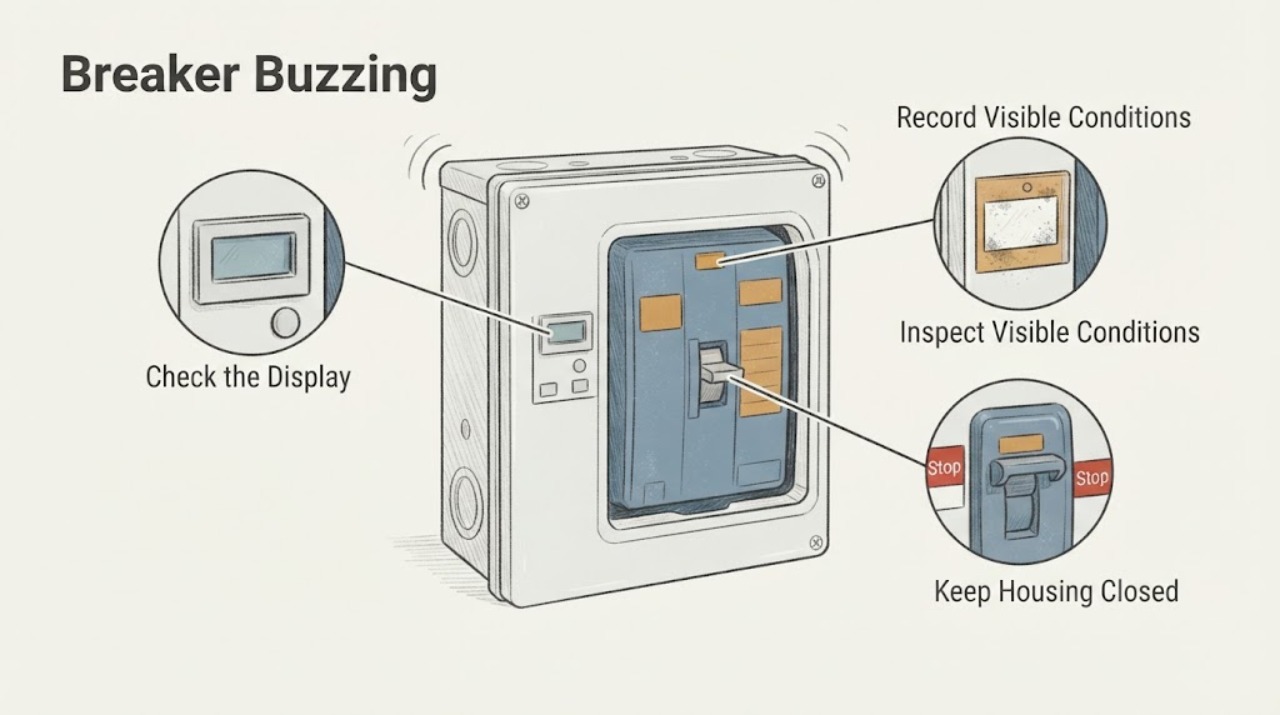
Eaton Breaker Buzzing: What to Check and What to Do Next
A faint sound from an energized Eaton breaker should not be dismissed, especially if it is new, getting louder, associated with a heavy load, or accompanied by warmth, odor, discoloration, flicker or tripping. Eaton's own troubleshooting guidance describes vibration noise during an overload as a condition that should reduce when the load is reduced, and says persistent noise at nominal load requires the equipment to be powered off and serviced.
-
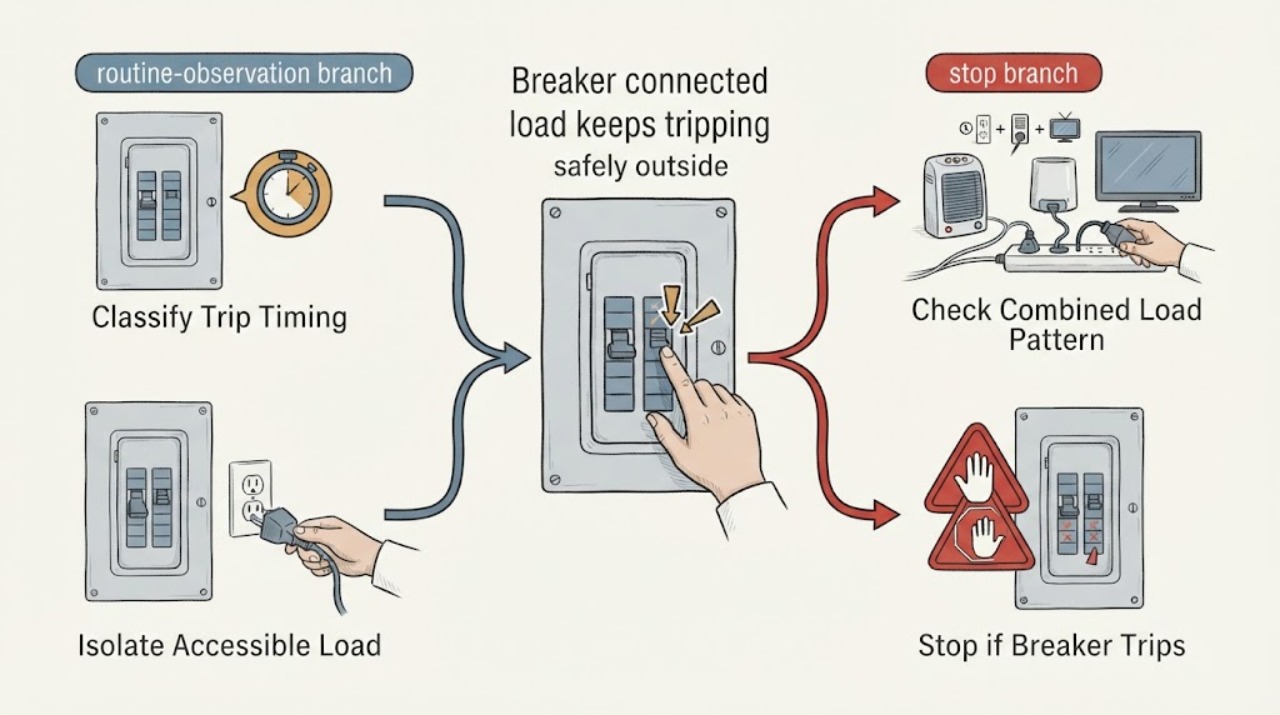
Eaton breaker connected load keeps tripping: What to Check and What to Do Next
An Eaton breaker that trips with a connected load is reacting to an electrical condition, not simply refusing to stay on. First note whether it trips immediately or only after the load runs, then stop using the suspected appliance or circuit and look for a repeatable pattern at accessible plugs, switches, and controls.
-
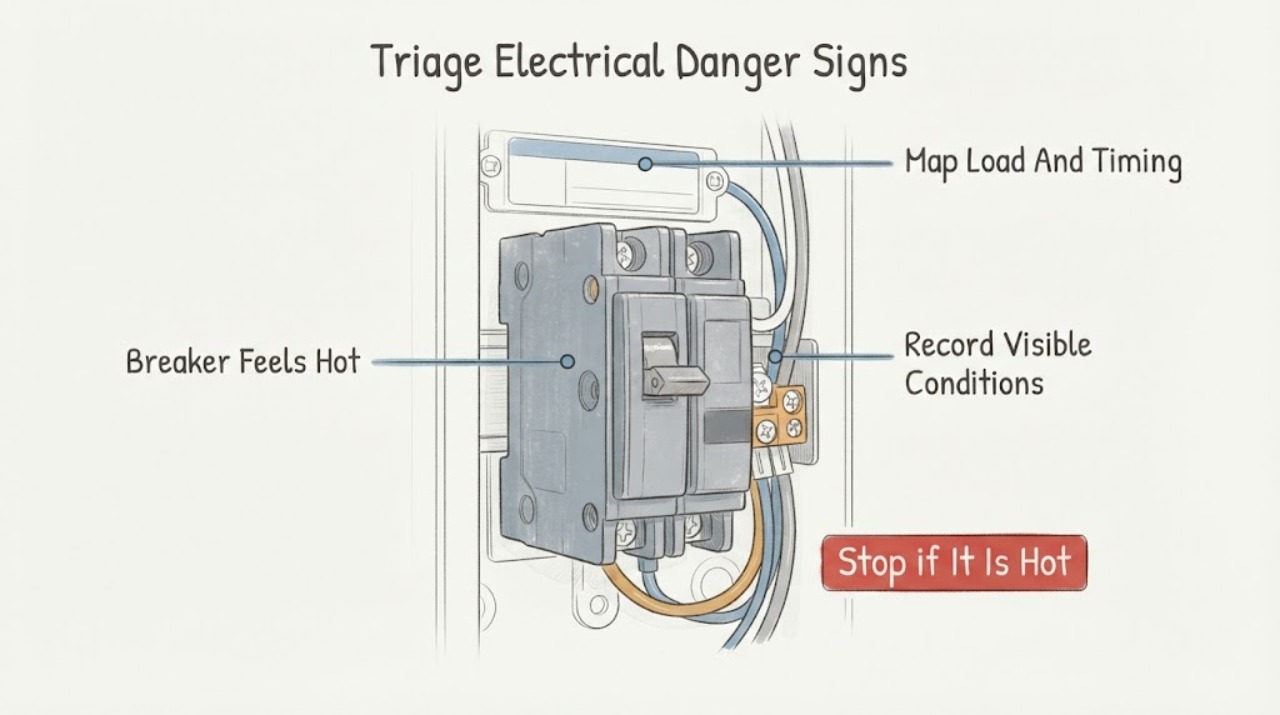
Eaton Breaker Feels Hot: What to Check and What to Do Next
An Eaton breaker that feels hot should be treated as an electrical warning, not as a normal temperature to diagnose by touch. From a safe position, look for smoke, sparks, arcing or sizzling sounds, a burning-plastic odor, discoloration, melted material, flickering, loss of power, or repeated tripping.
-
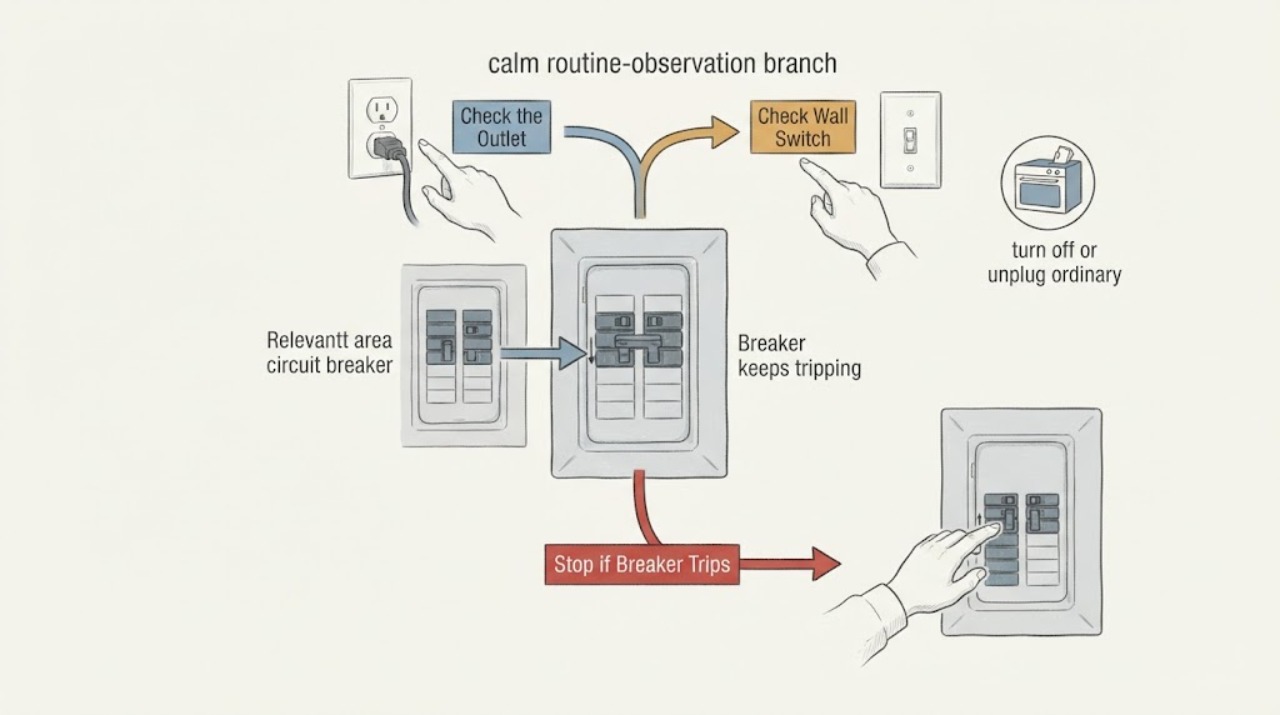
Eaton breaker keeps tripping: What to Check and What to Do Next
A breaker trips to disconnect a circuit when current or a detected fault exceeds what the circuit can safely carry. Repeated trips can come from too many loads, a faulty appliance, a short circuit, a ground or arc fault, a wiring or connection problem, or a breaker problem.
-
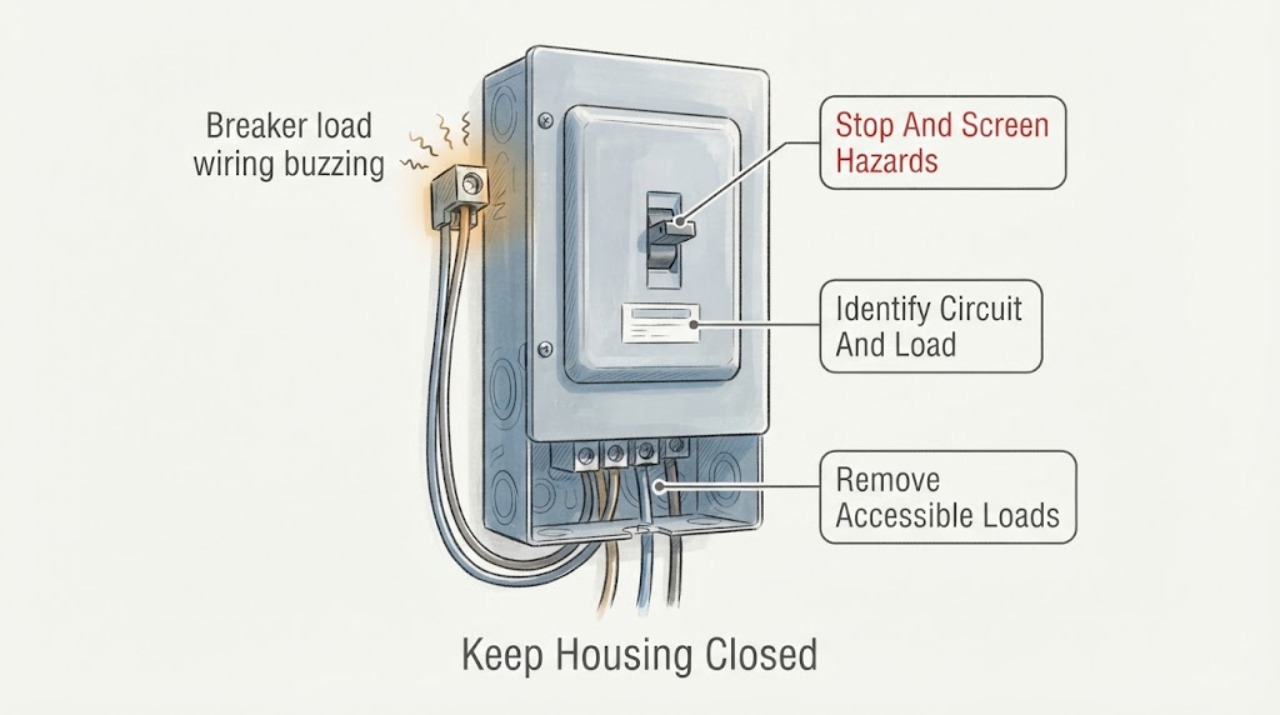
Eaton breaker load wiring buzzing: What to Check and What to Do Next
An Eaton breaker or its load wiring should not be treated as a harmless noise source when it buzzes, especially if the sound changes with a load, the breaker trips, the enclosure is warm or discolored, lights flicker, or there is a burning smell. From outside the closed panel, identify the exact breaker and the load it supplies, turn off or unplug only accessible loads if that can be done without approaching the panel, and note whether the sound stops.
-
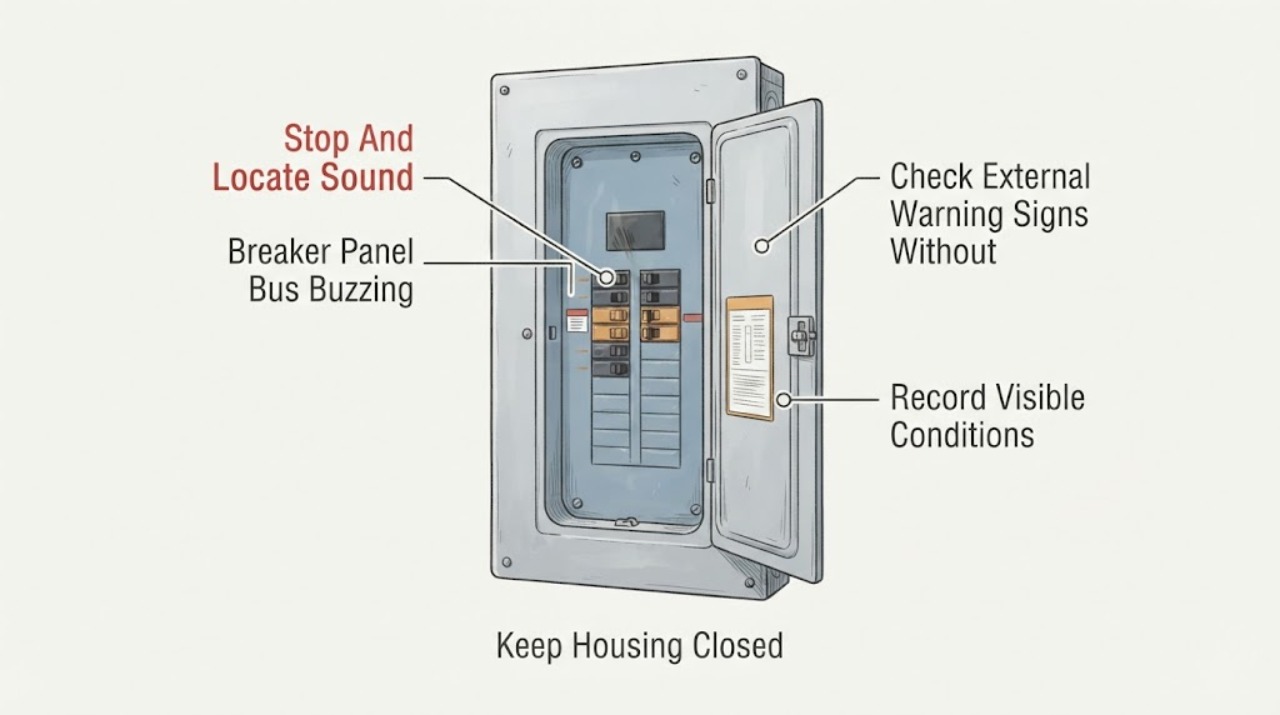
Eaton Breaker Panel Bus Buzzing: What to Check and What to Do Next
A buzzing sound that appears to come from an Eaton breaker panel or bus should be treated as an electrical warning, not as a DIY tightening or breaker-swap problem. From a dry position with the panel cover closed, note whether the sound is continuous or load-related and look without touching for a tripped breaker, flickering lights, heat, discoloration, melted plastic, smoke, or a burning-insulation odor.
-
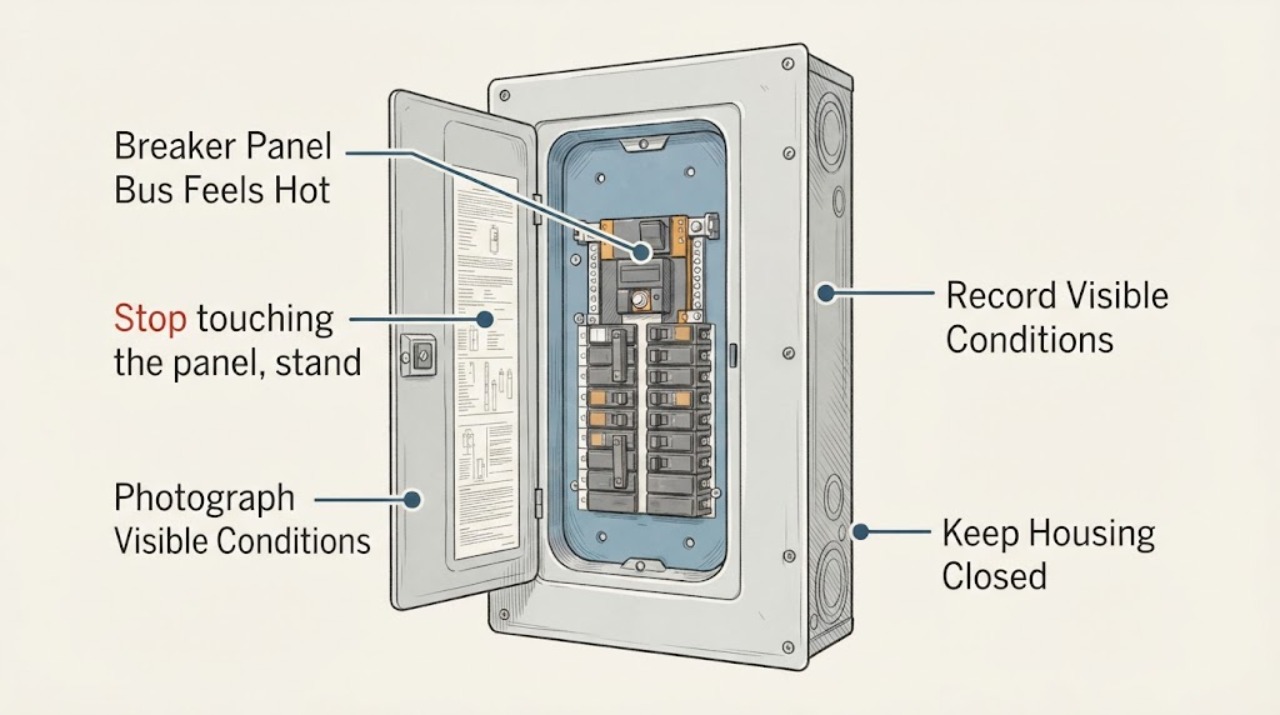
Eaton Breaker Panel Bus Feels Hot: What to Check and What to Do Next
Stop touching the panel and do not remove its cover. A bus is an energized internal conductor, and warmth felt at the enclosure does not identify whether the heat comes from the bus, a breaker connection, a lug, an overload, a high ambient condition, or a damaged joint.
-
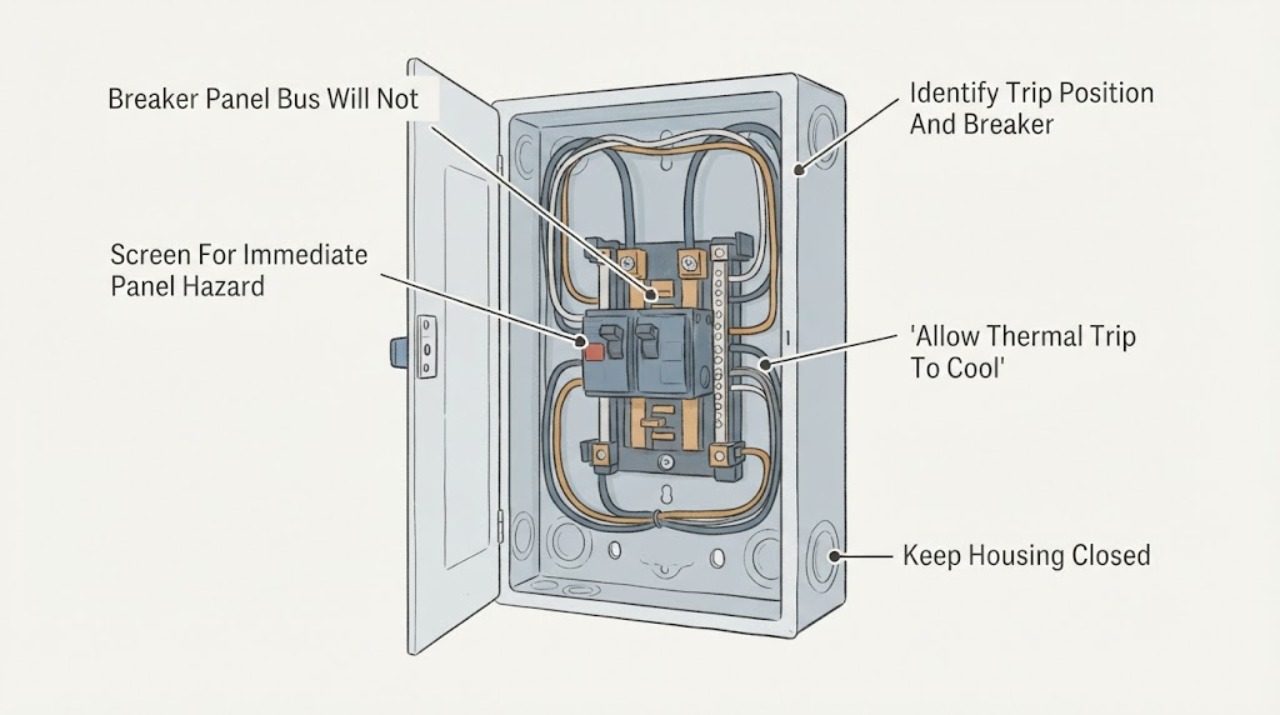
Eaton Breaker Panel Bus Will Not Reset: What to Check and What to Do Next
The panel bus itself is not normally reset; the Eaton breaker mounted on the bus may be tripped, held off by a fault or interlock, too warm after a thermal trip, mechanically damaged, or not correctly seated. If the handle is in a middle or trip position and there is no smoke, burning odor, heat, water, arcing, or other danger, use the exact Eaton model instructions for one deliberate move to the full OFF position and then to ON.
-
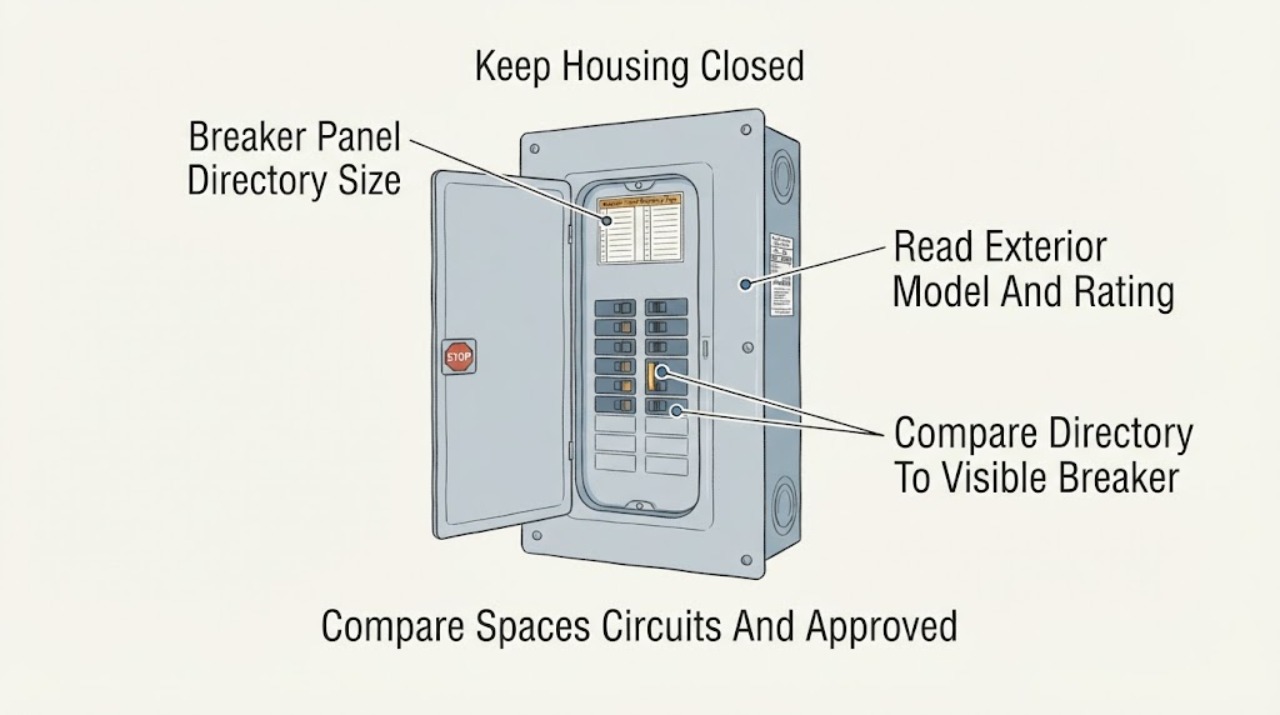
Eaton Breaker Panel Directory Size or Circuit Capacity Concern: What to Check and What to Do Next
An Eaton panel directory is a circuit-identification aid; its physical label size or the number of lines on it does not determine how much electrical load the panel can carry. To separate the two concerns, read the panel's exterior label or catalog number, record the main ampere rating and listed spaces or maximum circuits, and compare the directory with the breaker positions without removing the cover.
-
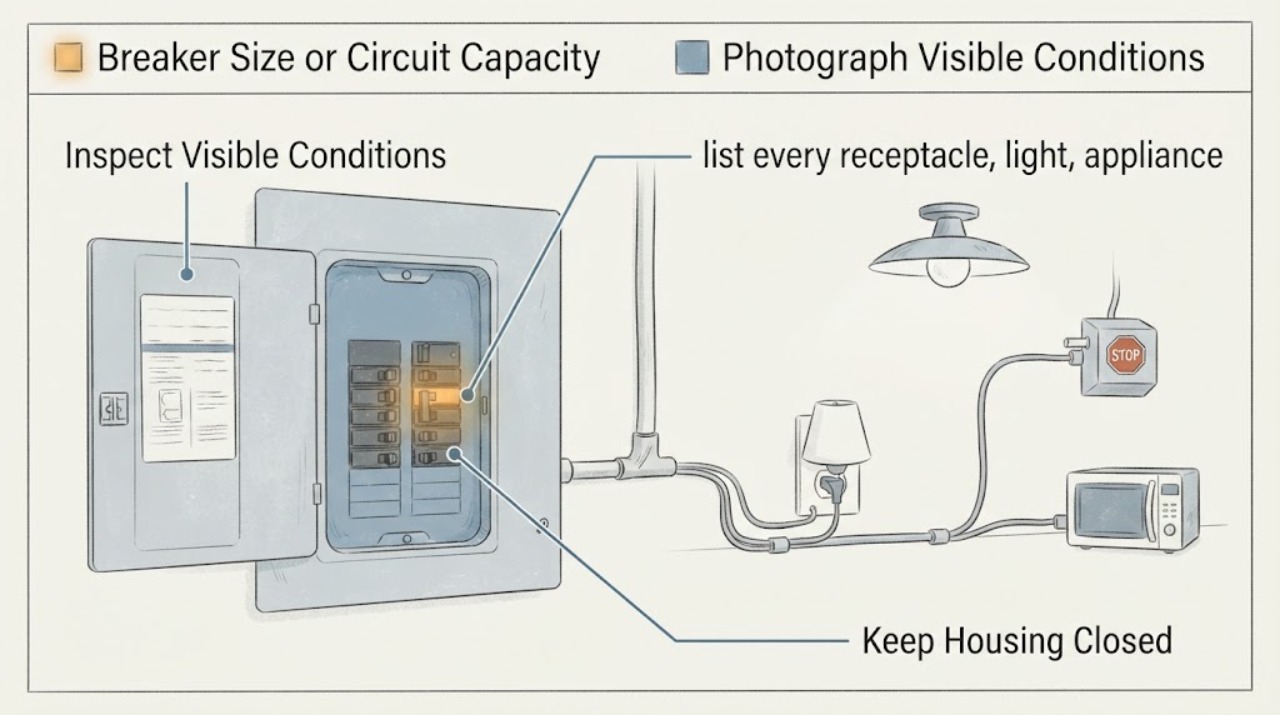
Eaton Breaker Size or Circuit Capacity Concern: What to Check and What to Do Next
Do not choose an Eaton breaker by handle size, by matching a larger amp number, or by what physically fits the panel. Breaker selection depends on the exact Eaton loadcenter and listed breaker family, the branch-circuit conductors, the calculated load, the equipment instructions, and applicable code.
-
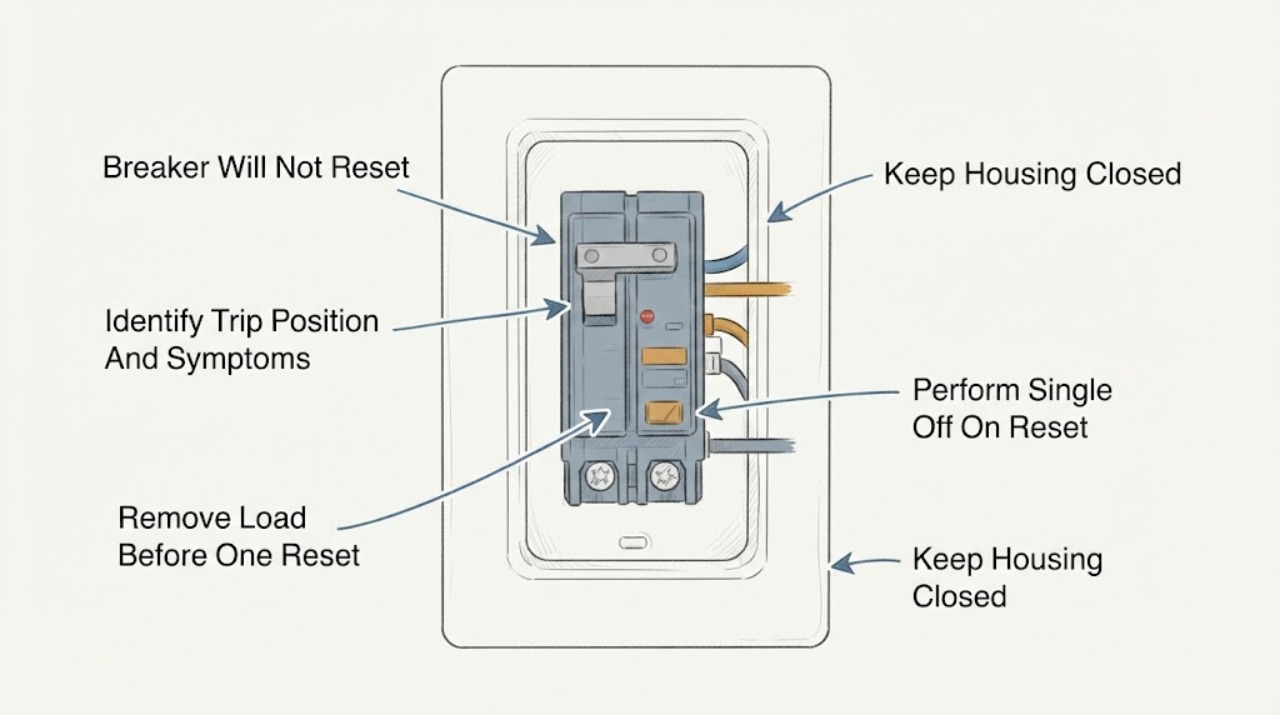
Eaton Breaker Will Not Reset: What to Check and What to Do Next
If an Eaton breaker will not reset, first treat the failed reset as a sign that the circuit may still have an overload, short circuit, ground fault, or an equipment problem. With the panel cover closed and your hands dry, turn off or unplug the loads on that circuit, then move the tripped handle fully to OFF and once to ON only if it moves normally.
-
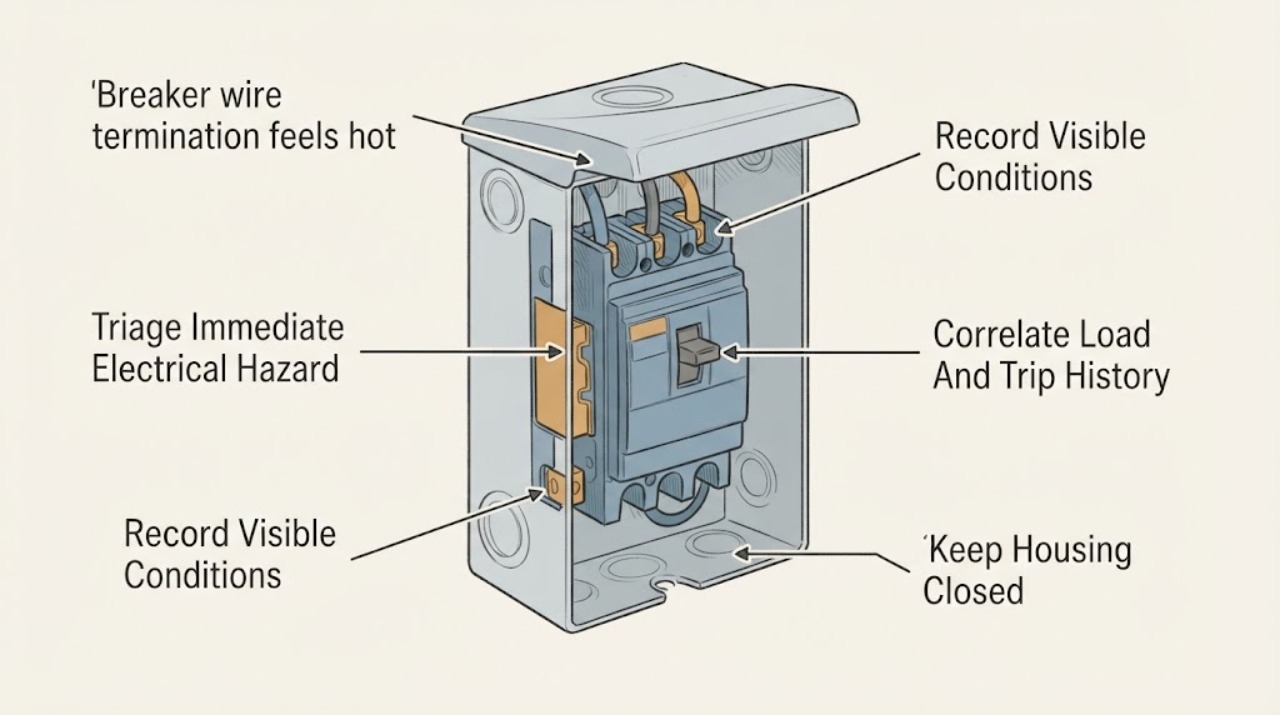
Eaton breaker wire termination feels hot: What to Check and What to Do Next
A breaker wire termination that feels hot is an electrical warning, not a reason to tighten the screw or keep testing the circuit. A loose or incorrectly sized conductor, a poor termination, overload, damaged breaker, or bus connection can create heat, discoloration, arcing, and fire risk, while a breaker handle or nearby enclosure may feel warm for different reasons.
-
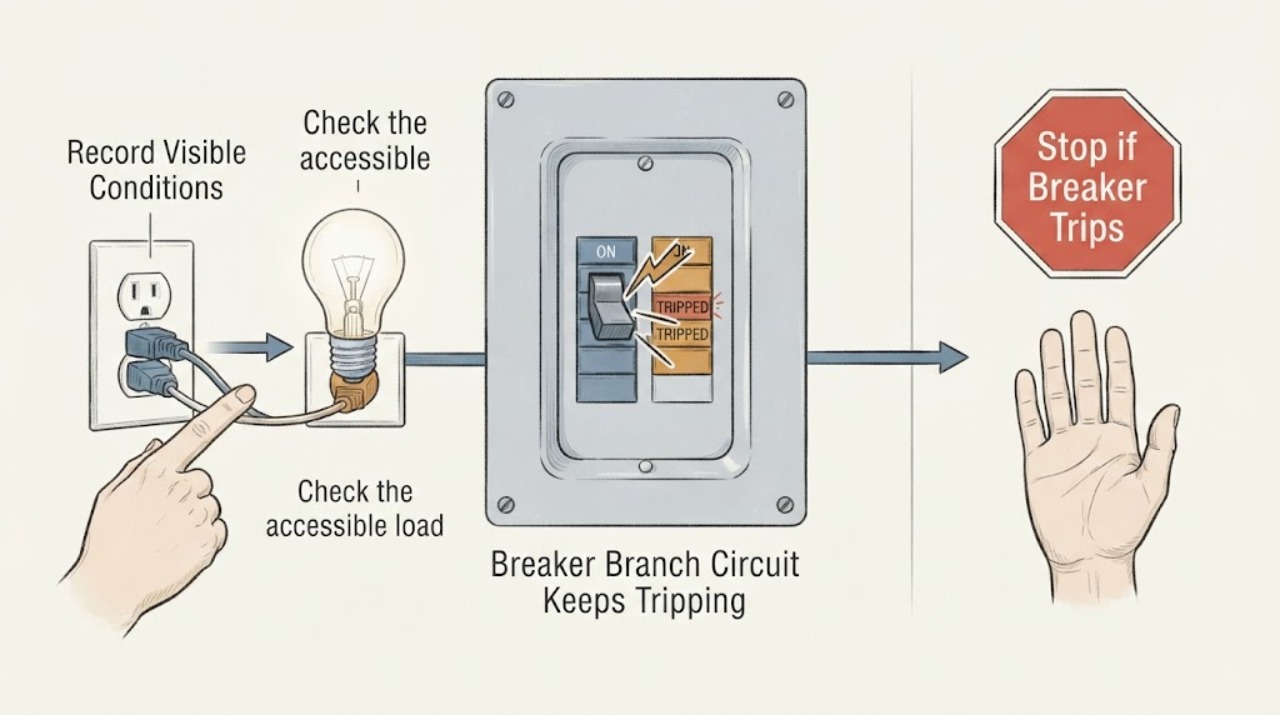
GE Breaker Branch Circuit Keeps Tripping: What to Check and What to Do Next
A GE branch-circuit breaker that keeps tripping is interrupting power because of an overload, a fault in one connected appliance, a ground-fault or arc-fault protective trip, or a wiring or breaker problem. First note whether it trips immediately with loads disconnected or only when one GE appliance starts or when several loads run together.
-
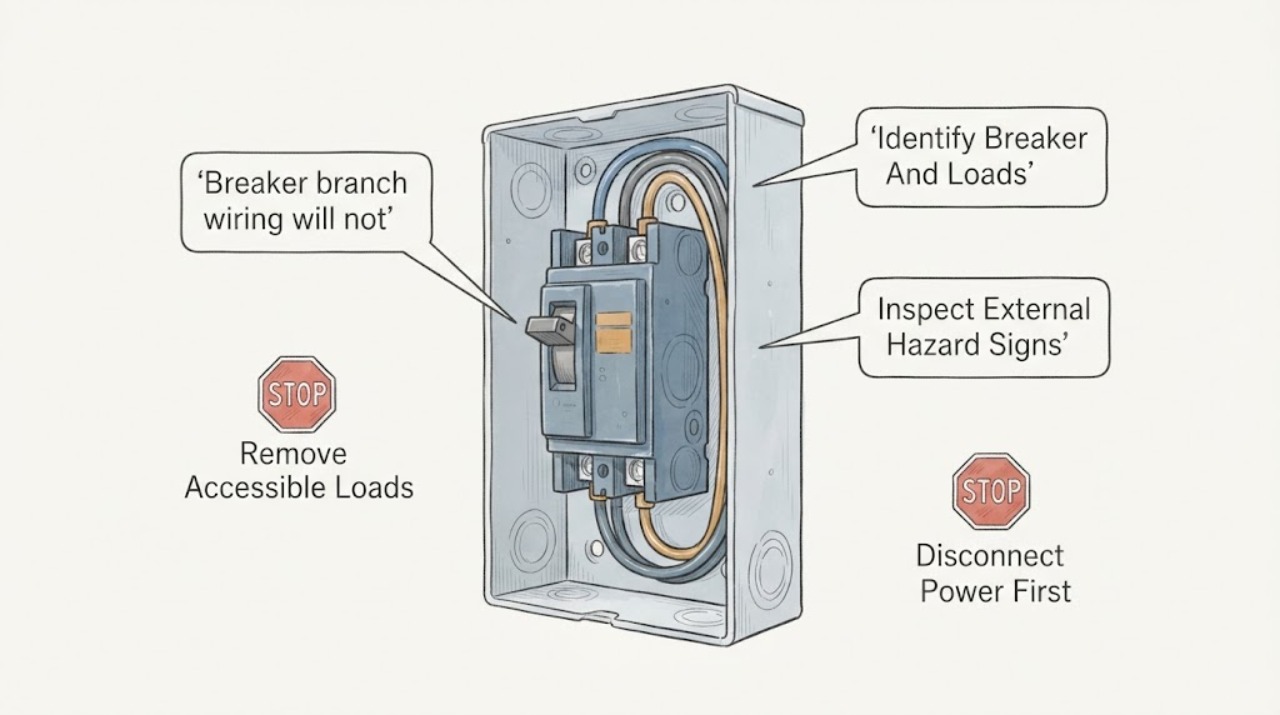
GE breaker branch wiring will not reset: What to Check and What to Do Next
A GE breaker that will not reset is protecting the branch circuit until an overload, short, ground fault, damaged appliance, wiring problem, or breaker fault is cleared. First switch off or unplug accessible loads, identify whether the handle is fully off or in a trip position, and make one deliberate reset by moving it fully off and then on.
-
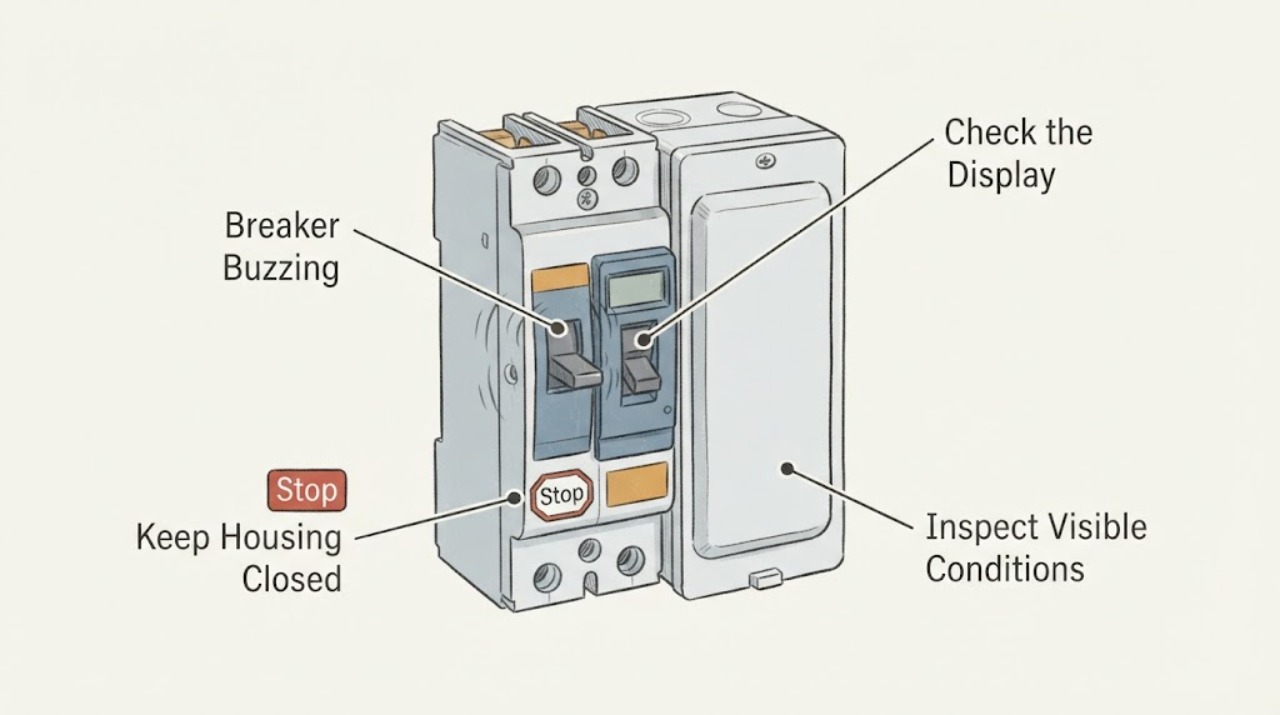
GE Breaker Buzzing: What to Check and What to Do Next
A new or clearly audible buzz from a GE circuit breaker should be treated as a warning until a qualified electrician identifies its cause. The sound may change with an overloaded or faulty appliance, but it can also come from a loose or damaged connection, breaker mechanism or arcing condition.
-
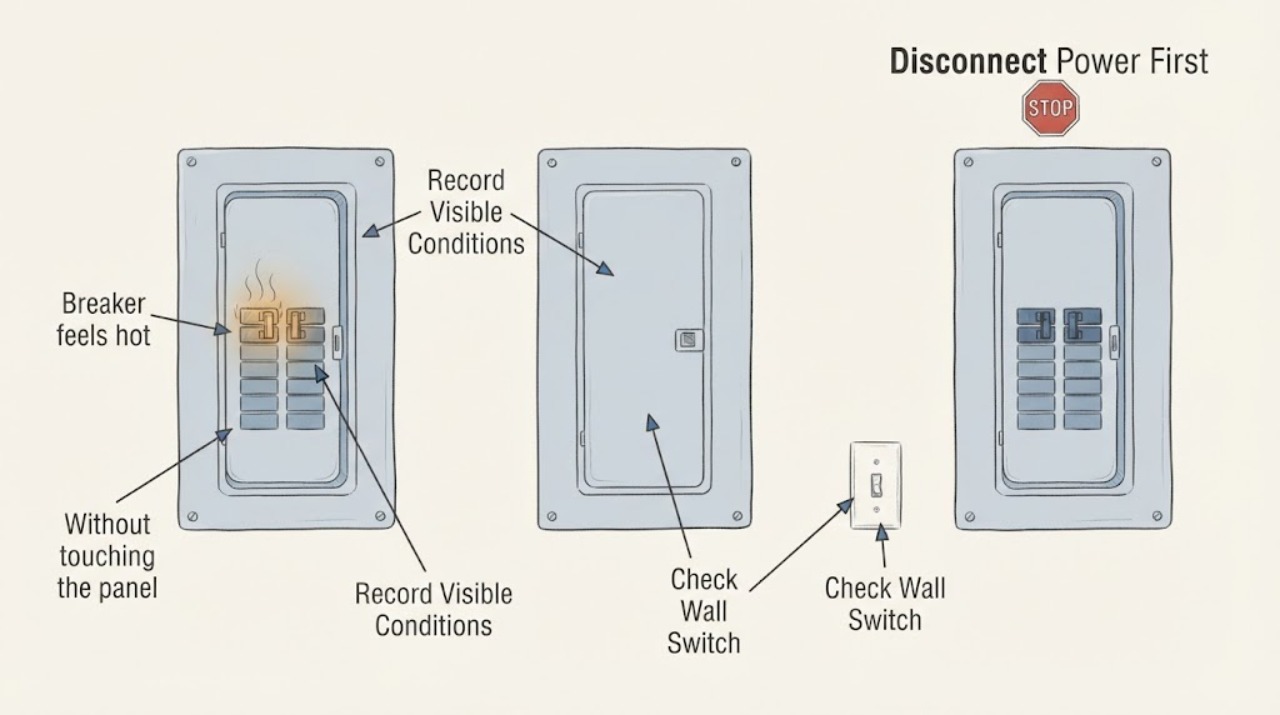
Ge breaker feels hot: What to Check and What to Do Next
A breaker or panel may be warm while carrying a load, but hot or painful-to-touch equipment, heat discoloration, a burning odor, buzzing, flicker, smoke, or repeated tripping is not a normal homeowner troubleshooting condition. Do not touch the GE breaker again to test it, remove the panel cover, tighten terminals, or replace the breaker based on appearance.
-
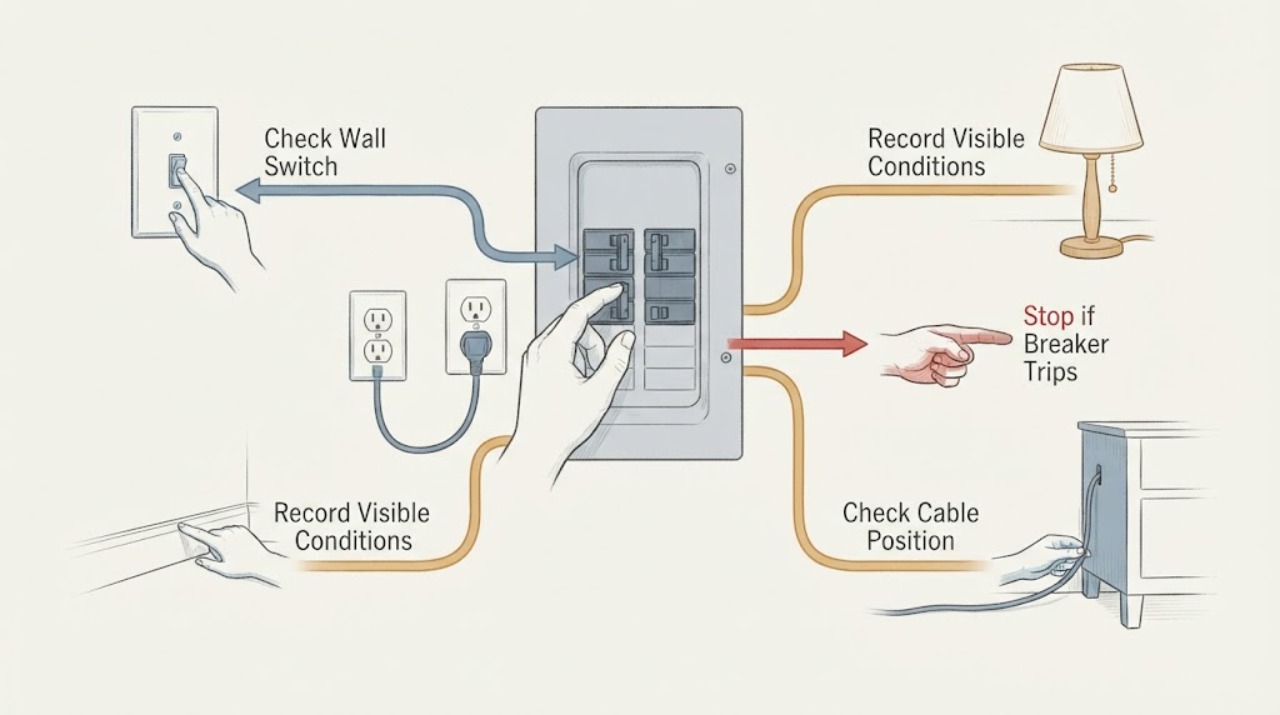
GE Breaker Keeps Tripping: What to Check and What to Do Next
A GE-labeled breaker that keeps tripping is opening the circuit because it detects an overload, fault, ground leakage, arc signature, or a problem in the breaker or wiring; the trip itself is not a diagnosis. Stop repeatedly resetting it.
-
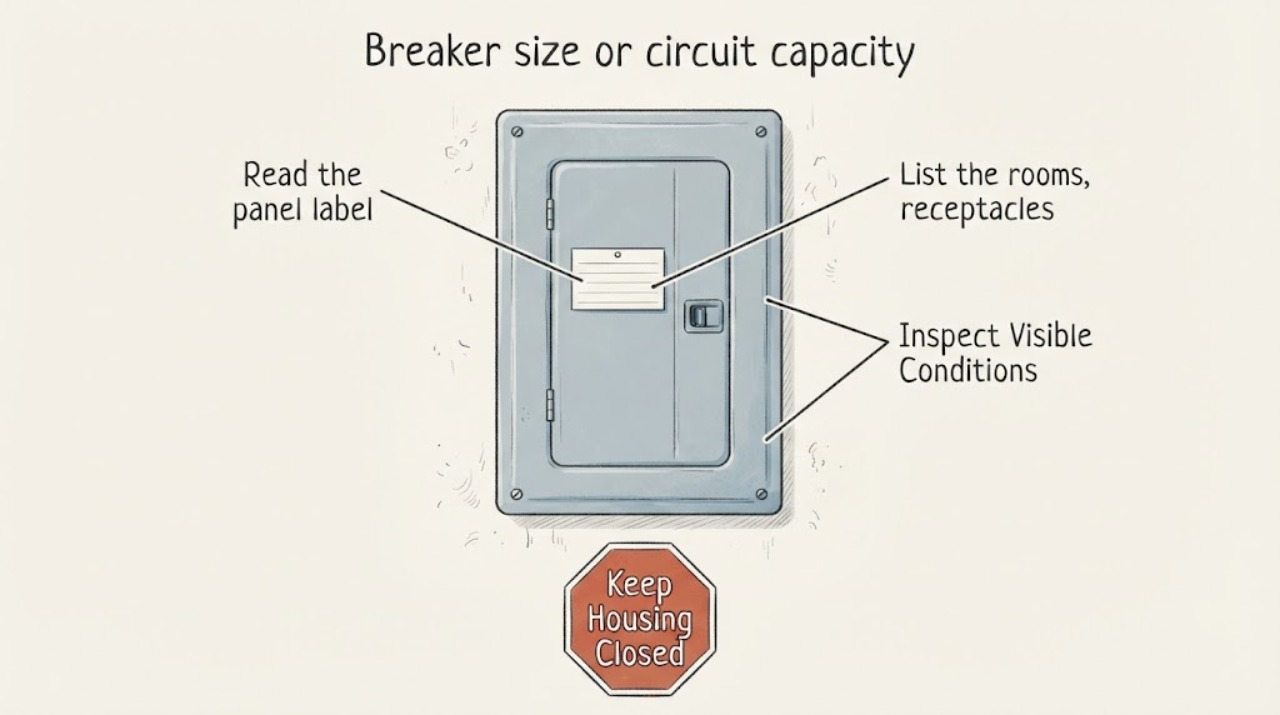
Ge breaker size or circuit capacity concern: What to Check and What to Do Next
Do not install a larger breaker to stop trips or make a GE circuit appear to have more capacity. The breaker rating, conductor size, load-center listing, connected load, and protection function have to work together, and those details cannot be confirmed by looking at the ampere number alone.
-
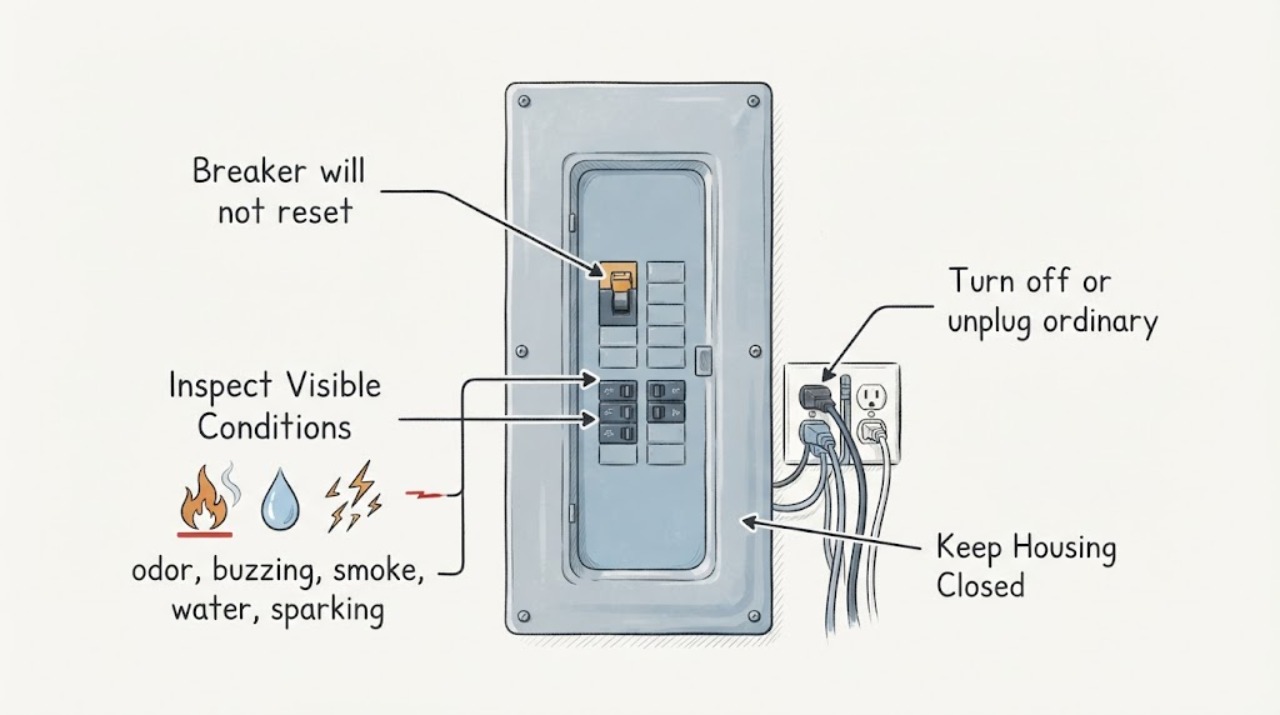
GE breaker will not reset: What to Check and What to Do Next
A GE breaker that will not reset may still be in a tripped middle position, may be protecting a circuit with an active overload or fault, or may have a breaker, wiring, or appliance problem. Turn off or unplug ordinary loads on the affected circuit, then make one careful attempt to move the handle fully to OFF and then to ON if it moves normally.
-
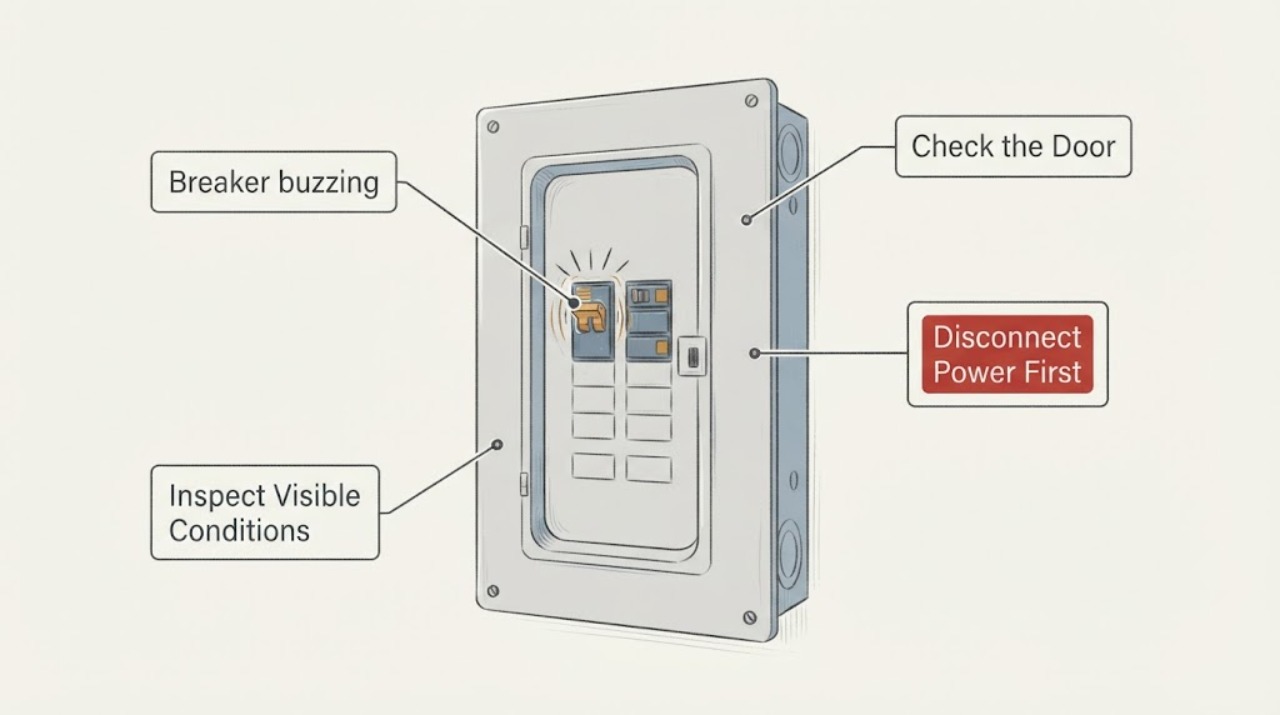
Siemens breaker buzzing: What to Check and What to Do Next
A faint, steady hum can occur in a loaded electrical panel, but a new, loud, raspy, crackling, or sizzling buzz is not a symptom to diagnose by touching the panel. Treat heat, burning odor, smoke, discoloration, flickering, or repeated tripping as an electrical safety warning.
-
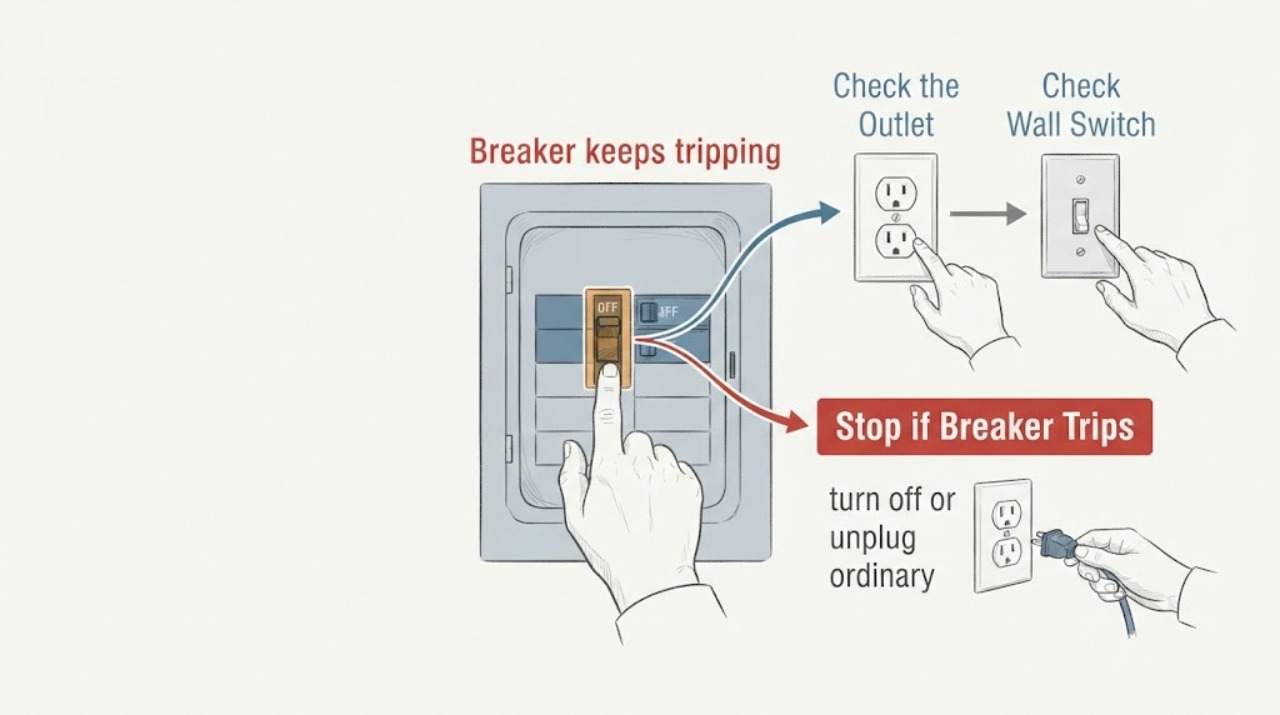
Siemens breaker keeps tripping: What to Check and What to Do Next
A Siemens breaker trips to disconnect a circuit when its protective function detects an overcurrent or fault. Repeated trips can reflect too much load, an appliance defect, a short circuit, a ground or arc fault, a wiring or connection problem, or a breaker problem.
-
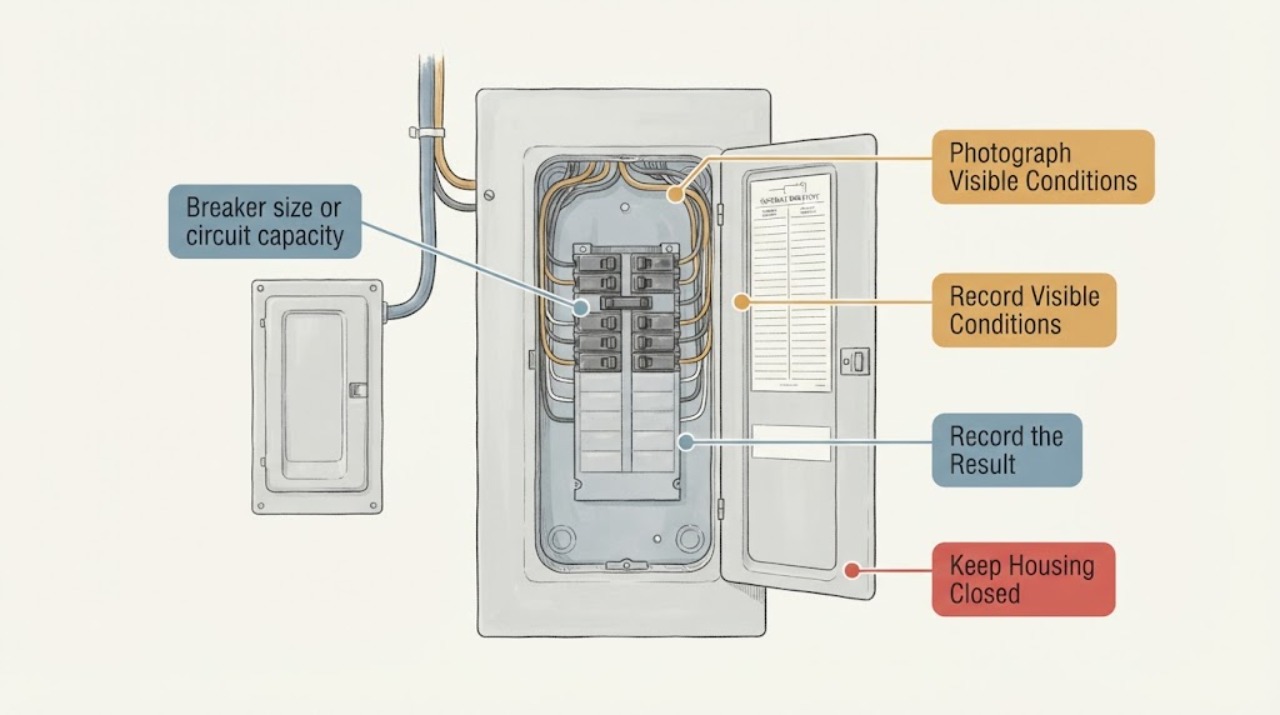
Siemens breaker size or circuit capacity concern: What to Check and What to Do Next
A Siemens breaker that seems too small, trips under load, or is being considered for a larger appliance should not be upsized by reading the handle rating alone. The breaker, branch conductors, panel, equipment connection, and total load must work together.
-
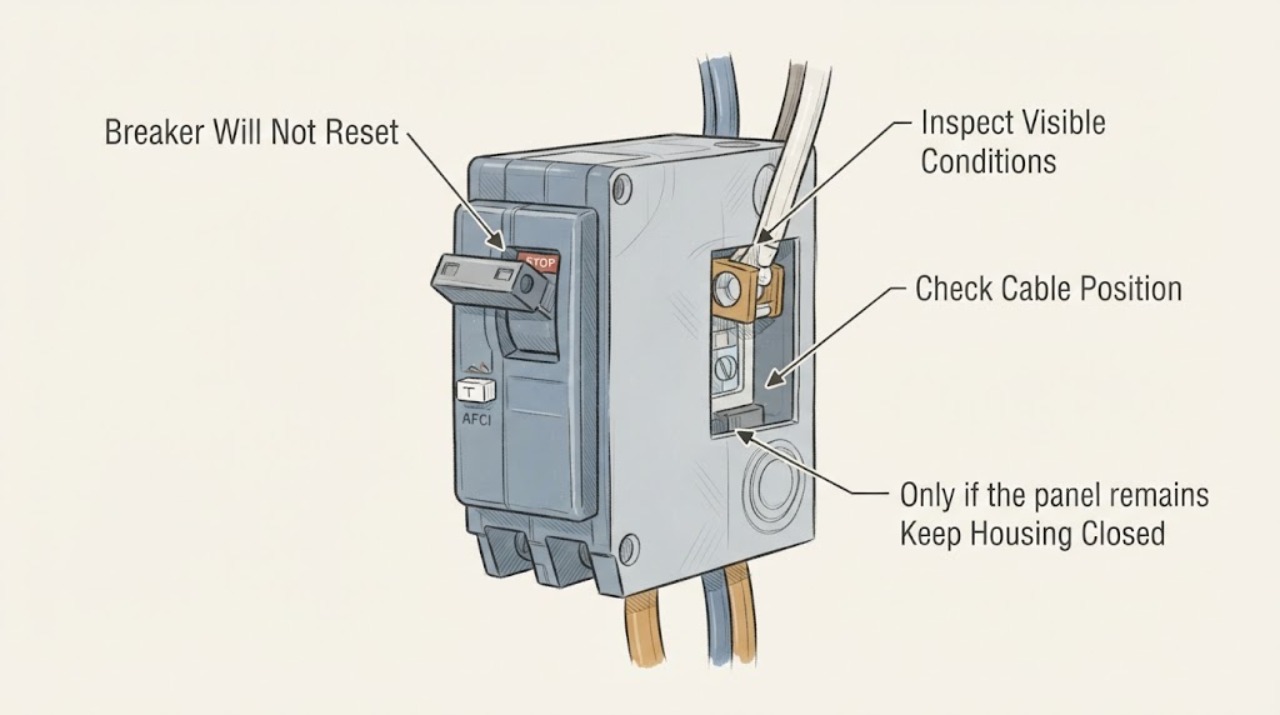
Siemens Breaker Will Not Reset: What to Check and What to Do Next
A Siemens breaker that will not reset may still be in its tripped middle position, may be too warm after a thermal trip, may be responding to an overload or short/ground/arc fault, or may have a damaged mechanism.